
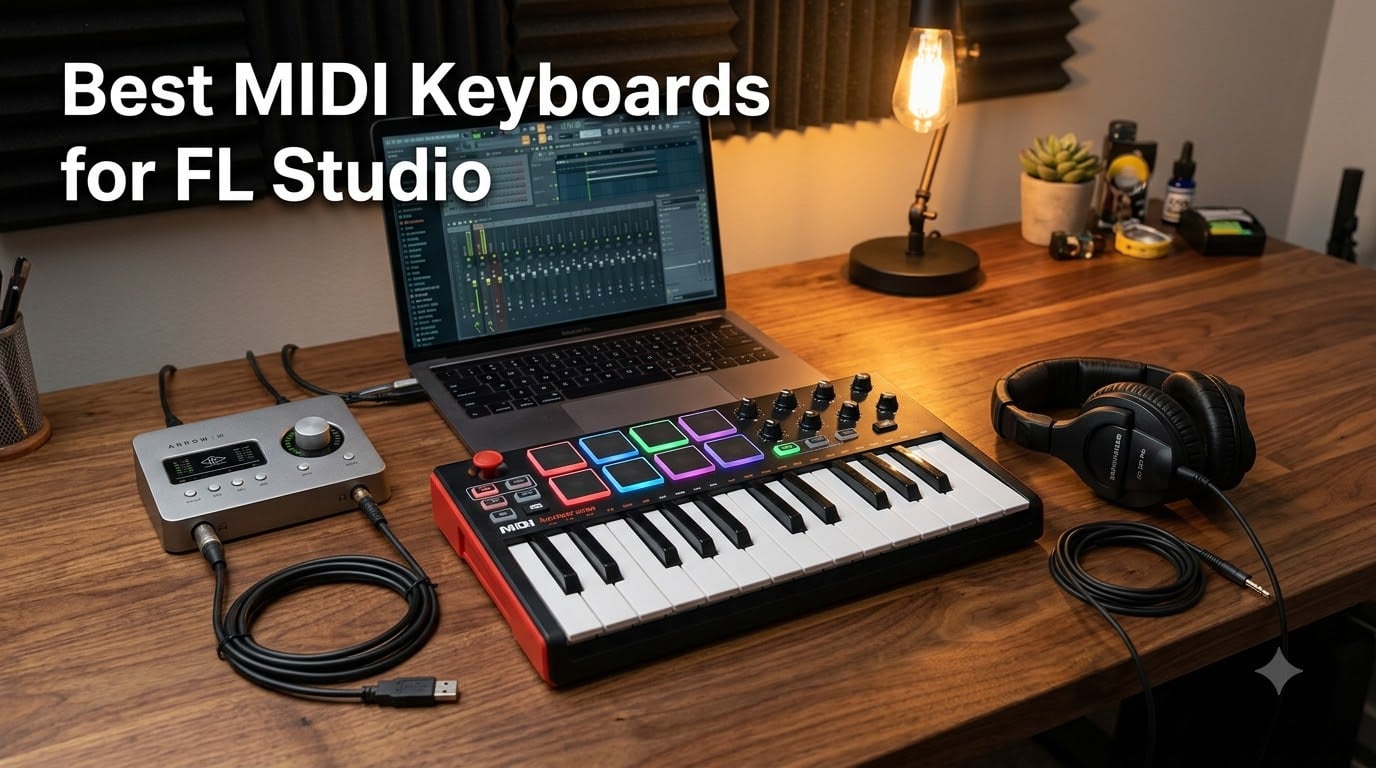
I spent the better part of three months testing MIDI keyboards with FL Studio, running each one through the same workflow: building beats in the Channel Rack, recording melodies in the Piano Roll, mixing down tracks, and mapping knobs to plugins. After logging hundreds of hours across eight controllers, I can tell you that the right keyboard changes everything about how fast and how inspired you produce.
If you are searching for the best MIDI keyboards for FL Studio, you want a controller that does more than just send notes. FL Studio rewards hardware that maps to its transport, mixer, step sequencer, and plugin parameters without a fight. The keyboards on this list all do that, some more natively than others.
Yes, FL Studio works with virtually any MIDI keyboard out of the box. Plug it in via USB, and FL Studio detects it as a generic controller.
But there is a big difference between something that works and something that feels designed for your DAW. That distinction is what separates a frustrating setup from a controller you actually look forward to playing.
Are MIDI keyboards worth it? Absolutely. Clicking notes into the Piano Roll with a mouse gets old fast, and drum pads give you the tactile feedback that makes finger-drumming and beatmaking feel natural.
Even a basic controller speeds up your workflow by 40 to 50 percent once you build muscle memory. The right hardware turns production from a technical exercise into a musical experience.
My testing focused on FL Studio-specific integration, key feel, pad responsiveness, transport control mapping, and how each controller held up over extended sessions. I also paid attention to what real FL Studio users on Reddit and the Image-Line forums had to say about long-term reliability. Here is what I found.
Table of Contents
Top 3 Picks for FL Studio MIDI Keyboards
Out of the eight controllers I tested, three stood out for different reasons. The Novation FLkey Mini wins for native FL Studio integration that no other keyboard matches. The Akai MPK Mini MK3 remains the people’s champion with over 30,000 reviews and the best value-to-feature ratio.
The Akai LPK25 rounds out the top three as the cheapest way to get a capable controller under your fingers. Each pick serves a different budget and production style.


The FLkey Mini is my editor’s choice because it is the only keyboard on this list built specifically for FL Studio. The pads control the step sequencer, the knobs map to the mixer, and the transport buttons drive FL Studio directly. No scripting, no manual mapping, just plug and play.
The MPK Mini MK3 earned best value through sheer popularity and proven reliability. With 30,000-plus reviews, this is the controller most beginners start with and many pros keep on their desk. The MPC-style pads are the best in this price range, period.
For pure budget, the LPK25 gives you a playable 25-key controller with an arpeggiator at the lowest price point of any keyboard here. It does not have pads or knobs, but it gets you off the mouse and onto real keys.
Best MIDI Keyboards for FL Studio in 2026
Here is the full comparison of all eight controllers I tested. The table below covers every model so you can compare features side by side before diving into the individual reviews.
| Product | Specifications | Action |
|---|---|---|
| Novation FLkey Mini |
|
Check Latest Price |
 Arturia KeyLab Essential 49 Arturia KeyLab Essential 49 |
|
Check Latest Price |
| Akai MPK Mini MK3 |
|
Check Latest Price |
 M-Audio Keystation 49 MK3 M-Audio Keystation 49 MK3 |
|
Check Latest Price |
 Arturia MiniLab 3 Arturia MiniLab 3 |
|
Check Latest Price |
 Akai MPK Mini Plus Akai MPK Mini Plus |
|
Check Latest Price |
 Akai MPK Mini IV Akai MPK Mini IV |
|
Check Latest Price |
 Akai LPK25 Akai LPK25 |
|
Check Latest Price |
1. Novation FLkey Mini – Native FL Studio Integration in a Compact 25-Key Controller
Novation FLkey Mini USB MIDI Controller Keyboard
25 Mini Keys
16 RGB Pads
8 Encoders
Scale Mode
FL Studio Native
Pros
- Native FL Studio integration with no setup required
- 16 RGB pads with step sequencer control
- 8 knobs map directly to FL Studio mixer
- Scale and chord modes keep you in key
- 6-month FL Studio trial included
Cons
- Primarily designed for FL Studio
- 25 mini keys limit complex two-hand playing
The first time I plugged the FLkey Mini into FL Studio, I did not touch the settings menu once. The transport buttons started and stopped playback. The pads lit up and triggered the step sequencer in the Channel Rack.
The eight knobs controlled mixer channels. This is the experience every FL Studio user wants, and Novation delivers it without a single line of MIDI scripting.
Those 16 RGB pads became my favorite part of the FLkey Mini during testing. You can use them to program beats in the step sequencer, trigger patterns, and even play notes. The pads are velocity-sensitive and respond well to finger-drumming, though they are not quite as satisfying as full-size MPC pads under heavy use.
Scale mode is a standout feature for producers who are not confident keyboard players. You pick a scale, and the keys remap so every note you hit is in key. I found this incredibly useful for sketching melody ideas fast without worrying about hitting wrong notes.
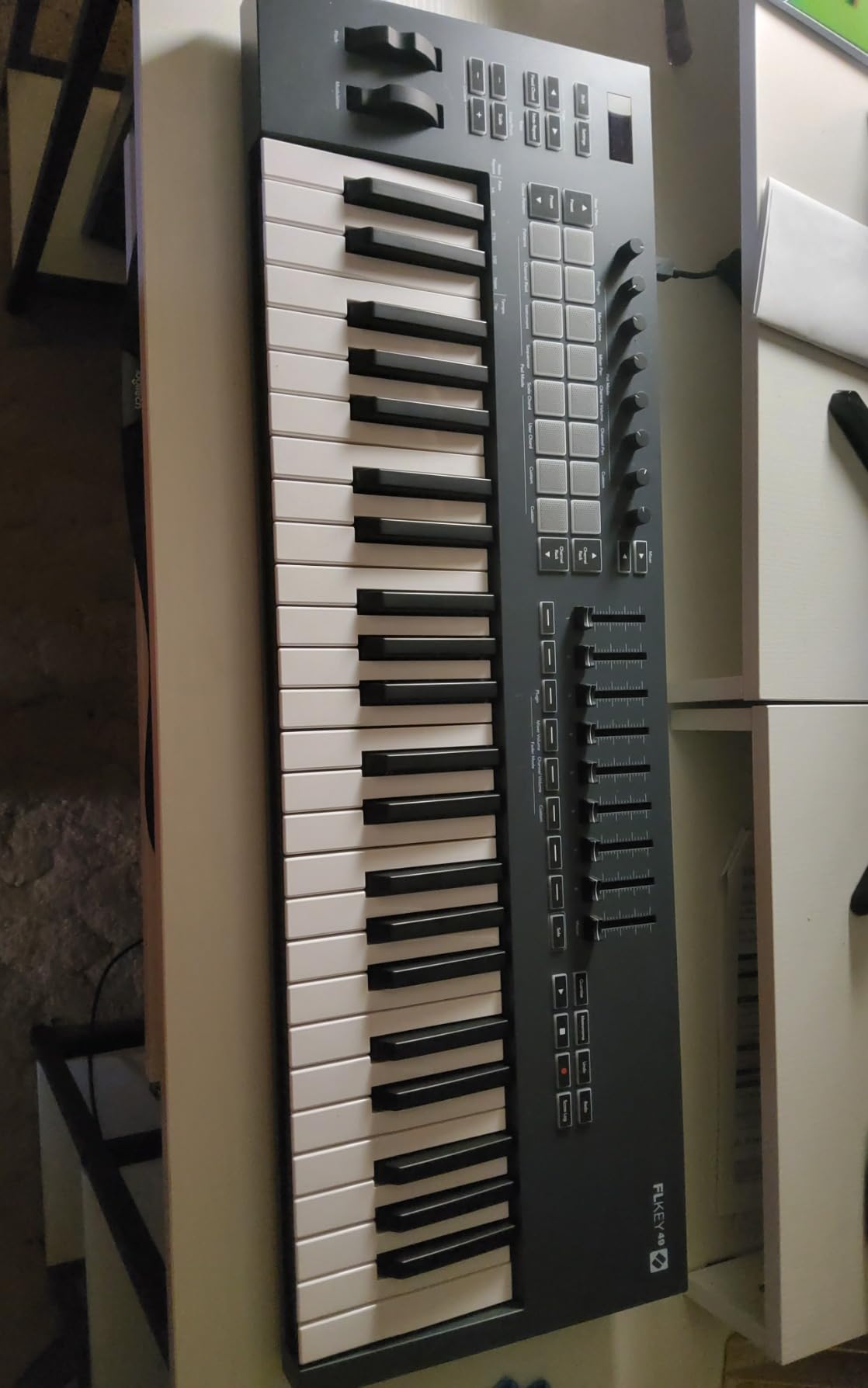
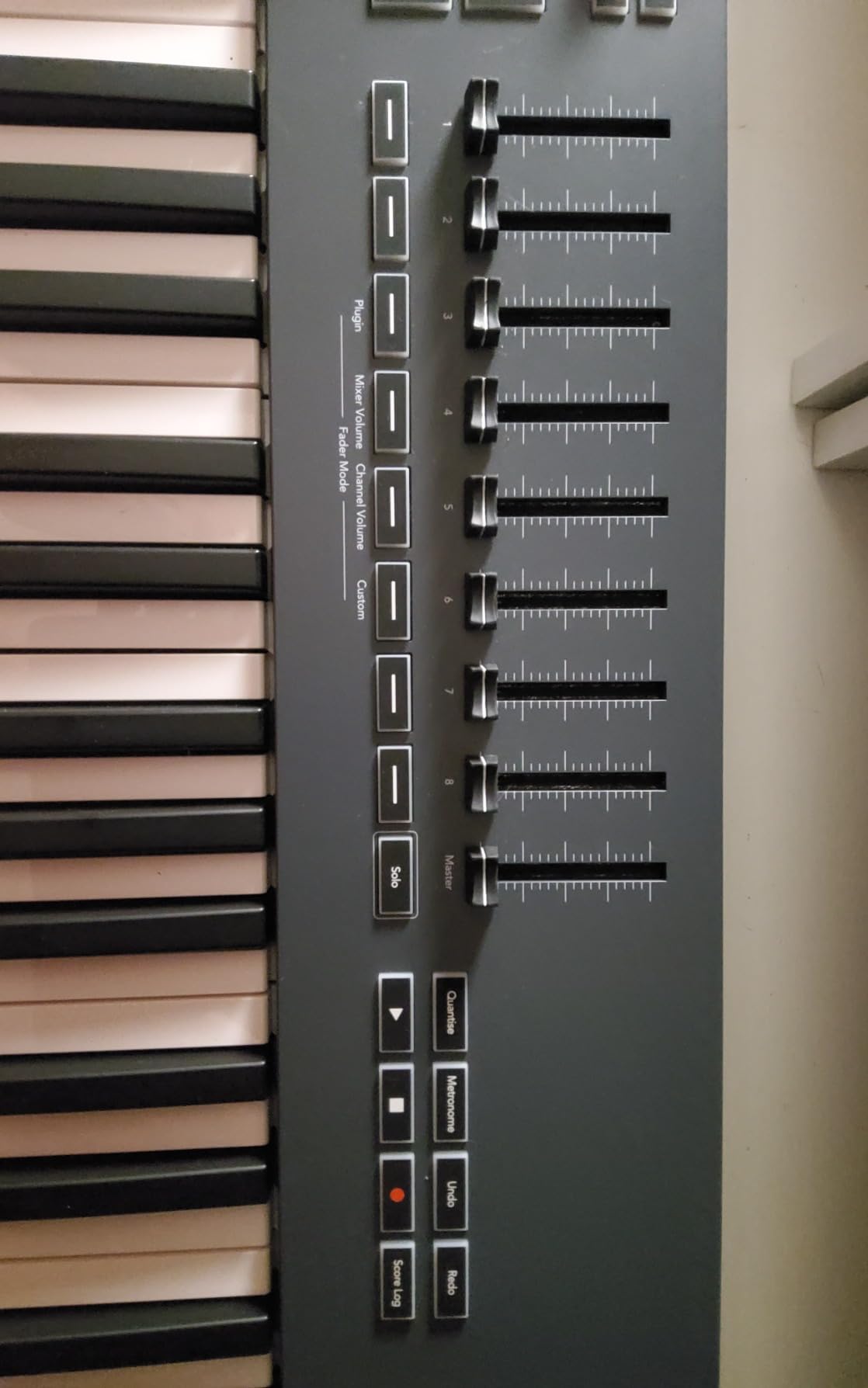
The eight encoder knobs sit above the keys and map to the first eight mixer channels in FL Studio out of the box. Turn a knob and the corresponding mixer channel fader moves. You can also reassign them to control plugin parameters, which I did with EQ and reverb wet/dry knobs during mixing sessions.
The 25 mini keys are velocity-sensitive and have a decent feel for their size. They are not full-size piano keys, so two-hand playing is limited.
But for entering bass lines, lead melodies, and chord stabs into the Piano Roll, they work well. The octave up and down buttons let you access the full range quickly.
On the downside, this controller is built around FL Studio first and everything else second. If you ever switch DAWs, much of the native mapping becomes useless. Also, 25 keys will frustrate players who want to play with both hands simultaneously.
FL Studio Integration and Setup
Setup is the simplest of any controller on this list. Plug in the USB cable, open FL Studio, and the FLkey Mini appears as a recognized controller. Novation includes a custom MIDI script that auto-maps transport, pads, knobs, and the step sequencer.
I did not need to open the MIDI Settings menu once during my testing. The included 6-month FL Studio Producer Edition trial is a nice bonus if you are just starting out.
Portability and Desk Space
At just 1.6 pounds, the FLkey Mini is one of the lightest controllers I tested. It fits in a backpack alongside a laptop with room to spare. The bus-powered USB connection means no wall adapter, so you can produce anywhere with a single cable.
The compact footprint takes up minimal desk space, leaving room for your mouse, audio interface, and monitors. If you produce in a small home studio or on the go, this is about as space-efficient as a capable controller gets.
2. Arturia KeyLab Essential mk3 49 – Premium 49-Key Controller with Deep FL Studio Integration
Arturia KeyLab Essential mk3 — 49 Key USB MIDI Keyboard Controller with Analog Lab V Software Included
49 Keys with Aftertouch
9 Encoders
9 Faders
8 Pads
Analog Lab V
Pros
- 49 velocity-sensitive keys with aftertouch for expressive playing
- 9 encoders and 9 faders for deep mixing control
- Custom FL Studio DAW integration scripts
- Analog Lab V with 2000 presets included
- 2.5 inch LCD screen for real-time feedback
Cons
- Premium price point
- Some learning curve for beginners getting started
The Arturia KeyLab Essential mk3 is the controller I reached for when I wanted to feel like I was sitting at a real instrument. The 49 full-size keys have velocity sensitivity and aftertouch, which means pressing harder on a held note sends a separate MIDI message for expression. That aftertouch opens up filter sweeps, vibrato, and volume swells that you simply cannot do with mini-key boards.
Nine encoders and nine faders line the top panel, and Arturia provides a custom integration script for FL Studio. I mapped the faders to the FL Studio mixer and the encoders to the selected plugin. Having that many physical controls means you rarely need to touch the mouse during mixing.
The 2.5-inch LCD screen shows parameter names and values as you adjust them. This seems minor until you try adjusting a cutoff frequency by ear without knowing the exact value. The screen saves guesswork and keeps your eyes on the controller instead of the computer monitor.
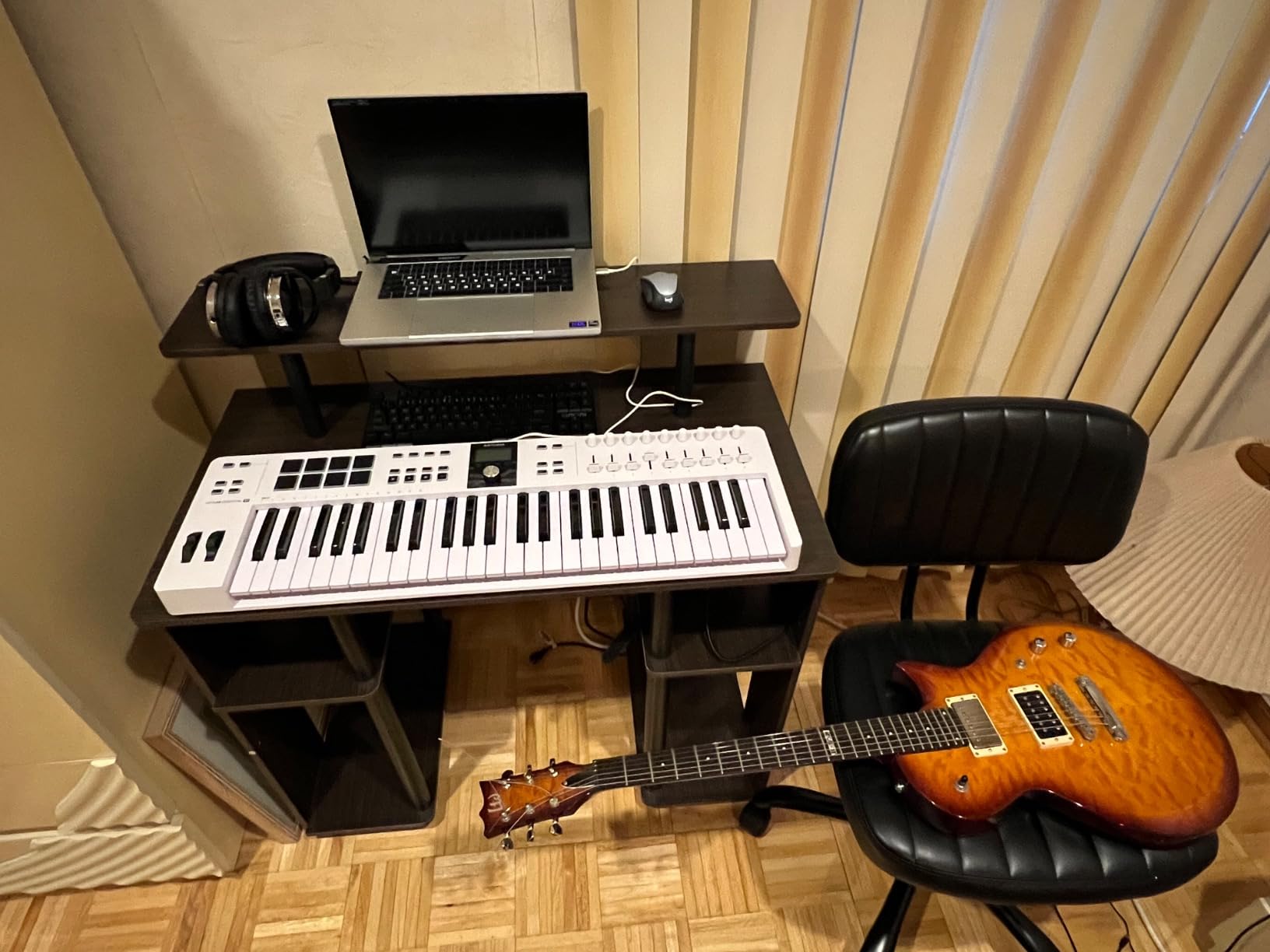
The eight RGB pads are velocity- and pressure-sensitive. They are good for finger-drumming and pattern triggering, though they sit in a single row rather than the four-by-four grid that Akai MPC-style pads use. I found them fine for programming but less ideal for complex live drum performances.
Build quality is solid for this tier. The chassis feels sturdy, the faders have good resistance, and the keys have a smooth synth action. At 6.1 pounds, it is noticeably heavier than the 25-key options, which makes sense given the larger keybed and control surface.
The main drawback is the price. This is the most expensive controller on the list. Beginners who just want to try FL Studio production might find it more controller than they need.
There is also a learning curve to getting all nine encoders and nine faders mapped exactly how you want them. Plan to spend an hour or two dialing in your custom FL Studio setup before everything feels second nature.
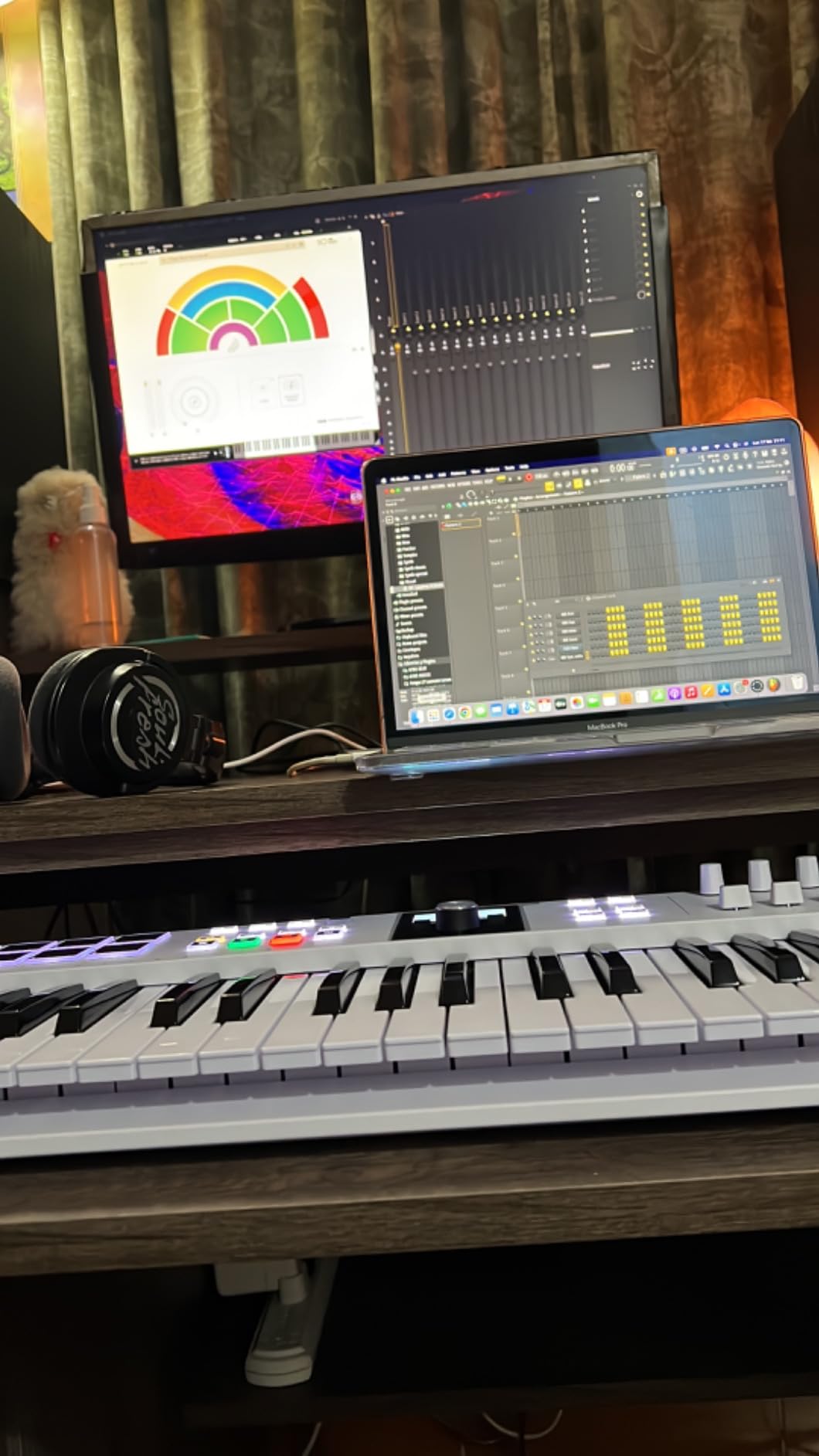
DAW Integration Depth
Arturia includes custom DAW scripts for FL Studio, Ableton Live, and Logic Pro. In FL Studio, the transport controls, mixer faders, and plugin parameter mapping work after a quick setup process. I had everything running in about ten minutes using the Arturia MIDI Control Center software.
The integration goes deeper than basic transport control. You can browse Analog Lab V presets directly from the controller, selecting instruments and loading them into FL Studio without touching your mouse. This is a workflow advantage that saves real time during long sessions.
Software Bundle Value
Analog Lab V is the headline software inclusion, and it packs over 2,000 presets covering synths, pianos, organs, and strings. I was genuinely impressed by the sound quality. These are not stripped-down demo sounds but full patches from Arturia’s premium V Collection.
Arturia also throws in UVI Model D and NI The Gentleman for realistic piano tones, plus subscriptions to Loopcloud and Melodics. The software alone adds significant value that helps justify the higher asking price compared to barebones controllers.
3. Akai MPK Mini MK3 – The Best-Selling Controller for Beatmakers
Akai Professional MPK Mini MK3 25-Key USB MIDI Keyboard Controller
25 Mini Keys
8 MPC Pads
8 Knobs
Arpeggiator
NKS Integration
Pros
- Industry-standard MPC-style pads with Note Repeat and Full Level
- Built-in arpeggiator with adjustable resolution
- Comprehensive software bundle included
- NKS integration for Native Instruments plugins
- Ultra-lightweight and portable at under 1 kilogram
Cons
- Uses USB 2.0 Type B rather than USB-C
- 1-year manufacturer warranty only
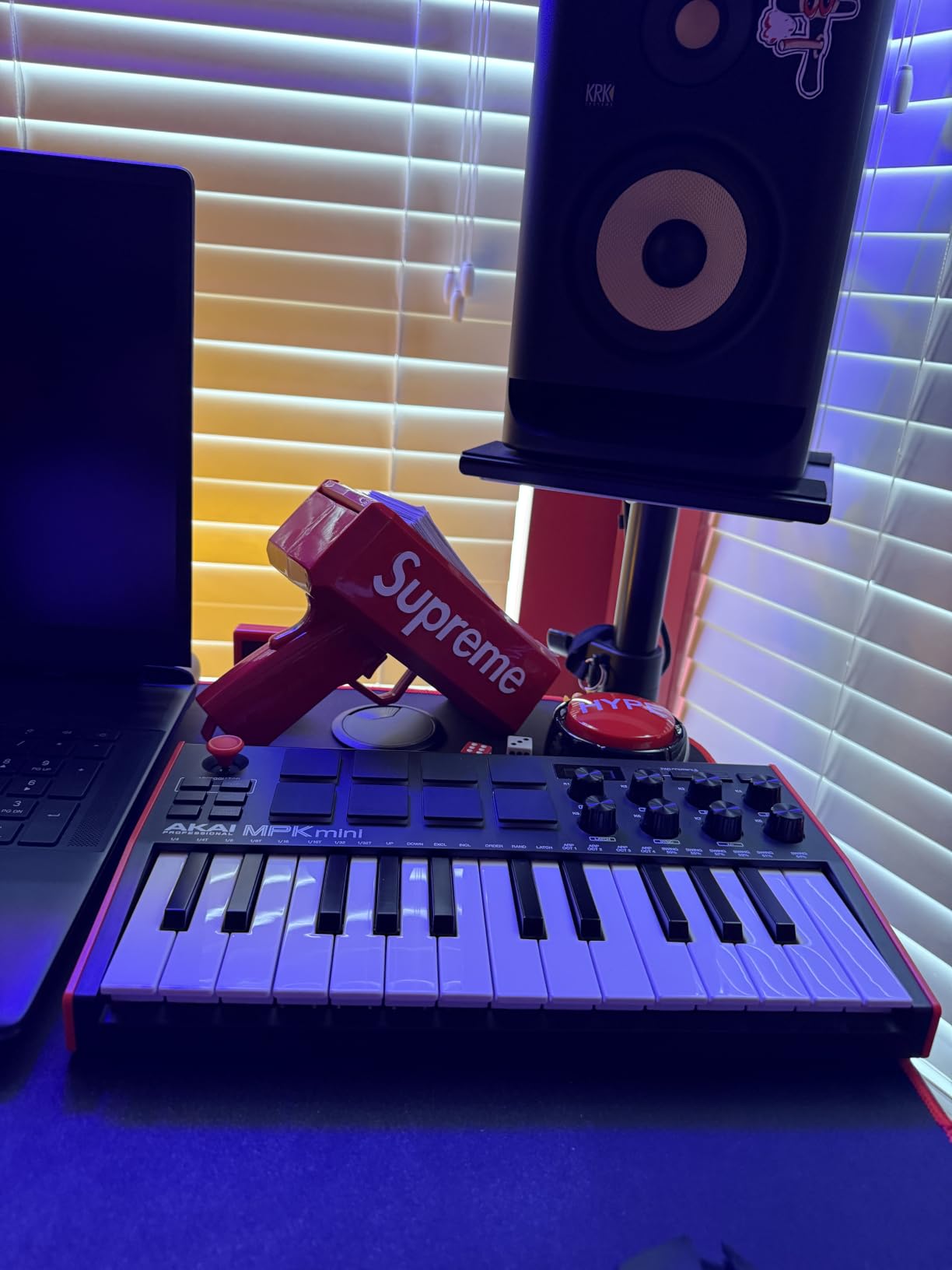
The Akai MPK Mini MK3 is the controller I see on more desks than any other, and for good reason. With over 30,000 reviews on Amazon, it has earned its reputation as the default choice for bedroom producers and beatmakers. I tested it extensively in FL Studio and came away understanding why it sells so well.
The eight MPC-style pads are the star of the show. They have the same feel and responsiveness as pads on Akai’s standalone MPC units, which means they are excellent for finger-drumming and programming drums. Note Repeat and Full Level functions let you lock every hit to the same velocity or roll rapid-fire hi-hats with a single hold.
Those pads also work great for triggering samples and one-shots in FL Studio’s FPC plugin. I mapped each pad to a different drum sample and built entire beats without touching the mouse. The backlit pads light up when triggered, which helps in low-light studio environments.
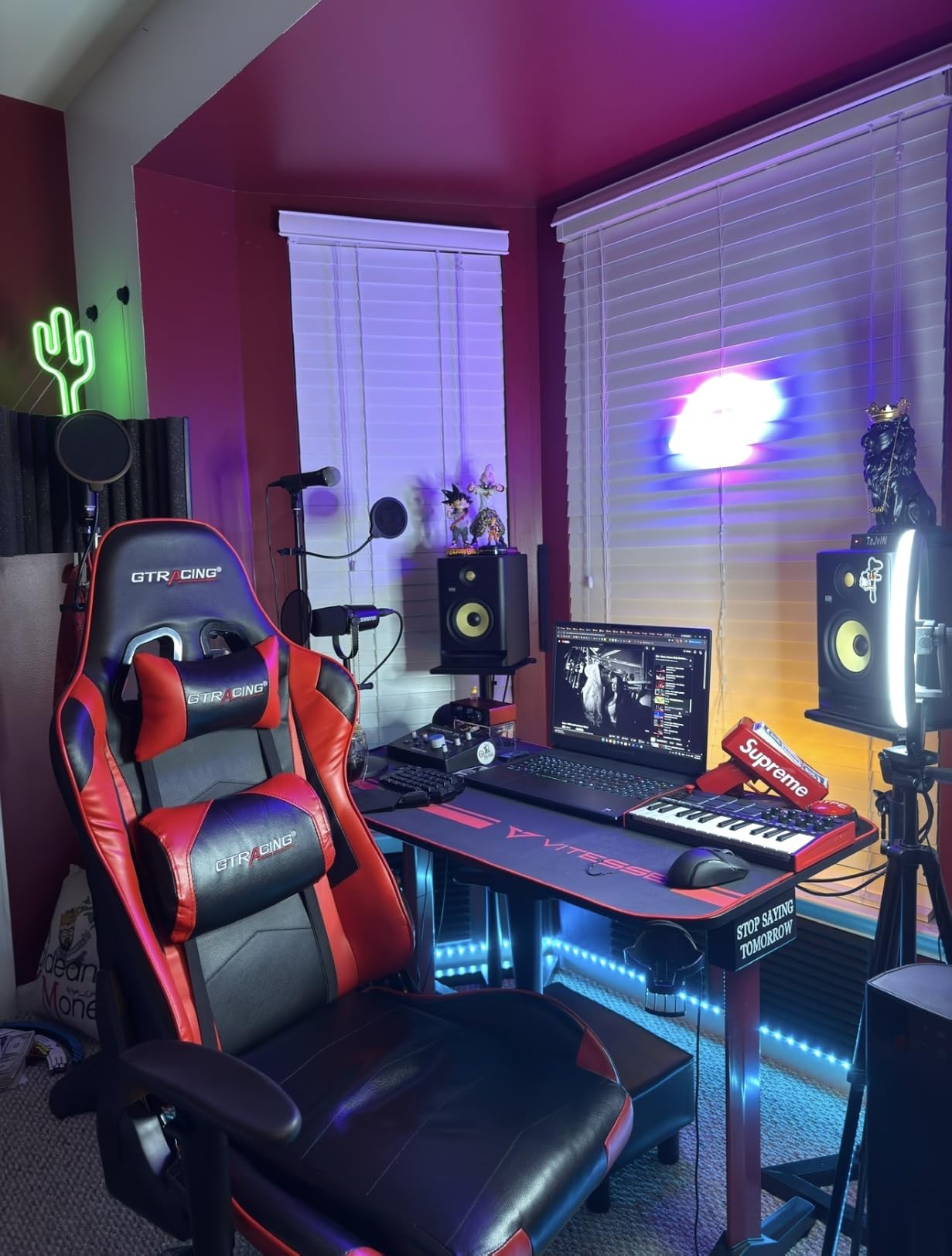
The 4-way thumbstick handles pitch bend and modulation, replacing the traditional wheels you find on larger controllers. It takes some getting used to, but once I built the muscle memory, I preferred it for its compactness. The built-in arpeggiator adds creative possibilities, letting you hold a chord and generate cascading note patterns at adjustable speeds.
Eight assignable knobs round out the control surface. In FL Studio, I linked them to the selected plugin’s parameters using the MIDI Link to Controller function. It takes a few minutes to set up, but once mapped, those knobs become powerful for real-time sound design.
The main complaints are minor. The USB 2.0 Type B connection feels dated compared to the USB-C ports on newer controllers. The one-year warranty is shorter than what Arturia offers.
But at this price point, those trade-offs are easy to accept. You are getting MPC-quality pads, a built-in arpeggiator, and NKS integration in one of the most popular controllers ever made.
Software Bundle and Sounds
Akai includes MPC Beats, three virtual instruments, and 2 GB of sound content. MPC Beats is a capable DAW on its own, but you will likely use these sounds inside FL Studio’s DirectWave or FPC sampler. The included instruments cover the basics well enough for getting started.
The NKS integration is a real bonus if you use Native Instruments plugins. The MPK Mini MK3 can browse and load NKS-compatible instruments directly, which streamlines workflow when you are working with Kontakt libraries or Massive patches.
Portability for Mobile Production
At just under 1 kilogram, the MPK Mini MK3 is one of the lightest full-featured controllers available. It slips into a backpack with a laptop and barely adds any weight. The USB bus power means no external power supply, so you can produce anywhere with just the controller and a cable.
The compact dimensions of 7.1 by 12.5 by 1.9 inches mean it fits on even the smallest desk or coffee shop table. I carried it between my home studio and a friend’s setup for weeks without any wear or connectivity issues.
4. M-Audio Keystation 49 MK3 – Full-Size Keys at a Beginner-Friendly Price
M-AUDIO Keystation 49 MK3 USB MIDI Controller
49 Full-Size Keys
Pitch and Mod Wheels
Volume Fader
Transport Controls
Plug and Play
Pros
- 49 full-size velocity-sensitive keys feel natural
- Plug-and-play with no drivers required
- Pitch and modulation wheels for expression
- Transport and directional buttons for DAW control
- Premium software suite including MPC Beats and Ableton Live Lite
Cons
- Plastic construction may feel less premium
- No pads for beatmaking and finger-drumming
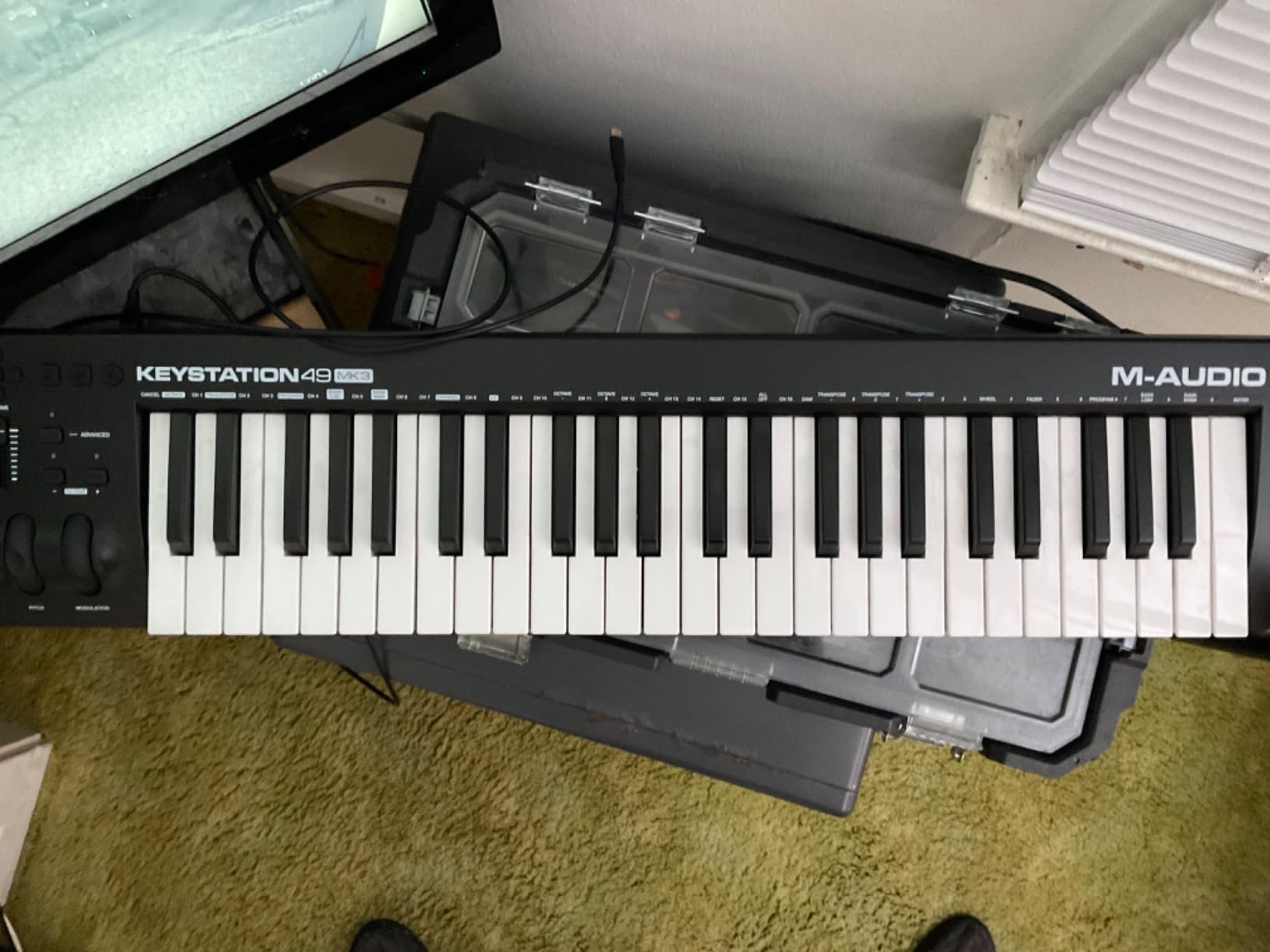
The M-Audio Keystation 49 MK3 is the controller I recommend to FL Studio users who want full-size piano keys without spending a fortune. Those 49 synth-action keys feel dramatically better than mini keys for playing melodies, bass lines, and chord progressions. If you have any piano background, this is the keyboard that will feel most natural.
Setup could not be simpler. I plugged it into my laptop, opened FL Studio, and it worked instantly with no driver installation. This is true plug-and-play, which matters if you want to spend your time making music instead of troubleshooting MIDI settings.
The pitch and modulation wheels are a welcome addition that the mini-key controllers lack. I used the pitch wheel for expressive lead lines and the mod wheel for filter sweeps on synth patches. Having dedicated wheels makes a real difference for players who are used to traditional keyboard layouts.
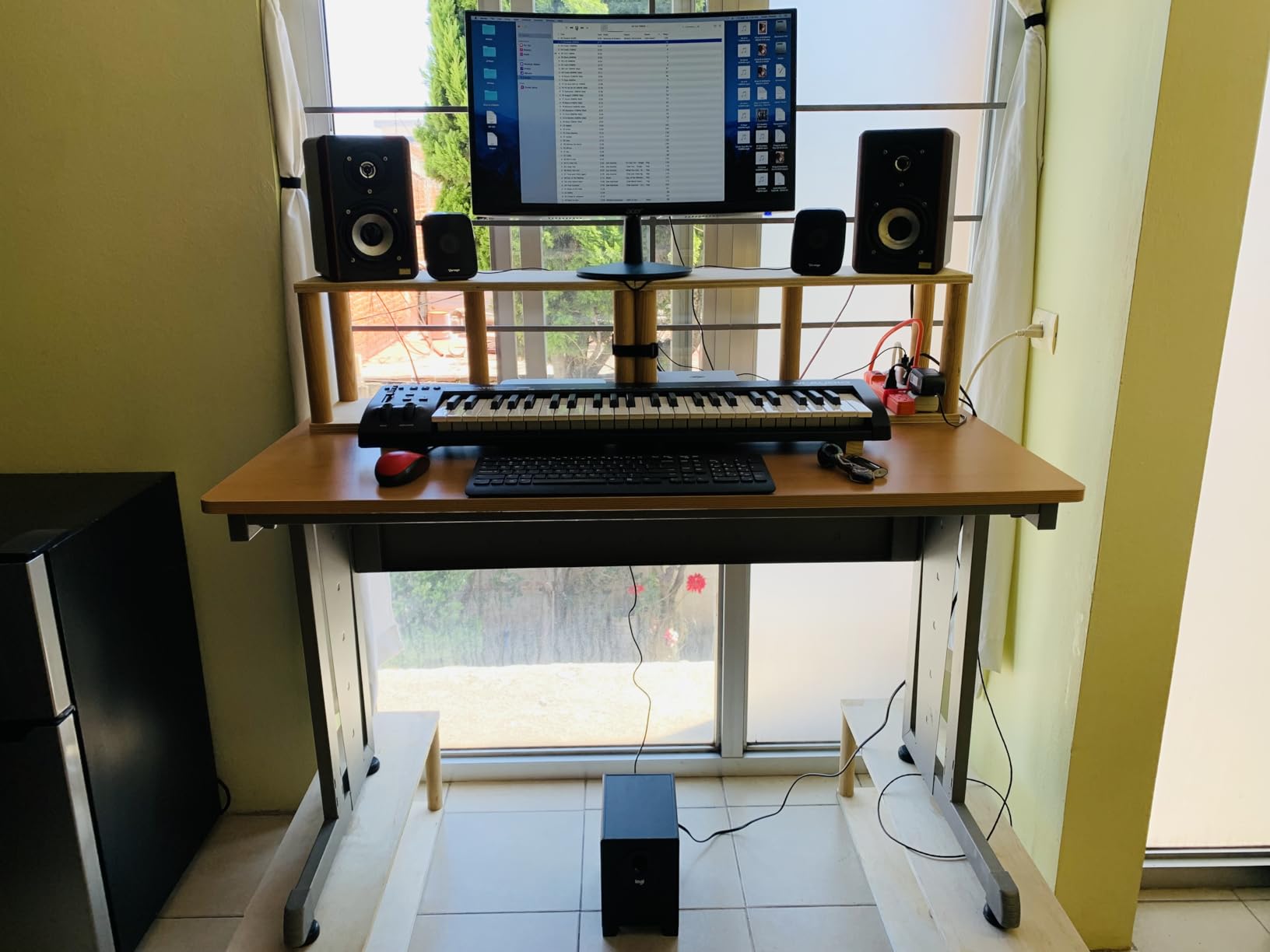
The volume fader and transport buttons provide basic DAW control. The transport buttons handle play, stop, and record in FL Studio after a quick MIDI mapping. The volume fader is handy for controlling the master output or a selected mixer channel.
The obvious limitation is the lack of pads. If beatmaking and finger-drumming are central to your workflow, you will miss having dedicated drum pads. The Keystation 49 is a keyboard-first controller designed for playing instruments, not programming drums.
Construction is plastic throughout, which keeps the weight down to 4.8 pounds but does feel less substantial than metal-bodied alternatives. The keys have a slight springiness that some players love and others find a bit toy-like. For the price, the build is acceptable.
Key Feel for Piano Players
The full-size keys have a synth action that is lighter than semi-weighted but more substantial than mini keys. Velocity sensitivity is responsive across the range, and I was able to play dynamic passages with quiet notes and loud accents without issue.
If you are coming from a real piano or weighted keyboard, the synth action will feel different. It is springy and fast, which suits electronic music production well but may not satisfy players who want that weighted piano resistance.
FL Studio Setup Process
FL Studio recognizes the Keystation 49 automatically as a generic MIDI input device. No special scripts are needed for basic note input. For transport control, I used FL Studio’s MIDI Learn function to map the transport buttons, which took about two minutes.
The included software bundle covers the essentials: MPC Beats, Ableton Live Lite, Velvet electric piano, Xpand2 multitimbral synth, Mini Grand piano, and Touch Loops sample content. These give you immediate sounds to play with in FL Studio right out of the box.
5. Arturia MiniLab 3 – Universal Controller with Mixing Faders and a 5-Year Warranty
Arturia MiniLab 3 Universal MIDI Controller, White
25 Slim Keys
8 RGB Pads
8 Encoders
4 Faders
5-Year Warranty
Pros
- 8 encoders and 4 faders for mixing control
- USB-C and MIDI out connectivity
- Built-in arpeggiator for creative patterns
- 5-year warranty for long-term peace of mind
- Premium build quality with clickable browsing knob
Cons
- Slightly heavier than competing 25-key controllers
- Primarily optimized for PC workflows
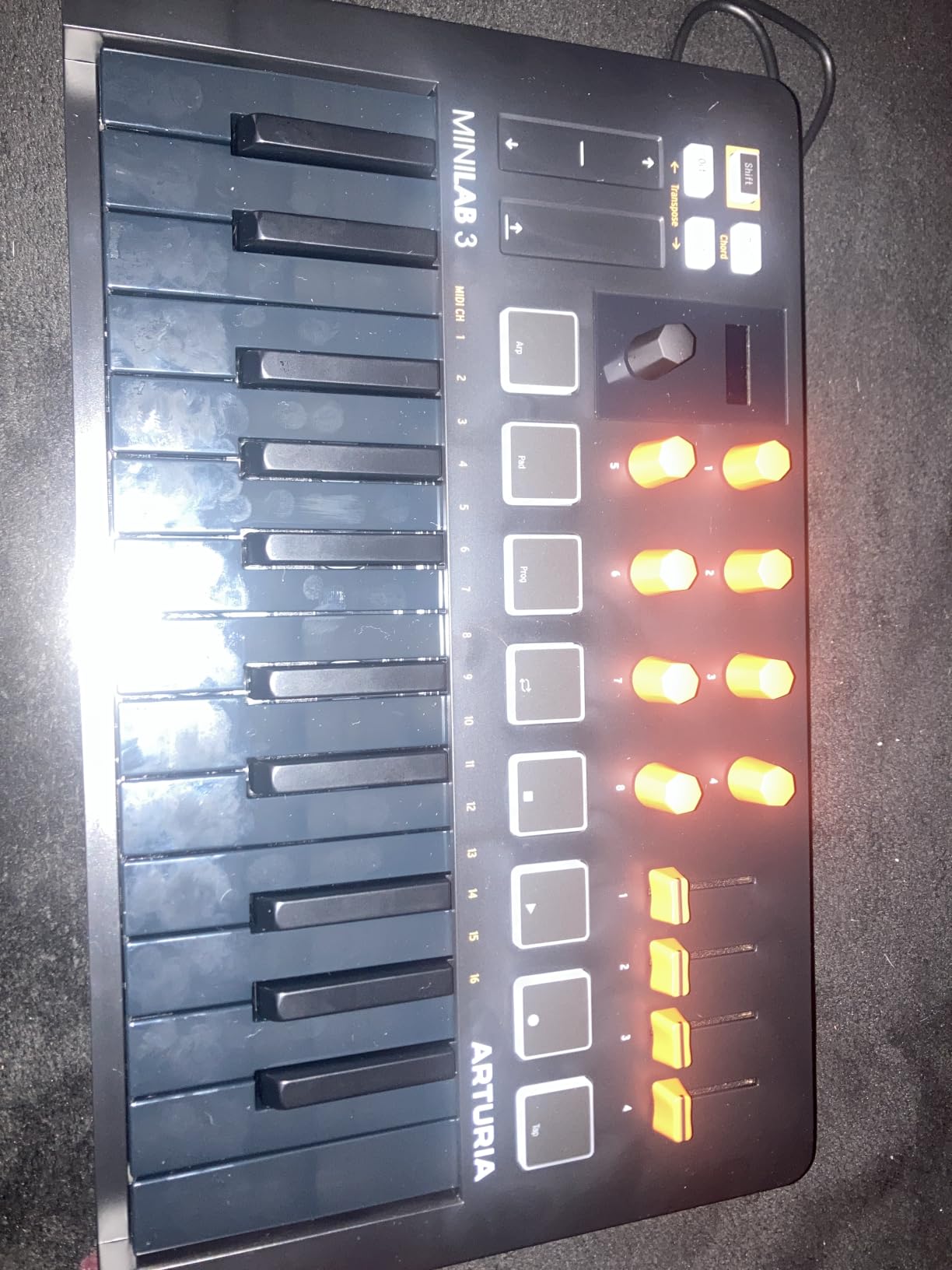
The Arturia MiniLab 3 caught me off guard during testing. I expected another generic 25-key controller, but the four faders alone make it stand out from the crowd. Having physical faders for mixing in FL Studio is something most compact controllers skip, and it changes how you interact with the mixer.
The eight RGB pads are velocity- and pressure-sensitive, and they held up well during my finger-drumming tests. They are not MPC-level in feel, but they are responsive enough for programming drums and triggering clips. The pressure sensitivity adds expression when mapped to parameters like filter cutoff.
The built-in arpeggiator is a creative tool I kept coming back to. Hold a chord, set the rate and pattern, and the MiniLab generates arpeggios that you can record into FL Studio’s Piano Roll. The capacitive touch sensors for pitch bend and modulation are sleek, though they lack the physical throw of traditional wheels.
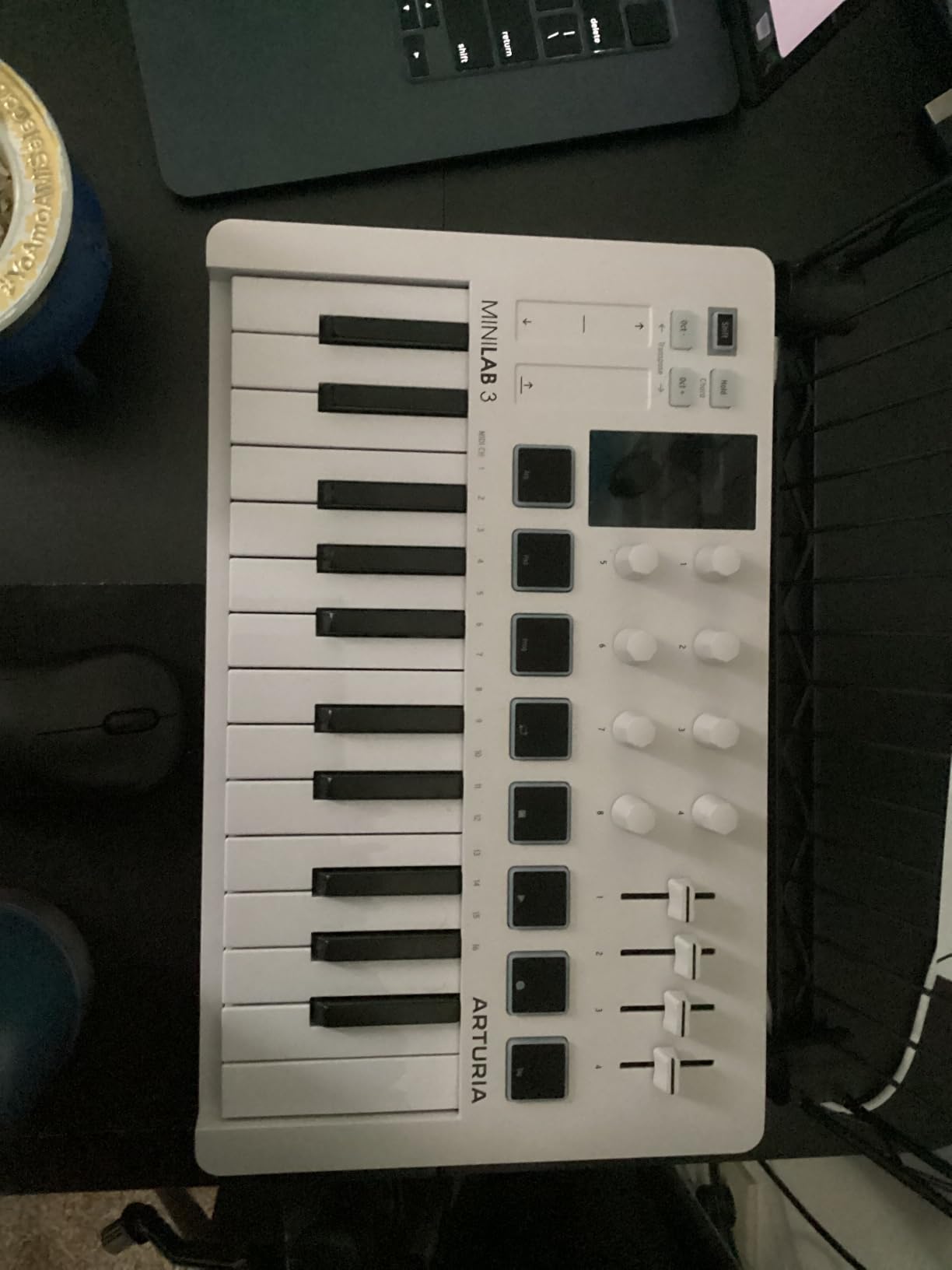
Connectivity is where the MiniLab 3 pulls ahead of some competitors. USB-C is the primary connection, which means no more fumbling with the old USB-B cables. There is also a MIDI out port for connecting external hardware synths or drum machines directly from the controller.
The mini display and clickable browsing knob let you navigate presets and settings without looking at your computer screen. I found this useful during long sessions when I wanted to scroll through sounds without breaking my playing flow.
At 3.09 pounds, the MiniLab 3 is heavier than the Akai MPK Mini but still portable enough for travel. The 5-year warranty is the longest on this list, which speaks to Arturia’s confidence in the build quality. My unit showed zero signs of wear after weeks of daily use.
DAW Compatibility Beyond FL Studio
Arturia designed the MiniLab 3 as a universal controller, meaning it works with FL Studio, Ableton Live, Logic Pro, and other major DAWs. The included MIDI Control Center software lets you create custom mappings for each DAW. I set up a dedicated FL Studio preset with knobs mapped to the mixer and faders assigned to selected channel volumes.
This universality is an advantage if you produce in multiple DAWs or plan to switch in the future. Unlike the FLkey Mini, which is FL Studio-specific, the MiniLab 3 adapts to whatever software you throw at it.
Build Quality and Longevity
The chassis has a solid, premium feel that belies its compact size. Knobs have satisfying detents, faders move smoothly without scratchiness, and the keys have a consistent action across the range. Arturia backs this with a 5-year limited warranty, the most generous coverage on this list.
The included software bundle features Ableton Live Lite, Analog Lab Intro, and UVI Model D. Analog Lab Intro gives you a taste of Arturia’s synth emulations, which sound excellent inside FL Studio as VST plugins.
6. Akai MPK Mini Plus – 37-Key Controller with a Built-In Sequencer and CV/Gate
Akai Professional MPK Mini Plus 37-Key USB MIDI Keyboard Controller
37 Mini Keys
8 MPC Pads
64-Step Sequencer
CV and Gate I/O
MIDI I/O
Pros
- 37 keys give you 3 full octaves for more expressive playing
- CV and Gate I/O for modular synth connectivity
- 64-step sequencer for computer-less recording
- Transport controls for DAW integration
- Chord and Scale modes for easy composition
Cons
- Higher price point than standard 25-key controllers
- Larger form factor takes more desk space
The Akai MPK Mini Plus sits in a sweet spot that no other controller on this list occupies. It gives you 37 keys instead of 25, which means three full octaves under your fingers. That extra range makes a real difference when you are playing bass lines with your left hand and melodies with your right.
The standout feature is the built-in 64-step sequencer. I was able to create drum and melody patterns directly on the controller without opening FL Studio. This is useful for capturing ideas fast, sketching on the couch, or even performing live without a laptop connected.
The eight premium RGB MPC pads match the quality of the standard MPK Mini MK3. They are velocity-sensitive, responsive, and perfect for finger-drumming. Akai’s Note Repeat function is present here too, making rapid hi-hat rolls and snare fills effortless.
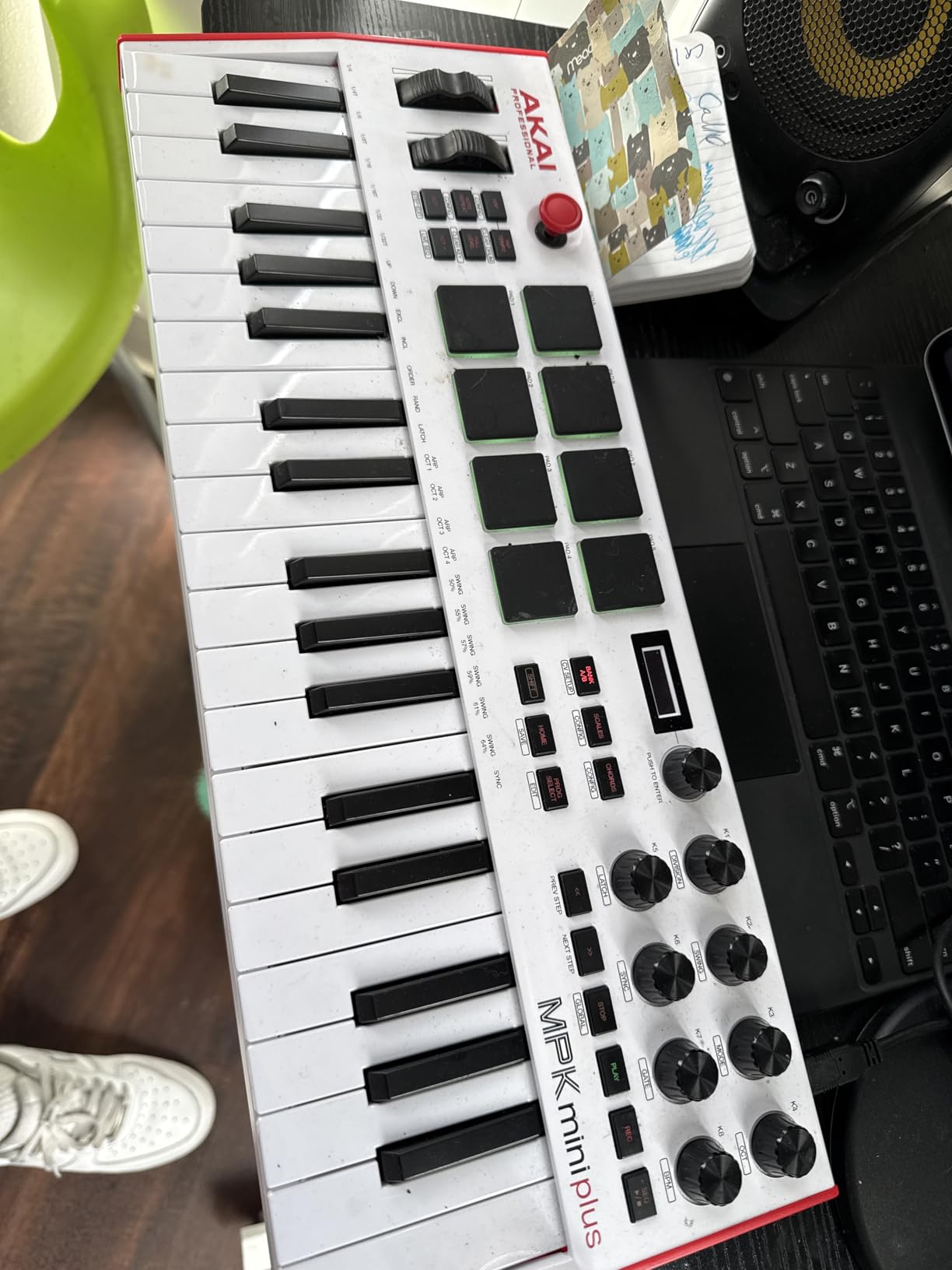
The CV/Gate and MIDI I/O ports set this controller apart from every other keyboard on this list. If you own a modular synth, a vintage analog keyboard, or any hardware gear that accepts CV or Gate signals, the MPK Mini Plus can sequence and control it directly. I connected it to a friend’s Eurorack system and was sequencing modular patterns within minutes.
Transport controls on the MPK Mini Plus map to FL Studio for play, stop, and record. The eight assignable knobs handle plugin parameters and mixer channels. Chord and Scale modes round out the creative tools, helping you stay in key while exploring new ideas.
The trade-offs are the higher price and larger footprint. At 17.9 inches wide, it needs more desk space than the 25-key models. You are paying a premium for the sequencer and CV/Gate connectivity, which not every FL Studio user needs.
Standalone Sequencing Capability
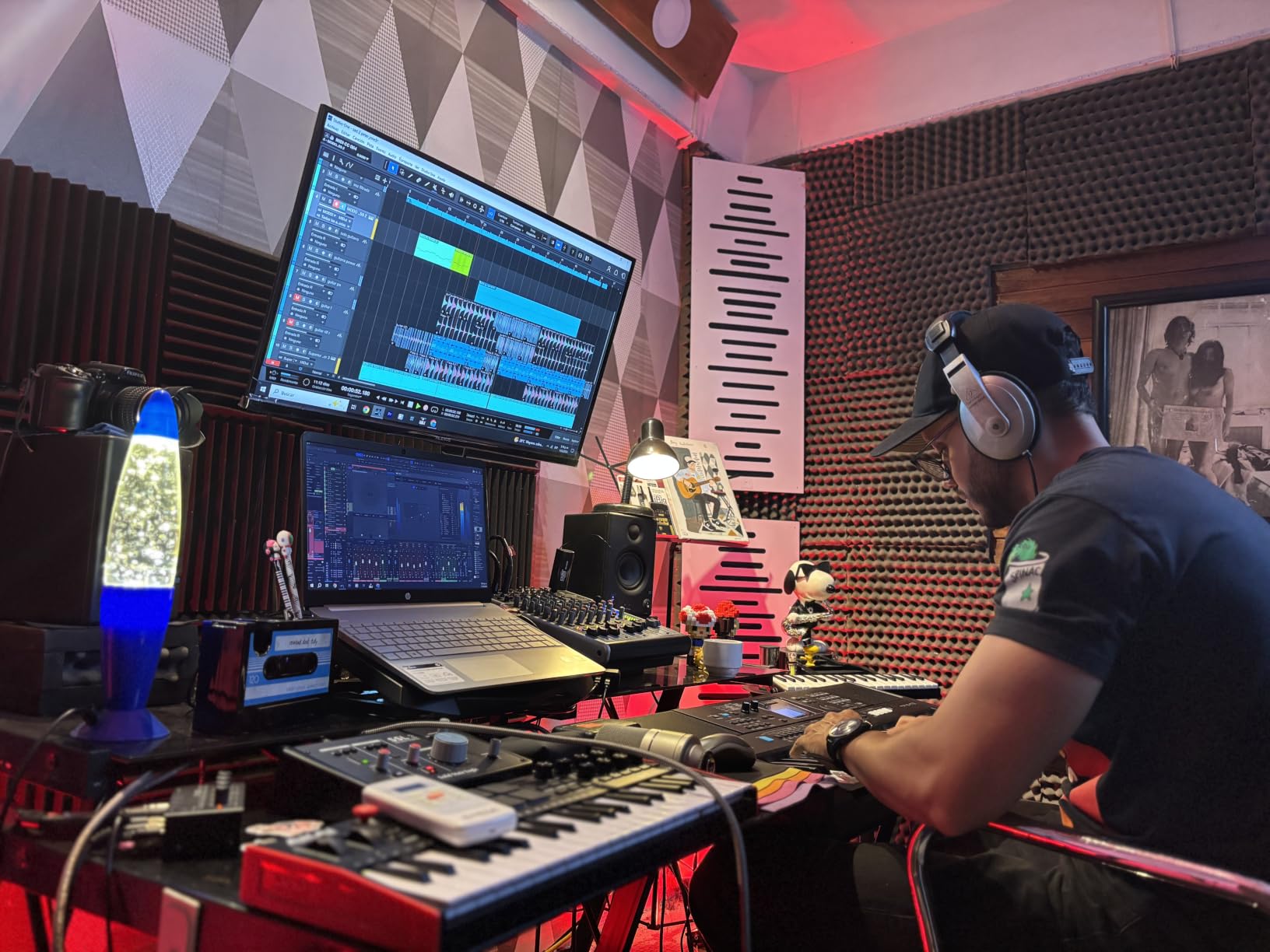
The 64-step sequencer is the feature that makes the MPK Mini Plus more than just a MIDI keyboard. You can program drum patterns and melodic sequences directly on the hardware, then play them back without a computer. I used this feature to sketch ideas during my commute, then transferred the patterns to FL Studio later.
The sequencer supports both drum and melody tracks, so you can build a full arrangement offline. This is a workflow that appeals to producers who think in terms of patterns and steps rather than linear recording.
Modular Gear Connectivity
The CV/Gate outputs let you send control voltage to modular synthesizers, analog drum machines, and other hardware that speaks the CV language. This opens up a world of integration that standard USB MIDI controllers cannot touch. If your studio includes any modular or analog gear, the MPK Mini Plus becomes a central hub.
The MIDI I/O ports also support connecting external MIDI hardware like sound modules and drum machines. Combined with the USB connection to FL Studio, you get a controller that bridges software and hardware production worlds.
7. Akai MPK Mini IV – Next-Generation Controller with USB-C and a Full-Color Screen
Akai Professional MPK Mini IV 25-Key USB-C MIDI Keyboard Controller, Black
25 Mini Keys
8 MPC Pads
360 Knobs
Full-Color Screen
USB-C
Pros
- USB-C connectivity for modern setups
- Full-color screen for clear visual feedback
- 8 RGB MPC pads with velocity and pressure sensitivity
- Advanced arpeggiator with Pattern Freeze and Mutate functions
- NKS integration for Native Instruments plugins
Cons
- 1-year manufacturer warranty
- Some learning curve for beginners exploring all features
The Akai MPK Mini IV is the newest entry in the legendary MPK Mini line, and it brings meaningful upgrades over the MK3. The switch to USB-C is the most immediately noticeable change. No more searching for the right cable or dealing with the old USB-B connector.
The full-color screen is the biggest workflow improvement. Instead of guessing what parameter you are adjusting, the screen shows you the current knob assignment, pad mapping, and arpeggiator settings in real time. During testing, I found myself checking the screen constantly, and it genuinely sped up my workflow in FL Studio.
The eight MPC pads now feature both velocity and pressure sensitivity. This means you can use pressure to control parameters like filter cutoff or volume after striking a pad. I mapped pressure to reverb amount on drum samples and achieved expressive results that were impossible with the MK3’s velocity-only pads.
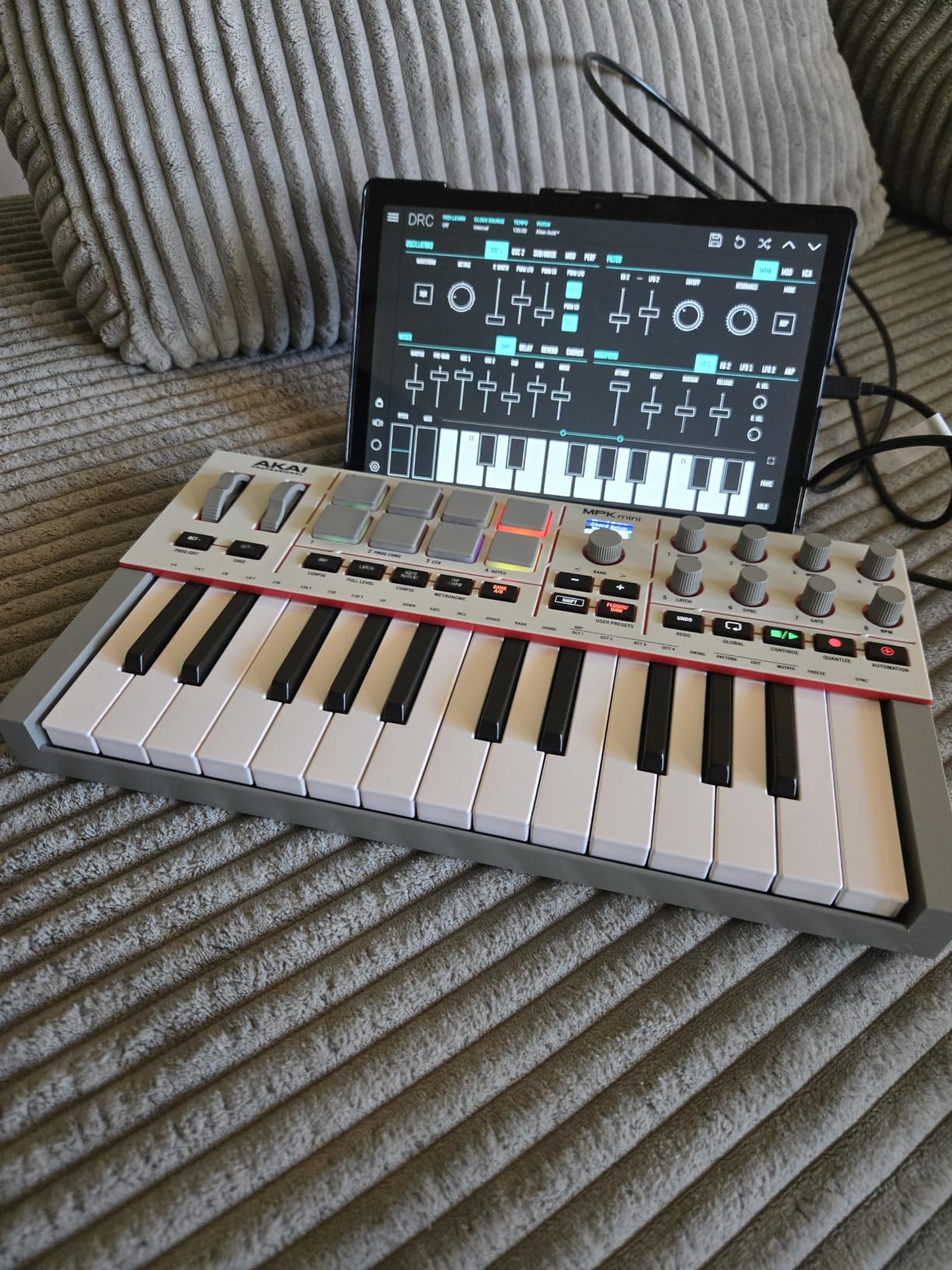
The arpeggiator on the MPK Mini IV is more advanced than previous versions. It includes Pattern, Freeze, and Mutate functions that let you create complex rhythmic patterns from simple chord inputs. Freeze holds the arpeggio even after you release the keys, and Mutate randomizes the pattern for unexpected creative results.
The eight 360-degree knobs are endlessly rotatable, meaning they do not have a fixed start and stop point. This makes them ideal for controlling continuous parameters in FL Studio plugins. I mapped them to EQ frequency bands and synth filter controls with smooth, predictable results.
Chord and Scale modes help you stay musical even if keyboard theory is not your strength. The full-size MIDI out port is a nice addition for connecting hardware synths. NKS integration means you can browse and load Native Instruments sounds directly from the controller.
USB-C and Connectivity
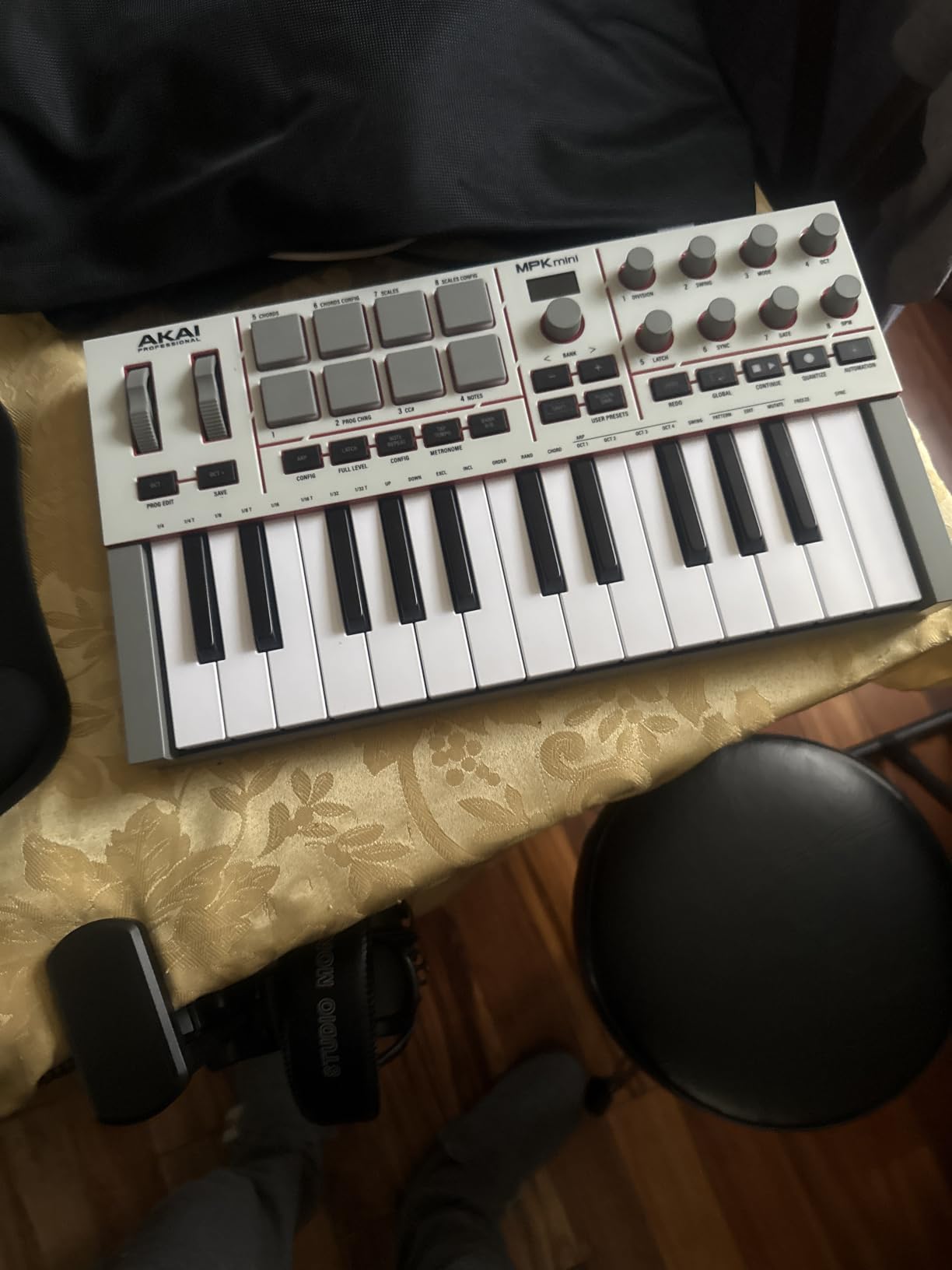
The USB-C port is a welcome modernization that brings the MPK Mini in line with current laptops and interfaces. Most newer laptops have abandoned USB-A ports entirely, so a USB-C native controller eliminates the need for dongles and adapters.
The full-size MIDI out port adds hardware connectivity that the MK3 lacked. You can drive external sound modules, drum machines, or synth hardware directly from the MPK Mini IV. This makes it suitable for hybrid software-and-hardware FL Studio setups.
Display and Workflow Efficiency
The full-color screen eliminates the trial-and-error of knob tweaking. When you turn a knob, the screen shows the parameter name and value instantly. This visual feedback keeps you focused on the music rather than guessing whether you grabbed the right control.
Browsing sounds is also easier with the screen. NKS-compatible instruments display their preset names and categories, so you can audition sounds without opening plugin windows in FL Studio. This keeps your creative momentum going during sessions.
8. Akai LPK25 – The Most Affordable Way to Start Playing in FL Studio
Akai Professional LPK25 25-Key USB MIDI Keyboard Controller
25 Mini Keys
Arpeggiator
8 Preset Slots
USB Powered
Plug and Play
Pros
- Most affordable entry point for FL Studio production
- Built-in arpeggiator for creative pattern generation
- 8 programmable preset slots for saving mappings
- USB powered with no external adapter needed
- Universal compatibility with all major DAWs
Cons
- 25 keys may be limiting for complex compositions
- Mini keys may not suit players who prefer full-size keys
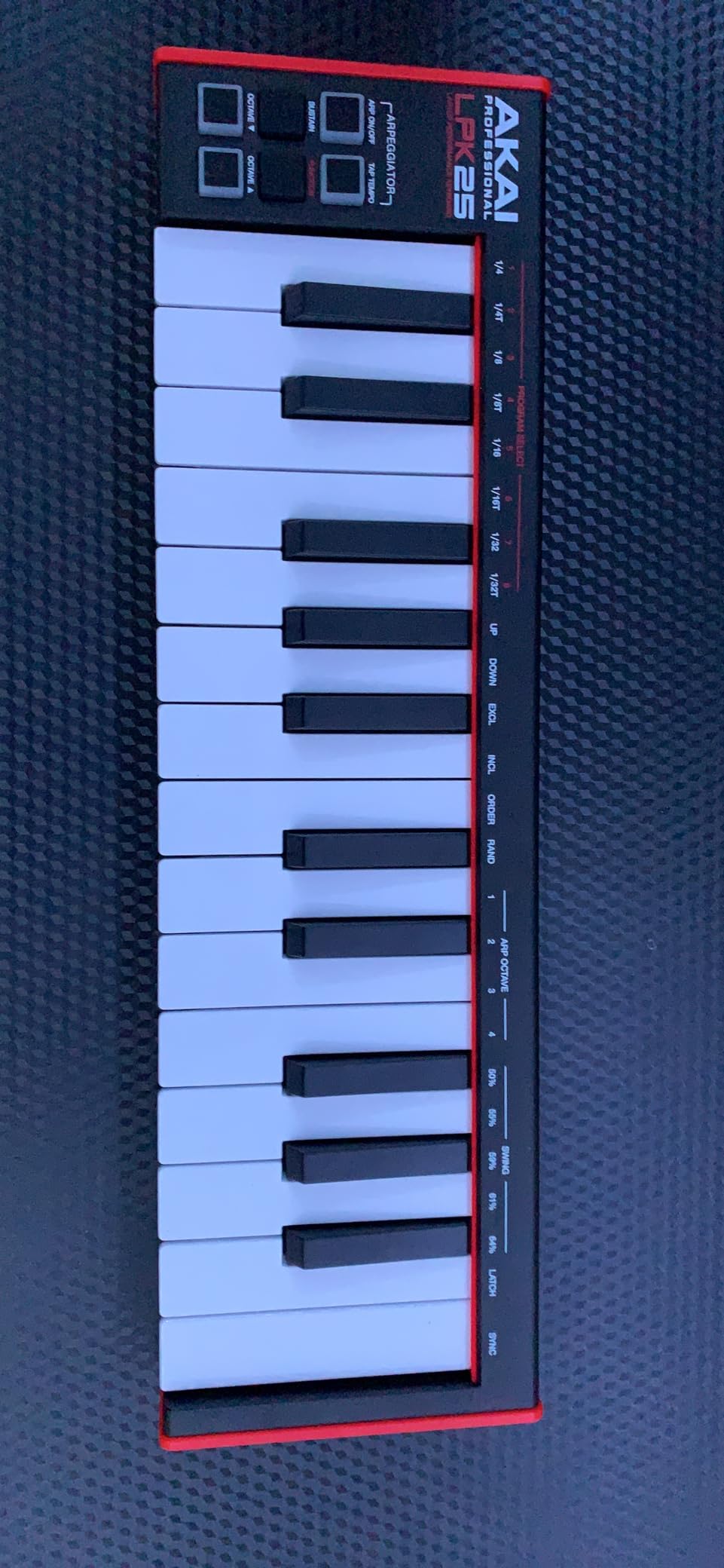
The Akai LPK25 is the keyboard I recommend when someone asks for the cheapest way to get off the mouse in FL Studio. It does one thing and does it well: gives you 25 playable keys for entering melodies and bass lines. No pads, no knobs, no faders, just keys.
That simplicity is actually a strength for beginners. There is no complex mapping to learn, no software to install, no settings to configure. You plug it in, open FL Studio, and start playing notes into the Piano Roll.
The built-in arpeggiator is a surprise feature at this price. Hold a chord, and the LPK25 generates arpeggio patterns that you can record into FL Studio. I used it to create quick electronic riff ideas and synth sequences that would have taken much longer to program manually.
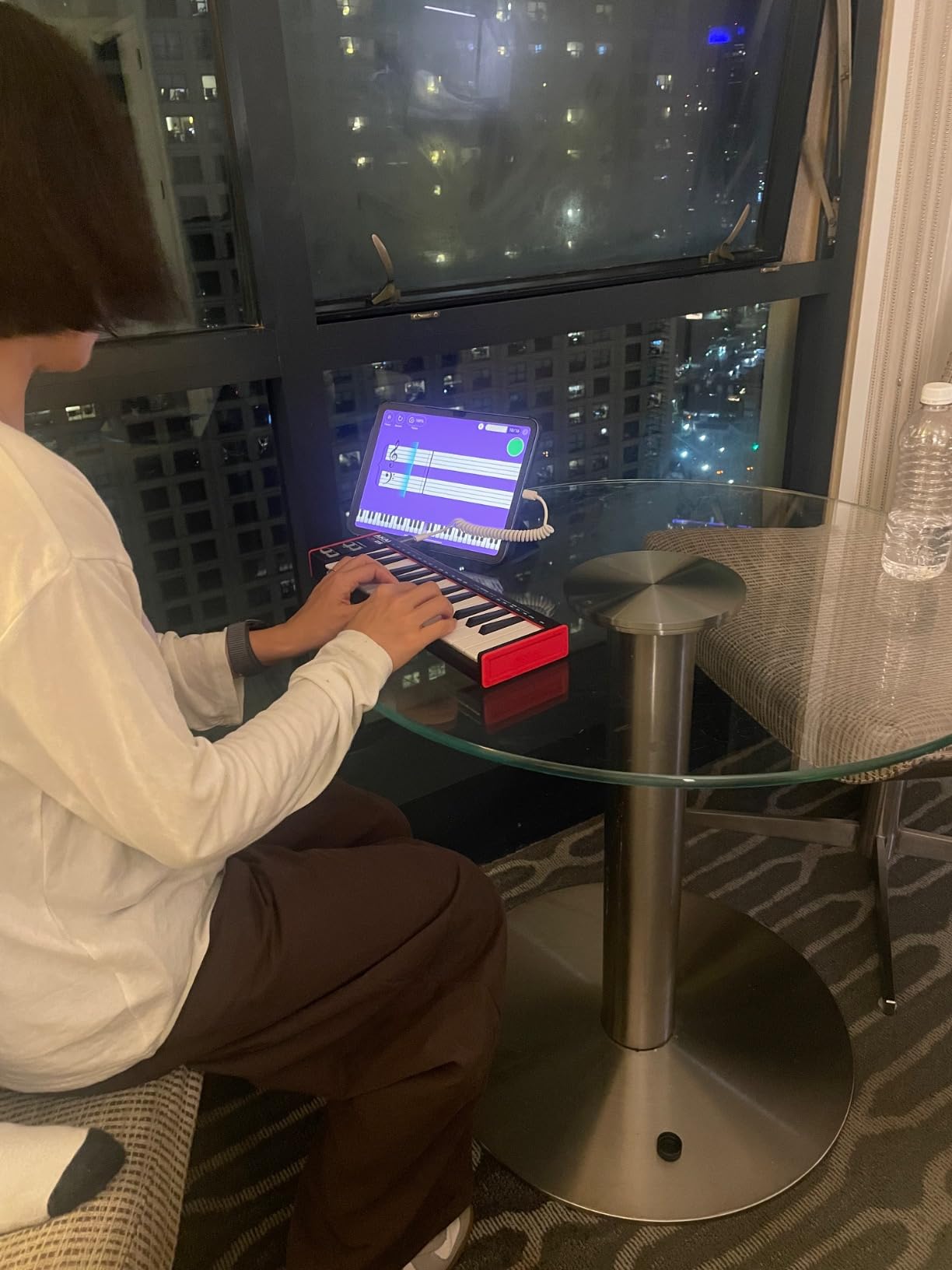
The 25 mini keys are velocity-sensitive and have a surprisingly playable feel for their size. They are not full-size keys, so two-hand playing is limited. But for entering single-note bass lines, lead melodies, and simple chord shapes, they get the job done without complaint.
Eight programmable preset slots let you save different configurations. While the LPK25 lacks knobs and pads to map, you can save octave settings, arpeggiator patterns, and velocity curves for quick recall. This is handy if you switch between different playing styles or project types.
The obvious limitations are the lack of pads for beatmaking and the 25-key range for complex compositions. If you need drum programming capabilities, you will want to pair this with a pad controller or step up to one of the MPK Mini models. But as a pure keyboard for FL Studio, the LPK25 delivers exactly what it promises.
FL Studio Compatibility
The LPK25 is a class-compliant USB MIDI device, which means FL Studio recognizes it instantly with no driver installation. I plugged it in, selected it as the MIDI input in FL Studio’s settings, and was playing notes within seconds. The sustain button acts as a sustain pedal substitute, holding notes after release.
Universal DAW compatibility means this keyboard works with FL Studio today and any other DAW you might switch to later. There is no proprietary software lock-in, which is reassuring for producers who like to keep their options open.
Travel and Mobile Use
At just 0.48 kilograms, the LPK25 is the lightest controller on this list by a wide margin. It slides into a laptop bag or backpack without adding noticeable weight. The slim profile of 1.44 inches tall means it fits in tight spaces, whether that is a cramped desk or an airplane tray table.
USB bus power eliminates the need for batteries or a wall adapter. You can produce music anywhere you can open your laptop. For producers who travel or work in multiple locations, this level of portability is hard to beat.
How to Choose the Best MIDI Keyboard for FL Studio?
Choosing the right MIDI keyboard for FL Studio comes down to four main factors: how many keys you need, whether you want pads for beatmaking, how much DAW integration matters to you, and what your budget allows. Let me break each of these down based on what I learned during testing.
Key Count and Key Type
Key count is the first decision. A 25-key controller is compact and portable but limits you to about two octaves at a time. You can use octave buttons to access more range, but you cannot play bass and melody simultaneously with both hands.
A 37-key controller like the MPK Mini Plus gives you three full octaves, which is enough for most two-hand playing. A 49-key controller like the Keystation 49 or KeyLab Essential gives you four octaves and full-size keys, which is the sweet spot for players with piano experience.
Key type matters too. Mini keys are compact and great for travel but feel different from full-size piano keys. Full-size synth-action keys feel more natural for playing.
Semi-weighted and hammer-action keys provide the most realistic piano feel but add significant weight and cost. For FL Studio production, synth-action full-size keys are the practical sweet spot.
Pads and Drum Programming
If beatmaking is central to your FL Studio workflow, pads are non-negotiable. The Akai MPC-style pads on the MPK Mini series are the gold standard in compact controllers. They offer velocity sensitivity, Note Repeat for rapid rolls, and Full Level for consistent hit velocity.
The FLkey Mini takes pads a step further by mapping them to FL Studio’s step sequencer. This means you can program beats directly in the Channel Rack using the hardware pads. No other controller on this list offers this level of step sequencer integration.
If you only play melodies and never program drums, you can skip pads entirely. The Keystation 49 and LPK25 are keyboard-only controllers that trade pads for a simpler, more focused design.
Transport Controls and DAW Integration
Transport controls are the play, stop, and record buttons that control FL Studio’s playback. Every controller on this list except the LPK25 has some form of transport control. The FLkey Mini and KeyLab Essential offer the deepest integration, with custom scripts that map transport, mixer, and plugin parameters automatically.
FL Studio supports MIDI scripting, which allows manufacturers to write custom integration files. Controllers with dedicated FL Studio scripts save you the hassle of manual MIDI mapping. If you want plug-and-play simplicity, look for controllers with native FL Studio support like the FLkey Mini or KeyLab Essential.
Connectivity Options
USB connectivity is standard across all controllers here, but the port type varies. USB-C is the modern standard found on the MPK Mini IV, MiniLab 3, and KeyLab Essential. Older controllers like the MPK Mini MK3 use USB 2.0 Type B, which requires a different cable.
If you work with hardware synths or modular gear, look for MIDI I/O ports. The MPK Mini Plus, MPK Mini IV, and MiniLab 3 all include MIDI out for driving external hardware. The MPK Mini Plus goes further with CV/Gate outputs for modular synthesizer integration.
Software Bundles
Included software can add significant value. The KeyLab Essential includes Analog Lab V with 2,000 presets, which alone is worth considering. The MPK Mini series includes MPC Beats and sound content.
The FLkey Mini comes with a 6-month FL Studio trial. Pay attention to NKS compatibility if you use Native Instruments plugins, since the MPK Mini MK3, MPK Mini IV, and MPK Mini Plus all support NKS browsing.
Frequently Asked Questions
What is the best MIDI keyboard for FL Studio?
The Novation FLkey Mini is the best MIDI keyboard for FL Studio because it offers native integration with no setup required. Its pads control the step sequencer, its knobs map to the mixer, and its transport buttons drive FL Studio directly. For full-size keys, the Arturia KeyLab Essential mk3 49 provides the deepest feature set with 49 keys, aftertouch, and custom FL Studio scripts.
Does FL Studio work with a MIDI keyboard?
Yes, FL Studio works with virtually any MIDI keyboard. Plug your controller in via USB, open FL Studio, and it appears as a MIDI input device. For deeper integration like transport controls and mixer mapping, some controllers include custom FL Studio scripts that automate the setup process.
Are MIDI keyboards worth it for FL Studio?
MIDI keyboards are absolutely worth it for FL Studio. They let you play melodies and chords naturally instead of clicking notes with a mouse, speed up your workflow significantly, and provide tactile control over instruments and mixing. Even a basic controller can improve your production speed by 40 to 50 percent.
How do I connect a MIDI keyboard to FL Studio?
To connect a MIDI keyboard to FL Studio, plug the controller into your computer via USB. Open FL Studio, go to Options then MIDI Settings, and select your keyboard from the input list. Enable it as a generic controller or load a manufacturer script if available. Your keyboard will then trigger any virtual instrument loaded in the Channel Rack.
How to make MIDI sound more realistic in FL Studio?
To make MIDI sound more realistic in FL Studio, start by adjusting velocity levels so notes are not all the same loudness. Add subtle timing variations to move notes slightly off the grid. Use pitch bend and modulation for expression. Apply humanization tools in the Piano Roll to randomize note timing and velocity slightly. Layer multiple instruments and add reverb, delay, and EQ to create depth and space.
Final Thoughts on the Best MIDI Keyboards for FL Studio
The best MIDI keyboards for FL Studio all share one thing: they get you off the mouse and onto a tactile surface that feels like making music. The Novation FLkey Mini stands out for its unmatched native FL Studio integration, making it my top pick for most producers. The Akai MPK Mini MK3 remains the best value with its proven MPC pads and massive community support.
The Akai LPK25 is the cheapest entry point that still delivers a playable experience. Whichever controller you choose, the goal is the same: spend less time clicking and more time creating. Any keyboard on this list will transform your FL Studio workflow in 2026.