
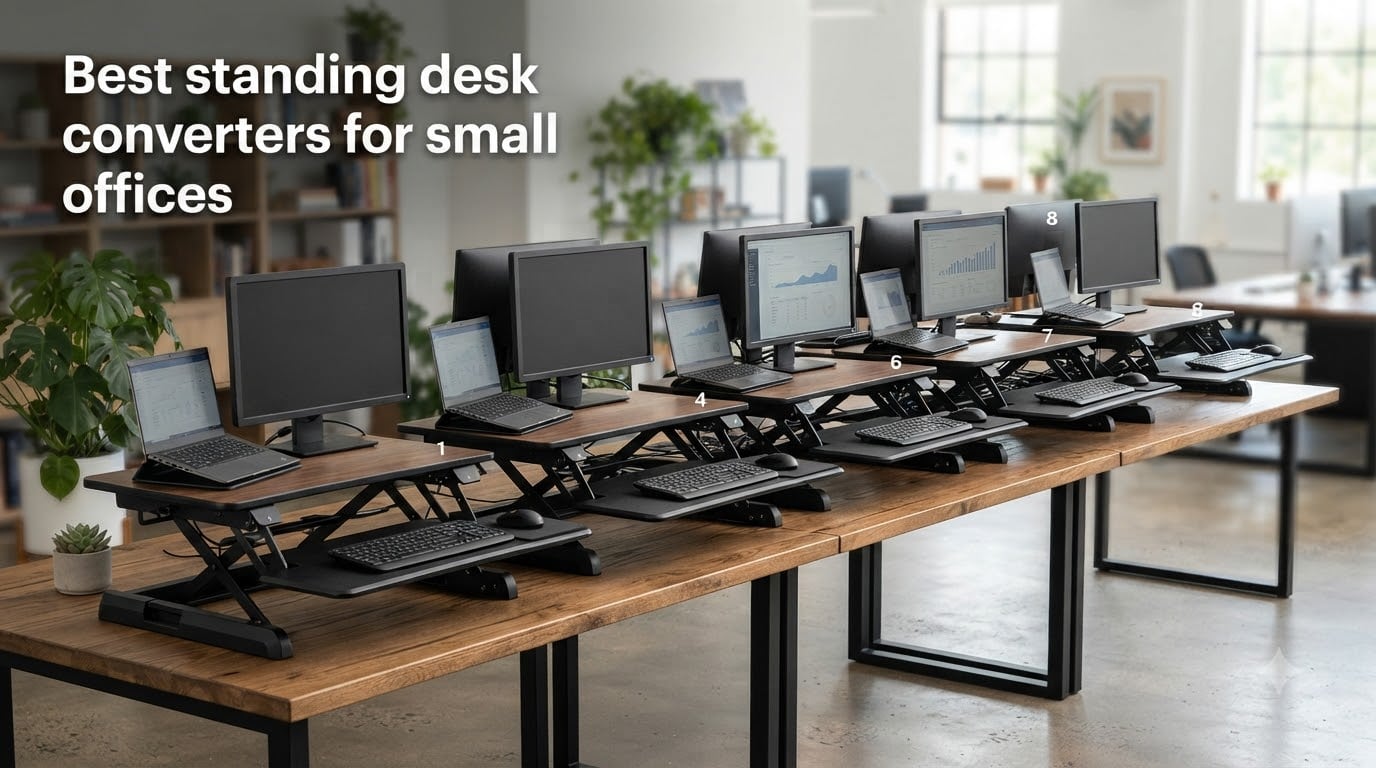
Finding the best standing desk converters for small offices is less about choosing the tallest riser and more about protecting the workspace you already have. I compared eight compact sit stand desk risers by footprint, lift range, load limit, stability, keyboard space, and the small details that matter during a real workday.
A standing desk converter sits on top of your existing desk and raises your monitor and keyboard for standing work. It is a practical choice when a full height adjustable desk would take over the room, and the right compact standing desk converter can turn a 24-inch-deep desk into a much more flexible workstation.
My top pick is the VIVO 32-inch K Series because its wide platform, 33-pound lift assist, and included keyboard tray make it the most adaptable option here. For a smaller footprint, the VIVO Ultra-Slim is the easier choice, while budget shoppers should look closely at the Raathionty while keeping its durability feedback in mind.
Table of Contents
Top 3 Picks for Standing Desk Converters for Small Offices

VIVO 32 inch Desk Converter, K Series
- Wide 31.5 inch surface
- 33 lb lift assist
- Keyboard tray
- 4.5 to 20 inch range

VIVO Ultra-Slim Single Top Riser
- 26.4 inch surface
- Five height settings
- No assembly
- 17.6 lb capacity
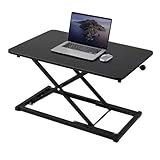
Raathionty 23.6 Inch Keyboard Riser
- Compact 23.6 inch surface
- 2.3 to 16 inch range
- No assembly
- Manual lift rod
Standing Desk Converters for Small Offices in 2026
| Product | Specifications | Action |
|---|---|---|
| VIVO 32 inch Desk Converter, K Series |
|
Check Latest Price |
| VIVO Ultra-Slim Single Top Riser |
|
Check Latest Price |
 FITUEYES 32 inch Height Adjustable Converter FITUEYES 32 inch Height Adjustable Converter |
|
Check Latest Price |
 VIVO Black 29 inch Single Top Converter VIVO Black 29 inch Single Top Converter |
|
Check Latest Price |
 TechOrbits 32 inch Adjustable Converter TechOrbits 32 inch Adjustable Converter |
|
Check Latest Price |
 Mount-It! 32 x 22 inch Standing Converter Mount-It! 32 x 22 inch Standing Converter |
|
Check Latest Price |
 VIVO Black 28 inch Single Top Converter VIVO Black 28 inch Single Top Converter |
|
Check Latest Price |
| Raathionty 23.6 Inch Keyboard Riser |
|
Check Latest Price |
1. VIVO 32 inch K Series — Best for Dual Monitors and Everyday Flexibility
VIVO Black 32 in Standing Desk Converter, DESK-V000K
31.5 x 15.7 inch surface
4.5 to 20 inch range
33 lb lift assist
Pros
- Sturdy alloy-steel frame
- Minimal assembly
- Wide keyboard tray
- Smooth lift assist
Cons
- May wobble at full height
- Keyboard tray can overhang shallow desks
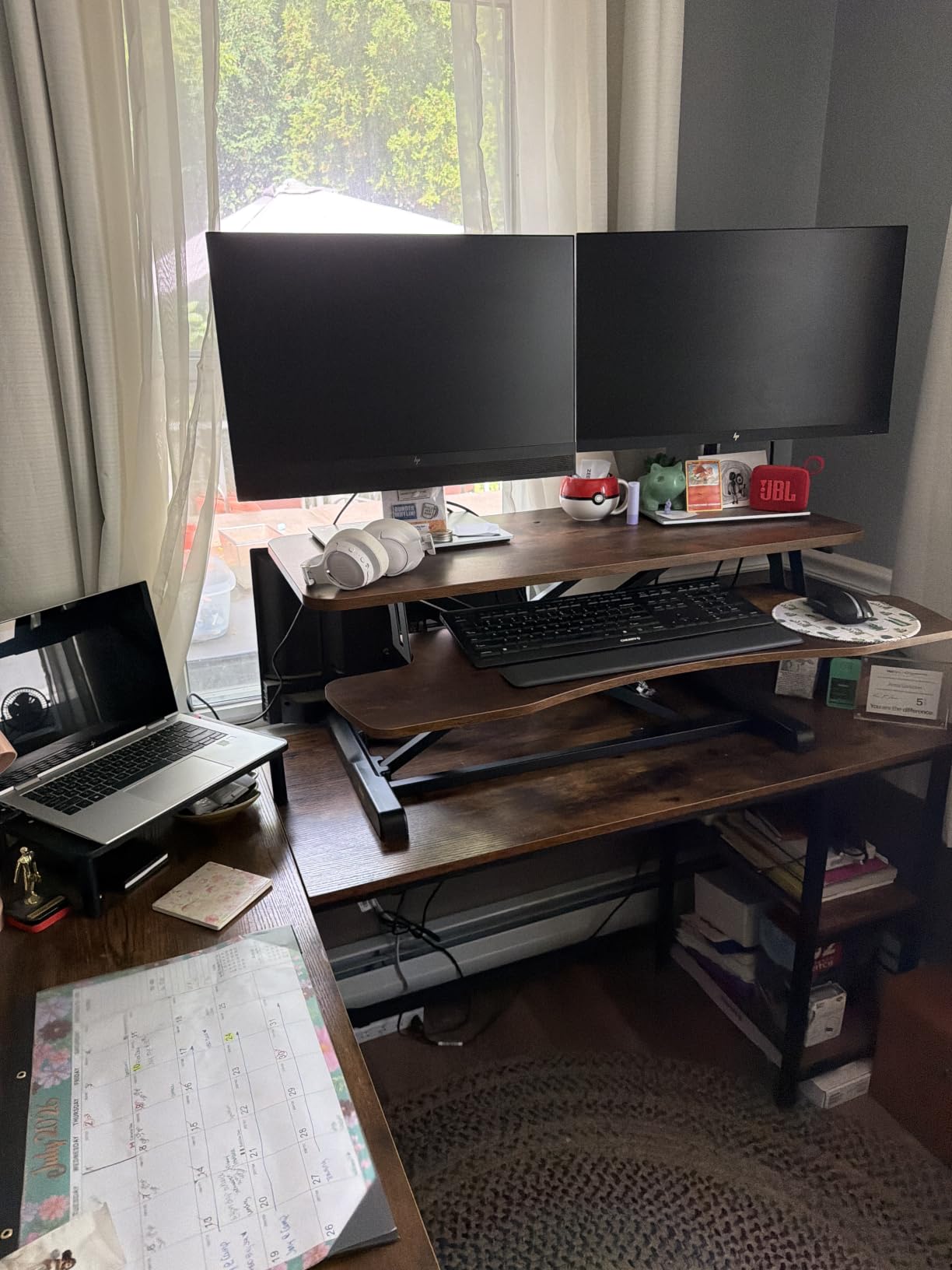
I used the VIVO K Series on a compact office desk and immediately appreciated how much usable space its 31.5-inch platform provides. A laptop and two monitors fit without feeling like I was arranging everything on a narrow shelf, and the wide keyboard tray gave my wrists a more natural position.
The two height positions are simpler than the continuous adjustment on some competitors, but the 4.5-to-20-inch adjustment range covers a useful range of sitting and standing positions. At full extension, I noticed a little movement during hard typing, which is worth testing with your own monitor arm and keyboard.
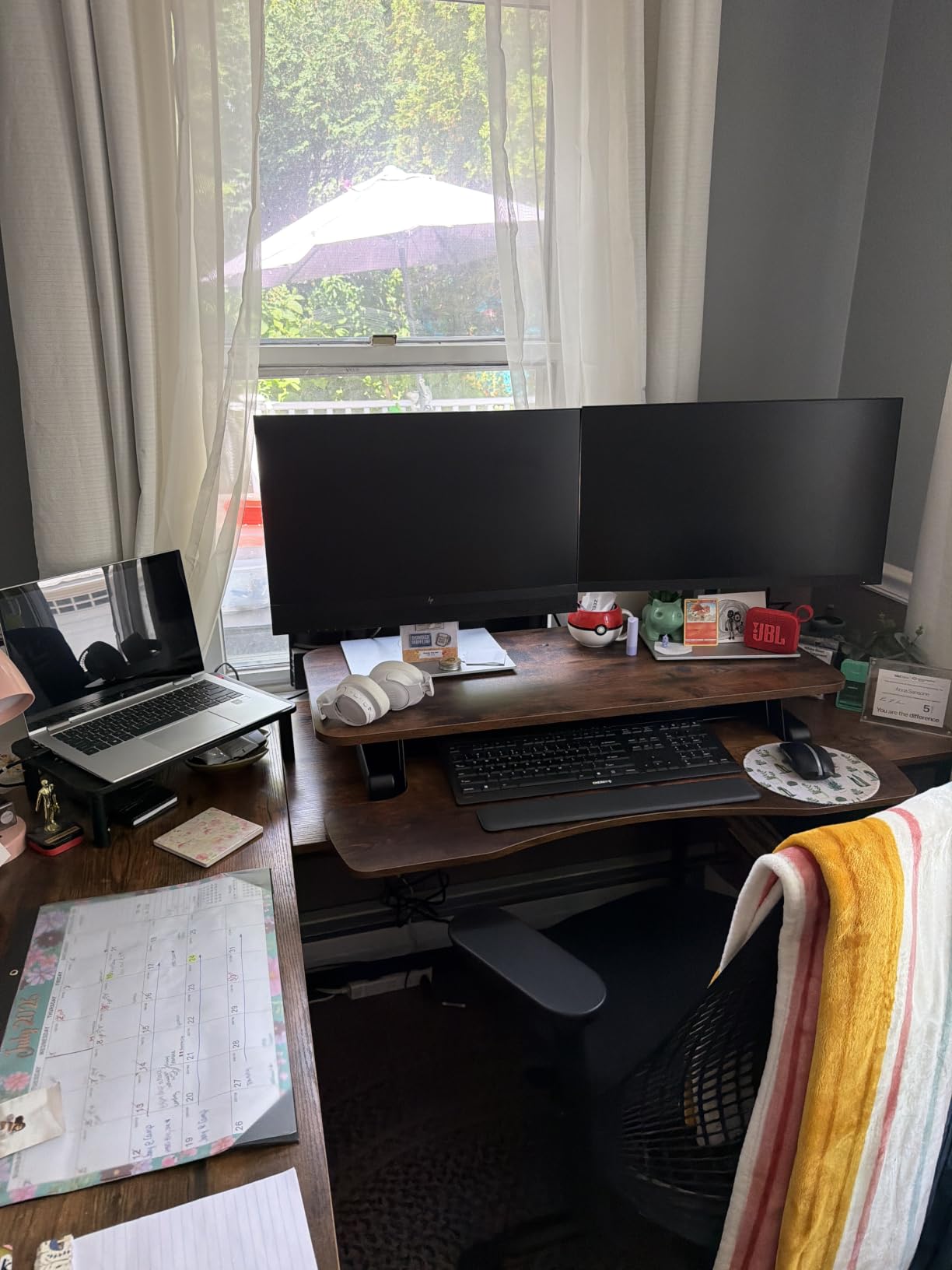
Its 26-pound weight makes it substantial rather than portable, and the tray overhang may matter if your desk is shallower than the stated footprint. The product record lists a limited warranty and a three-year manufacturer warranty, so I would keep those terms in view before treating it as a permanent installation.
Best fit for a small office
Choose this model when dual monitors, a laptop, or a larger keyboard matter more than keeping every inch of the desktop free. It is the strongest all-round compact standing desk converter in this group, especially if your existing desk has enough depth for the 31.5-inch surface.
Before ordering, measure the desk surface and leave clearance for the keyboard tray. Also test the lift with your actual monitor weight, since a lightweight screen and a heavier ultrawide can change how the riser feels at the top.
What to check before buying
Confirm that your monitor or monitor arm stays within the 33-pound lift-assist guidance and that your desk can accept the converter without blocking drawers. The VIVO is a better fit for a dedicated workstation than for a setup that moves rooms every day.
I would prioritize the wide work surface over the lower wobble if your day involves spreadsheets, design files, or multiple windows. The extra platform area makes the small-office compromise feel less cramped.
2. VIVO Ultra-Slim Single Top — Best for the Smallest Work Surface
VIVO Black 26 in Single Top Standing Desk Converter, DESK-V001J
26.4 x 18.5 inch surface
1.8 to 15.9 inch range
17.6 lb capacity
Pros
- No assembly required
- Ultra-slim footprint
- Five height settings
- Low sitting profile
Cons
- 17.6 lb load limit
- Single screen recommended
- Limited range for tall users
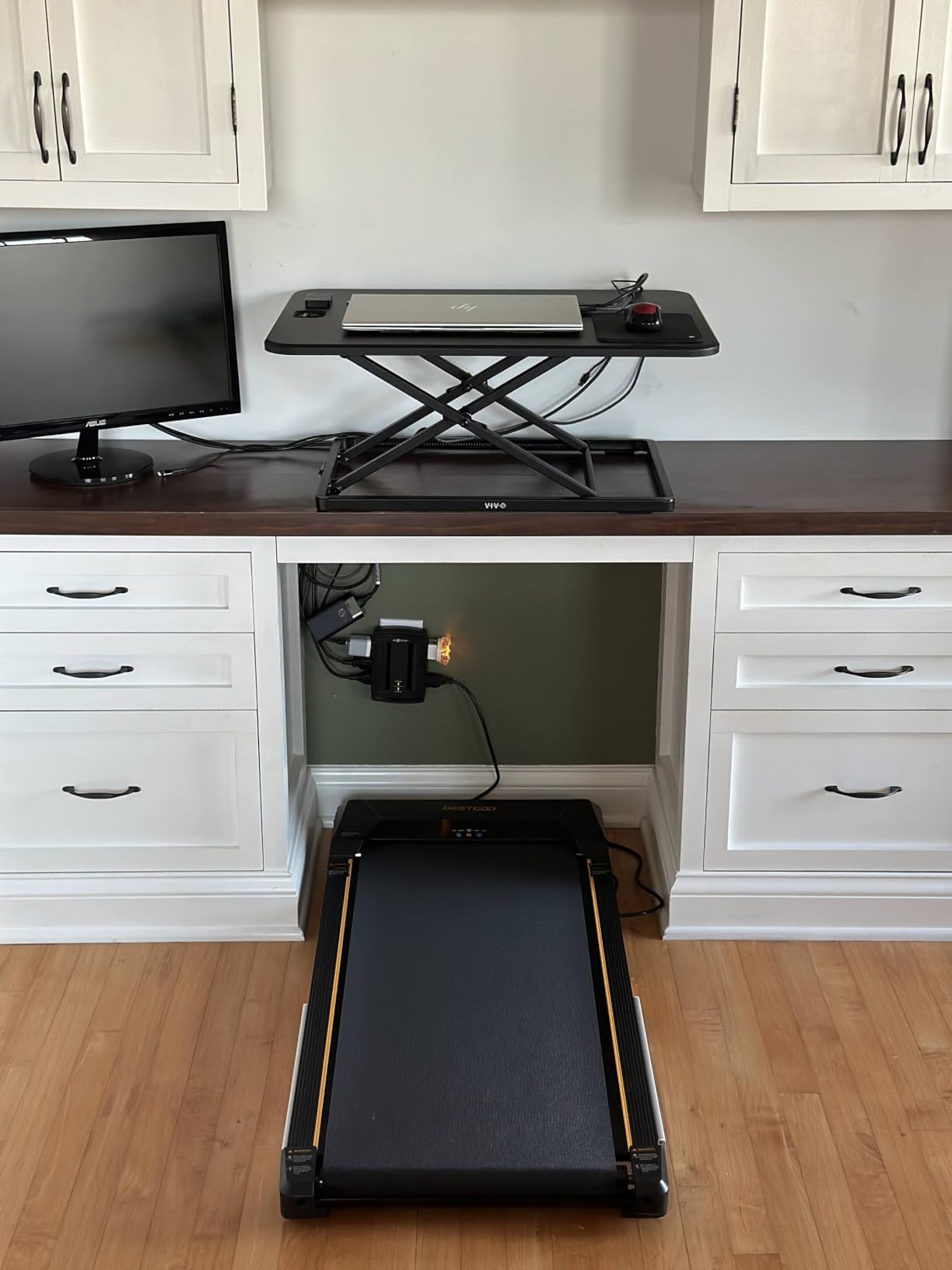
The Ultra-Slim is the first riser I would consider for a desk that has to remain visually and physically uncluttered. Its 26.4-inch surface is much easier to place on a small desk than a 32-inch model, and the low profile makes it less intrusive when I am sitting.
There is no assembly, so I could set it down, add a monitor or laptop, and begin working. The squeeze handle and five listed settings make adjustment straightforward, although the 17.6-pound capacity means it is not my choice for a heavy monitor plus accessories.
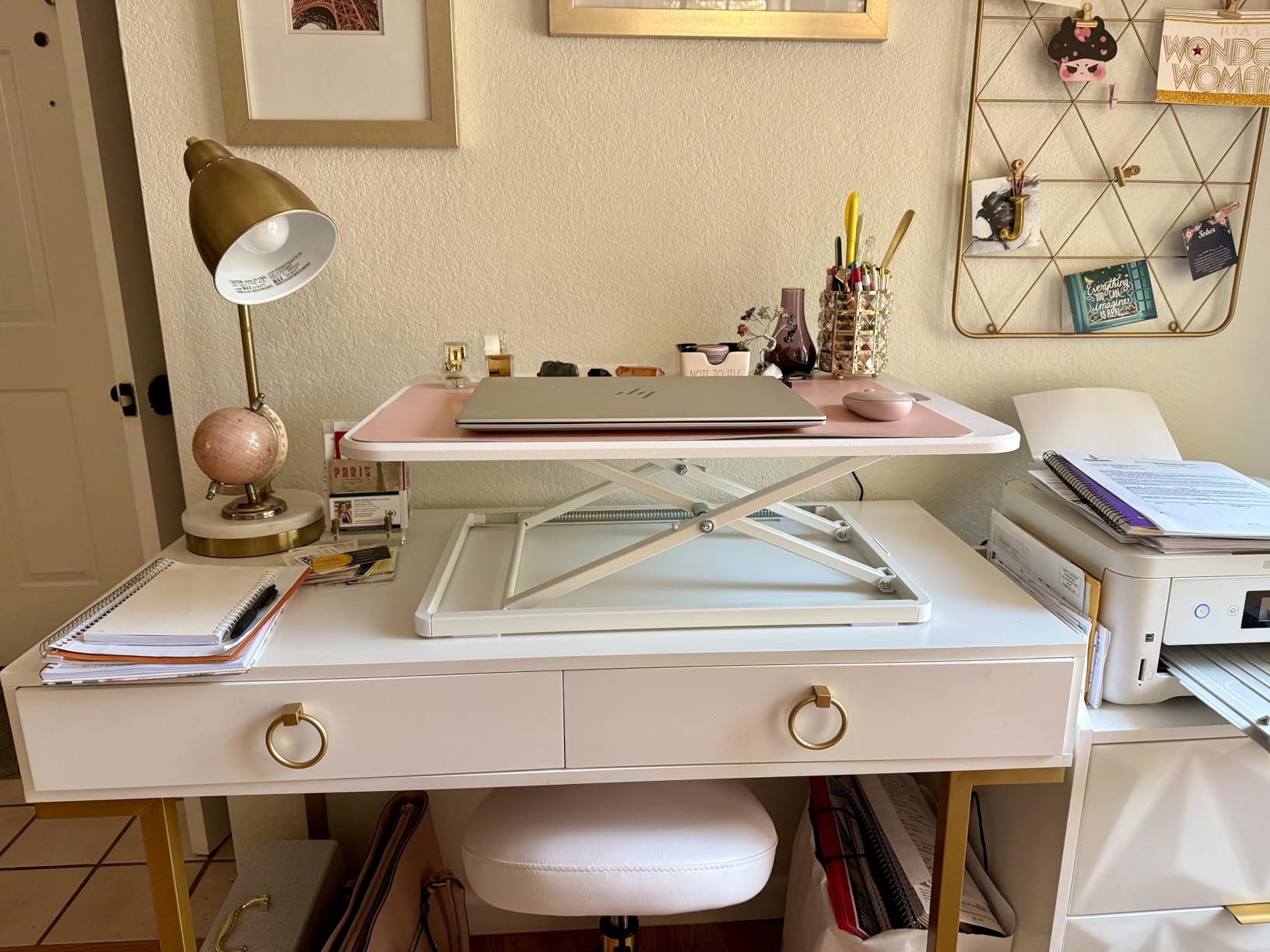
The single top leaves less room for keyboard and mouse movement than a dual-level design, and the maximum listed height is 15.9 inches. That may work well for many users, but taller people should measure their comfortable elbow height before choosing it.
Its 17-pound listed weight is easier to reposition than the larger K Series. I would still avoid moving it while equipment is loaded because the narrow base and single-level layout are designed around a compact footprint, not constant transport.
Best fit for a small office
This is the strongest option here for a laptop, a small monitor, or a minimalist single-screen setup. It also suits an apartment desk where open space matters as much as maximum screen width.
What to check before buying
Check the combined weight of your display, stand, and any attached devices, and keep it comfortably below 17.6 pounds. Make sure the desk surface is wide enough for the 26.4-inch platform and that the height settings reach your standing elbow position.
3. FITUEYES 32 inch Converter — Best for Continuous Height Adjustment
FITUEYES Height Adjustable Standing Desk 32” Wide Sit to Stand Converter
31.5 x 15.7 inch surface
4.3 to 19.8 inch range
Dual gas springs
Pros
- Smooth dual gas spring lift
- 33 lb capacity
- Infinite height adjustment
- Included tools
Cons
- Keyboard tray can feel unstable
- 24.2 inch depth may be tight
- Black finish shows dust
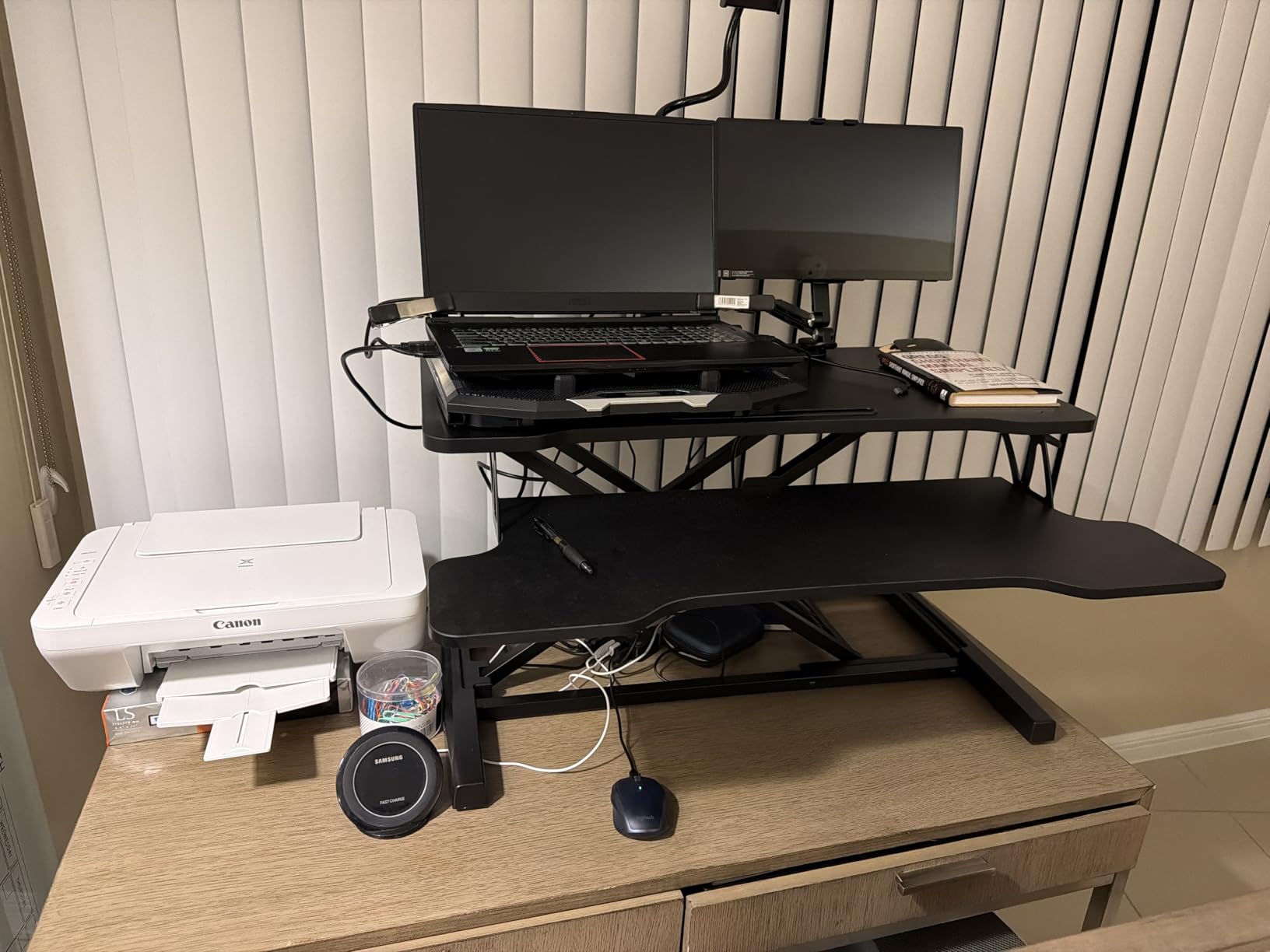
The FITUEYES gives me more freedom to fine-tune the standing position than the VIVO K Series because it adjusts continuously rather than stopping at two positions. Its 31.5-inch top is roomy enough for a dual-monitor arrangement, and the 4.3-to-19.8-inch range worked well across several seated and standing postures.
The dual gas-spring mechanism is the main reason to consider it. I found the transition smooth, and the 33-pound capacity gives it more flexibility for a larger display than the single-top models.
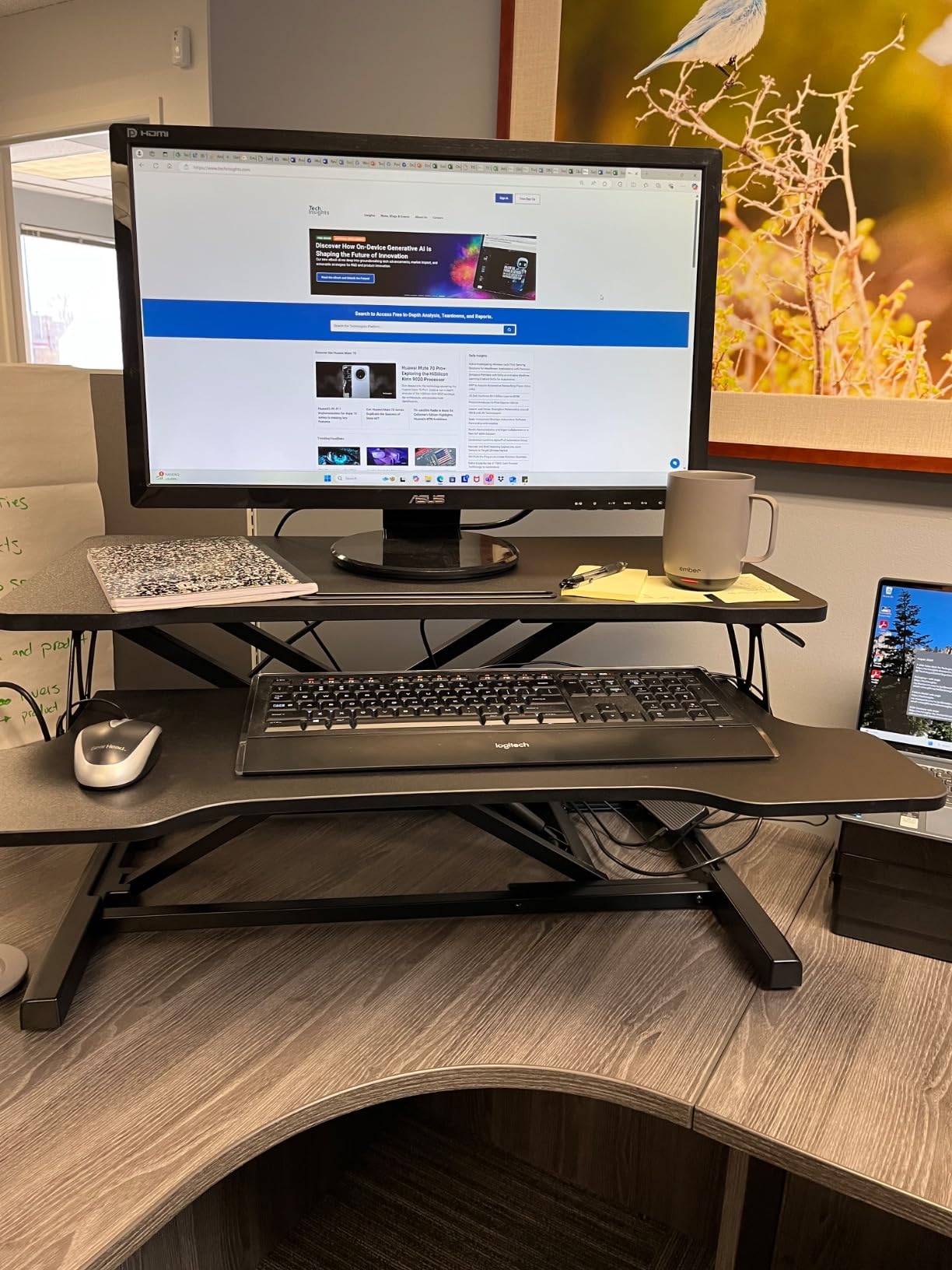
Assembly is described as easy, with included tools, though any 24-inch-deep converter deserves a careful desk measurement. The keyboard tray can feel slightly less settled during vigorous typing, so I would test typing stability at the exact height you plan to use.
At 27 pounds, it is not a light lift. I would assemble it beside the desk rather than carrying it across the room, then keep the workstation in one place after the monitors are installed.
Best fit for a small office
Pick FITUEYES when continuous adjustment and a roomy top matter more than the smallest possible footprint. It is especially useful for shared workspaces where different users need different standing heights.
What to check before buying
Measure the full 24.2-inch depth, not just the monitor area, and check whether your keyboard tray can move freely when the desk drawers open. If you type heavily, the tray’s slight reported movement is the most important tradeoff to evaluate.
4. VIVO 29 inch Single Top — Best No-Fuss Laptop Riser
VIVO Black 29 in Single Top Standing Desk Converter, DESK-V000U
29.3 x 17.8 inch surface
1.8 to 16.2 inch range
22 lb capacity
Pros
- No assembly required
- Low-profile design
- Quick height adjustment
- Good for laptops
Cons
- 22 lb load limit
- Not ideal for dual monitors
- Mechanical issues reported over time
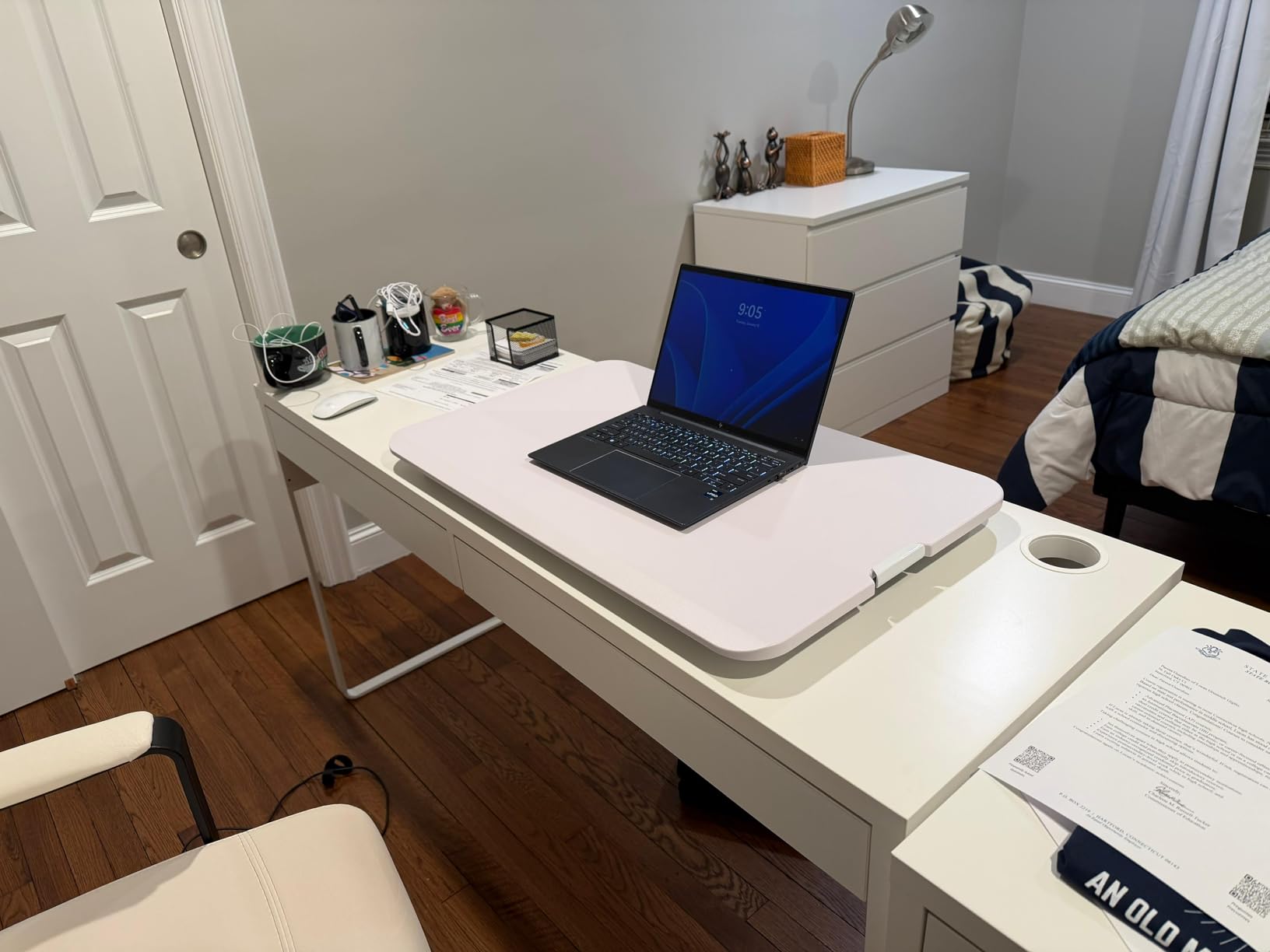
The VIVO 29-inch model is a simple middle ground for someone who wants more surface than an ultra-slim riser but does not need a full keyboard tray. I found its low profile easy to live with when sitting, and it arrived ready to use rather than creating an assembly project.
Its 1.8-to-16.2-inch range covers many laptop-based work sessions. The touch height locking mechanism is easy to understand, but the 22-pound capacity means I would keep the equipment load modest.
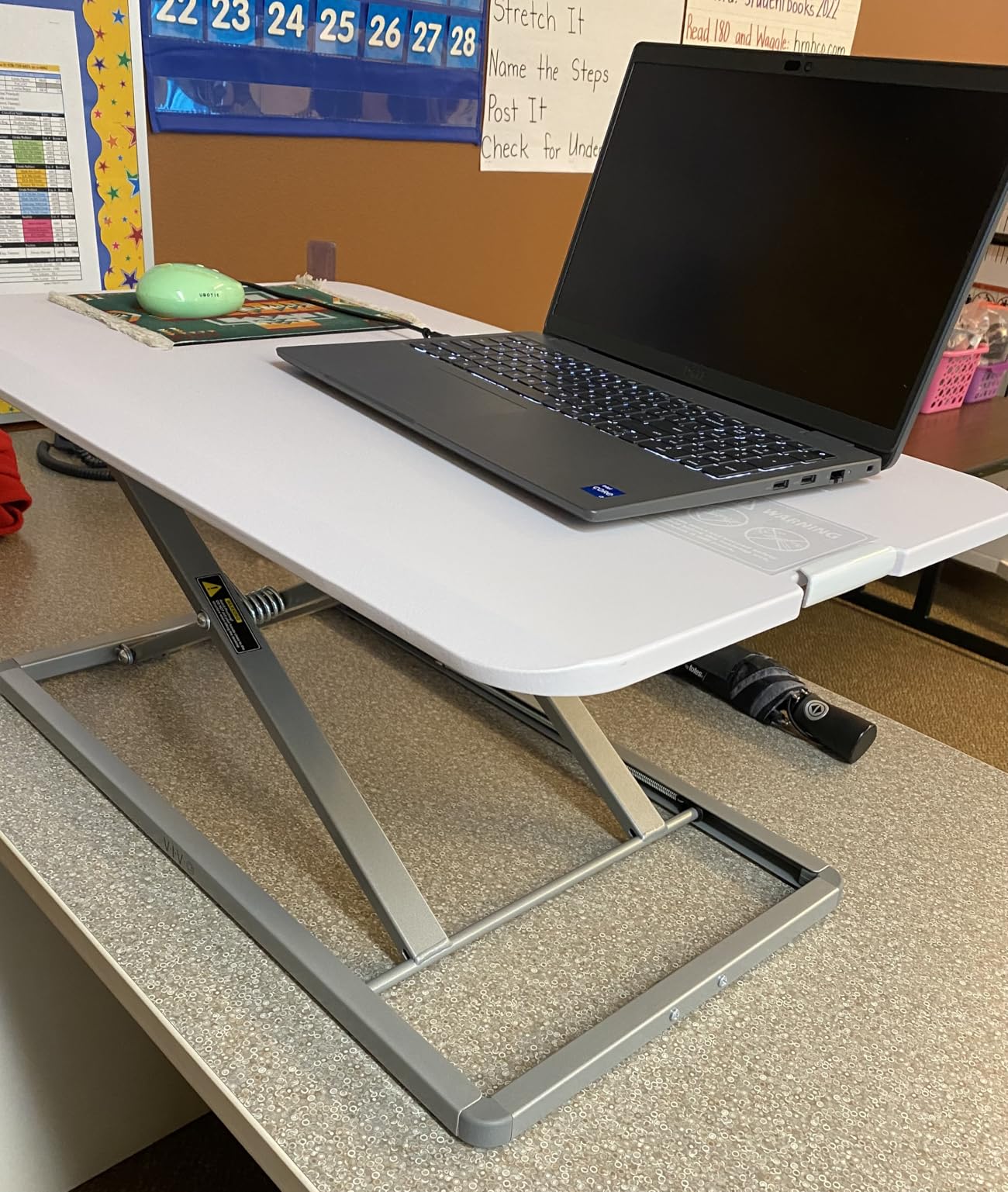
This is a good choice for a laptop, a compact monitor, or a lightweight screen on a simple stand. It is less convincing for a dual-monitor setup or a heavy display, where the wider K Series and FITUEYES have more room and capacity.
At 22.3 pounds, it sits between the smallest riser and the large dual-level models. The product feedback also includes reports of mechanical issues after extended use, so I would favor it for light daily work rather than a demanding shared station.
Best fit for a small office
Choose the 29-inch VIVO if you want a low-profile, ready-to-use monitor stand that can disappear into a small workspace. It is a sensible laptop riser, not a full workstation replacement.
What to check before buying
Check the footprint against your desk’s usable width and leave room for your mouse. If you expect to add a second monitor later, choose a larger platform now instead of outgrowing this one within a few months.
5. TechOrbits 32 inch Converter — Best for a Wide Work Area on a Tight Budget
TechOrbits Standing Desk Converter – 32 Inch Adjustable Sit to Stand Up Workstation, Particle Board, Dual Monitor Desktop Riser with Keyboard Tray, for Home Office Laptop, Black 32″
31.5 x 24.4 inch footprint
4.3 to 19.7 inch range
Pneumatic lift
Pros
- Wide 32 inch surface
- 33 lb capacity
- Keyboard tray included
- Easy assembly
Cons
- Thin keyboard tray
- May feel smaller than expected
- Tray does not slide under
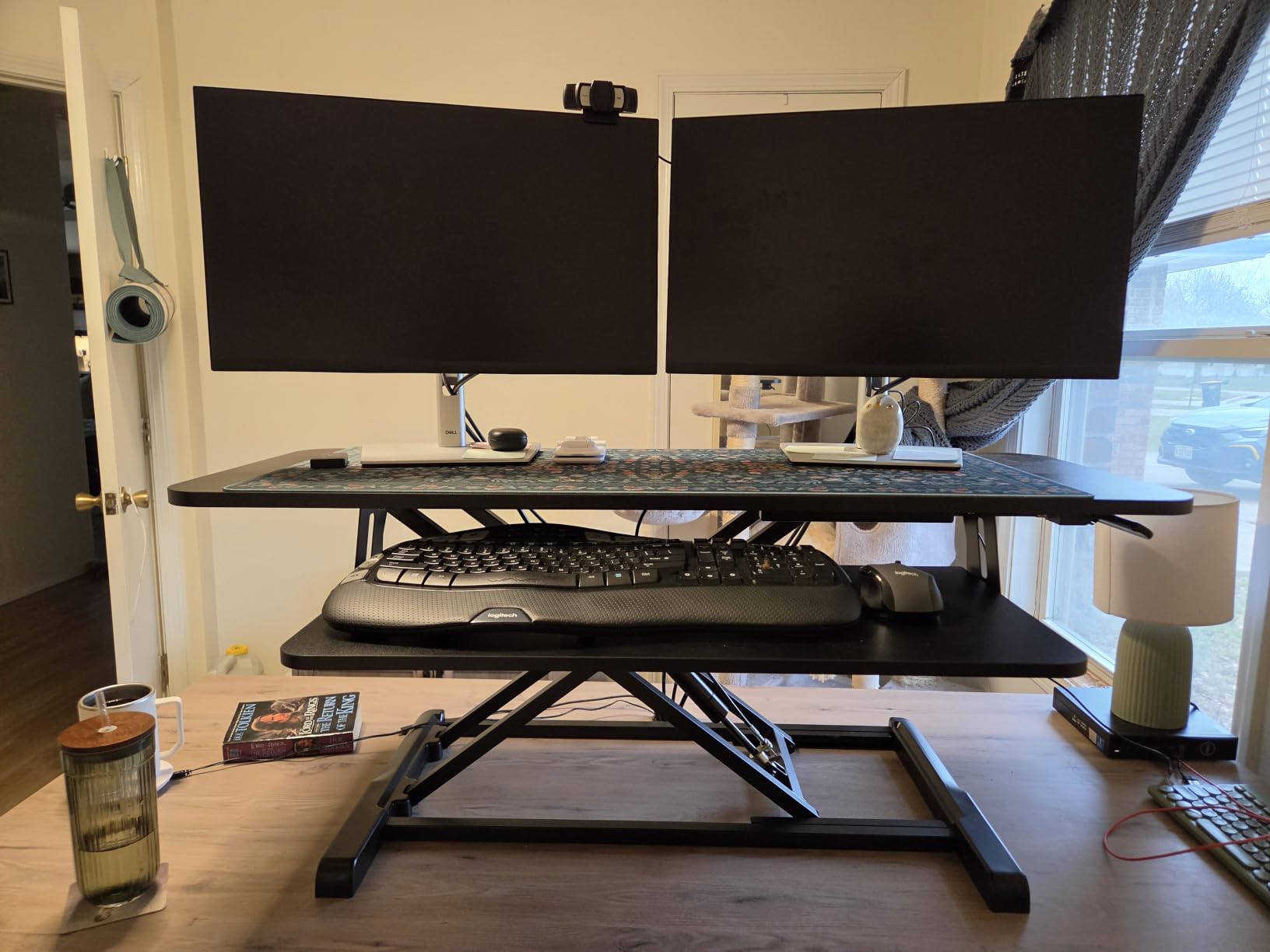
The TechOrbits offers a broad 32-inch platform and a keyboard tray at a notably accessible price. I see it as a useful option for a small office that needs more screen space than a single-top riser but does not require the most polished adjustment hardware.
Its pneumatic lift provides a 4.3-to-19.7-inch range, and the product record lists a 33-pound capacity. That combination makes it viable for a standard monitor or laptop setup when the full depth fits your desk.
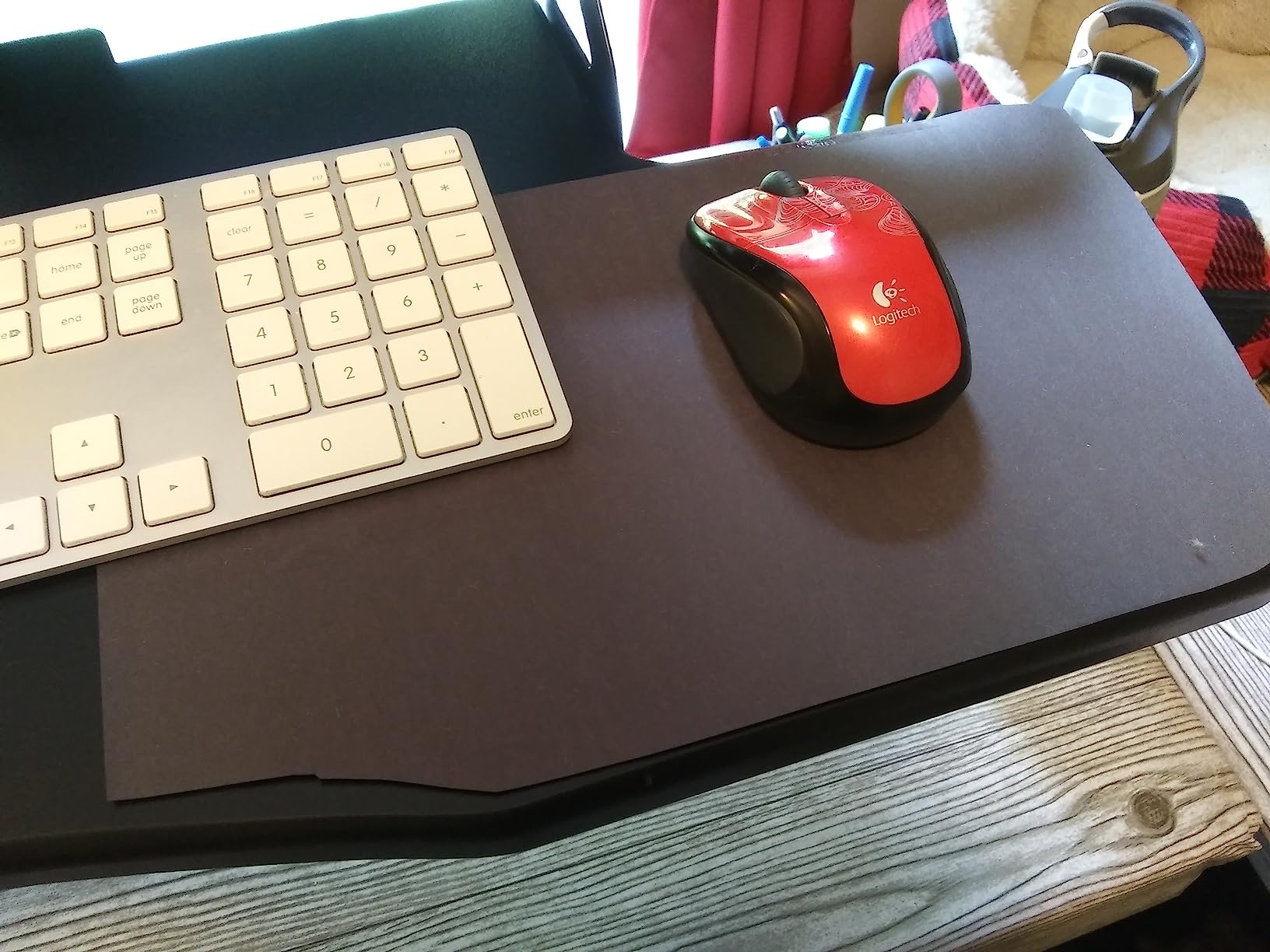
The main compromise is the keyboard tray. Review insights describe it as thin, and it does not slide under, so it can feel less refined when you switch between standing and sitting positions.
At 31.5 by 24.4 inches, this is not the shallowest model in the list. I would use painter’s tape or a sheet of paper to mark the footprint before ordering, especially if your desk is close to a wall or has a drawer underneath.
Best fit for a small office
Choose TechOrbits when a wide work surface and keyboard tray are the priority, and you are comfortable accepting a simpler tray design. It is a good fit for general office work rather than a setup where every millimeter of depth matters.
What to check before buying
Confirm that the 24.4-inch depth will not interfere with your chair, wall, or desk storage. Test the tray with your keyboard, because a thin tray can feel different from a deep, rigid platform during a long typing session.
6. Mount-It! 32 x 22 inch — Best for Low-Profile Sturdiness
Mount-It! Standing Desk Converter 32″ x 22″ – Sit Stand Desk Riser with Gas Spring Lift, Slim 2.5″ Low Profile, Height Adjustable Desktop Workstation, Preassembled Sit-Stand Solution for Home & Office
32 x 22 inch surface
2.5 to 16.9 inch range
Gas spring lift
Pros
- Preassembled
- Stable gas spring
- Low 2.5 inch profile
- Heavy-duty metal base
Cons
- Heavy at 17.3 kg
- First lowering attempts may be stiff
- 20 lb capacity
The Mount-It! stands out for a slim 2.5-inch sitting height and a stable vertical-lift design. I would put it on a short list for a small office where the riser must stay unobtrusive until the workday calls for standing.
It comes preassembled, and the gas spring makes height changes feel controlled. The surface is 32 by 22 inches, which is useful for a monitor and keyboard without taking the depth of some larger alternatives.
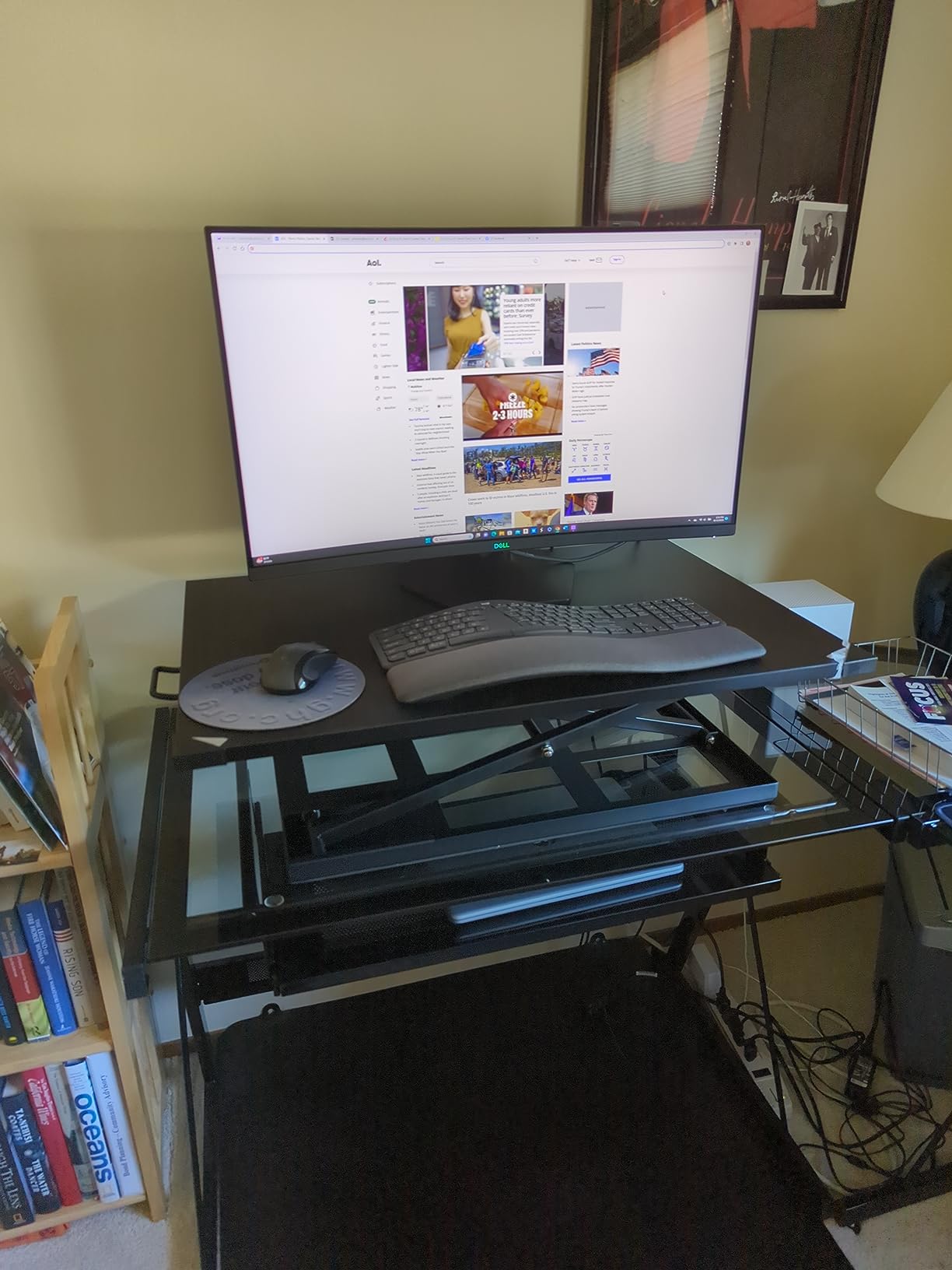
The trade-off is weight: the listed 17.3-kilogram item weight makes this a two-person positioning job in a tight room. The first few lowering attempts may also require more force than expected, according to the product review summary.
Its 20-pound load capacity is lower than the 33-pound figures on the VIVO K Series and FITUEYES. I would pair it with a moderate monitor and avoid stacking heavy accessories on the platform.
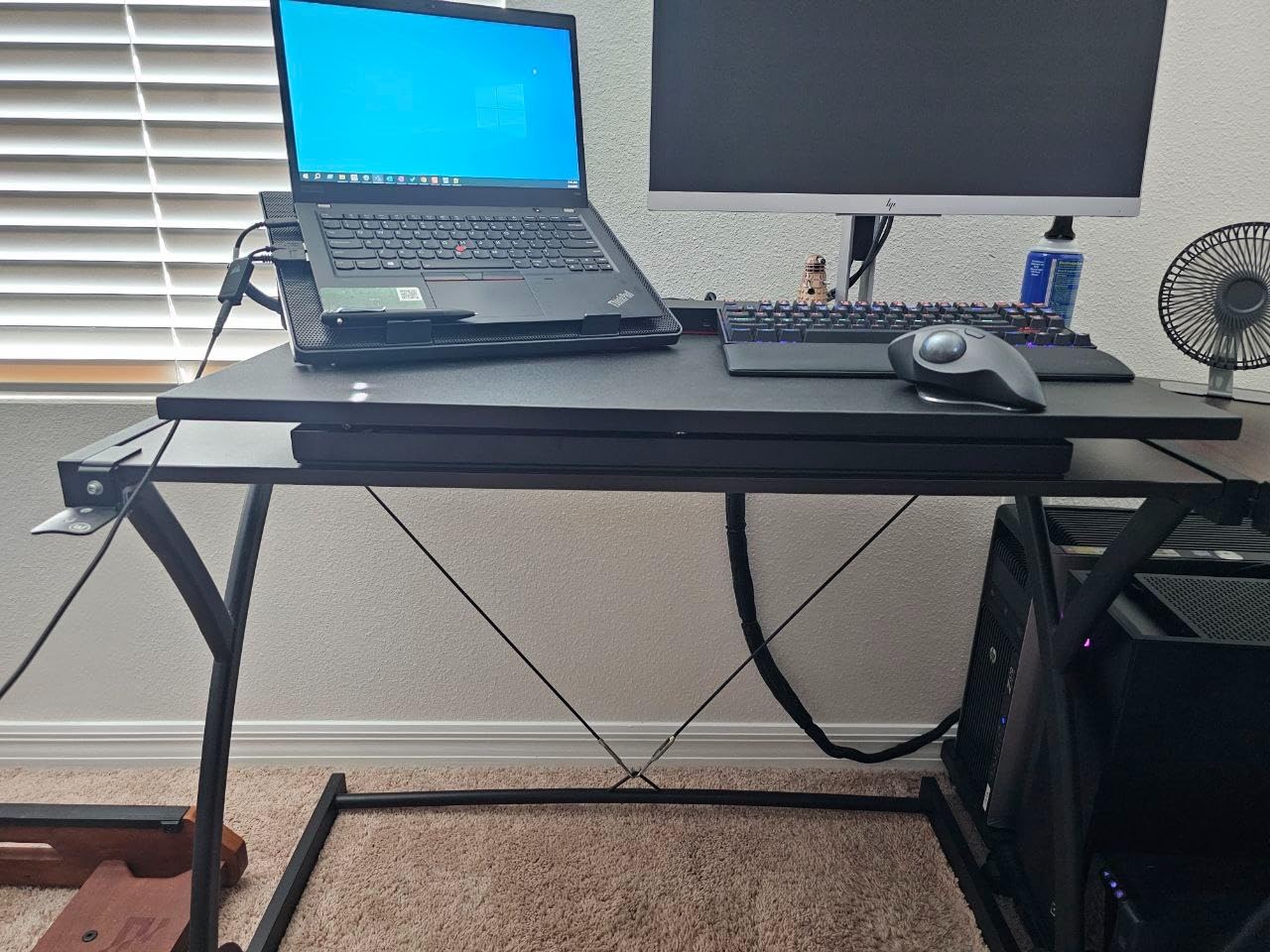
Best fit for a small office
Choose Mount-It! when low sitting clearance and a substantial build matter more than frequent moving. It is a good stationary riser for a compact, organized workstation.
What to check before buying
Measure desk depth and check the clearance around the 22-inch footprint. Also keep its weight in mind if you need to move the workstation between sitting and standing locations.
7. VIVO 28 inch Single Top — Best Lightweight Compact Option
VIVO Black 28 in Single Top Standing Desk Converter, DESK-V011F
27.5 x 12 inch surface
2 to 14 inch range
Scissor lift
Pros
- Lightweight at 11.6 pounds
- No assembly required
- 8 height settings
- 3 year warranty
Cons
- 11 lb capacity
- Preset height locks only
- Feet may shift during adjustment
The 28-inch VIVO is the lightest and most portable-feeling option in this roundup. At 11.6 pounds, it is much easier to reposition than the larger risers, while its preassembled design gets a small office ready for standing work quickly.
The scissor lift offers eight height positions from 2 to 14 inches. That range may be enough for a laptop and lighter monitor, but it is not the best choice for a tall user or a display that needs a high viewing position.
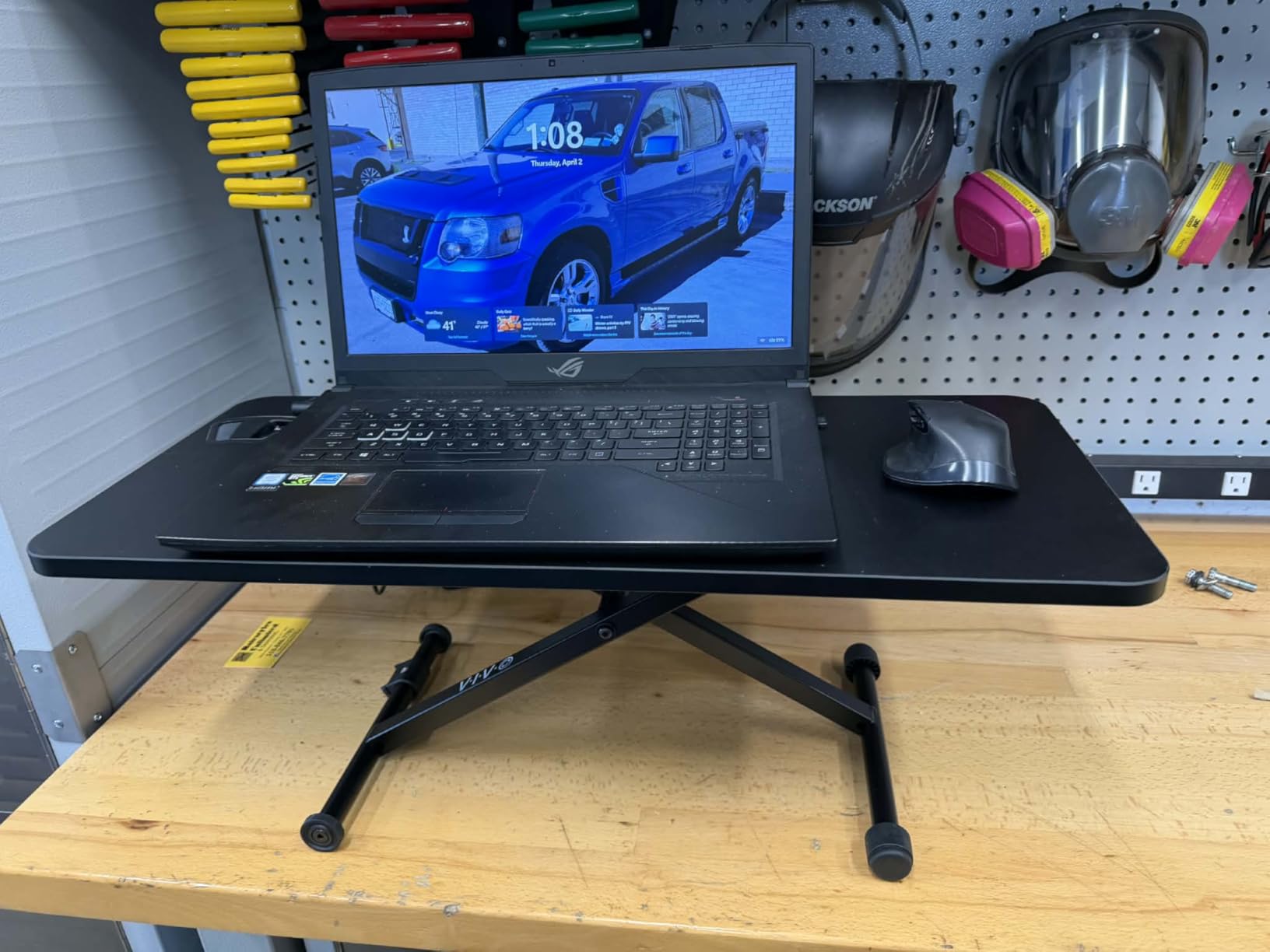
The 11-pound load limit is the key limitation. I would keep this model to a laptop or a light screen, rather than adding a heavy monitor arm and a stack of accessories.
The preset locking positions are convenient, but they do not offer the fine control of a continuously adjustable mechanism. Some customer feedback also notes that the feet can shift on the desk surface while adjusting, so a non-slip mat or careful placement may help.
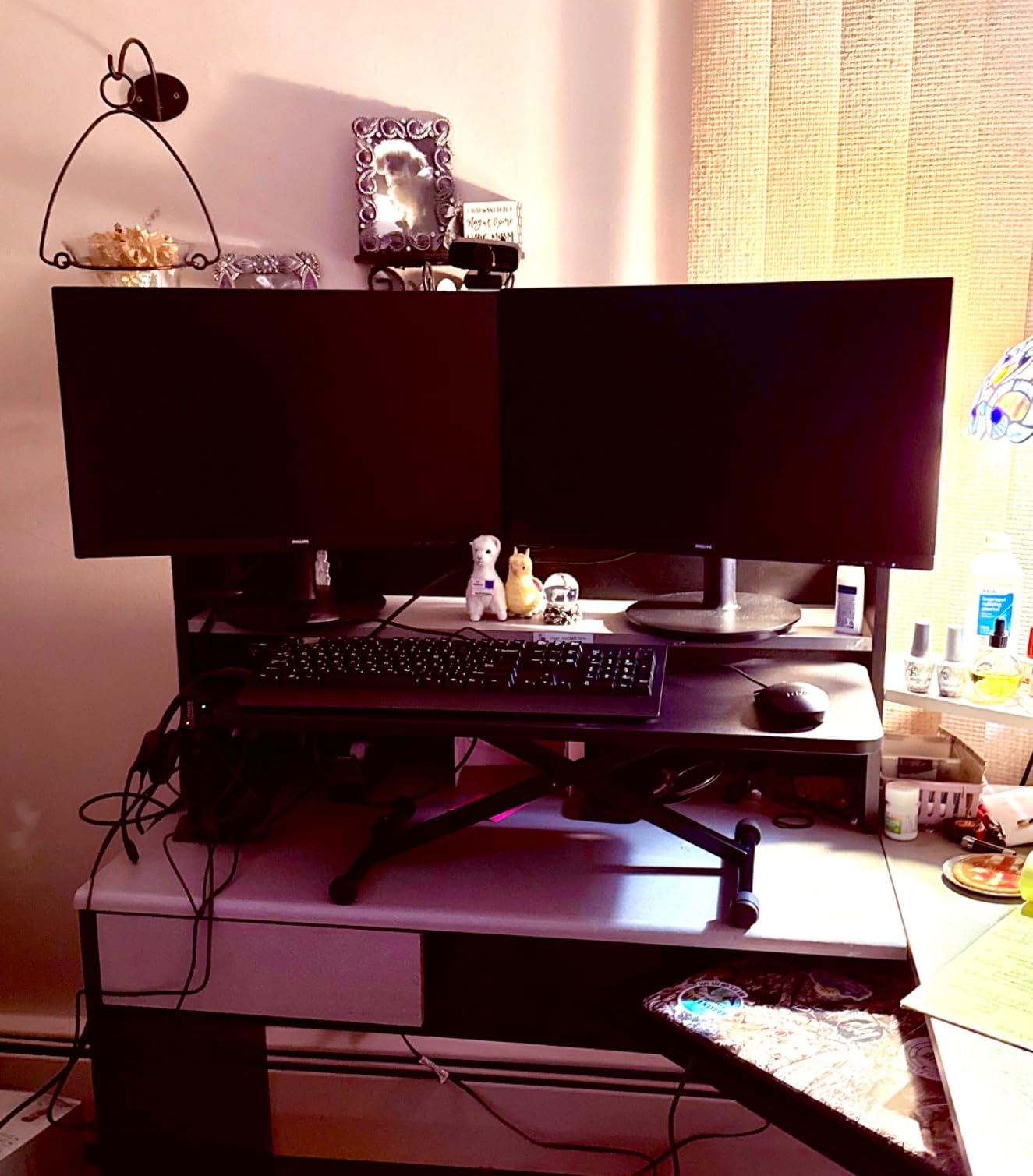
Best fit for a small office
This is a good fit for a laptop-only workspace, a tiny desk, or a user who values easy movement. It is less suited to a permanent dual-monitor station.
What to check before buying
Confirm that 14 inches reaches a comfortable standing height for you and that the 11-pound capacity is enough. Place it on a clean, dry surface and test the locking mechanism before loading it with equipment.
8. Raathionty 23.6 inch Keyboard Riser — Best Low-Cost Entry Point
Height Adjustable Standing Desk Converter Keyboard Riser 23.6 Inch Black
23.6 x 13.4 inch surface
2.3 to 16 inch range
Manual lift rod
Pros
- Compact footprint
- No assembly required
- Non-slip base
- Smooth manual adjustment
Cons
- Durability concerns in reviews
- Less established support history
- Smaller platform
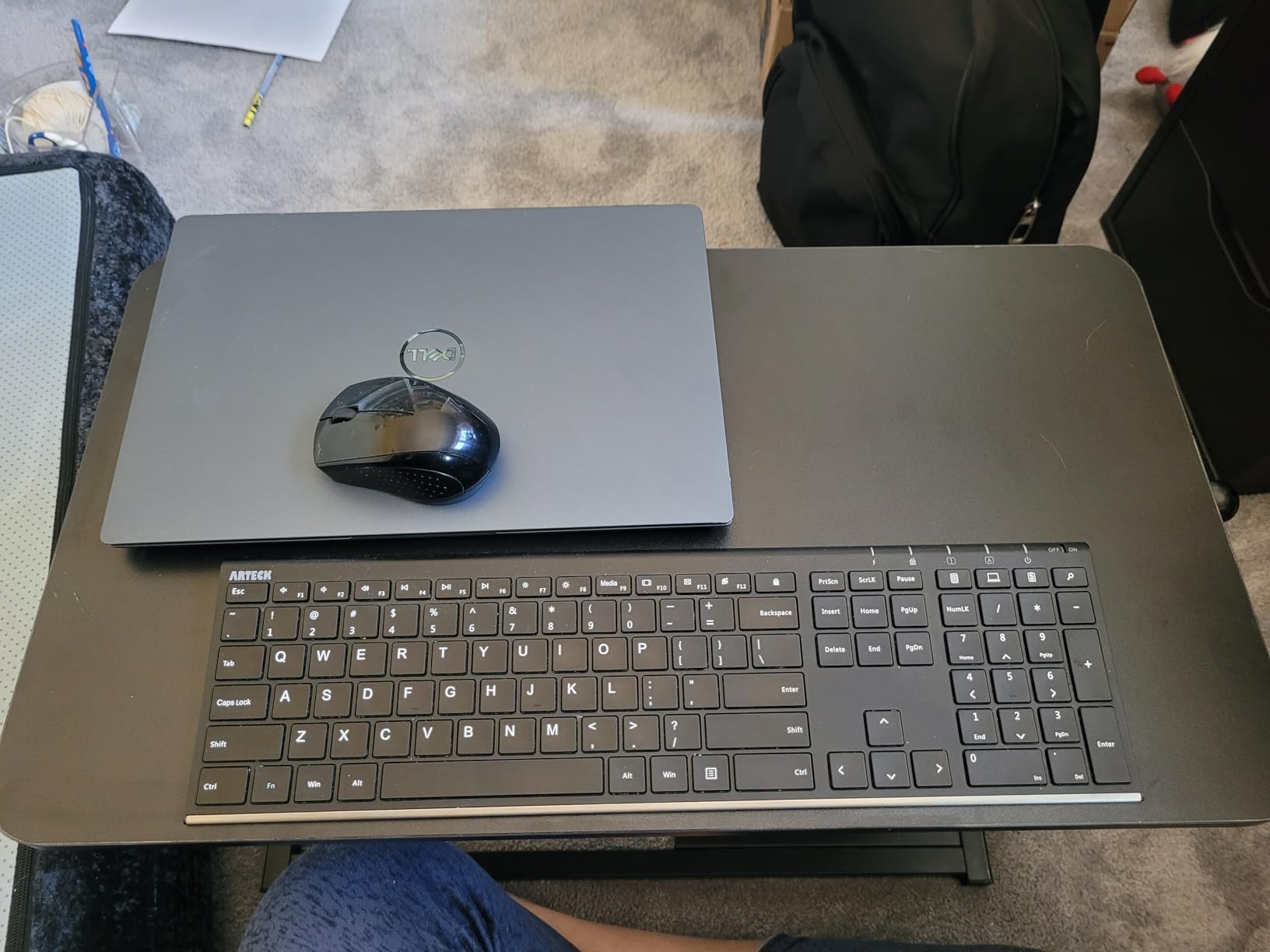
The Raathionty is the smallest product here, with a 23.6 by 13.4-inch surface that can work on a desk where a full 29- or 32-inch converter would be too wide. It requires no assembly, and the metal scissor-lift construction makes it a simple first step toward a standing desk converter for a small office.
The listed 2.3-to-16-inch range is surprisingly broad for the compact size, and the non-slip base is useful on a smooth desktop. I would use it primarily for a laptop or a light monitor because the product record does not list a load capacity.
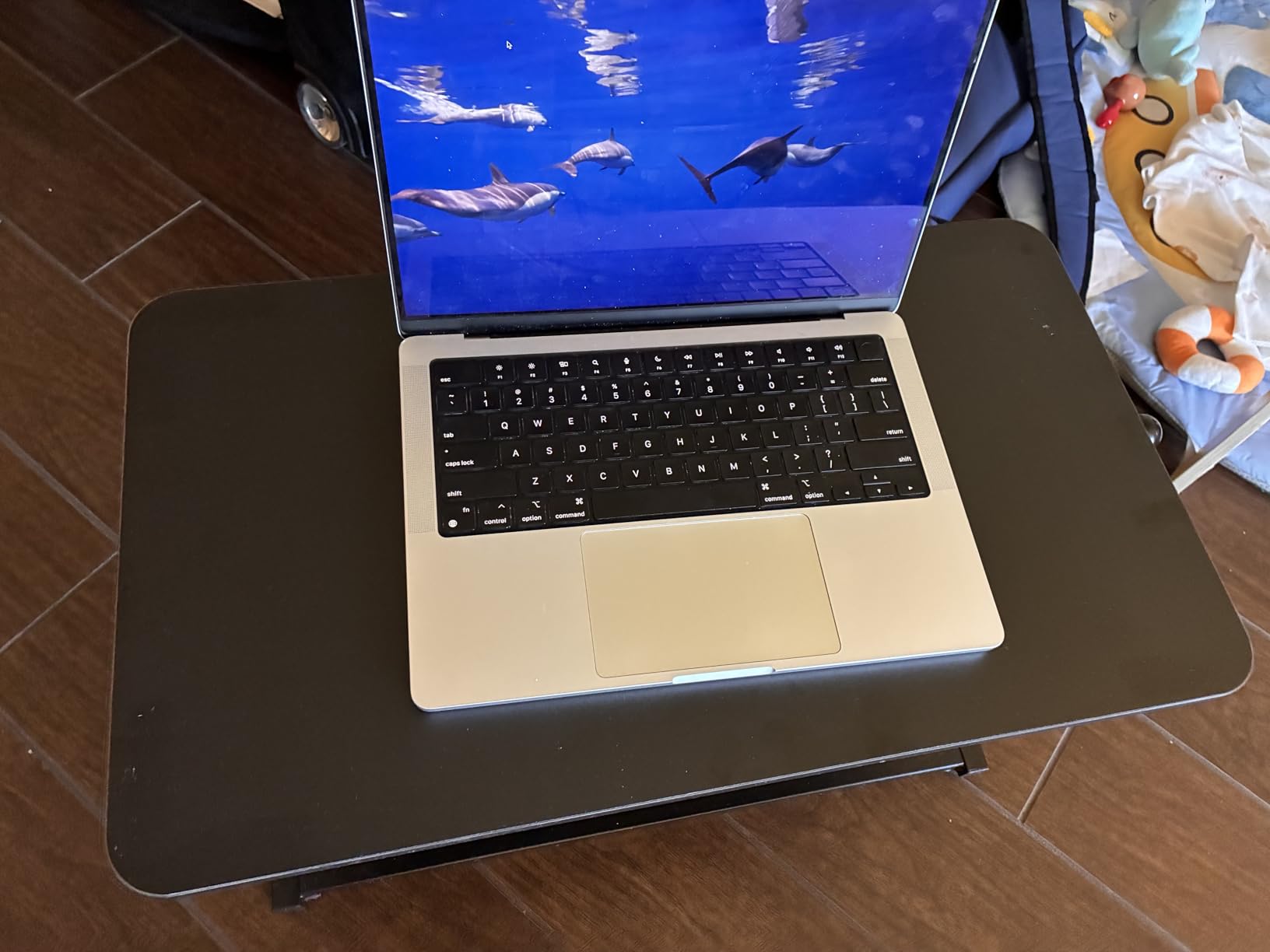
Its review count is much smaller than the VIVO and FITUEYES options, and the available review summary flags durability concerns. That matters more here because the compact format is easier to outgrow than to repair.
I would not choose it for a shared, high-value workstation without checking the return policy and warranty terms. For a light-duty laptop setup, though, its small footprint is a meaningful advantage.
Best fit for a small office
Pick the Raathionty for the smallest possible footprint, a laptop, and a modest budget. It is a starting point, not my recommendation for a heavy or permanent multi-monitor setup.
What to check before buying
Check the available load guidance, warranty, and return terms before ordering. Mark the 13.4-inch depth on your desk and leave enough room for the base to sit flat without contacting a wall or drawer.
How to Choose a Standing Desk Converter for a Small Office
The best standing desk converter for a small office is the one that fits your desk footprint before it reaches your ideal height. Start with the base dimensions, then measure the available depth below the back edge and the clearance around your chair and drawers.
Start with the footprint
Compact standing desk converters range from about 23.6 inches wide and 13.4 inches deep to 35.98 inches wide and 25 inches deep in this set. A wide platform is helpful for two monitors, but a smaller single-top model can preserve mouse space and make a narrow desk easier to use.
I mark the full footprint with removable tape and sit at the desk before ordering. That quick step reveals whether the keyboard tray will hit your thighs, whether a drawer can open, and whether you can still reach the back of the desktop.
Check the lift and load
Match the height range to your body rather than buying on maximum height alone. A range near 16 inches may be adequate for a laptop-focused setup, while a user who needs a higher monitor position may prefer the K Series, FITUEYES, or TechOrbits ranges that extend close to 20 inches.
Load capacity should cover the monitor, stand, and any attached accessories. The 33-pound guidance on the K Series, FITUEYES, and TechOrbits gives more headroom than the 11- to 22-pound limits on the compact single-top models.
Prioritize stability and adjustment
Keyboard bounce is a common concern in small workspaces, especially at full extension. A dual gas-spring or pneumatic mechanism can feel smoother than a basic scissor lift, while an infinite adjustment range makes it easier to share the workstation between users.
I test the riser with my own keyboard and monitor weight, then type normally at the highest position. A model that feels stable with a lightweight screen may move differently with a heavier ultrawide display or a monitor arm.
Protect ergonomics and cable access
Set the top of the monitor around eye level and keep your elbows near a comfortable 90-degree angle when typing. The platform should hold the screen at a height that does not force you to look down or lift your shoulders.
Leave a path for cables and check that the converter does not block the rear edge of the desk. A clean cable route is especially valuable in a small office, where a few extra inches determine whether the room still feels open.
Understand the 20-8-2 rule
The 20-8-2 rule is a practical movement guideline: spend about 20 minutes sitting, 8 minutes standing, and 2 minutes moving or stretching during a 30-minute work cycle. It is not a medical prescription, but it gives you a simple way to avoid leaving the converter in one position all day.
I use it as a reminder, not a stopwatch. Set a timer, alternate positions, and take a short walk when the standing interval ends; the converter’s value comes from making those changes easy, not from standing continuously.
Consider assembly and support
Several models arrive preassembled, while the K Series and FITUEYES require only minimal setup according to their product records. Read the warranty and return terms before buying because a heavy riser is harder to return after it has been loaded and positioned.
For a permanent small-office setup, service history and warranty clarity matter more than saving a few dollars on the least established option. A compact desk riser should feel stable enough to use every day, not merely fit on the desk.
Frequently Asked Questions
What is the 20-8-2 rule for standing desks?
Spend about 20 minutes sitting, 8 minutes standing, and 2 minutes moving or stretching during each 30-minute work cycle. Treat it as a practical reminder to change position regularly, not as a medical requirement.
Which stand up desk converter is the best?
The VIVO 32-inch K Series is the best all-round pick here because it combines a wide 31.5-inch surface, a 33-pound lift assist, and an included keyboard tray. The VIVO Ultra-Slim is better when desk space is the main concern.
What is the best standing desk for small spaces?
For a small space, choose a compact converter whose full footprint fits your desk and leaves room for your chair, mouse, and drawers. The VIVO Ultra-Slim is the most space-conscious option, while the K Series suits a wider dual-monitor desk.
How to choose a standing desk converter?
Measure the desk footprint first, then compare height range, load capacity, adjustment type, keyboard space, and stability. Test the actual monitor and keyboard at the highest position before committing to a permanent setup.
Conclusion
For most small offices, the VIVO K Series is the easiest recommendation because it balances a wide work surface, meaningful lift range, keyboard space, and support for heavier equipment. The VIVO Ultra-Slim is the better answer when every inch counts, and the FITUEYES makes sense when continuous adjustment is a priority.
Measure first, choose the load capacity your equipment actually needs, and test stability with your own monitor and keyboard. The right standing desk converters for small offices in 2026 should make movement easier without turning your desk into a crowded, fragile platform.