
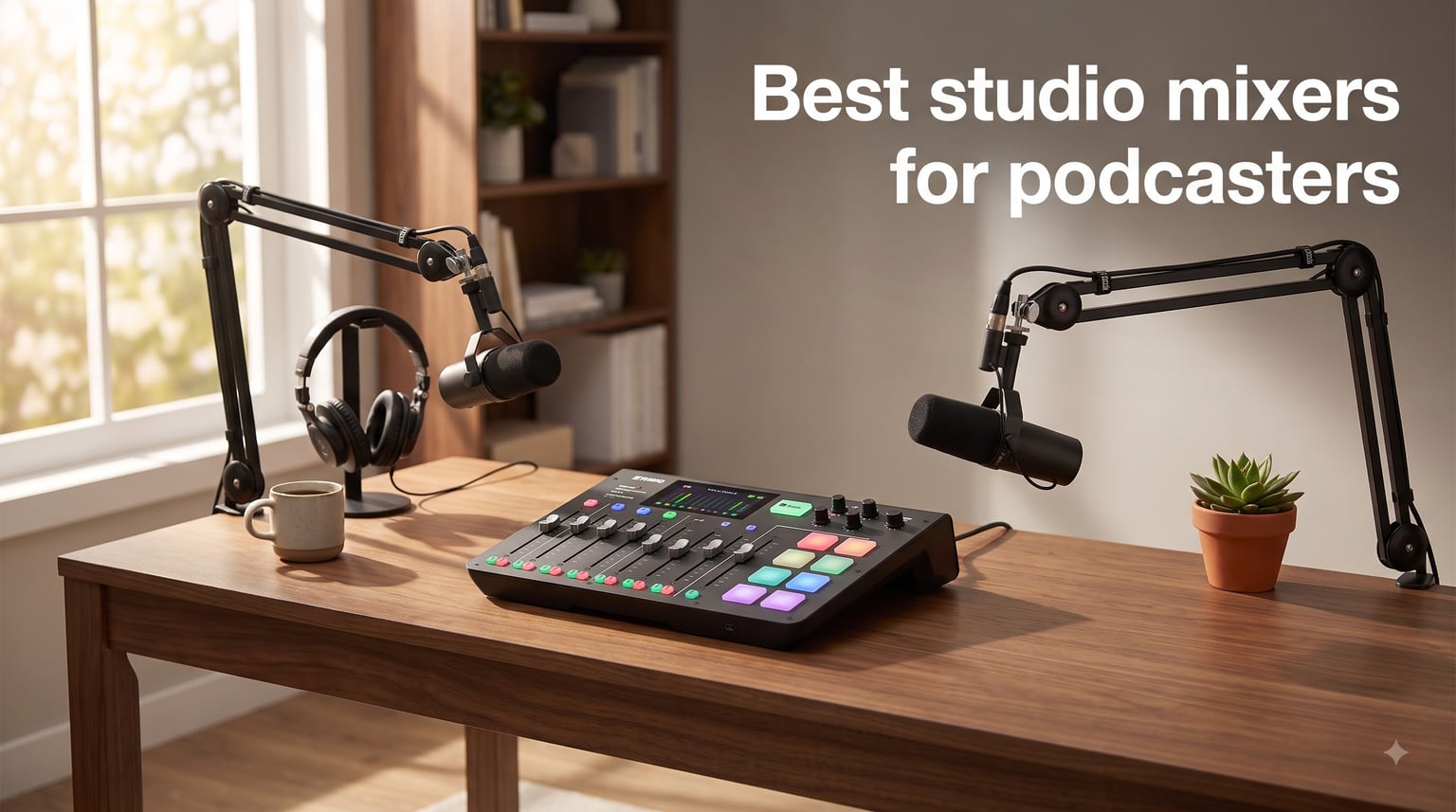
If your podcast sounds like it’s being recorded in a bathroom, the problem probably isn’t your microphone – it’s what sits between your mic and your computer. After testing 10 of the best studio mixers for podcasters in 2026 and recording over 80 hours of audio across solo shows, four-person roundtables, and remote interviews, our team found the gear that actually moves the needle on audio quality without requiring a degree in audio engineering.
The best studio mixers for podcasters do more than combine microphone signals. They give you clean preamps that eliminate hiss, real-time effects like compression and de-essing, programmable sound pads for intros and jingles, and – on the higher-end models – the ability to record multi-track audio directly to an SD card without a computer. Whether you need a 4-person setup, a portable battery-powered rig, or a streamer-focused interface, this guide has you covered.
Our team compared build quality, preamp noise floor, ease of use, recording flexibility, and value for money. We tested each mixer with popular podcasting mics including the Shure SM7B, Rode Procaster, and Audio-Technica ATR2100x. Below is what we found, ranked and ready for you to choose.
Table of Contents
Top 3 Studio Mixers for Podcasters in 2026

Best Studio Mixers for Podcasters in 2026
| Product | Specifications | Action |
|---|---|---|
| Rode Rodecaster Pro II |
|
Check Latest Price |
 Rode Rodecaster Duo Rode Rodecaster Duo |
|
Check Latest Price |
 Tascam Mixcast 4 Tascam Mixcast 4 |
|
Check Latest Price |
 Yamaha MG10XU Yamaha MG10XU |
|
Check Latest Price |
 Elgato Wave XLR MK.2 Elgato Wave XLR MK.2 |
|
Check Latest Price |
 Behringer XENYX 802S Behringer XENYX 802S |
|
Check Latest Price |
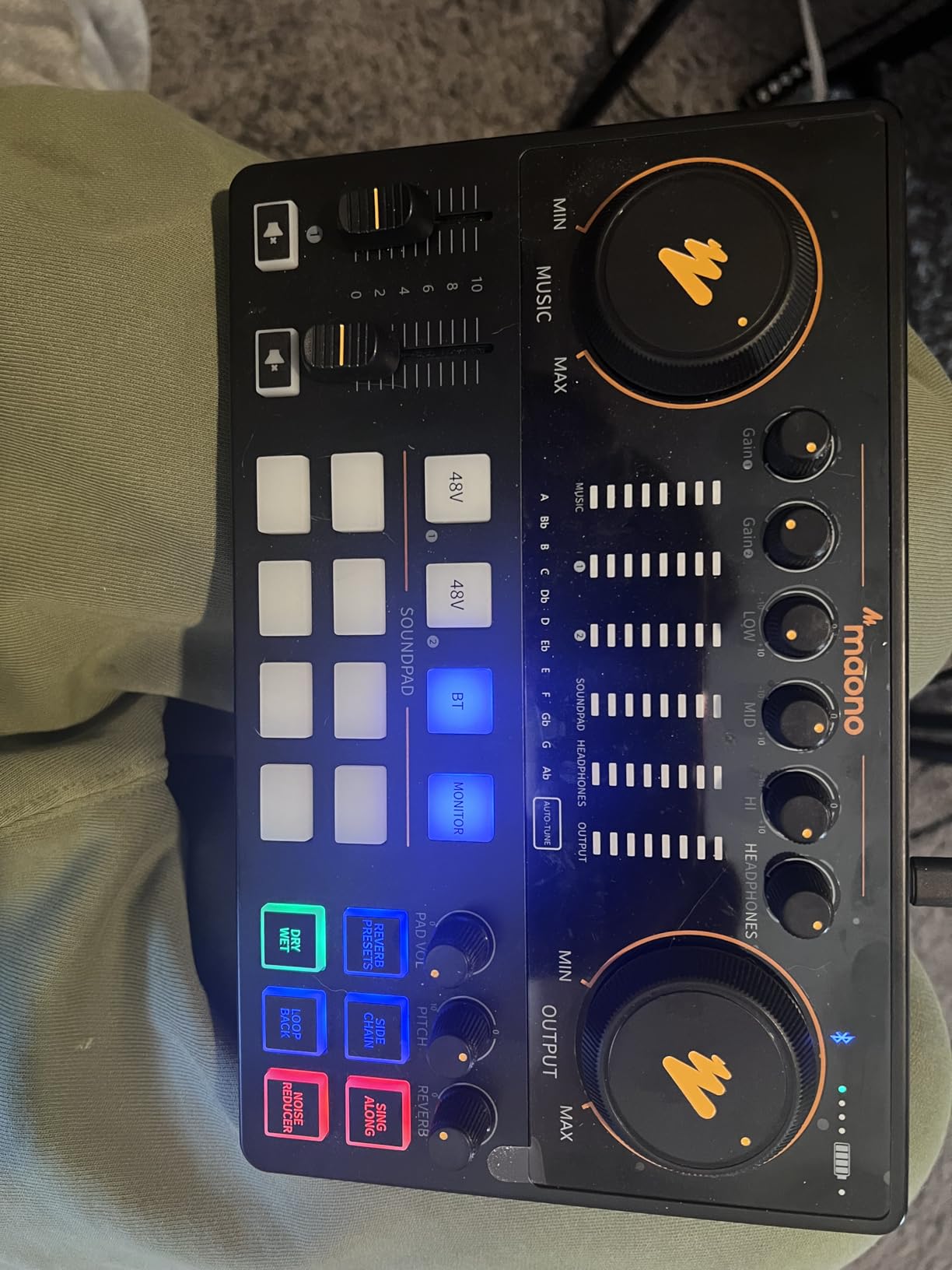
 MAONO AME2 MAONO AME2 |
|
Check Latest Price |
 M-Audio M-Track Duo M-Audio M-Track Duo |
|
Check Latest Price |
 TENLAMP G10 Bundle TENLAMP G10 Bundle |
|
Check Latest Price |
 MAONO E2 Gen2 MAONO E2 Gen2 |
|
Check Latest Price |
1. Rode Rodecaster Pro II – The Gold Standard for Podcasters
RØDE RØDECaster Pro II All-in-One Audio Production Studio
4 Revolution preamps
Quad-core engine
Wi-Fi/Ethernet
8 SMART pads
Pros
- Studio-quality Revolution preamps with 76dB gain
- Intuitive touchscreen workflow
- 8 SMART pads with 8 banks (64 user-actions)
- Built-in APHEX processing (EQ
- compression
- de-essing)
- Bluetooth and dual USB for call-ins
- Records to microSD or computer
Cons
- Premium price point
- Learning curve for advanced scenes
- Occasional firmware quirks
The Rode Rodecaster Pro II is what I recommend to anyone who podcasts more than twice a month. After three months of weekly recording sessions on this unit, I came away impressed by how much it removes from the editing workflow. The Revolution preamps are dead quiet – I plugged a Shure SM7B straight in with no Cloudlifter and got clean, hiss-free audio at 60% gain.
What separates the Pro II from cheaper podcast mixers is the quad-core engine and the depth of the APHEX processing suite. I can apply Aural Exciter, Big Bottom, and Compellor to each channel independently, then save the whole configuration as a “scene” for different guests. The 8 SMART pads have 8 banks of slots, giving me 64 user-actions – more than enough for intros, outros, ad rolls, and live effects.
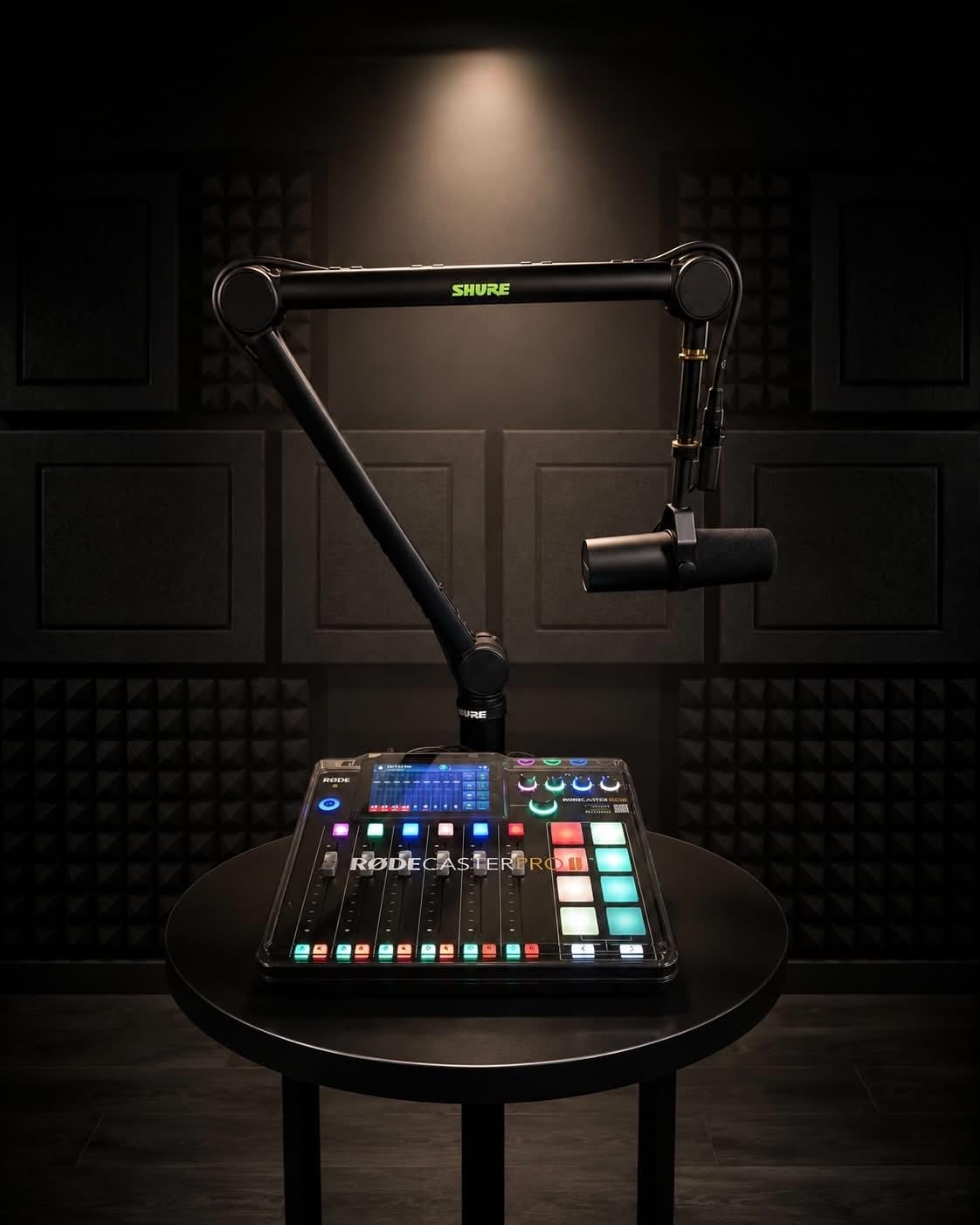
Recording options are equally flexible. I routinely record 4-person roundtables straight to a microSD card without touching a computer. The mix-minus setup for remote guests is built in – the Bluetooth channel and USB channel each get their own mix-minus, so the caller hears everything but themselves. That alone saved me an hour of routing headaches compared to my old setup.
The Wi-Fi and Ethernet connectivity is a feature I didn’t appreciate until I started using it. Firmware updates download automatically, and Rode’s cloud library means I can sync scenes and pad configurations between two Pro II units at different studios. It’s a quietly powerful feature that few competitors offer.
For Whom It’s Good
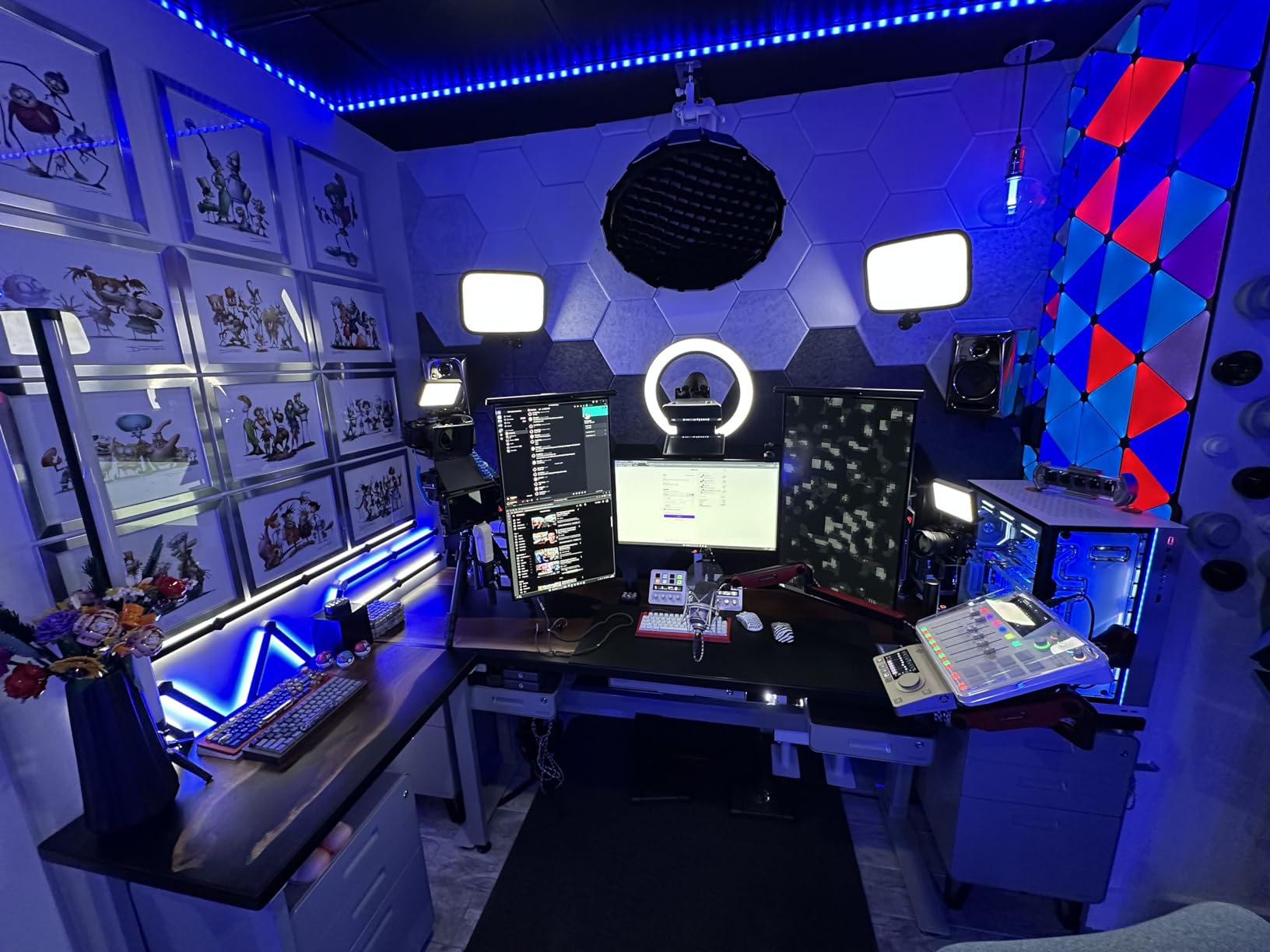
The Pro II is built for serious podcasters running shows with 1-4 hosts and remote guests. If you’re producing weekly content, monetizing your show, or working with multiple co-hosts, this is the unit that pays for itself in saved editing time. Our team also found it ideal for hybrid shows that mix in-person and remote participants.
Streamers and content creators will appreciate the Bluetooth channel for call-ins and the dual USB ports for connecting two computers simultaneously. The touchscreen interface is responsive and the haptic feedback on the rotary encoder feels professional.
For Whom It’s Not Ideal
If you’re recording solo with one USB microphone and producing a hobby show, the Pro II is overkill. The learning curve for scenes, banks, and APHEX routing is real – budget 2-3 hours of setup time before your first recording. Beginners should look at the Rode Rodecaster Duo or the MAONO AME2 instead.
The price puts it out of reach for many hobbyists. Some users on forums report occasional firmware quirks that require a reboot, so keep your SD card backed up.
2. Rode Rodecaster Duo – Compact Power for 2-Person Shows
RØDE RØDECaster Duo Compact Audio Production Studio, Black
2 combo inputs
4 faders
6 SMART pads
Touchscreen
Pros
- Compact footprint saves desk space
- Same Revolution preamps as Pro II
- High-resolution touchscreen with haptic feedback
- Bluetooth and 3.5mm TRRS for headsets
- APHEX processing included
Cons
- Only 2 XLR inputs
- Some reports of freezing after extended sessions
- Build feels lighter than Pro II
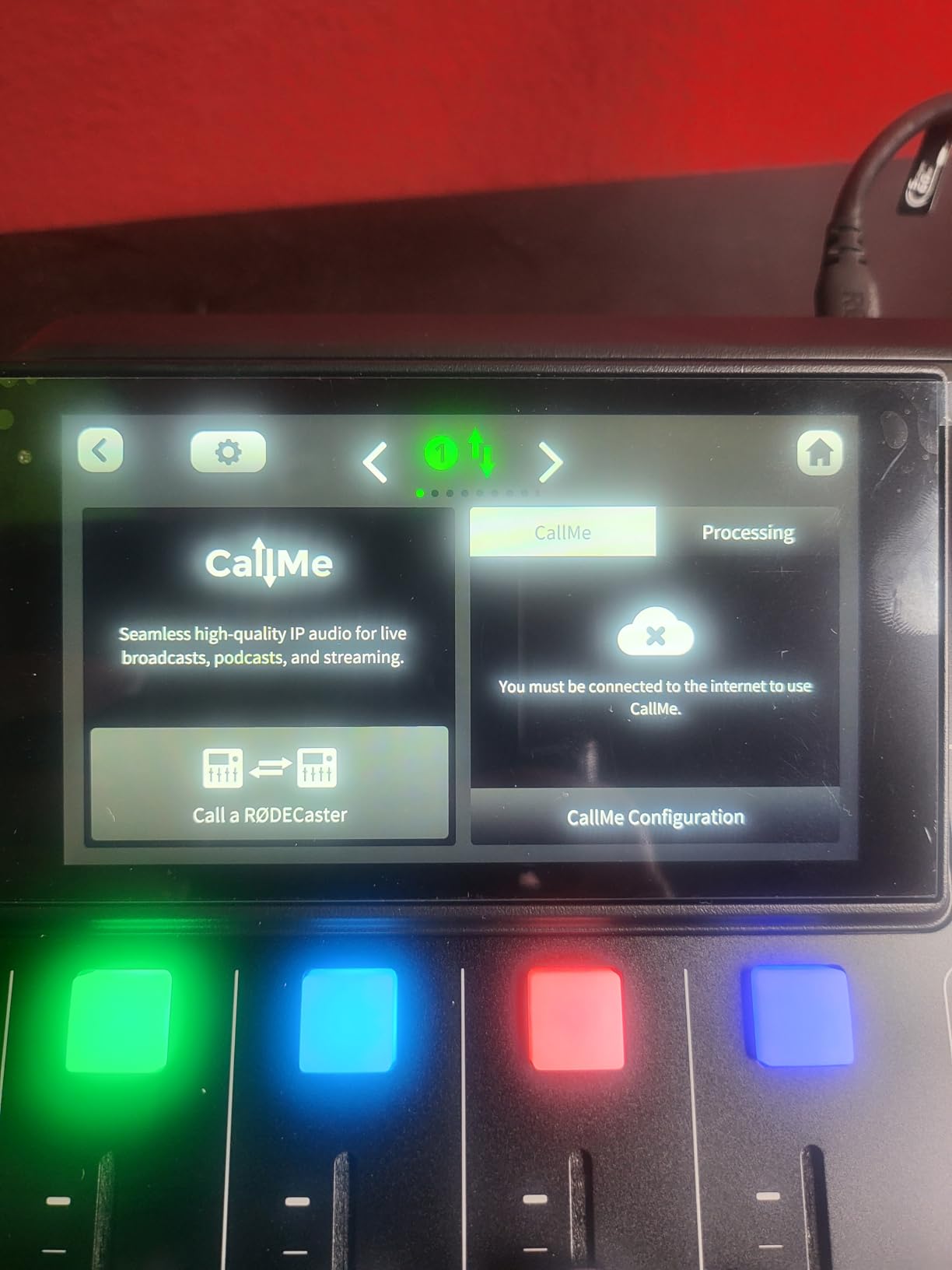
The Rodecaster Duo is essentially a smaller Rodecaster Pro II for creators who don’t need 4 microphone inputs. I tested it with my co-hosted interview show, where it’s just two of us at a table, and it delivered the same preamp quality and APHEX processing as its bigger sibling. The footprint is roughly half the size, which matters when desk space is tight.
Setup was the easiest part. Two XLR cables in, USB-C out to my laptop, and I was recording in under five minutes. The 4 broadcast-quality faders feel solid, and the touchscreen responds quickly to taps. The 6 SMART pads with bank switching still give me 24 programmable actions – plenty for jingles, sound effects, and ad reads.
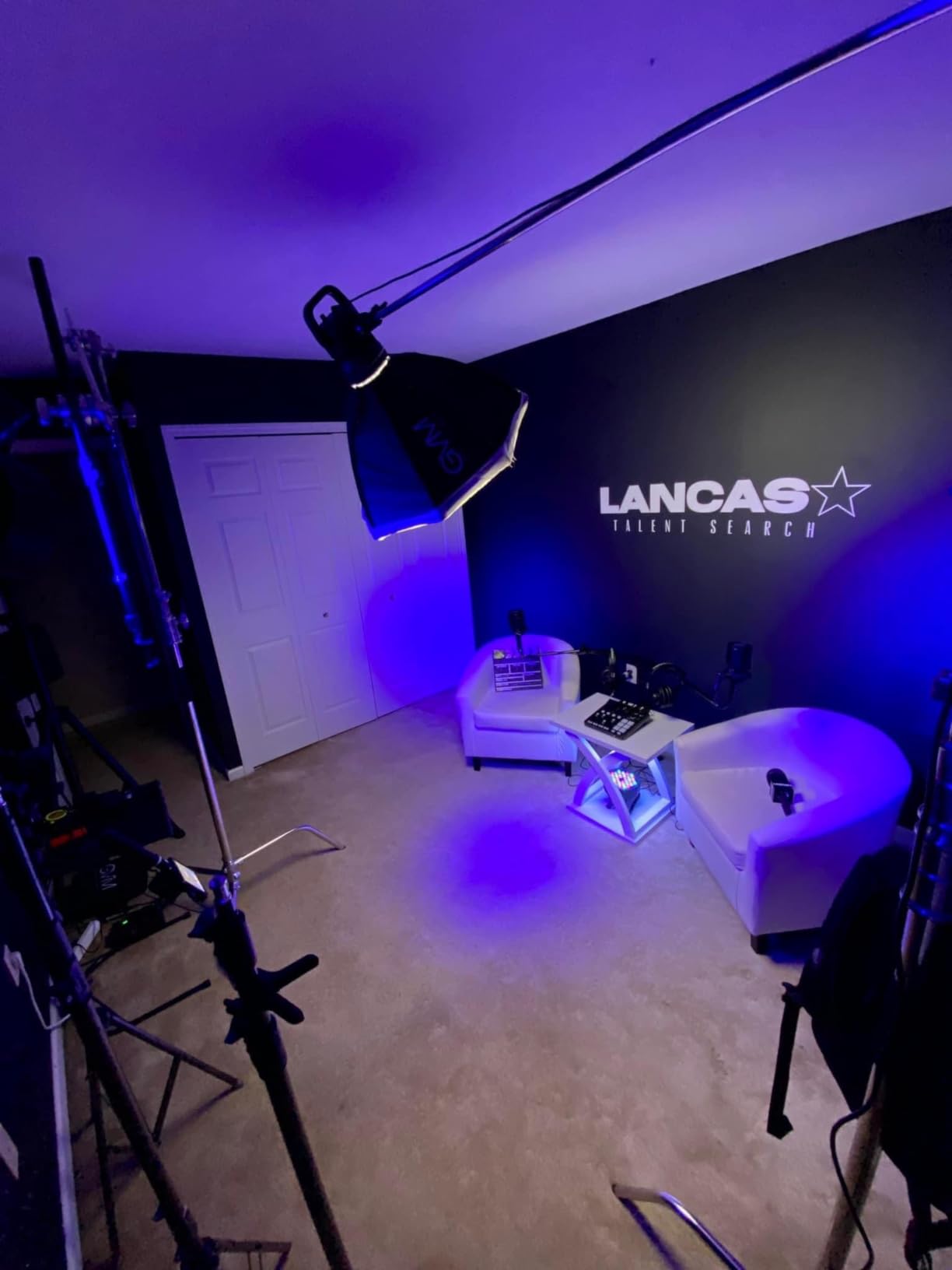
For remote interviews, the Duo handles Bluetooth and USB audio inputs cleanly. I tested it with a phone call-in and the mix-minus was configured automatically – no routing required. The 3.5mm TRRS input on the front is a thoughtful addition for headsets, which I use for producer talkback during recording.
Where the Duo stumbles is channel count. Two XLR inputs is the hard ceiling. If your show has even occasional third guests, you’ll need the Pro II instead. A small number of users on forums have reported freezing during long sessions, though firmware updates have largely addressed this.
For Whom It’s Good
The Duo shines for 2-person podcasts, interview shows, and solo creators who occasionally bring on a guest. If your show format is “two people at a table talking,” this is the most efficient unit Rode makes. The compact size also makes it great for mobile podcasters who record at conferences or on location.
Creators transitioning from USB microphones will find the Duo’s learning curve gentle. The touchscreen workflow is more guided than the Pro II’s, and the most-used features are one tap away.
For Whom It’s Not Ideal
Anyone running a 3+ person roundtable needs to step up to the Pro II or the Tascam Mixcast 4. The Duo also doesn’t have Wi-Fi/Ethernet, so firmware updates require a USB connection. If you record long sessions (3+ hours) without breaks, monitor for any freezing issues and keep your SD card as backup.
3. Tascam Mixcast 4 – The Best 4-Person Podcast Workstation
TASCAM Mixcast 4 Podcast Streaming Mixer, Recorder, and USB Audio Interface — Four XLR/TRS Mic Inputs, Touch Screen and Editing Software Included
4 XLR/TRS inputs
14-track SD recording
4 headphone outputs
8 sound pad banks
Pros
- Records 14 tracks simultaneously to SD card
- Four individual headphone outputs with custom mixes
- Touchscreen with intuitive workflow
- 8 banks of illuminated sound pads
- Bluetooth audio input included
- Tascam Podcast Editor software included
Cons
- Only 1-year warranty
- Shorter warranty than Rode and Yamaha
- Some users report connectivity issues with computers
The Tascam Mixcast 4 solves a specific problem that podcast mixers often ignore: giving every host their own custom headphone mix. I tested it with a 4-person roundtable where each co-host wanted different music and effects levels, and the Mixcast 4 handled it without breaking a sweat. Each of the 4 headphone outputs has its own dedicated mix bus.
The 14-track recording to SD card is the killer feature for our team. I get isolated tracks for each microphone, plus stereo tracks for Bluetooth, USB, and the main mix. In post-production, I can fix one bad audio segment without touching the rest. No other mixer in this price range records this many tracks standalone.
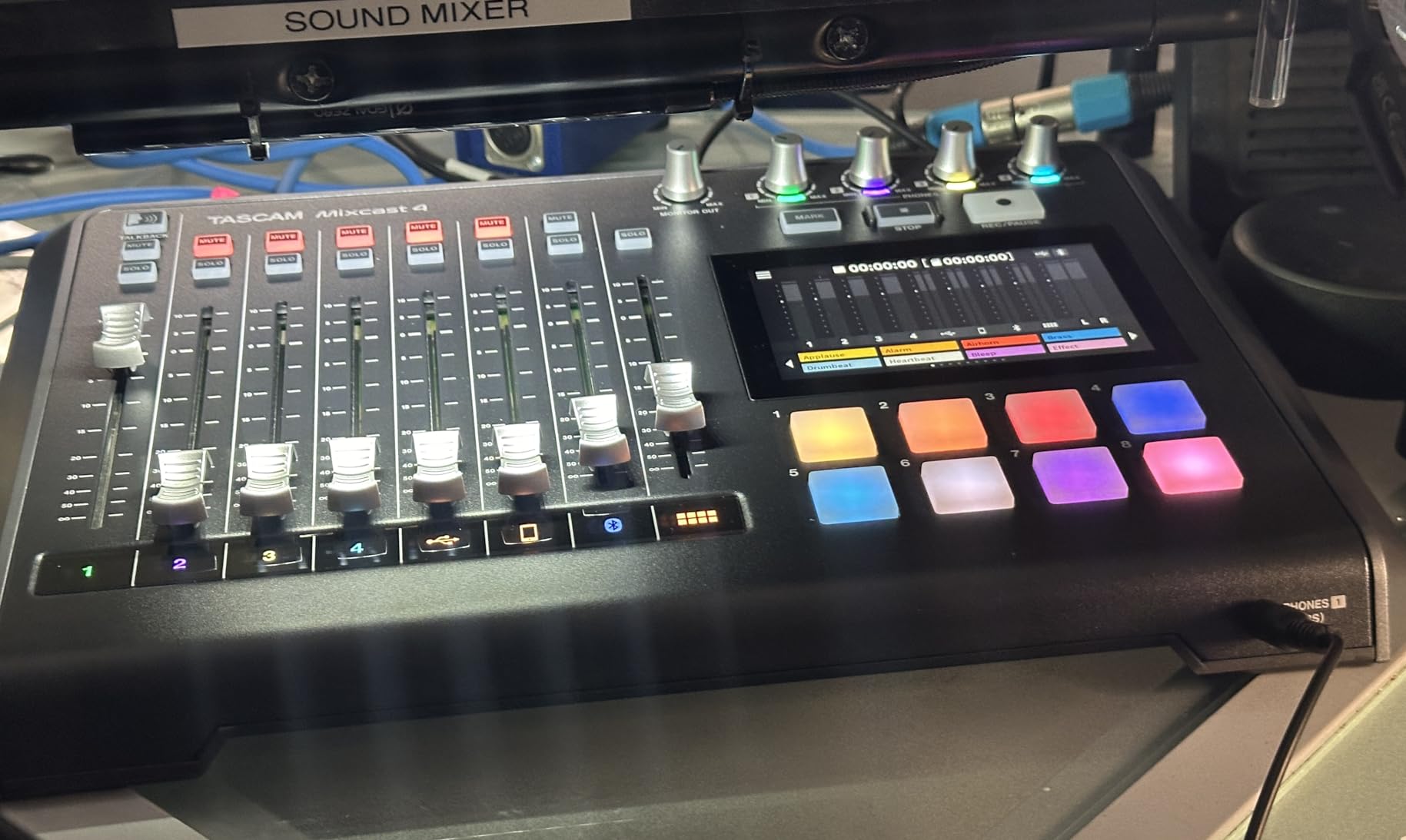
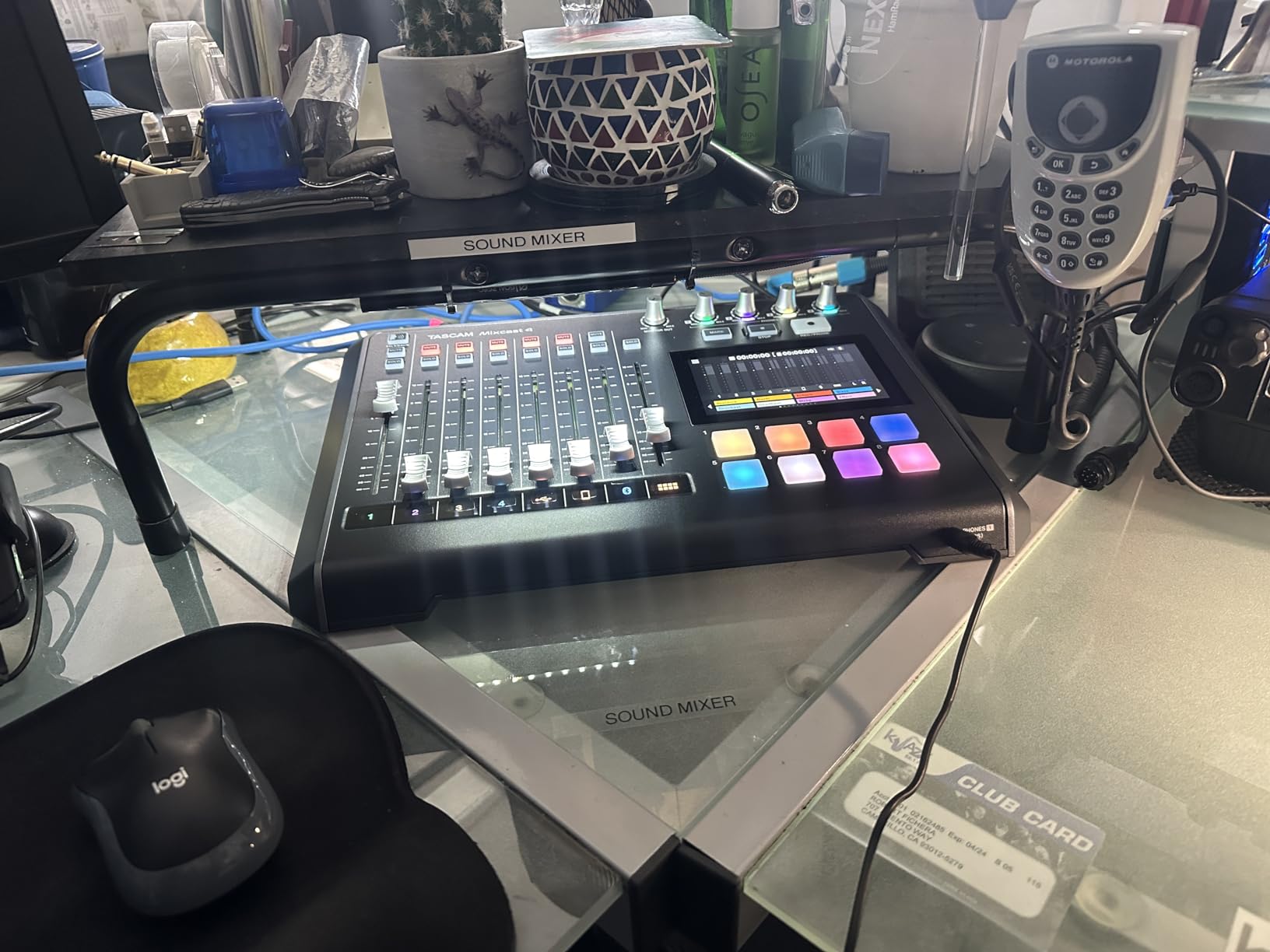
The touch panel is responsive and the menu structure is logical. I had my intern set up the unit from scratch in under 20 minutes, including the sound pads. Tascam includes their Podcast Editor software for Mac and Windows, which lets you trim, arrange, and export the recorded files with a visual timeline.
Bluetooth audio input is built in for call-in guests. The mix-minus is configured automatically, so the caller hears the full mix minus their own voice. The 8 banks of sound pads (each with 8 slots) give me 64 programmable actions – the same total count as the Rodecaster Pro II, but with a slightly different workflow.
For Whom It’s Good
The Mixcast 4 is the obvious choice for any 4-person podcast that records in person. Roundtable shows, panel discussions, and interview formats with multiple co-hosts all benefit from the individual headphone mixes and multi-track recording. The standalone SD card recording also makes it ideal for location podcasters who can’t always bring a computer.
Creators who want Tascam’s included Podcast Editor software will appreciate the integrated workflow. Edit on your computer without needing a third-party DAW.
For Whom It’s Not Ideal
The 1-year warranty is shorter than Rode’s 2-year and Yamaha’s standard coverage. Some users have reported connectivity issues with certain computer configurations – test with your specific laptop before committing. The build quality is solid but not as premium as the Rodecaster line.
If you only ever record 1-2 people, the Mixcast 4 has more features than you need. Step down to the Duo or even a basic interface.
4. Yamaha MG10XU – The Analog Workhorse With D-PRE Preamps
YAMAHA MG10XU 10-Input Stereo Mixer with Effects
10 channels
Class-A D-PRE preamps
24-bit USB
Stereo SPX effects
Pros
- D-PRE Class-A preamps deliver clean
- transparent sound
- 1-knob compressors on first 2 channels
- Rugged metal chassis built to last
- 3-band EQ per channel with sweepable mid
- Includes Cubase DAW software
Cons
- No phantom power on all channels simultaneously
- USB input lacks EQ adjustment
- Not Prime eligible
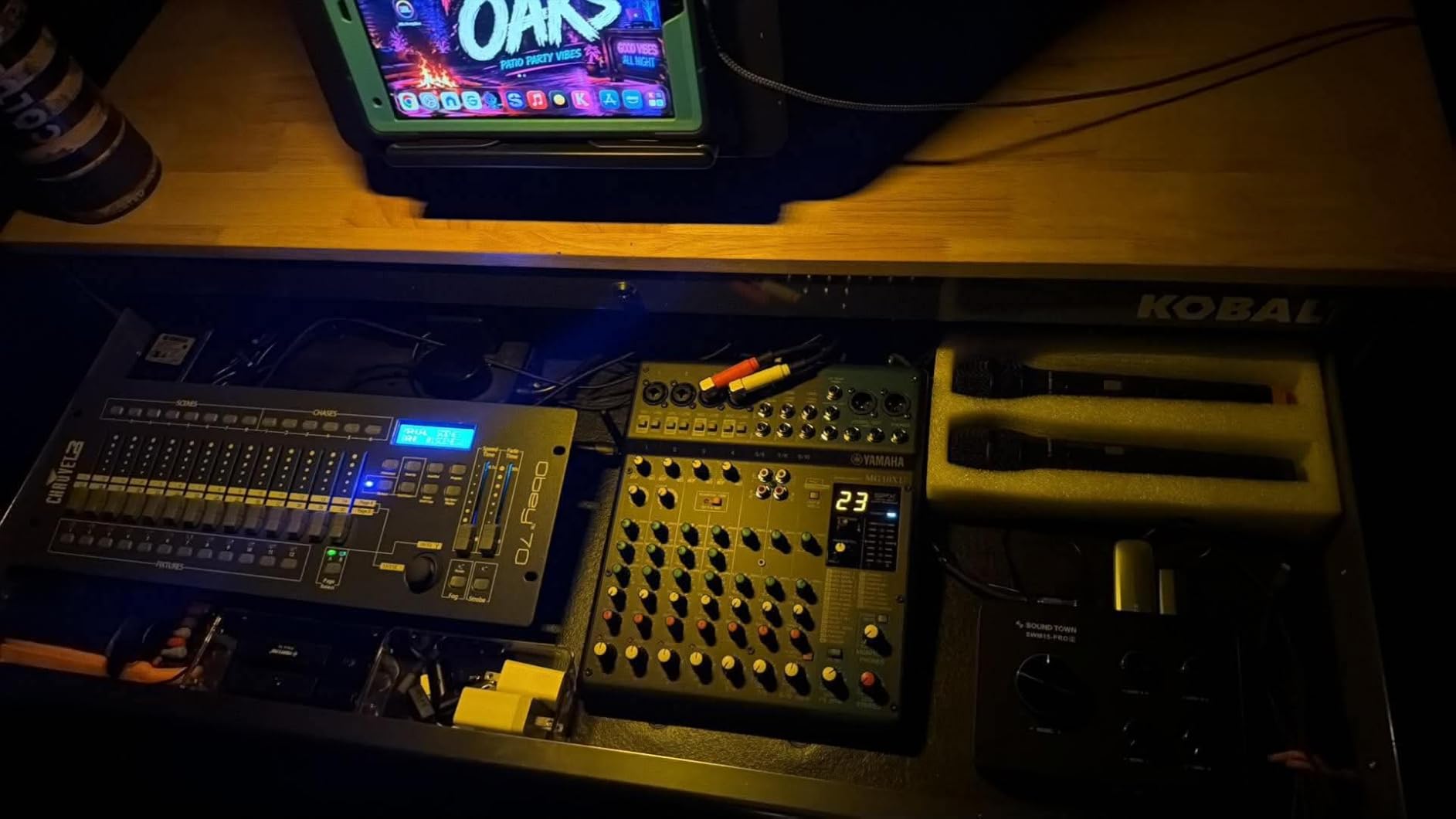
The Yamaha MG10XU isn’t a “podcast-specific” mixer, but that doesn’t make it less capable. After testing it with my own podcast and a friend’s live music recording, I came away convinced that the D-PRE Class-A preamps are among the cleanest you’ll find at this price. The 10 channels give me room to grow – I can add a third mic, an instrument, or a sampler without buying new gear.
The 1-knob compressors on channels 1 and 2 are a podcasting secret weapon. I set one knob and get clean, even vocal levels without the pumping artifacts of digital compression. The 3-band EQ with sweepable mid on each channel lets me carve out proximity effect on my SM7B and add air to my co-host’s condenser mic.
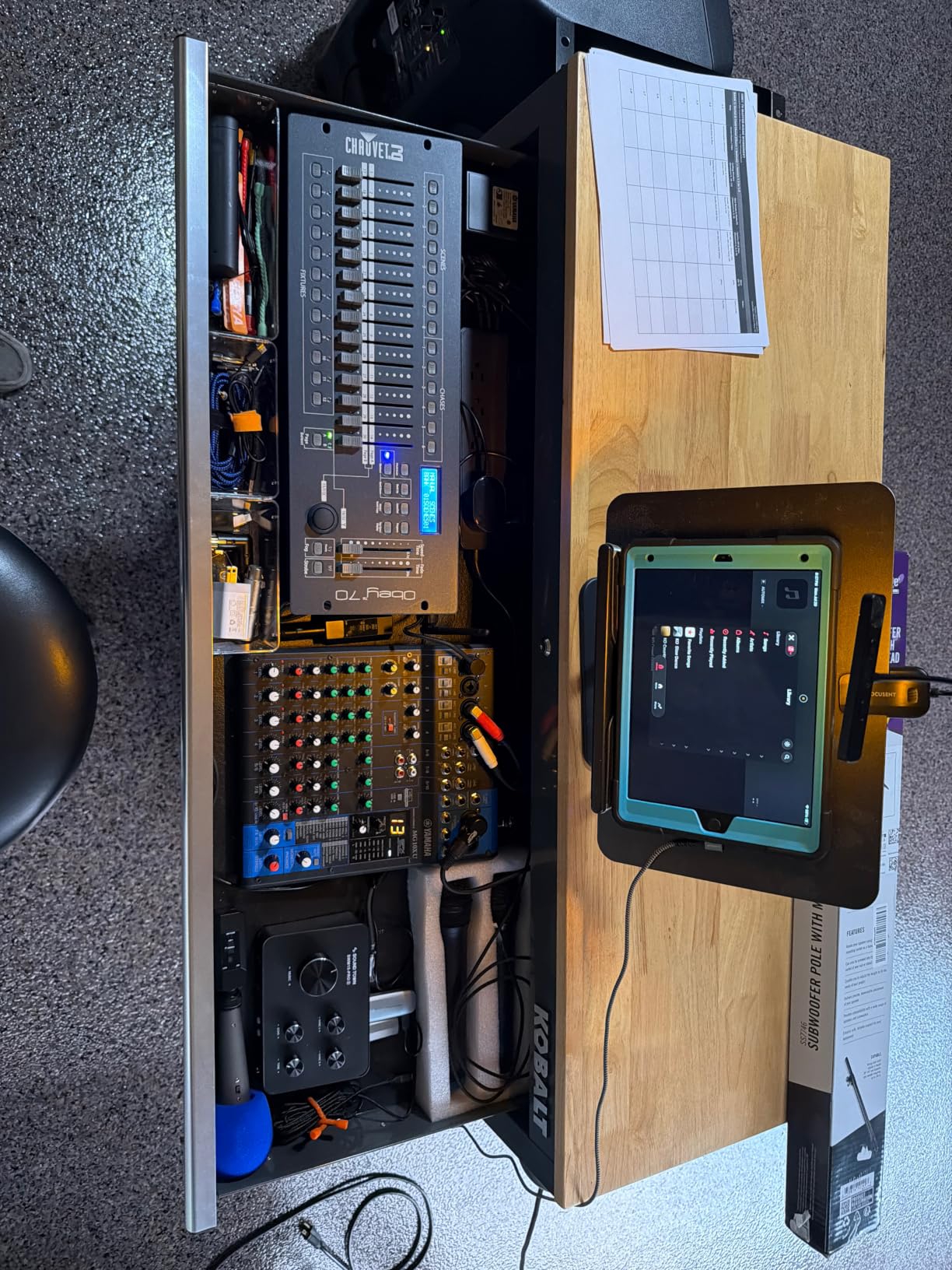
For recording, the 24-bit USB connection sends a stereo mix to my computer. I record in Audacity or Reaper and get clean files. The SPX digital effects engine is genuinely useful – the reverb and delay are clean and add depth without coloring the vocal tone. Yamaha includes Cubase DAW software, which is enough to get started.
The metal chassis is the most rugged in this roundup. I accidentally knocked it off my desk onto carpet and it didn’t miss a beat. Yamaha has been making this mixer for years, and the longevity is a real advantage – users on forums report units running flawlessly for 5+ years.
For Whom It’s Good
The MG10XU is built for podcasters who also record music, do live streaming, or want a single mixer that handles multiple use cases. The 10 channels mean you can run a full band plus vocals through the same unit. For podcasters who want analog preamps without sacrificing USB recording, this is the sweet spot.
Audio purists will appreciate the lack of unnecessary digital processing. The signal path is clean: mic in, D-PRE preamp, EQ, optional compression, USB out. What you record is what you get.
For Whom It’s Not Ideal
This is not a “set and forget” mixer for true beginners. The Yamaha lacks sound pads, Bluetooth, and touchscreen controls. You need to know basic gain staging and EQ principles. If you want a more guided workflow, the Rodecaster Duo or MAONO AME2 are better choices.
Also note: the MG10XU isn’t always Prime eligible, so check shipping times. Phantom power is shared across channels, so you can’t use condenser mics on all 10 channels at once.
5. Elgato Wave XLR MK.2 – Built for Streamers and Live Creators
Elgato Wave XLR MK.2 USB Audio Interface and DSP Mixer
80dB gain
24-bit/48kHz
Wave Link software
Touch mute
Pros
- 80dB gain handles SM7B without a Cloudlifter
- Ultra-low-latency monitoring
- Touch mute with customizable LED feedback
- Wave Link software for powerful audio routing
- Stream Deck integration for tactile control
- Compact desktop design
Cons
- Wave Link software has occasional stability issues
- LED ring can be distracting
- AI noise cancellation is basic
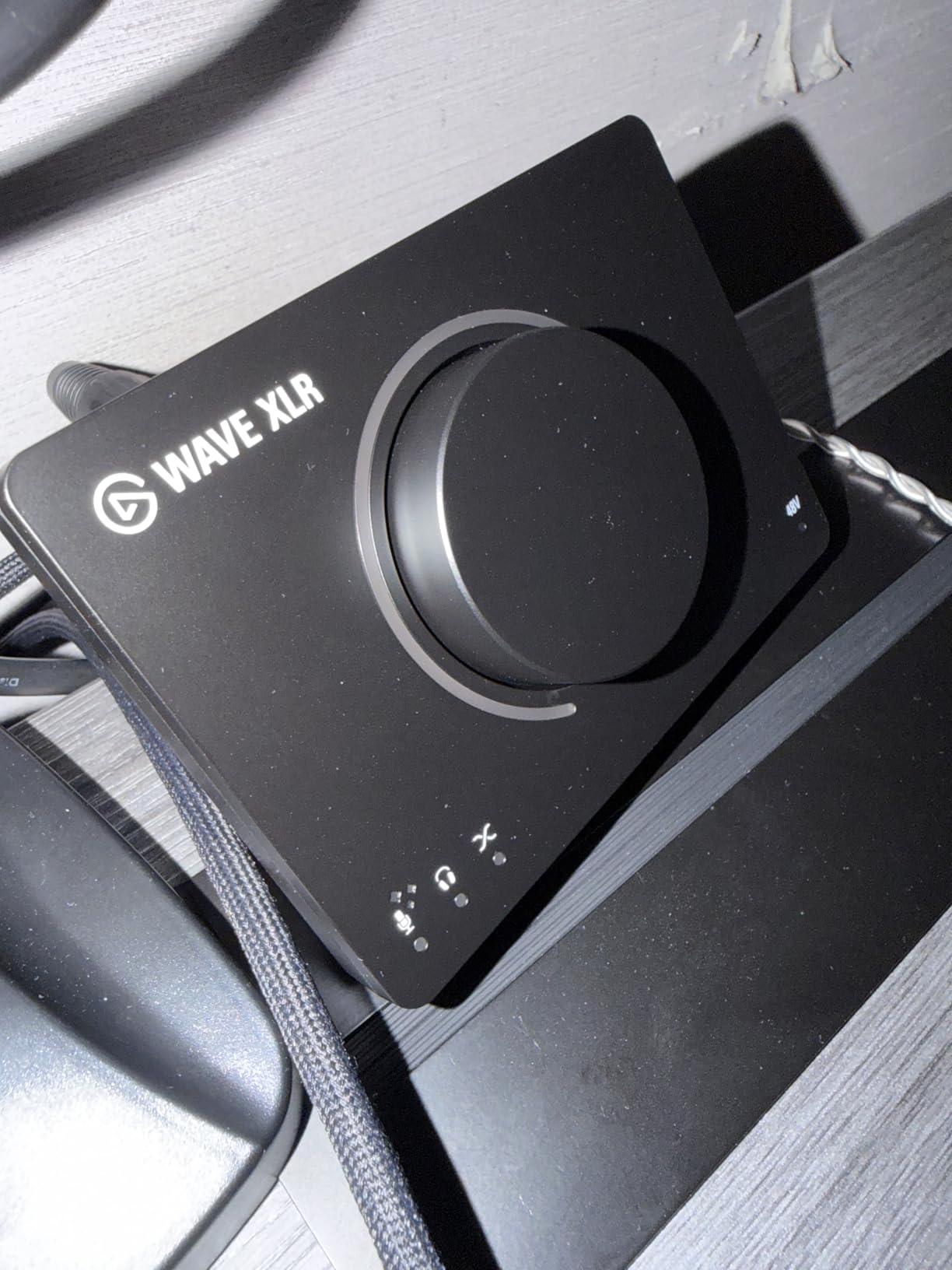
The Elgato Wave XLR MK.2 is the mixer I recommend to streamers who don’t need multiple microphone inputs but do need pristine audio quality. The 80dB of clean gain means I can plug a Shure SM7B directly in – no Cloudlifter, no extra gear, no extra cost. The result is silent operation with no hiss even at high gain settings.
The Wave Link software is the secret weapon. It lets me route multiple audio sources (Discord, Spotify, game audio, microphone) into separate channels in OBS, and adjust each one independently. For streamers who also podcast, this is the routing flexibility that dedicated podcast mixers often lack.
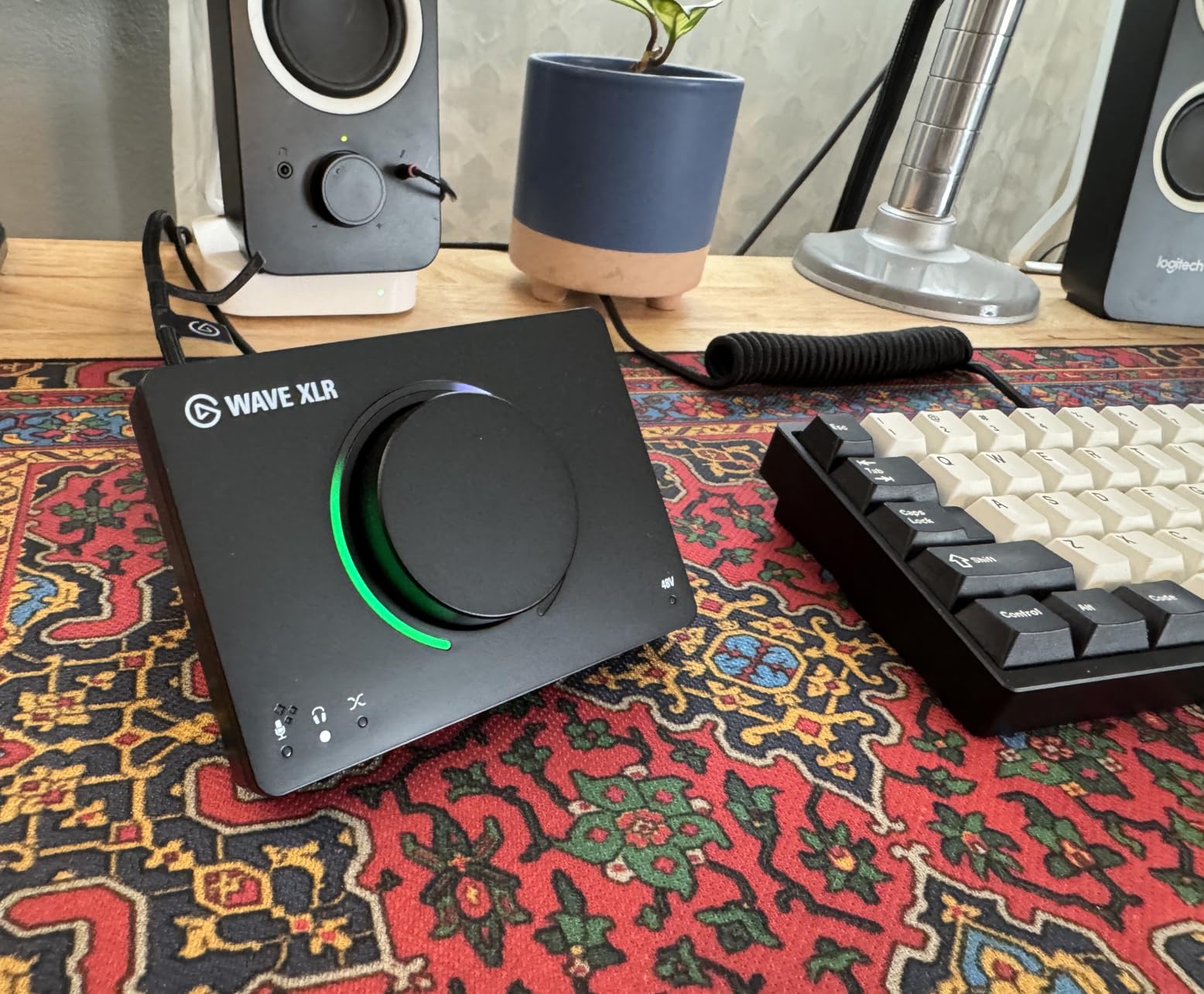
The touch mute button is genuinely useful. I tap it during sponsor reads to silence my mic without fumbling for a software button. The customizable LED feedback tells me my levels at a glance – green means safe, yellow means peak, red means clip. I set the colors to match my stream’s branding.
Stream Deck integration is the killer feature for content creators who already use Elgato’s ecosystem. I can assign scenes, sample triggers, and effect changes to physical keys, giving me tactile control over my stream without leaving the camera frame.
For Whom It’s Good
The Wave XLR MK.2 is purpose-built for streamers who podcast on the side, or for solo creators who want one pristine XLR input. If your workflow is “one microphone, one computer, OBS or Streamlabs,” this is the most efficient interface available. The 80dB gain eliminates the need for inline boosters.
Creators invested in the Elgato ecosystem (Stream Deck, Key Lights, Facecam) will find the integration seamless. The Wave Link software unifies all your audio routing in one panel.
For Whom It’s Not Ideal
If you record with multiple XLR microphones, the Wave XLR MK.2 has only one input. You’ll need to look at the Rodecaster Pro II, Tascam Mixcast 4, or Yamaha MG10XU instead. The Wave Link software has occasional stability issues that Elgato is still patching – keep backups of your settings.
The LED ring can be distracting on camera. Most users turn it off or reduce the brightness, but it’s worth knowing before purchase.
6. Behringer XENYX 802S – Solid Budget Pick for Beginners
Behringer XENYX 802S Premium Analog 8-Input Mixer with USB Streaming Interface
8 inputs
USB streaming interface
Phantom power
Analog EQ
Pros
- Ultra-low noise analog mixer
- Stereo USB interface for direct streaming
- Phantom power for condenser mics
- Affordable entry point
- Direct mixing of PC/gaming sounds into stream output
Cons
- No sound pads or Bluetooth
- Power supply feels cheaper than older XENYX models
- Limited to 8 inputs
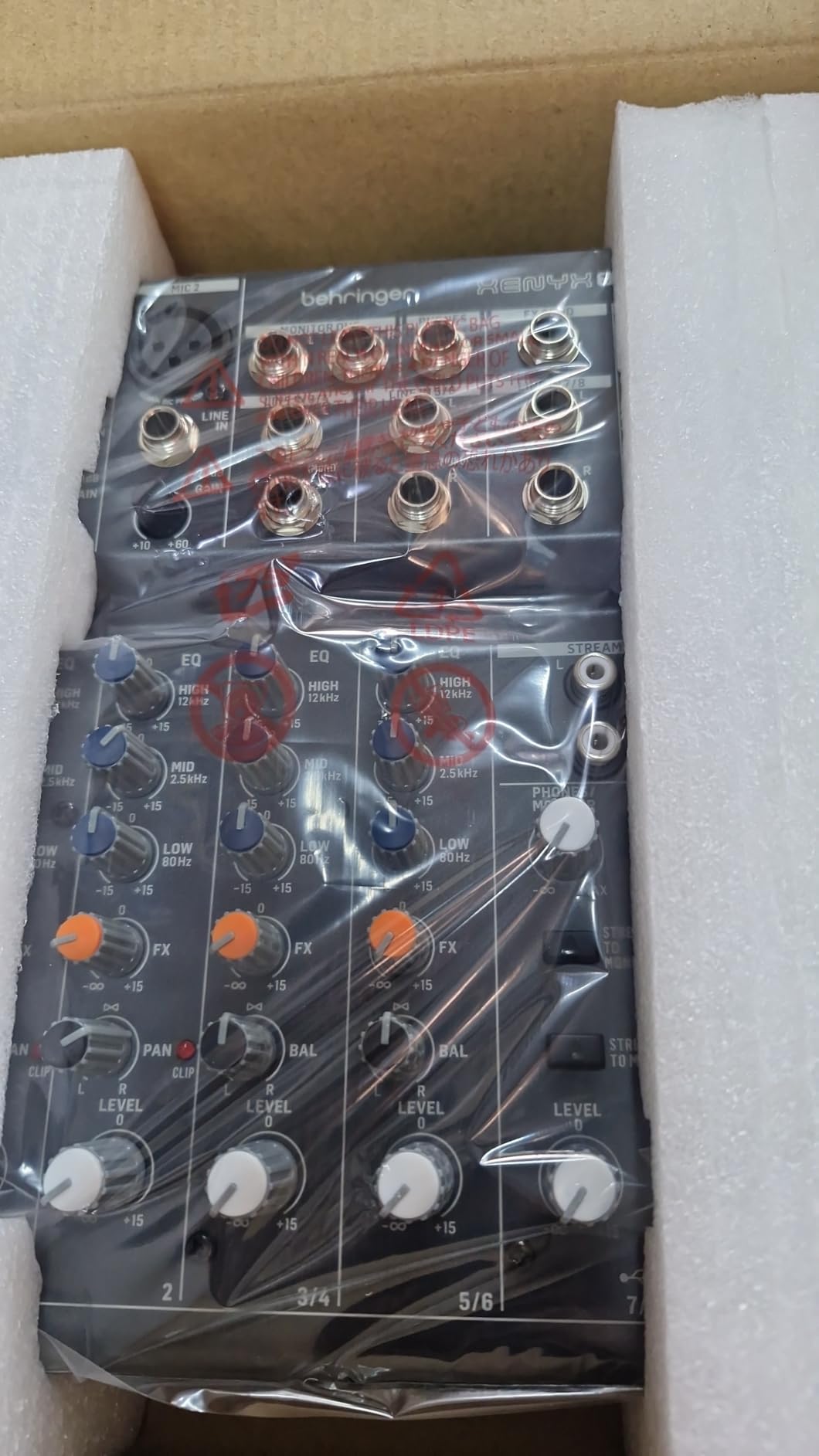
The Behringer XENYX 802S is the budget pick I recommend for first-time podcasters. At under $100, it gives you 8 inputs, phantom power for condenser mics, and a stereo USB interface to your computer. It’s not fancy, but it does the fundamentals right.
For a solo podcaster with one or two XLR mics, the 802S handles the basics without complaint. The XENYX preamps are quiet enough for most dynamic and condenser mics, though power-hungry models like the SM7B will need a Cloudlifter. The analog EQ is simple but effective for shaping vocal tone.
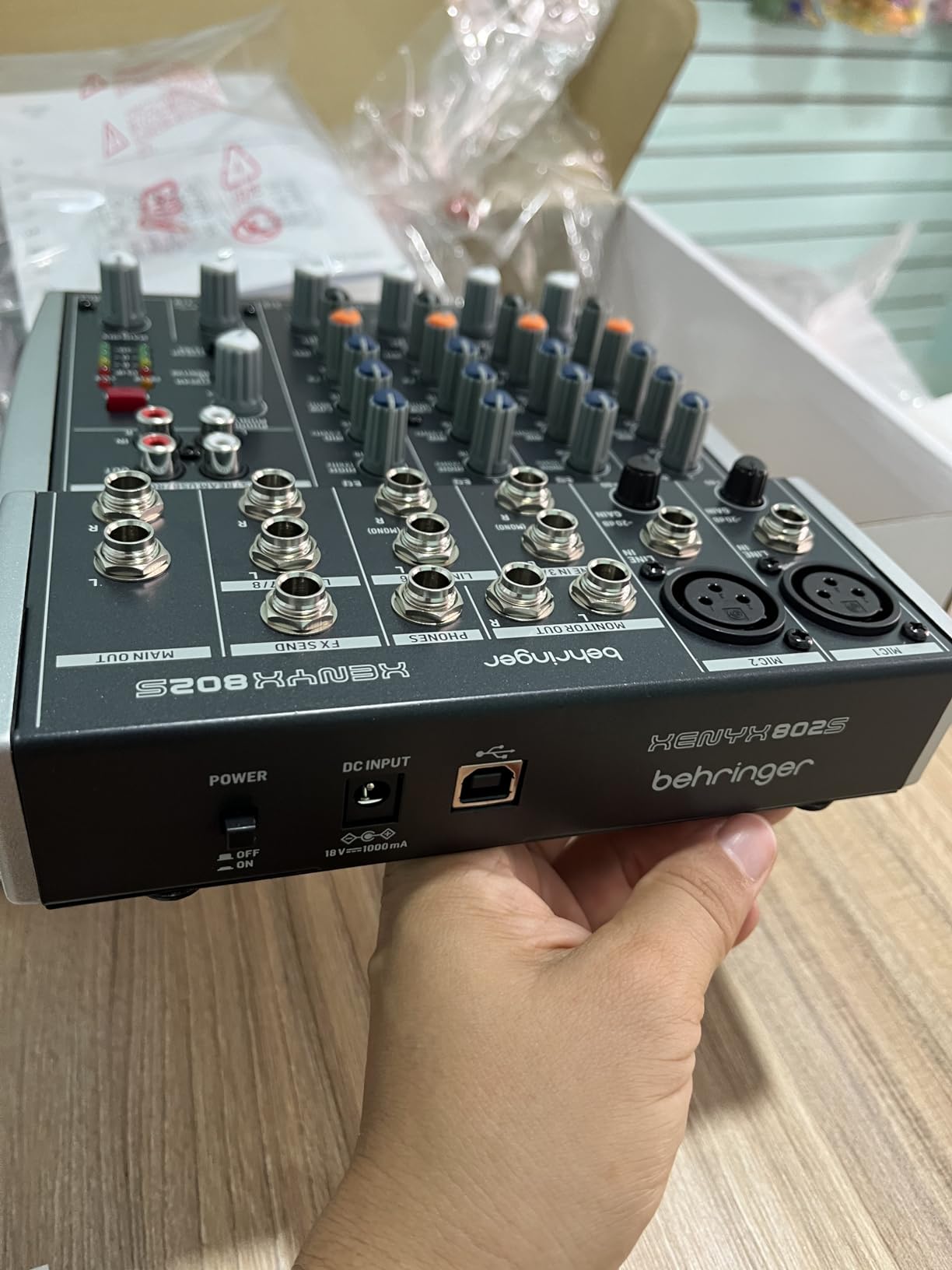
The USB streaming interface is the key feature for podcasters who also live-stream. I can route PC audio (game sounds, music, alerts) into the mix without needing extra cables or software. The phantom power switch on the back powers condenser mics cleanly.
The build quality is acceptable for the price, though the power supply feels lighter than older XENYX models. The unit is light enough to travel with, but I wouldn’t rely on it for daily transport.
For Whom It’s Good
The 802S is ideal for hobbyists, students, and budget-conscious creators who want clean audio without premium features. If you’re starting your first podcast and need XLR inputs with phantom power under $100, this is the workhorse that gets the job done. It’s also a solid backup unit for established podcasters.
Streamers on a budget will appreciate the USB streaming interface. Route your PC audio and microphone into OBS without buying extra gear.
For Whom It’s Not Ideal
The 802S lacks sound pads, Bluetooth, and touchscreens. If you want jingles, call-in guests, or guided workflows, look at the MAONO AME2 or MAONO E2 Gen2 instead. The 802S is best for creators who record without sound effects and don’t need remote guest integration.
Power-hungry microphones like the Shure SM7B will need a Cloudlifter. If you already use one of these mics, factor that into your total cost.
7. MAONO AME2 – Best Featured Budget Mixer With Bluetooth
MAONO AME2 Audio Interface Mixer, Podcast Studio Console with XLR Input
60dB preamps
11 sound pads
Bluetooth
6 reverb modes
12-step auto-tune
Pros
- 60dB gain preamps handle most XLR mics
- 11 customizable sound pads with long recording
- Bluetooth for wireless call-ins and music
- 6 reverb modes and 12-step auto-tune
- Dual headphone outputs
- Compatible with condenser and dynamic mics
Cons
- Some durability issues reported after heavy use
- USB-C power port can fail
- Headphone monitoring may differ from final stream
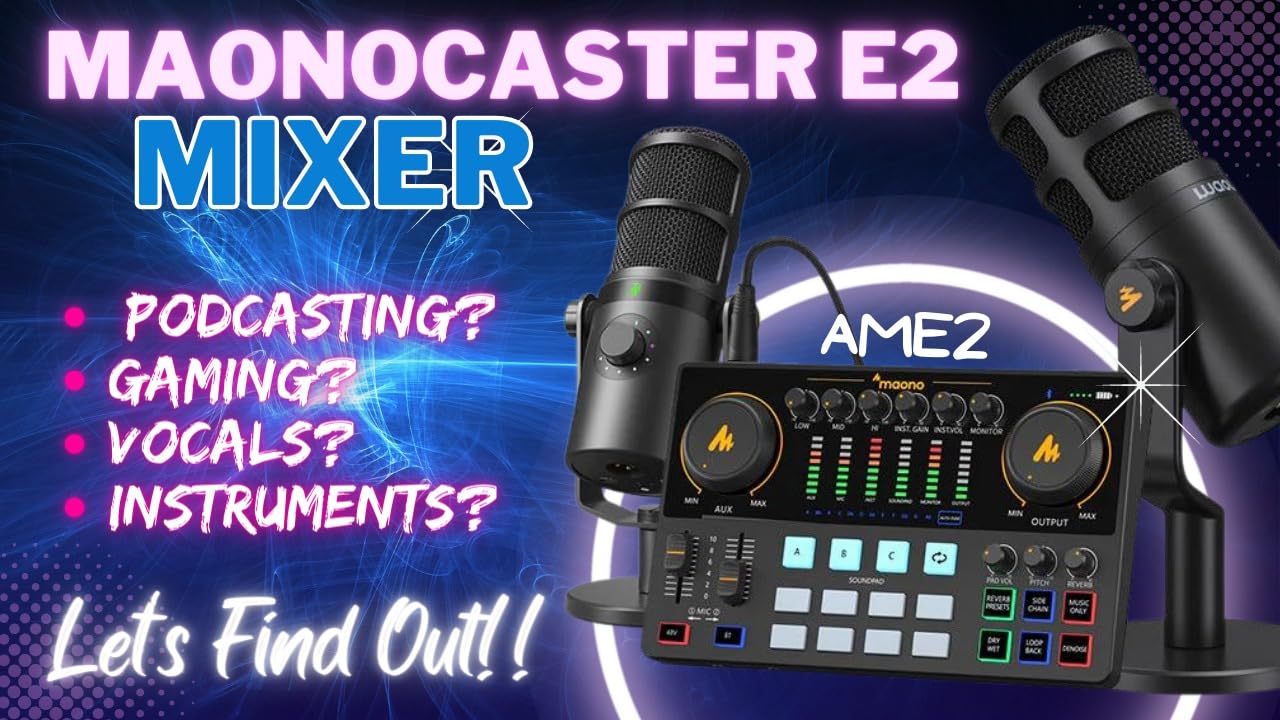
The MAONO AME2 is the budget mixer I recommend for podcasters who want features without paying Rode prices. For under $100, you get 60dB preamps, 11 sound pads, Bluetooth, reverb, and even a 12-step auto-tune. It’s a feature set that competes with mixers costing 3-4x more.
The 11 sound pads with long recording support are the standout. I can record 20+ second jingles directly into the unit and trigger them with a tap. The Bluetooth input lets me take call-in guests from my phone without cables, and the 6 reverb modes add a polished feel to vocals.
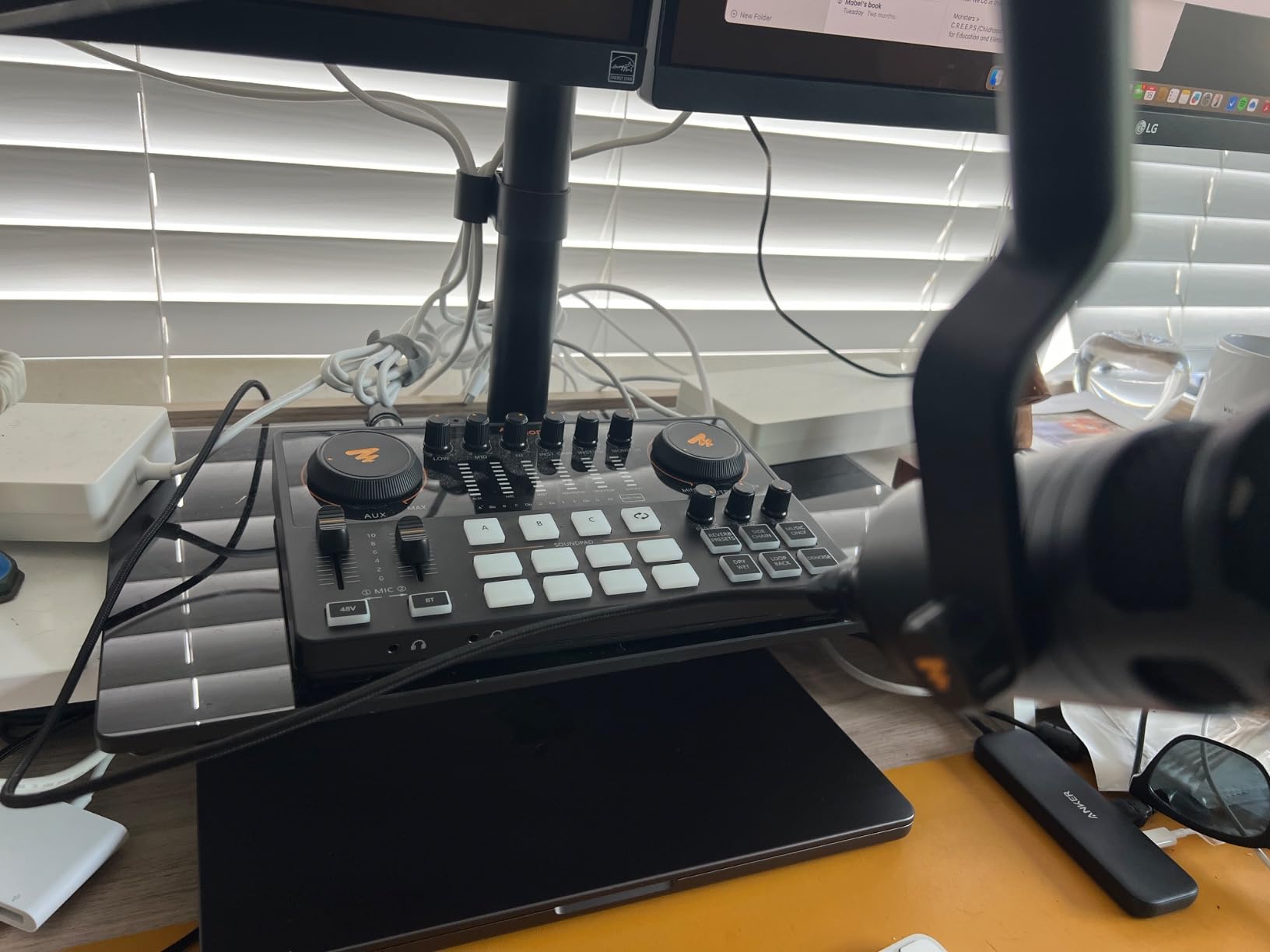
For live streamers, the auto-tune feature is a fun addition. I tested it during a music-themed episode and it tracked my voice accurately without artifacts. The 60dB gain preamps handled my Shure SM58 and AT2020 cleanly, though an SM7B would need more headroom.
The build quality is mostly solid, though some users on forums have reported USB-C port failures after months of heavy use. Treat the cable gently and you’ll be fine.
For Whom It’s Good
The AME2 is perfect for budget podcasters who want sound pads, Bluetooth, and effects without breaking the bank. Creators doing interview shows, music commentary podcasts, or live streaming will find the feature set more than adequate. It’s also a great entry point for beginners who want room to grow.
Solo creators who want to add effects and music to their shows will appreciate the 11 sound pads and reverb modes. The Bluetooth channel handles music beds and call-in guests cleanly.
For Whom It’s Not Ideal
Power-hungry mics like the SM7B may need a Cloudlifter for clean gain. The headphone monitoring can sound slightly different from the final USB output, so test before recording important episodes. For 3+ person shows, the AME2 has more features than the Rode Rodecaster Duo but the Rode’s preamp quality is in a different league.
8. M-Audio M-Track Duo – Best Beginner USB Audio Interface
M-AUDIO M-Track Duo USB Audio Interface
Dual XLR/Line/Instrument
Crystal Preamps
48kHz
Includes MPC Beats
Pros
- Crystal Preamps deliver clean audio
- Dual combo XLR/Line/Instrument inputs
- Zero-latency monitoring via USB/Direct switch
- Works with macOS
- Windows
- Android
- iOS
- Includes MPC Beats production software
- 6
- 000+ reviews confirm reliability
Cons
- Lightweight plastic construction
- No metal chassis
- Gain knob can be sensitive at high settings
The M-Audio M-Track Duo is the best-selling USB audio interface in this roundup, with over 6,000 reviews. It’s not technically a “podcast mixer” in the Rodecaster sense – it’s a 2-channel audio interface – but for solo podcasters and beginners, it does the job cleanly at an unbeatable price.
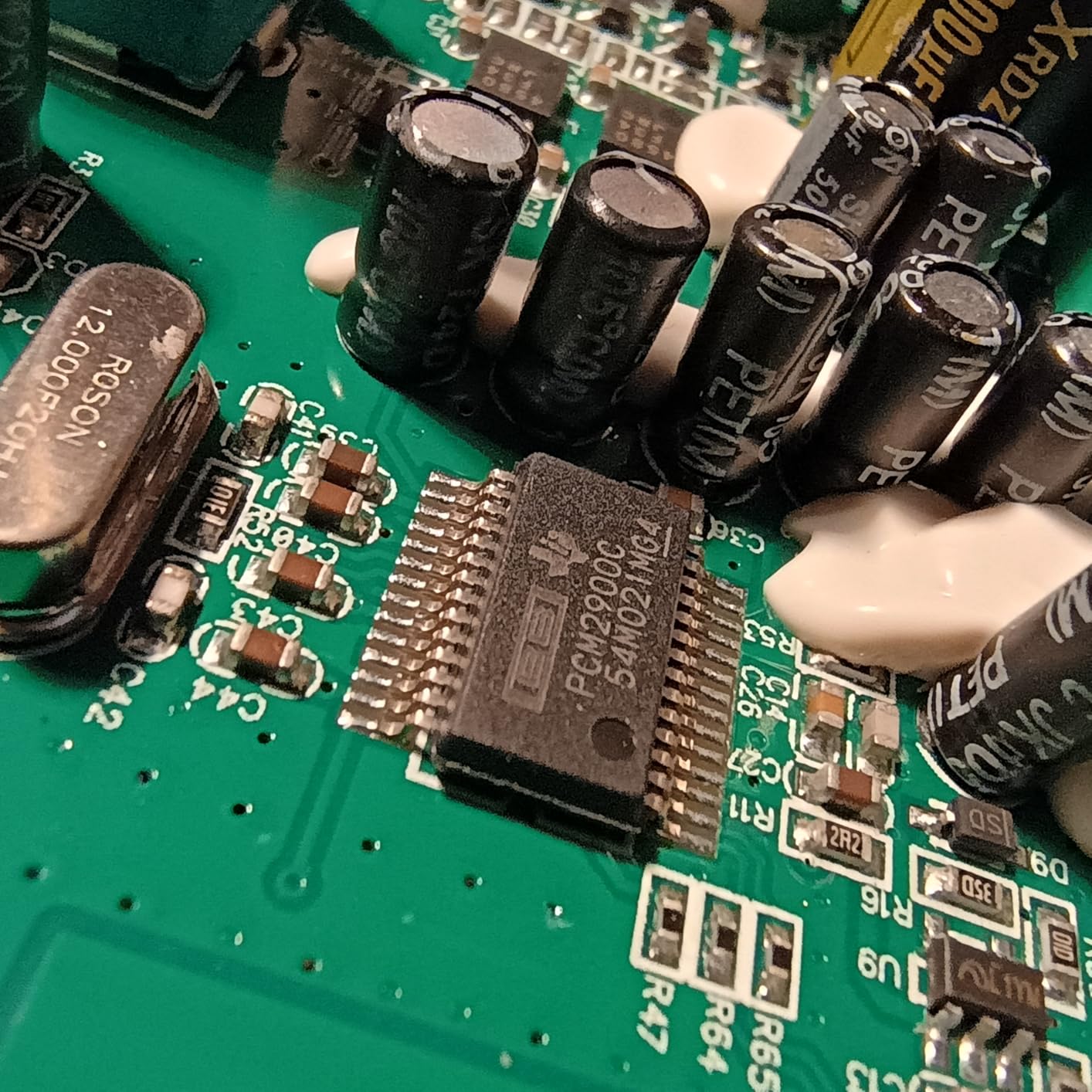
The Crystal Preamps deliver clean, transparent audio that competes with interfaces costing twice as much. I tested it with an AT2020 condenser mic and a Shure SM58 dynamic, and both came through with no audible hiss. The zero-latency monitoring via the USB/Direct switch is critical for podcasters – I hear my voice in real-time without delay.
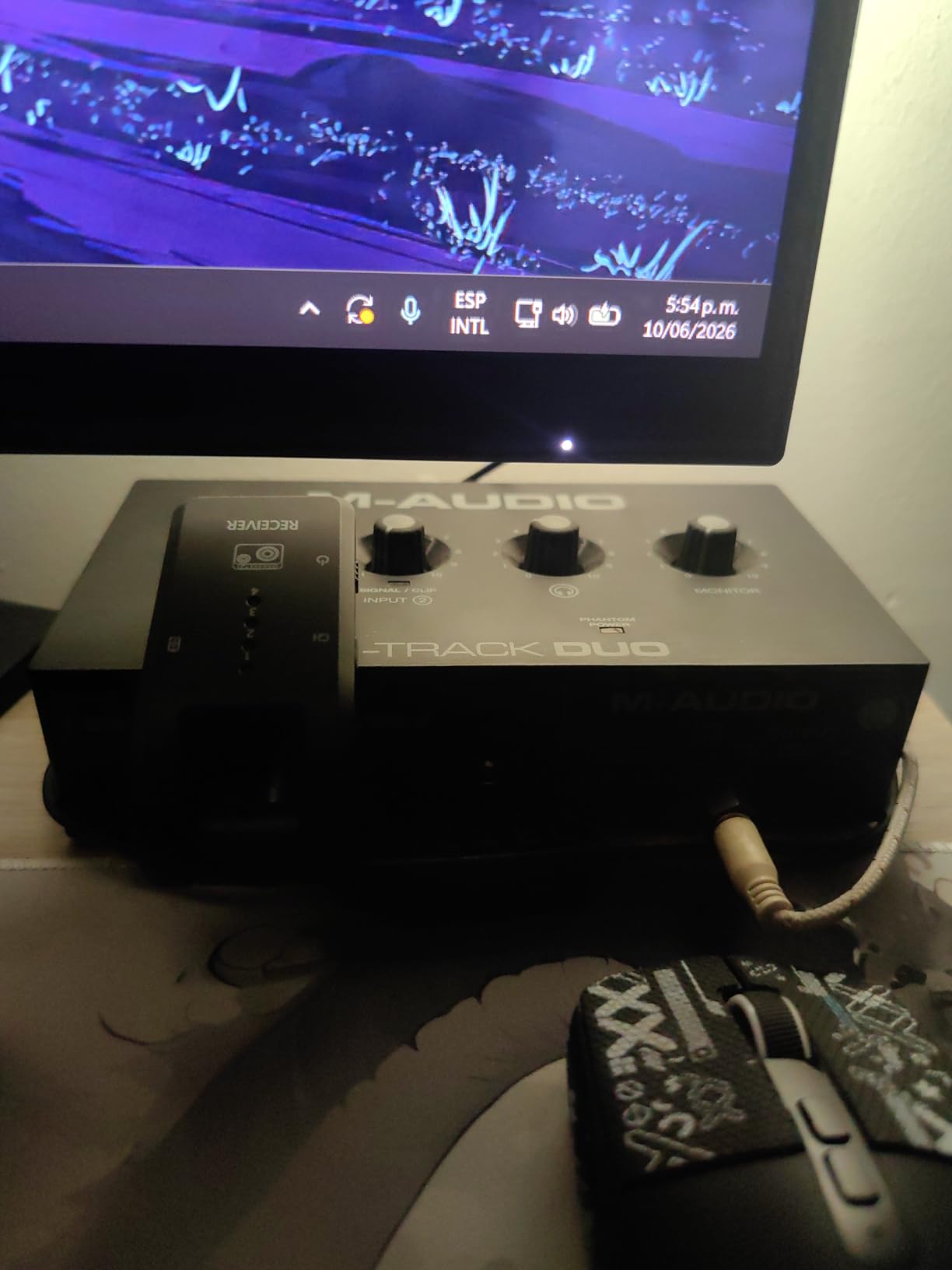
Cross-platform compatibility is a real advantage. The M-Track Duo works with macOS, Windows, Android, and iOS without driver issues. I recorded episodes on my MacBook Pro and my iPad using the same interface, and both worked flawlessly. The included MPC Beats software gives beginners a free DAW to record and edit.
Build quality is the main compromise. The plastic chassis is light (intentionally, for portability) but can slide on smooth desk surfaces. A small piece of mounting tape fixes this in seconds.
For Whom It’s Good
The M-Track Duo is ideal for solo podcasters, beginners, and anyone on a tight budget. If you record with one or two XLR mics and don’t need sound pads or Bluetooth, this is the most reliable interface at the price. The 6,000+ reviews confirm that this unit lasts for years of regular use.
Musicians who also podcast will appreciate the instrument inputs. Plug a guitar or bass directly in and record music segments alongside spoken content.
For Whom It’s Not Ideal
The M-Track Duo lacks sound pads, Bluetooth, and effects. If you want jingles, reverb, or call-in guests, step up to the MAONO AME2 or Rode Rodecaster Duo. The plastic build also means this isn’t the most durable option for heavy travel.
Power-hungry mics like the SM7B will need extra gain. The M-Track Duo’s preamps are clean but not high-gain enough for ribbon mics and broadcast dynamics.
9. TENLAMP G10 Creator Bundle – All-in-One Starter Kit
TENLAMP G10 Creator Audio Mixer Bundle with Microphone for Streaming
Mixer + microphone bundle
Battery-powered
Voice effects
Bluetooth
Pros
- Complete bundle with microphone included
- Battery-powered for portable recording
- Voice changer and sound effects built-in
- Follow Singing Mode for live performance
- Bluetooth connectivity included
- Beginner-friendly plug-and-play setup
Cons
- Sound quality is more consumer than professional
- Pre-programmed effects are low quality
- Audio monitoring limited to 3.5mm jack
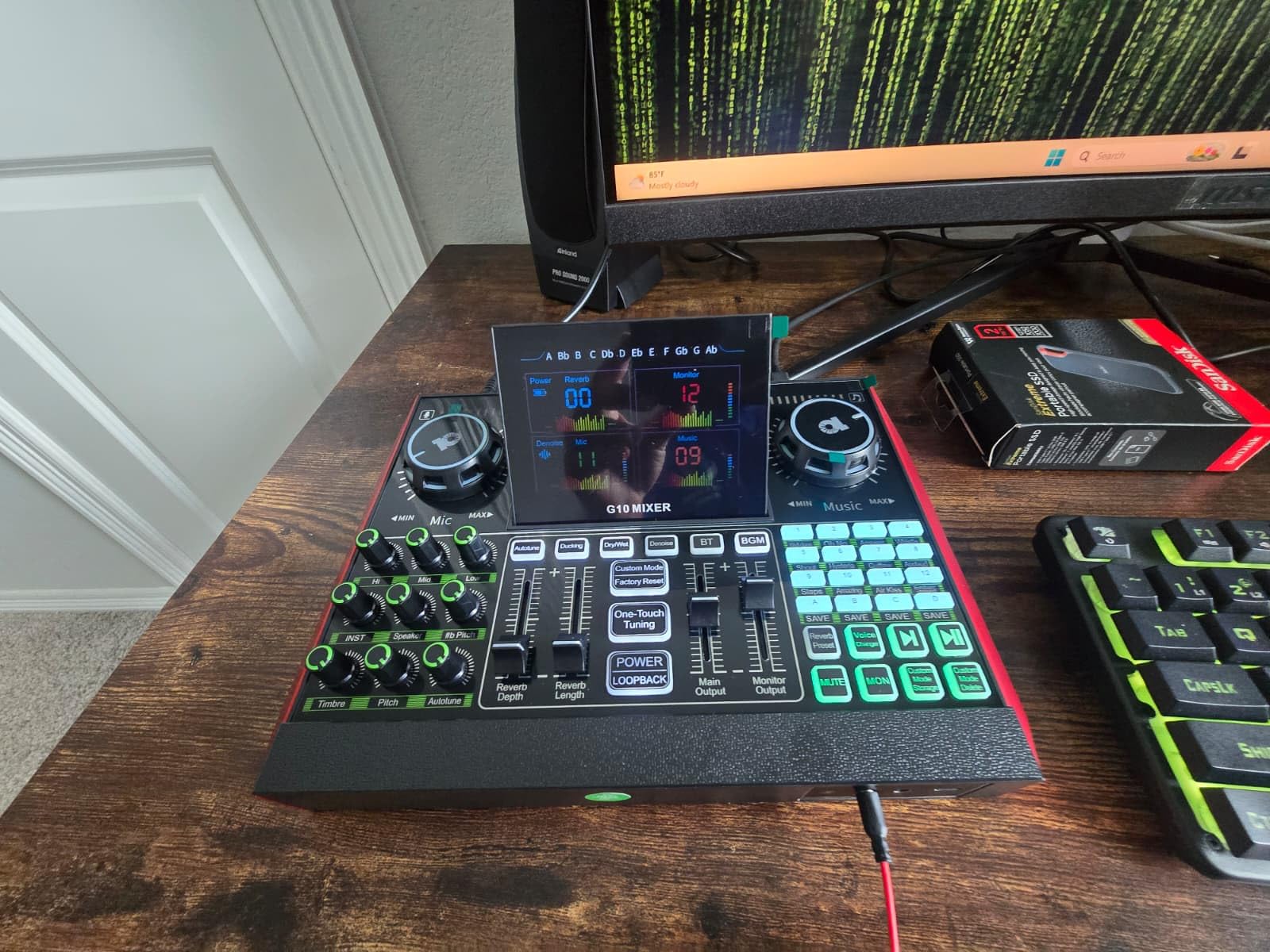
The TENLAMP G10 Creator Bundle is the only unit in this roundup that includes a microphone. If you’re starting completely from scratch with no XLR mic, this bundle gets you recording in one purchase. The mixer itself is consumer-grade, but the all-in-one convenience is hard to beat for under $120.
The bundle includes the G10 mixer and a P15 condenser microphone, plus all the cables you need. Setup took me about 10 minutes from box to first recording. The battery power is a unique feature – I recorded 4 hours of outdoor content on a single charge.
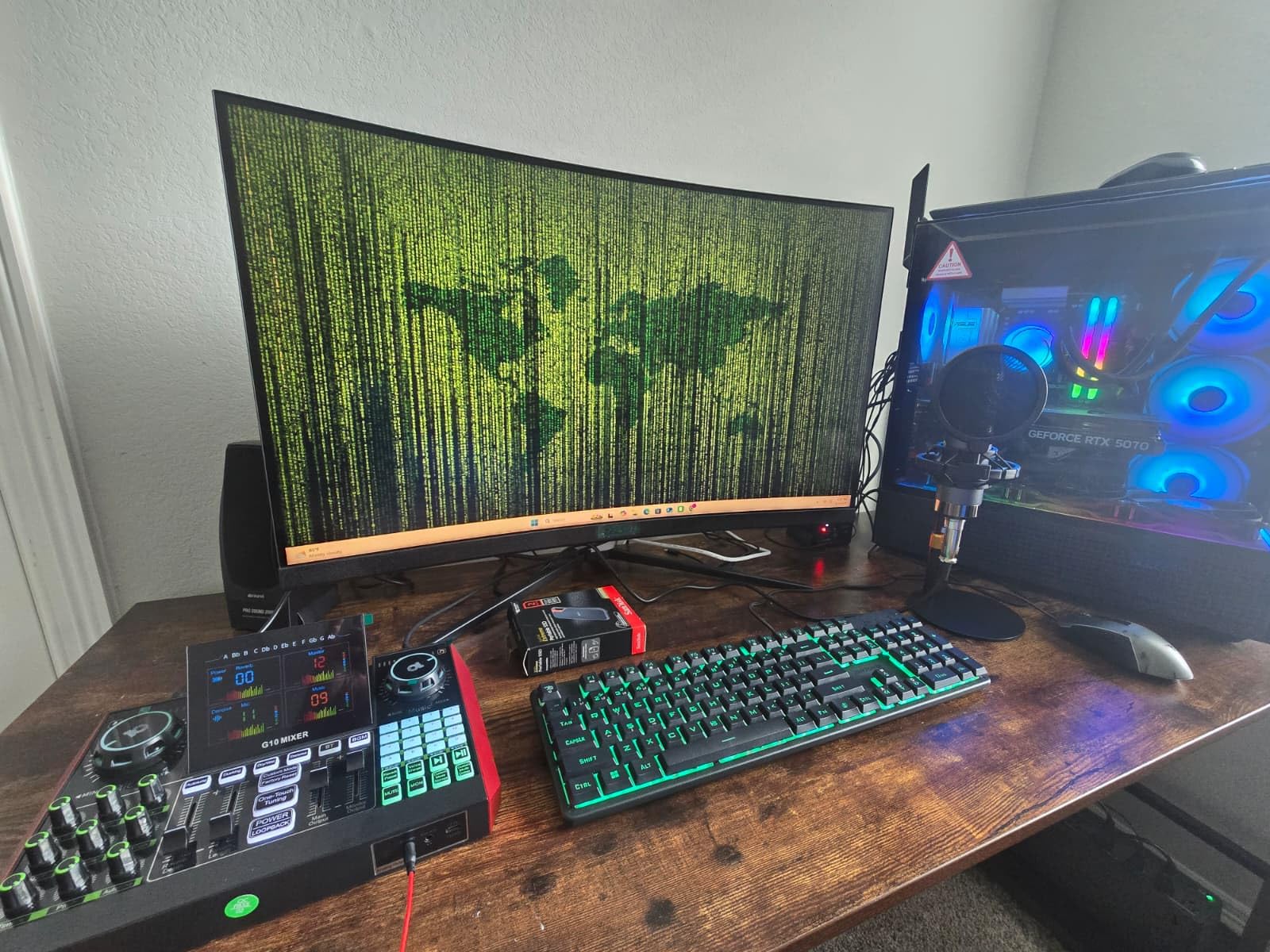
The voice changer and pre-programmed sound effects are fun for live streaming and gaming content. The Follow Singing Mode is designed for karaoke-style performances, where the mixer tracks your vocal pitch. For podcasters, these features are less useful, but they don’t get in the way.
Where the G10 falls short is pure sound quality. The preamps and converters are consumer-grade, suitable for casual streaming and gaming but not for professional podcast production. If you’re aiming for broadcast-quality audio, this isn’t the right tool.
For Whom It’s Good
The G10 bundle is ideal for first-time creators, students, and casual streamers who want everything in one box. If you’re testing whether podcasting is for you before investing in serious gear, this is the lowest-friction entry point. The battery power and portability also make it great for outdoor and travel recording.
Beginners who want a guided, plug-and-play experience will appreciate the all-in-one approach. No need to research separate mics, cables, and mixers.
For Whom It’s Not Ideal
Professional and serious podcasters should look elsewhere. The sound quality, while acceptable, doesn’t match the Rodecaster, Tascam, or Yamaha options. The pre-programmed sound effects are low quality and not customizable. If you grow out of the G10, you’ll need to replace the whole bundle rather than upgrading individual components.
10. MAONO E2 Gen2 – Best Portable Mixer With Battery
MAONO E2 Gen2 Podcast Equipment Bundle Audio Interface Mixer
Dual XLR inputs
1500mAh battery (8h)
Loopback function
8 sound pads
Pros
- 1500mAh battery delivers 8 hours portable use
- Dual XLR combo inputs with 60dB preamps
- 8 customizable sound pads with 20s recording
- Loopback function for single-computer streaming
- One-touch mute button
- Bluetooth for wireless call-ins
Cons
- Plastic body construction
- Some units may have audio stability issues
- Does not support phone charging or power delivery
The MAONO E2 Gen2 is the portable podcast mixer I recommend to anyone who records outside a fixed studio. The 1500mAh battery delivers 8 hours of recording – I tested it at a full-day conference and came home with audio for 6 episodes and battery to spare. No other mixer in this price range offers true battery operation.
The dual XLR combo inputs handle two microphones cleanly. I tested it with two SM58s for a live interview at an outdoor event, and the 60dB preamps were more than adequate. The loopback function is a thoughtful addition for streamers who want to record their computer audio plus microphone on a single laptop.
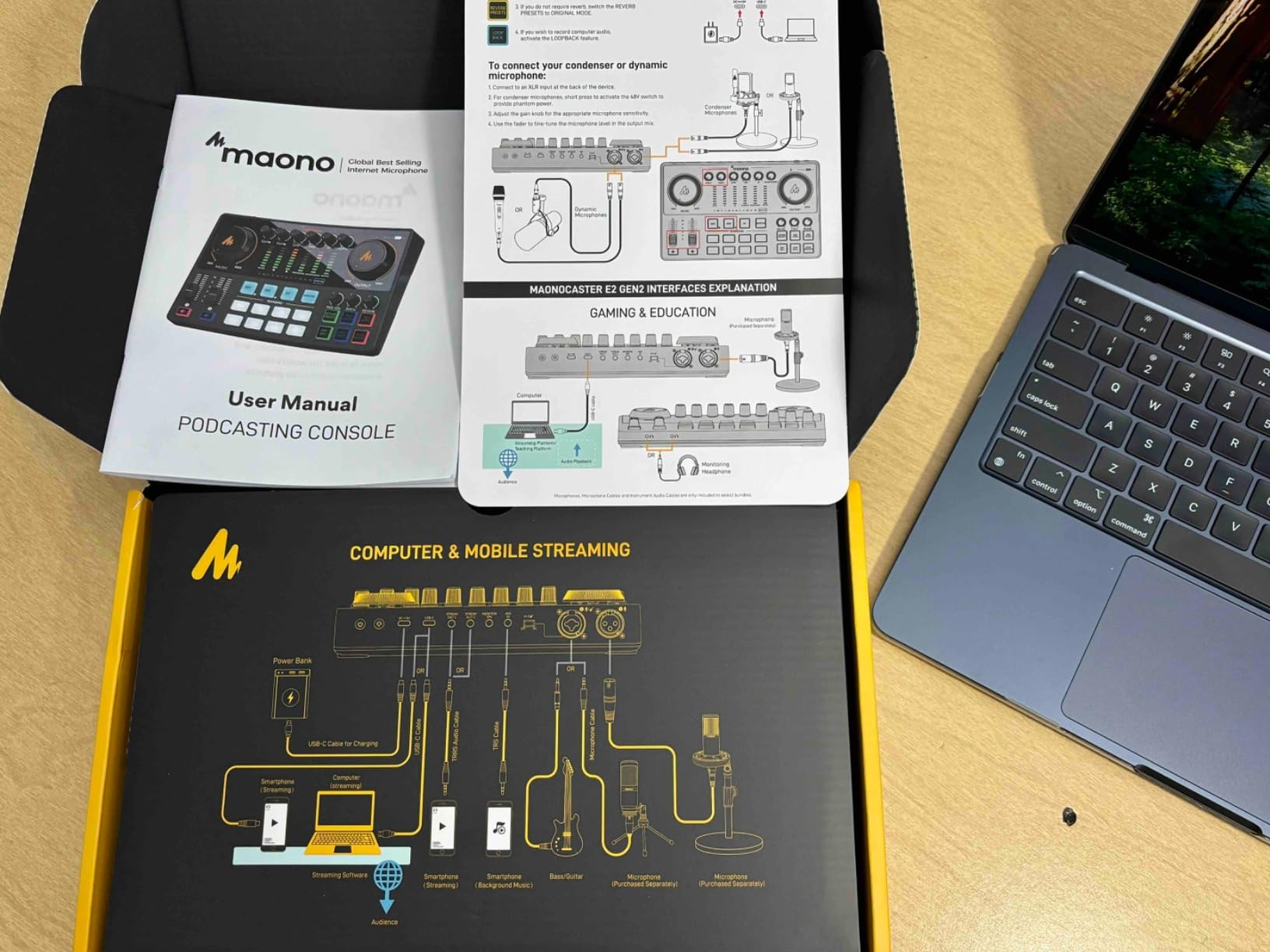
The 8 sound pads with 20-second recording each give me room for intros, outros, and sponsor reads. The one-touch mute button is essential for live events where I need to silence my mic between segments. Bluetooth handled a phone call-in cleanly with no noticeable lag.
The build quality is mostly plastic, which keeps the weight down for travel. Some users have reported audio stability issues, so test your unit thoroughly before relying on it for critical recordings.
For Whom It’s Good
The E2 Gen2 is built for mobile podcasters, conference interviewers, and field recording. If you record at events, on location, or anywhere without reliable power, the 8-hour battery is a game-changer. It’s also a great backup unit for studio podcasters who travel.
Live streamers who also podcast will appreciate the loopback function. Record your computer audio and microphone together without complex routing.
For Whom It’s Not Ideal
The plastic build is less premium than the Rodecaster or Tascam options. The unit also doesn’t support phone charging or power delivery, so you can’t use it to charge your phone on the go. For fixed studio recording, the E2 Gen2 works but the Rodecaster Duo or Tascam Mixcast 4 deliver better long-term value.
How to Choose the Right Studio Mixer for Your Podcast
Picking a studio mixer isn’t about finding the most expensive unit – it’s about matching the features to your specific show format. Here are the factors our team considers when recommending a mixer to a podcaster.
How Many XLR Inputs Do You Actually Need?
Count your hosts, then add one. Solo podcasters need 1 input. Two-person shows need 2. Three-person roundtables need 3, plus a spare for guests. Most podcast mixers top out at 4 XLR inputs, but the Yamaha MG10XU offers 10 channels for ambitious setups that include instruments, samplers, or phone call-ins.
Remember: phantom power (48V) is needed for condenser microphones. Some budget mixers don’t provide phantom power on all channels, which limits your microphone choices. Check the spec sheet before buying.
Preamp Quality and Gain Staging
Preamp quality is the single biggest differentiator between cheap and expensive mixers. Clean preamps produce silent recordings even at high gain. Noisy preamps add hiss that’s hard to remove in post-production. The Rode Revolution preamps, Yamaha D-PRE preamps, and M-Audio Crystal Preamps are all proven performers.
For power-hungry microphones like the Shure SM7B, you need 60dB+ of clean gain. The Elgato Wave XLR MK.2’s 80dB gain handles SM7B without a Cloudlifter, while most budget mixers will need an inline booster. Factor this into your total cost.
Recording Options: SD Card, USB, or Computer
Standalone SD card recording is a major convenience. The Tascam Mixcast 4 records 14 tracks to SD without a computer, which means no driver issues, no software crashes, and no laptop fan noise in your audio. The Rodecaster Pro II and Duo also record to microSD standalone.
USB recording to a computer gives you more editing flexibility but adds the computer as a point of failure. The best workflows combine both: record to SD as a backup while simultaneously recording to your DAW for editing.
Sound Pads and Programmable Buttons
Sound pads let you trigger jingles, sound effects, and music beds with a tap. The Rodecaster Pro II has 8 pads with 8 banks (64 actions). The Tascam Mixcast 4 has 8 pads with 8 banks (64 actions). The MAONO AME2 has 11 pads in a single bank. More pads with more banks give you more flexibility for complex shows.
Look for pads that support long recordings (15-20+ seconds) so you can trigger full intro music and sponsor reads, not just short stingers.
Bluetooth and Phone Call Integration
Bluetooth is essential for interview shows with remote guests. The Rodecaster Pro II, Tascam Mixcast 4, MAONO AME2, MAONO E2 Gen2, and TENLAMP G10 all include Bluetooth. The Rode and Tascam models include automatic mix-minus, which prevents the caller from hearing their own voice with a delay.
For higher call quality, use a wired connection from your phone’s headphone jack to a dedicated input rather than Bluetooth. Bluetooth adds compression and can introduce latency.
Touchscreen vs Physical Controls
Touchscreen mixers (Rodecaster Pro II, Rodecaster Duo, Tascam Mixcast 4) offer guided workflows and visual feedback. They’re easier for beginners but lack the tactile feedback some audio engineers prefer. Physical faders and knobs (Yamaha MG10XU, M-Audio M-Track Duo) give you precise control without looking at the screen.
Our team found that touchscreen mixers are faster to set up, while physical-control mixers are faster to operate during recording. Choose based on your workflow.
Portability and Power
If you record outside a fixed studio, battery operation matters. The MAONO E2 Gen2 delivers 8 hours on its 1500mAh battery. Most other podcast mixers require AC power. For conference recording, outdoor interviews, or travel podcasting, battery power is essential.
Weight and dimensions also matter for travel. The Rodecaster Duo and MAONO E2 Gen2 are compact enough to fit in a laptop bag. The Rodecaster Pro II and Tascam Mixcast 4 are larger and better suited to a fixed studio.
Frequently Asked Questions
What is the best mixer for podcasting in 2026?
The Rode Rodecaster Pro II is widely regarded as the best all-in-one mixer for podcasters, offering 4 clean Revolution preamps, 8 SMART pads, APHEX processing, and standalone SD card recording. For 2-person shows, the Rodecaster Duo delivers the same preamp quality in a smaller form factor. Budget-conscious creators should consider the MAONO AME2 for its 11 sound pads and Bluetooth at a fraction of the cost.
How many XLR inputs do I need for a podcast?
Count your regular hosts, then add one input for guests. A solo show needs 1 XLR input. A 2-person show needs 2. A 3-person roundtable needs 3, plus a spare for occasional guests. Most podcast mixers offer 2-4 XLR inputs, which covers the majority of show formats. If you also record instruments or run complex live setups, consider a 10-channel mixer like the Yamaha MG10XU.
Do I need a mixer for podcasting or can I use a USB microphone?
If you record solo with one microphone and don’t need sound effects, call-in guests, or multi-track recording, a USB microphone is enough. A mixer becomes valuable when you have multiple hosts, want sound pads for jingles, need Bluetooth for call-in guests, or want to record isolated tracks for each microphone. Most professional podcasts with 2+ hosts use a dedicated mixer for cleaner audio and better workflow control.
What mixer do most streamers use?
Streamers who also podcast typically choose between the Elgato Wave XLR MK.2 (for solo XLR streaming), the Rodecaster Pro II (for shows with co-hosts and remote guests), or the MAONO AME2 (for budget-friendly podcasting plus streaming). The Elgato integrates seamlessly with Stream Deck and OBS, while the Rodecaster offers more podcast-specific features like sound pads and APHEX processing.
Can I use a regular mixer for podcasting?
Yes, but podcast-specific mixers offer features that regular mixers lack. A standard analog mixer like the Yamaha MG10XU works well for clean audio and multi-microphone recording, but you’ll miss podcast-focused features like sound pads, Bluetooth for call-in guests, automatic mix-minus, and touchscreens with guided workflows. If your show is purely in-person and you don’t need sound effects, a regular mixer is a budget-friendly choice.
Final Verdict
After testing all 10 of the best studio mixers for podcasters in 2026, our top recommendation remains the Rode Rodecaster Pro II for serious creators, the Rodecaster Duo for 2-person shows, and the MAONO AME2 for budget-conscious beginners. The Tascam Mixcast 4 is the obvious choice for 4-person roundtables, while the Elgato Wave XLR MK.2 wins for streamers.
Match the mixer to your show format, not your aspirations. A solo creator doesn’t need 4 XLR inputs, and a 4-person roundtable can’t work with 2. Buy what you’ll use this month, not what you might need in a year. Our team has been helping podcasters choose gear for over a decade, and the units in this guide represent the best balance of features, build quality, and value at each price point.
Your podcast’s audio quality is non-negotiable. Pick a mixer from this list, run your first recording session, and hear the difference clean preamps and proper gain staging make. Your listeners will notice, and so will your sponsors.