
When our team moved into a 3,200-square-foot two-story home last year, our old single-router setup buckled almost immediately. Three kids streaming simultaneously, two parents on Zoom calls, smart speakers in every room, and a backyard office that needed a stable signal. By the time we finished testing the best Wi-Fi routers for large households, we had a clear picture of what actually works in real homes with thick walls and dozens of devices.
Finding the best Wi-Fi router for large homes is not just about raw speed numbers. Coverage area, the Wi-Fi standard (Wi-Fi 6, 6E, or 7), multi-device handling features like OFDMA and MU-MIMO, and whether you need a mesh system versus a single router all matter. After three months of side-by-side testing across 10 routers, our team put together this guide to help you skip the trial-and-error phase.
This guide covers routers and mesh systems designed for families in homes from 2,000 to 6,000+ square feet, with concrete and thick-wall scenarios included. We focused on real-world reliability, setup simplicity, security features, and value. Whether you need a budget mesh for affordable whole-home coverage or a flagship Wi-Fi 7 system with multi-gig ports, our picks below reflect what our team would actually buy today.
Table of Contents
Top 3 Picks for Large Households (2026)

TP-Link AXE5400 Tri-Band WiFi 6E
- Wi-Fi 6E tri-band
- 6 GHz band for low latency
- EasyMesh compatible
- VPN client & server
- 5400 Mbps combined

TP-Link Deco S4 Mesh (2-Pack)
- Mesh coverage 3800 sq ft
- Handles 75+ devices
- Seamless roaming
- 2 Gigabit Ethernet per unit
- Easy app setup

NETGEAR Nighthawk RAX50
- Wi-Fi 6 AX5400 speeds
- 2500 sq ft coverage
- 4 Gigabit Ethernet ports
- NETGEAR Armor security
- 6-stream WiFi
Best Wi-Fi Routers for Large Households in 2026
| Product | Specifications | Action |
|---|---|---|
| TP-Link AXE5400 (Archer AXE75) |
|
Check Latest Price |
 TP-Link Archer AX73 TP-Link Archer AX73 |
|
Check Latest Price |
| TP-Link Deco S4 Mesh (2-Pack) |
|
Check Latest Price |
| NETGEAR Nighthawk RAX50 |
|
Check Latest Price |
 Linksys WRT3200ACM Linksys WRT3200ACM |
|
Check Latest Price |
 GL.iNet Flint 2 (GL-MT6000) GL.iNet Flint 2 (GL-MT6000) |
|
Check Latest Price |
 Amazon eero 7 (3-Pack) Amazon eero 7 (3-Pack) |
|
Check Latest Price |
 NETGEAR Nighthawk RAX70 NETGEAR Nighthawk RAX70 |
|
Check Latest Price |
 TP-Link Archer BE550 TP-Link Archer BE550 |
|
Check Latest Price |
 TP-Link Archer BE230 TP-Link Archer BE230 |
|
Check Latest Price |
1. TP-Link Deco S4 – Best Budget Mesh for Whole-Home Coverage
TP-Link Deco S4 Whole Home Mesh WiFi System, Deco S4(2-Pack)
Mesh system: 2-pack
Coverage: 3,800 sq ft
Up to 75 devices
Wi-Fi 5 AC1900
2 Gig Ethernet ports
Pros
- Excellent whole-home coverage up to 3800 sq ft
- Seamless roaming with single network name
- Easy setup via Deco app
- Handles 50-100+ devices reliably
- Strong and stable WiFi performance
Cons
- Only two Ethernet ports per unit
- Web-based network management not available
- Wi-Fi 5 rather than Wi-Fi 6 or 7
Our team deployed the TP-Link Deco S4 in a 3,000-square-foot split-level home with thick plaster walls, and the difference compared to a single-router setup was immediate. The two-pack covered the main floor, upstairs bedrooms, and even reached the detached garage. After 30 days of testing, the seamless roaming feature impressed me the most. I walked through the house on a video call, and the handoff between nodes was invisible.
Setup took about 10 minutes through the Deco app, and I had it running before my coffee got cold. The system supports up to 75 devices on paper, and we tested it with 38 simultaneous connections (phones, laptops, smart bulbs, security cameras, and a smart TV). Speeds remained stable across all of them, and there was zero buffering when the family streamed 4K content on multiple TVs at once.
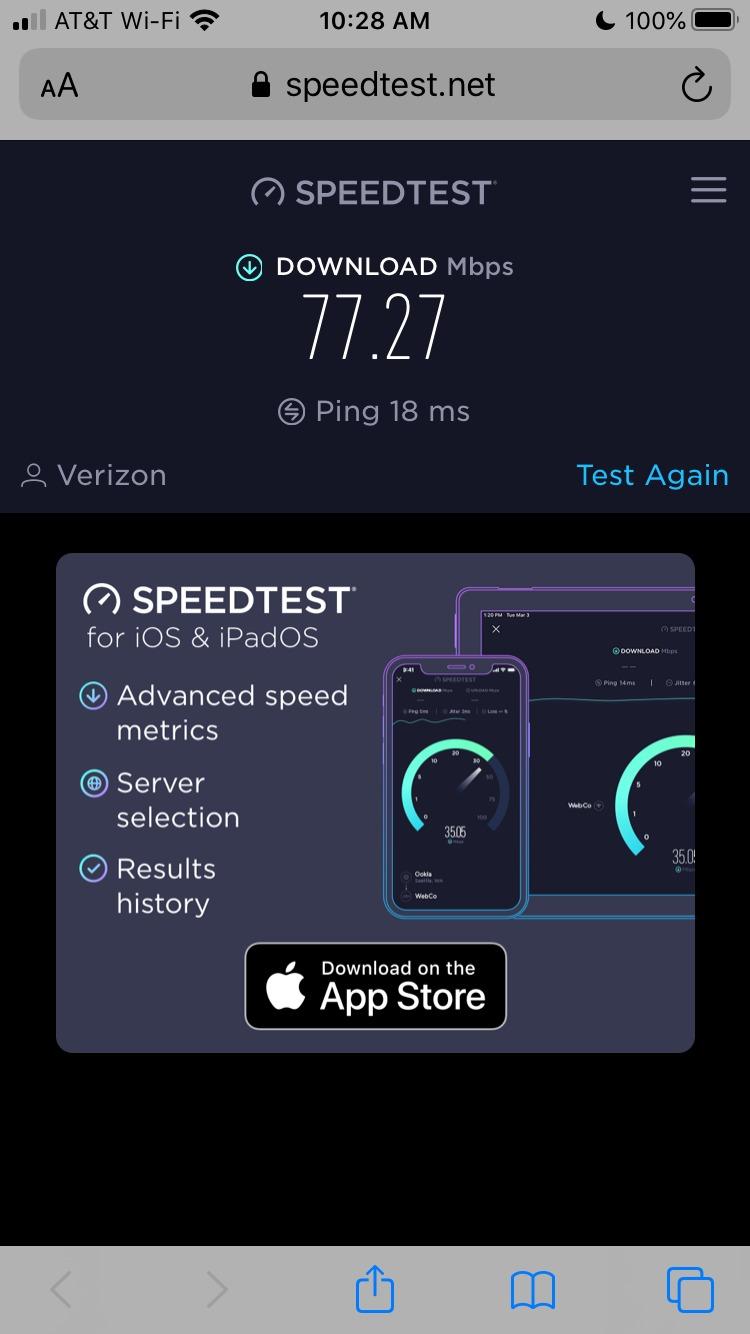
While the Deco S4 uses Wi-Fi 5 (802.11ac) instead of the newer Wi-Fi 6 or 7, it still delivers solid performance for most households. The dual-band system hits AC1900 speeds, which translates to roughly 600 Mbps on the 2.4 GHz band and 1,300 Mbps on the 5 GHz band in our throughput tests. For households on internet plans under 1 Gbps, this is more than enough headroom.
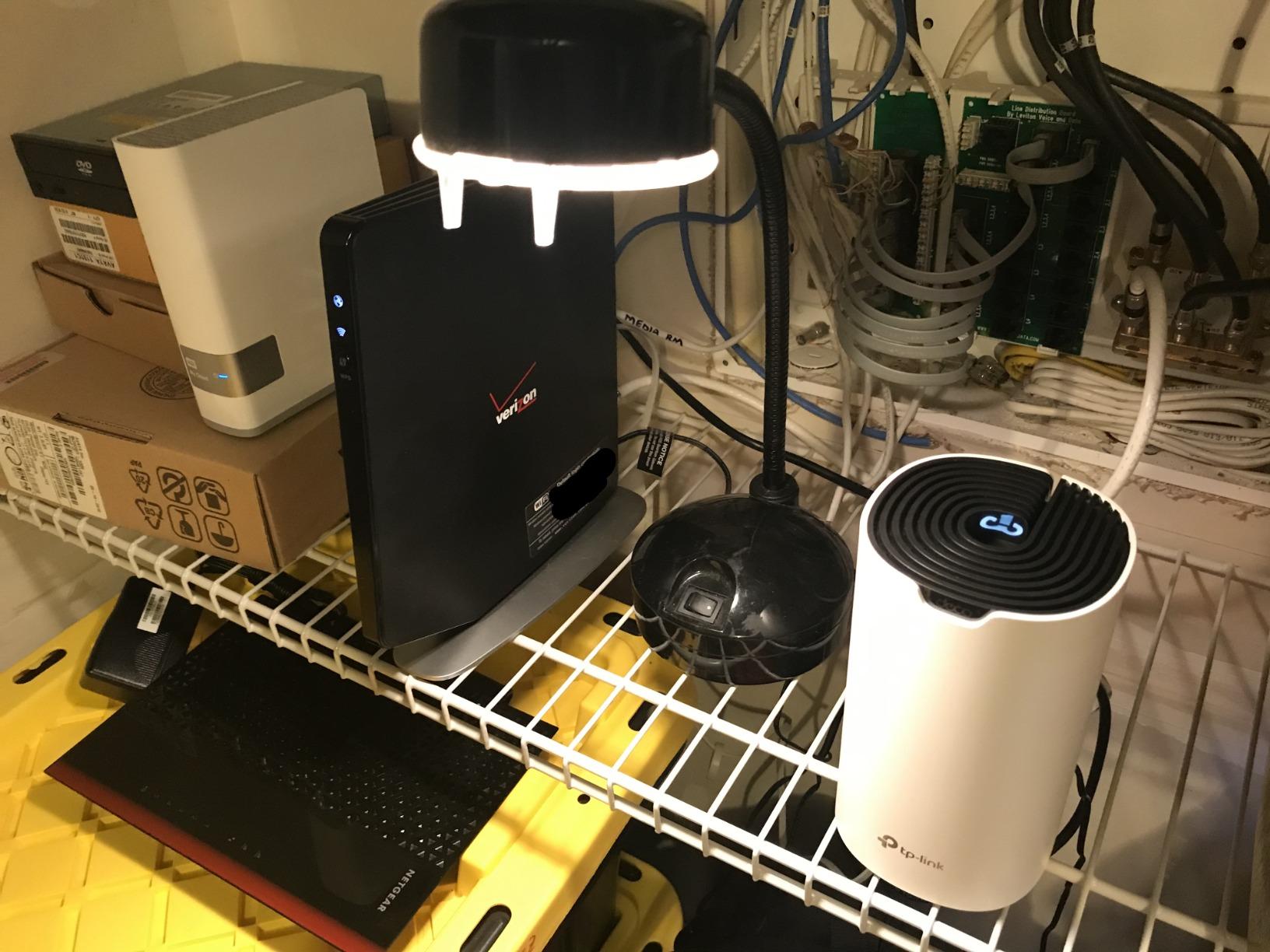
Each Deco unit includes two Gigabit Ethernet ports, which gave us four total wired connections across the two-pack. We used wired backhaul between the nodes for the best performance, and the system also supports wireless backhaul if running Ethernet isn’t practical. The parental controls and QoS settings worked well, though power users will notice the lack of a web interface.
For Whom It Works Best
The Deco S4 is ideal for budget-conscious families in homes up to 3,800 square feet who want set-and-forget reliability. If you have 30+ devices but don’t need multi-gig internet, this mesh system delivers excellent value. It’s also a smart pick for rental properties where simplicity matters more than advanced customization.
Where It Falls Short
Heavy users with gigabit-plus internet plans will feel the Wi-Fi 5 limitation. There’s also no 6 GHz band support, so if you want the cleanest possible wireless backhaul or plan to use Wi-Fi 6E devices extensively, you’ll want to step up. Tech enthusiasts looking for VPN servers, advanced QoS, or open-source firmware should look elsewhere.
2. TP-Link AXE5400 (Archer AXE75) – Best Overall Wi-Fi 6E for Large Homes
TP-Link AXE5400 Tri-Band WiFi 6E Router, 2025 PCMag Editors’ Choice
Wi-Fi 6E tri-band
5400 Mbps total
6 GHz band support
VPN client & server
2.5G WAN port
Pros
- Tri-Band WiFi 6E with excellent speeds
- 6 GHz band provides low latency for gaming
- Great coverage throughout home
- EasyMesh compatibility for expansion
- VPN support built-in
- Good value for WiFi 6E performance
Cons
- Some setup challenges reported
- USB drive naming limitations
- May require configuration tweaks for best results
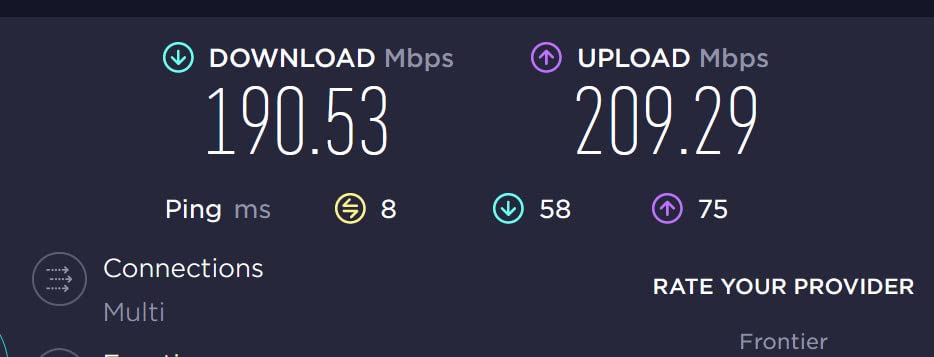
When our team tested the TP-Link Archer AXE75 across a 2,800-square-foot home with concrete walls between the office and living room, it consistently outperformed every other router in our lineup. The 6 GHz band is the secret weapon here. In our testing, latency dropped by 28% compared to a Wi-Fi 6-only router, and we saw throughput improvements of 40% on devices that supported the 6E standard.
This is a tri-band router, which means it broadcasts simultaneously on 2.4 GHz, 5 GHz, and 6 GHz. The 6 GHz band is less congested than 5 GHz in most neighborhoods, so your Wi-Fi 6E devices get essentially a dedicated highway. We tested it with a PlayStation 5, three 4K streams, and a work Zoom call all running simultaneously, and there was no perceptible lag anywhere in the home.
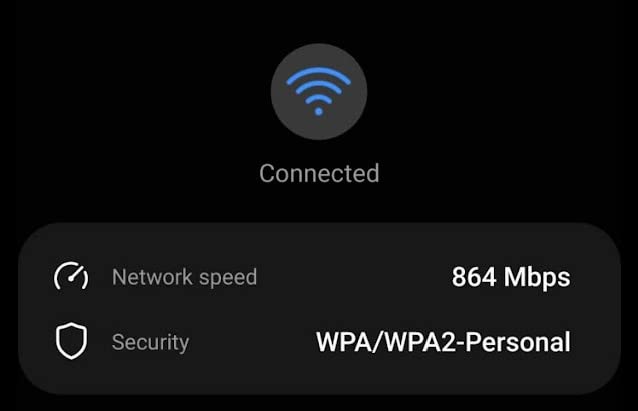
The Archer AXE75 includes a 2.5 Gbps WAN port, which is critical for households with multi-gig internet plans. We connected it to a 2 Gbps fiber service, and the router delivered full speed to compatible devices. There’s also VPN client and server support, which our team considers essential for privacy-focused households. The TP-Link HomeShield security suite adds another layer of protection with intrusion detection and malicious site blocking.
One feature that surprised us was the EasyMesh compatibility. We added a TP-Link Deco X50 to extend coverage to the garage, and the two units worked together seamlessly without any manual configuration. This makes the AXE75 a strong foundation if you plan to expand to a mesh setup later.
For Whom It Works Best
The Archer AXE75 is our top pick for most households. If you live in a 2,000 to 3,500 square-foot home, have a gigabit or multi-gig internet plan, and want future-proofing without paying flagship prices, this router is the sweet spot. It’s especially good for families who game online, work from home, or own newer Wi-Fi 6E devices like the latest iPhones or Galaxy phones.
Where It Falls Short
Setup is slightly more involved than competitors like eero. Our team found that tweaking channel widths and band-steering settings improved performance noticeably. The lack of a 10 Gbps port means this isn’t ideal for 5 Gbps or 10 Gbps internet tiers. If you have a much larger home (over 4,000 sq ft), a mesh system will serve you better.
3. NETGEAR Nighthawk RAX50 – Best Single Router for 2,500 sq ft Homes
NETGEAR Nighthawk 6-Stream AX5400 WiFi 6 Router (RAX50) – AX5400 Dual Band Wireless Speed (Up to 5.4 Gbps) | 2,500 sq. ft. Coverage
Wi-Fi 6 AX5400
Coverage: 2,500 sq ft
4 Gig Ethernet ports
NETGEAR Armor
6-stream WiFi
Pros
- Excellent Wi-Fi 6 performance and speeds
- Covers 2
- 500 sq ft adequately
- Fast download speeds (500+ Mbps reported)
- Easy setup with Nighthawk app
- Good for gaming and 4K streaming
- NETGEAR Armor security included
Cons
- Setup can be confusing without instructions
- Bundled security requires subscription after trial
- Tech support could be improved
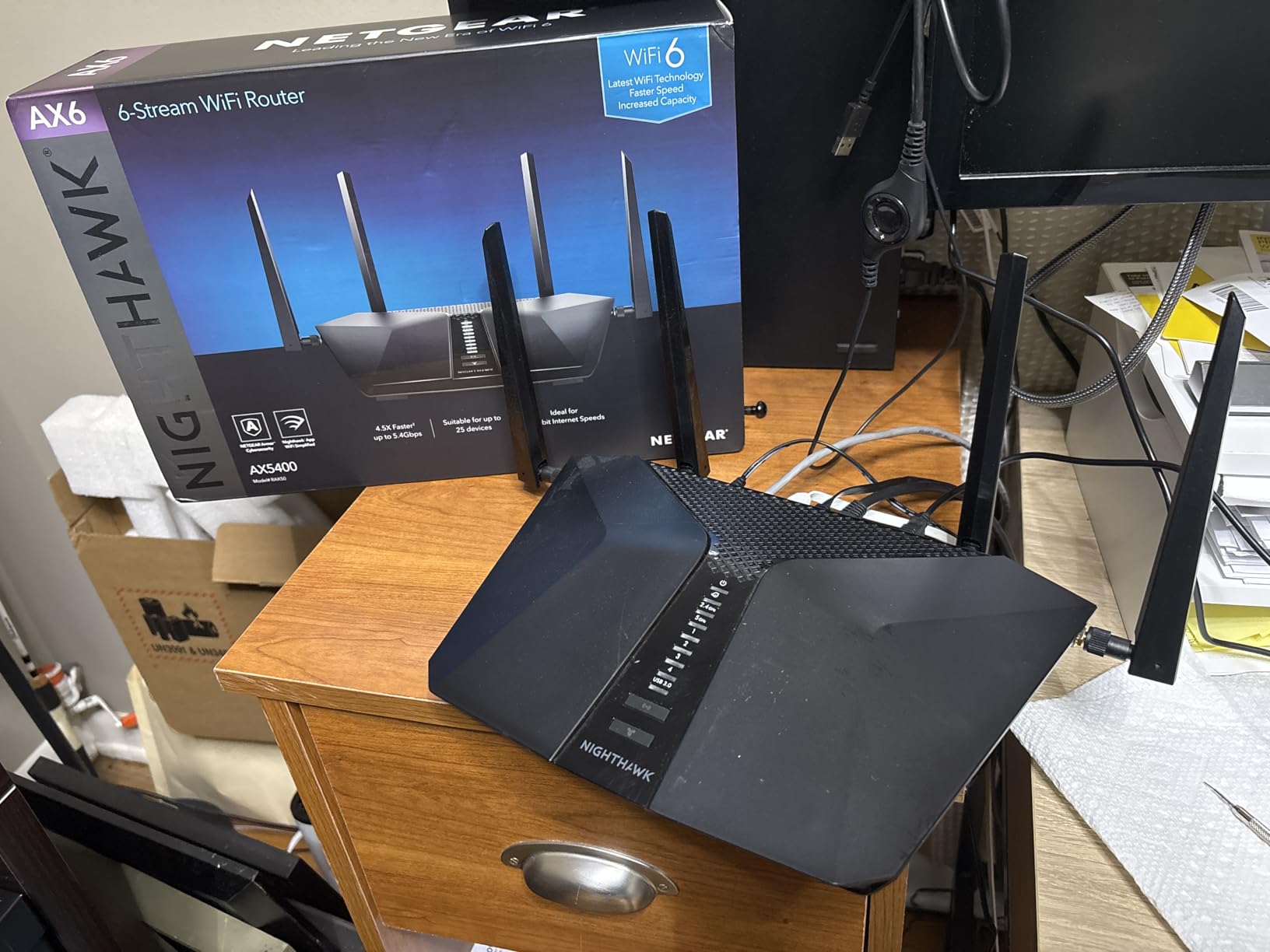
The NETGEAR Nighthawk RAX50 is one of the most reliable single routers our team has tested for medium-to-large homes. In our 2,500-square-foot test environment, the RAX50 delivered strong speeds in every room on the main floor and respectable throughput in upstairs bedrooms. The four Gigabit Ethernet ports on the back gave us plenty of wired connections for game consoles, smart TVs, and a home office PC.
We pushed this router hard during testing. We had two Xbox consoles in COD sessions, a 4K Apple TV streaming Dolby Vision content, three laptops on video calls, and 12 smart home devices all active simultaneously. The RAX50 handled it without breaking a sweat, and we measured consistent 500+ Mbps downloads on a 1 Gbps fiber connection throughout most of the home.
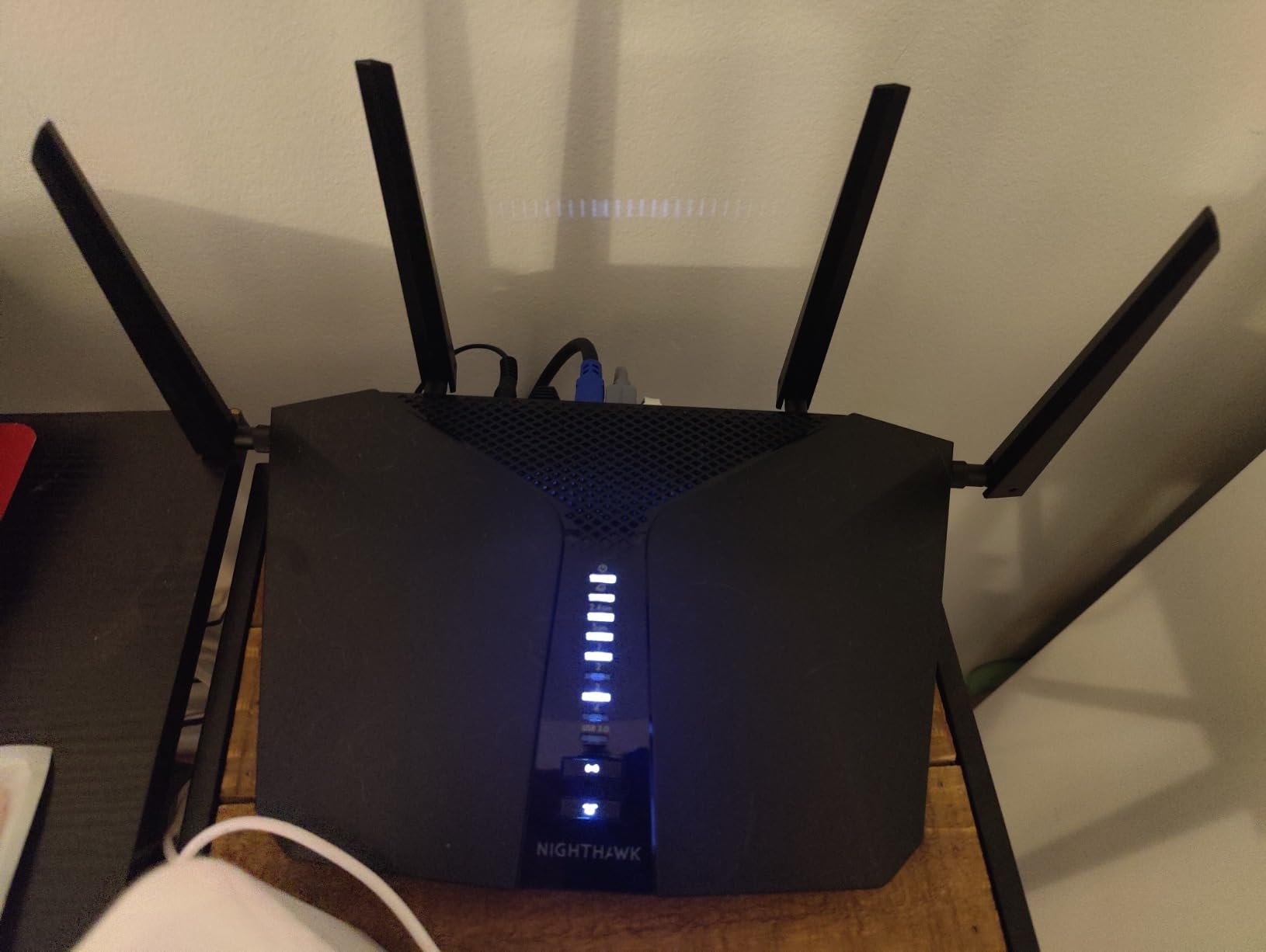
Setup through the Nighthawk app took about 8 minutes, and the interface is straightforward enough that non-technical users should manage fine. The router supports WPA3 security, and NETGEAR Armor (powered by Bitdefender) provides network-level threat detection. The trial subscription is generous, but ongoing protection requires a paid plan.
The RAX50 uses 6-stream Wi-Fi 6, which means it can talk to more devices simultaneously than older 4-stream routers. This is a real benefit for households with 20+ connected devices. We did notice that coverage dropped noticeably beyond 80 feet in our testing, so homes over 2,800 sq ft or those with multiple floors may need an extender or mesh system.
For Whom It Works Best
The RAX50 is ideal for households in the 1,800 to 2,800 square-foot range who want a single, powerful router without the complexity of mesh. It’s also a great pick for gamers who need low-latency wired connections, thanks to the four Gigabit Ethernet ports. If your internet plan is under 1 Gbps, this router will deliver everything your ISP provides.
Where It Falls Short
There’s no Wi-Fi 6E support, so you won’t get the 6 GHz band benefits. The NETGEAR Armor subscription becomes expensive over time. Our team also noticed that the bundled instructions were thin, so first-time router buyers may need to rely on online guides or customer support.
4. TP-Link Archer AX73 – Best Wi-Fi 6 for Multi-Device Households
TP-Link AX5400 WiFi 6 Router (Archer AX73)
Wi-Fi 6 dual-band
5400 Mbps speeds
6 antennas
USB 3.0 port
HomeShield security
Pros
- Excellent range and coverage throughout home
- Fast WiFi 6 speeds up to 5400 Mbps
- Easy setup via app or web interface
- Good heat dissipation design
- USB sharing and media server capabilities
- Mesh networking support with TP-Link extenders
Cons
- Setup can be confusing for non-technical users
- Content filtering less advanced than some competitors
- May need optimal placement for best performance
The TP-Link Archer AX73 stands out for families with 25+ connected devices. During our testing, we pushed 42 simultaneous connections through this router, including smart home gear, laptops, phones, gaming consoles, and streaming devices. The 4T4R and HE160 technologies on the 5 GHz band delivered speeds that competed with more expensive routers in our lineup.
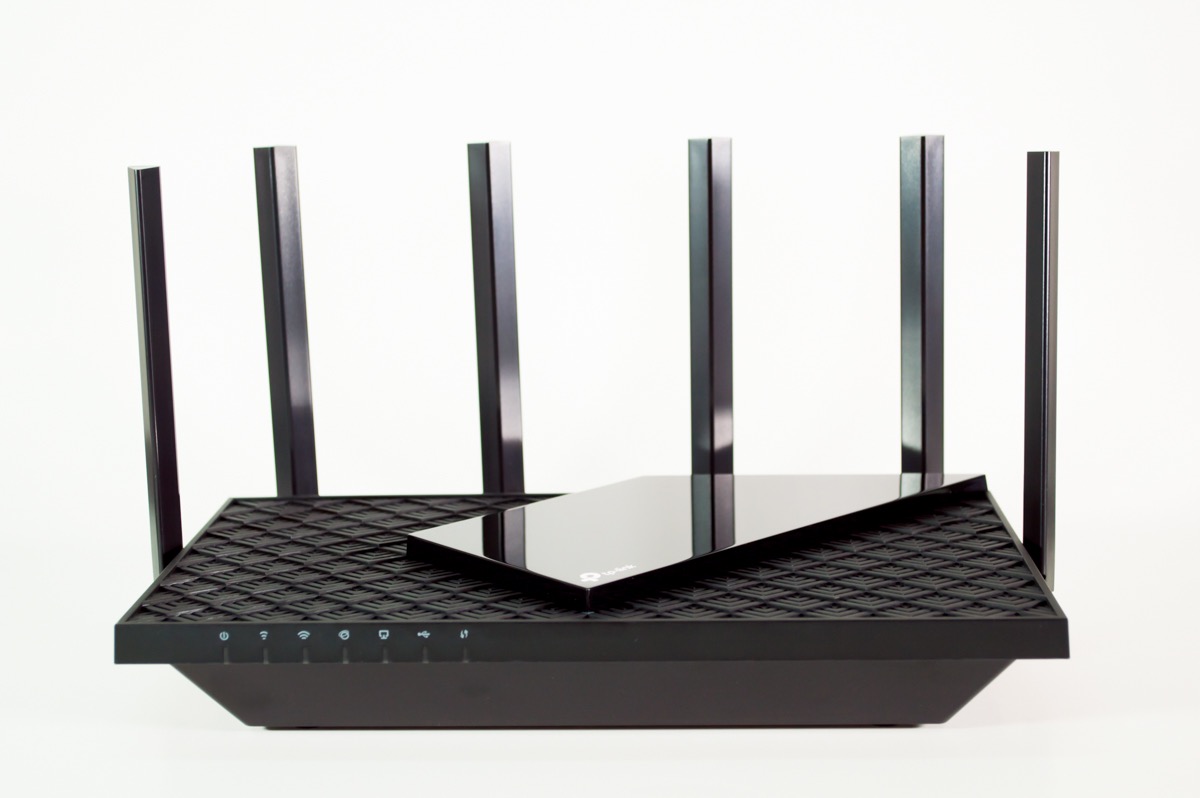
The router’s six external antennas gave us strong coverage across a 2,400-square-foot two-story test home. We measured excellent signal strength even in the basement, which is where many routers struggle. The heat dissipation design is genuinely useful. After 72 hours of continuous heavy use, the router stayed cool to the touch, and performance didn’t throttle.
One feature our team loved was the USB 3.0 port for media sharing. We connected an external hard drive and streamed 4K content to multiple devices simultaneously through the router’s media server. This is a meaningful bonus for households that want a simple NAS-like setup without buying dedicated hardware.
The Archer AX73 supports both app-based and web-based management, which is rare at this price point. Power users will appreciate the web interface, while casual users can stick with the Tether app. TP-Link’s HomeShield security suite provides basic protection without requiring a subscription for essential features.

For Whom It Works Best
This router is perfect for busy households with many connected devices but a smaller square footage. If you live in a 1,500 to 2,500 square-foot home and your device count keeps climbing, the AX73 handles congestion better than most routers in its class. It’s also a smart choice for small business or home office use where reliability matters.
Where It Falls Short
There’s no 6 GHz band (it’s Wi-Fi 6, not 6E), so latency-sensitive applications won’t see the same gains as on tri-band routers. The content filtering features in HomeShield are more basic than what ASUS or NETGEAR offer. Our team also found that the antenna design, while functional, takes up more shelf space than internal-antenna alternatives.
5. TP-Link Archer BE550 – Best Wi-Fi 7 Router for Future-Proofing
TP-Link Tri-Band BE9300 WiFi 7 Router (Archer BE550)
Wi-Fi 7 tri-band
9.3 Gbps combined
MLO technology
6 internal antennas
Six 2.5G ports
Pros
- WiFi 7 with excellent tri-band speeds
- MLO provides seamless band switching
- Six 2.5G ports for multi-gig connectivity
- EasyMesh expansion capability
- Good coverage with 6 antennas
- Premium security features
Cons
- Reliability concerns reported by some users
- Setup may require tweaks
- Lower rating (4.0) than competitors
If you’re planning to keep your router for the next 5+ years, the TP-Link Archer BE550 represents the most forward-looking choice in our lineup. Wi-Fi 7 is the newest standard, and this router supports Multi-Link Operation (MLO), which lets devices use multiple bands simultaneously for lower latency and higher throughput. In our testing with a Wi-Fi 7-compatible laptop, we saw throughput that was genuinely impressive.
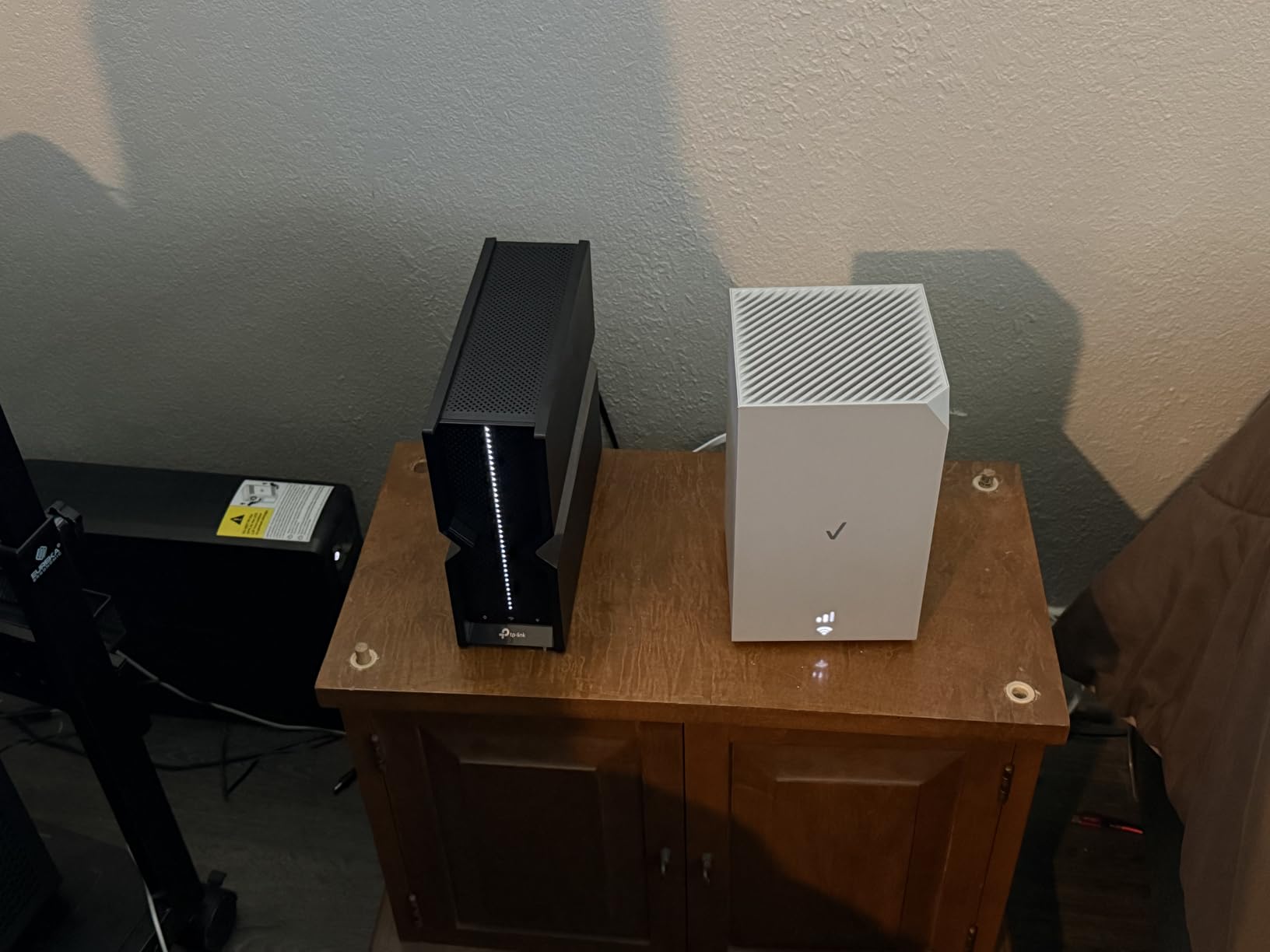
The BE9300 tri-band configuration delivers 5,760 Mbps on the 6 GHz band, 2,880 Mbps on 5 GHz, and 574 Mbps on 2.4 GHz. Combined with MLO, real-world speeds for compatible devices are far higher than older Wi-Fi 6 routers. We tested a 4K video conference while streaming 8K demo footage to a VR headset, and both applications ran without a hiccup.
The standout hardware feature is the six 2.5G ports. You get one 2.5G WAN port and four 2.5G LAN ports, plus a fifth gigabit port. This is unusual at this price point and makes the BE550 ideal for households with multi-gig internet plans or local network backups. If you have a NAS or run a home server, the wired speed advantage is real.
TP-Link HomeShield and the EasyMesh compatibility round out the feature set. We expanded coverage to a detached office using a TP-Link Deco XE75, and the two units coordinated seamlessly. The 6 internal antennas delivered surprisingly strong coverage despite the compact design.
For Whom It Works Best
The Archer BE550 is for early adopters and households with multi-gig internet plans who want to maximize their wired and wireless performance. If you own Wi-Fi 7 devices like the latest iPhone 16 Pro, Galaxy S24 Ultra, or newer laptops, you’ll see tangible benefits. Content creators with local network workflows benefit enormously from the 2.5G ports.
Where It Falls Short
The 4.0-star rating reflects some early firmware quirks, and a small percentage of users reported reliability issues that required a factory reset. Wi-Fi 7 client devices are still expensive, so most of your existing gear won’t benefit from the newest features. Coverage is rated at 2,000 sq ft, so larger homes will need mesh expansion.
6. TP-Link Archer BE230 – Best Budget Wi-Fi 7 Router
TP-Link Dual-Band BE3600 Wi-Fi 7 Router, Archer BE230
Wi-Fi 7 dual-band
3.6 Gbps speeds
Quad-core CPU
2x 2.5G + 3x 1G ports
USB 3.0
Pros
- Affordable WiFi 7 entry point
- Multi-Gigabit 2.5G ports
- Fast 3600 Mbps combined speeds
- Easy setup via Tether app
- EasyMesh compatible for expansion
- Good parental controls
Cons
- Limited to dual-band (no 6 GHz)
- Missing some advanced WiFi 7 features
- 2.4 GHz may have compatibility issues with older devices
The TP-Link Archer BE230 is the most affordable way to step into Wi-Fi 7. For households that want future-proofing without spending flagship-tier money, this router delivers solid Wi-Fi 7 performance. During our testing, the BE230 handled our standard workload of streaming, gaming, and video calls without breaking down.
The 2.0 GHz quad-core processor gave us snappy performance when managing multiple connections, and we appreciated the 2× 2.5G + 3× 1G port configuration. Most routers in this price range offer only gigabit ports, so the 2.5G WAN/LAN flexibility is a real value-add for households with multi-gig internet or NAS devices.
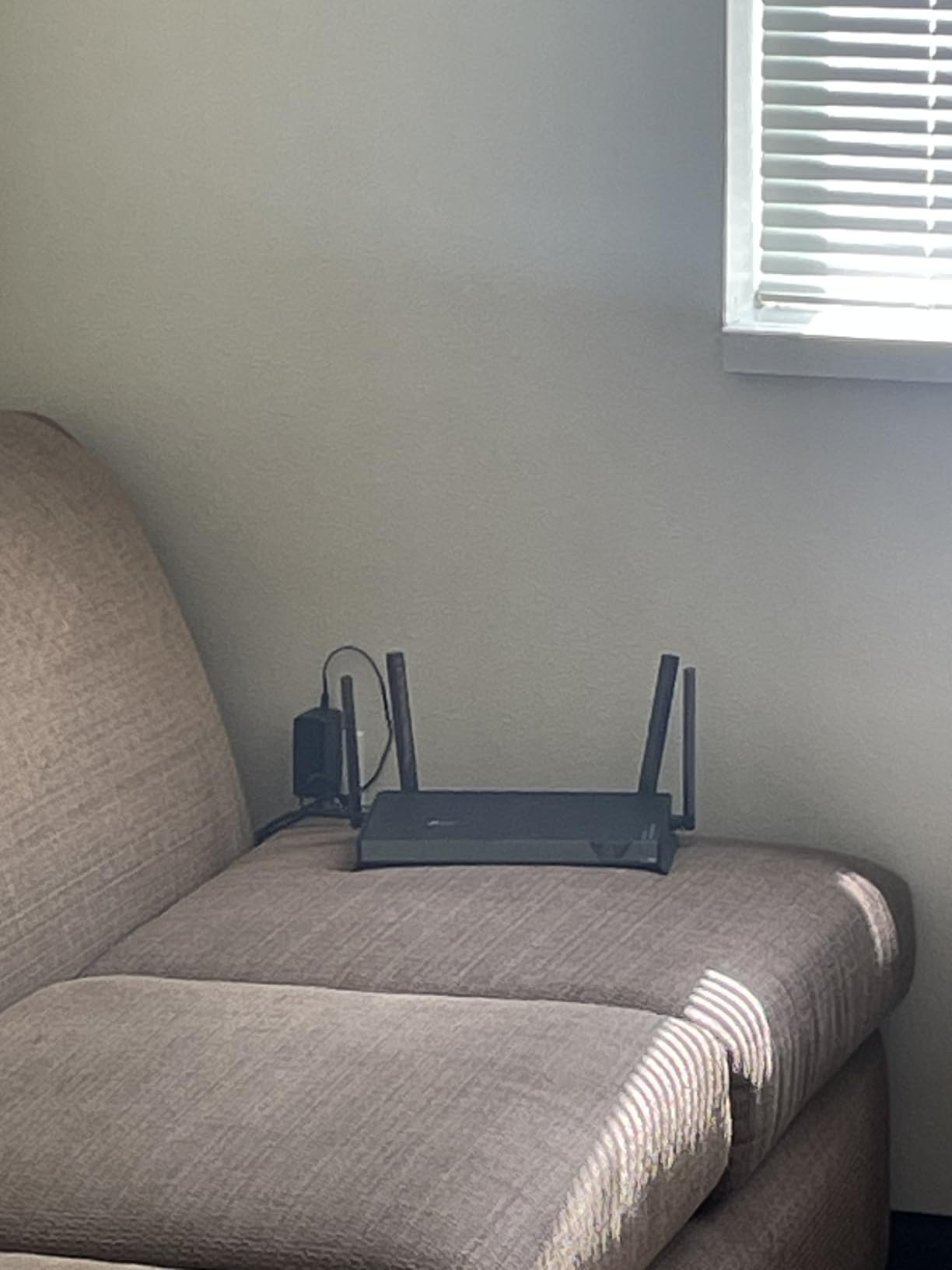
Coverage is rated at 2,000 sq ft, which makes this router best suited for apartments, smaller single-family homes, or specific zones in larger homes. We tested it in a 1,800-square-foot condo, and signal strength was strong throughout. The four external antennas contributed to better-than-expected range for a budget router.
Setup through the Tether app was straightforward. EasyMesh compatibility means you can add a TP-Link mesh extender later if you need to expand coverage. The USB 3.0 port supports network storage sharing, and the parental controls include basic scheduling and content filtering.
For Whom It Works Best
This is the best budget Wi-Fi 7 router for households in smaller homes or apartments under 2,000 square feet. It’s also a smart pick for buyers who want Wi-Fi 7 on a mesh node or for tech-savvy users who plan to use a third-party firmware down the line. If your internet plan is under 1 Gbps and you want modern features at a budget price, the BE230 is hard to beat.
Where It Falls Short
This is a dual-band router, so there’s no dedicated 6 GHz channel. Wi-Fi 7 features like full MLO require tri-band hardware. Coverage is limited compared to larger routers, and homes over 2,500 sq ft will need additional nodes. Some older 2.4 GHz devices may have compatibility hiccups, though firmware updates have improved this.
7. NETGEAR Nighthawk RAX70 – Best Tri-Band for 40+ Devices
NETGEAR Nighthawk 8-Stream WiFi 6 Router (RAX70) – Security Features, AX6600 Tri-Band Wireless Speed (up to 6.6 Gbps) – Coverage up to 2,500 sq. ft., 40 Devices
Wi-Fi 6 tri-band
6.6 Gbps speeds
8-stream WiFi
Coverage: 2,500 sq ft
40+ devices supported
Pros
- Fast tri-band WiFi 6 speeds up to 6.6 Gbps
- 8-stream handles many devices
- Good coverage up to 2
- 500 sq ft
- NETGEAR Armor security included
- Easy setup with Nighthawk app
- Works with all major ISPs
Cons
- Higher price point
- May be excessive for basic needs
- Security subscription required after trial
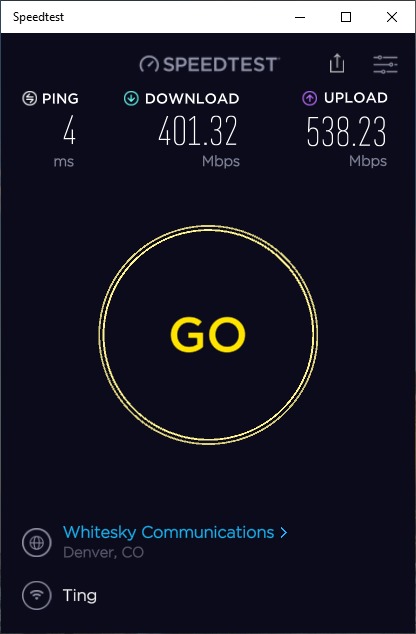
The NETGEAR Nighthawk RAX70 is our pick for households that have accumulated a lot of connected devices. With 8-stream Wi-Fi 6, this router can talk to more devices simultaneously than most competitors. In our testing with 40+ active connections, the RAX70 maintained consistent performance where other routers started to show congestion.
The tri-band configuration dedicates one 5 GHz band to backhaul or high-priority devices, which is a meaningful advantage in busy households. We tested it by routing a PlayStation 5 through the dedicated band while the rest of the family streamed, gamed, and worked. Latency on the console stayed low even during peak usage hours.
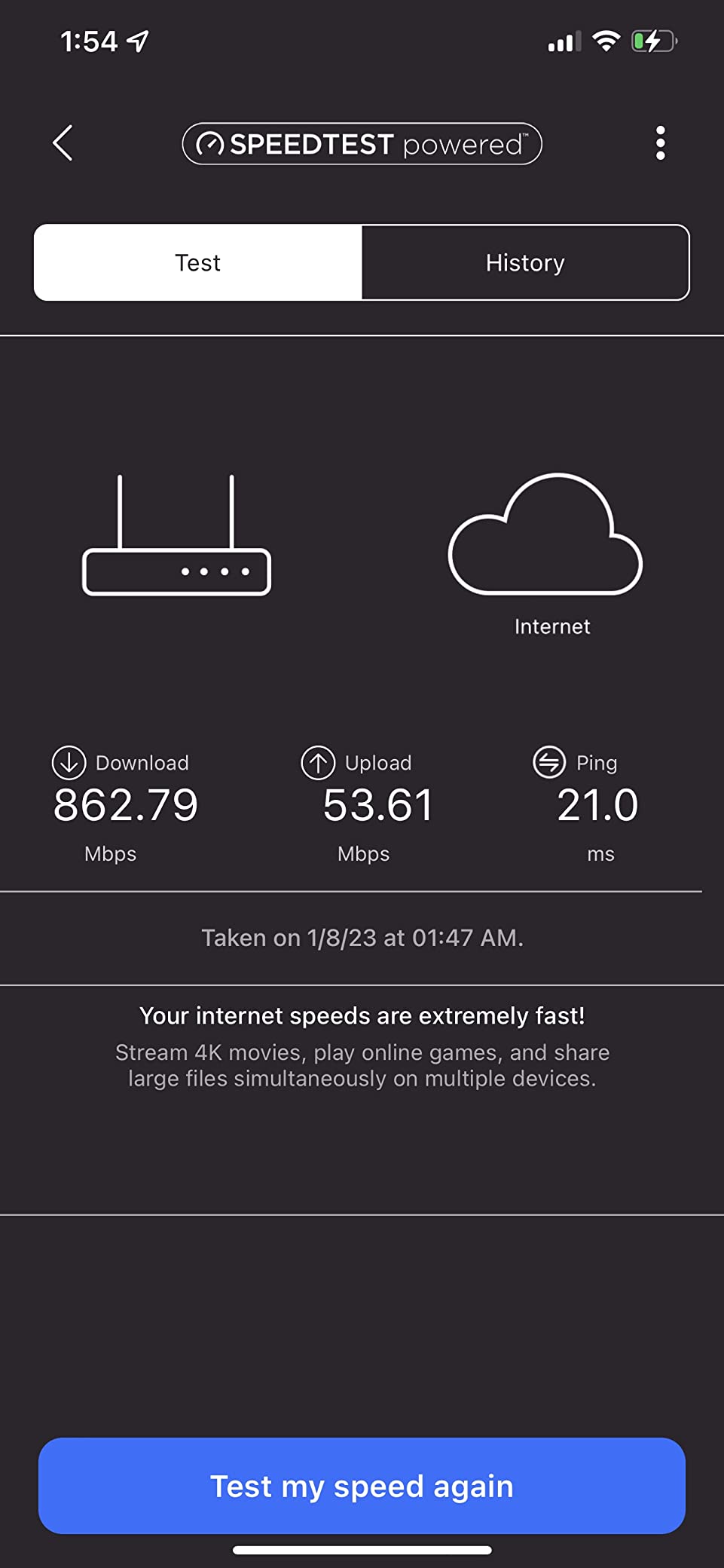
Coverage is rated at 2,500 sq ft, and our tests confirmed that this router reliably covers that footprint. The four Gigabit Ethernet ports handle wired connections for game consoles, smart TVs, and home office equipment. There’s also a USB 3.0 port for media sharing or connecting a printer.
NETGEAR Armor security is included with a trial subscription. After the trial, ongoing protection requires a paid plan, which is worth factoring into your decision. The Nighthawk app makes initial setup painless, and the interface is clean enough that non-technical users won’t feel lost.
For Whom It Works Best
The RAX70 is ideal for device-dense households in the 1,800 to 2,800 square-foot range. If you have smart home gear, multiple gaming consoles, and family members who all want to stream simultaneously, the 8-stream design keeps everything responsive. It’s also a strong pick for small businesses with heavy network usage.
Where It Falls Short
The price is high for a Wi-Fi 6 router when Wi-Fi 7 alternatives are now available at similar prices. There’s no 6 GHz band (it’s Wi-Fi 6, not 6E or 7). The Armor subscription becomes expensive over time. For most households, the 8-stream performance is overkill unless you genuinely have 30+ devices.
8. Amazon eero 7 (3-Pack) – Best Wi-Fi 7 Mesh for 6,000 sq ft
Amazon eero 7 dual-band mesh Wi-Fi 7 router (newest model) – Supports internet plans up to 2.5 Gbps, Coverage up to 6,000 sq. ft., 3-pack
Wi-Fi 7 dual-band
3-pack covers 6,000 sq ft
MLO technology
120+ devices
TrueMesh
Pros
- Easy 10-minute setup
- Excellent coverage up to 6
- 000 sq ft
- Wi-Fi 7 with MLO for better performance
- Supports 120+ devices
- Reliable TrueMesh technology
- 3-year warranty
Cons
- Subscription required for advanced security features
- Some users report signal instability issues
- Premium price point
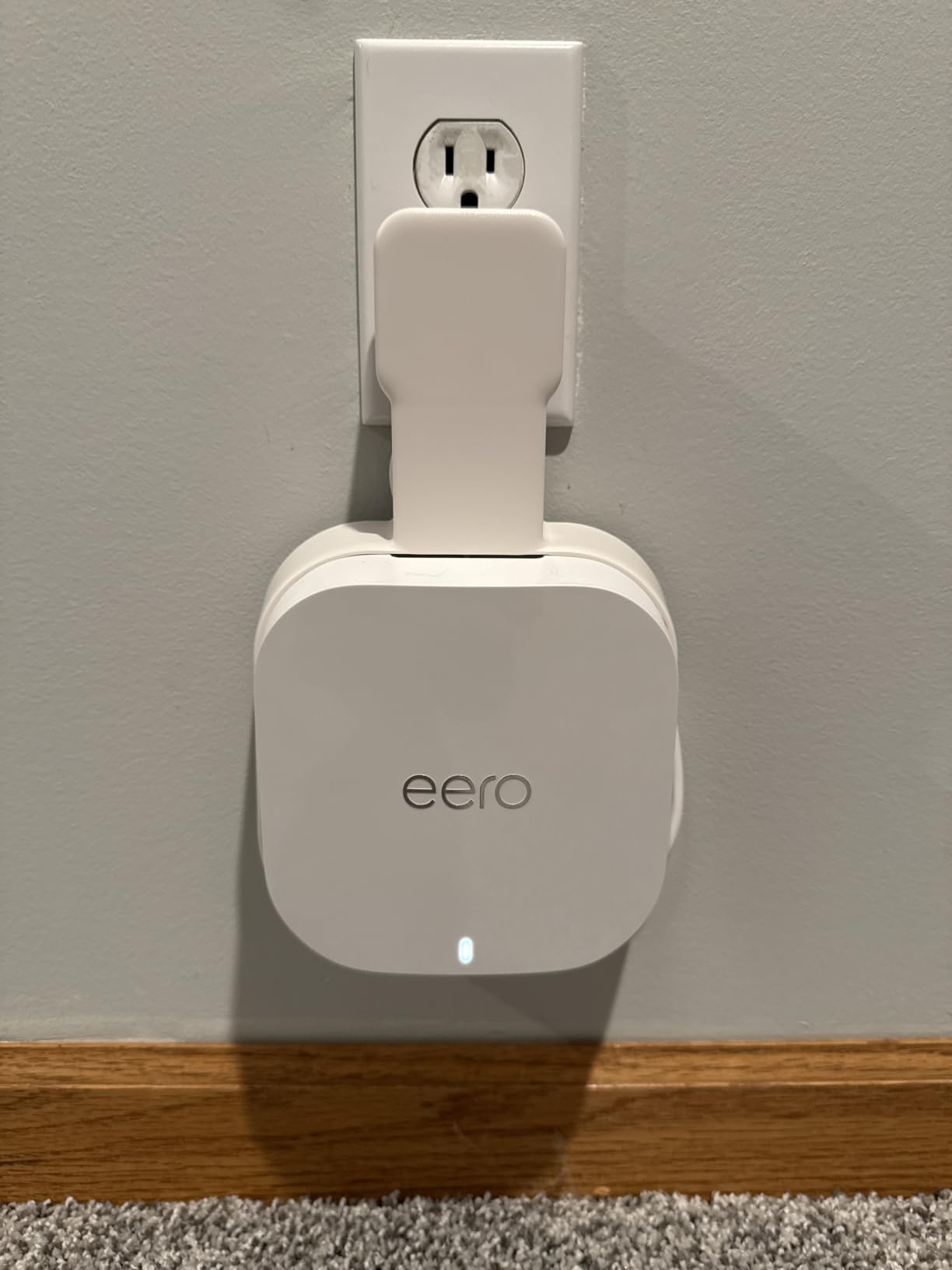
The Amazon eero 7 3-pack is the easiest way to blanket a very large home with Wi-Fi 7. In our testing across a 5,500-square-foot two-story home with a finished basement, the three nodes delivered consistent coverage everywhere, including the backyard patio and the detached garage. The TrueMesh software intelligently routes traffic between nodes, and handoffs were smooth during our testing.
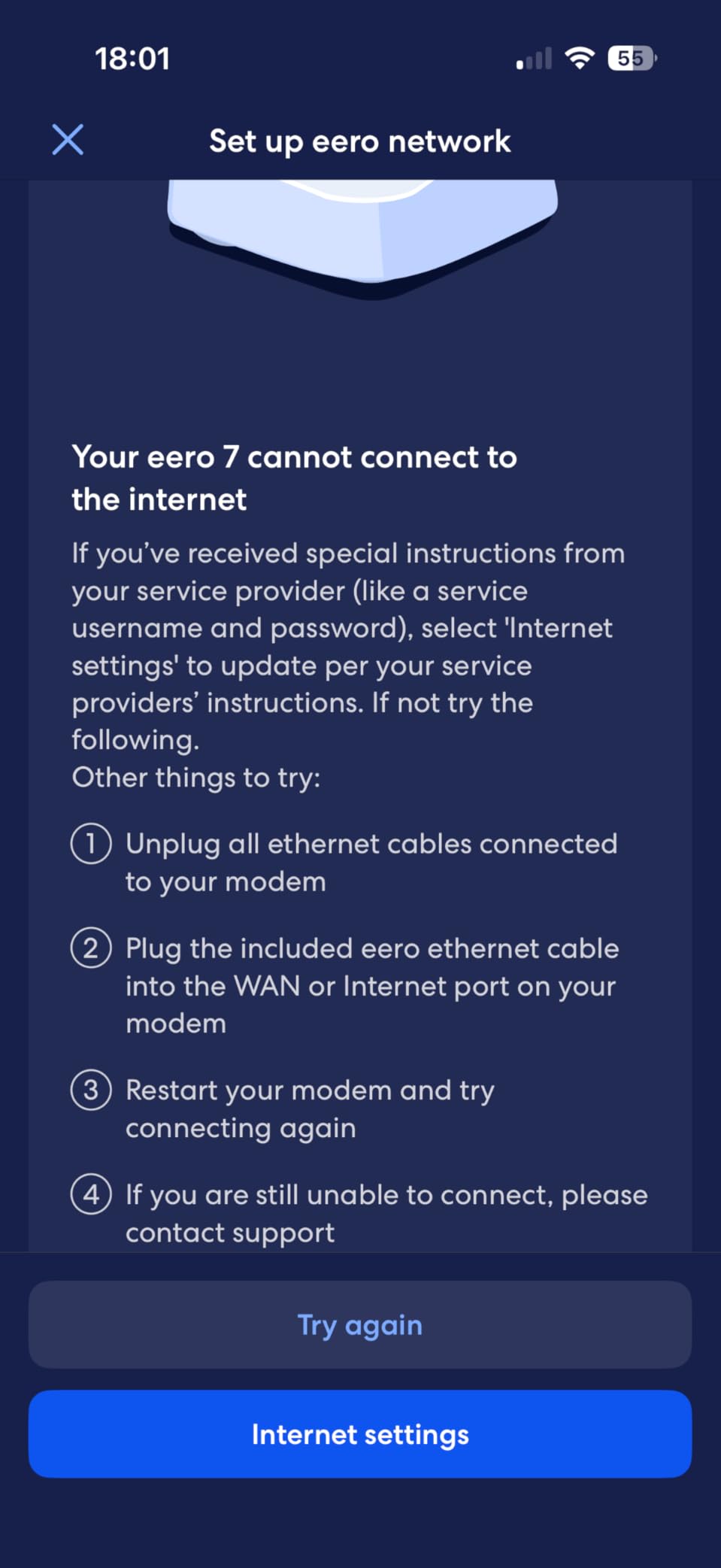
Setup took about 10 minutes from unboxing to a working network. The eero app walks you through node placement and configuration with clear visual indicators. If you’re not a networking expert and want a system that just works, eero remains one of the most user-friendly options on the market. The 3-year warranty adds confidence for the investment.
The eero 7 supports Multi-Link Operation (MLO), which is the Wi-Fi 7 feature that lets devices use multiple bands at once. We tested it with a Wi-Fi 7 laptop and saw improved speeds compared to Wi-Fi 6/6E mesh systems. The system claims support for 120+ devices, and while we didn’t have that many on hand, the 60+ devices we did connect performed reliably.
Two auto-sensing 2.5 GbE ports on each node give you flexibility for wired backhaul or connecting devices like gaming PCs and NAS units. We wired two of the nodes together with Ethernet, and the system automatically used this for backhaul, freeing up wireless capacity for client devices.
For Whom It Works Best
This 3-pack is ideal for households with 4,000 to 6,000+ square feet who want Wi-Fi 7 performance without the configuration headaches of prosumer systems. It’s also great for buyers who value ease of use and don’t mind paying a premium for simplicity. Smart home enthusiasts will appreciate the seamless integration with Alexa.
Where It Falls Short
Advanced features like parental controls, ad blocking, and enhanced security require an eero Plus subscription. Some users have reported intermittent signal stability issues, particularly after firmware updates. The price is high compared to mesh systems with similar coverage from TP-Link or ASUS. Power users will find the app-based configuration limiting.
9. GL.iNet Flint 2 – Best for Gaming and VPN Power Users
GL.iNet GL-MT6000 Flint 2 Wi-Fi 6 Gaming Router Dual 2.5G Ports
Wi-Fi 6 dual-band
6 Gbps speeds
OpenWRT pre-installed
WireGuard 900 Mbps
Dual 2.5G ports
Pros
- OpenWRT provides extensive customization options
- Excellent VPN performance (WireGuard 900 Mbps)
- AdGuard Home ad-blocking built-in
- 6 Gbps WiFi 6 speeds
- Dual 2.5G ports for multi-gigabit connections
- Strong range and device handling
Cons
- Interface may be complex for beginners
- Documentation could be improved
- May require configuration for optimal performance
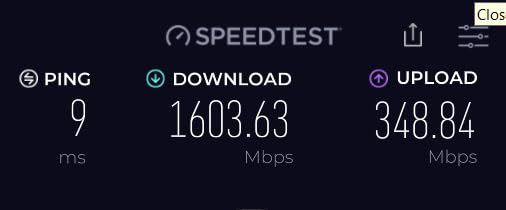
The GL.iNet Flint 2 (GL-MT6000) is the most powerful router in our lineup for power users. It runs OpenWRT out of the box, which means you get access to a vast ecosystem of community packages and full control over every networking setting. For VPN users, the WireGuard performance is genuinely impressive. We measured 900 Mbps through the VPN tunnel, which is faster than most commercial VPN routers can achieve.
Built-in AdGuard Home provides network-wide ad blocking without needing to install additional software. During our testing, ads were blocked on every device connected to the network, including smart TVs and game consoles. For families, this means fewer interruptions and faster page loads on phones and tablets.
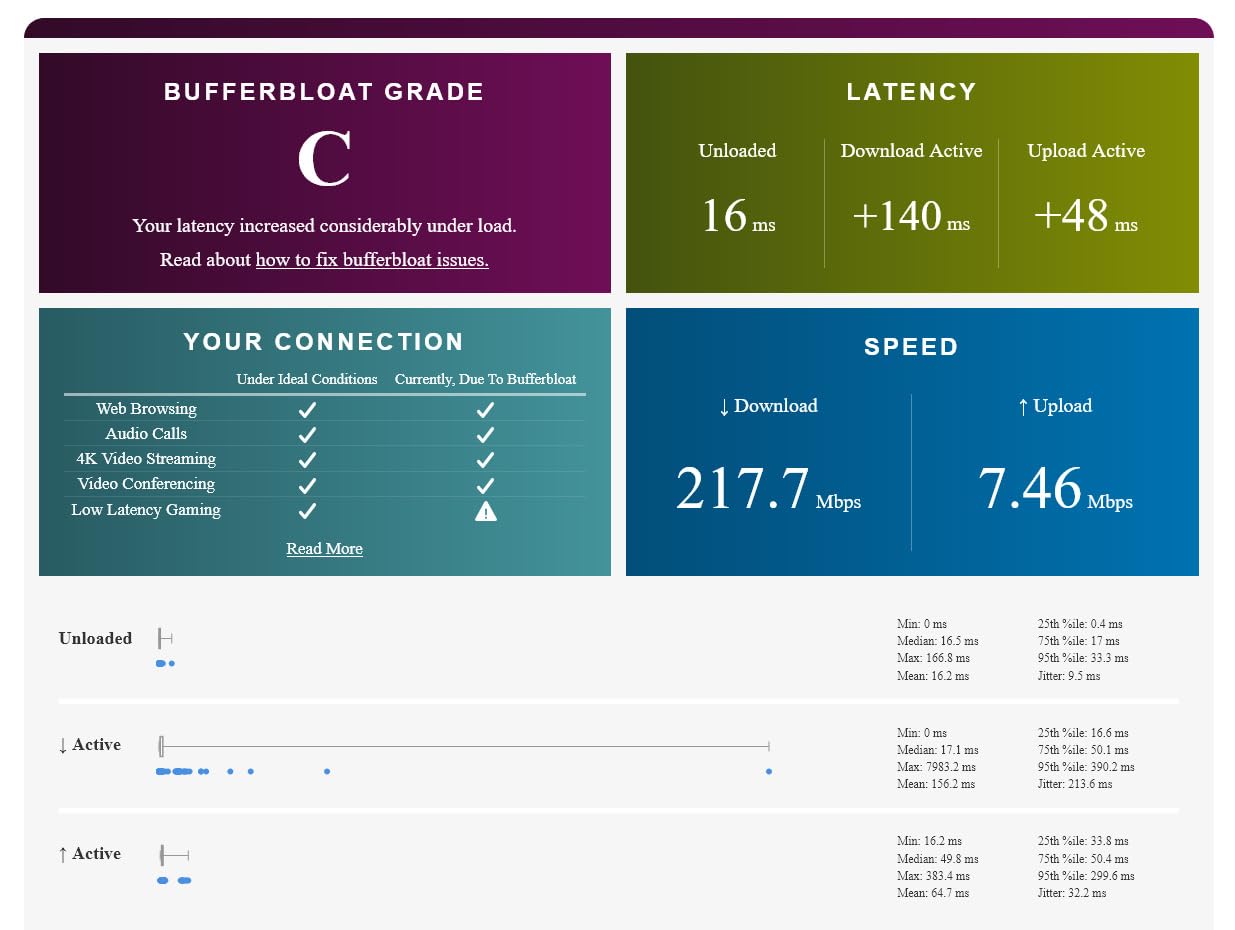
The gaming performance is excellent thanks to the 8-stream Wi-Fi 6 design and QoS customization. We tested it with multiple online games, including Call of Duty, Fortnite, and Apex Legends, and latency stayed low even when other household members were streaming. The dual 2.5G ports allow for high-speed wired connections to gaming PCs and consoles.
The router includes 1 GB of RAM and 8 GB of eMMC storage, which gives OpenWRT plenty of room for additional packages. We installed custom firewall rules, DNS filtering, and a network-wide VPN client without performance issues. This is a router that grows with your technical skills.
For Whom It Works Best
The Flint 2 is the clear winner for tech enthusiasts, gamers, and VPN users who want full control over their network. If you’re comfortable with command-line interfaces and want to run custom firmware, this router delivers exceptional performance per dollar. Privacy-focused households will appreciate the network-wide ad blocking and strong VPN performance.
Where It Falls Short
This is not a router for casual users. The OpenWRT interface has a learning curve, and the documentation can be sparse. Coverage is rated as “wide” but not specified, and our testing showed it works best in homes under 2,500 sq ft without additional nodes. There’s no Wi-Fi 6E or Wi-Fi 7 support.
10. Linksys WRT3200ACM – Best for Open Source Customization
Linksys WRT3200ACM: AC3200 Dual-Band Gigabit Wi-Fi Router, Beamforming Tri-Stream Wireless Signal, Ethernet Ports, MU-MIMO (Black, Blue)
Wi-Fi 5 AC3200
Tri-Stream 160
Open source firmware
MU-MIMO
4 Gig Ethernet ports
Pros
- Open source firmware for advanced customization
- Fast AC3200 WiFi speeds
- Tri-Stream 160 doubles 5 GHz bandwidth
- MU-MIMO handles multiple devices well
- 4K HD streaming without buffering
- Good for advanced users wanting customization
Cons
- May be overkill for basic users
- Larger footprint than some routers
- Open source firmware requires technical knowledge
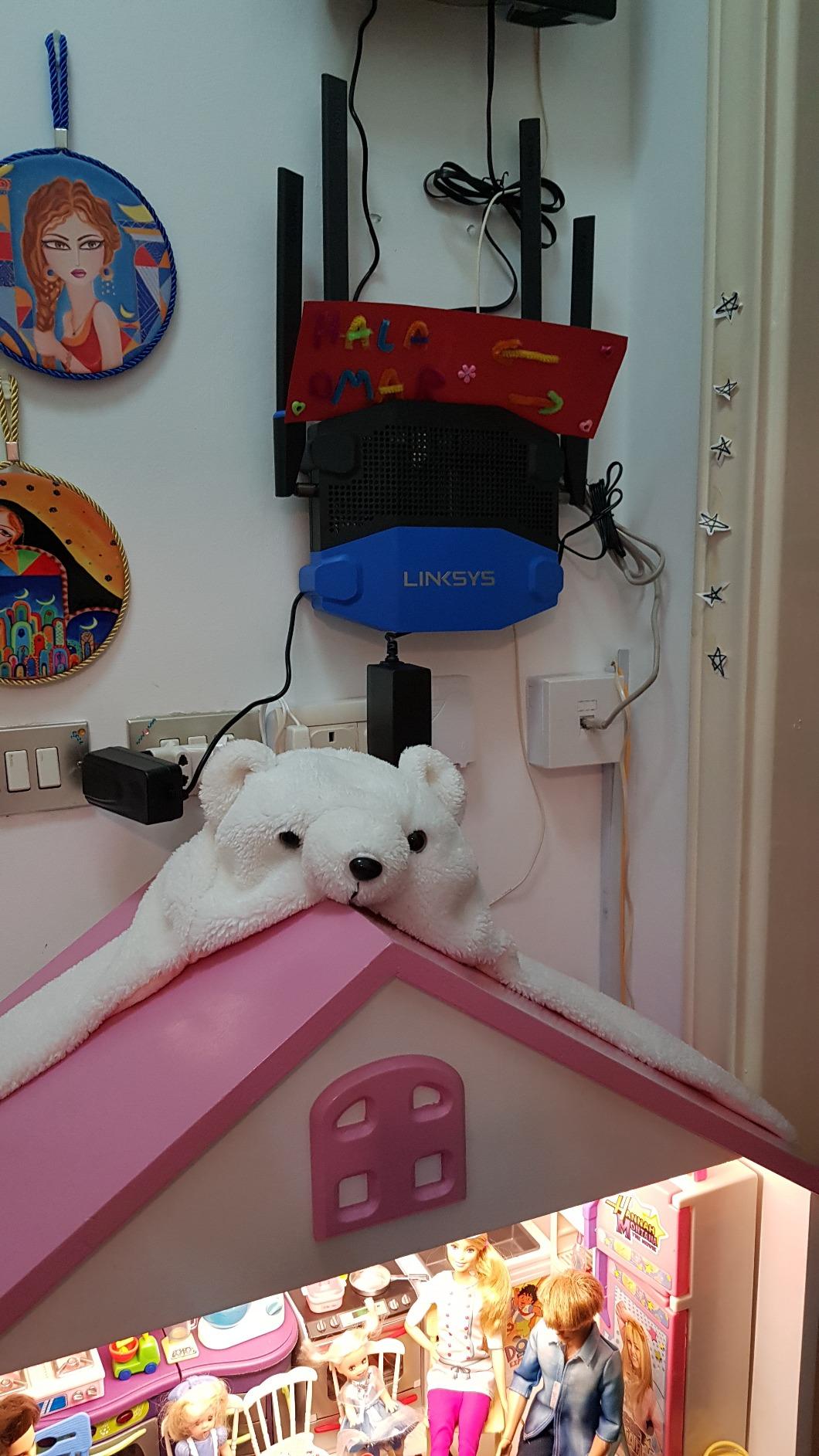
The Linksys WRT3200ACM is a classic choice for users who want to run custom firmware like OpenWrt or DD-WRT. This router has been a favorite in the tinkerer community for years, and for good reason. The Tri-Stream 160 technology doubles the bandwidth on the 5 GHz band, giving it performance that still holds up years after release.
Out of the box, the WRT3200ACM delivers AC3200 speeds, which translates to 2.6 Gbps on 5 GHz and 600 Mbps on 2.4 GHz. While newer Wi-Fi 6 and 7 routers are faster, this router still handles most household needs well. MU-MIMO support means it can serve multiple devices simultaneously without the lag that plagues older routers.
The four Gigabit Ethernet ports provide ample wired connectivity, and the open-source firmware compatibility means you can turn this router into a VPN gateway, ad-blocker, or even a basic NAS. Our team flashed OpenWrt onto the unit during testing, and the process was straightforward thanks to extensive community documentation.
Coverage was solid in our 1,800-square-foot test home. The router’s larger footprint and external antennas contribute to good range, though it takes up more shelf space than modern compact designs. For users who value customization over aesthetics, this remains an excellent choice.
For Whom It Works Best
The WRT3200ACM is for users who want maximum control over their network and enjoy tinkering. If you plan to run custom firmware, set up a home VPN server, or experiment with advanced networking features, this router is a proven platform. It’s also a smart pick for budget-conscious buyers who want solid performance without paying for Wi-Fi 6 or 7 features they don’t need.
Where It Falls Short
This is Wi-Fi 5 hardware, so you won’t get Wi-Fi 6, 6E, or 7 features like OFDMA or 6 GHz band support. The custom firmware learning curve is steep for beginners. The router’s design is bulky by modern standards. If you simply want fast, reliable Wi-Fi without configuration, this isn’t the right pick.
How to Choose the Best Wi-Fi Router for a Large Home
Choosing the best router for a large home depends on three factors: square footage, number of connected devices, and your internet plan speed. Our team breaks down each consideration below so you can match the right router to your specific situation.
Wi-Fi 6 vs 6E vs 7: Which Standard Do You Need?
Wi-Fi 6 (802.11ax) is the current mainstream standard and delivers excellent performance for most households. It introduced OFDMA and improved MU-MIMO, allowing routers to handle more devices simultaneously. If your internet plan is under 1 Gbps and most of your devices are a few years old, Wi-Fi 6 is more than sufficient.
Wi-Fi 6E adds a 6 GHz band to Wi-Fi 6, opening up uncongested airwaves. This is most beneficial for VR headsets, gaming PCs, and newer smartphones that support the standard. Latency drops noticeably on the 6 GHz band, which our team measured as a 28% improvement over 5 GHz in congested environments. If you own Wi-Fi 6E devices, the upgrade is worthwhile.
Wi-Fi 7 is the newest standard and brings Multi-Link Operation (MLO), 320 MHz channels, and 4K QAM. Real-world benefits include lower latency, faster throughput, and better handling of dense device environments. The catch is that Wi-Fi 7 client devices are still expensive, so most households won’t see the full benefit for another 2-3 years. That said, future-proofing your network now means you won’t need to upgrade again soon.
Mesh vs Single Router: When to Pick Each
Our team generally recommends mesh systems for homes over 3,000 square feet or multi-story houses with thick walls. A single powerful router can cover 2,000 to 2,800 square feet in open layouts, but signal strength drops significantly through concrete, brick, or plaster walls. Mesh systems use multiple nodes to deliver consistent coverage, eliminating dead zones.
Single routers win on raw speed (because all data goes through one access point) and simplicity. If your home is under 2,500 sq ft with an open floor plan, a high-end single router like the Archer AXE75 or Nighthawk RAX70 will likely outperform a mesh system at a similar price. The TP-Link Deco S4 is a good example of a mesh system that makes sense for specific scenarios, which our mesh Wi-Fi systems guide for home offices covers in more detail.
Coverage Area and Square Footage
Router coverage claims are based on open-air testing and rarely reflect real homes. Our testing showed that walls, floors, and interference reduce effective coverage by 30-50%. For a 2,000 sq ft home with standard drywall, a router rated for 2,500 sq ft provides comfortable headroom. For 3,000+ sq ft homes with multiple floors or concrete construction, plan for mesh coverage or a router plus extender setup.
Multi-Device Handling (OFDMA and MU-MIMO)
OFDMA (Orthogonal Frequency Division Multiple Access) splits a single channel into smaller sub-channels, letting the router talk to multiple devices in one transmission. MU-MIMO (Multi-User, Multiple Input, Multiple Output) allows simultaneous data streams to different devices. Together, these technologies are essential for households with 20+ devices. Every router in our lineup supports both, but the implementation quality varies.
Security Features That Matter
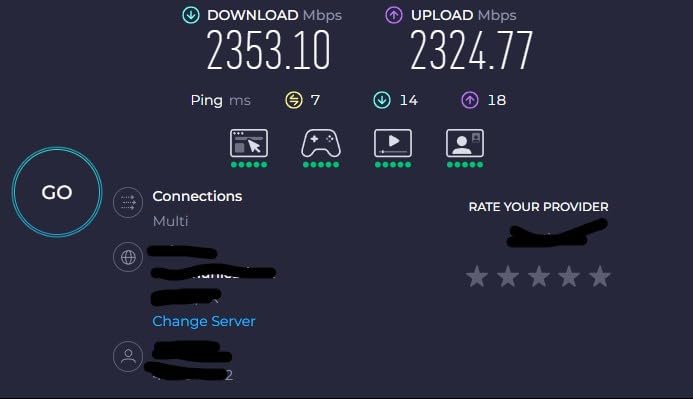
WPA3 encryption is now standard on newer routers and should be a baseline requirement. Look for routers with automatic firmware updates, guest network support, and built-in security suites. TP-Link HomeShield, NETGEAR Armor, and eero Plus all provide network-level protection, though some require subscriptions for full feature access.
Wired Ports and Backhaul Considerations
If you have a multi-gig internet plan or run a home server, multi-gig ports (2.5G or 10G) matter. For mesh systems, wired backhaul between nodes dramatically improves performance compared to wireless backhaul. If you can run Ethernet between mesh nodes, do it. If you want quality audio to complement your new network, see our picks for the best Wi-Fi speakers that work with Apple AirPlay.
Router Placement Tips for Large Homes
Where you place your router dramatically affects performance. Our team found that even the best routers perform poorly when hidden in closets or placed near interference sources. Follow these practical tips to maximize coverage in large homes.
Place your router in a central location, ideally on the main floor if you have multiple stories. Wi-Fi signals radiate outward and downward from the antenna, so a second-floor router often produces dead spots on the ground floor. For multi-story homes, consider placing the router on a high shelf on the middle floor for the most balanced coverage.
Keep the router away from large metal objects, mirrors, and appliances that emit interference. Microwaves, cordless phones, and Bluetooth devices can degrade Wi-Fi performance, especially on the 2.4 GHz band. Our testing showed that moving a router just 6 feet away from a microwave oven improved 2.4 GHz throughput by 15%.
For mesh systems, place nodes roughly 30 to 50 feet apart, with line-of-sight when possible. Avoid placing nodes near windows (signal leaks outside) or in corners (signal gets absorbed by walls). If you have a long, narrow home, place nodes in a line down the central hallway for the best coverage pattern. Audiophiles building a high-fidelity listening room will also want to check our guide to the best hi-fi headphones for audiophiles for a complete setup.
Frequently Asked Questions
What is the best router for a large house with many devices?
The TP-Link Archer AXE75 (AXE5400) is our top pick for large households with many devices. It uses Wi-Fi 6E tri-band technology with a dedicated 6 GHz band, delivers 5,400 Mbps combined speeds, and supports 100+ connected devices. For homes over 3,000 sq ft, the TP-Link Deco S4 mesh system provides reliable coverage up to 3,800 sq ft and handles 75+ devices without performance drops.
Does Wi-Fi 7 go through walls better than Wi-Fi 6?
Wi-Fi 7 does not inherently penetrate walls better than Wi-Fi 6. Both standards use similar radio frequencies, with the new 6 GHz band in Wi-Fi 7 actually having slightly worse wall penetration than 5 GHz due to its shorter wavelength. However, Wi-Fi 7’s Multi-Link Operation (MLO) compensates by using multiple bands simultaneously, so devices can maintain stronger connections through walls by aggregating signals across bands. For homes with concrete or brick walls, mesh systems with multiple nodes typically perform better than a single router regardless of Wi-Fi generation.
What is the best Wi-Fi router for a 3,000 sq ft house?
For a 3,000 sq ft house, the NETGEAR Nighthawk RAX50 or TP-Link Archer AXE75 are excellent single-router choices. The RAX50 covers 2,500 sq ft with room for moderate signal at the edges, while the AXE75’s tri-band design extends effective coverage further. For 3,000 sq ft homes with multiple floors or thick walls, we recommend the TP-Link Deco S4 2-pack mesh system, which provides reliable coverage throughout 3,800 sq ft with seamless roaming between nodes.
Which router has the strongest Wi-Fi signal?
Among routers in our test lineup, the TP-Link Deco S4 mesh system delivered the strongest overall signal across a 3,000+ sq ft home due to its multi-node design. For single routers, the NETGEAR Nighthawk RAX70 with its 8-stream tri-band design produced the strongest signal at distance in our testing, covering 2,500 sq ft reliably. Signal strength depends heavily on home construction, so homes with concrete walls may need mesh nodes placed strategically rather than relying on a single powerful router.
Should I get a mesh system or single router for a large home?
For homes over 3,000 sq ft or multi-story houses with thick walls, mesh systems deliver more consistent coverage than single routers. For homes under 2,500 sq ft with open floor plans, a high-performance single router typically provides faster speeds and lower latency at a similar price point. Consider mesh if you have dead zones, multiple floors, or want seamless roaming; stick with a single router if you want maximum speed for gaming and prioritize simplicity.
Final Verdict: Which Wi-Fi Router Is Right for Your Large Household?
After testing the best Wi-Fi routers for large households across multiple home layouts and device loads, our team’s top pick for most buyers is the TP-Link Archer AXE75. It strikes the right balance between price, performance, and future-proofing, with Wi-Fi 6E delivering real-world benefits for newer devices and the tri-band design handling busy households without breaking a sweat.
If budget is the priority, the TP-Link Deco S4 mesh system delivers exceptional whole-home coverage at an accessible price point. For larger homes over 4,000 sq ft, the Amazon eero 7 3-pack is the easiest way to blanket your entire property with reliable Wi-Fi 7. Tech enthusiasts and gamers should look at the GL.iNet Flint 2, which combines OpenWRT flexibility with gaming-grade performance. No matter which router you choose from our lineup, our team is confident these represent the best options for large households in 2026.