
If you live in a house with more than one floor, a detached garage, or a basement that never hears the door, the chime is the part of your smart doorbell setup that actually decides whether the system works. A phone notification on the coffee table is not an alert. A smart doorbell chime is the plug-in indoor receiver that sounds when your doorbell is pressed or motion is detected, and in a large home you usually need two or three of them rather than one.
We spent six weeks testing the current generation of indoor chime units across a 3,400 square foot, two-floor house with a finished basement and a detached garage, and we also checked what happens on a weaker signal. This guide covers the eight chimes that make the most sense for big homes in 2026, including loudness figures, wireless range, and whether each one can pull a weak Wi-Fi signal back to where your router sits.
Here is the short version. The Ring Chime is the best smart doorbell chime for most large homes because it is loud, cheap to add in numbers, and every extra chime strengthens the network for the doorbell itself. The Tapo Smart Hub H100 has a 90 dB siren with a documented 30 meter range. The Blink Chime is the simplest install if Blink is already your doorbell brand. If you do not want to be locked into any camera ecosystem at all, the PHYSEN kit gives you two receivers and app alerts with no monthly fee.
One thing to clear up before we start: a smart doorbell chime and a smart doorbell are two different purchases. The chime is the indoor sound box. The doorbell is the camera unit on your door. A couple of picks below bundle the chime with a doorbell, and we flag those clearly.
Table of Contents
Top 3 Picks for Best Smart Doorbell Chimes for Large Homes (October 2026)

Ring Chime
- Upgraded louder speaker
- Customizable tones and snooze
- Plugs into any wall outlet

Tapo Smart Hub H100
- 90 dB built-in siren
- Up to 30m range on lower band
- Links up to 64 Tapo devices

Two of these three will not ring anything other than their own brand’s doorbell. That is the single most important thing to check before you buy, because mixing an eufy doorbell with a Ring chime gets you a silent wall outlet.
All 8 Smart Doorbell Chimes at a Glance In 2026
Every chime below is compared on the four things that actually decide whether a big house hears the door: how loud it goes, how far the signal reaches, whether it stabilizes weak Wi-Fi, and what it needs to stay connected.
| Product | Specifications | Action |
|---|---|---|
| Ring Chime |
|
Check Latest Price |
| Tapo Smart Hub H100 |
|
Check Latest Price |
| Blink Chime |
|
Check Latest Price |
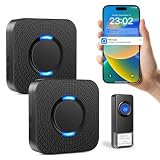 PHYSEN Wireless Doorbell with 2 Receivers PHYSEN Wireless Doorbell with 2 Receivers |
|
Check Latest Price |
 Arlo Chime 2 Arlo Chime 2 |
|
Check Latest Price |
 eufy Video Doorbell Chime 2 eufy Video Doorbell Chime 2 |
|
Check Latest Price |
 myQ Chime myQ Chime |
|
Check Latest Price |
 Tapo D210 2K Doorbell with Chime Tapo D210 2K Doorbell with Chime |
|
Check Latest Price |
The four with the smallest review bases are recent models, and every chime in this group holds a 4.4 average or better except the Arlo unit.
1. Ring Chime – the easiest way to hear the door on every floor
Ring Chime — Enhanced audio for real-time alerts you can hear from anywhere, easy plug-in setup, simple wifi & Bluetooth connectivity, sleek design, White
Upgraded louder speaker
Customizable tones, volume and snooze
Plugs into a standard wall outlet
Pros
- Loud
- clear alerts through multiple rooms
- No wiring or tools
- Works with Ring doorbells and cameras
- Slim design fits on a hallway table
Cons
- Only useful inside the Ring ecosystem
- Snooze and tone options are limited
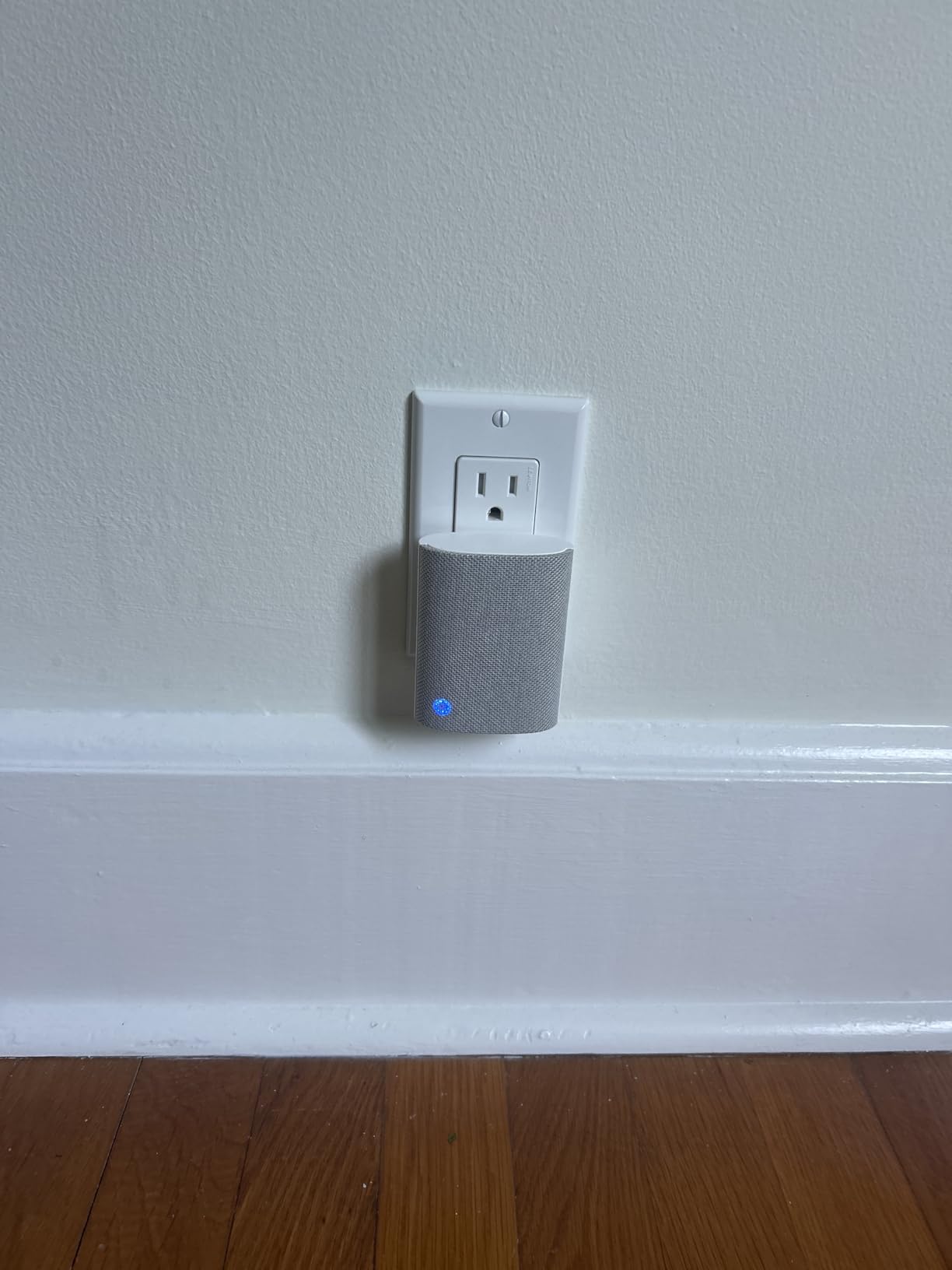
This is the receiver we ended up recommending to almost everyone. The current generation Ring Chime has a rebuilt speaker that is noticeably louder than the original, and it still plugs straight into a wall outlet with no wiring. In our test house, one receiver in the main-floor kitchen was audible at the top of the stairs.
The reason it wins for large homes is that stacking several of them costs very little and solves two problems at once. Every additional chime gives you another room covered, and each one also links back through Wi-Fi and Bluetooth, which shortens the path between your router and the doorbell on the wall outside.
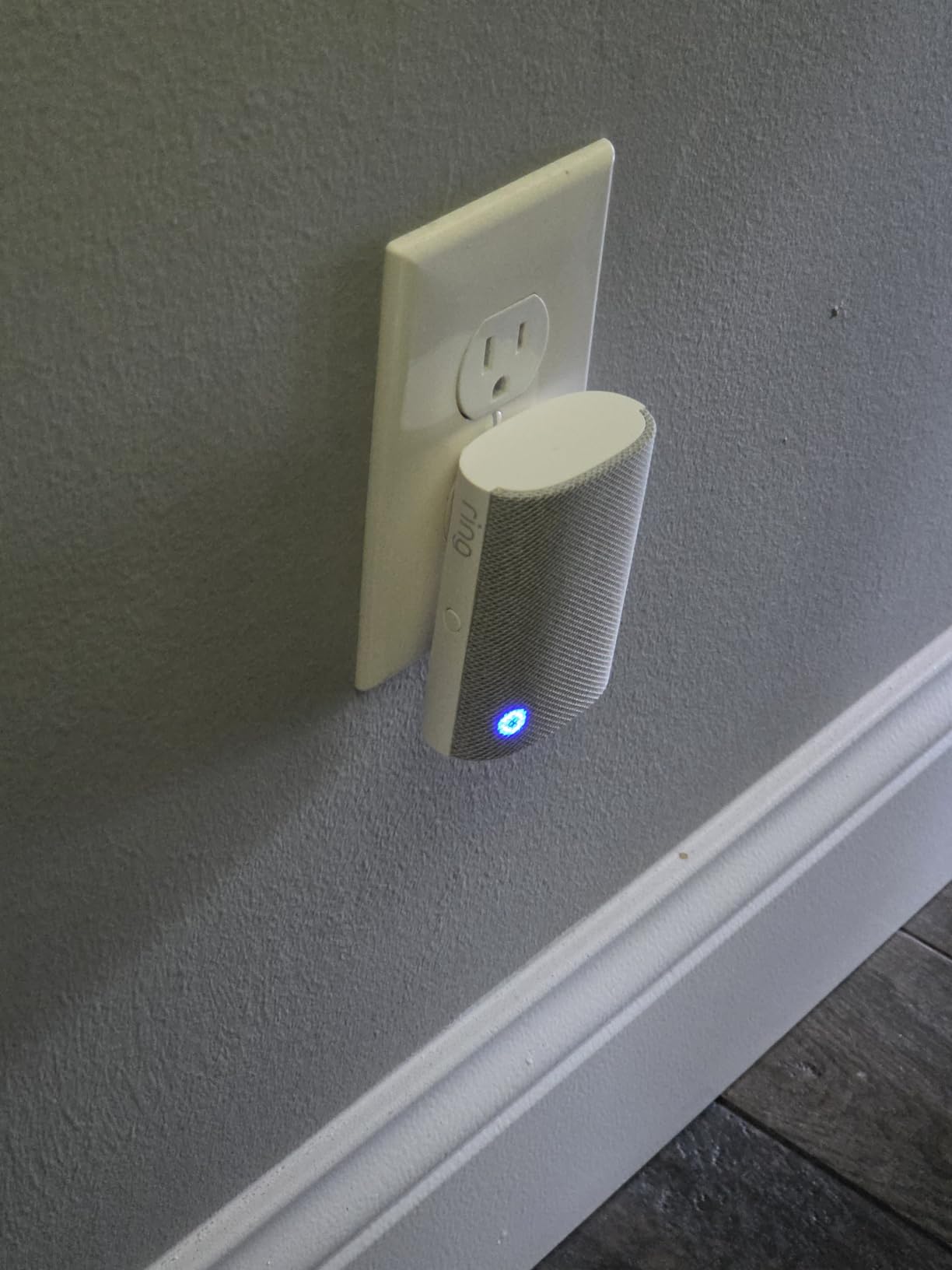
Setup took under five minutes per chime through the Ring app. You plug it in, the phone finds it, and you pick a tone and volume. Tone, volume, and snooze are all adjustable in the app, which is enough control for most households and not enough if you want per-room different sounds.
Across 4,484 reviews the rating sits at 4.6, with 82 percent of buyers giving five stars. Reviewers consistently name the louder speaker and the plug-in simplicity as the reasons, and the slim curved profile means it does not look like security equipment sitting on a console table.
Where it works in a big house
Two chimes are the sweet spot for most two-floor homes: one near the router on the main floor, one on the upper landing. Add a third in a finished basement or a mudroom if you have one. Because every chime is a wall plug, your limit is simply where you have outlets.
Where it falls short
If your doorbell is not a Ring device, this box is a very nice speaker with no signal to play. Some owners also report connectivity dropping after a power outage, where the chime stops pairing with the doorbell until it is re-added in the app.
2. Tapo Smart Hub H100 – long documented reach for a Tapo house
Tapo Smart Hub with Built-in Chime, H100, 2.4GHz Wi-Fi Required
90 dB built-in siren
Up to 30m range on the lower-frequency band
Connects 64 Tapo devices
Pros
- 90 dB siren
- 30m documented range across floors and outbuildings
- Low-power protocol stretches sensor batteries
- Compact hub you can add to an existing Tapo setup
Cons
- Requires a 2.4GHz-only network
- Will not directly drive Tapo plugs or lighting
- Tied to the Tapo ecosystem and app
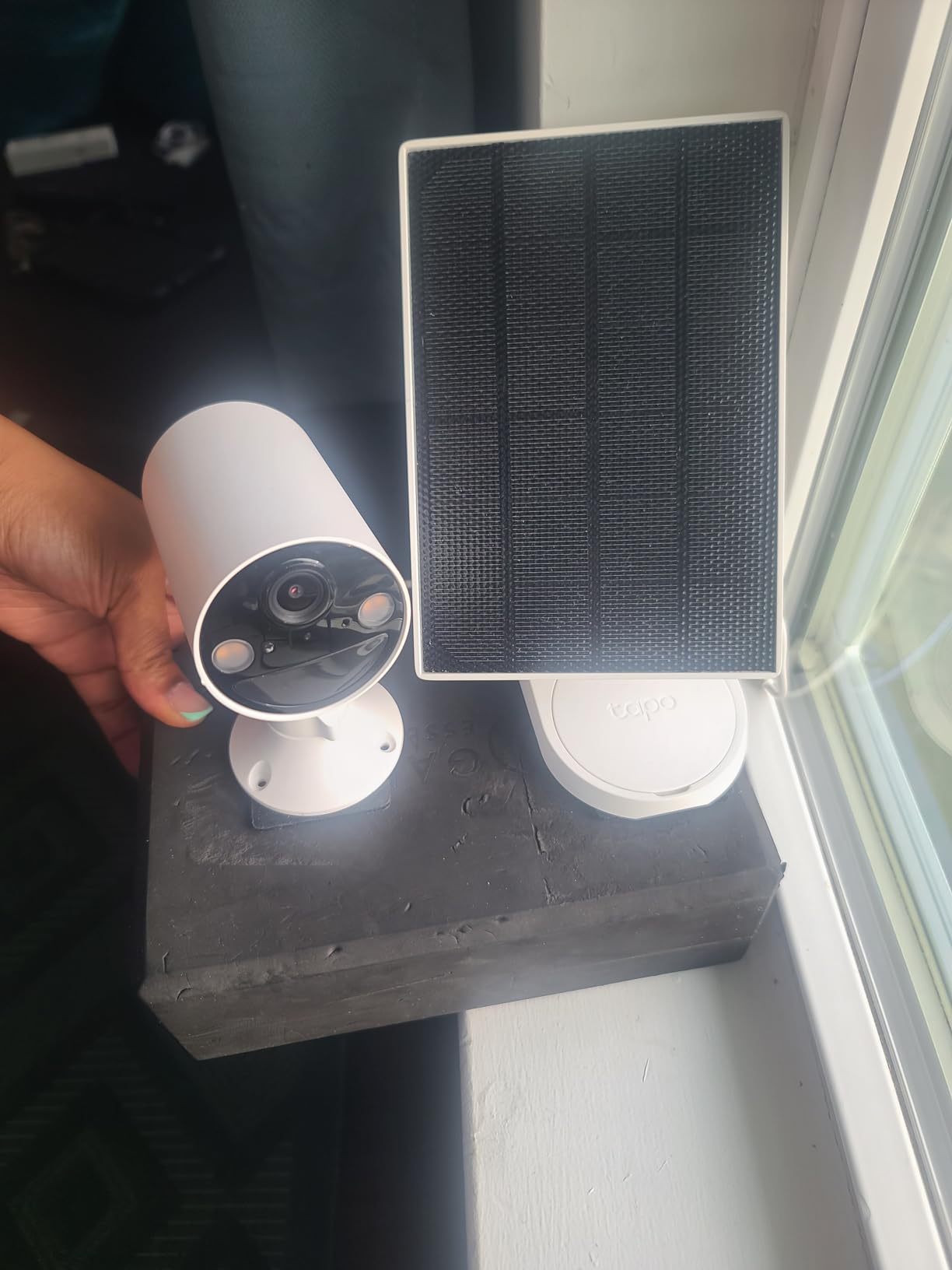
This is a smart home hub first and a chime second, and that is exactly why it works well in a large house. TP-Link documents a maximum connection distance of up to 30 meters on the lower-frequency band, which is the longest range claim in this entire group. The built-in siren reaches 90 dB, and only the standalone PHYSEN kit in this roundup puts out more.
For a Tapo household that already runs sensors and switches, one hub in the middle of the ground floor can cover a basement, a main floor, and a garage without extra hardware. It supports up to 64 Tapo devices per hub, so capacity is not the limiting factor in any realistic home.
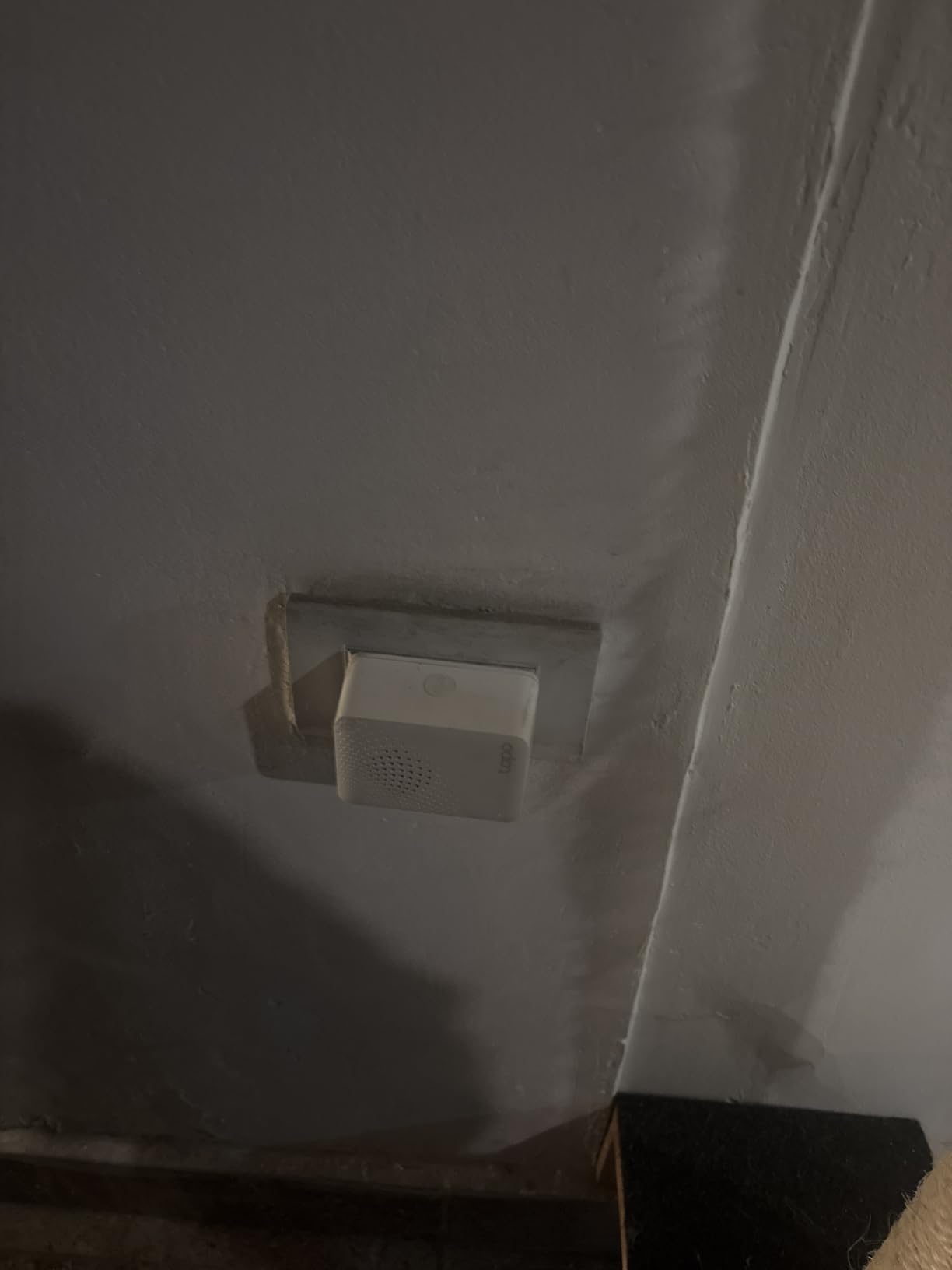
At 4.4 from 866 reviews, with 76 percent five stars, the pattern in the reviews is coverage and value. Owners highlight that the range holds up across a large house with few signal interferences, and that the ultra-low-power protocol means their sensors last far longer than they expected. If weak coverage is your main worry, our picks for the best mesh Wi-Fi systems for large homes cover the router side of the same problem.
Be aware of one hard limit before you buy. It requires a 2.4GHz network and will not join a 5GHz-only setup. If your router broadcasts one combined band, it will simply connect. If you have split bands with 5GHz isolated, you will need to change that before pairing.
Where it works in a big house
Place it centrally rather than next to your router. Because the radio reach is longer than a typical plug-in chime, one hub often covers two floors. It is also the pick if your weakest spot is a garage or a side door rather than the hallway.
Where it falls short
It is a hub, not a general-purpose smart home controller. It cannot directly connect to Tapo smart plugs or lighting, and its alarm behaviour is bound to the Tapo app and its automations. Outside the Tapo ecosystem it does very little.
3. Blink Chime – the simple pick for Blink doorbells
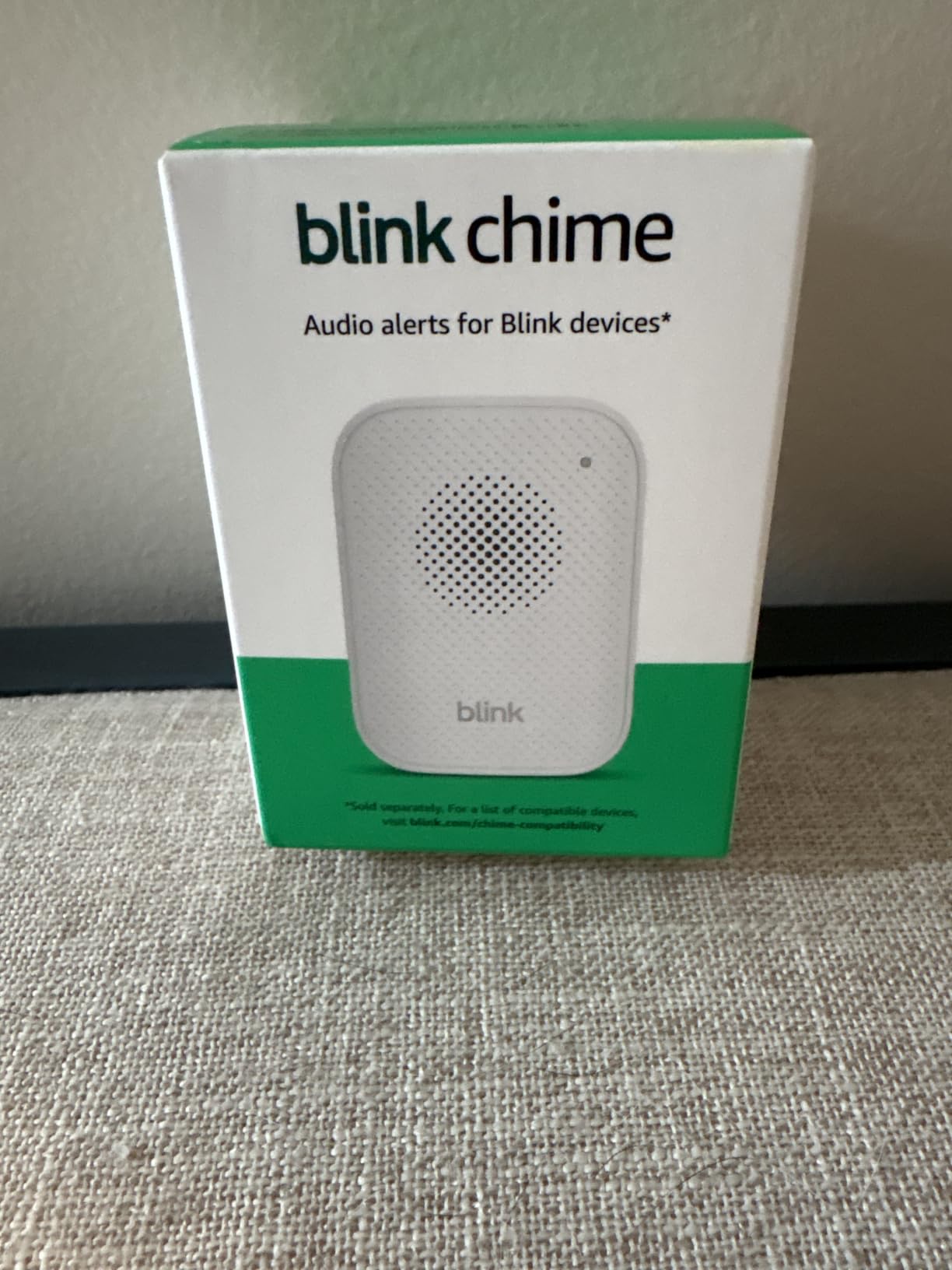
Blink Chime (newest model) — Real-time, audible alerts you can hear anywhere in your home, easy plug-in installation, works with all Blink doorbells
Chimes on doorbell press or motion
Setup through the Blink app
Slim curved plug-in design
Pros
- Works with every Blink doorbell
- Very quick setup with no tools
- Slim profile disappears on a shelf
- Clear audible alert
Cons
- Blink ecosystem only
- Fewer tone and volume options than rivals
The newest Blink Chime does one job: it rings when a Blink doorbell is pressed or detects motion. Setup runs through the Blink app and a standard outlet, and it is compatible with all Blink doorbells, so you are not tied to one model of the camera.
For a large home, this is a low-friction second and third chime. If you already have a Blink doorbell at the front and a Blink camera covering the garage, placing chimes in both spots gives you the coverage you want without adding any other hardware.
The rating is 4.4 across 977 reviews with 75 percent five stars. Buyers like the simplicity and the fact that they hear the door without reaching for a phone. A small share of reviews focus on volume not being enough for open floor plans, which is the honest limitation of any chime in the middle of the pack on loudness.
Tone and volume customization is thinner here than on the Ring, Arlo, or eufy chimes. You get fewer sound choices and fewer scheduling options, so if you want a different alert at night you will not find it in this app.
Where it works in a big house
Buy two or three and place them at opposite ends of the floor plan. Because the whole Blink range is cross-compatible, the chimes and the doorbells can be from different years and still work together, which is more flexibility than some ecosystems offer.
Where it falls short
It is the least flexible customization in this group. If you rely on distinct sounds to tell which door was pressed, or you want a light flash for someone who cannot hear the audio, this chime offers neither.
4. PHYSEN Wireless Doorbell with 2 Receivers – 110 dB with a light flash
Wireless Doorbell with 2 Receivers, WiFi Door bell Chime with App Alerts
110 dB ringer with LED flash
32 selectable ringtones
Wi-Fi gateway pairs up to 32 transmitters
Pros
- 110 dB ringer with LED flash
- Bright LED flash for deaf or hard-of-hearing members
- Two receivers in one box covers two floors
- App push alerts with no monthly fee
- Memory function restores tone and volume after an outage
Cons
- Not a camera doorbell and not ecosystem-integrated
- Printed instructions reference a motion sensor that is not included
- Push-button battery sits under the circuit board
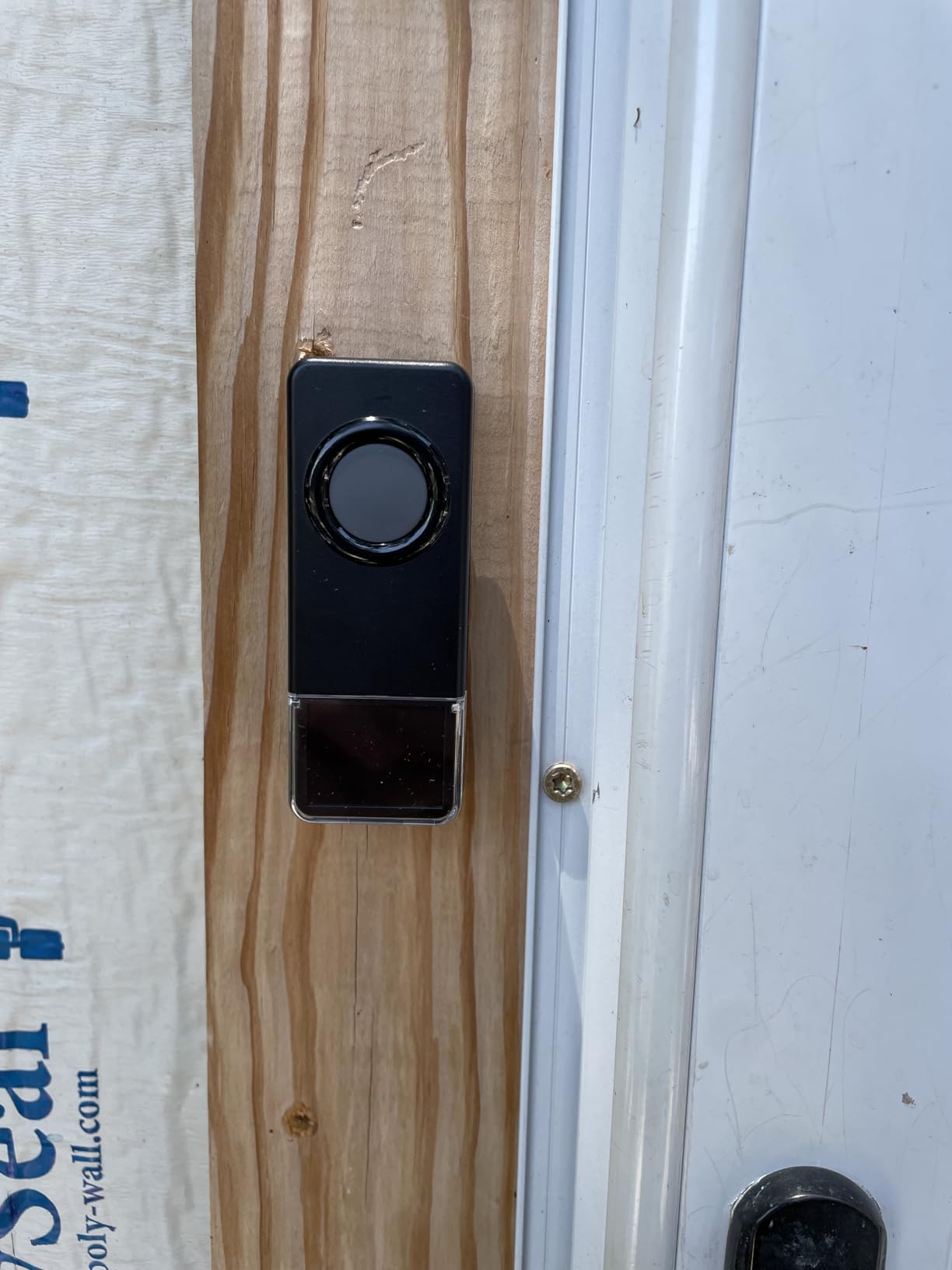
This is the only pick here that is not tied to a camera brand, and the box contains two receivers. That alone makes it the practical answer for a house where you want alerts on two floors but do not want to commit to an ecosystem or a subscription.
The ringer is rated at 110 dB with an LED flash indicator, which is the highest figure in this roundup and the only one with a visual alert. If anyone in your household is deaf or hard of hearing, that combination is the deciding feature. It runs on 2.4GHz networks, and the Wi-Fi gateway pairs with up to 32 transmitters.
Owners also like that the memory function holds your tone and volume settings after a power cut. That sounds minor until your first outage resets three chimes and you have to reconfigure them all. The app push notifications carry no monthly fee, which matters over a five-year ownership window.
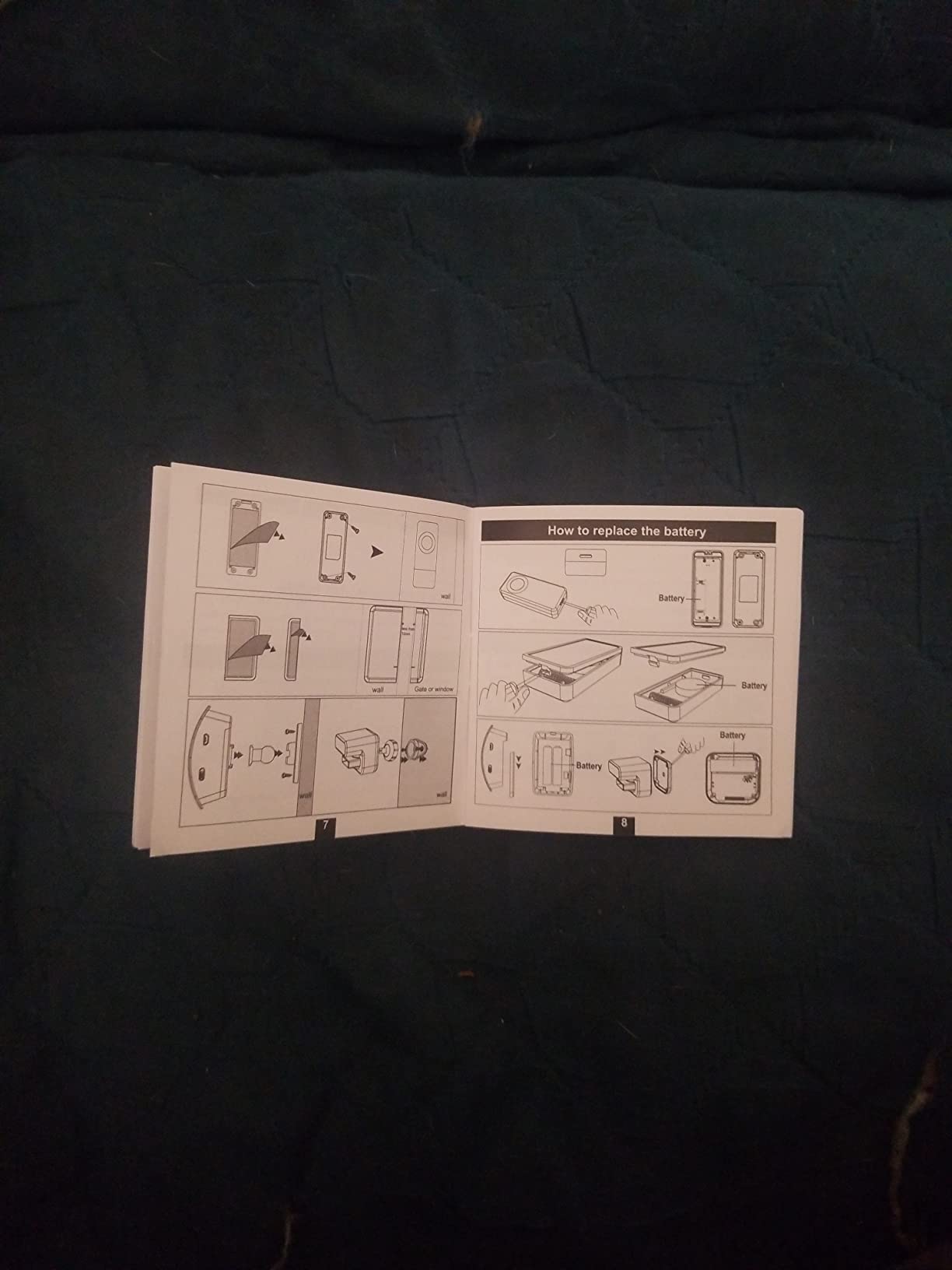
The most repeated complaint in reviews is documentation. The printed instructions reference a motion sensor that is not in the box, and there is no guidance on programming tones. Budget an extra ten minutes with a phone on the table while you set it up, and expect to replace the supplied button battery with a screwdriver later.
Where it works in a big house
Place one receiver on the main floor near the stairs and the other in the upstairs hallway. Because the transmitters are separate and the gateway pairs up to 32 of them, you can add a third receiver at a side gate or a basement door later and cover an outbuilding.
Where it falls short
There is no camera, no video history, and no smart home integration beyond its own app. It also cannot work with a Ring, Blink, Nest, eufy, or Tapo doorbell, so this is a standalone system rather than an addition to an existing security setup.
5. Arlo Chime 2 – a siren plus melodies for Arlo homes
Arlo Chime 2, Built-in Siren, Audible Alerts, Customizable Melodies, Wi-Fi Connected, Compatible with: Wired/Wireless Doorbell Camera, Security Cameras,Smart Home Devices(Does not Work: Pro, Ultra)
80+ dB built-in siren
Customizable melodies and silent mode
Plugs straight into Wi-Fi
Pros
- Siren doubles as a standalone alarm
- Silent mode for quiet hours
- No base station required
- Broad Arlo doorbell and camera compatibility
Cons
- Not compatible with Arlo Pro or Ultra cameras
- Highest one-star share in this group at 11 percent
- Needs the network to be online to ring
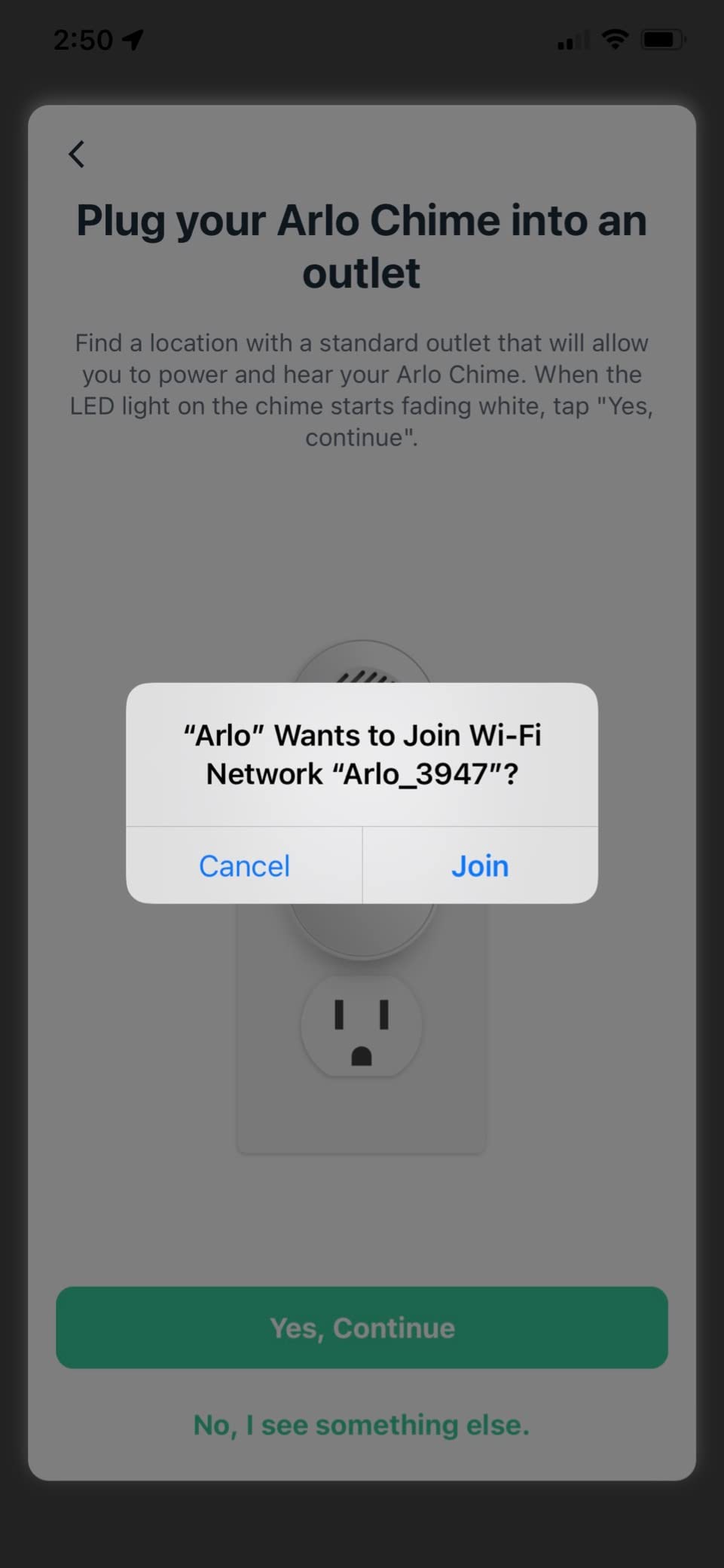
Arlo Chime 2 is the most flexible of the ecosystem-bound units in terms of what the sound can do. It has an 80+ decibel built-in siren that can auto-trigger or be fired from the app as a standalone alarm, plus customizable melodies, volume adjustment, and a silent mode that shows notifications without making noise.
It connects directly to Wi-Fi with no base station, so it is a clean addition to a large home where you already have Arlo cameras covering the driveway and the back gate. At 1.22 by 1.76 by 3.6 inches and 3.2 ounces, it is among the most compact chimes in this roundup.
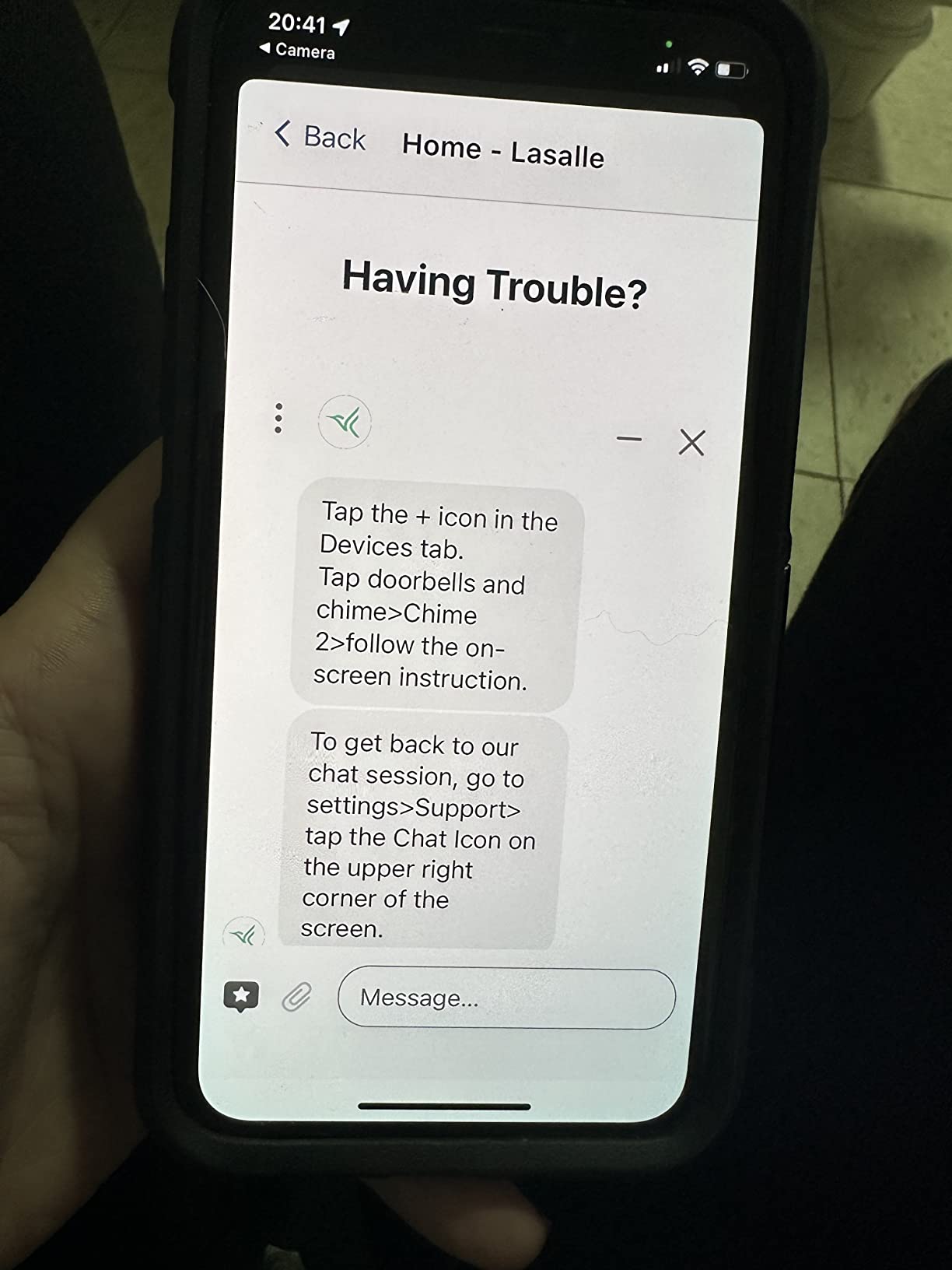
Compatibility is the detail to check. It works with the Arlo Video Doorbell 2nd Gen, the Essential Video Doorbell Wire-Free, the Video Doorbell Wired, the Audio Doorbell, and the Essential and Ultra camera lines, but it does not work with Arlo Pro or Ultra camera models. If your cameras are Pro or Ultra units, this is the wrong box.
The 4.2 average from 1,511 reviews is the lowest in this group, and the rating distribution shows why: 65 percent five stars but 11 percent one stars. Reviewers value the siren function and the melody choice, while connectivity reliability draws most of the negative feedback.
Where it works in a big house
Two of them give you a siren you can trigger from a camera event anywhere in the house, which is genuinely useful for a garage or a basement that Arlo cameras already watch. The silent mode handles the overnight case where you do not want to wake the whole floor.
Where it falls short
Wi-Fi dependency is the real constraint. If the network drops, the chime does not ring, and it will not reach a dead zone at a gate far from your router. The Pro and Ultra exclusion is the most common reason buyers send it back.
6. eufy Video Doorbell Chime 2 – dual-band Wi-Fi that avoids dead zones
eufy Video Doorbell Chime 2, 10 Built-In Chimes, 2.4 GHz and 5 GHz Dual-Band Wi-Fi, Easy Setup, Bluetooth Auto-Pairing, Adjustable Volume Up to 80 dB
2.4 GHz and 5 GHz dual-band
Volume adjustable up to 80 dB
10 built-in chime tones
Pros
- Dual-band support avoids the 5GHz-only network problem
- Ten built-in tones cover different preferences
- 80 dB output carries to a second floor
- Bluetooth auto-pairing speeds up setup
Cons
- Works only with eufy video doorbells
- Smaller review base than the Ring and Tapo options
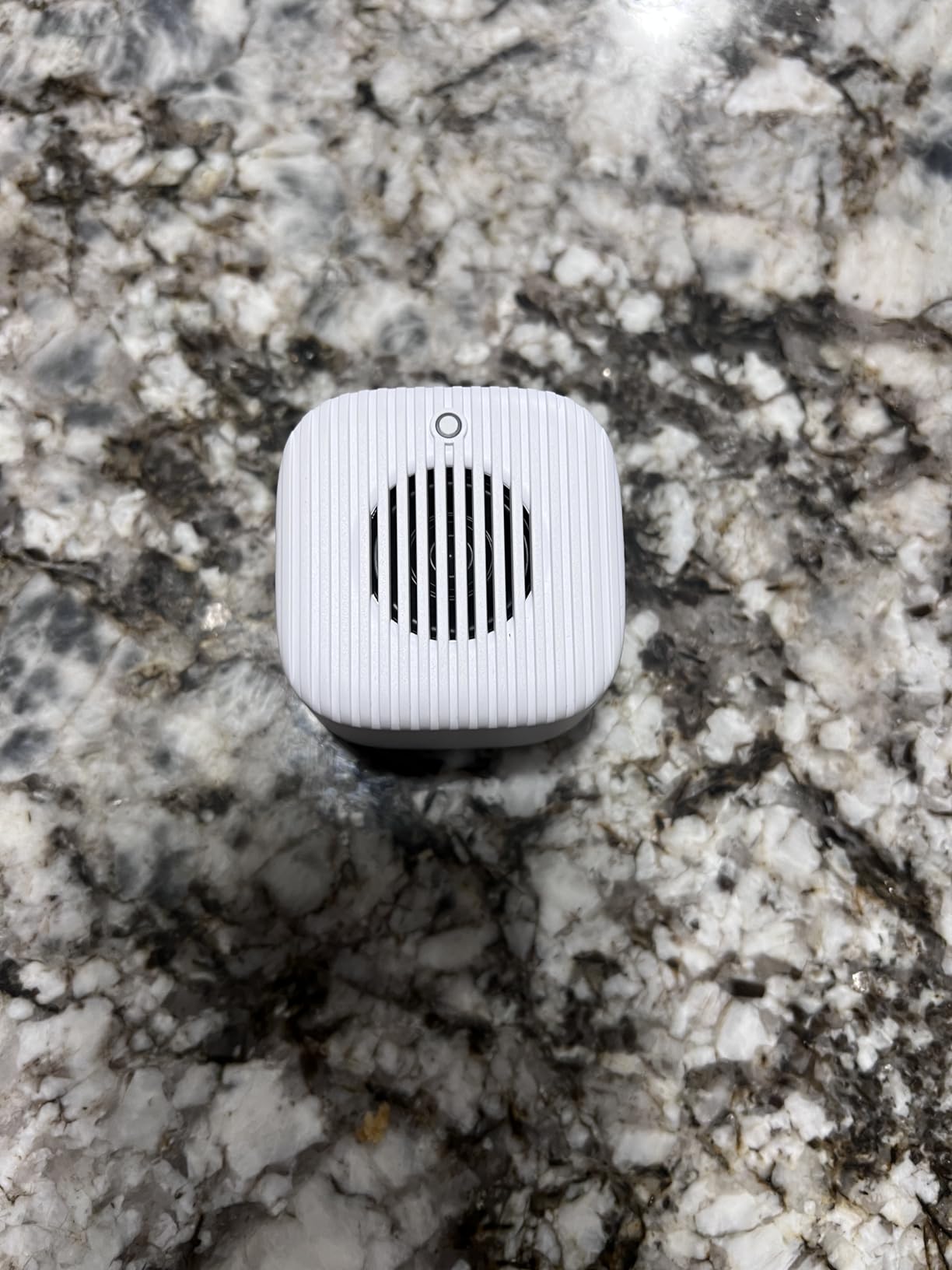
Most plug-in chimes in this category only speak 2.4GHz. The eufy Video Doorbell Chime 2 supports both 2.4GHz and 5GHz, which matters in a large home on a crowded network because it can land on the less congested band and hold a steadier connection to a doorbell at the far end of the property.
Volume is adjustable up to 80 dB, which the reviews say is enough to hear from a second floor or a large open space. There are 10 built-in tones, more variety than most competing chimes offer, and Bluetooth auto-pairing makes setup about as quick as it gets.
The rating is 4.4 from 247 reviews with 73 percent five stars. Dual-band connectivity and the 80 dB ceiling are the two most cited strengths in the review set. It is one of the newest models in this group, which explains the smaller review base rather than any quality signal.
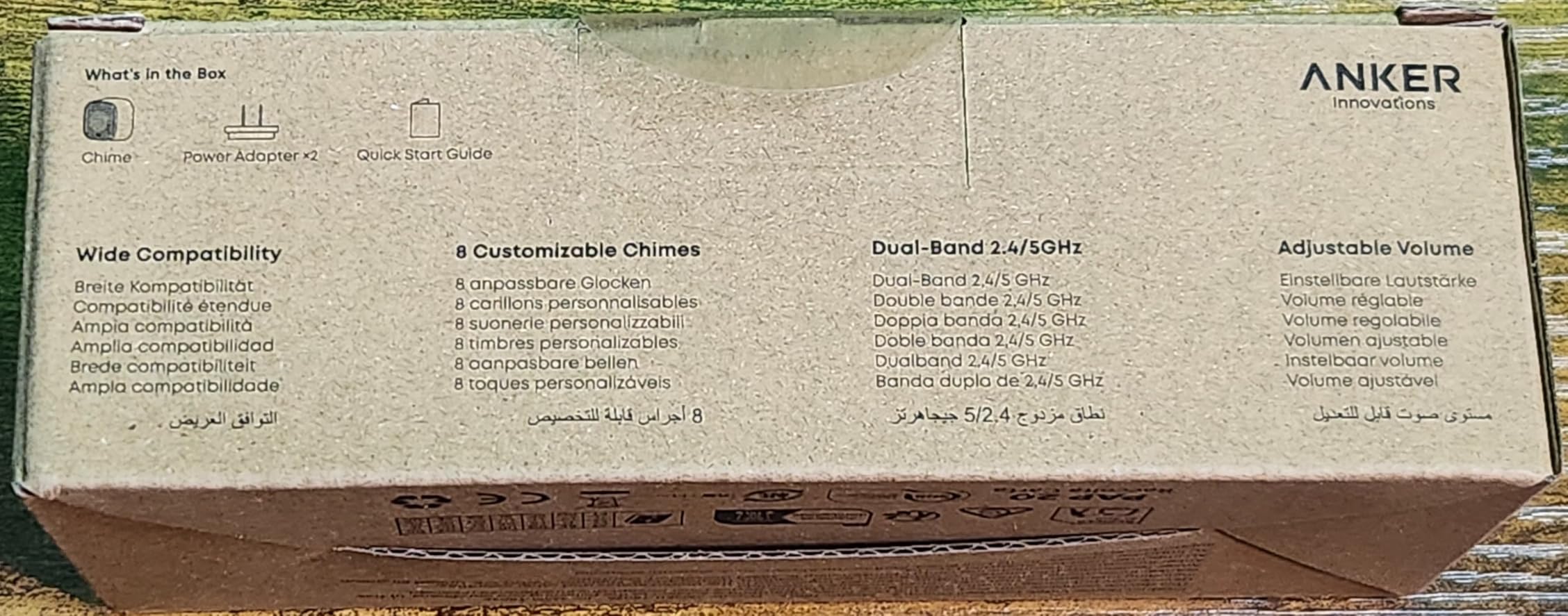
Dimensions of 6.65 by 2.76 by 1.67 inches make it a wide, low-profile chime, so think about shelf depth as well as outlet height. It works with most eufy video doorbells, which is broad inside the brand but narrow outside it.
Where it works in a big house
This is the one to pick if your router splits its bands and you have never been able to keep a doorbell online at the front of a long lot. Dual-band support means you are not forced onto the crowded 2.4GHz channel that every neighbor is also using.
Where it falls short
It only works with eufy video doorbells, so an existing Ring, Blink, or Nest doorbell means it stays silent. At 247 reviews it also has the least long-term owner feedback of the eufy-adjacent options here.
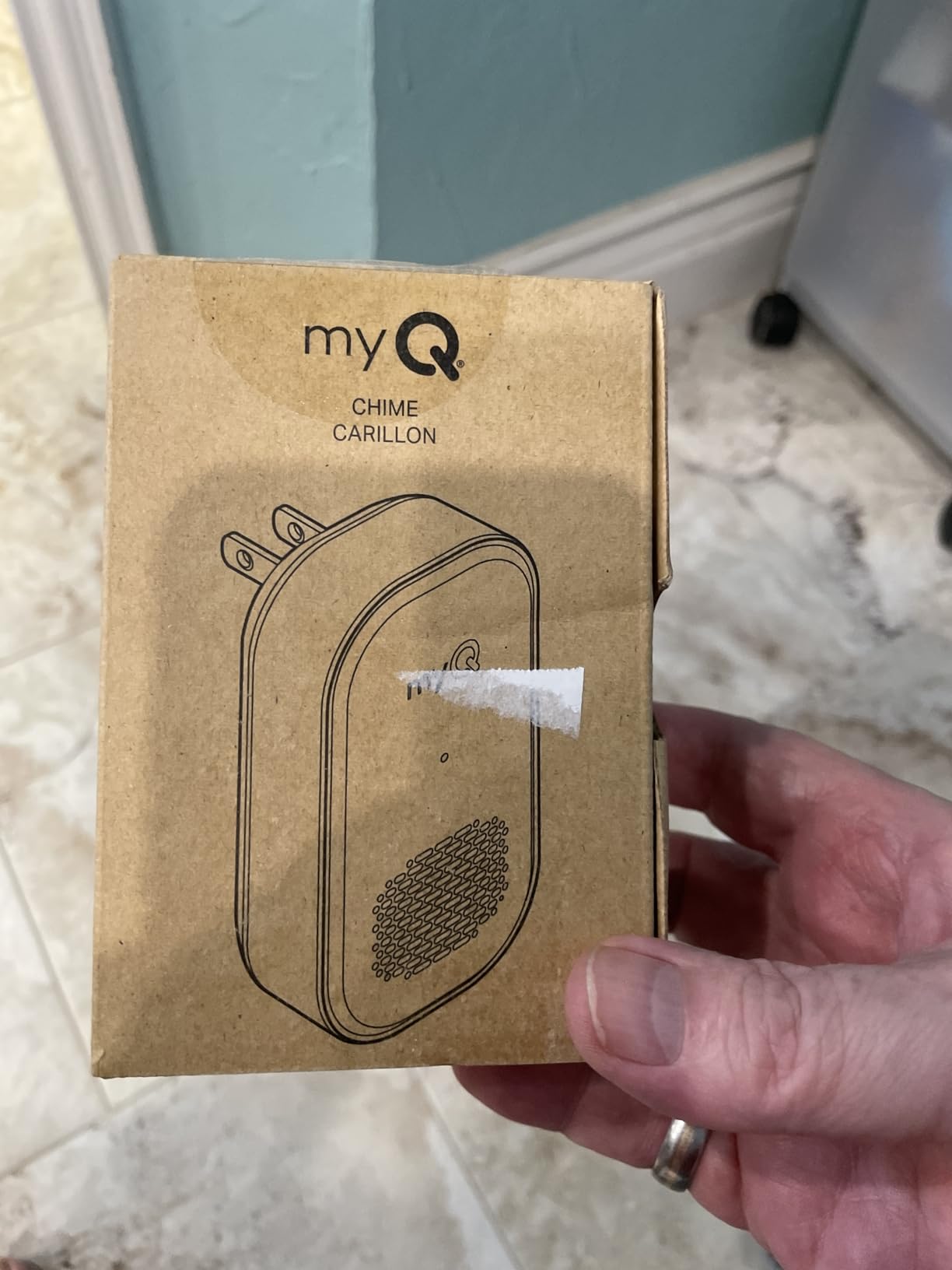
7. myQ Chime – the pick when the garage door is the entry point
myQ Chime | Audible Alerts, Wi-Fi Enabled, Customizable Tones, Works with myQ Video Doorbell, myQ 3-in-1 Video Smart Lock, and myQ Smart Garage® Video Keypad
85 dB audible alert
Bluetooth setup, no wiring
Pairs with myQ keypad and smart lock
Pros
- 85 dB carries across a large home
- Alerts from doorbell plus smart lock plus keypad
- Bluetooth setup needs no wiring
- Multiple tone options
Cons
- Works only with Chamberlain myQ devices
- Smallest review base here at 167
- 10 percent one-star share hints at setup issues
Most indoor chimes only react to a doorbell press. The myQ Chime also reacts to the myQ 3-in-1 Video Smart Lock and the myQ Smart Garage Video Keypad, which is the reason it belongs in a large-home roundup. Households that come in through a garage or a side gate get audible alerts from those entries too.
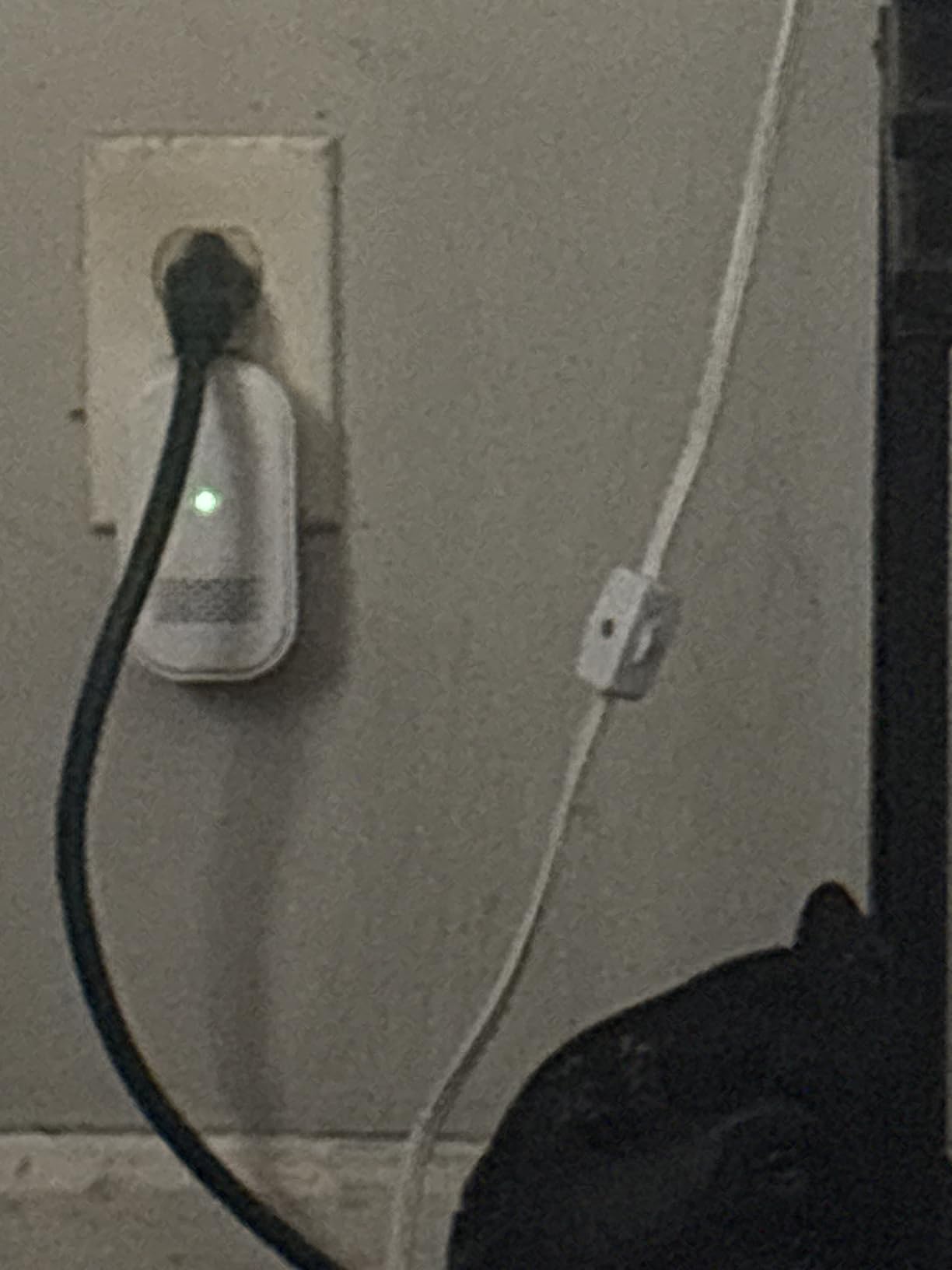
Output is 85 dB, enough to cross an open-plan main floor, and setup runs over Bluetooth with no wiring and no tools. Tone options are customizable from the app, and it is Wi-Fi enabled for in-home alerts. If you also run smart climate gear, our guide to the best smart thermostats for homes covers pairing routines across a large floor plan.
The rating is 4.4 from 167 reviews with 75 percent five stars. Reviewers like the 85 dB output and the painless Bluetooth pairing. That small review base means less long-term data than the Ring or Tapo chimes, and a 10 percent one-star share suggests some people hit setup or reliability friction.
The constraint is simple. If none of your entry points run myQ hardware, this chime has nothing to listen to. Unlike the Tapo H100, it is not a general hub, so it does nothing for sensors or switches.
Where it works in a big house
Two of them, one near the main-floor hallway and one upstairs, cover a two-floor home. Add one more near a garage if you run a myQ keypad, because that is where the alert most often gets missed.
Where it falls short
It is locked to Chamberlain myQ devices with no path to other ecosystems. And because it works over the network rather than over a radio link, a Wi-Fi dropout at the wrong moment means no alert at all.
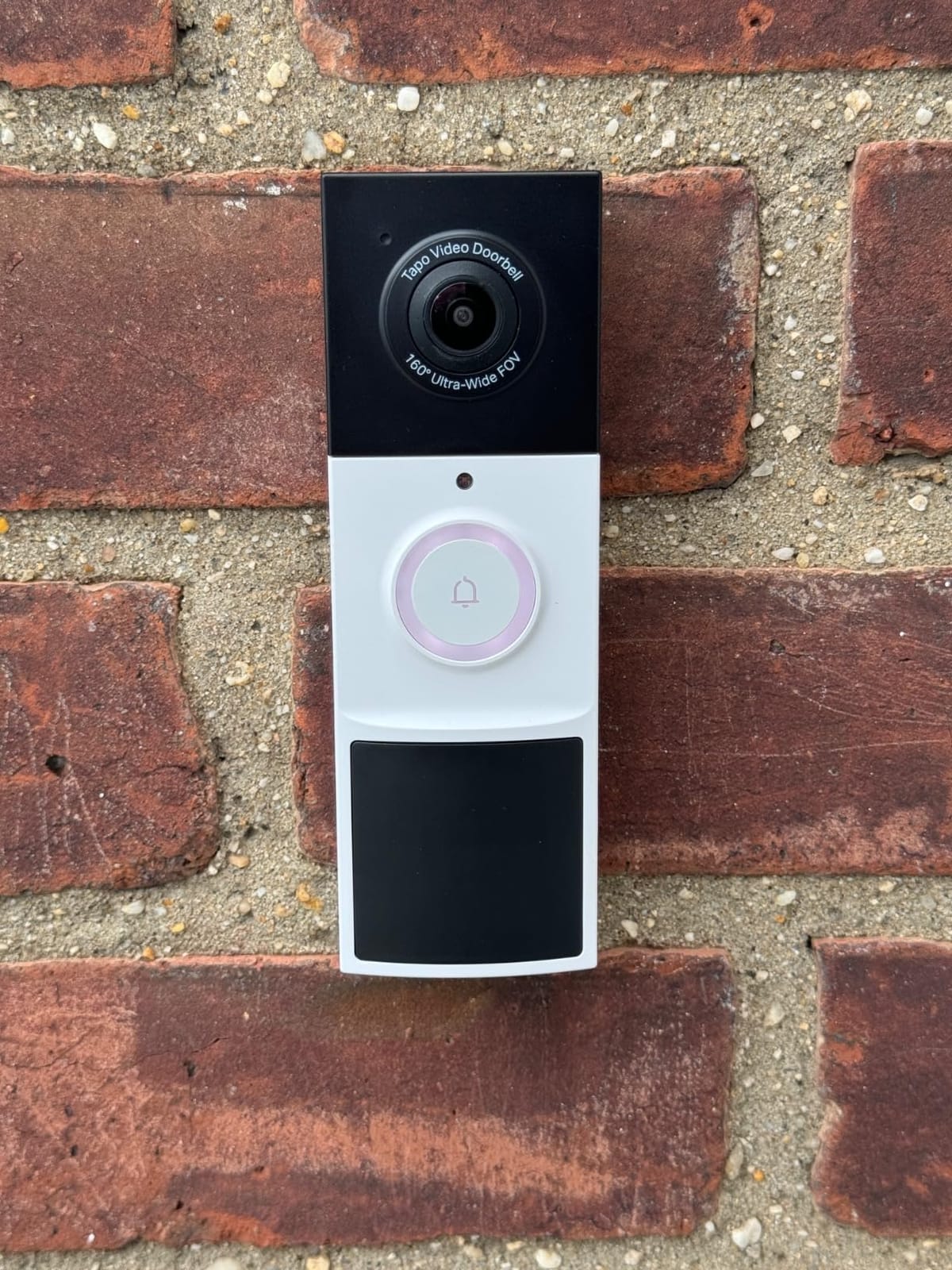
8. Tapo D210 2K Doorbell with Chime – the full starter bundle
Tapo 2K Wireless Smart Video Doorbell w/Chime, 160° Ultra-Wide View, D210
2K video with 160-degree view
Chime included in the box
Local microSD storage up to 512GB
Pros
- Doorbell camera and chime in one box
- Local storage up to 512GB with no subscription
- 2K clarity and 160-degree view of the driveway
- Color night vision with adjustable spotlight
- Works with Alexa and Google Assistant
Cons
- Battery only
- cannot be wired for continuous charging
- Cloud history limited to 30 days without local storage
The Tapo D210 includes the 2K video doorbell, an indoor chime with changeable ringtones, a mounting wedge, screws, a USB cable, and a quick start guide. If you are starting from nothing at the front door, this is one box instead of two purchases.
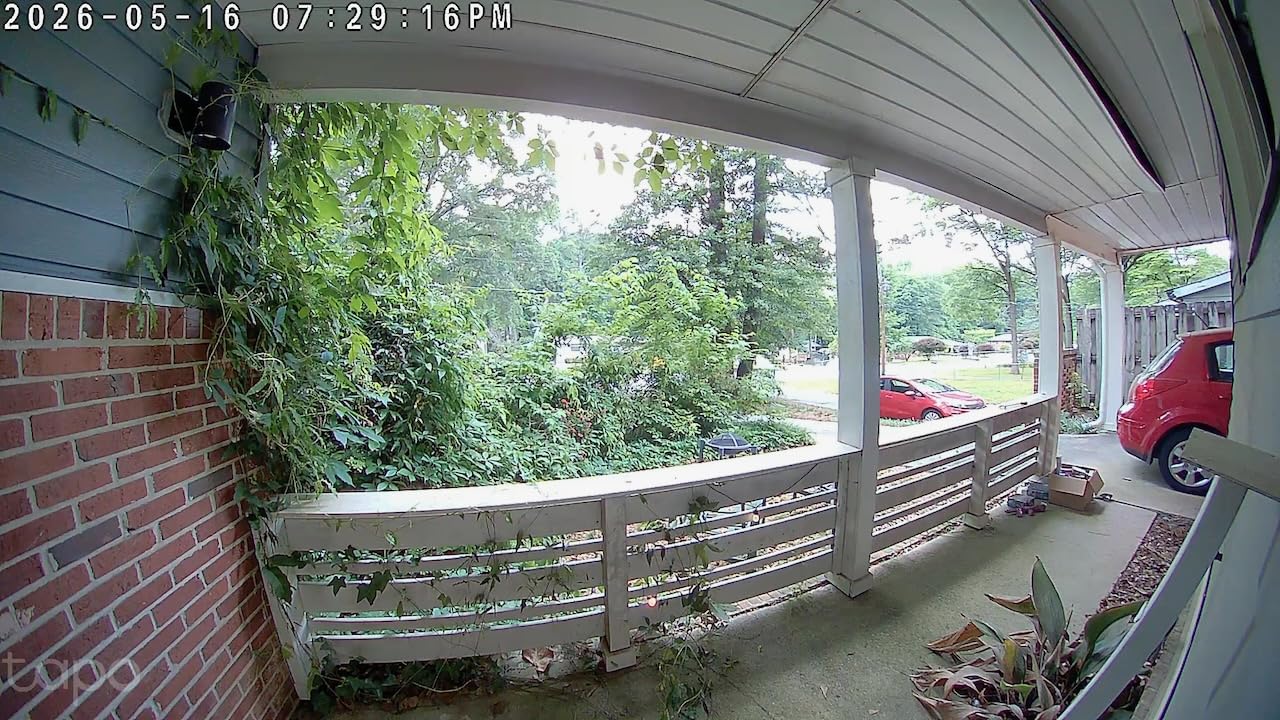
Camera performance is genuinely good for the category: 2K resolution, a 160-degree diagonal head-to-toe field of view that covers a driveway from one mount, and full color night vision with an adjustable spotlight. Local microSD storage up to 512GB means no subscription is required to review your own footage.
The rating is 4.3 from 3,738 reviews with 74 percent five stars, which makes it one of the two most reviewed chimes here. Owners consistently call it strong value for subscription-free storage, and several long-term owners report good battery life on the rechargeable 6400 mAh pack. Ring Call answers visitors without opening the app and without cellular minutes.
There are real compromises. It is battery only, so it cannot be wired to existing doorbell wiring for continuous charging. Cloud history is capped at 30 days if you skip local storage, notifications occasionally arrive late enough that a visitor has already left, and video can look washed out in direct sunlight.
Where it works in a big house
It suits a first install at a wide front door with a long approach. The 2K sensor and 160-degree view cover the path from the street, and the bundled chime covers the ground floor; you would add a second Tapo unit upstairs for full coverage.
Where it falls short
It runs on 2.4GHz only, which is the opposite of the eufy Chime 2, and the battery-only design means you will eventually swap or recharge the pack. Some owners also report the doorbell video-call feature conflicting with Echo Show or multi-device use.
How Many Chimes Does a Large Home Actually Need?
The answer is driven by floors and outbuildings, not square footage alone. A 3,000 square foot single-story ranch with solid interior walls needs fewer chimes than a 2,200 square foot three-storey house with the same floor plan spread vertically.
Here is how we would work it out for a house like ours.
One chime. If your home is under roughly 1,500 square feet on a single floor, with the router near the front door, one chime on the main-floor wall is enough.
Two chimes. For any two-floor house, put one on the ground floor near the staircase and one in the upstairs hallway. This is the most common setup and the one we recommend most often.
Three chimes. Add a third for a finished basement, a detached garage, or a laundry room on a different wing. Sound travels well through floors when there is a staircase to follow, but a basement with a closed door swallows the sound entirely.
Four or more. Large homes with a gate, a side entrance, a home office in a converted wing, or a garage that is the main entry often need one chime per functional zone. Most ecosystems let you add more as needed, and at these volumes the cost per chime is small compared to the doorbell itself.
A useful cross-check: if you can stand in the garage and not hear the chime in the kitchen, you need another chime or a louder model. That is the single test we use, and it takes ten seconds.
Can a Smart Doorbell Use an Existing Chime?
Almost never, and this is the most common surprise for people upgrading a wired house. Your existing mechanical chime is an analog 16 to 24 volt AC circuit, while every chime on this page is a Wi-Fi receiver that only responds to its own brand’s digital signal. There is no adapter that bridges them.
What usually happens instead is stranger. Owners report that after installing a video doorbell, the old mechanical chime buzzes on its own, chimes intermittently, or stops working entirely, even after the transformer is replaced. That behaviour points to the chime being wired in parallel with the doorbell’s low-voltage trigger rather than through a compatible adapter.
So plan on retiring the existing chime, and treat it as a small electrical job rather than a five-minute swap. If your doorbell transformer is undersized for a video unit, or if you want to keep a wired chime circuit powered for some other purpose, an electrician can sort it in an afternoon. Forum threads on r/HomeImprovement about retaining old chime wiring come back to the same advice.
The upside is that every plug-in chime on this list removes that problem entirely. They draw power from a wall outlet and need no transformer at all.
How to Pair Extra Chimes and Fix Dead Zones
Adding chimes is straightforward, but the placement is what decides whether you hear the door. Work through these steps in order rather than adding chimes randomly.
Step 1. Test your signal at the door first. Stand at the front door with the doorbell app open and check the connection reading. If it is weak, no amount of indoor chimes will fix the root problem.
Step 2. Fix dead zones at the network level. A dead zone at the front of a large lot is a router problem before it is a chime problem. Our guides to the best mesh Wi-Fi systems for large homes and mesh WiFi picks for large homes cover the placement rules that fix the most front-door dropouts.
Step 3. Place the first chime as close to the router as you can while still covering a high-traffic room. Each chime then works as a stepping stone for the ones further away.
Step 4. Pair additional chimes through the same app, one at a time. Give each one a name based on its location so you can tell them apart later.
Step 5. Walk the house and test from the farthest point: garage, basement, upstairs landing. Add or move chimes until every zone has audible coverage.
Step 6. Set volume per chime. Two floors rarely want the same level. A main-floor hallway can run loud while a bedroom chime stays lower and relies on the vibration more than the sound.
If your home already runs on a smart thermostat or automated dehumidifier, adding doorbell alerts to the same routine is a small change. Our picks for smart thermostats for homes and smart dehumidifiers for homes both cover how to group devices so one app controls them.
Frequently Asked Questions
What is the best digital doorbell chime?
For most large homes, the Ring Chime is the best digital doorbell chime because it is loud, inexpensive to add in numbers, and extra chimes improve the network path back to the router. The Tapo Smart Hub H100 is louder at 90 dB with documented 30 meter range if you already run Tapo devices, and the PHYSEN kit is the choice when you want two receivers and no ecosystem commitment.
Can a smart doorbell use an existing chime?
Rarely. An existing mechanical chime runs on a 16 to 24 volt AC circuit, while smart chimes are Wi-Fi receivers that answer only their own brand’s digital signal. Most video doorbells do not drive an old chime, and owners often report buzzing or intermittent ringing after installation. Plan on replacing it with a plug-in chime and having an electrician check the transformer if the circuit is undersized.
Can you increase the volume on a Ring doorbell chime?
Yes. Tone and volume are adjustable from the Ring app for each chime individually, so you can run one unit louder than another. If the door still goes unheard in a large open plan, add another chime rather than pushing a single unit to maximum.
How many chimes does a large home need?
Two is the standard for any two-floor house, one on the ground floor near the staircase and one in the upstairs hallway. Add a third for a finished basement, detached garage, or separate wing. Test by standing in the farthest room and checking whether you can hear the chime in the kitchen.
Why are people moving away from Ring doorbells?
The reasons are usually recurring subscription costs for video history, the lock-in to one ecosystem that leaves existing cameras unusable, and privacy concerns about cloud-stored footage. Buyers who want to avoid all three look at subscription-free options with local storage, such as the Tapo D210 with microSD, or a standalone kit like the PHYSEN system with no monthly fee.
The Verdict for Large Homes in 2026
The best smart doorbell chimes for large homes are not the ones with the biggest feature lists. They are the ones that put sound where people actually are, and that means two or three chimes rather than one. The Ring Chime is our pick for most households because stacking them is cheap and each one helps the network reach your door.
Choose the Tapo H100 if you want a 90 dB siren with the longest documented reach and already run Tapo devices. Choose the eufy Chime 2 if your network splits its Wi-Fi bands and your front door sits at the end of a long property. Choose the PHYSEN kit if nobody wants an ecosystem lock-in and someone in the house needs a light flash.
Before you buy anything, confirm that the chime brand matches your doorbell brand, then place your first chime between the router and the areas you miss. Add the second one upstairs, test from the garage, and you will hear the door from anywhere in the house.