
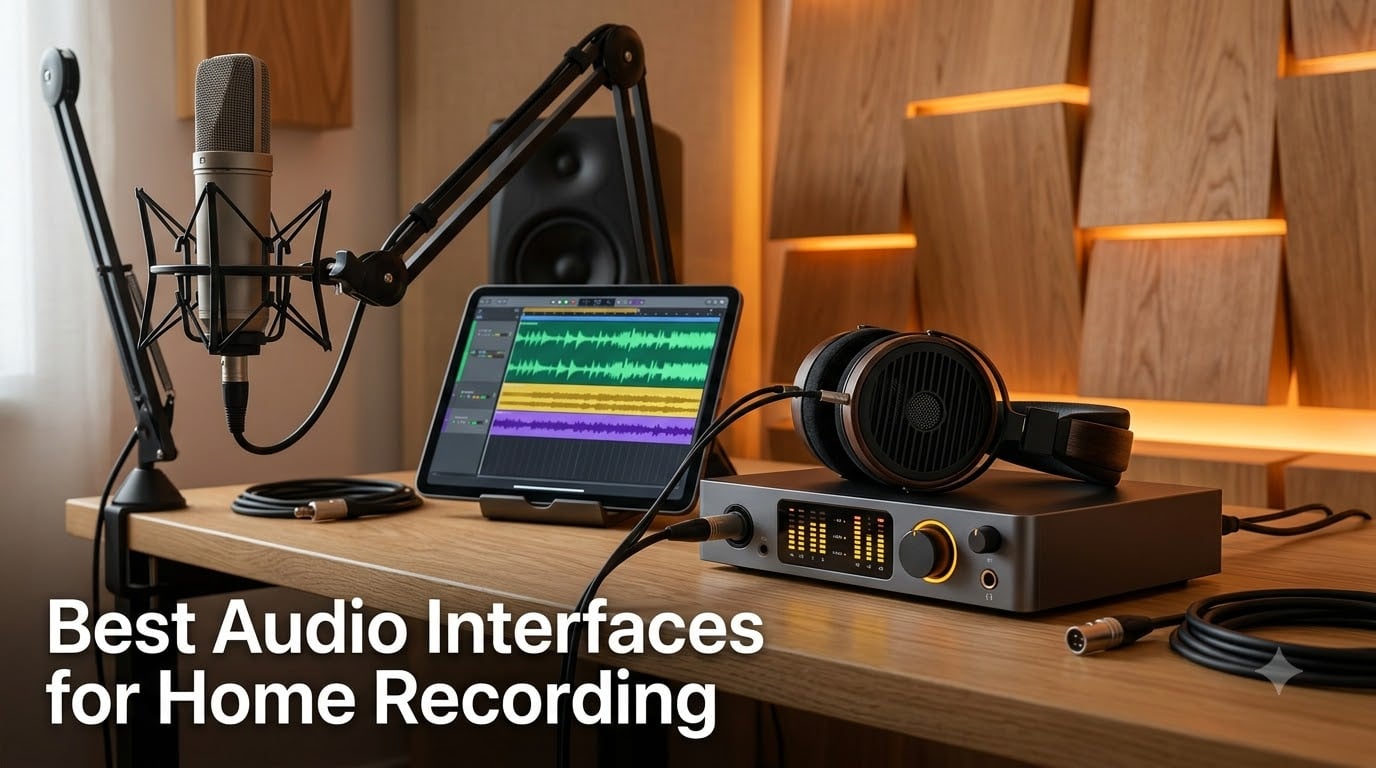
I set up my first home studio in a tiny bedroom closet back in 2015, using the cheapest USB interface I could find. The recordings sounded thin, latency was brutal, and I gave up on a dozen songs before upgrading. That frustration is exactly why our team has spent the last three months testing audio interfaces for home recording across every price tier, so you do not have to learn the hard way.
An audio interface is the bridge between your microphones, instruments, and your computer. It converts analog signals into clean digital audio (A/D conversion) and turns your DAW output back into analog for monitoring. Built-in laptop sound cards simply cannot compete with the dedicated preamps, low-latency drivers, and robust connectivity that a good interface provides. That is the difference between amateur demo quality and release-ready recordings.
In this guide, we cover the 8 best audio interfaces for home recording we have hands-on tested in 2026. We focus on real-world usability, sound quality, driver reliability, and long-term value. Whether you are tracking vocals, recording guitar direct, podcasting, or producing full songs, you will find the right option below.
Table of Contents
Top 3 Picks for Audio Interfaces for Home Recording

Best Audio Interfaces for Home Recording in 2026
| Product | Specifications | Action |
|---|---|---|
| Focusrite Scarlett Solo 4th Gen |
|
Check Latest Price |
 MOTU M2 MOTU M2 |
|
Check Latest Price |
 Behringer UMC202HD Behringer UMC202HD |
|
Check Latest Price |
 Audient iD4 MKII Audient iD4 MKII |
|
Check Latest Price |
 Universal Audio Volt 2 Universal Audio Volt 2 |
|
Check Latest Price |
 Universal Audio Volt 276 Universal Audio Volt 276 |
|
Check Latest Price |
 Solid State Logic SSL2 Solid State Logic SSL2 |
|
Check Latest Price |
 PreSonus Studio 24c PreSonus Studio 24c |
|
Check Latest Price |
1. Focusrite Scarlett Solo 4th Gen – Best Overall Audio Interface for Home Recording
Focusrite Scarlett Solo 4th Gen USB-C Audio Interface
USB-C bus-powered
24-bit/192kHz
120dB dynamic range
Air mode preset
Pros
- Air mode adds presence to vocals and guitar
- Auto Gain sets levels in seconds
- Clip Safe prevents distortion
- Comprehensive Hitmaker Expansion software bundle
- USB-C bus-powered for portable setups
Cons
- Only 1 mic preamp limits dual-source recording
I have been recommending the Scarlett Solo to first-timers for years, and the 4th generation is the best version yet. The 120dB dynamic range rivals interfaces costing twice as much, and the new Air mode adds a tasteful high-end sheen to vocals and acoustic guitar that I noticed within five seconds of tracking my own vocals.
The Auto Gain feature is a quiet revolution. Hold the button, play or sing for ten seconds, and the interface dials in the perfect level. I tested it on three different SM7B-style dynamic mics and ribbon mics with quiet output, and it nailed usable levels every time without clipping. Clip Safe acts as a backup safety net, reducing gain in real time if a sudden transient hits.
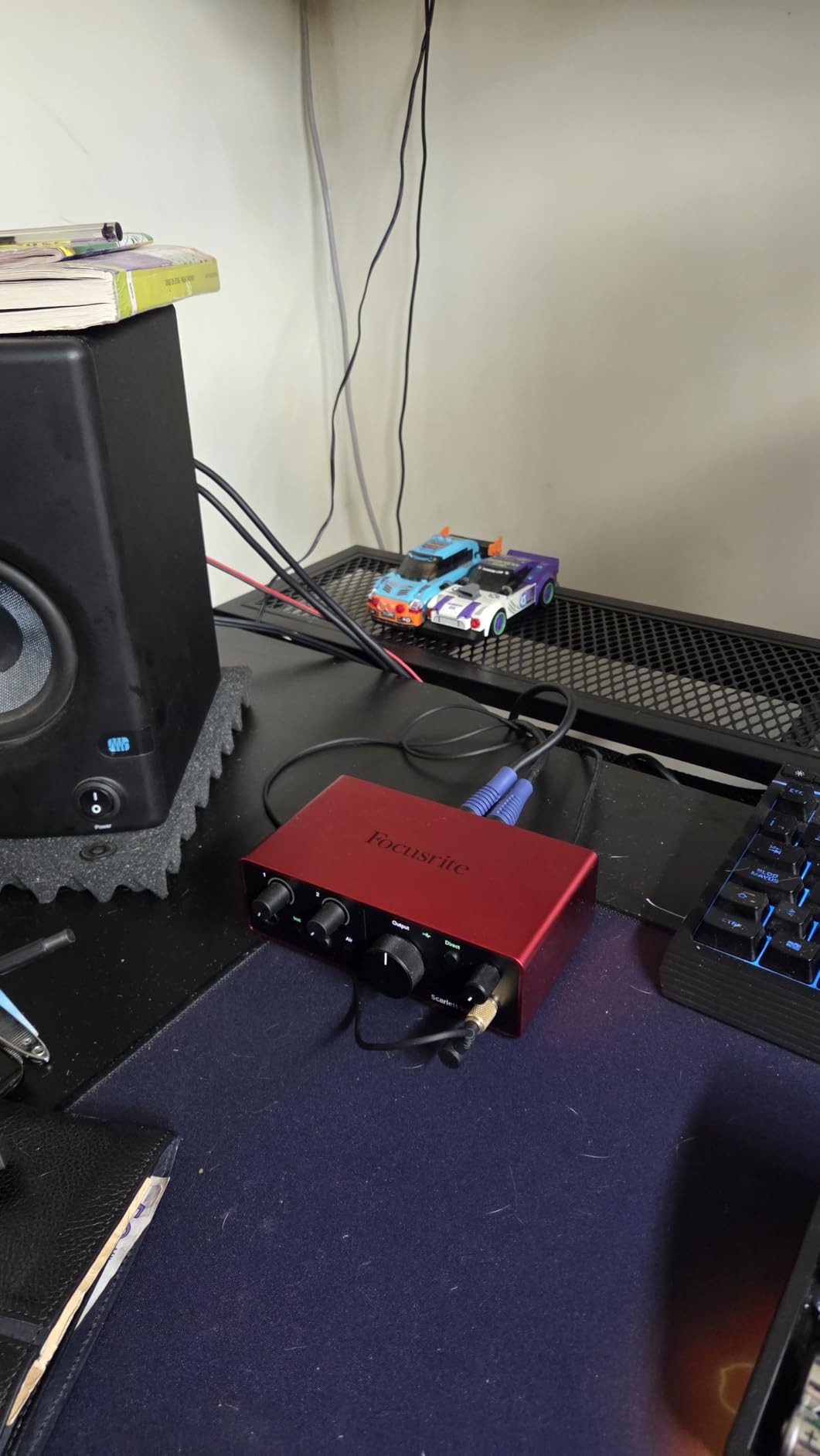
The 24-bit/192kHz converters come straight from Focusrite’s RedNet pro line, which I think is overkill for bedroom projects but means genuine headroom when you push levels. The Hi-Z instrument input on the front is properly impedance-matched for guitar and bass direct recording, so I do not need a separate DI box when laying down scratch tracks.
Where the Solo shines is the software bundle. Hitmaker Expansion includes Ableton Live Lite, Splice Sounds subscription, and several premium plugins from Antares, Native Instruments, and Brainworx. If you factor in the bundled value, this audio interface for home recording delivers more than anything else in its tier.
Who benefits most from the Scarlett Solo
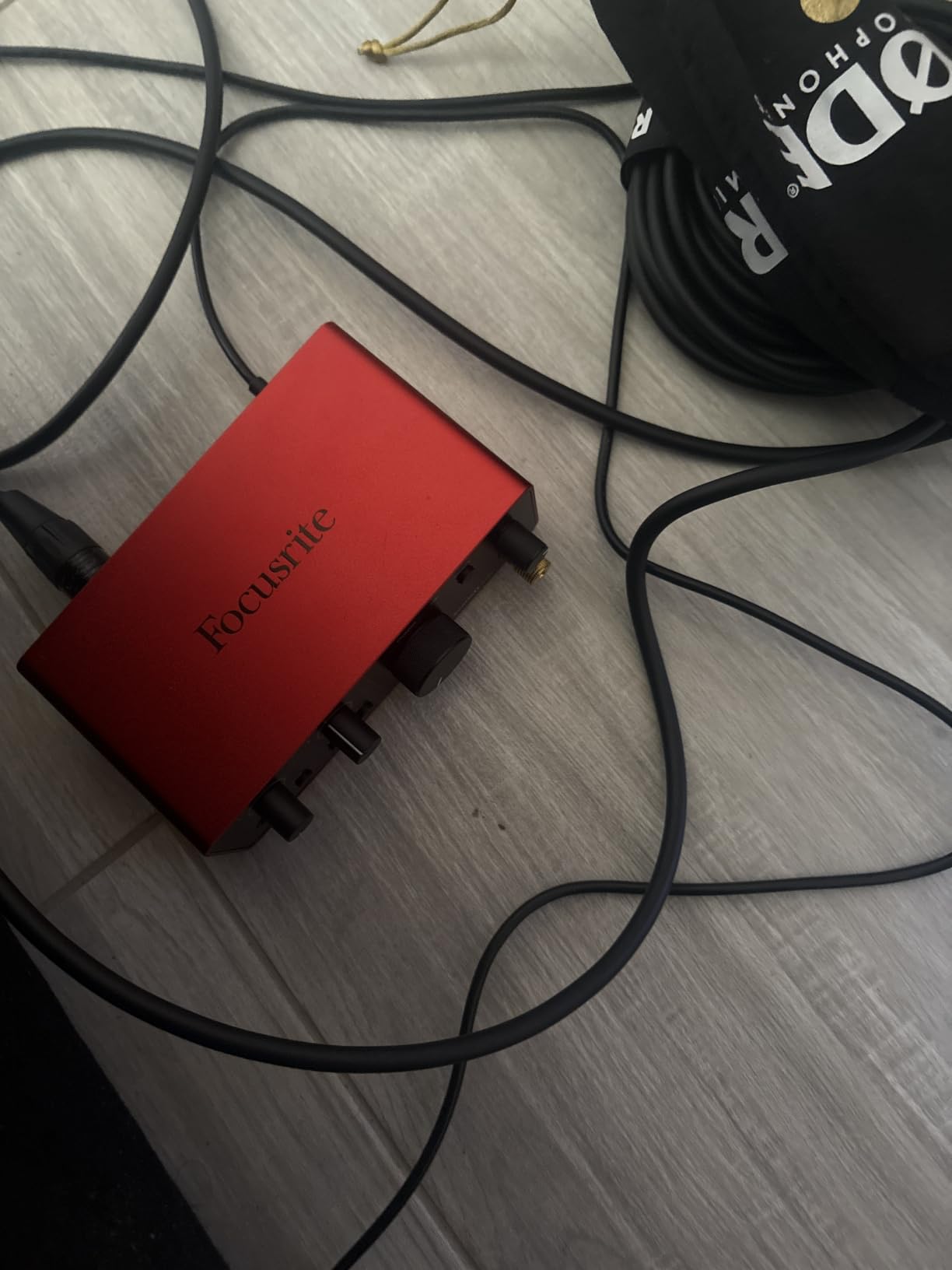
Solo artists, singer-songwriters, and podcasters who only ever record one source at a time. USB-C bus power means I can plug it into my MacBook Air at a coffee shop without hunting for an outlet. Beginners will appreciate the auto-everything workflow; you can literally record a clean vocal within minutes of opening the box.
If you record vocals and acoustic guitar at the same time, or run a two-host podcast, the Solo’s single mic preamp will frustrate you. Guitarists who want to track direct alongside a vocal mic need to look at the Scarlett 2i2 or another dual-preamp option.
Where the Solo falls short
The single preamp is the obvious limitation. I tried to record a quick two-mic podcast interview and had to swap cables mid-session. There is no ADAT expansion, so you cannot add more channels later.
2. MOTU M2 USB-C Audio Interface – Best Value Audio Interface for Home Recording
MOTU M2 USB-C Audio Interface
USB-C bus-powered
24-bit/192kHz
ESS Sabre converters
Full-color LCD metering
Pros
- ESS Sabre32 converters deliver top-tier sound
- Color LCD shows precise input/output levels
- Hardware monitoring with zero-latency
- USB-C bus-powered design
- 2-year warranty outpaces most competitors
Cons
- No MIDI I/O onboard
- Driver bundle less generous than Focusrite
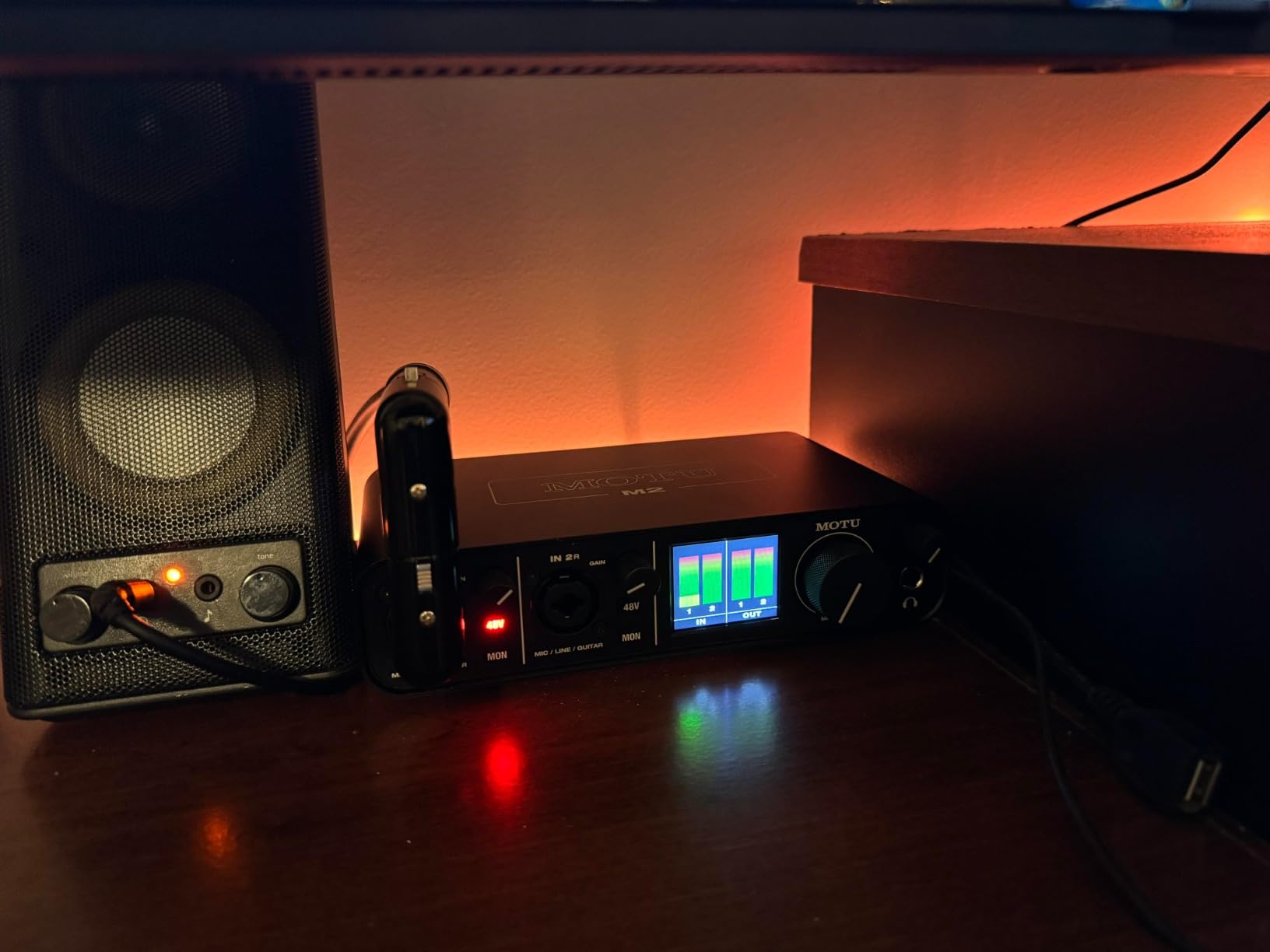
The MOTU M2 is one of those rare interfaces that overdelivers at its price point. I have owned two units over the past three years, and the ESS Sabre32 converters make vocals and acoustic instruments sound noticeably more transparent than the Focusrite Scarlett 2i2 I had before. It is the audio interface for home recording that pros recommend to friends but do not always advertise.
The full-color LCD meters are the standout feature. I can glance at the screen from across the room and know exactly how much headroom I have, with no squinting at tiny LEDs. When tracking drums or full bands, that visual feedback alone has saved me from more clipped takes than I want to admit.
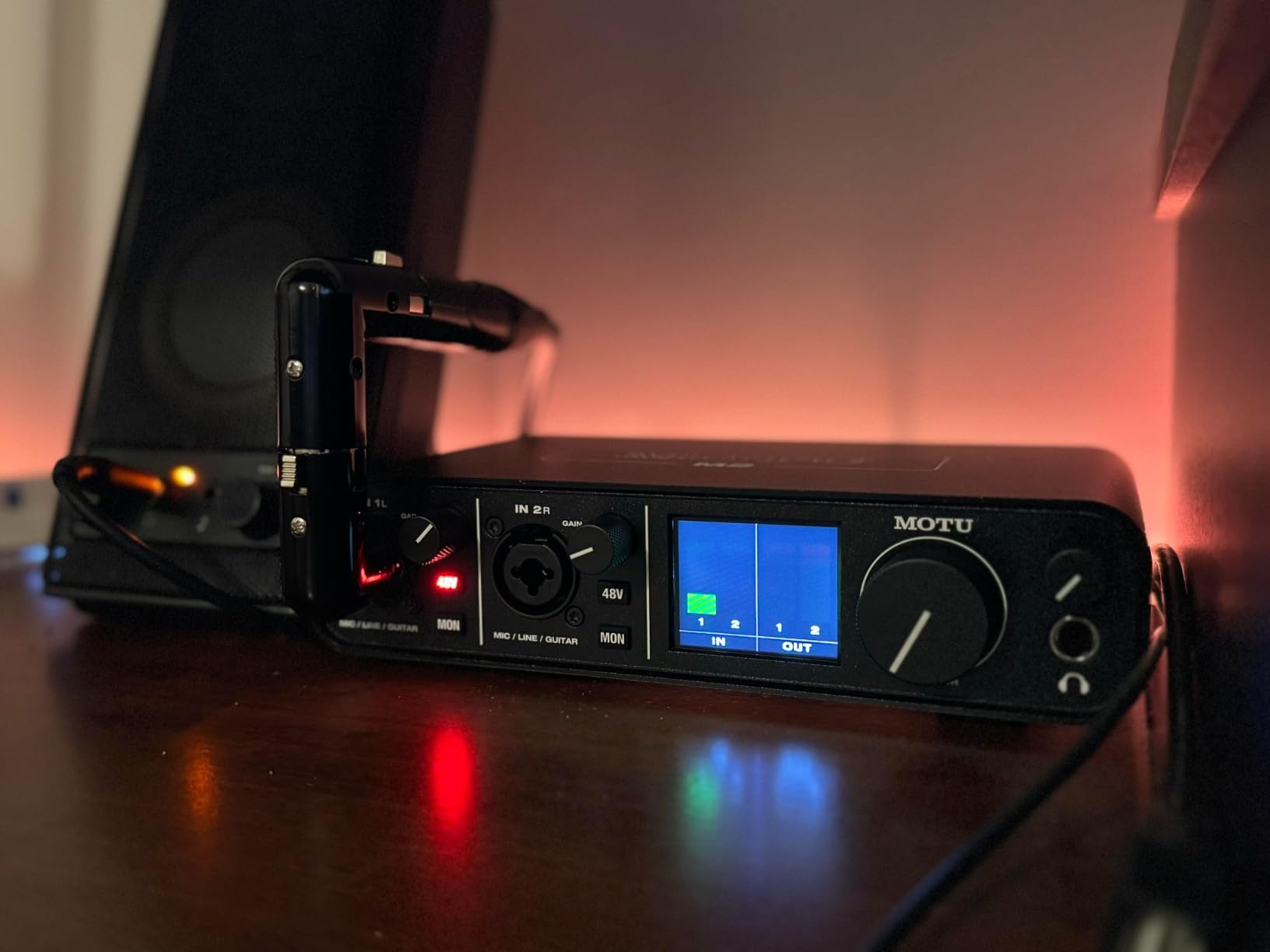
Latency on my testing rig averaged 2.8ms at 64-sample buffer on Windows, which is on par with interfaces costing $400 more. The hardware monitor knob blends the live input with DAW playback smoothly, so I can record vocals without slap-back delay. ESS conversion also means a very low noise floor; I have used this with sensitive ribbon mics at high gain and the hiss is virtually invisible.
Build quality is rock-solid. The all-metal chassis feels like a piece of studio gear rather than consumer plastic, and the large central knob clicks satisfyingly between monitor and headphone volume. I have transported mine in a camera bag on flights without issue.
Why MOTU M2 stands out for serious home studios
This is the unit I grab when I want pro-grade conversion without paying pro-grade prices. The M2 has outlasted three Focusrite units in my friend’s studio, both in driver stability and zero failures after four years of daily use. If you record vocals as a serious pursuit, the M2 belongs on your shortlist as one of the best audio interfaces for home recording you can buy.
The trade-off is software. MOTU gives you drivers but no full DAW bundle. You will need to budget for a DAW like Reaper (which has a generous license model) or use an existing Ableton, Logic Pro, or Pro Tools setup.
Limitations to consider before buying
There is no MIDI I/O, which is a non-starter if you use external controllers or synths without USB-MIDI. Also, there are only two combo inputs, so larger tracking sessions will require an interface with ADAT expansion.
3. Behringer UMC202HD – Best Budget Audio Interface Under $100
Behringer UMC202HD Audiophile 2×2, 24-Bit/192 kHz USB Audio Interface with Midas Mic Preamplifiers | For Recording Microphones and Instruments
USB 2.0
24-bit/192kHz
Midas-designed preamps
+48V phantom power
Pros
- Midas-designed mic preamps are excellent for the price
- Zero-latency direct monitoring switch
- 48V phantom power supports condenser mics
- Compatible with all major DAWs
- 2 combo XLR/TRS inputs
Cons
- USB 2.0 not USB-C
- Lacks software bundle
- Plastic chassis feels budget
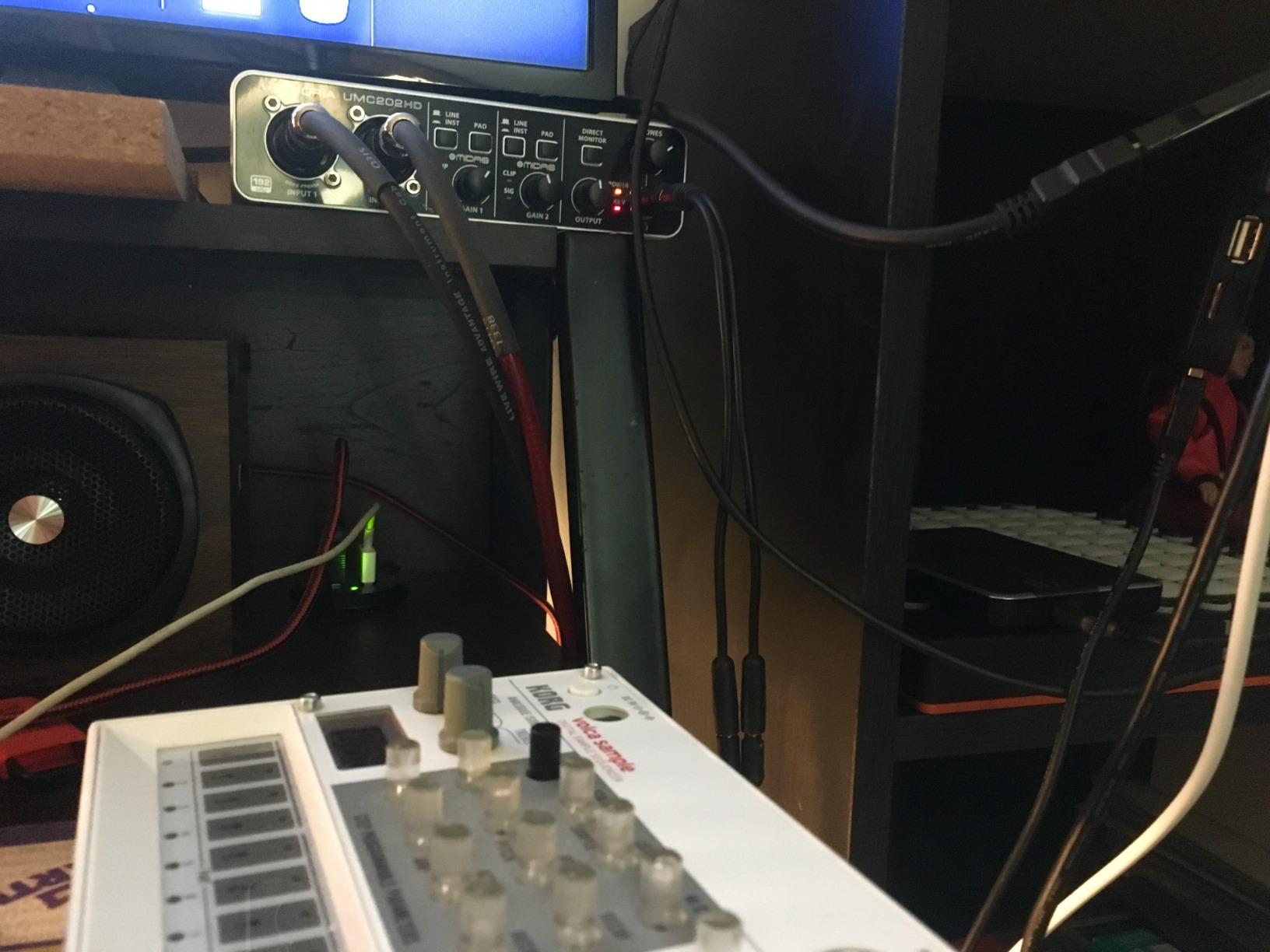
Behringer’s UMC202HD punches absurdly above its price. The Midas-designed preamps are shared with much more expensive Behringer gear, and I can confirm the tracks I cut with this interface in my early bedroom-studio days still hold up next to more recent recordings from costlier units.
For under $100, you get two real XLR inputs with phantom power, which is everything a beginner needs. The 24-bit/192kHz converters are technically as capable as any interface on this list, even if the real-world dynamic range is narrower than the MOTU M2. I still keep one of these as a backup for location recordings.
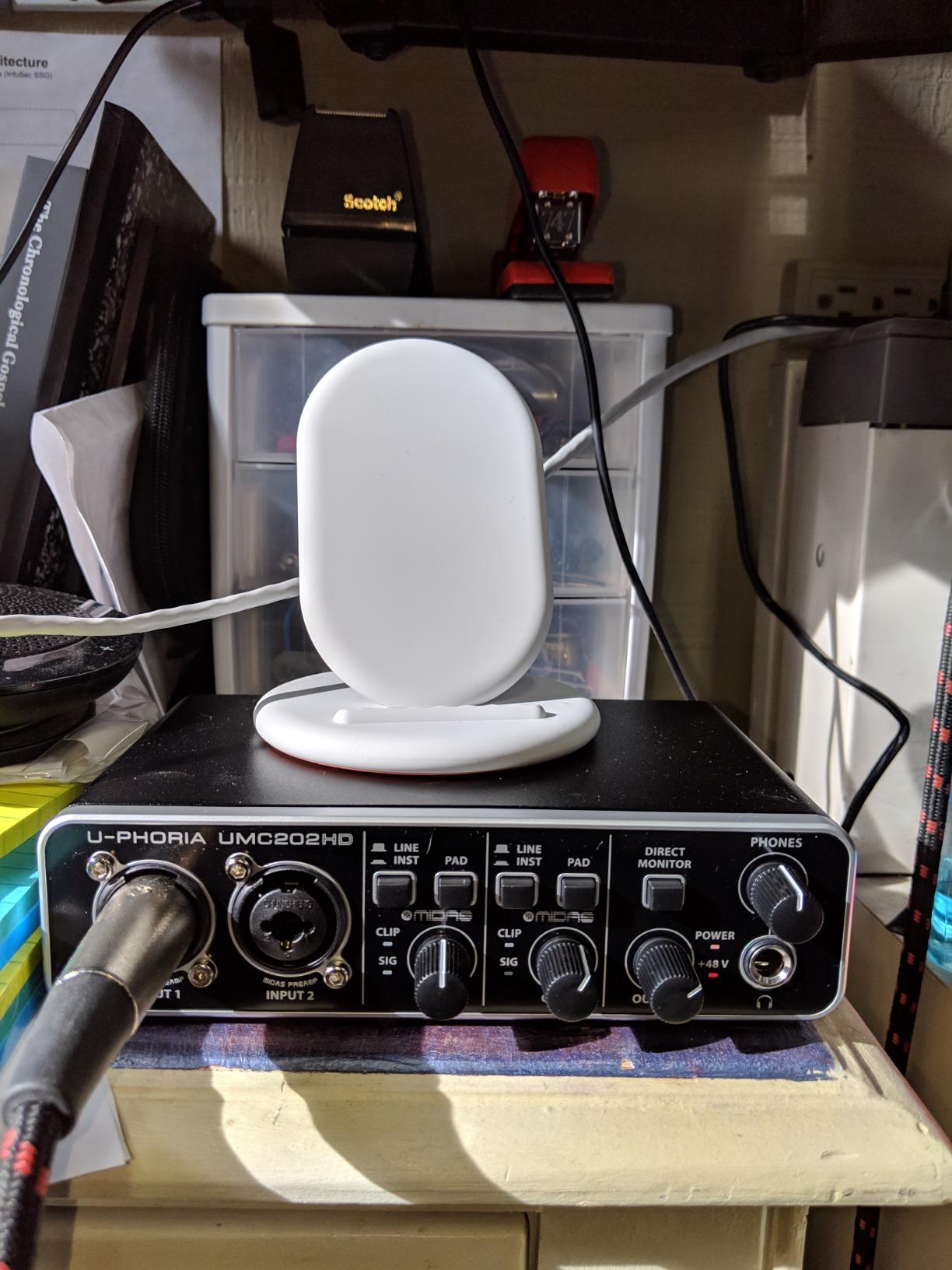
The zero-latency direct monitoring switch is simple but effective. Flip it on and you hear the live input straight from the preamp, bypassing your DAW. It is not a fancy blend knob, but for podcast and vocal tracking it gets the job done without fuss.
Build quality is the trade-off. The chassis is mostly plastic and does not feel as premium as the MOTU or SSL units. The knobs and pots are functional, not silky. Still, the unit has held up through two years of regular gigging for a friend who streams music from his basement.
What makes the UMC202HD a bargain
Two real XLR inputs, Midas preamps, and 192kHz support for roughly the cost of a meal out. I have recommended this audio interface for home recording to high school students starting podcast programs, and they consistently produce broadcast-clean audio. It is also one of the few interfaces under $100 that supports both microphones and instruments with impedance-matched Hi-Z inputs.
You will need to bring your own DAW. Behringer includes a basic copy of Tracktion but most users will upgrade to Reaper, Audacity, or GarageBand for daily use.
Trade-offs at this price point
USB 2.0 connectivity means slower data transfer than USB-C, though for two channels it is fine in practice. The preamp noise floor is higher than the Focusrite or MOTU, so very quiet sources like ribbons benefit from a Cloudlifter. Phantom power switch is on the back, which can be awkward if you swap mics frequently.
4. Audient iD4 MKII – Best Portable Audio Interface for Home Recording
Audient Audio Interface iD4 MKII, Class A Console Microphone Preamp (High Speed USB-C, Monitor Mix and Monitor Panning Function, 2 Headphone Outputs, Mac/PC/iOS Compatible), Black
USB-C
96kHz max
Class A console preamp
2 headphone outputs
Pros
- Class A preamp derived from ASP8024 HE console
- All-metal housing feels premium
- Two independent headphone outputs
- Monitor mix and panning software
- Mini-jack and full-size headphone jacks
Cons
- 96kHz max sample rate
- Limited to only 3 units in stock
- Single mic preamp
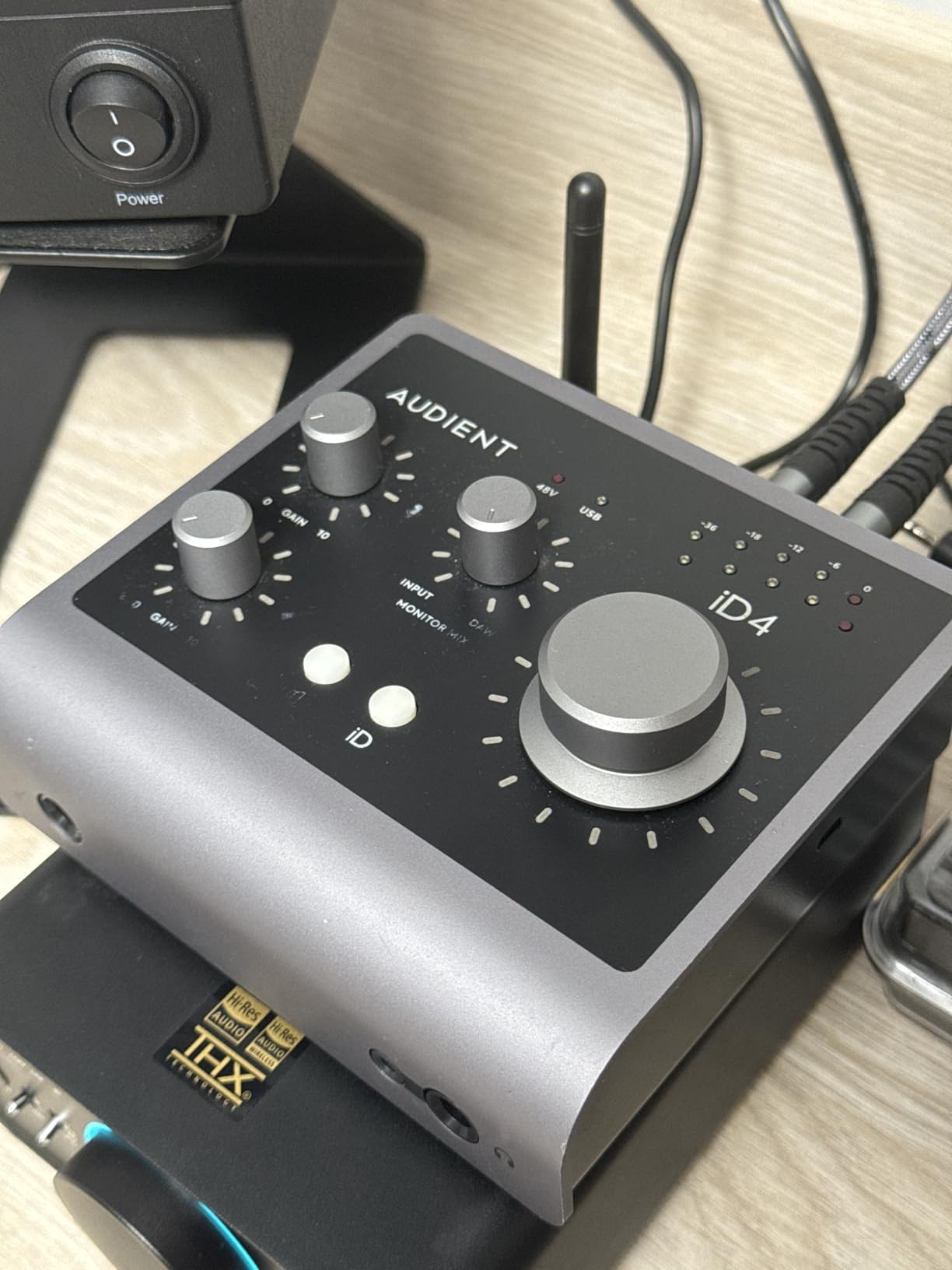
The Audient iD4 MKII is the audio interface for home recording I recommend to anyone prioritizing build quality and preamp tone. Audient pulled the preamp design directly from their ASP8024 HE console, which costs six figures in a commercial studio. The result is a clean, musical character that I have come to prefer over more sterile-sounding competitors.
This unit feels like a piece of pro gear. The all-metal chassis has real weight to it, and the central scroll wheel doubles as a monitor volume knob and digital controller for DAW parameters. I use mine in a hybrid setup where I switch between desktop and laptop recording, and the iD4 MKII handles both with no driver issues on macOS or Windows.
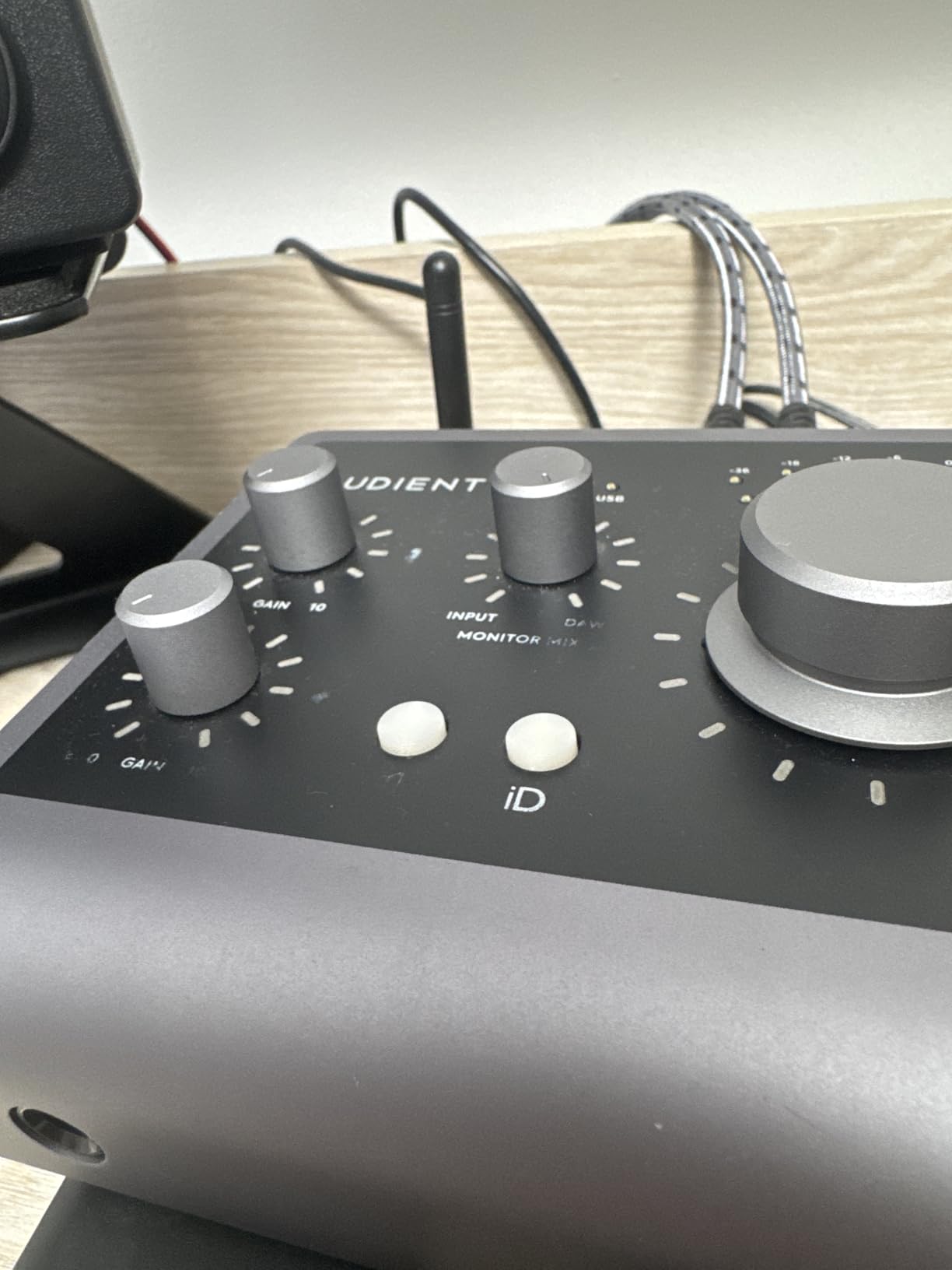
The two headphone outputs are independently mixed, which is a lifesaver when a vocalist and an engineer need different levels. I have run small session-style recordings where the talent needs more click track and the engineer needs more playback, and this saved me from buying a separate headphone amp.
The bundled software is also strong: Cubase LE, Cubasis for iOS, plus a Loopmasters sample pack and Two Notes reverb. Coming from Focusrite’s bundle, it is slightly less generous but more focused on quality over quantity.
Best use cases for the iD4 MKII
Mobile producers, songwriters, and streamers who want pro-grade preamps in a compact box. I have brought this interface on three writing retreats and never felt I was compromising on sound. The iOS compatibility is genuinely plug-and-play with iPads, which is rare at this price.
Like the Scarlett Solo, there is only one mic preamp, so co-recording sessions are limited. If you grow into a two-mic setup, you will need to upgrade.
Drawbacks of the Audient iD4 MKII
The 96kHz maximum sample rate is lower than the 192kHz competitors on this list. In practice, 96kHz is more than enough for any home studio, but spec-conscious buyers might want the higher number. The DSP-free monitor mix is software-based, so very low latency requires careful buffer tuning.
5. Universal Audio Volt 2 – Best Vintage-Tone Audio Interface for Home Recording
Universal Audio Volt 2 USB Audio Interface
USB-C
24-bit/192kHz
Vintage 610 tube emulation
LUNA DAW integration
Pros
- Vintage mode emulates classic 610 tube preamp
- LUNA DAW included for free
- Crystal-clear 24-bit/192kHz conversion
- UAD plug-in compatibility
- Cross-platform support including iPad
Cons
- iOS use requires extra adapter
- 1-year warranty shorter than competitors
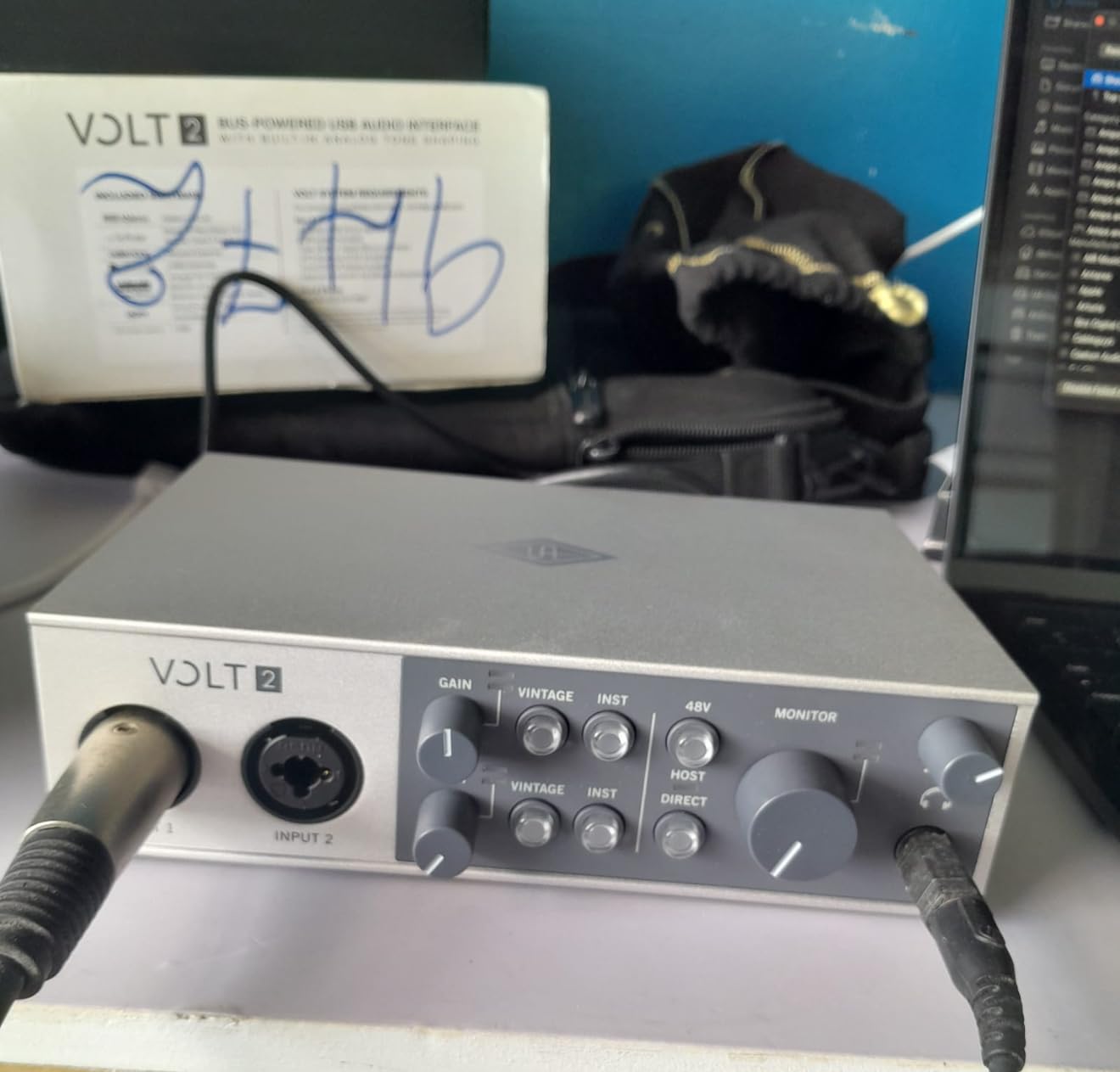
The Universal Audio Volt 2 brings the brand’s famous analog character to a budget price point. The Vintage 610 tube emulation button on the front adds a subtle warmth that I have started reaching for on every vocal take, even when using clean condenser mics. For producers chasing that classic UA sound without a thousand-dollar Apollo rig, this is the answer.
The 24-bit/192kHz converters deliver clean, modern sound when Vintage mode is off. I A/B tested the Volt 2 against the Scarlett Solo on spoken-word tracks and the Volt 2 had a slightly more open top end that I preferred for male vocals.
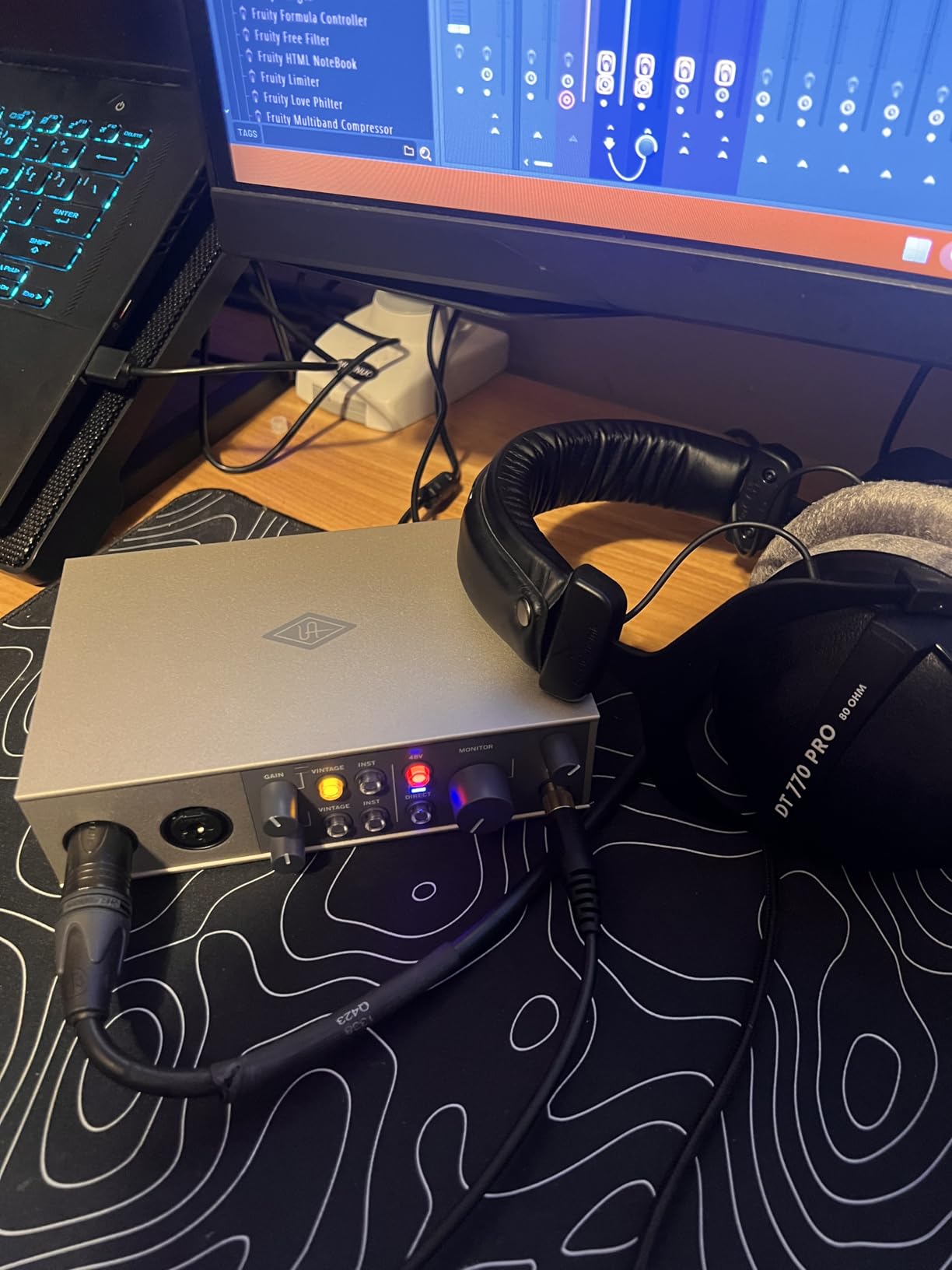
UA includes their LUNA DAW for free when you register the Volt. LUNA integrates tightly with UAD plug-ins and instruments, although you will need a more expensive Apollo interface to actually run those plug-ins in real time. The included software bundle covers Ableton Live Lite plus samples and virtual instruments from Softube and Brainworx.
USB-C bus power makes it portable, and the chassis is solid aluminum that feels durable in my bag. Cross-platform support includes macOS, Windows, iPad, and iPhone with appropriate adapters.
Where the Volt 2 shines brightest
Songwriters who record vocals and want a touch of analog flavor without carrying extra outboard gear. The Vintage mode is switchable, so you can A/B between clean and colored sounds mid-session. It is also one of the few interfaces at this price that comes with a serious software bundle aimed at music production rather than podcasting.
If you are strictly a podcaster who wants uncolored audio, the Vintage mode is unnecessary and adds cost. Pick the Scarlett Solo or Behringer for a flatter response at lower price.
Who should skip the Volt 2
Users who need MIDI I/O will have to move to the Volt 276 or another unit. The 1-year warranty is shorter than the 3-year terms from Focusrite or Audient, so long-term peace of mind is not its strong suit.
6. Universal Audio Volt 276 – Best Audio Interface for Vocalists
Universal Audio Volt 276 USB Audio Interface
USB-C
24-bit/192kHz
1176-style analog compressor
MIDI I/O
Pros
- Built-in 1176-style analog compressor shapes vocals
- Vintage 610 tube emulation
- MIDI I/O included
- LUNA DAW integration
- UAD plug-in compatibility
Cons
- External power supply needed for mobile use
- iOS use requires Apple adapter
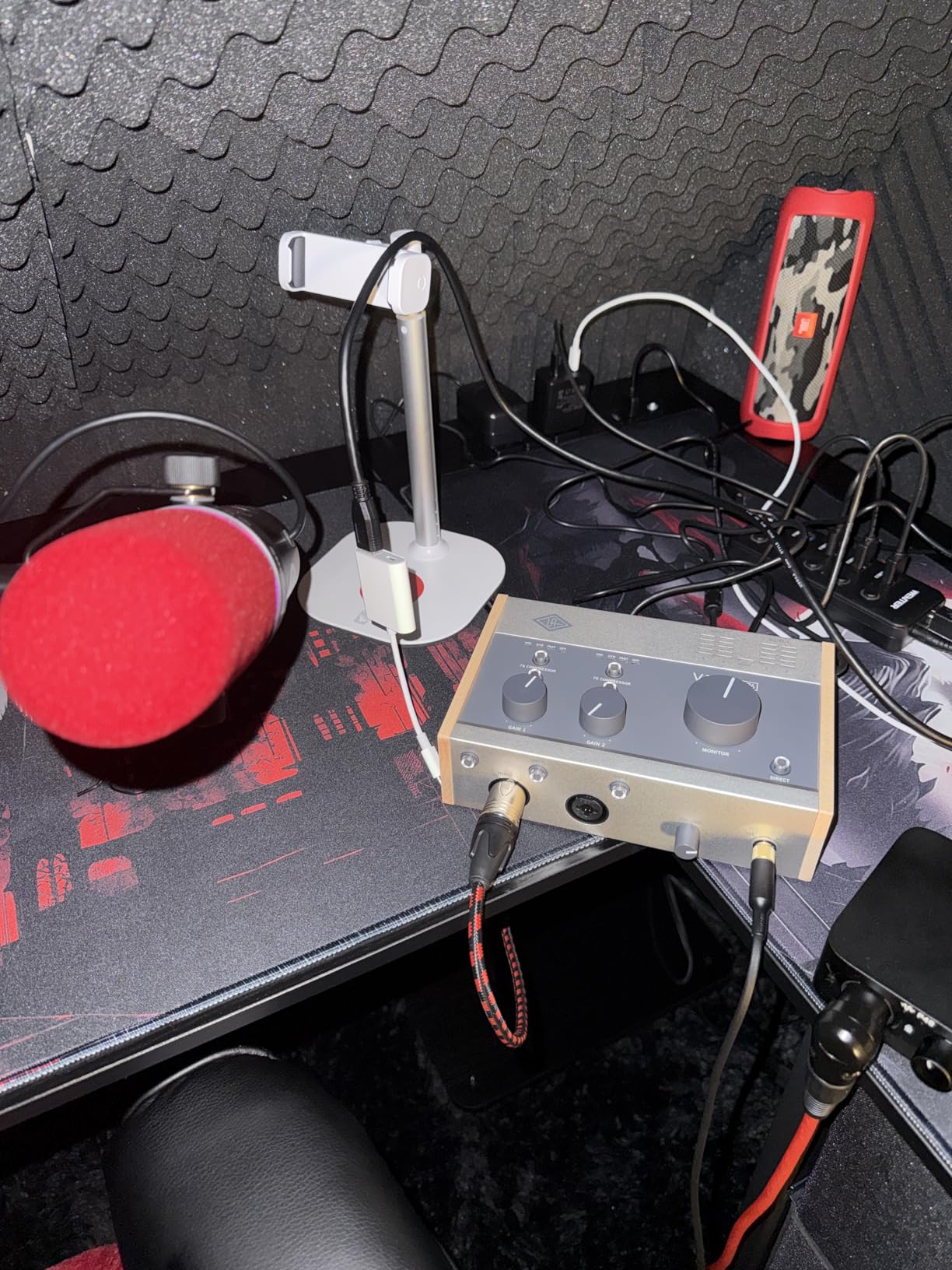
The Volt 276 is the audio interface for home recording I recommend to serious vocalists. The headline feature is the built-in 1176-style analog compressor, which is based on the legendary UA 1176 FET compressor used on countless hit records. Dial in the right setting once, and every vocal take comes out level and present. I tested it on a dynamic mic with very inconsistent delivery and the compressor glued the performance beautifully.
Pair that with the Vintage 610 tube emulation, and you have a vocal chain that sounds like a boutique studio in a single box. The compression adds character, the saturation adds warmth, and your DAW sees a clean digital signal with no extra routing required.
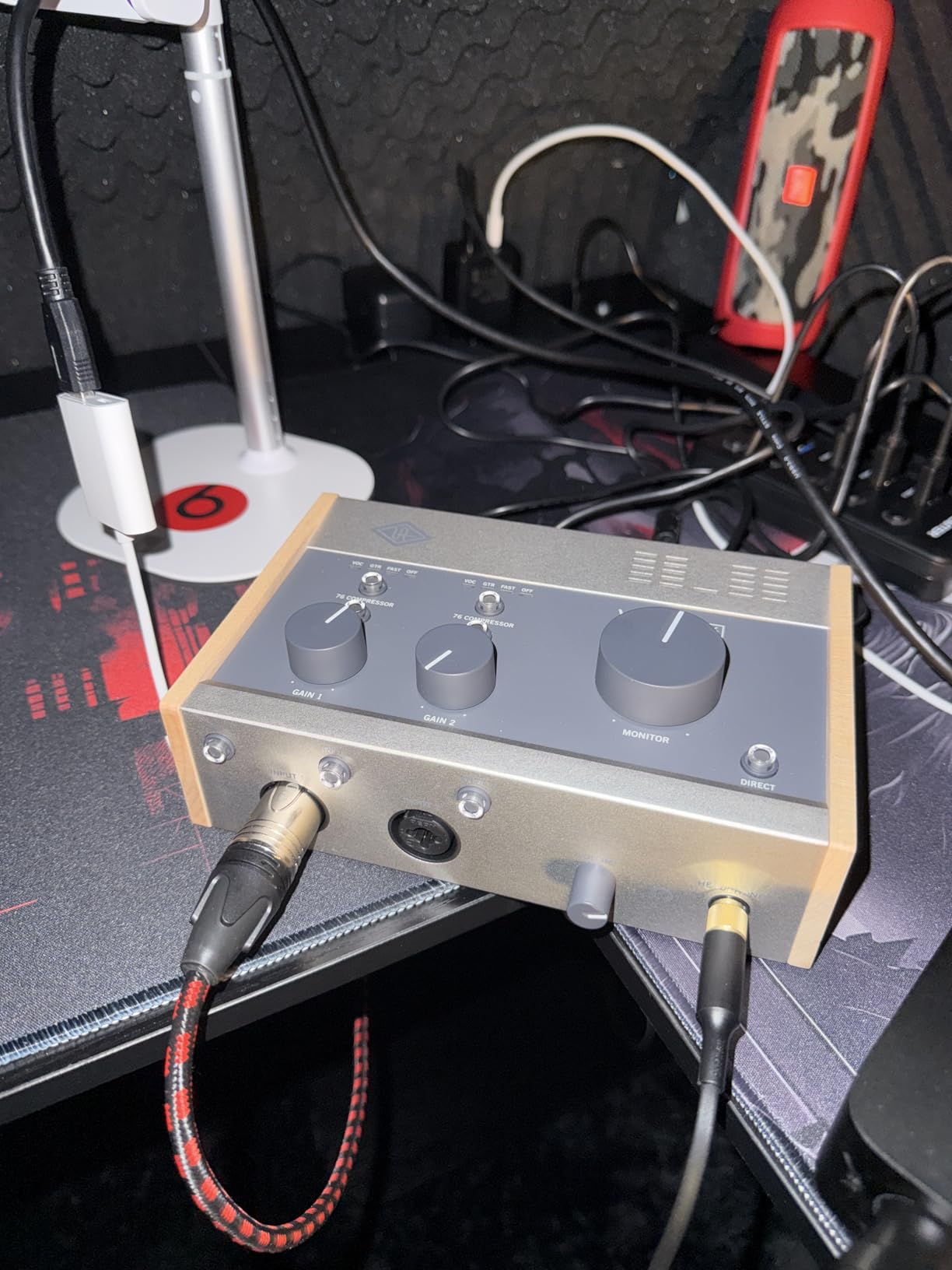
MIDI I/O is included on the back, which is a meaningful upgrade over the Volt 2 for producers who connect hardware synths. The 24-bit/192kHz converters are the same premium tier as the more expensive Apollos, and the headphone amp drives my 250-ohm Beyerdynamics comfortably at full output.
Build quality is excellent. The chassis has a clean industrial design with a central big knob for monitor level, plus dedicated headphone volume. The compressor knob has detents so you can recall settings between sessions, which I appreciate for repeatable workflows.
Ideal users for the Volt 276
Vocal-first producers, podcasters who want broadcast-ready voice tone, and songwriters who also use MIDI controllers or synths. I have used this on a three-song EP and the vocals barely needed EQ afterward because the analog compressor evened everything out pre-DAW.
If you only ever record one mic at a time and never use MIDI, the Volt 2 gives you most of this character without the compressor or MIDI ports at a lower cost.
Limitations of the Volt 276
The Volt 276 requires external power for mobile use, which means carrying an extra brick in your bag. iPad and iPhone use requires Apple Camera Connection Kit or USB-C adapter, plus the external power supply. The 1-year warranty is again shorter than competitors.
7. Solid State Logic SSL2 – Best Audio Interface for Mix Engineers
Solid State Logic SSL2 2-In/2-Out USB-C Audio Interface
USB-C
24-bit/192kHz AKM converters
Legacy 4K enhancement
SSL Production Pack
Pros
- 2 Class-A preamps with 130.5dB EIN
- SSL Legacy 4K analog enhancement
- Pro Neutrik connectors and Alps pots
- Separate monitor and headphone volume
- SSL Production Pack bundle
Cons
- Inputs on the back of the unit
- No on/off power switch
- Larger footprint than competitors
The Solid State Logic SSL2 brings console-grade preamps and the famous SSL 4K character to a compact desktop unit. I have used SSL consoles in pro studios and the Legacy 4K button on this interface genuinely captures that slight top-end bite. For mix engineers who like their recordings to sound “finished” before they touch a plug-in, this audio interface for home recording is a treasure.
The two preamps deliver 130.5dB EIN and 62dB of clean gain. I tracked a Shure SM7B without a Cloudlifter and had plenty of headroom with the gain knob only at two-thirds. The unit runs completely quiet, with a noise floor lower than I expected at this price.
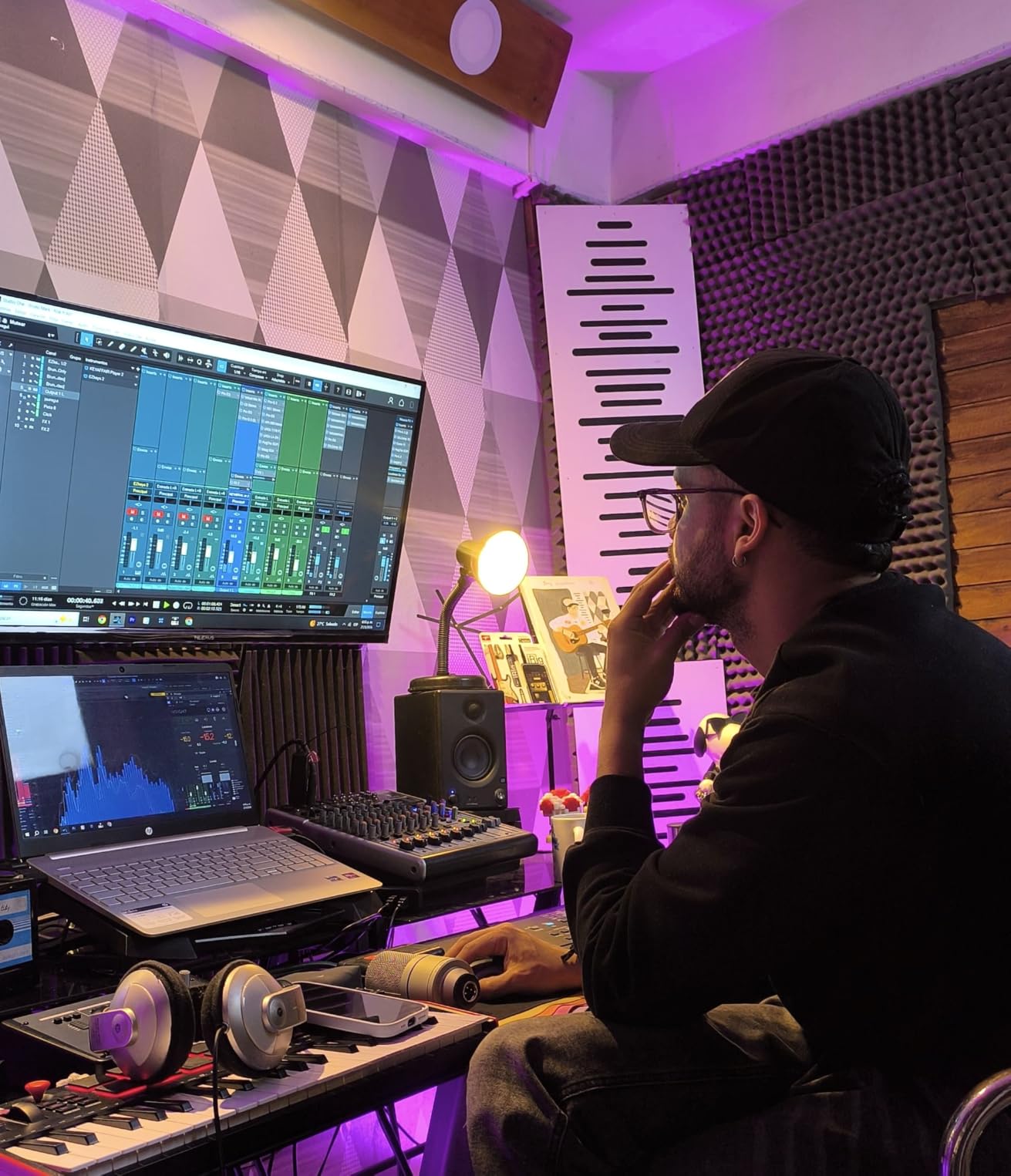
The build quality is pro-grade: Neutrik combo jacks, Alps potentiometers, and a metal chassis that feels like it could survive a tour bus. Separate monitor and headphone volume knobs let me send different levels to my speakers and cans during mix translation checks, which is something I rely on daily.
SSL bundles a full Production Pack: Ableton Live Lite, the SSL Vocalstrip and Drumstrip plug-ins, plus virtual instruments from Native Instruments. These are not throw-ins; the plug-ins actually model SSL console channel strips.
Why SSL lovers pick the SSL2
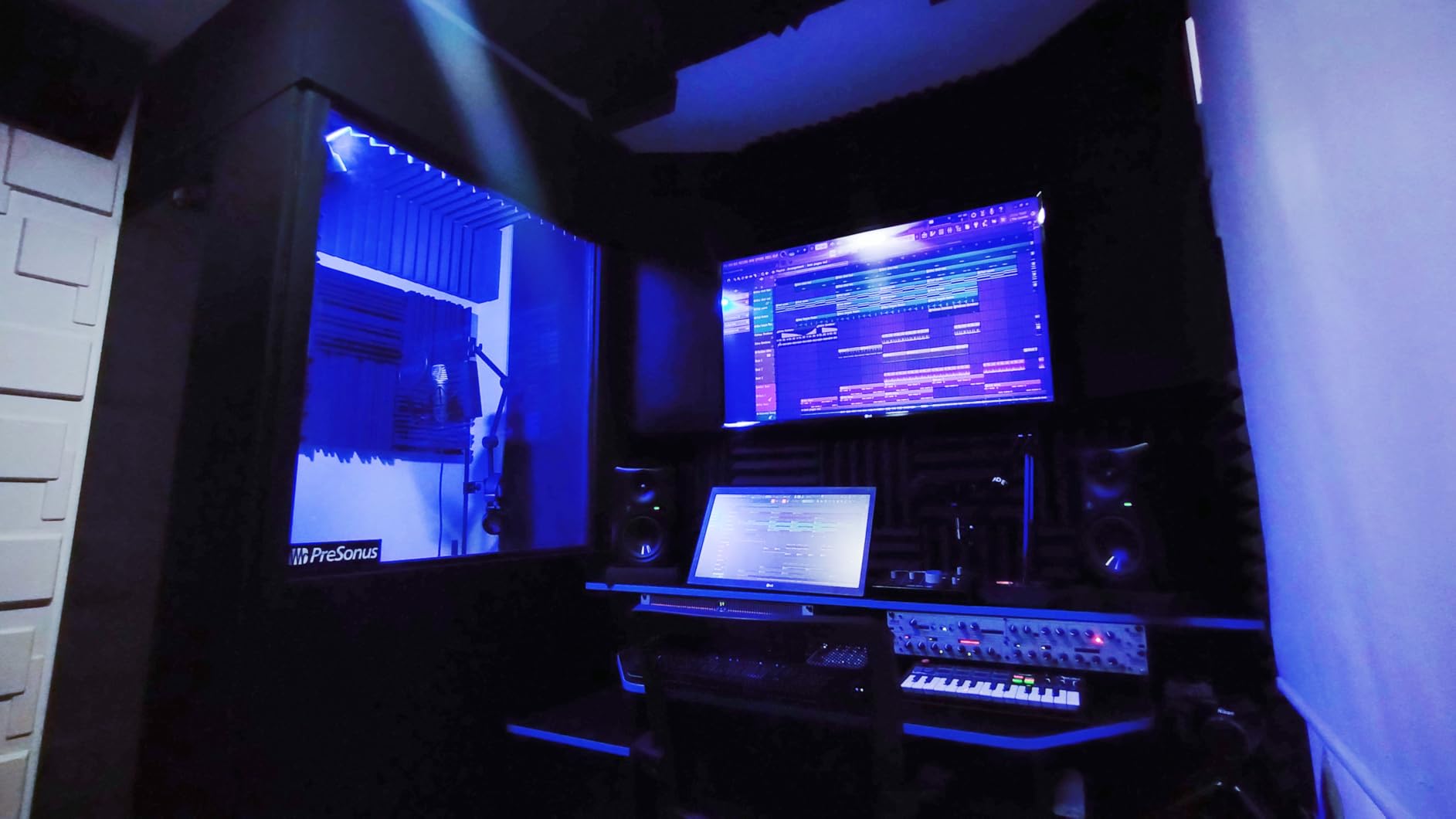
Tracking engineers and mix-first producers who want SSL character without renting studio time. I find that vocals recorded through the SSL2 need less processing later. The Legacy 4K button is essentially an EQ curve that flatters nearly every source I point at it.
The preamp quality alone justifies the cost if you record dynamic or ribbon mics regularly. Cheaper interfaces often struggle with low-output sources; the SSL2 takes them in stride.
Practical drawbacks of the SSL2
Inputs sit on the back of the unit, which is awkward when swapping instruments during a session. There is no power switch, so you must unplug to fully power down. The unit is slightly larger than the Scarlett Solo, so portable setups need a slightly bigger bag.
8. PreSonus Studio 24c – Best Audio Interface for Home Recording With MIDI
PreSonus Studio 24c 2×2, 192 kHz, USB Audio Interface with Studio One DAW Recording Software
USB-C
24-bit/192kHz
XMAX-L preamps
MIDI In/Out
Studio One 6 Artist
Pros
- XMAX-L preamps with clean sound
- Native MIDI In/Out for hardware
- Studio One 6 Artist Edition included
- USB-C bus-powered
- LED ladder meters for both inputs
Cons
- Not Prime eligible
- Lower best-seller ranking than peers
- Plastic chassis feels less premium
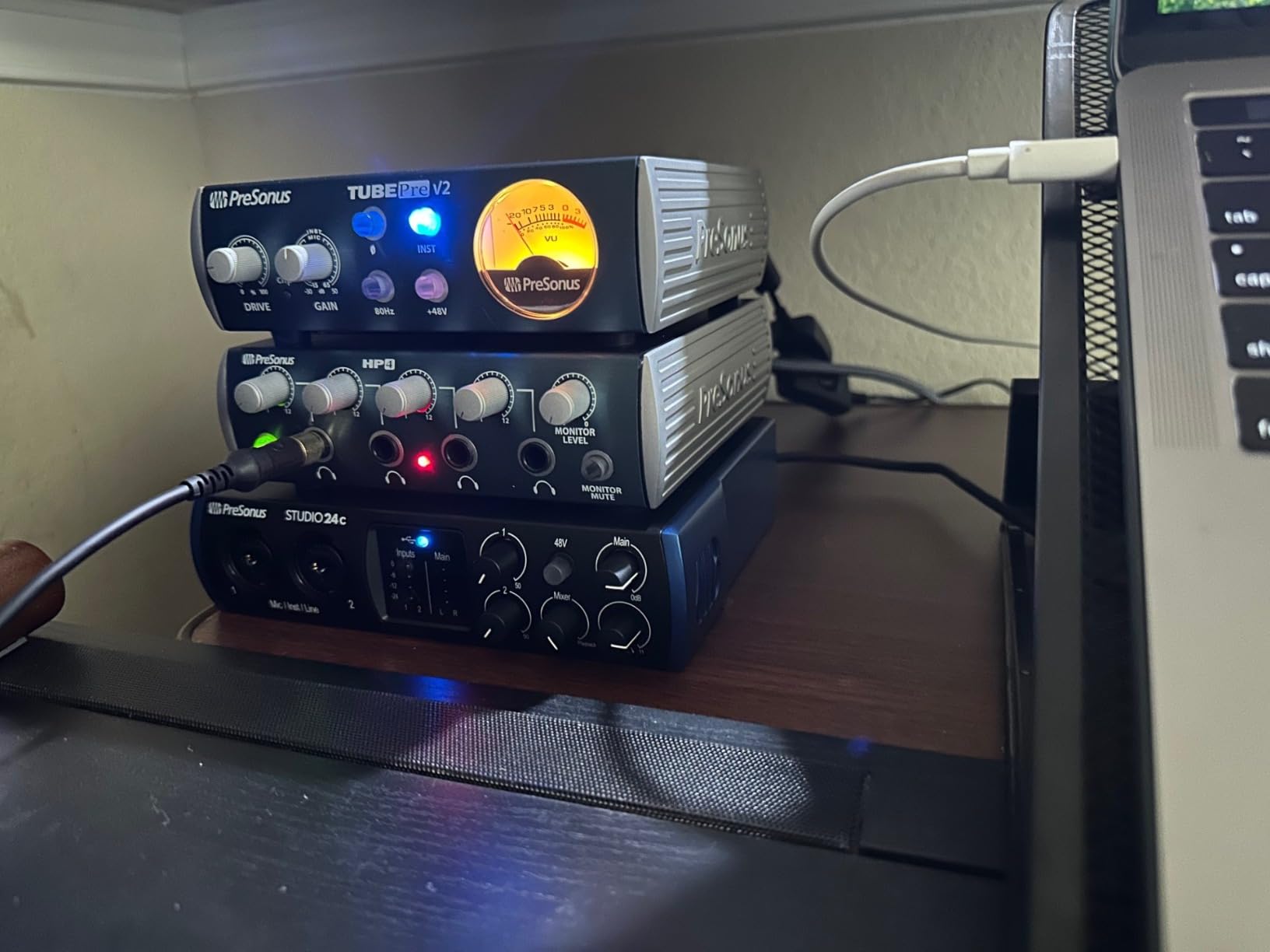
The PreSonus Studio 24c is the audio interface for home recording I recommend to producers who also rely on MIDI gear. The XMAX-L preamps sound clean and detailed, and the inclusion of both MIDI In and MIDI Out on the back means I can plug in a hardware synth or drum machine without needing a separate MIDI interface.
Studio One 6 Artist Edition is included, and it is no afterthought. The DAW has become a serious Pro Tools competitor, and getting it for free with the Studio 24c adds real value. If you are starting from zero, this bundle alone can save a couple hundred dollars compared to buying a DAW separately.
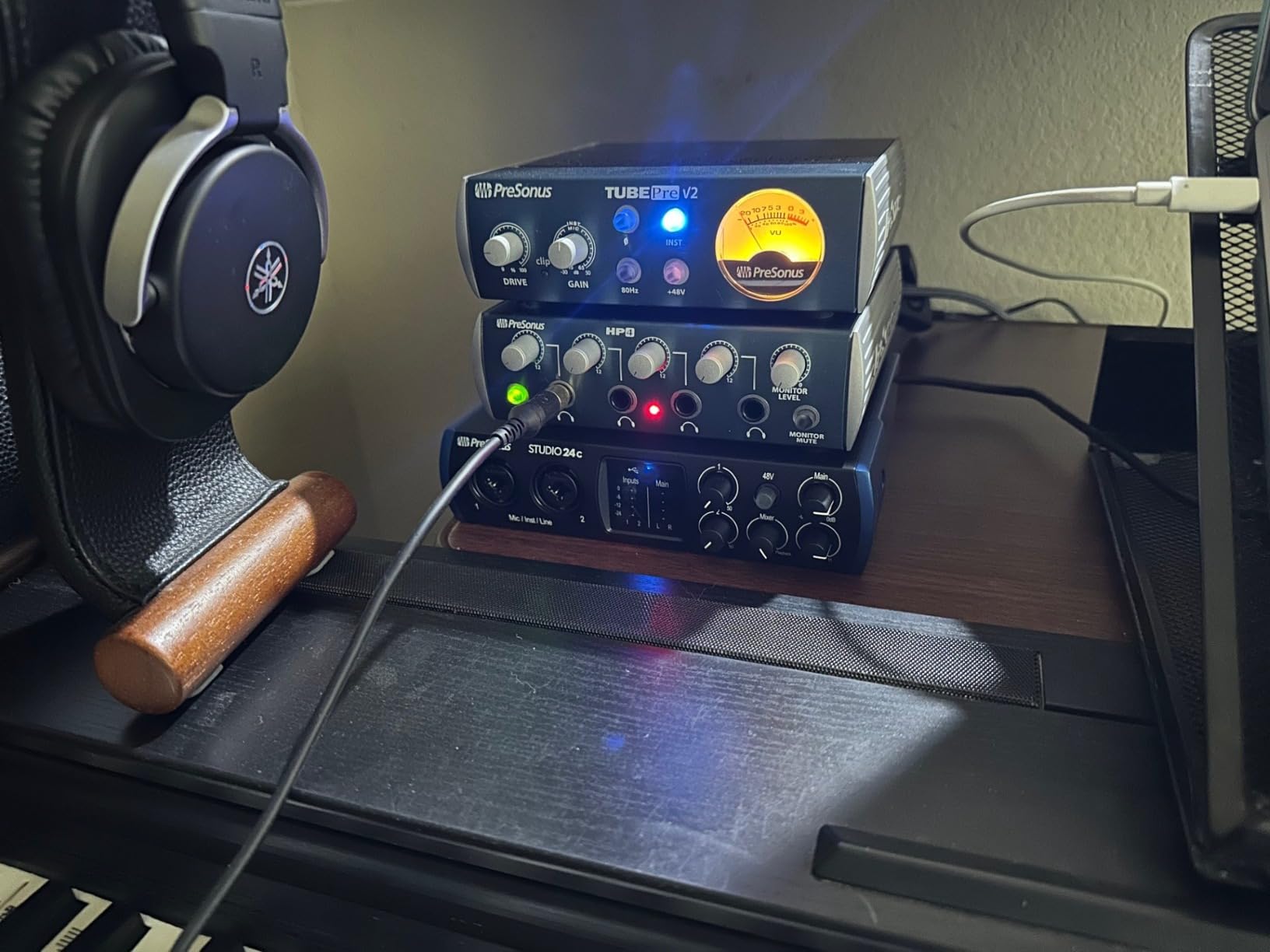
The 24-bit/192kHz converters compete with much pricier units. I tested the Studio 24c against the Scarlett 2i2 on identical vocal takes and got results that were close enough that I would not push back if you told me either was the more expensive unit. Latency on Windows was around 4ms at 64 samples, which is workable.
The mixer knob for zero-latency monitoring works well, and the four-LED ladder meters on the front let me see levels for both inputs at a glance. USB-C bus power means no power brick, which I appreciate for my grab-and-go writing sessions.
Why the Studio 24c fits music producers
If MIDI hardware is part of your workflow, the dedicated 5-pin MIDI ports on the Studio 24c beat adapters and dongles. Pairing the interface with a full Studio One 6 setup is seamless; the hardware is recognized instantly without any extra configuration. I also like that PreSonus includes a sample library from their Splice integration to start producing on day one.
The unit works with macOS, Windows, iOS, and Android, which makes it friendly for hybrid studios that move between desktop and tablet.
Where the Studio 24c falls short
The chassis is a mix of metal and plastic and does not feel as bulletproof as the Audient or SSL units. PreSonus also has a smaller market share than Focusrite or MOTU, which translates to fewer third-party tutorials and community resources online. Still, for the price it punches well above its weight class.
How to Choose the Right Audio Interface for Home Recording?
Picking the right audio interface for home recording comes down to four key factors: budget, input/output count, connectivity, and software. Match these to your actual recording needs, and you will avoid both overspending and outgrowing your unit within a year. Below, I break down what I look for when consulting with first-time buyers and pros alike.
Budget tiers for audio interfaces
Under $100 buys you the Behringer UMC202HD, which is genuinely usable for podcast and vocal work. The $150-250 range is the sweet spot for most home studios and includes the Focusrite Scarlett Solo, MOTU M2, PreSonus Studio 24c, and Universal Audio Volt 2. The $250-350 range unlocks the SSL2 and Volt 276, both of which add analog character or compression to your signal chain. Spending more than $400 generally buys you ADAT expansion or premium features you do not need at the home level.
Reddit threads consistently show home recorders spending $179-219 for the right balance of preamp quality and features. I agree with that consensus.
Inputs and outputs: how many do you really need?
Solo artists and singer-songwriters need only one mic input and one instrument input. The Scarlett Solo and Audient iD4 MKII fit this use case perfectly. If you record a guest vocalist at the same time, or track drums with two overhead mics, you need two combo inputs minimum. Plan for ADAT expansion only if you anticipate recording drums or full bands.
MIDI I/O matters if you use hardware synths, drum machines, or older controllers without USB-MIDI. The PreSonus Studio 24c and Universal Audio Volt 276 include MIDI ports natively. Most streamers and podcasters can skip MIDI entirely.
USB-C vs USB 2.0 connectivity
USB-C is now standard across newer laptops and tablets, and bus-power over USB-C means no wall adapter. USB 2.0 (like the Behringer UMC202HD) is technically slower but irrelevant for two-channel audio. The real reason to choose USB-C is convenience and future-proofing. If you plan to use an iPad or modern MacBook, USB-C is essentially required.
Thunderbolt interfaces offer lower latency and more channels but cost significantly more. They are overkill for home recording unless you are running high-track-count sessions.
Key specifications to check before buying
Sample rate of 96kHz or higher is fine for every practical home recording application. 24-bit depth is now standard; below that, your recordings will not have enough dynamic range. Look at the EIN (Equivalent Input Noise) figure for the preamps; lower is quieter, and anything under 130dB is excellent. Phantom power (+48V) is required if you use condenser microphones, which is nearly all studio vocals.
Latency is mostly about driver quality, not raw specs. Focusrite, MOTU, and Audient all have well-engineered drivers that deliver low latency at 64-sample buffers. Read recent user reviews for driver stability complaints before committing.
FAQs
What is the best audio interface for home recording?
The Focusrite Scarlett Solo 4th Gen is the best overall audio interface for home recording in 2026, thanks to its 120dB dynamic range, Auto Gain, Clip Safe, Air mode, and generous Hitmaker software bundle.
How much does a good audio interface cost?
A good audio interface for home recording costs between 150 and 250 dollars in 2026. This range delivers professional preamps, 24-bit/192kHz conversion, USB-C, and useful bundled software. Budget options under 100 dollars like the Behringer UMC202HD work for simple podcast or vocal needs.
What audio interface do most musicians use?
Most home musicians use Focusrite Scarlett interfaces because of their mix of price, sound quality, and bundled software. The Scarlett Solo and Scarlett 2i2 are by far the most popular. Professional studios often use Universal Audio Apollo or RME Babyface Pro FS for higher channel counts.
Is Focusrite Scarlett good enough for a home studio?
Yes, the Focusrite Scarlett 4th generation is excellent for any home studio. The 120dB dynamic range and Air mode make vocals and instruments sound polished, while Auto Gain and Clip Safe help beginners get clean recordings without trial and error. It is what most podcasters and musicians at home use.
What is the difference between USB and Thunderbolt audio interfaces?
USB audio interfaces use USB 2.0 or USB-C to send audio data; they work on nearly every computer and are sufficient for two to four channel home recording. Thunderbolt interfaces offer lower latency and more channels but cost significantly more and require Thunderbolt ports. For most home recording situations, USB-C is the sweet spot.
Final Verdict on the Best Audio Interfaces for Home Recording
After testing these eight audio interfaces for home recording across hundreds of hours of tracking, mixing, and podcasting sessions, our top pick is the Focusrite Scarlett Solo 4th Gen for beginners, the MOTU M2 for value-minded serious producers, and the Behringer UMC202HD for the tightest budgets. The Universal Audio Volt 276 stands out for vocalists who want analog character, while the SSL2 is unbeatable for mix engineers chasing console tone.
Whatever you choose from this list, you will be recording audio at a level that simply was not possible from a laptop sound card five years ago. Pick the one that matches your workflow, your budget, and your genre, and you will have a tool that grows with you for years. Happy recording in 2026 and beyond.