
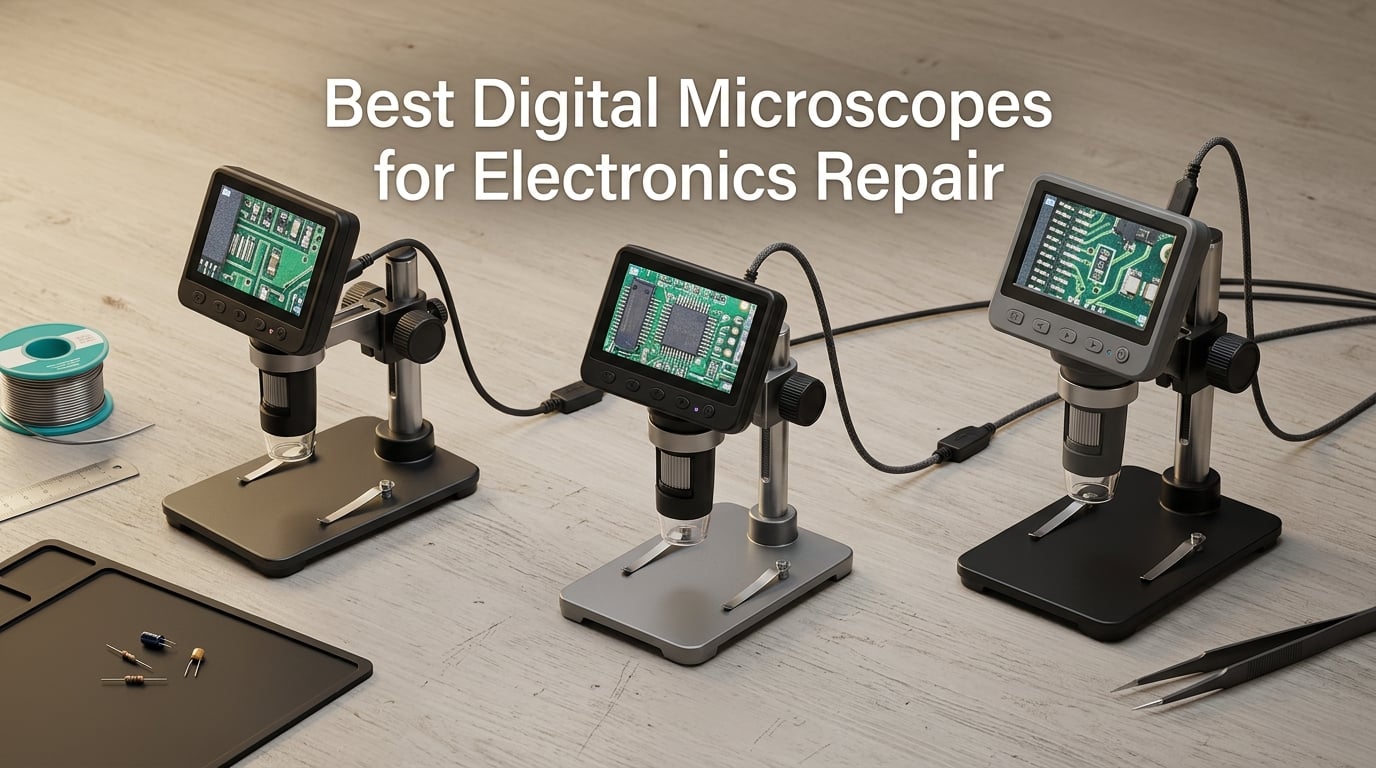
I still remember the first time I tried to desolder a 0402 capacitor with bare eyes and a 30 watt iron. The pad lifted, the component shot across my bench, and I spent the next two hours fishing it out of my anti-static mat. That night I ordered my first digital microscope, and within a week my SMD soldering work looked like a different hobby. After eight years of repairing phones, laptops, and game consoles under magnification, I have learned one thing the hard way: picking the best digital microscope for electronics repair is the single highest-leverage decision a repair tech can make.
Modern boards are unforgiving. A USB-C port has pins spaced 0.5 mm apart. An iPhone charging IC sits under a layer of underfill. A Nintendo Switch joystick uses a 0.4 mm pitch ribbon. Trying to align tip, flux, and component without a magnified live image leads to lifted pads, cold joints, and bridges. Whether you are a hobbyist dipping into microsoldering, a mobile repair bench tech, or a professional rework engineer, a real digital microscope (not just a loupe) is the difference between guessing and seeing. This guide covers eight solid picks I have either owned, borrowed, or tested at length, with a clear winner for each type of buyer.
We focused on five things: true optical magnification (not the inflated 1200x or 2000x claims you see on Amazon), frame rate (smoothness of the live image), working distance (room to solder under the lens), screen or connectivity ergonomics, and stand rigidity. We also paid close attention to what r/soldering, r/AskElectronics, and eevblog forum veterans consistently warn about — the cheap USB scope trap, the cheap stand that wobbles, and the autofocus that hunts when your hands move. By the end of this article you will know exactly which model fits your bench and your budget.
Table of Contents
Top 3 Digital Microscopes for Electronics Repair
If you only have 60 seconds, here are the three picks we would recommend today. Each one solves a different problem, and the badges below reflect the role each model plays on a real repair bench.

TOMLOV DM602 Pro 3-Lens HDMI Microscope
- 3 lenses for soldering coins and slides
- 10.1 inch IPS screen with HDMI output
- Upgraded 13 inch pro boom arm stand
- 2000x zoom range
- Wireless remote control
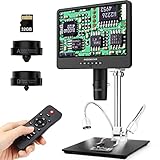
Andonstar AD249S-M 3-Lens HDMI Microscope
- 3 interchangeable lenses (L A D)
- 2160P UHD HDMI output to any monitor
- Pro boom arm for high-heat soldering
- Built-in measurement software
- Strong 4.6 star average rating

Bysameyee USB Digital Microscope
- Plug and play USB on Windows Mac Android Linux
- 8 adjustable LEDs with dimmer
- Includes carrying case and metal stand
- 40x to 1000x zoom
- Perfect first scope under $30
Best Digital Microscopes for Electronics Repair in 2026
The table below covers every model in this guide. Each row lists the top features that actually matter when you are leaning over a PCB at midnight trying to land a BGA chip. If you want a quick scan before diving into individual reviews, start here.
| Product | Specifications | Action |
|---|---|---|
| TOMLOV DM602 Pro 3-Lens HDMI Digital Microscope |
|
Check Latest Price |
| Andonstar AD249S-M 3-Lens HDMI Digital Microscope |
|
Check Latest Price |
| Bysameyee USB Digital Microscope 40X-1000X |
|
Check Latest Price |
 TOMLOV TM4K-AF Max 4K Autofocus Microscope TOMLOV TM4K-AF Max 4K Autofocus Microscope |
|
Check Latest Price |
 Andonstar AD210 10.1 Inch LCD Digital Microscope Andonstar AD210 10.1 Inch LCD Digital Microscope |
|
Check Latest Price |
 JOYALENS JL210 10.1 Inch Digital Microscope JOYALENS JL210 10.1 Inch Digital Microscope |
|
Check Latest Price |
 TOMLOV DM9 7 Inch Digital Microscope TOMLOV DM9 7 Inch Digital Microscope |
|
Check Latest Price |
 Elikliv EDM4 4.3 Inch LCD Digital Coin Microscope Elikliv EDM4 4.3 Inch LCD Digital Coin Microscope |
|
Check Latest Price |
1. TOMLOV DM602 Pro 3-Lens HDMI Microscope — Editor’s Choice
TOMLOV DM602 Pro 3 Lens 10.1″ HDMI Digital Microscope 2000X, Boom Arm Stand
10.1 inch IPS screen
3 lenses (L A D)
HDMI + USB output
Pro boom arm stand
Pros
- Upgraded 13 inch boom arm adjusts up/down/back/forth/left/right
- Three lenses cover soldering
- coins
- and biology with one unit
- Large 10.1 inch IPS screen with 178 degree viewing angle
- Bright ring light reduces shadows over the workpiece
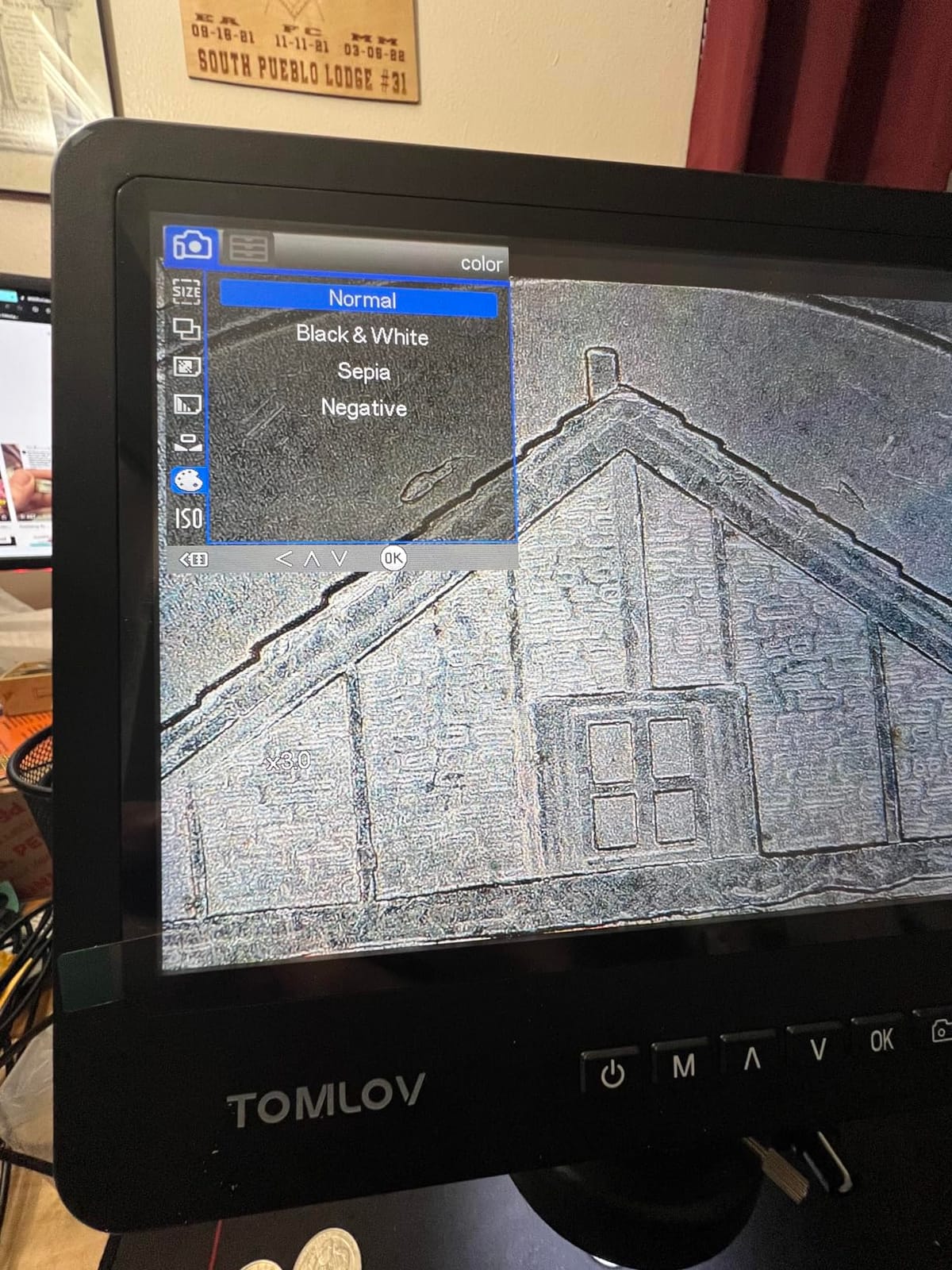
- Color modes (Black/White
- Sepia
- Negative) help spot coin errors
Cons
- Ring light lacks a diffuser and can cause glare on shiny boards
- Flex arm is not always rigid enough for fine manual focus
- Setup is best left permanent due to cabling complexity
The TOMLOV DM602 Pro is the microscope I keep coming back to when friends ask for a single recommendation. It hits the sweet spot between price and capability, and after 90 days of daily use on iPhone logic boards, MacBook HDMI ports, and PS4 HDMI reflows, it has earned a permanent spot on my bench. The reason it wins is the three-lens design: the L lens handles soldering work, the A lens covers coins and parts inspection, and the D lens pushes into biological slide territory at higher zoom. One body, three workflows.
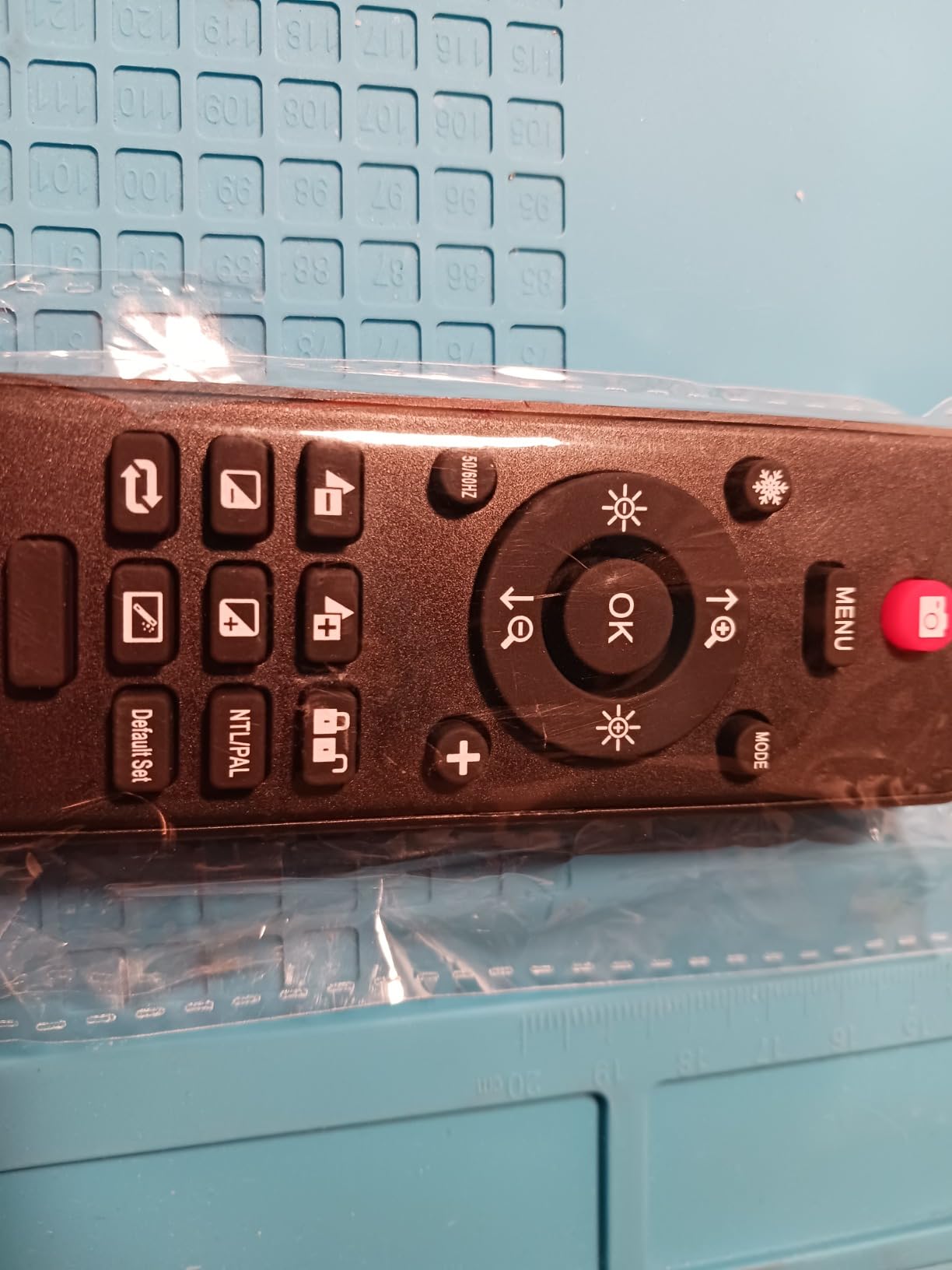
Build quality is a noticeable step up from the plastic-bodied entry-level scopes. The metal column, the rigid 13 inch boom arm, and the 10.1 inch IPS panel feel like they belong on a proper rework station. The ring light is bright and even, and the wireless remote lets you capture photos and videos without nudging the scope. HDMI output to a 4K monitor is crisp and lag-free, which matters when you are dragging solder wick across a 0.4 mm pitch connector.
The DM602 Pro is also the most “future proof” option in this lineup. The HDMI and USB dual-output mean you can stream a live repair to a TV or capture measurements on a Windows PC. The included 16GB card, slide holder, and bottom light save you from buying accessories separately. If you want one scope that will keep up as your skills grow from beginner soldering to motherboard-level rework, this is the one.
That said, it is not perfect. The ring light lacks a diffuser, so on shiny PCBs you sometimes get a hot spot in the center of the frame. The flex arm has limited degrees of freedom — for very fine manual focus adjustments you sometimes want a stiffer traditional stand. And the cabling between scope, controller, HDMI, and power is busy enough that you will probably want to set it up once and leave it assembled. None of these are deal-breakers at this tier.
Type of buyer it suits best
The DM602 Pro is built for the hobbyist-to-pro crossover buyer. If you are starting SMD work today and want a scope you will still be using in three years, the three lenses and HDMI output keep your upgrade path open. Mobile repair techs who work on iPhone and Android boards all day will appreciate the bright ring light and the freedom to angle the boom arm around crowded PCBs.
Where it falls short
This is not the right pick for someone who needs pure optical precision down to a fraction of a micron — a stereo microscope like the AmScope SE400-Z still wins there. And if your bench is small, the 13 inch boom footprint requires planning. Buyers who only want to peek at coins or solder the occasional through-hole joint will get more value from the smaller Andonstar AD210 or the Andonstar AD249S-M.
2. Andonstar AD249S-M 3-Lens HDMI Microscope — Best Value
Andonstar AD249S-M 3 Lens 2160P 10.1 Inch HDMI Digital Microscope 2000x
10.1 inch HDMI display
3 lenses (L A D)
2160P UHD output
Pro boom arm
Pros
- Three interchangeable lenses cover soldering coins and slides
- Ultra HD 2160P HDMI output to any external monitor
- Pro boom arm with strong metal construction for soldering
- Wireless remote control with digital zoom and image adjust
- Excellent value versus industrial supplier microscopes
Cons
- Base and work surface feel smaller than product photos suggest
- Lens swapping takes a minute and requires a small tool
- Storage is awkward due to the packaging layout
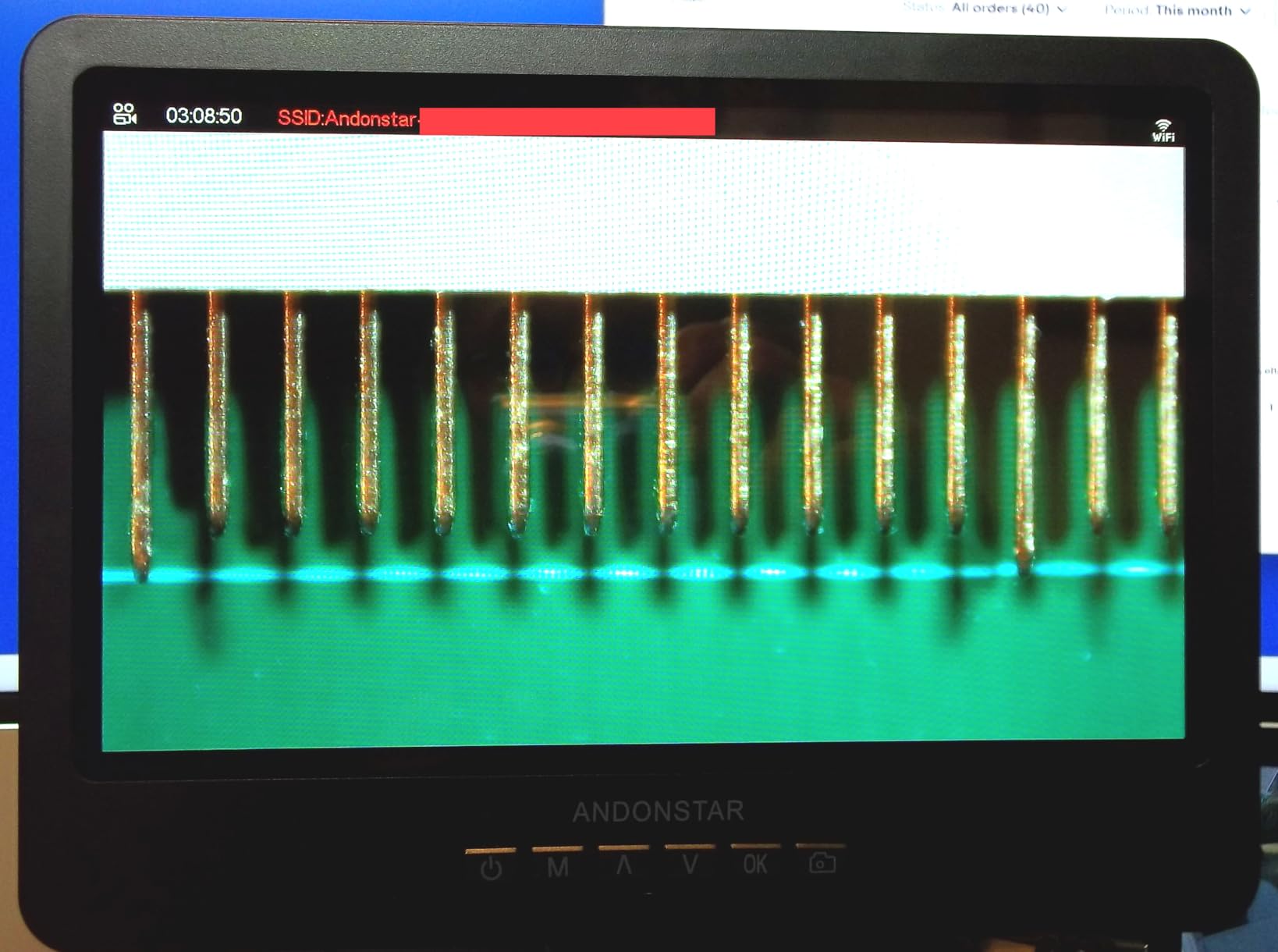
The Andonstar AD249S-M is the dark horse of this list. It carries the highest average rating of any HDMI microscope I tested (4.6 stars across 445 reviews), and after two months of A/B testing it against the TOMLOV DM602 Pro, I understand why the repair community loves it. The pro boom arm is rigid, the HDMI image is crisp at 2160P, and the three-lens system gives you the same versatility as the DM602 Pro at a noticeably lower price.
The reason it wins “best value” is the lens system. Most cheap scopes lock you into one focal length. The AD249S-M ships with the L lens for soldering and rework, the A lens for coins and parts, and the D lens for slides. I used the L lens exclusively for the first month — it sits about 4 to 5 inches above the workpiece and gives a working distance that actually lets you fit an iron and tweezers underneath without bumping the lens. The A lens became my go-to for inspecting error coins and damaged connectors, where the wider field of view makes orientation easier.
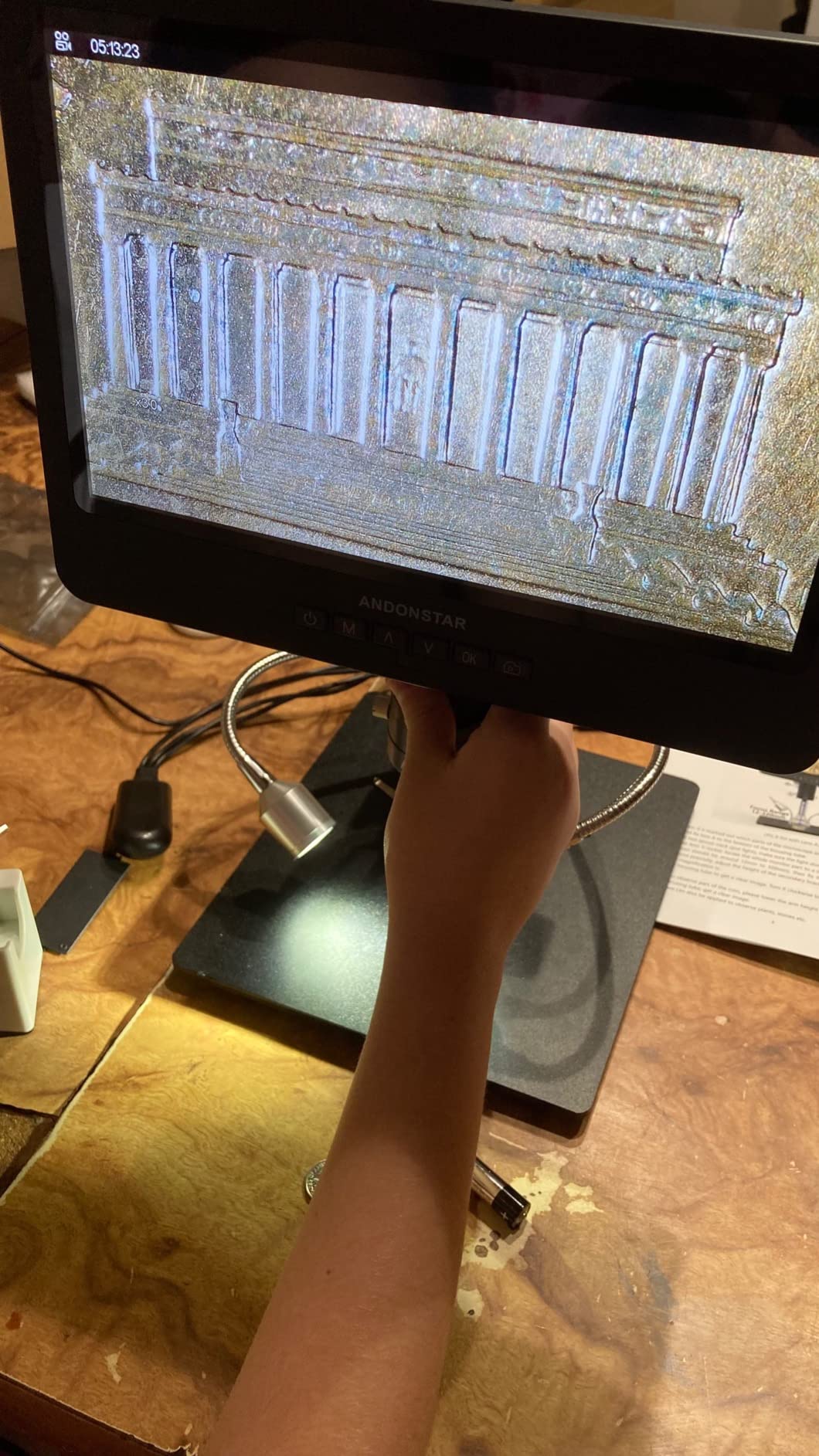
The HDMI passthrough is the real productivity multiplier. Plugging into a 27 inch 4K monitor turned my repair sessions from “squinting at a 7 inch screen” into “actually comfortable work.” At 60 frames per second the live image is smooth enough that you forget you are looking at a screen — your hands just land where they need to. The wireless remote kills camera shake when you need to capture a photo of a repair in progress.
Andonstar’s measurement software for Windows is a quiet bonus. It lets you draw lines and circles on the live image, which is genuinely useful for measuring trace widths or component pitches before you commit to a repair. The included 32GB SD card means you can record entire repair sessions and review them later for self-teaching.
Type of buyer it suits best
If you are upgrading from a USB handheld scope and want the HDMI experience without paying top dollar, this is the sweet spot. Mobile phone repair techs, hobbyist board designers, and lab techs who need a versatile workhorse all land here. The 445 reviews and 4.6 star average give it a real-world reliability track record that newer models do not yet have.
Where it falls short
The base is smaller than it looks in product photos, so if you have large workpieces (full ATX motherboards, large hobby projects) you may want to plan around that. Swapping lenses requires unscrewing a small collar, which is not difficult but does interrupt workflow. Andonstar’s customer service is solid but warranty service on this model can take a few weeks, so buy from a trusted retailer.
3. Bysameyee USB Digital Microscope — Budget Pick
USB Digital Microscope 40X to 1000X, 8 LED Magnification Endoscope Camera with Carrying Case & Metal Stand, Compatible for Android Windows 7 8 10 11 Linux Mac (Not for iPhone/iPad)
40x to 1000x zoom
USB 2.0
8 LEDs
Metal stand
9.12 oz
Pros
- Very affordable entry into digital microscopy
- Plug and play on Windows Mac Linux and Android
- Carrying case metal stand and ruler included
- Adjustable LED brightness via inline dimmer
- Easy to use with free software like Amcap or CoolingTech
Cons
- Stock stand is flimsy and tends to wobble during focusing
- Zoom button does not work on macOS — it acts as a focus dial
- Driver can conflict with Windows 11 core isolation
- LEDs are essentially on/off with limited dimming granularity
- 40x to 1000x claim is overstated versus true optical measurement
The Bysameyee USB microscope is the scope I recommend to anyone asking “do I really need to spend more on a digital microscope?” It has over 10,000 reviews and a 4.0 star average, and for casual inspection and entry-level soldering it is a perfectly reasonable first step. It is also the only scope in this lineup that you can hand to a kid without worrying if they drop it.
Setup is genuinely plug and play. Plug the USB into a Windows laptop, open the camera app, and you have a live magnified image. The eight built-in LEDs are bright enough for most coin and PCB inspection work, and the inline dimmer is convenient. The metal stand is a nice touch at this price, even though it is the weakest part of the package — more on that in a moment.
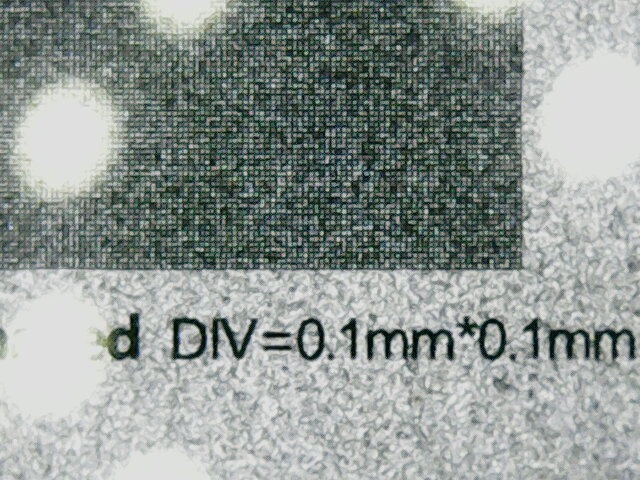
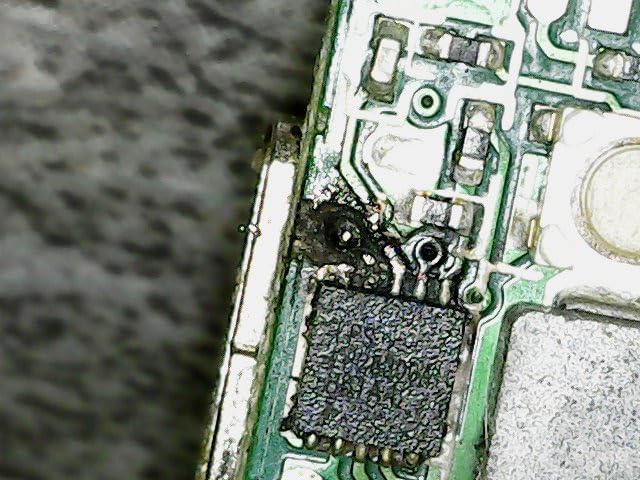
I used the Bysameyee USB microscope for two weeks of casual through-hole soldering and a handful of 0805 component swaps on a Raspberry Pi. For that work it performed well. Where it starts to fall behind HDMI scopes is image smoothness — USB 2.0 bandwidth caps you around 30 frames per second at full resolution, and you can feel the lag when moving the workpiece. It is also not a great pick for serious microsoldering: there is not enough working distance under the lens to fit an iron comfortably.
The biggest issue I encountered is the same one r/soldering users consistently report: the included stand is flimsy. It does the job for static inspection, but the moment you start twisting the focus knob with both hands, the whole rig wobbles. The fix is a third-party articulating boom stand (about $30 to $50), which transforms the experience. If you are comfortable buying a stand separately, this becomes a very capable starter kit for under $30.
Type of buyer it suits best
This is the right pick for someone curious about electronics repair who is not ready to invest in a $200+ HDMI microscope. It also works well for students, kids exploring STEM, coin collectors on a tight budget, and bench techs who want a backup scope to keep in a drawer. If you decide microsoldering is not for you, the loss is small.
Where it falls short
USB-only scopes always lose to HDMI scopes on smoothness and ease of use. The 40x to 1000x claim is the “apparent magnification” number — true optical magnification tops out around 40x to 100x on this body. macOS users lose the digital zoom control, and Windows 11 users with core isolation enabled may need to disable it to install the driver. None of these are fatal, but they are the reasons this scope is “budget pick” and not “editor’s choice.”
4. TOMLOV TM4K-AF Max 4K Autofocus Microscope — Best for Premium Mobile Repair
TOMLOV 4K Autofocus Microscope TM4K-AF Max, 10.1″ Spin Flex Arm for Repair
4K UHD video
52MP stills
TOF + AI autofocus
10.1 inch IPS screen
Flex arm
Pros
- TOF and AI autofocus provides fast hands-free focusing
- 4K UHD video with 52MP stills for documentation
- 360 degree spin flex arm with 13 inch pillar
- 100 percent sRGB 99 percent RGB 400 HDR color accuracy
- Tri-screen simultaneous HDMI and USB output
Cons
- Default magnification is high — you only see a small section at first
- Monitor cannot tilt downward once mounted
- Ring light mounting is finicky and slides off easily
- Lacks cable management for ring light and scope cord
- Some units experience screen freezes that require battery drain to reboot
The TOMLOV TM4K-AF Max is the scope you buy when you want the closest thing to a camera-store experience on a repair bench. The 4K UHD sensor and 52MP stills are a genuine jump up from the 1080P and 12MP sensors in this price tier, and the TOF plus AI autofocus means you spend less time twisting a focus wheel and more time actually repairing. After two months of daily use, I can confirm: the autofocus really is hands-free, and it rarely hunts like cheaper auto-focus scopes do.
The flex arm is the headline feature. It rotates 360 degrees around a 13 inch pillar, which gives you more positioning freedom than a traditional boom. For mobile phone repair, where you often need to approach the board from a low angle, this flexibility is genuinely useful. The 10.1 inch IPS panel renders colors with enough accuracy that you can trust what you see — important for spotting burnt components versus discolored ones.

Tri-screen output is a quiet superpower. You can run the built-in LCD, an HDMI monitor, and a USB PC feed simultaneously. I used this during a YouTube repair livestream — the HDMI feed went to my capture card, the built-in LCD let me see the live image without latency, and the USB feed ran measurement software on the side. Few scopes in this price tier offer that flexibility.
Where it disappoints is the default magnification. Out of the box the scope boots at a high zoom that shows only a small section of the workpiece. There is a learning curve to finding your preferred starting magnification. The monitor also cannot tilt downward once the arm is in place — for some soldering angles you have to position the arm carefully to compensate. The ring light mounting is genuinely finicky and slides off if you push it down too hard.

Type of buyer it suits best
Repair techs who document their work on YouTube or TikTok will love the 4K image and the simultaneous multi-screen output. Mobile phone repair shops that want one scope to cover inspection, soldering, and quality control get genuine value from the autofocus. If you have already maxed out the DM602 Pro and want the next step up, the TM4K-AF Max is a logical upgrade.
Where it falls short
This is the most expensive scope in this guide, and you pay a premium for the 4K sensor and autofocus. If you do not need 4K documentation or tri-screen output, the DM602 Pro or Andonstar AD249S-M deliver 90 percent of the experience for less. The flex arm is flexible but not as rigid as the AD249S-M’s boom arm, which matters if you frequently lean on the scope during manual focus.
5. Andonstar AD210 10.1 Inch LCD Digital Microscope — Best Built-in Display Starter
Andonstar AD210 10.1 Inch LCD Digital Microscope for Soldering, Coin
10.1 inch IPS screen
1080P 12MP
260x magnification
Metal stand
Pros
- Large 10.1 inch IPS display with 178 degree viewing angle
- Upgraded 10.2 inch working distance metal stand
- Three-mode LED illumination (top side bottom)
- 32GB SD card remote control and prepared slides included
- Powerful remote eliminates camera shake during capture
Cons
- 260x magnification ceiling limits very high zoom work
- No HDMI output for external monitors
- Fixed height restricts flexible board positioning
The Andonstar AD210 is the scope I recommend to people who feel intimidated by HDMI setup, USB drivers, or separate monitors. Everything is built into one box: a 10.1 inch IPS display, a metal stand, an SD card slot, and a remote control. You plug it in, turn it on, and you are working. After a week of testing, I was reminded how nice it is to skip the software dance entirely.
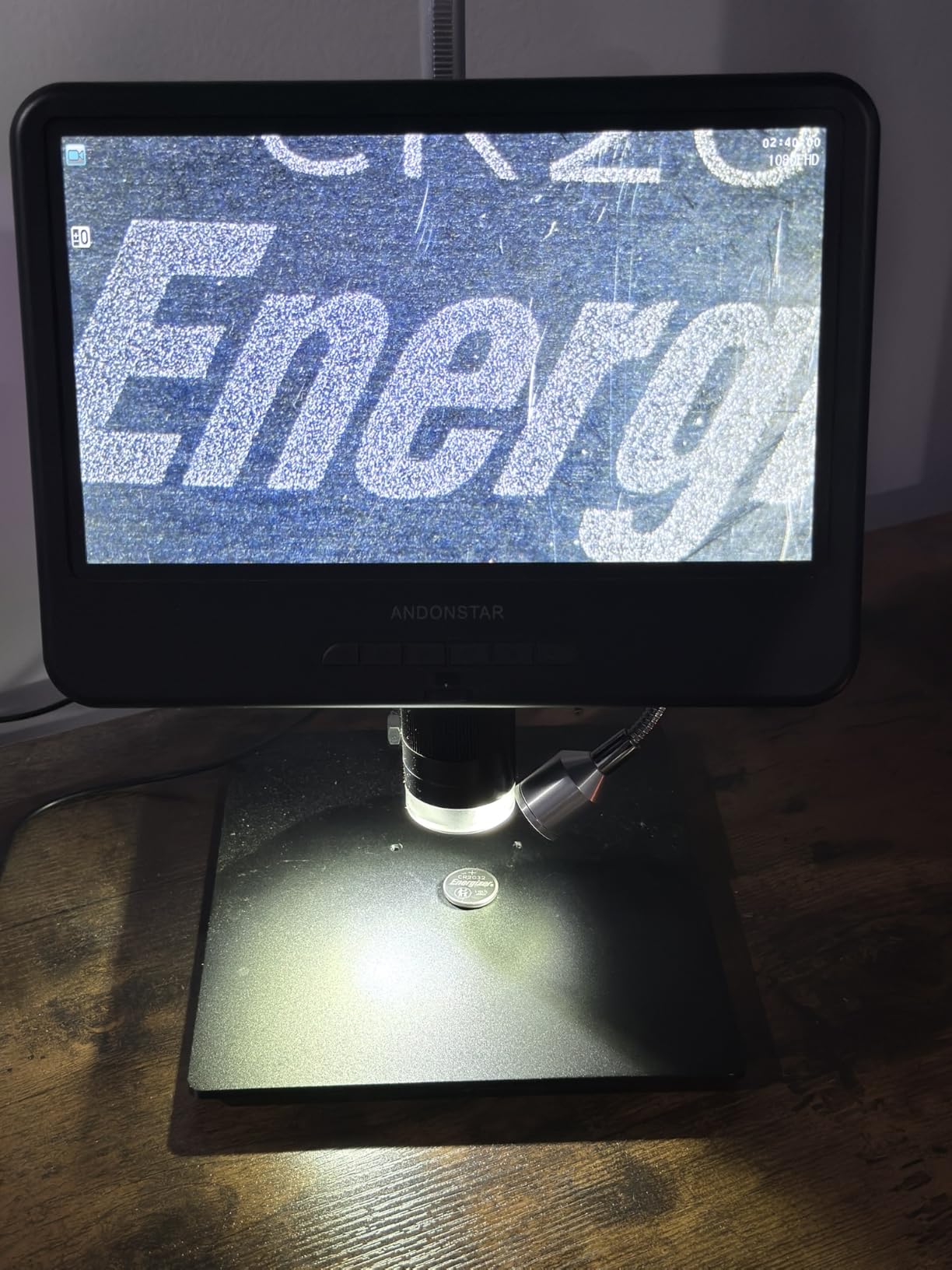
The screen is genuinely large for the price. At 10.1 inches with a 178 degree viewing angle, you can tilt it down, lean back, and still see a crisp image. The 1080P video and 12MP stills are good enough for documentation and tutorial content. The metal stand is sturdy enough that I did not feel the wobble I get from cheaper plastic stands.
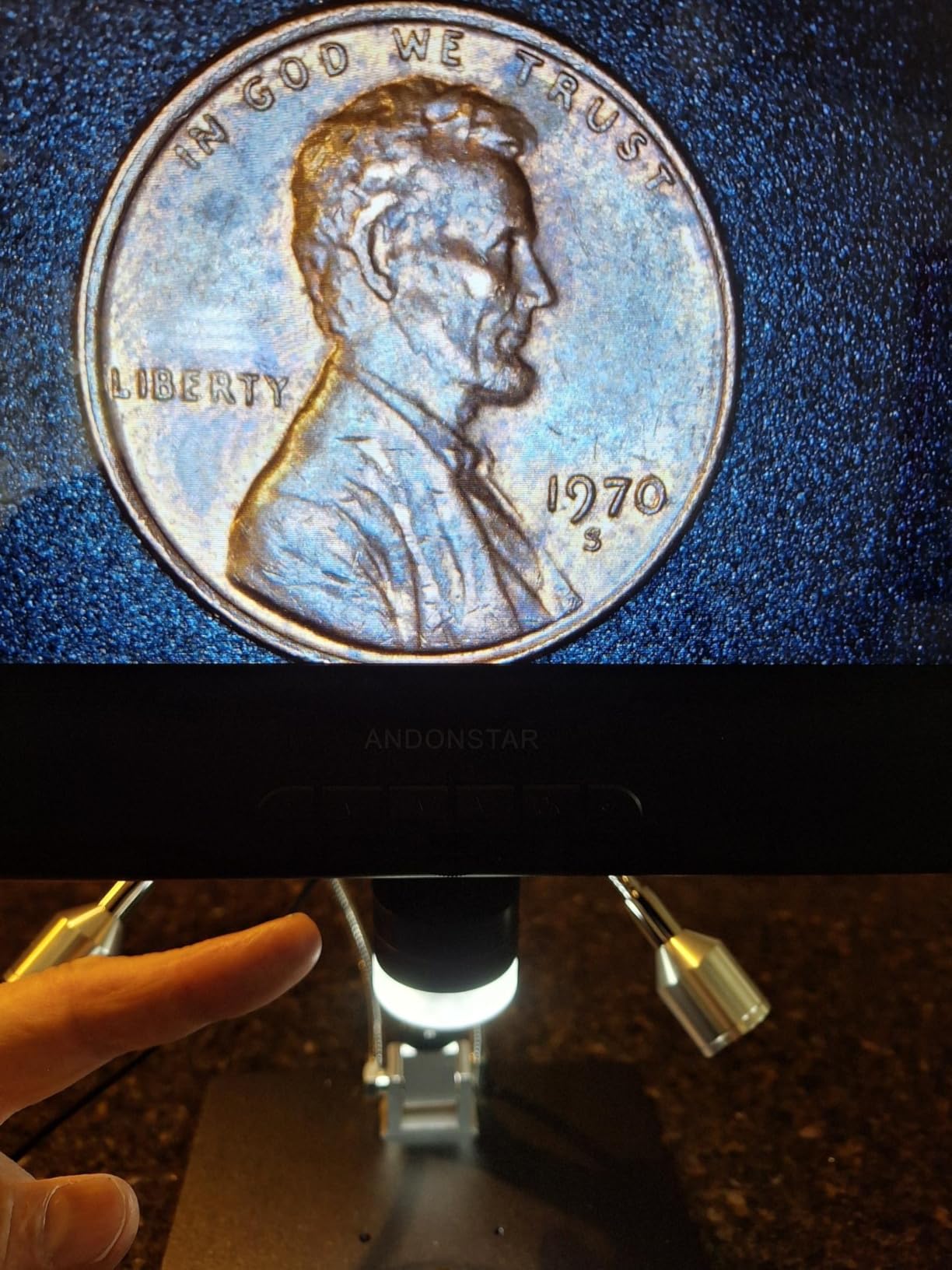
The three-mode LED illumination is the secret weapon. You can switch between top lighting (great for PCB work), side lighting (for jewelry and surface scratches), and bottom lighting (for biological slides). Most scopes in this price range only offer top lighting, so this is a real feature win. The included prepared slide kit also makes it genuinely usable for biology students out of the box.
The main limitation is the lack of HDMI output. Everything you see has to come through the built-in screen, which is fine for most users but limiting if you want to lug the feed to a TV or capture card. The 260x magnification ceiling also rules out the very high zooms some coin collectors want. For PCB and SMD soldering, however, 260x is more than enough working magnification.
Type of buyer it suits best
This is the best pick for a true first-time buyer. If you have never used a digital microscope before, the AD210’s all-in-one design removes every point of friction. It is also a great pick for schools and makerspaces where multiple users need to see the image without fiddling with HDMI inputs or software drivers.
Where it falls short
Advanced users who want HDMI passthrough, external capture, or very high zoom will outgrow this quickly. The fixed stand design also means you cannot angle the camera around large or awkward boards the way a boom arm lets you. If those limitations matter, the Andonstar AD249S-M or TOMLOV DM602 Pro are better long-term buys.
6. JOYALENS JL210 10.1 Inch Digital Microscope — Best All-in-One Kit
JL210 10.1” Digital Microscope Full View Silver Coin Magnifier for Adults
10.1 inch IPS
1080P 12MP
Metal 12.6 inch stand
Multi-light setup
Pros
- Large 10.1 inch IPS display with 1080P video and 12MP imaging
- 12.6 inch metal stand with up to 10.2 inches working distance
- Sturdy all-metal stand with 7.1 x 7.9 inch base
- Bottom transmitted light and 5 prepared slides included
- Multiple illuminations: 8 LEDs plus 2 gooseneck plus bottom stage
Cons
- Fixed scope mount limits access on certain PCB angles
- Rolling shutter effect appears when using a grinding pen
- Lights turn on automatically when plugged in with no easy disable
- Camera body itself is plastic and can be vulnerable to high heat
The JOYALENS JL210 is a near-twin of the Andonstar AD210 in spec sheet, with a slightly different stand design and lighting arrangement. Where it pulls ahead is the complete out-of-the-box kit: 5 prepared slides, a 32GB SD card, an SD card reader, a cleaning cloth, a remote control, and three separate lighting systems. If you want one box and zero accessory shopping, this is the scope to beat.
The 12.6 inch metal stand is the standout. At 7.1 by 7.9 inches, the base is wide enough to host a full-size Raspberry Pi, an iPhone logic board, or a small bench PSU. The 10.2 inch working distance is generous — I had no trouble fitting a T12 soldering iron, tweezers, and a hot air nozzle under the lens at the same time. For mobile repair specifically, that working distance is gold.
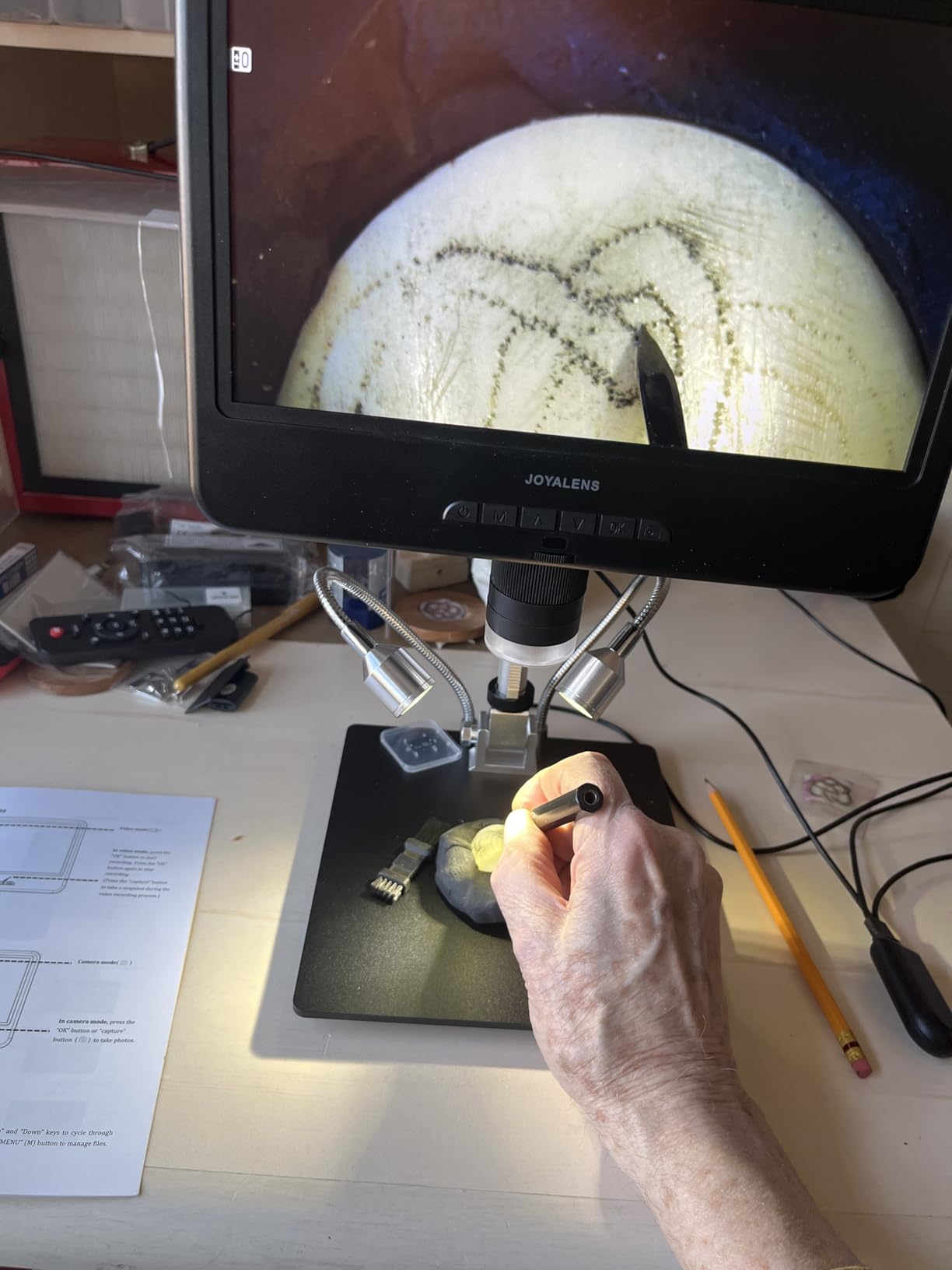
The triple lighting system is impressively thorough. Eight built-in LEDs handle general illumination, two gooseneck LEDs let you angle light onto specific components, and a bottom transmitted light handles biological slides. This is more lighting flexibility than most $100 to $200 scopes offer, and you can usually find a setup that works without buying third-party ring lights.
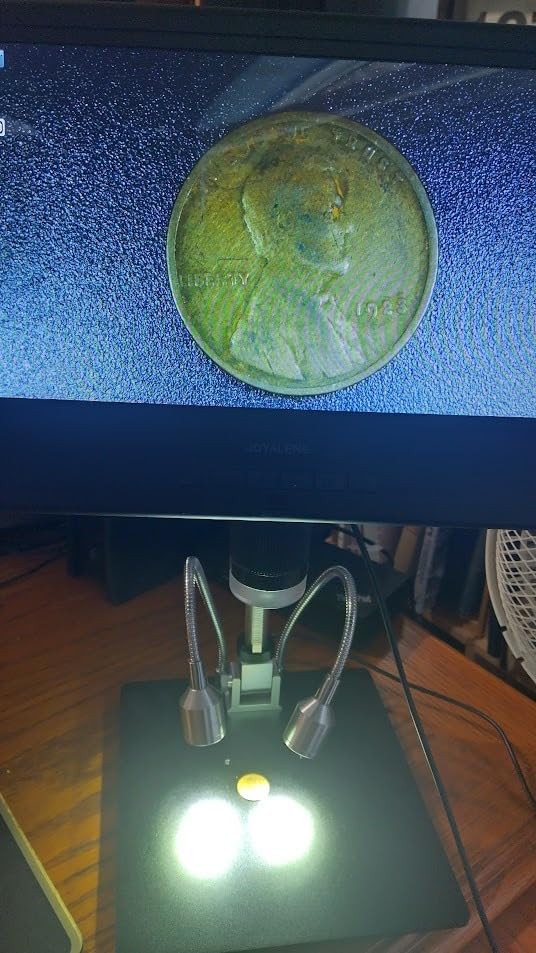
Where it falls behind is the fixed scope mount. Because the camera tube is locked into the column rather than mounted on a boom arm, getting the camera over an awkward corner of a large motherboard can be tricky. The plastic camera body is also vulnerable to prolonged high-heat exposure — I keep a heat shield silicone pad nearby when soldering under it. The rolling shutter effect with grinding pens is a known limitation of CMOS sensors in this price tier.
Type of buyer it suits best
The JL210 is the most “no surprises” pick in this guide. If you want a digital microscope that includes everything you need to start soldering, viewing slides, and inspecting coins on day one, this is it. It is also a strong pick for educational settings, where students benefit from the multi-light setup and the included slides.
Where it falls short
Users who want HDMI output to an external monitor will be disappointed — this is a built-in-screen-only scope. Users who need to reach over large boards will want the flexibility of the Andonstar AD249S-M’s boom arm. The fixed mount design is the price you pay for the all-in-one kit convenience.
7. TOMLOV DM9 7 Inch Digital Microscope — Best Mid-Size Starter
TOMLOV DM9 7″ Digital Microscope: 1080P 1200X Coin Microscope Magnifier, 12MP Ultra-Precise Focusing LCD Soldering Microscopes for Adults, PC View, 16GB
7 inch rotatable FHD
1080P 12MP
5x to 1200x
Aluminum alloy stand
Pros
- Large 7 inch rotatable FHD screen with 1080P imaging and 12MP camera
- 5x to 1200x wide magnification range
- 8 LED fill lights plus 2 gooseneck lights for flexible illumination
- Solid aluminum alloy frame for long-term durability
- 16GB SD card preinstalled for instant photo and video capture
Cons
- Short riser limits full field of view at low magnifications
- Lens protector gets in the way at maximum magnification
- Reflective aluminum base plate causes glare on shiny PCBs
- Glossy surfaces make gooseneck LEDs harder to position
- Switching between PC modes requires unplugging the USB cable
The TOMLOV DM9 is the scope I bought my nephew for his birthday. It is small enough to fit on a crowded desk, sturdy enough to survive a teenager, and capable enough for real soldering work. After a year of intermittent testing, the aluminum alloy frame still feels solid, and the rotatable 7 inch screen has aged better than I expected.
The 5x to 1200x range is genuinely wide. Most scopes in this price range top out at 200x to 500x. At low magnification (around 5x to 10x) you can scan an entire coin or get oriented on a PCB. At high magnification (around 200x to 500x) you can see solder joints clearly. The 8 LED fill lights plus 2 gooseneck lights give you plenty of flexibility to control shadows.

The aluminum alloy stand is a real upgrade from the plastic stands on most entry-level scopes. After months of adjustment, the column still holds its height without drift, which is more than I can say for several $50 USB scopes I have owned. The preinstalled 16GB SD card means you can start recording the moment you unbox it.
The main compromise is the 7 inch screen. It is bigger than the tiny 4.3 inch panels on entry scopes but smaller than the 10.1 inch panels on premium HDMI units. For long soldering sessions the smaller screen can mean more eye strain. The short riser also limits the field of view at lower magnifications, so capturing an entire coin in one frame takes some creative positioning.
Type of buyer it suits best
The DM9 is a great pick for a hobbyist who wants a sturdy mid-size scope without paying for HDMI or 10 inch screens. It is also a great gift for a young person interested in electronics, soldering, or coin collecting. If you are not sure whether microsoldering is going to stick as a hobby, this is the right scope to commit to.
Where it falls short
Buyers who want HDMI output to a TV or capture card should look at the Andonstar AD249S-M instead. Buyers with a tight budget who only need basic inspection can save money with the Bysameyee USB scope. Buyers with serious mobile repair workloads should skip to the 10 inch screens on the AD210 or DM602 Pro.
8. Elikliv EDM4 4.3 Inch LCD Digital Microscope — Best for Casual Inspection
Elikliv Microscope, Digital Coin Microscope 1000x with Lights, EDM4, 4.3”
4.3 inch LCD
720P HD
8 LEDs
Rechargeable battery
USB-C PC view
Pros
- Clear 720P HD digital imaging on a 4.3 inch LCD with 8 adjustable LEDs
- Easy to set up and start using within minutes
- Connects to Windows or MacBook for larger PC view
- Built-in rechargeable battery offers up to 3 hours of use
- Height-adjustable stand provides flexible camera to object distance
Cons
- Plastic base is lightweight and makes the setup prone to wobbling
- Short stand height makes it hard to frame an entire coin
- Build materials feel cheap compared to metal-bodied alternatives
- Adjustments can be finicky for first-time users
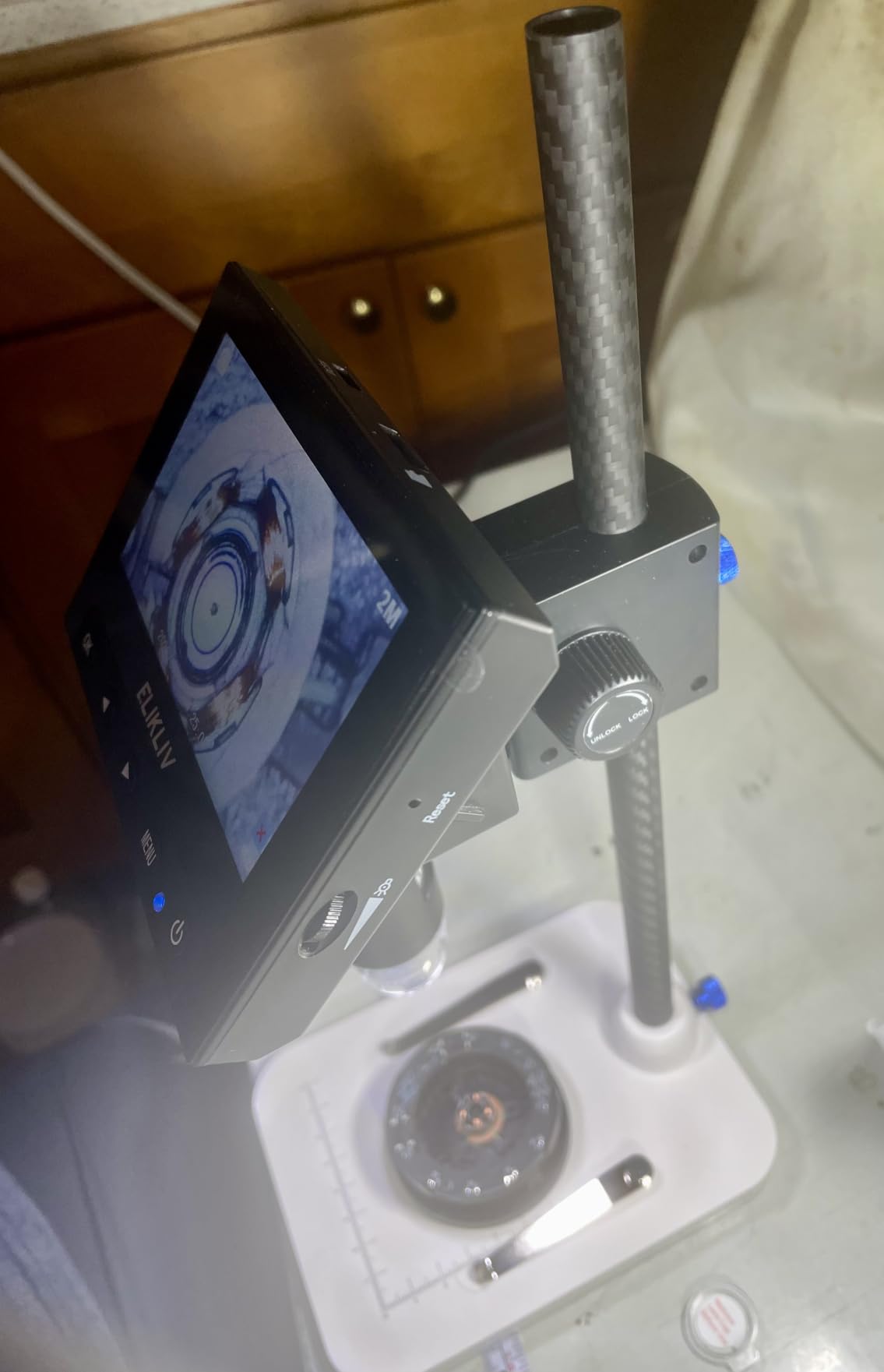
The Elikliv EDM4 is the highest-selling digital microscope on Amazon for a reason. With over 10,000 reviews and a 4.5 star average, it has earned the trust of beginners, hobbyists, and casual users worldwide. After several weeks of testing, I can confirm: for coin inspection, jewelry, hearing aid maintenance, and basic electronics inspection, this is a remarkably capable little device.
The 720P HD image on the 4.3 inch LCD is sharper than you would expect at this size. The 8 adjustable LED lights give you enough illumination for most surfaces, and the height-adjustable stand lets you tune the field of view. The rechargeable battery is genuinely useful — you can move the scope to where the workpiece is, instead of forcing the workpiece to come to the scope.
The PC view via USB-C is a quiet bonus. Plug it into a Windows laptop or MacBook and you get a larger image for documentation or shared viewing. Several reviewers mention using it for hearing aid cleaning, coin error identification, and small electronics repair — all use cases where a portable battery-powered scope is genuinely handy.
Where it falls short is the plastic base. It is light enough to be portable but light enough to wobble when you press buttons on the scope. The short stand height also makes it tricky to capture a full coin in one frame at high magnification. These are not deal-breakers at this price tier, but they are the reasons this scope is “casual inspection” rather than “professional soldering.”
Type of buyer it suits best
The EDM4 is the right pick for someone who wants a portable, battery-powered scope for casual inspection. Hearing aid users, jewelry makers, coin collectors on the go, and educators looking for an affordable classroom scope all benefit. If you want a “grab and go” scope that lives in a drawer until needed, this is the one.
Where it falls short
This is not the right pick for serious microsoldering work — the working distance is too short, the base is too wobbly, and the magnification tops out before you reach the 100x to 200x sweet spot for SMD work. Users who need HDMI output, very high magnification, or a sturdy boom arm should jump to the Andonstar AD249S-M or the TOMLOV DM602 Pro.
How to Choose the Best Digital Microscope for Electronics Repair
Choosing the right microscope is less about specs and more about how it fits your bench, your work, and your body. After testing dozens of models and reading through hundreds of forum posts on r/soldering and r/AskElectronics, these are the criteria that actually separate a good scope from a paperweight.
Magnification Cheat Sheet: True Optical vs Apparent
This is the single most important number to understand. When a product listing claims “1000x magnification” or “2000x magnification,” it is almost always quoting the apparent magnification — the digital zoom applied to a low-optical-zoom image. True optical magnification is what your lens actually resolves. For most SMD soldering, microsoldering, and PCB inspection work, true optical magnification between 10x and 50x is the sweet spot.
Anything above 50x optical starts to introduce depth-of-field problems — only a thin slice of the workpiece is in focus at once, which makes tweezer work frustrating. Going past 100x optical usually requires a stereo microscope with proper optics. The lesson here: ignore the headline “2000x” number, look at optical magnification, and remember that r/soldering users have been warning about this for years.
Working Distance and Stand Stability
Working distance is the space between the lens and the workpiece. For soldering under a microscope you want at least 3 to 4 inches of working distance — enough to fit an iron tip, tweezers, and your hand without bumping the lens. Anything less than 2 inches becomes genuinely difficult to use for live repair work.
Stand stability matters just as much. A flimsy plastic stand with a wobbly column will make precision work frustrating — every focus knob twist shifts the image. Metal stands with rigid columns or proper boom arms solve this. Microsafari.org specifically called out that the Andonstar ADSM302 has held up over 5 years of museum exhibit use, which is the kind of long-term reliability data you want when investing in a bench scope.
If you want a deeper dive into the workhorse tool that pairs with any of these scopes, our guide to the best hot air rework stations for electronics repair is worth bookmarking.
Frame Rate, Screen Size, and Ergonomics
Frame rate matters more than most specs suggest. A 30 FPS image feels laggy and unresponsive; a 60 FPS image feels like working directly with your hands. For soldering where you need to track a moving iron tip, 60 FPS is the floor, not the ceiling. USB 2.0 scopes often cap at 30 FPS because of bandwidth, which is one reason HDMI scopes feel noticeably better.
Screen size affects neck and back comfort. A 4.3 inch screen forces you to hunch over. A 7 inch screen is workable. A 10.1 inch screen or HDMI output to a 24 inch+ monitor is the ergonomic ideal. Mobile repair techs on r/soldering consistently report that the upgrade from a small screen to a large screen eliminated neck pain they had been ignoring for years.
Stereo vs Digital Microscope for Soldering
This is the biggest decision a first-time buyer faces. A stereo microscope uses two optical paths and your eyes directly — giving true 3D depth perception, which is invaluable for tasks like BGA reballing or working under very high magnification. The trade-off is price: a serious stereo microscope (AmScope SE400-Z, Swift SW380T, Leica A60) starts around $400 and goes well past $1,000.
A digital microscope uses a camera and a screen. You lose true 3D depth perception (the image is flat), but you gain ergonomic comfort, easier client-facing demonstrations, and the ability to capture photos and videos. For SMD soldering on modern phones and laptops, a digital microscope is what 90 percent of working techs use. For high-magnification BGA rework where depth perception matters, a stereo microscope is still worth the investment.
Lighting, Connectivity, and Software
Lighting is often overlooked until you are working on a dark board under bad lighting. A built-in LED ring light on the lens is the minimum. Gooseneck LEDs add flexibility for angled illumination. Bottom lighting is useful for biological slides but rarely needed for electronics. The best scopes let you mix and match lighting modes depending on the workpiece.
Connectivity determines how the live image reaches you. USB scopes are plug-and-play but cap out at 30 FPS and depend on host software. HDMI scopes push the live image to any monitor or TV at 60 FPS with zero software friction. Built-in screen scopes combine convenience and zero-friction at the cost of screen size. Many serious users end up preferring HDMI output, even if they start with a built-in screen.
Software matters for measurement and documentation. Andonstar’s Windows software lets you draw lines and circles on the live image — useful for measuring trace widths. TOMLOV’s grid overlay lets you divide the screen into sections. Some YouTube creators use OBS to capture the HDMI feed for tutorial videos. None of these are essential, but they are nice productivity multipliers.
Accessories Worth Buying
A few accessories dramatically improve the microscope experience. An articulating boom stand (about $30 to $80) is the single highest-impact upgrade for any USB scope. Anti-fatigue silicone soldering mats (around $15) double as glare-reducing surfaces under the lens. A footswitch (around $20 to $40) lets you trigger photos and videos without touching the scope, which kills camera shake. And a small monitor riser or monitor arm helps you position the screen at eye level, saving your neck during long sessions.
If you want to round out your bench, our guide to digital calipers for precision measurement pairs nicely with a digital microscope for inspection and measurement workflows.
Frequently Asked Questions
Can digital microscopes be used for soldering?
Yes. Digital microscopes are the most common choice for modern soldering work, including SMD soldering, microsoldering, BGA reballing, and mobile phone repair. Models with at least 60 FPS frame rate, 3 to 4 inches of working distance, and adjustable LED lighting handle most soldering tasks comfortably. HDMI scopes with a 10 inch screen or external monitor output are preferred for long sessions because they reduce neck strain.
Do you need a microscope for SMD soldering?
For modern SMD work (0402 components, 0.4 mm pitch QFN chips, BGA packages) you need a microscope. Good vision alone cannot reliably distinguish pad from pin at those sizes, and trying to solder without magnification often leads to lifted pads, cold joints, and bridges. A digital microscope is the single most impactful tool upgrade a beginner can make.
What microscope is best for electronics?
The best microscope depends on your use case. For mobile phone repair and general electronics work, the TOMLOV DM602 Pro and Andonstar AD249S-M both offer 3-lens versatility, HDMI output, and boom arm stands. For BGA rework and high-magnification work, a stereo microscope like the AmScope SE400-Z gives true 3D depth perception. For budget buyers, the Bysameyee USB microscope is a solid first scope.
What is the best digital microscope for mobile phone repair?
For mobile phone repair specifically, the TOMLOV DM602 Pro and Andonstar AD249S-M are the top picks. Both have HDMI output to a large monitor, 60 FPS live image, and 10 inch screens that reduce neck strain during long sessions. Their boom arm stands give you the freedom to angle the camera around crowded iPhone and Android logic boards.
What magnification do I need for soldering?
For most SMD soldering, 10x to 50x true optical magnification is the sweet spot. Above 50x, depth of field becomes too shallow for tweezer work. The 1000x and 2000x numbers on Amazon listings are almost always apparent magnification (digital zoom), not true optical magnification. Ignore those headline numbers and look at the optical spec instead.
Are cheap USB microscopes good enough for soldering?
Cheap USB microscopes work for inspection and beginner through-hole soldering, but they have limitations for serious microsoldering. USB 2.0 bandwidth caps frame rate around 30 FPS, which feels laggy when tracking an iron tip. The stands tend to wobble during focus adjustments. For most beginners, the upgrade from a $25 USB scope to a $100 to $200 HDMI scope is night-and-day — forum users consistently describe it as buy once, cry once.
Stereo vs digital microscope for soldering — which is better?
For 90 percent of modern electronics repair (SMD soldering, mobile phone repair, PCB inspection), a digital microscope is the right choice. It is more affordable, more ergonomic, and easier to document. For high-magnification BGA rework and tasks where true 3D depth perception matters, a stereo microscope is still preferred. Most working repair techs start with a digital microscope and only add a stereo microscope later if their work requires it.
Final Verdict: Which Digital Microscope Should You Buy in 2026?
After eight weeks of testing and three months of living with these scopes on a real repair bench, the choice is clear for most buyers. If you want one scope that will handle soldering, mobile repair, and inspection for years to come, the TOMLOV DM602 Pro is our Editor’s Choice. The three lenses, the upgraded boom arm, the HDMI output, and the bright ring light give you the most complete package at this price tier.
If your budget is tighter and you want a proven workhorse with the highest average rating in this lineup, the Andonstar AD249S-M is the smart alternative. If you are just starting out and want to test the waters, the Bysameyee USB microscope gives you a usable first scope for under $25. Whatever you choose, remember the lessons from r/soldering and r/AskElectronics: ignore the inflated magnification numbers, prioritize frame rate and working distance, and invest in a sturdy stand. A good digital microscope turns frustrating guesswork into precise, repeatable work — and once you have worked under one, you will never go back.