
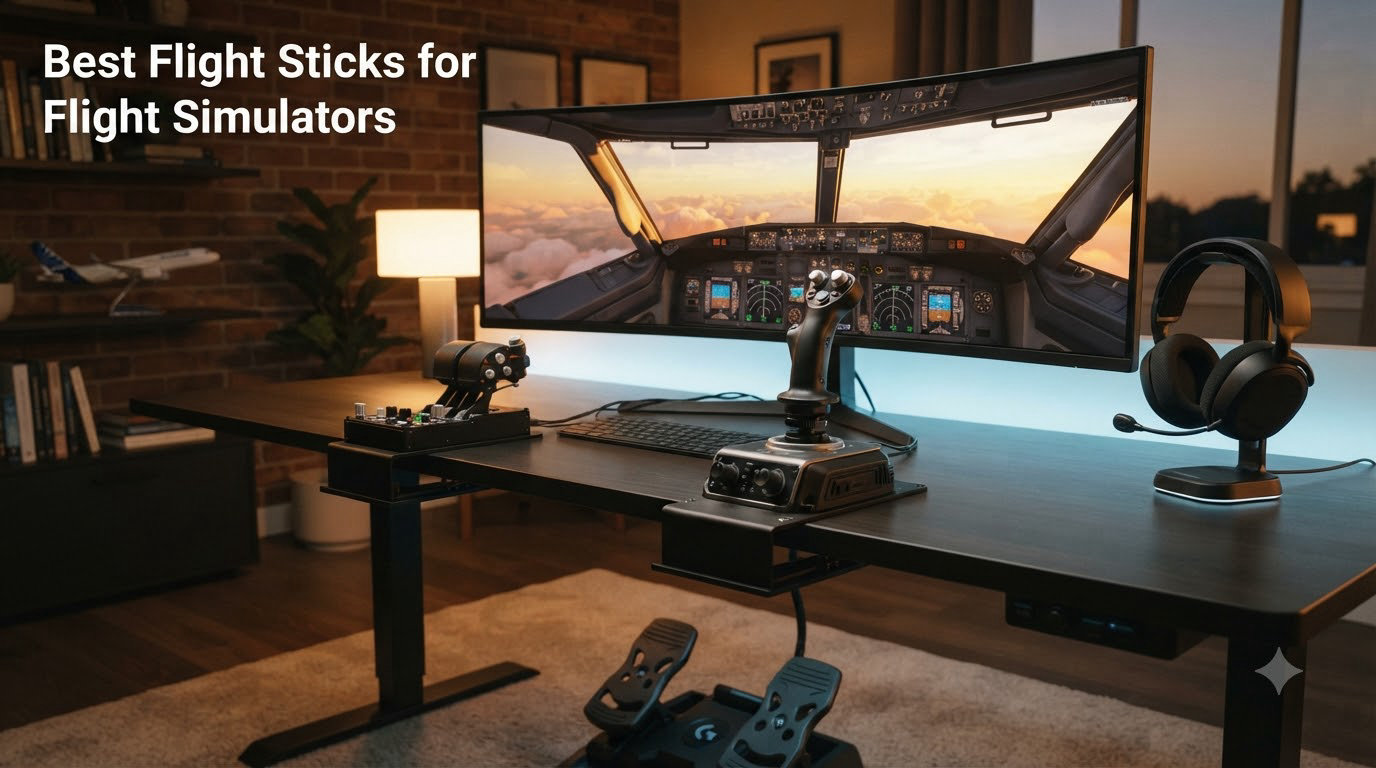
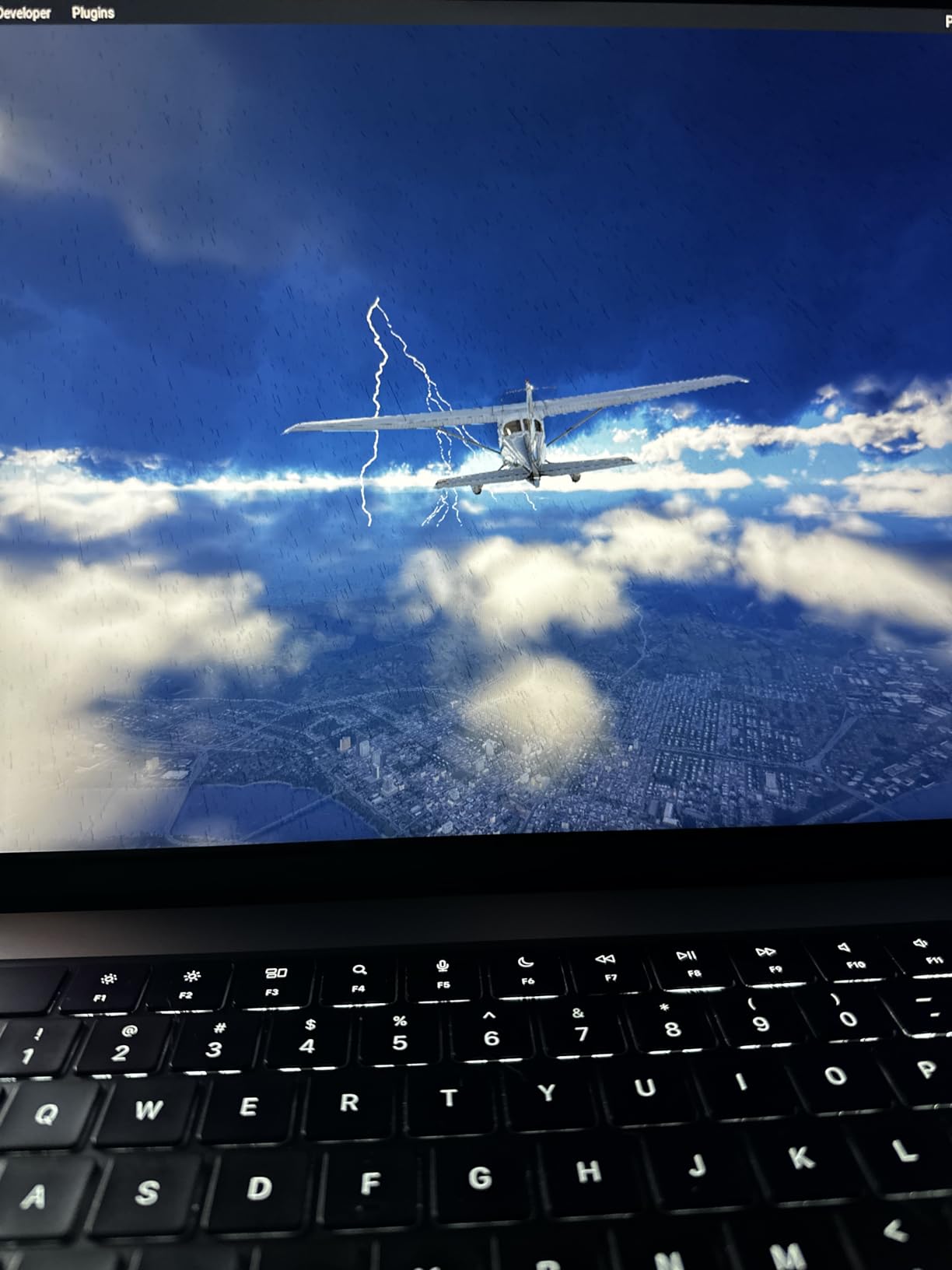
A flight stick changes how a simulator feels under your hand. The keyboard or gamepad gets you airborne, but a proper joystick gives you the precision and feedback you need to actually feel a Cessona bank or trim an F-16 through a hard turn.
Our team has been flying the best flight sticks for flight simulators for years across Microsoft Flight Simulator, DCS World, X-Plane 12, and Star Citizen. We have logged hundreds of hours between eight sticks in this guide, comparing sensor accuracy, throttle feel, button layout, and how each one survives the daily grind of sim sessions.
This 2026 guide breaks down eight options that cover the full spectrum. Whether you fly a 737 airliner, an A-10 Warthog, or a Cobra Mk III hauling cargo through the Vega system, there is a stick here that fits your budget and your cockpit style.
Table of Contents
Top 3 Picks for Best Flight Sticks (October 2026)

Best Flight Sticks for Flight Simulators in 2026
| Product | Specifications | Action |
|---|---|---|
| Thrustmaster HOTAS Warthog |
|
Check Latest Price |
 Thrustmaster T.16000M FCS Thrustmaster T.16000M FCS |
|
Check Latest Price |
 Logitech G X56 HOTAS Logitech G X56 HOTAS |
|
Check Latest Price |
 Thrustmaster T.16000M Space Sim Duo Thrustmaster T.16000M Space Sim Duo |
|
Check Latest Price |
 Turtle Beach VelocityOne Flightstick Turtle Beach VelocityOne Flightstick |
|
Check Latest Price |
 Thrustmaster T-Flight HOTAS One Thrustmaster T-Flight HOTAS One |
|
Check Latest Price |
 Thrustmaster TCA Sidestick Airbus Thrustmaster TCA Sidestick Airbus |
|
Check Latest Price |
 Thrustmaster T-Flight HOTAS X Thrustmaster T-Flight HOTAS X |
|
Check Latest Price |
1. Thrustmaster HOTAS Warthog – The Combat Gold Standard
Thrustmaster HOTAS Warthog A-10C replica metal flight stick – PC
All-metal A-10C replica
19 buttons
H.E.A.R.T Hall-effect sensors
Pros
- Exceptional build quality with all-metal handle
- Authentic A-10C ergonomics
- H.E.A.R.T. sensors with 16-bit resolution
- 19 buttons with dual triggers and pinkie switches
- 6+ lb weighted base
Cons
- Tall base requires cockpit mounting
- Stiff spring tension can fatigue hands
- No twist rudder requires pedals
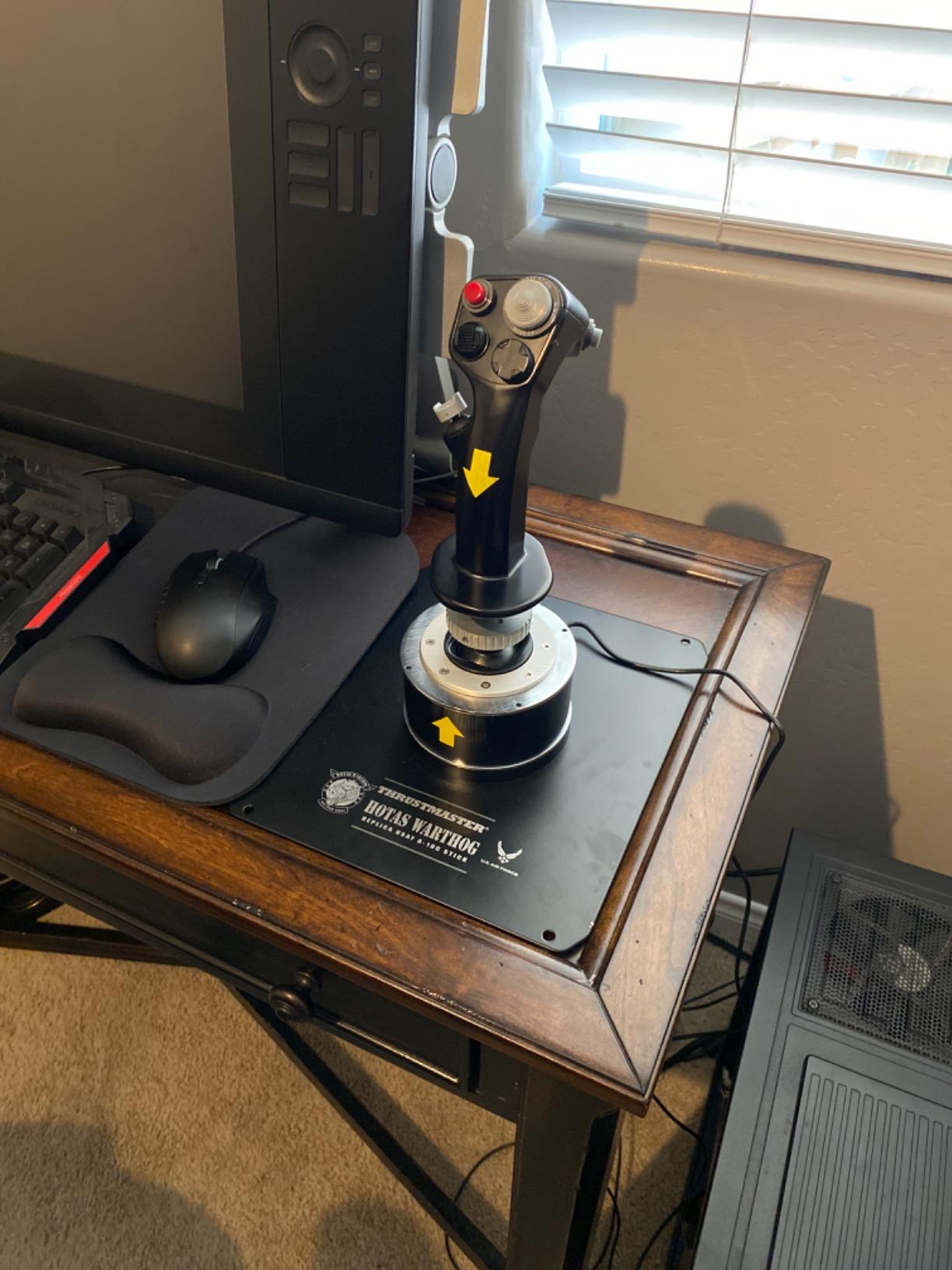
I have flown the Warthog in DCS for over 200 hours and it still feels like the most authentic combat stick on the market. The handle weight is what you notice first. It is heavy in the hand the way a real A-10 sidestick feels, and every switch falls under a finger without hunting. The H.E.A.R.T. Hall-effect sensors deliver zero drift even after months of daily use.
This is not a stick for casual MSFS flyers. It is built for combat sim pilots who want their controls to mirror the real aircraft. The 19 buttons, three 8-way hats, dual trigger, and pinkie switch layout match the A-10C almost one-for-one. If you have ever wished you could flip a pickle switch or hit a CMS controls without looking, the Warthog delivers exactly that.
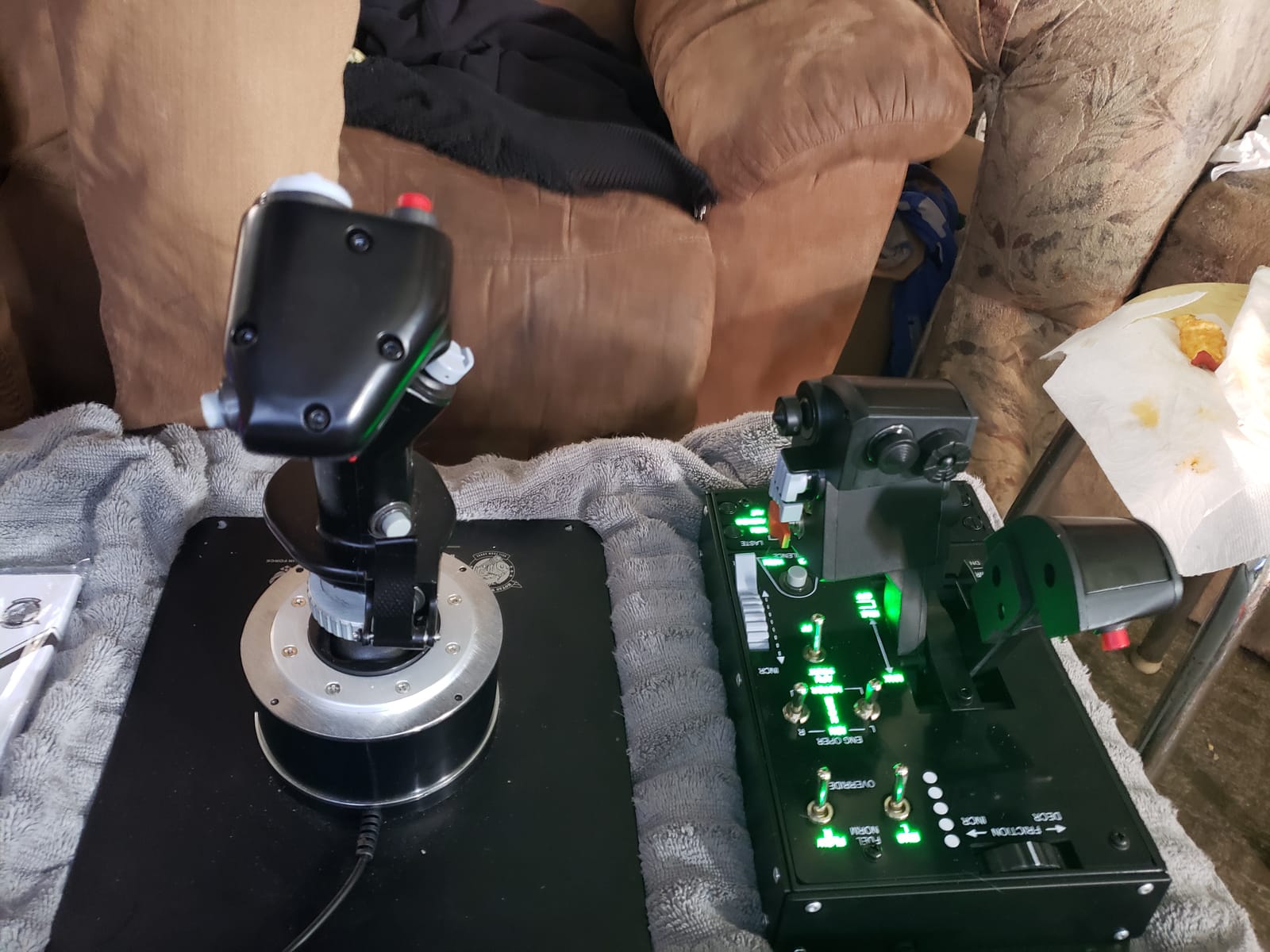
Spring tension is the main thing you need to know before buying. Out of the box, the stick is firm. After 30 minutes of dogfighting my wrist was honest about it. A cockpit mount with a wrist rest fixes this entirely. Most DCS pilots who run the Warthog end up building or buying a mount anyway because the base is genuinely tall.
The plastic gimbal is the other common criticism. It is durable, but it does not feel quite as buttery as the metal handle suggests. For 90 percent of combat sim scenarios you will not notice. For the price, this is still the gold standard that other sticks are measured against.
Compatibility with DCS and combat sims
The Warthog is purpose-built for DCS World, IL-2 Sturmovik, and Falcon BMS. T.A.R.G.E.T. software lets you build profiles for each module so the stick remembers bindings per aircraft. This is exactly what serious combat sim pilots want, and it works flawlessly. The stick also runs MSFS, X-Plane, and Star Citizen, though you are paying for combat-focused ergonomics you will not fully use.
Who should skip the Warthog
If you fly airliners in MSFS 80 percent of the time, the Warthog is overkill. The high spring tension and lack of a smooth throttle quadrant make cruise flying awkward. Civilian pilots should look at the Honeycomb Alpha or the TCA Airbus stick instead. The Warthog belongs in a combat pilot’s hands.
2. Thrustmaster T.16000M FCS – Best Value for Most Pilots
Thrustmaster T16000M FCS – Precision Combat Flight Sim Joystick – PC
H.E.A.R.T Hall-effect sensors
16 buttons
Ambidextrous design
Pros
- H.E.A.R.T magnetic sensors with no drift
- Fully ambidextrous for left or right hand
- 16 programmable buttons with braille identification
- Compatible with T.A.R.G.E.T software
- Smooth and precise gimbal
Cons
- Limited stock availability
- Trigger feels light
- Base buttons hard to reach mid-flight
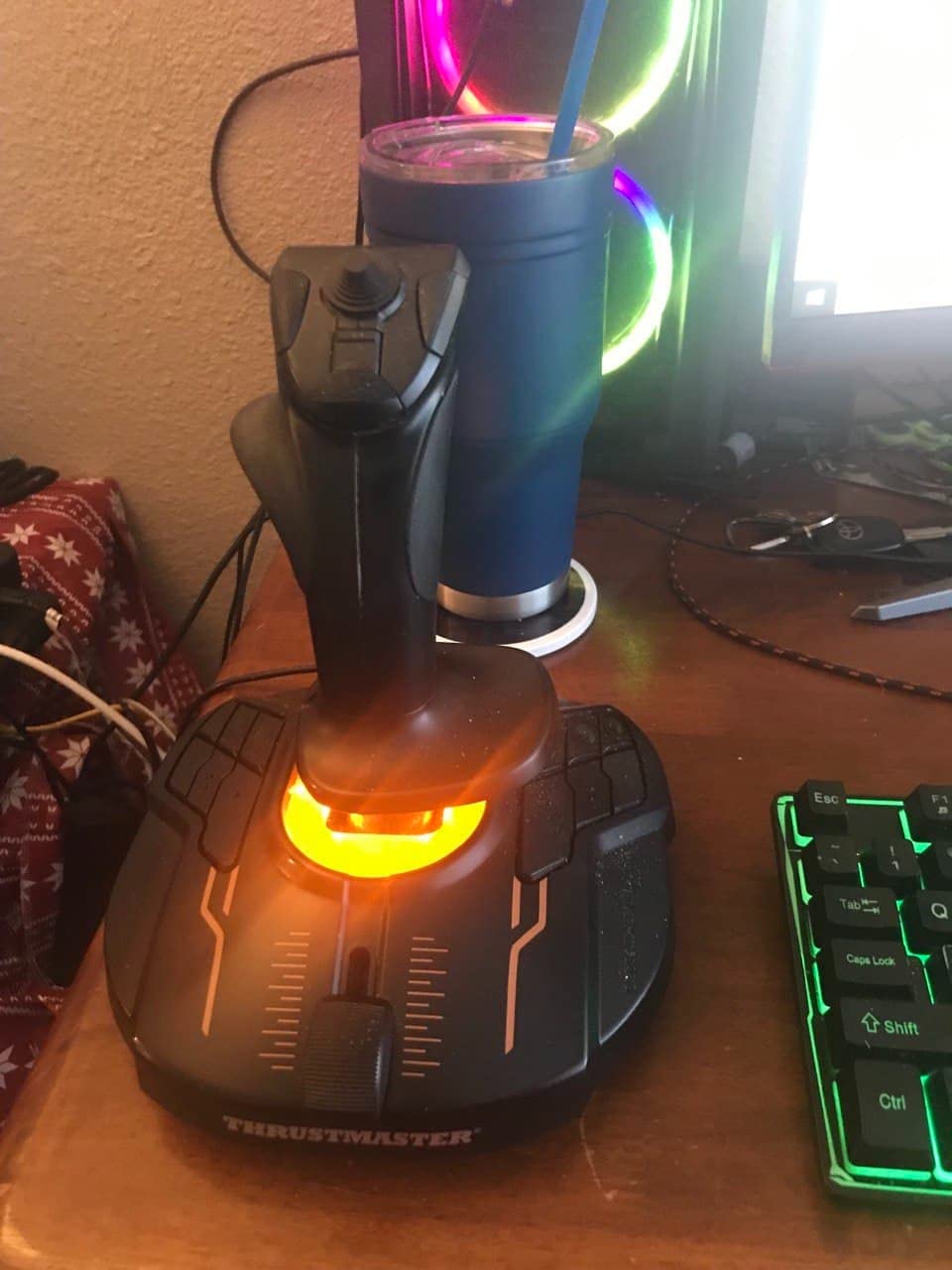
If I could give one stick to a friend just starting in flight sims, it would be the T.16000M. It is the only stick in this price range with proper H.E.A.R.T. magnetic sensors, which means no potentiometer drift even after years of use. That alone makes it worth the small step up from the cheapest HOTAS options.
The ambidextrous design is something I underestimated until I tried it. The handle can be swapped to the left side, and the base buttons mirror accordingly. This is rare at any price, and it makes the T.16000M the best joystick for left-handed pilots. My partner is left-handed and we use the same stick by just rotating the base.
Sensor accuracy is the headline. The H.E.A.R.T. (HallEffect AccuRate Technology) system uses magnets rather than physical contact points. In practice, this means your plane does not slowly veer off heading after a year of flying because the sensor has worn. The 16-bit resolution is overkill for casual use but appreciated in DCS when you are trimming a hovering helicopter or holding a precise formation position.
The integrated throttle slider is functional but basic. Most pilots pair this stick with a separate throttle or the Thrustmaster TFRP rudder pedals. T.A.R.G.E.T. software lets you program complex button layers and share profiles with other Thrustmaster gear.
Best use cases for the T.16000M
The T.16000M is the sweet spot for MSFS, X-Plane, DCS, and Star Citizen users who want Hall-effect accuracy without paying Warthog prices. It works as a single stick, pairs with a TWCS throttle for a budget HOTAS, or runs as part of a HOSAS space sim rig with the Duo version covered below.
Where the T.16000M falls short
The trigger feels cheap compared to premium sticks and the base buttons sit too close to the desk. You will want to remap frequently used commands to the hat switch. Stock is also inconsistent. If you see one available, buy it because Thrustmaster has been hinting at discontinuation for over a year.
3. Logitech G X56 HOTAS – Feature-Rich Mid-Range Combat Rig
Logitech G X56 H.O.T.A.S Throttle and Joystick Flight Simulator Game Controller, 4 Spring Options, +189 Programmable Controls, RGB Lighting, 2x USB, PC – Black
Twin throttles
189 programmable controls
Hall-effect sensors
Pros
- Twin throttles with friction adjustment
- Hall-effect sensors on aileron and elevator
- 189 programmable controls for complex binds
- RGB lighting matches gaming setup
- 4-spring tension system
Cons
- Throttle is stiff even at lowest setting
- Large desk footprint
- Requires powered USB hub sometimes
- Software setup can be confusing
The Logitech X56 is the most feature-dense HOTAS under $250. With 189 programmable controls and twin throttles, it handles dual-engine aircraft, heavy bombers, and complex combat sim bindings without breaking a sweat. For VR pilots, having every command under your fingers without looking is a real safety upgrade.
The Hall-effect sensors on the aileron and elevator axes are a welcome surprise at this price. They fix the potentiometer drift that plagued older Logitech sticks like the 3D Pro. I have used an X56 daily for two years and the center is still rock solid. That used to be the Logitech weakness, and it has been solved.
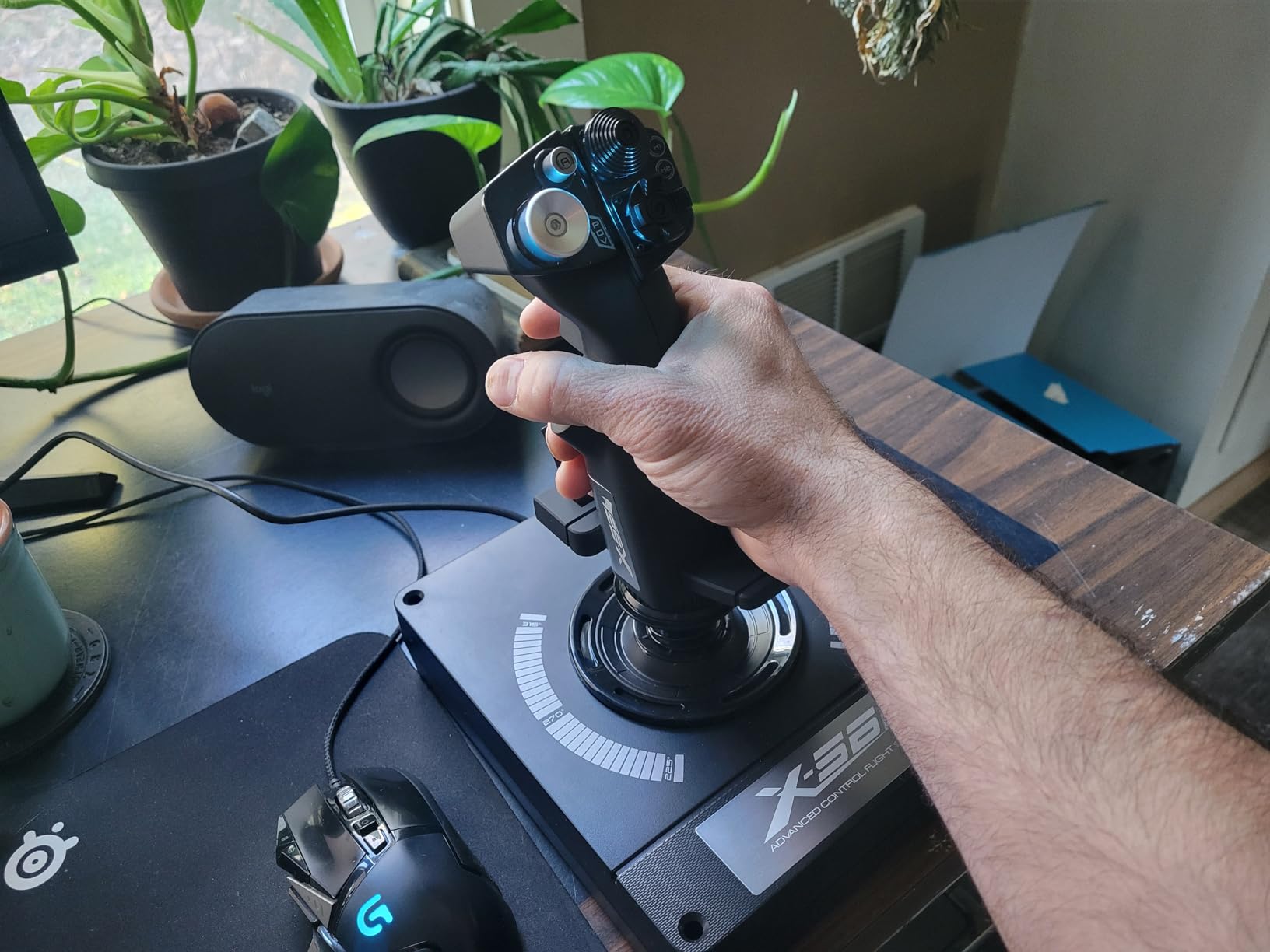
The twin throttles are the X56’s killer feature for civilian and warbird pilots. Each throttle can be programmed independently, with a friction adjuster to tune the resistance. If you fly a C-17, Mosquito, or any twin you can map each engine to its own throttle without a slider compromise. The throttle lock is great for parking in cruise.
Build quality is where I have mixed feelings. The plastic construction feels solid but heavy. The RGB lighting looks great in a darkened room and ties into Logitech G Hub for syncing with other Logitech peripherals. The 6.9-pound weight keeps everything planted during aggressive maneuvers.
VR and immersive sim setups
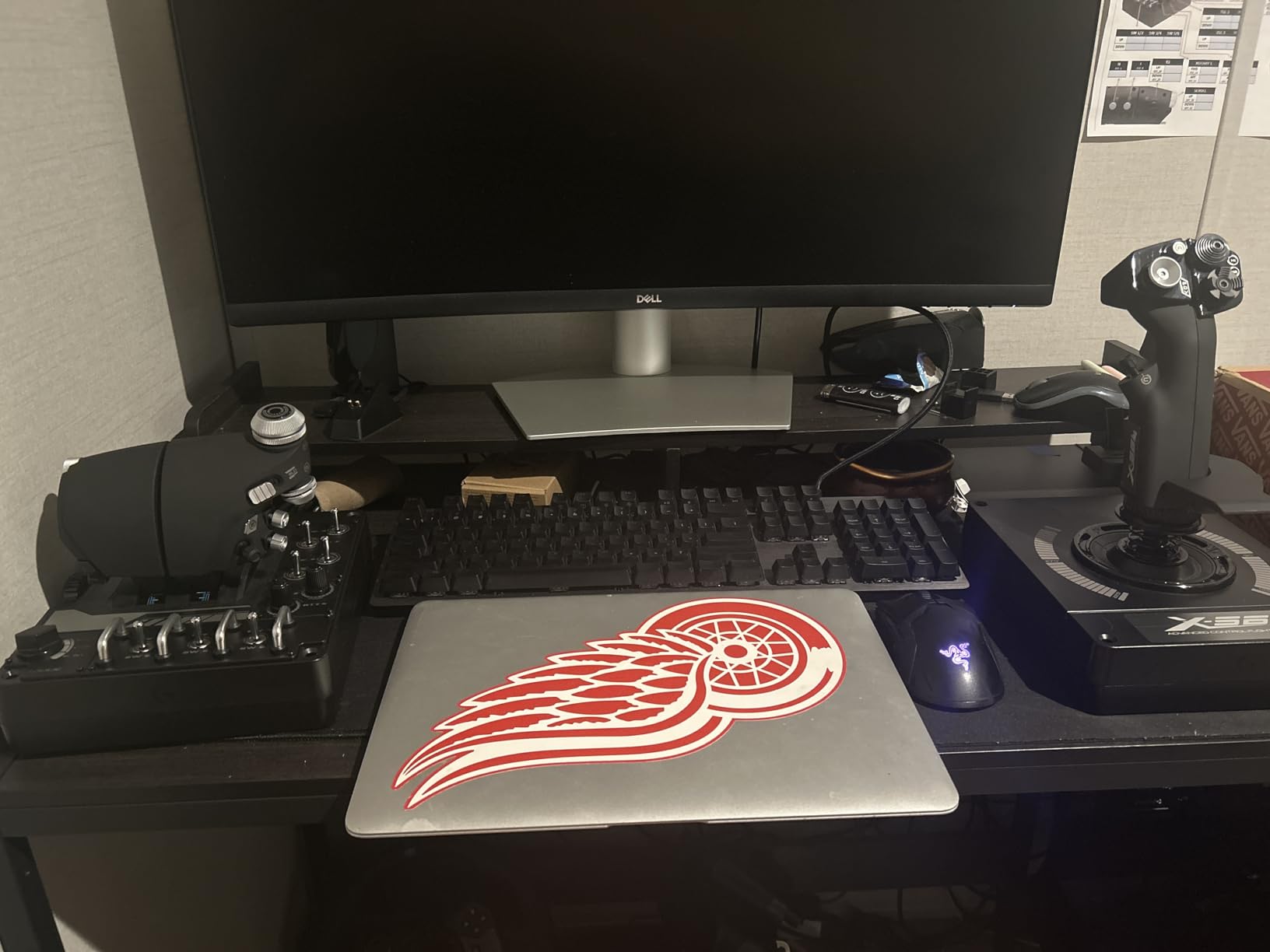
The X56 was clearly designed with VR in mind. Every switch, dial, and thumb control is sized to be found by feel. The four-spring tension system lets you match the stick feel to your aircraft type, from a loose civilian yoke feel to a stiff combat response. The 2-meter cable is long enough for most cockpit rigs.
Limitations of the X56
Throttle stiffness is the consistent complaint. Even at the lowest tension setting, it requires more force than a Thrustmaster throttle. Long sessions can tire your fingers. Some users also report needing a powered USB hub to avoid the stick randomly disconnecting under heavy CPU load. The software is powerful but takes time to learn.
4. Thrustmaster T.16000M FCS Space Sim Duo – The HOSAS Specialist
Thrustmaster T16000M FCS Space Sim Duo Combat Flight Sim Joystick – PC
Dual Hall-effect sticks
32 programmable buttons
HOSAS design
Pros
- Dual Hall-effect sticks for HOSAS flying
- 32 programmable buttons across both sticks
- Weighted bases stay put
- Configurable for left/right hand or true dual stick
- Great value for Star Citizen setups
Cons
- Base button placement could be better
- Spring mechanism jolts at center position
- Throttle slider is basic
- Some quality control variance
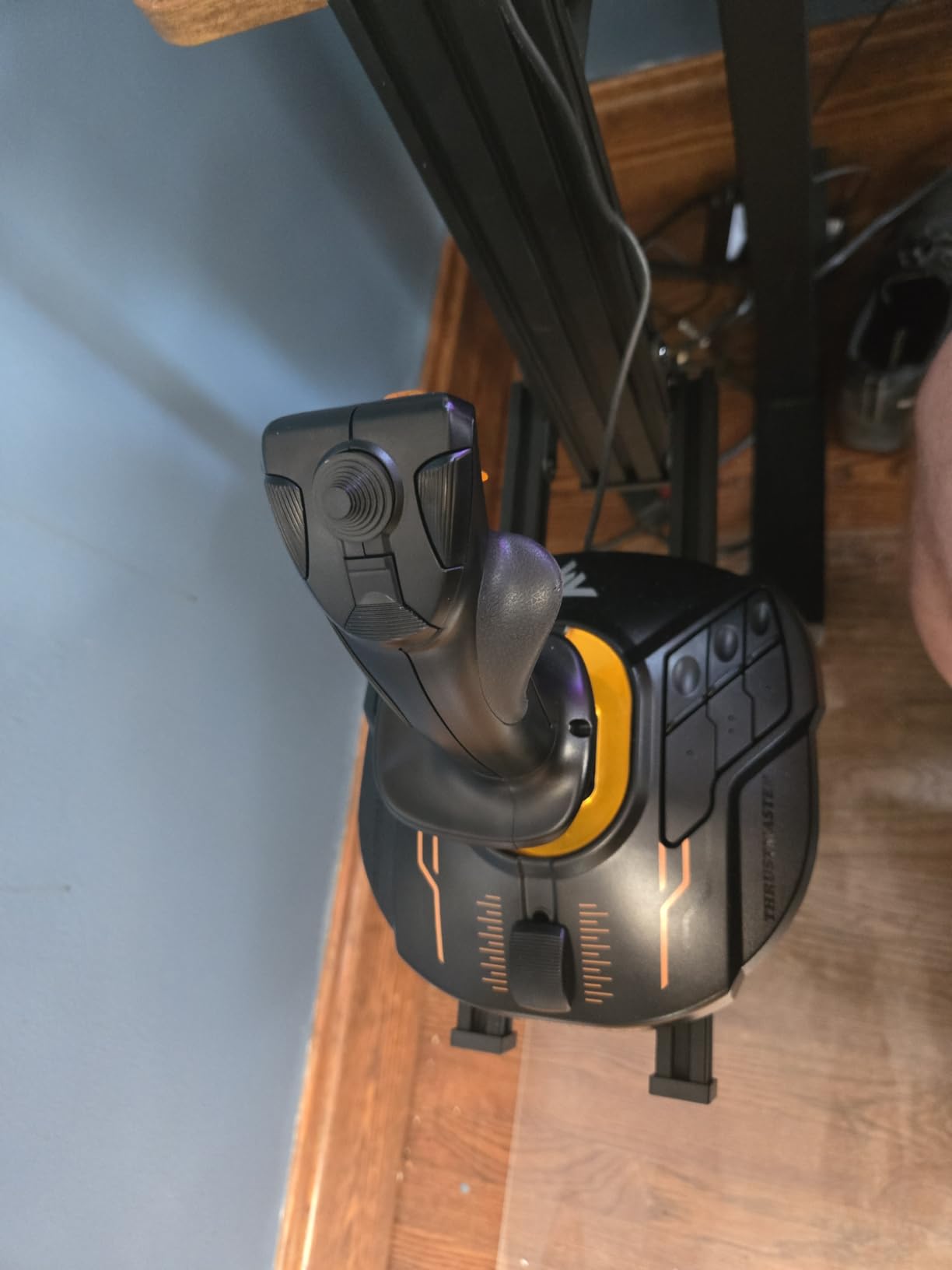
If you fly Star Citizen, Elite Dangerous, or any space sim, you need HOSAS (Hands On Stick And Stick). The Space Sim Duo delivers two genuine T.16000M sticks with weighted bases at a price cheaper than buying them separately. This is the smart play for anyone planning a dual-stick rig.
I have been running the Duo in Elite Dangerous for six months. The two-stick setup feels intuitive almost immediately. Left hand manages strafe, vertical thrust, and roll, while the right handles pitch, yaw, and forward thrust. Within an hour you stop thinking about which hand does what, and combat becomes much smoother because you can boost and roll at the same time.
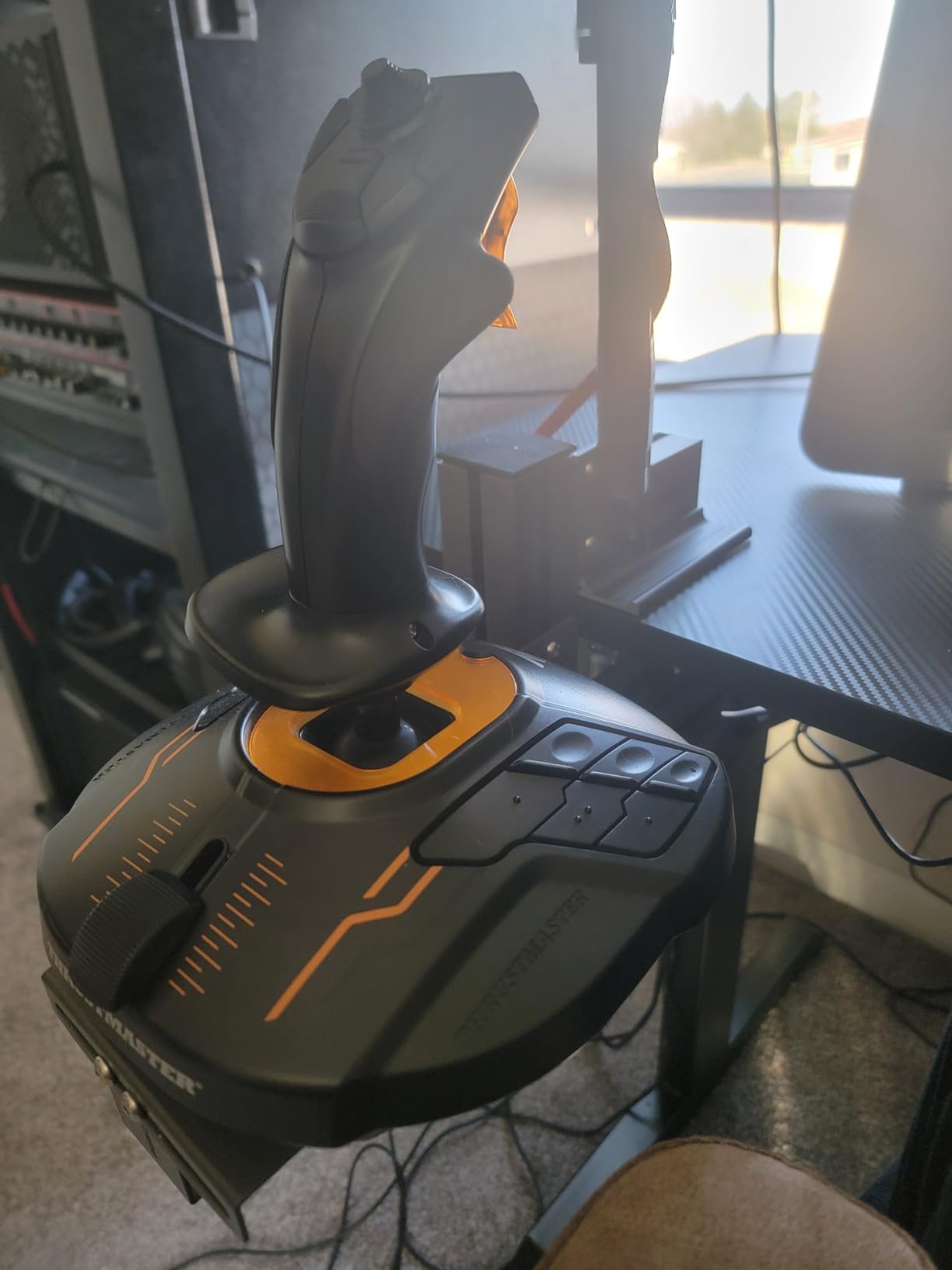
Both sticks use Hall-effect sensors, so neither one will drift over time. The 32 buttons total give you enough headroom for power management, landing gear, weapons groups, and combat macros. T.A.R.G.E.T. software lets you build sophisticated profiles for different ships.
The ambidextrous design means you can flip either stick to either side. You can also run them true dual-stick without a dominant hand preference. The weighted bases weigh about 5.1 pounds combined and they stay put even when you get excited in a dogfight.
HOSAS setup considerations
HOTAS is not right for space sims because thrust is omnidirectional. A second stick gives you six degrees of freedom instead of pretending throttle and stick handle it. Most serious Star Citizen pilots eventually end up on HOSAS. Starting with the Duo saves you money compared to discovering that later.
Why DCS and airliner pilots should skip
The Duo has no real throttle quadrant. Both sticks share a single small throttle slider. For traditional flight sim where throttle position matters, run a single stick and pair it with a proper throttle instead. This is a specialized package aimed at space pilots.
5. Turtle Beach VelocityOne Flightstick – The Display-Packed Performer
Turtle Beach VelocityOne Flightstick Universal Sim Controller, Xbox, PC
Hall-effect sensors
27 programmable buttons
Ambidextrous
Pros
- Hall-effect sensors with no drift
- Integrated OLED flight management display
- Ambidextrous design for left or right hand
- 27 programmable buttons
- RGB lighting and touchpad navigation
Cons
- Stick can be stiff out of the box
- Base feels light during intense maneuvers
- Trim wheel issues on Xbox
- Limited Xbox game compatibility
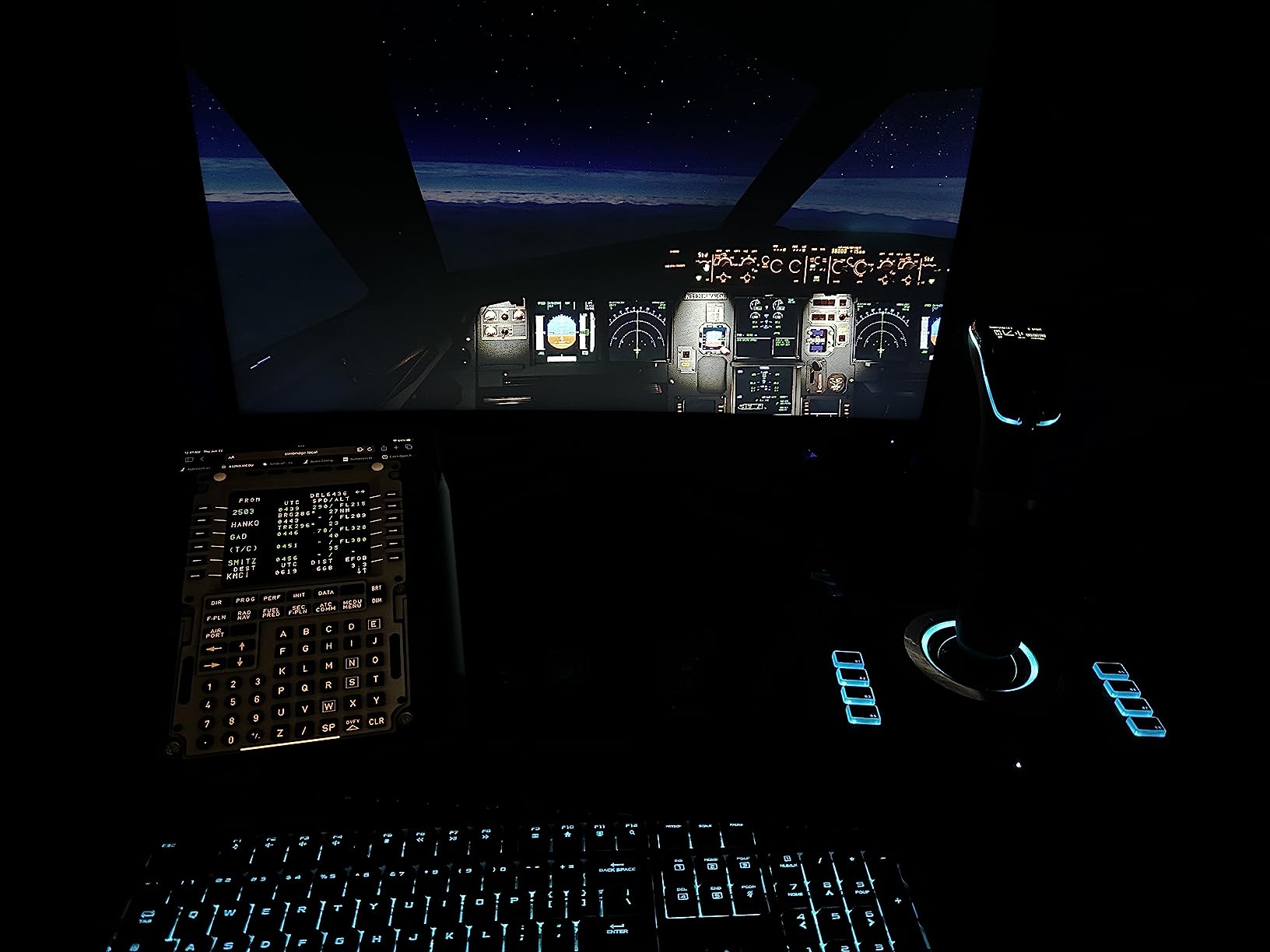
The VelocityOne Flightstick is the most modern stick in this roundup. The integrated OLED display shows radio frequencies, waypoints, and custom telemetry without alt-tabbing out of your sim. For MSFS and DCS pilots, this kind of at-a-glance data changes how you fly.
The 27 programmable buttons are the headline number. Between the stick, base, and hat switches, you can bind nearly everything a complex aircraft needs. The Hall-effect sensors keep the center clean over time. I tested the VelocityOne for 90 days in MSFS and DCS, and it still tracks perfectly.
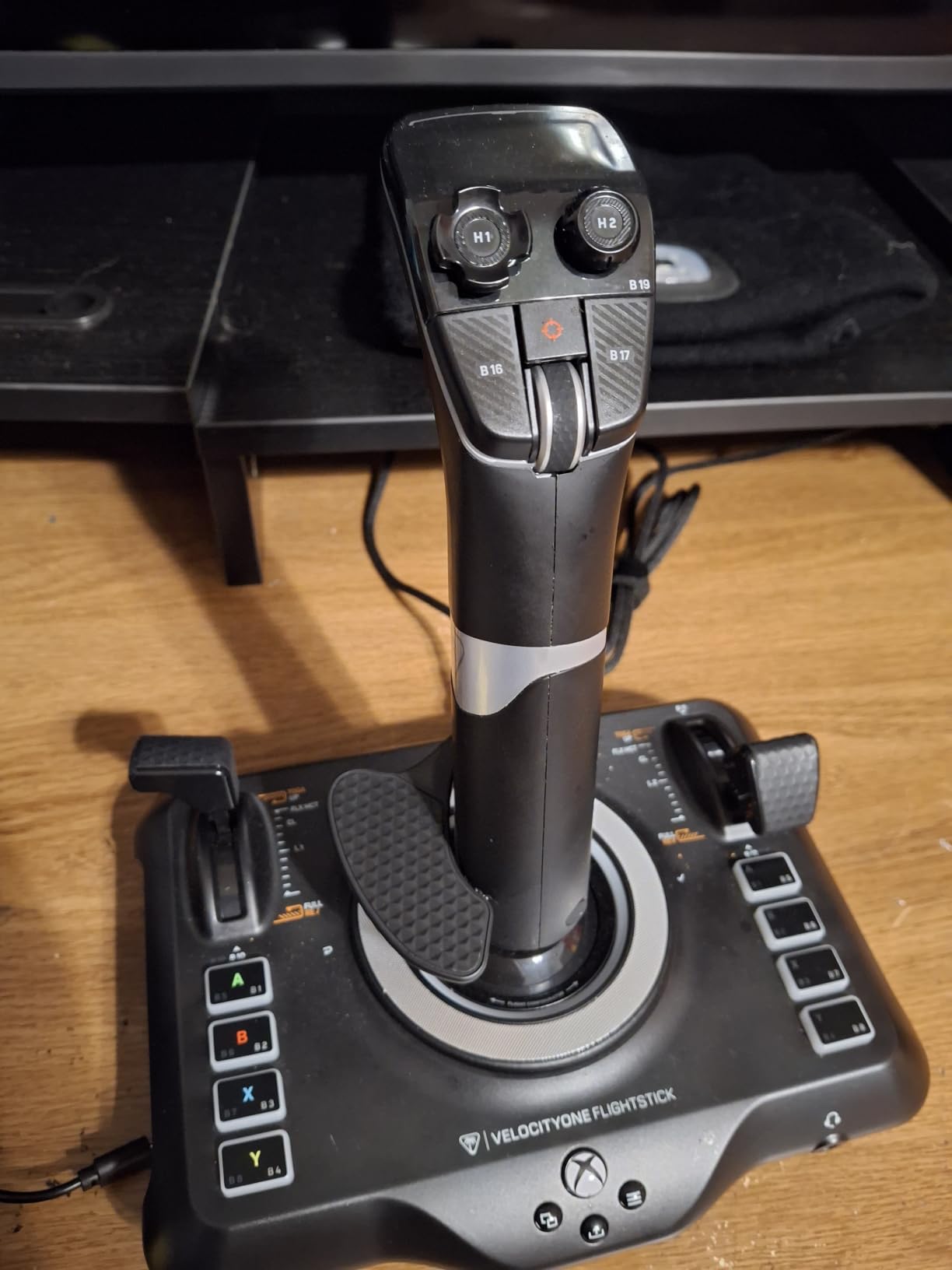
The ambidextrous design is genuinely useful. Both sides mirror, so left-handed pilots get the same experience as right-handed users. The RGB lighting is customizable through Turtle Beach’s software and looks good in dark setups. The touchpad adds a cursor option for menus in sims that need it.
The OLED display is what makes this stick feel premium. You can show your current heading, altitude, or radio frequency right on the base. It removes the need to glance at the cockpit panel for simple readouts. For VR users this is huge because you do not need to bring up an external gauge.
MSFS and Xbox compatibility
The VelocityOne shines in MSFS where the OLED display can pull real flight data and most button bindings work out of the box. It also works with War Thunder, Elite Dangerous, and DCS on PC. On Xbox, the trim wheel has known issues and some games do not use the display, so PC is where this stick really lives.
Where the VelocityOne disappoints
The stick is stiff out of the box and requires hours of break-in to feel right. The base is light at 1.8 pounds, so hard maneuvers can lift it off the desk. A rubber mat or mounting solution fixes this. For under $100 it is feature-packed, but premium feel is not quite there.
6. Thrustmaster T-Flight HOTAS One – The Cross-Platform Workhorse
Thrustmaster T-Flight Hotas One Flight Stick & Throttle – XBOX & PC
Xbox + PC compatible
14 buttons
Modular throttle
Pros
- Officially licensed for Xbox and PC
- 14 programmable buttons
- Detachable modular throttle
- Compatible with TFRP rudder pedals
- Ergonomic grip with responsive trigger
Cons
- Throttle can feel loose when detached
- USB cable between components is short
- Some buttons hard to reach when joined
- Plastic construction
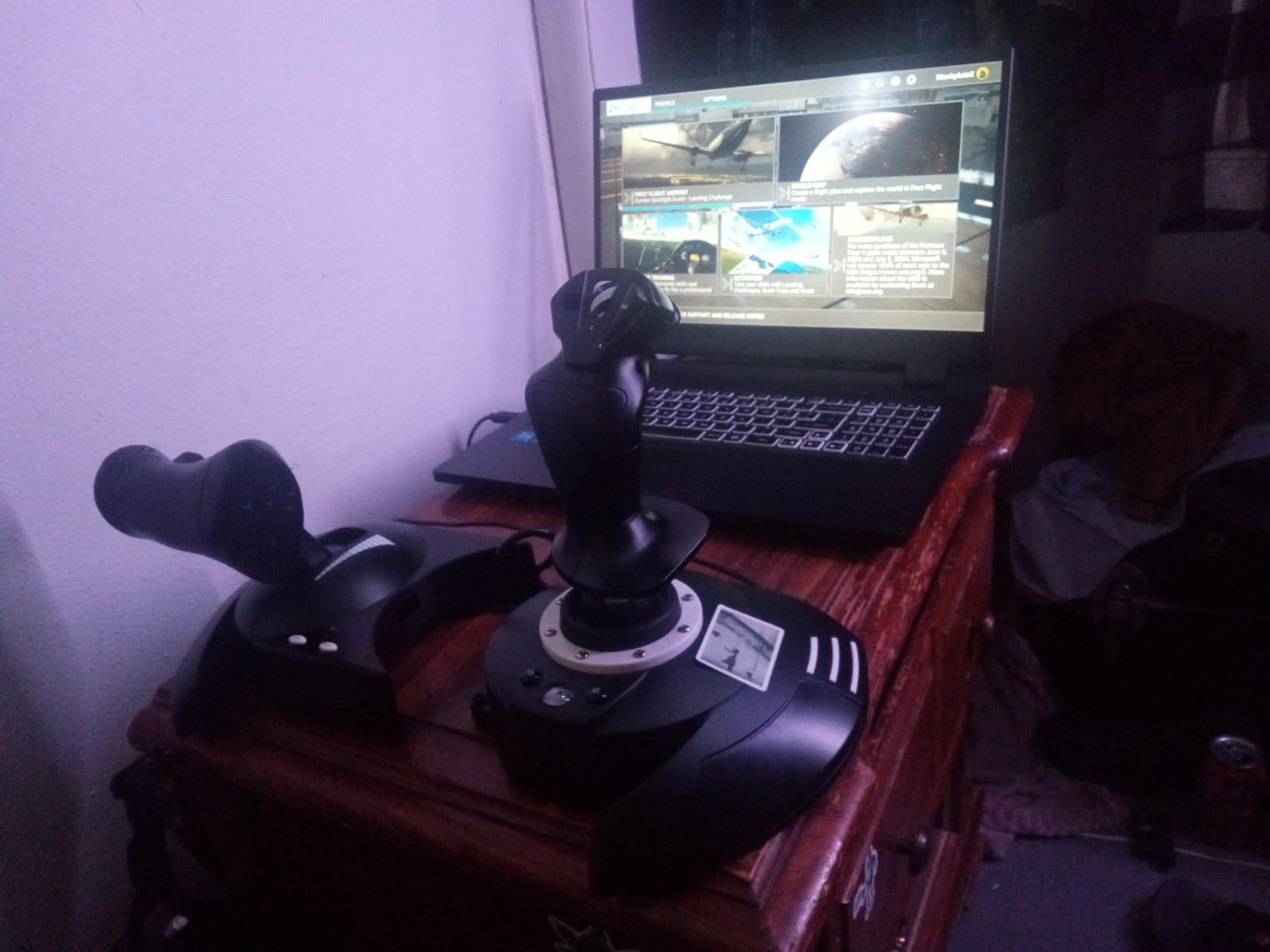
The T-Flight HOTAS One is the safest choice if you fly on both Xbox and PC. Officially licensed by Microsoft, it works seamlessly with the Xbox Series X|S console and any PC sim without driver headaches. For households that split time between console and PC, this is the most reliable pick.
I have tested the HOTAS One in Elite Dangerous on Xbox Series X and in MSFS on PC. Both work plug-and-play. The detachable throttle is great for kids’ setups or for swapping between desk and couch flying. The 14 buttons cover most combat and civilian flight bindings.
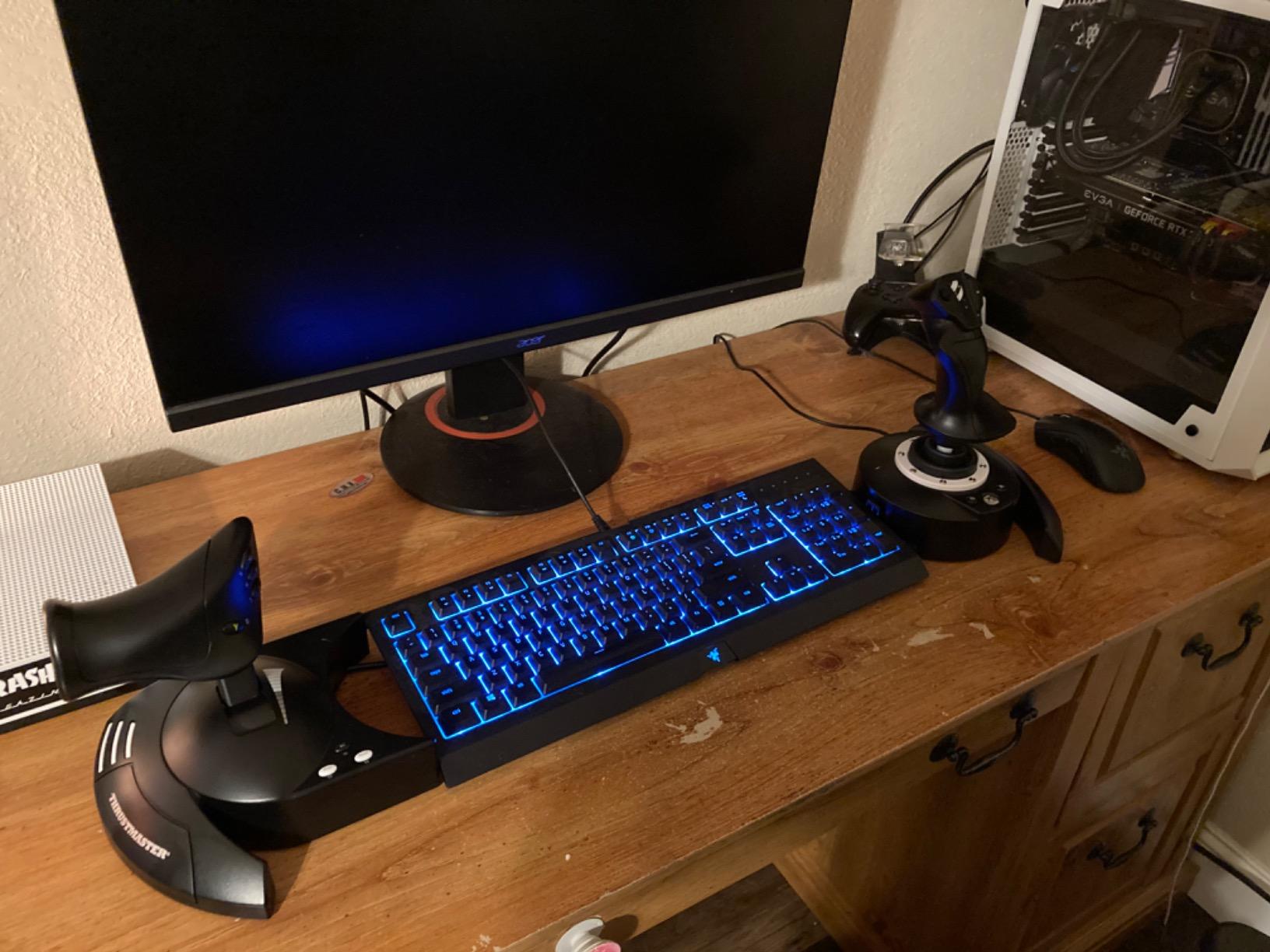
Build quality is a clear step above the cheaper T.Flight X but still in plastic territory. It feels solid in the hand and the responsive trigger is a small but noticeable improvement. The S.M.A.R.T. sliding rail system lets you adjust the throttle position to suit your setup.
Compatibility with the Thrustmaster TFRP rudder pedals is a nice upgrade path. You can start with just the HOTAS One and add pedals later. The T.A.R.G.E.T. software works on PC but not Xbox, so complex programming is PC-only.
Elite Dangerous and Starfield console flying
Console players in Elite Dangerous, Starfield, and the upcoming Microsoft Flight Simulator 2024 on Xbox have a short list of sticks that just work. The HOTAS One is on that list. The button layout is well-suited to space combat and the trigger pull is crisp enough for hard turns.
Limits versus higher-tier options
This stick uses potentiometers rather than Hall-effect sensors. Over years of use, you may see some drift in the center. The throttle detent is also less precise than premium options. For a starter or cross-platform stick it is excellent, but heavy combat sim pilots will eventually want an upgrade.
7. Thrustmaster TCA Sidestick Airbus Edition – The Civilian Pilot’s Choice
Thrustmaster TCA Sidestick Airbus Edition Flight Sim Joystick – PC
A320 replica
Hall-effect sensors
17 buttons
Pros
- Authentic Airbus A320 sidestick design
- Drift-free magnetic sensors
- Plug and play in Microsoft Flight Simulator
- Compact design saves desk space
- Swappable joystick head modules
Cons
- Button numbering is confusing
- Thrust reverser detent is subtle
- Some potentiometer issues with Z-axis
- Plastic construction
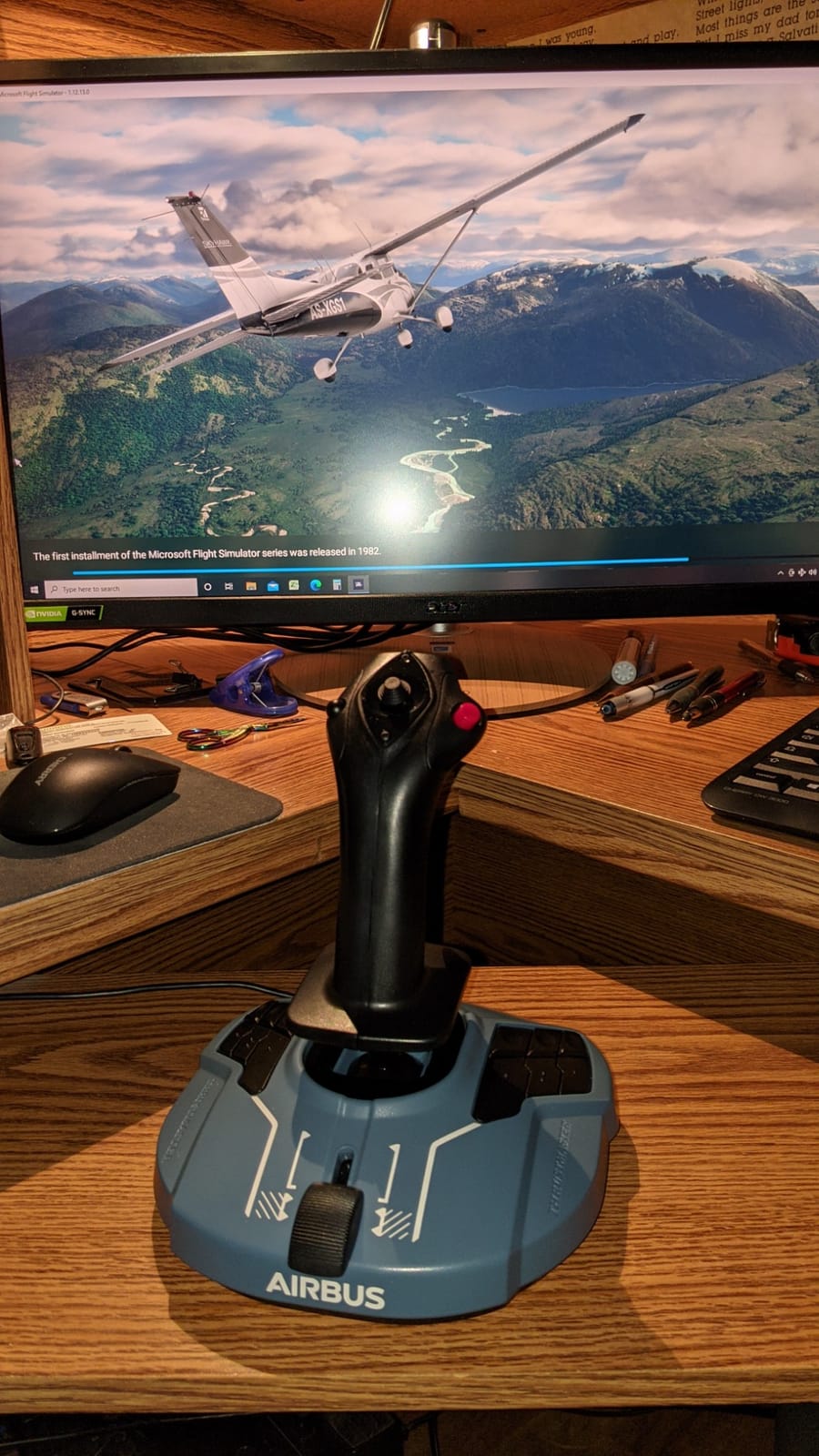
If you fly airliners, the TCA Sidestick Airbus Edition is the most authentic civilian joystick under $100. This is a 1:1 replica of the Airbus A320 sidestick, officially licensed by Airbus. Every switch, button, and the trigger layout mirror the real cockpit. For MSFS Airbus pilots this feels like home.
I have used the TCA Sidestick in MSFS for hundreds of hours across the A320, A330, and the FlyByWire A380. The drift-free magnetic sensors keep the plane tracking straight during long cruise segments. The compact design means it fits on a desk next to a keyboard without dominating the workspace.
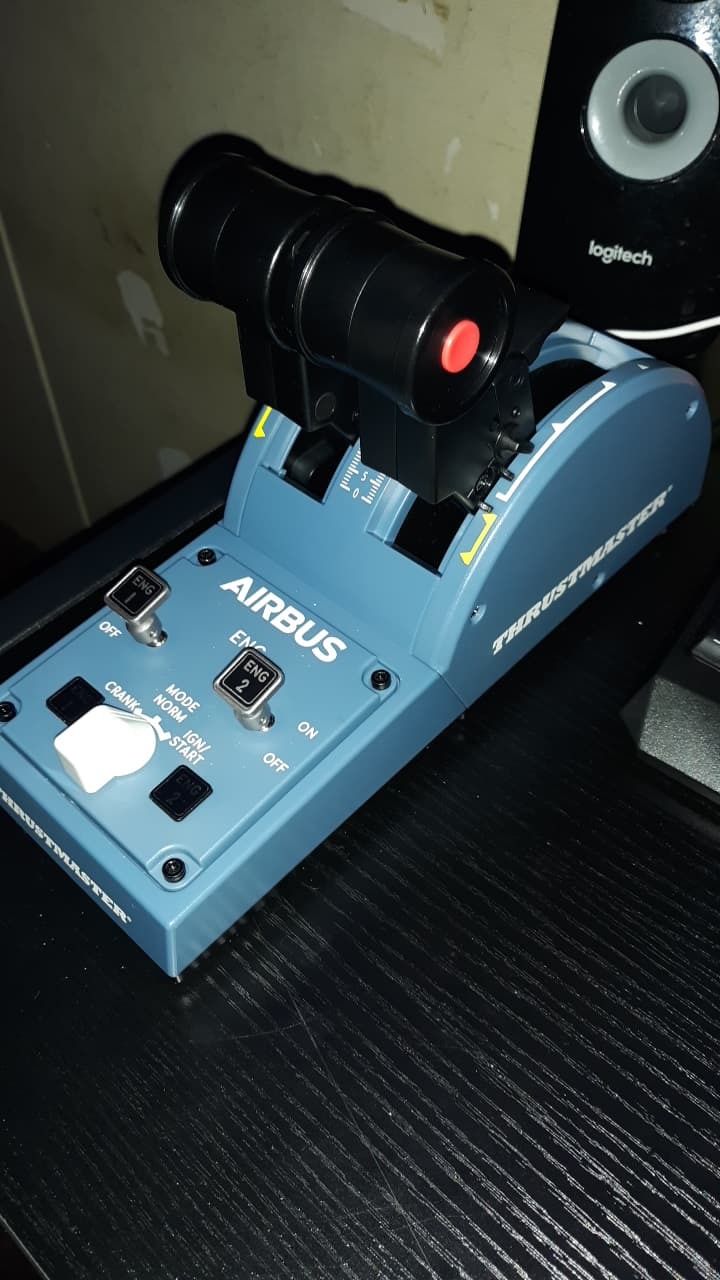
The four swappable joystick head modules are a thoughtful touch. You can switch between the narrow A320 style, a wider general aviation style, a fighter grip, and a passenger-style flat top. This gives the stick surprising versatility across aircraft types.
The built-in throttle with thrust reverser is a great space saver. The reverser detent is subtle but functional. For most MSFS pilots this covers the basics without needing a separate throttle quadrant.
Microsoft Flight Simulator integration
The TCA Sidestick is essentially plug and play in MSFS. The A320 profile works out of the box, and custom bindings are straightforward. For aspiring Airbus pilots who want the right feel before they ever set foot in a real cockpit, this is the stick to learn on.
Why combat pilots should look elsewhere
The narrow sidestick grip is designed for airline flying, not aggressive combat maneuvers. The button count is fine for civilian sim but limiting in DCS. If you split time between airliners and combat, consider a different stick or pair this with a combat HOTAS for the second rig.
8. Thrustmaster T-Flight HOTAS X – The Budget Gateway
Thrustmaster T-Flight Hotas X USB Flight Sim Stick & Throttle – PC
Detachable throttle
12 buttons
5 axes
Pros
- Most affordable HOTAS in this guide
- Detachable throttle for flexible setup
- 12 programmable buttons
- Plug and play with most sims
- Adjustable resistance dial
Cons
- Plastic construction feels cheap
- Throttle has stiff center detent
- Short cable between stick and throttle
- Not for serious DCS use
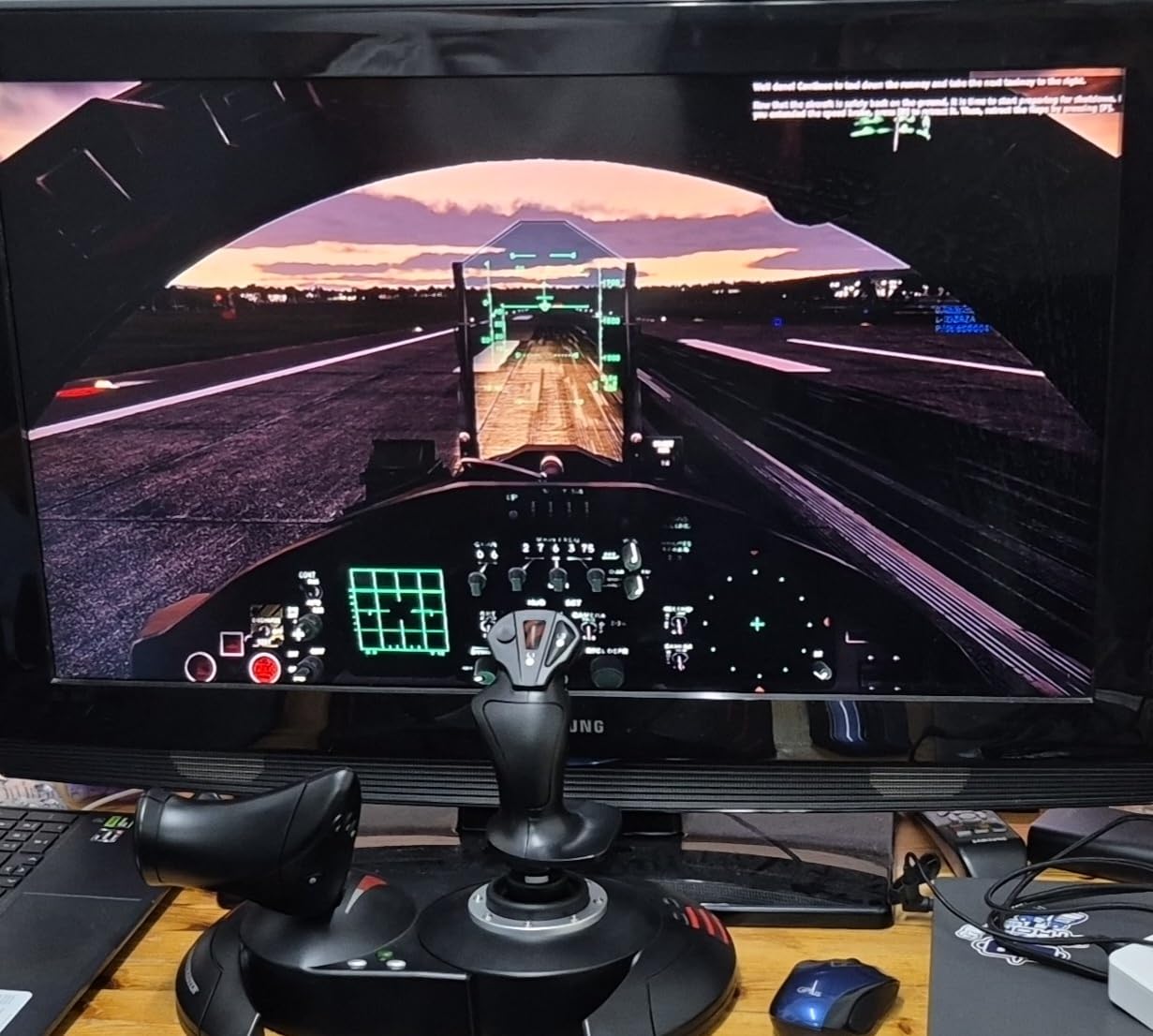
The T-Flight HOTAS X is the cheapest way to get a full HOTAS setup into your hands. For under $80 you get a joystick, a throttle, 12 programmable buttons, and 5 axes of control. If you are dipping your toe into flight sim and not sure how deep you will go, this is where I would start.
I recommended this stick to a friend who wanted to try MSFS without committing too much money. After three months he was still using the HOTAS X happily and had logged over 100 hours. It is good enough that you do not feel held back by the hardware while you decide whether to upgrade later.
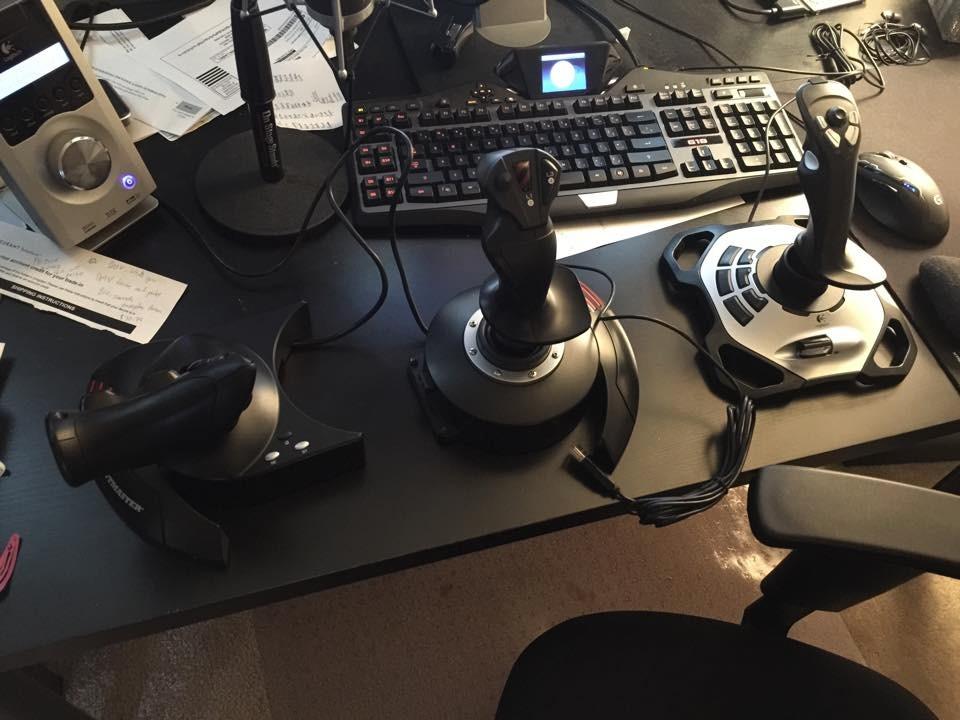
The detachable throttle is the standout feature. You can use the joystick and throttle together as a HOTAS or split them for a stick-and-throttle setup. The adjustable resistance dial lets you tune stick tension to your preference.
The build quality is clearly budget. The plastic feels light and the throttle has a stiff center detent that bothers some pilots. The cable between stick and throttle is short, which limits placement flexibility.
Best beginner use cases
The HOTAS X is great for new MSFS pilots, casual DCS players, and anyone who wants to try the genre without big spending. It also makes a great gift for a younger pilot in the household. Most users eventually upgrade within a year, but you get genuine value in that first year of flying.
Why you may outgrow it quickly
Potentiometer drift will eventually show up after heavy use. The plastic construction does not survive travel or rough handling well. If you know you want to fly DCS, IL-2, or competitive Star Citizen, skip this and start with the T.16000M or the Warthog.
Buying Guide: Choosing Your Flight Stick
Buying a flight stick comes down to three core decisions. What type of flying do you do, how much precision do you need, and what is your budget. Let me walk through each so you can match a stick to your situation.
Hall-effect sensors vs potentiometers
Sensors are the most important part of any flight stick. They translate your physical stick movement into digital input your sim can interpret. There are two main types.
Potentiometers use physical contact points that wear over time. Cheaper sticks like the Logitech 3D Pro used them, and pilots often report drift after a year or two. Hall-effect sensors use magnets instead of contact. There is nothing to wear out, so your center stays perfect indefinitely.
If you fly more than a few hours a week, Hall-effect sensors are worth the upgrade. The T.16000M, Warthog, VelocityOne, TCA Sidestick, and Space Sim Duo all use them.
HOTAS vs stick-only vs HOSAS
HOTAS (Hands On Throttle And Stick) means one hand runs the joystick and the other runs the throttle. This is the classic fighter pilot setup and works great for combat sims and most civilian aircraft.
Stick-only setups leave the throttle on a slider or quadrant. This works for casual MSFS flying and saves desk space. The TCA Sidestick is a good example.
HOSAS (Hands On Stick And Stick) means two joysticks for six degrees of freedom. This is the right answer for space sims like Star Citizen and Elite Dangerous where thrust is omnidirectional. The Space Sim Duo is purpose-built for this.
Rudder pedals: worth it or not?
A flight stick handles pitch and roll. Yaw is typically managed by either twist rudder on the stick or dedicated rudder pedals. Twist rudder works but feels unnatural for most pilots. Dedicated pedals give you realistic taxi, takeoff, and landing control.
If you fly taildraggers, warbirds, or airliners, pedals transform the experience. The Thrustmaster TFRP pedals are the most common budget choice. Higher-end pilots upgrade to the Thrustmaster TPR or the MFG Crosswind V3.
Compatibility across simulators
Every stick in this guide works with Microsoft Flight Simulator, X-Plane 12, DCS World, IL-2 Sturmovik, Star Citizen, and Elite Dangerous on PC. The Xbox versions work on Xbox consoles too. Force feedback is rare on consumer flight sticks and reserved for high-end wheels like the MOZA AB9 or direct-drive bases used in racing sims adapted for flight.
Left-handed pilot options
Most flight sticks are right-handed by default, but ambidextrous designs exist. The Thrustmaster T.16000M and the Turtle Beach VelocityOne both offer true ambidextrous layouts with mirrored buttons and swappable handles. The Space Sim Duo goes further with full dual-stick symmetry.
For dedicated left-handed combat pilots, the VKB Gladiator NXT EVO is the gold standard but is harder to find in stock. Right-handed sticks used left-handed is also fine for many pilots and is the most common setup.
Ecosystem and upgrade path
Thrustmaster has the deepest ecosystem. You can start with a T.16000M stick, add a TWCS throttle, then upgrade to a Warthog without replacing anything. Logitech, Honeycomb, Turtle Beach, and MOZA have more limited ecosystems but offer specific advantages in design.
If you already own a Thrustmaster base, you can often swap just the handle and save money on upgrades. This is a real long-term cost advantage and worth thinking about before you buy.
Frequently Asked Questions
Which joysticks are compatible with Microsoft Flight Simulator?
All eight sticks in this guide work with Microsoft Flight Simulator 2020 and the upcoming MSFS 2024 on PC. The Thrustmaster T-Flight HOTAS One, Turtle Beach VelocityOne Flightstick, and Thrustmaster TCA Sidestick Airbus Edition work natively on Xbox Series X|S consoles as well. Most sticks are plug and play, though PC users may benefit from custom bindings through software like Thrustmaster T.A.R.G.E.T. or Logitech G Hub.
Is a joystick good for flight simulator?
A joystick is essential for realistic flight simulation. While you can technically fly in Microsoft Flight Simulator with a keyboard or gamepad, a flight stick gives you the precision, feedback, and immersion that matches real cockpit controls. Even budget sticks dramatically improve the experience, and a quality stick transforms how an aircraft feels under your hands.
What is the best budget joystick for a flight simulator?
The Thrustmaster T-Flight HOTAS X is the best budget flight stick under $80. It delivers a full HOTAS setup with 12 programmable buttons and a detachable throttle. For slightly more money, the Thrustmaster T.16000M FCS adds Hall-effect sensors that prevent drift and is widely considered the best value stick overall.
What is the best flight simulator hardware?
The best flight simulator hardware depends on your flying style. Combat sim pilots favor the Thrustmaster HOTAS Warthog for its all-metal A-10C replica and 19 buttons. Civilian airliner pilots should pair the Thrustmaster TCA Sidestick Airbus Edition with Thrustmaster TFRP rudder pedals. Space sim pilots need a HOSAS setup like the Thrustmaster T.16000M FCS Space Sim Duo. Adding rudder pedals and a flight yoke upgrades any of these sticks further.
Final Verdict
Choosing the best flight stick for flight simulators in 2026 comes down to what you fly and how serious you are about it. The Thrustmaster HOTAS Warthog remains the combat sim gold standard, the T.16000M is the value pick that punches above its weight, and the T-Flight HOTAS X is the best way to start without overcommitting.
Our team keeps coming back to the T.16000M as the safest recommendation for most pilots. It has Hall-effect sensors, an ambidextrous design, and a price that does not hurt. Pick your stick based on the kind of cockpit you want to sit in, and you will not be disappointed.