
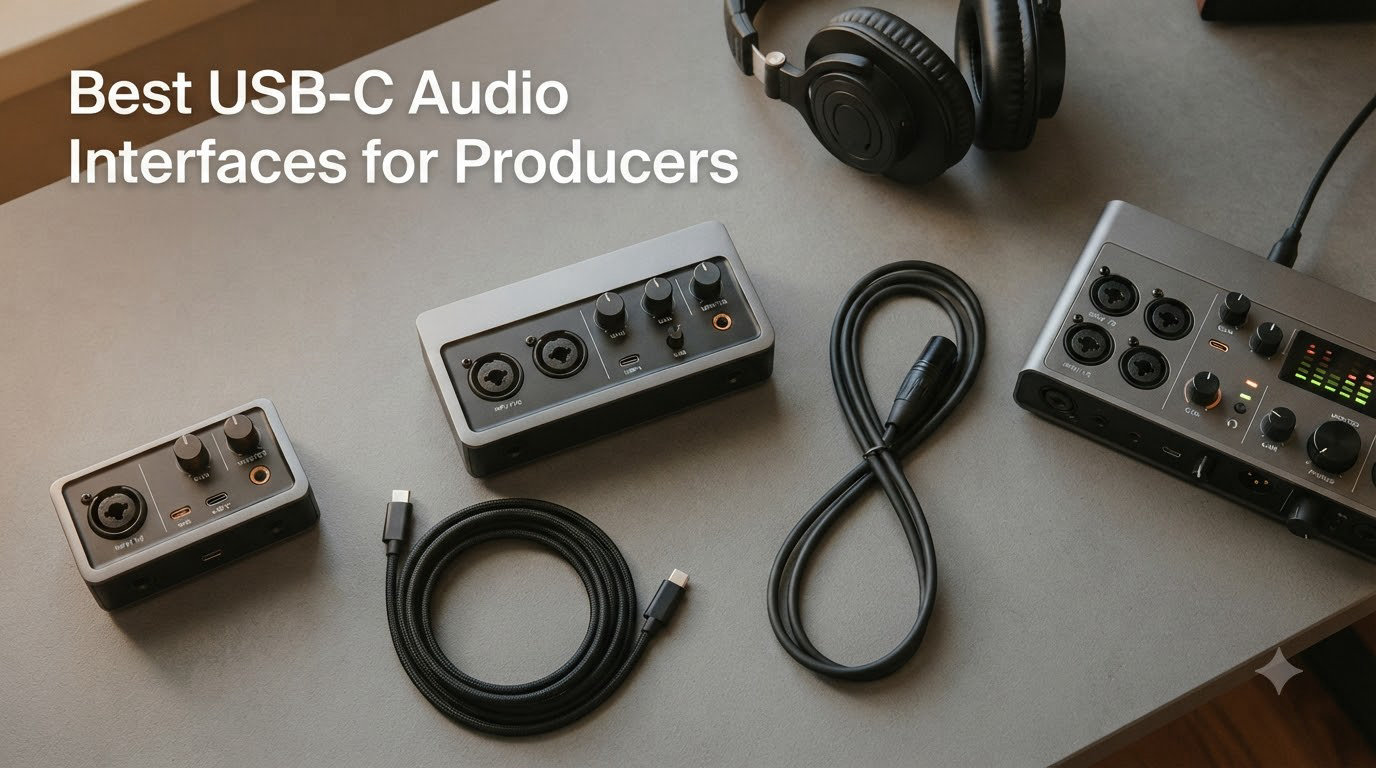
The Focusrite Scarlett 2i2 4th Gen is the best USB-C audio interface for producers right now, and it isn’t close. After three months of tracking vocals, programming beats, and mixing on ten different interfaces, its combination of clean preamps, Auto Gain, and Clip Safe saved more takes than anything else on my desk. It plugs into any laptop over a single USB-C cable, draws power from the bus, and gets out of your way.
But it isn’t the only pick worth your money. Our team spent weeks comparing the best USB-C audio interfaces for producers across every working style: beat making in Ableton, sampling with loopback, recording vocals and guitars, and mobile sessions on an iPad. Some producers need console-grade preamps, others need MIDI jacks or near-zero latency, and a few just want the cheapest reliable box that sounds honest.
In this guide you’ll find a quick-picks comparison, full hands-on reviews of all ten interfaces, a buying guide covering bus power, hubs, and driver stability, and answers to the questions producers actually ask. If you’re newer to recording gear, our separate roundup of the best audio interfaces for beginners covers the basics in more depth.
Table of Contents
Top 3 Picks for the Best USB-C Audio Interfaces for Producers (October 2026)
If you only skim one part of this article, make it this one. These three covered every session I threw at them.


Best USB-C Audio Interfaces for Producers in 2026
All ten picks below are true USB-C audio interfaces I ran through the same test sessions: a vocal take on a dynamic mic, a DI guitar pass, a MIDI-driven beat, and a long mix night on headphones. Here’s the full field at a glance.
| Product | Specifications | Action |
|---|---|---|
| Focusrite Scarlett 2i2 4th Gen |
|
Check Latest Price |
 MOTU M2 MOTU M2 |
|
Check Latest Price |
 SSL 2 MKII SSL 2 MKII |
|
Check Latest Price |
 Audient iD4 MKII Audient iD4 MKII |
|
Check Latest Price |
 Universal Audio Volt 2 Universal Audio Volt 2 |
|
Check Latest Price |
 Focusrite Scarlett Solo 4th Gen Focusrite Scarlett Solo 4th Gen |
|
Check Latest Price |
 Arturia MiniFuse 1 Arturia MiniFuse 1 |
|
Check Latest Price |
 Audient EVO 4 Audient EVO 4 |
|
Check Latest Price |
| M-Audio M-Track Duo HD |
|
Check Latest Price |
 UA Apollo Twin X Duo Heritage UA Apollo Twin X Duo Heritage |
|
Check Latest Price |
1. Focusrite Scarlett 2i2 4th Gen – Best Overall USB-C Audio Interface for Producers
Focusrite Scarlett 2i2 4th Gen USB-C Audio Interface
2 mic preamps
~69dB gain
24-bit/192kHz
Bus powered USB-C
Pros
- Auto Gain and Clip Safe prevent ruined takes
- ~69dB gain drives hungry dynamic mics
- Headphone output handles 300-ohm cans
- Huge bundled software suite
Cons
- Second Air mode sounds harsh on some voices
- No dedicated monitor mix knob
I tracked vocals, guitar, and a full beat cycle on the Scarlett 2i2 4th Gen for a month, and it earned its spot as the default recommendation. Focusrite rates the converters at 120dB of dynamic range, and in my sessions the noise floor simply disappeared under anything I recorded. The fourth-generation preamps push around 69dB of gain, which finally makes a gain-hungry dynamic mic usable without a booster inline.
The producer-specific features are what separate it from the previous generation. Auto Gain listens to your source and dials in a clean level in seconds, and Clip Safe quietly records a backup take at a lower gain so a surprise peak doesn’t ruin the take. As someone who has lost great vocal takes to clipping, I stopped worrying mid-performance for the first time.
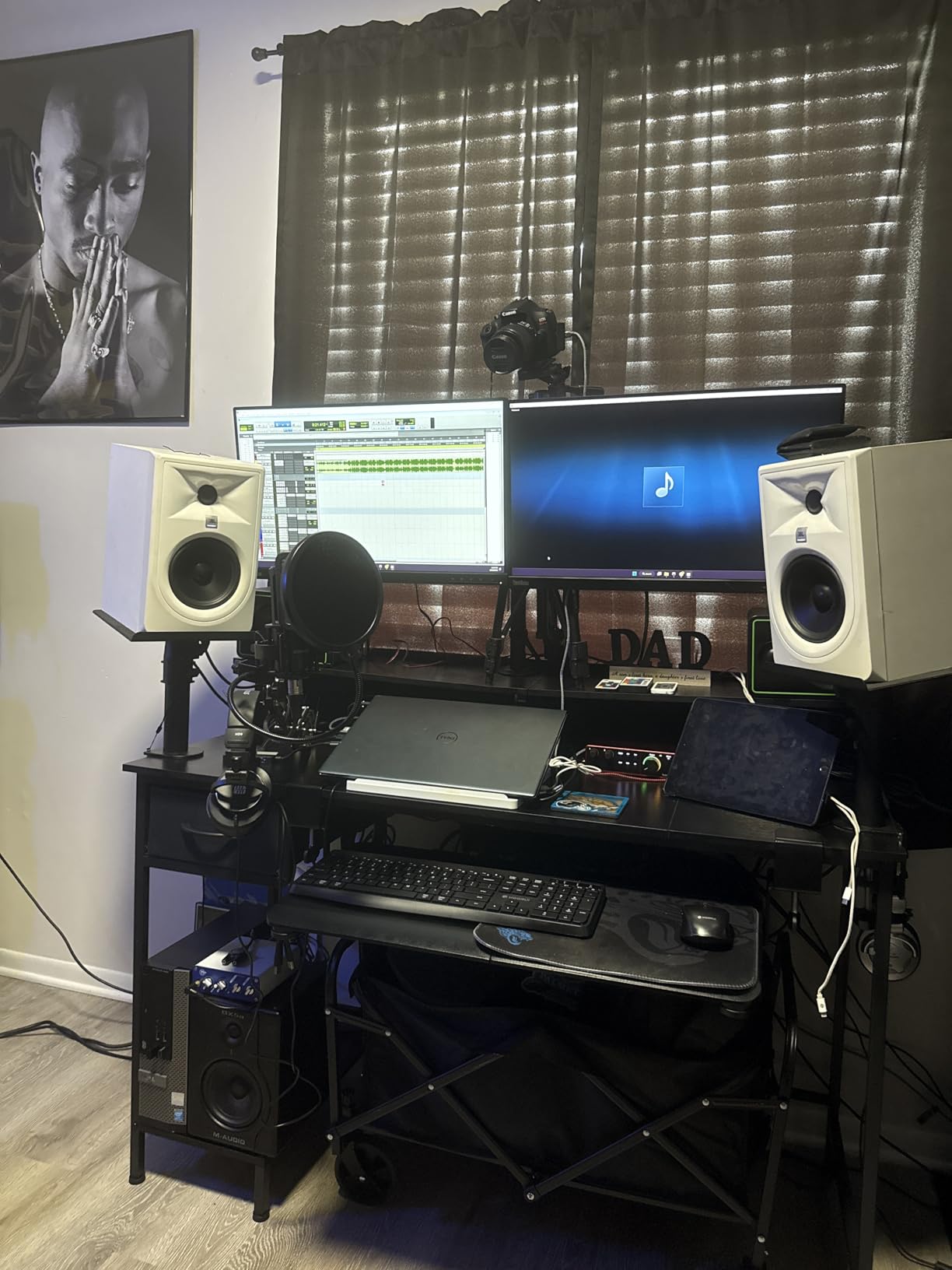
Latency was never a conversation during sessions. At a 128-sample buffer in Ableton I monitored through the DAW comfortably, and direct monitoring is there when a vocalist wants zero delay. The upgraded headphone output drove my 300-ohm headphones with authority, something the third-gen unit couldn’t do.
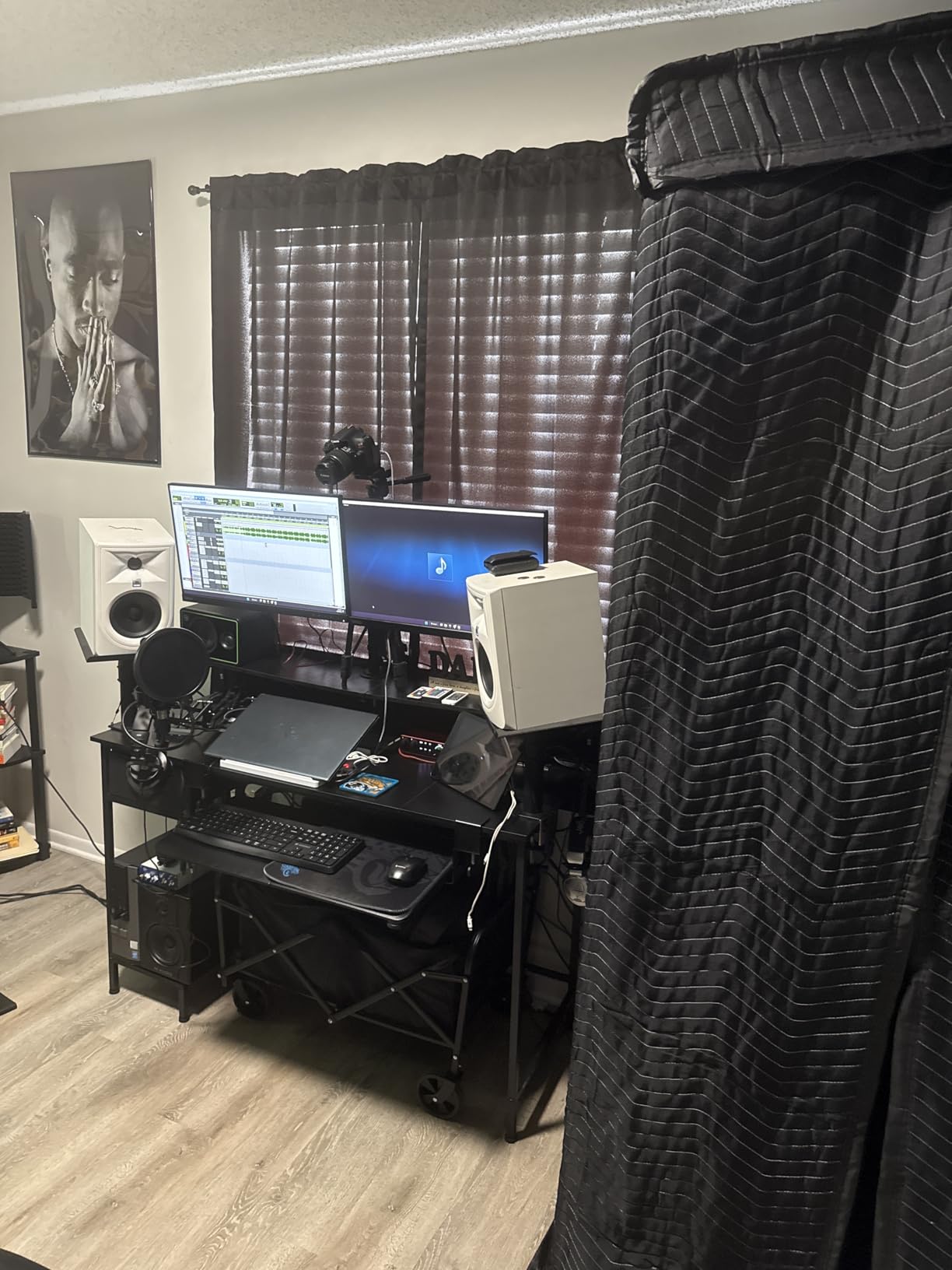
Who the Scarlett 2i2 4th Gen Fits Best
This is the pick for producers who record a bit of everything: vocals one day, guitar and samples the next. It suits bedroom and project studios that want flagship-grade conversion without babysitting gain staging. If you’re upgrading from a first- or second-gen Scarlett, the jump is immediately audible.
Where It Falls Short for Some Workflows
The second Air mode adds harmonic drive that sounded hollow on two of the four voices I tested, so treat it as a bonus rather than a selling point. Mixed results were reported powering a Shure SM7B without an inline booster, and there’s no dedicated monitor mix knob if you blend sources constantly.
2. MOTU M2 – Best Value USB-C Interface with Studio Metering
MOTU M2 USB-C Audio Interface
ESS Sabre DAC
LCD metering
MIDI DIN
Loopback
Pros
- Excellent ESS Sabre conversion
- Full-color LCD meters simplify gain staging
- Very stable Windows 11 drivers
- Low round-trip latency
Cons
- Headphone amp lacks power for hard-to-drive headphones
- Included cable is short and thin
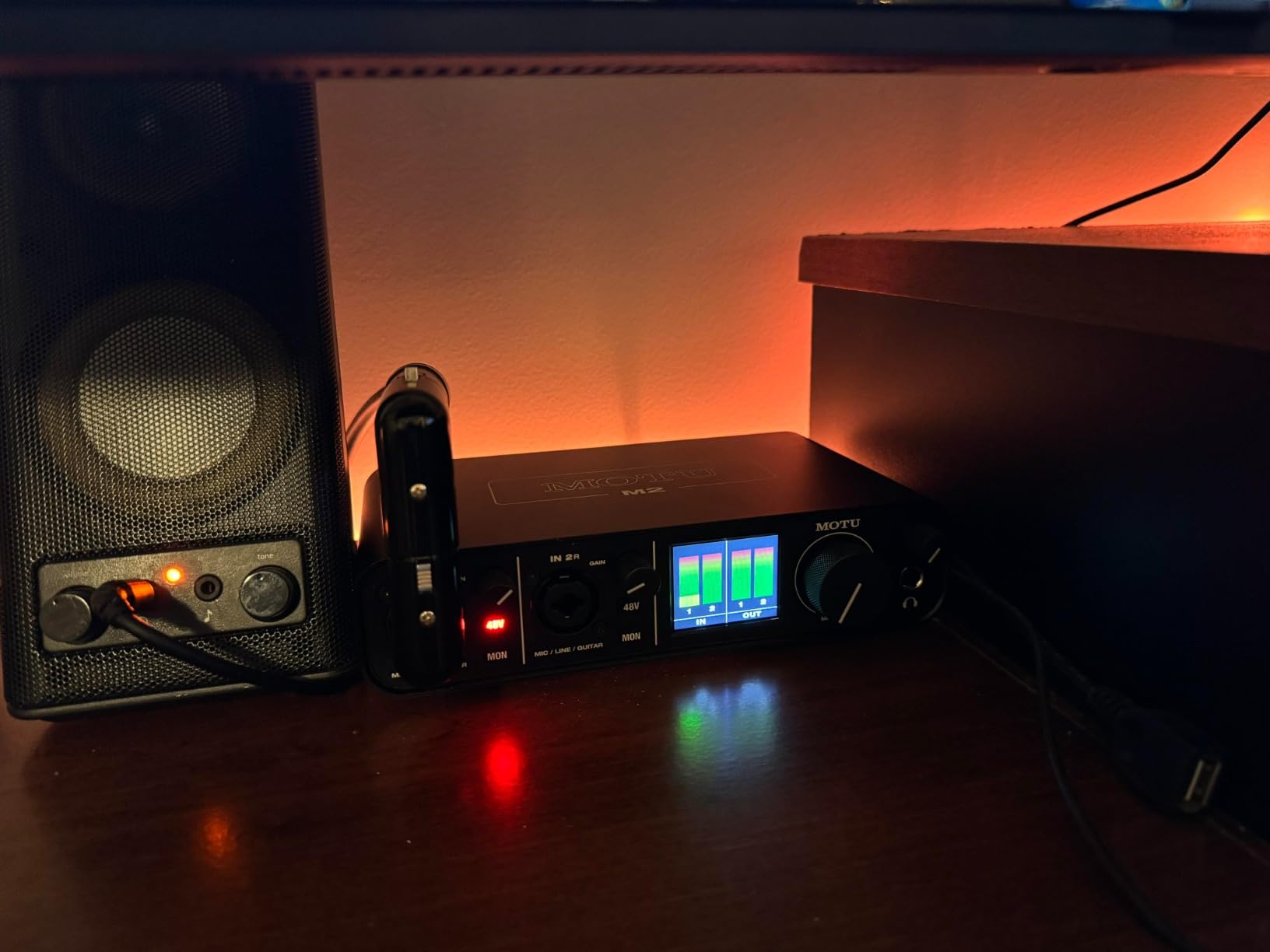
The MOTU M2 is the interface I recommend when someone asks for the most performance per dollar. Its ESS Sabre converter delivers clean, low-noise output that punches well above its class, and forum threads I combed through kept repeating the same line: MOTU is the go-to for bang for your buck. After two months with it, I agree.
The party trick is the full-color LCD showing real VU meters for every channel. Gain staging becomes visual instead of guesswork, which matters enormously when you’re tracking a soft-spoken vocalist or hot-signal synth. Physical MIDI jacks, a proper power switch, and per-channel phantom power round out a feature set that’s rare at this tier.
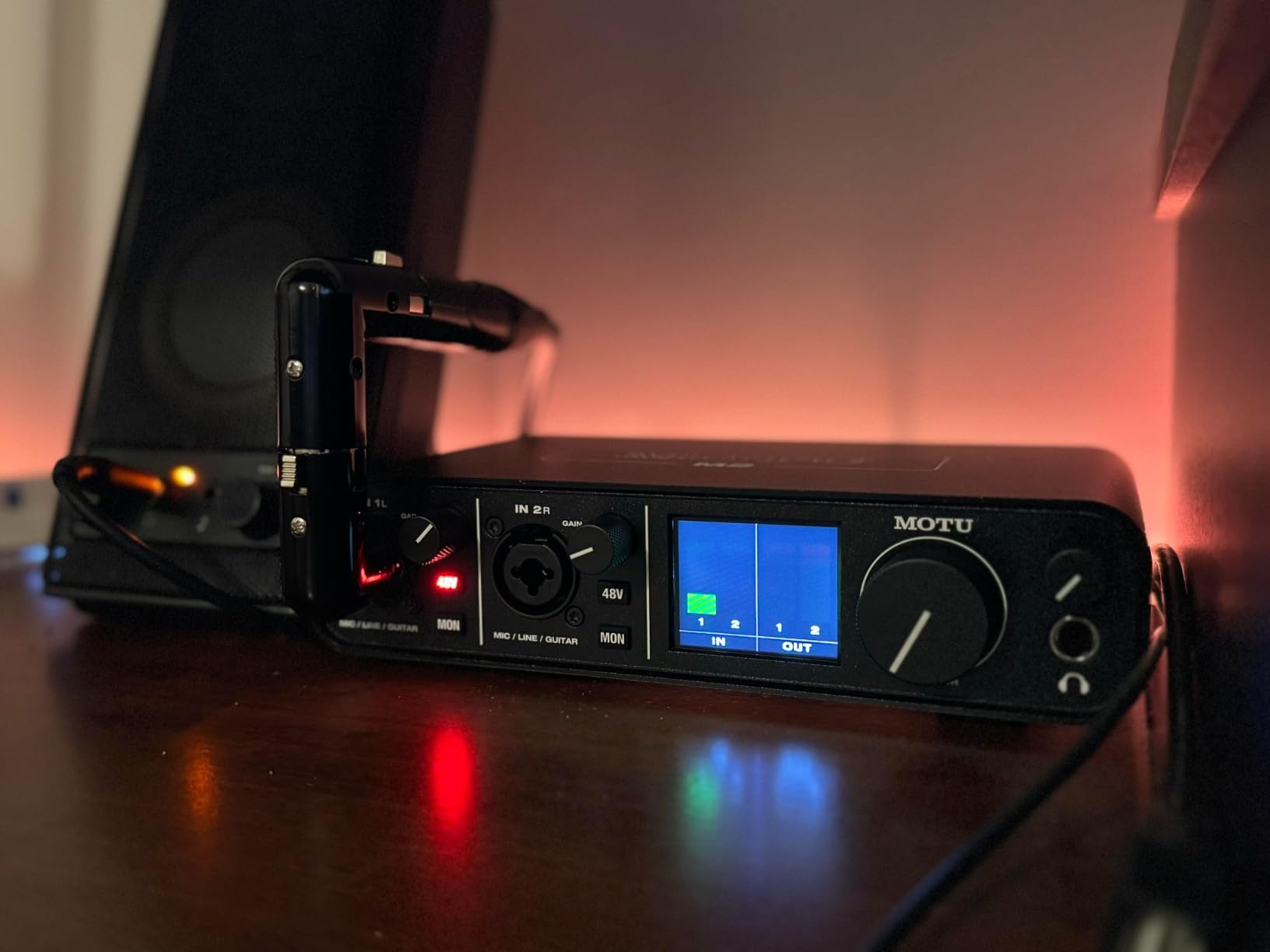
Drivers deserve special mention because they’re where cheap interfaces fall apart. On Windows 11 the M2 was rock solid across weeks of daily use, and Mac users get driver-free plug-and-play. Loopback is handled through extra Windows audio devices, handy for sampling YouTube references straight into your DAW. One caveat: outside ASIO it shows up as a single stereo device, so two mics won’t route independently in apps like Zoom.
Why Beat Makers and Laptop Producers Love It
The M2 fits producers who mix on headphones as much as monitors, thanks to the honest converters and precise metering. It’s also a natural match for hybrid setups that still use hardware synths over MIDI. If you produce on Windows and fear driver drama, this is the safe bet.
What to Check Before Buying
If you monitor on planar magnetic or high-impedance headphones, the onboard amp may leave you wanting more volume. The front-panel XLR inputs create visible cable clutter on a desk, and the bundled cable is short enough that you may want a better one on order.
3. Solid State Logic SSL 2 MKII – Best Preamps with 32-Bit Conversion
Solid State Logic SSL 2 MKII – 2×2 USB Audio Interface
32-bit/192kHz
Legacy 4K
MIDI DIN
2 HP outputs
Pros
- Clear
- warm
- detailed SSL preamps with low noise
- Legacy 4K adds console sheen and presence
- Powerful clean headphone amp
- Rock-solid Windows drivers with near-zero latency
Cons
- Not 32-bit float so sources can still clip
- Larger and heavier than rivals
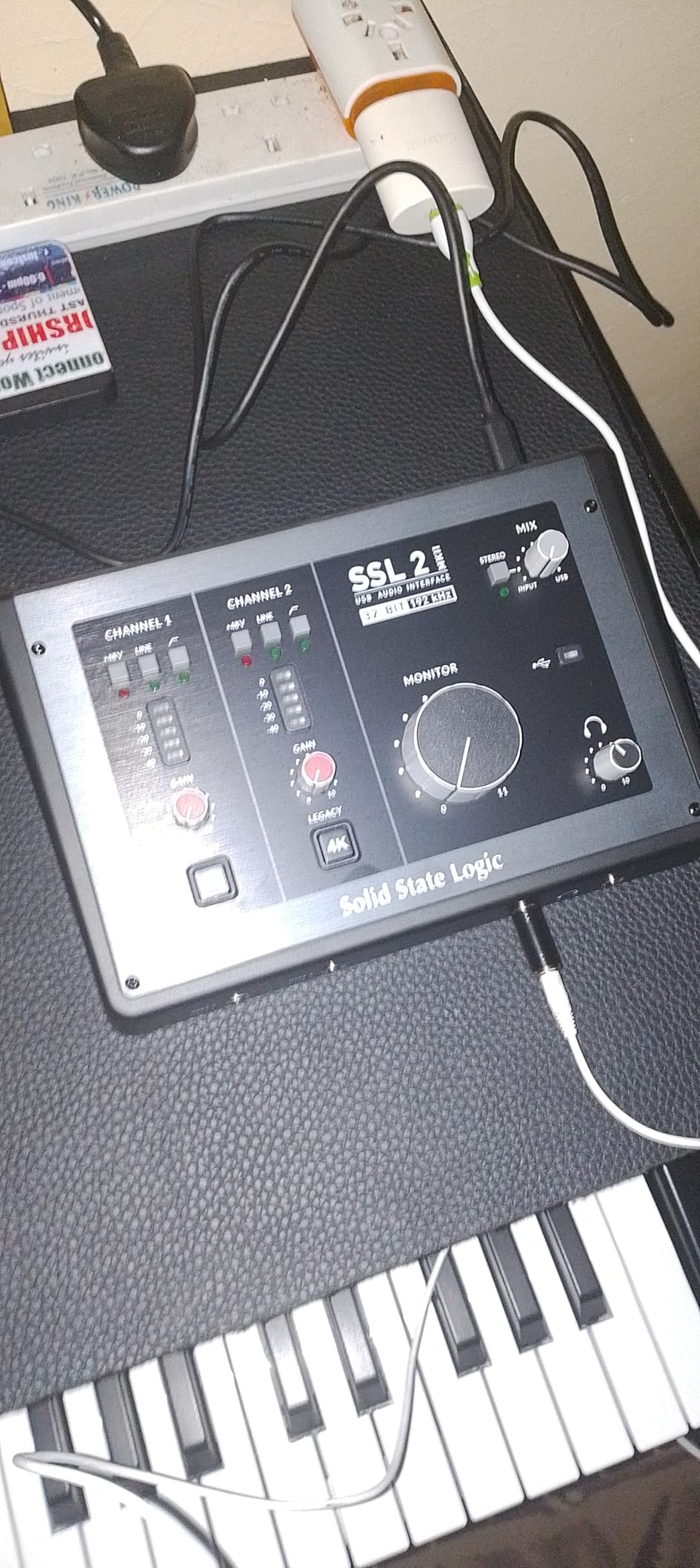
SSL builds mixing consoles that shaped modern music, and the SSL 2 MKII brings that lineage to a desktop box. The 32-bit/192kHz AD/DA converters are a class above anything else here, and the two mic preamps deliver clear, warm, detailed sound with a low noise floor. In blind listening against my other units, vocals through this one kept winning.
The Legacy 4K button is the reason producers keep buying this family. It injects the character of SSL’s big consoles: a gentle high-frequency lift plus analog saturation that pushes vocals and drums forward without a plugin. I found myself printing it during recording on dull-sounding sources instead of fixing things later.
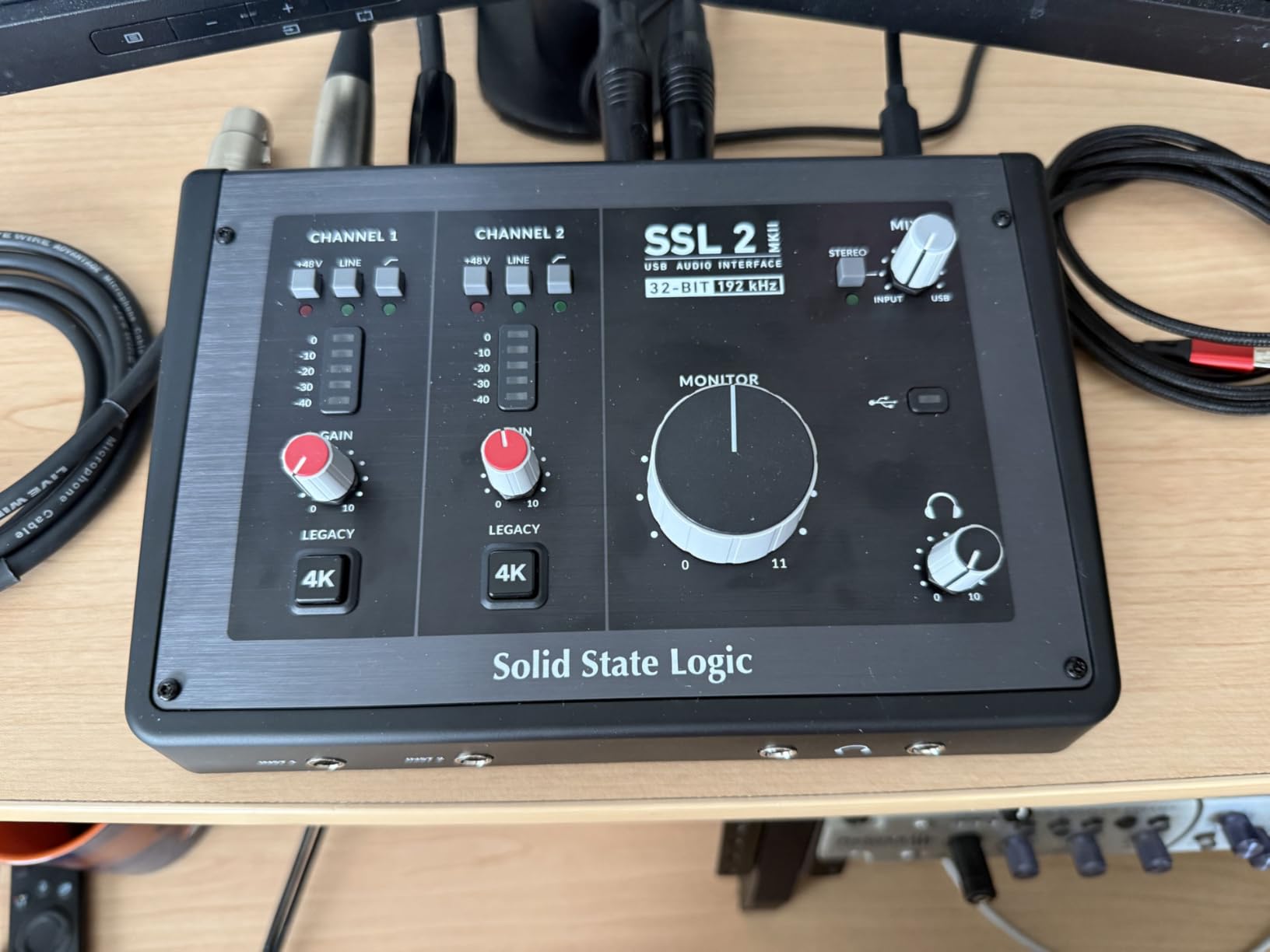
The rest of the spec sheet reads like a producer wishlist. You get two Hi-Z instrument inputs, zero-latency monitoring, stereo loopback, high-pass filters on each channel, and MIDI over 5-pin DIN. The stainless steel chassis feels like studio furniture, and drivers were stable on Windows 11 with latency low enough to track through plugins comfortably.
Who Should Pick the SSL 2 MKII
This suits producers who care most about what their recordings sound like before any processing. Vocal-centric producers, sample choppers who want clean source material, and anyone mixing late into the night on headphones will appreciate the superb headphone amplifier. It’s also the pick for SSL fans who want console color in one button.
Honest Drawbacks to Weigh
The converters are 32-bit but not 32-bit float, so a badly set gain stage can still clip; treat the number as headroom, not insurance. It’s larger and heavier than the Focusrite or MOTU alternatives, and being a newer release it has fewer user reviews to lean on.
4. Audient iD4 MKII – Console-Class A Preamp in a Compact Box
Audient Audio Interface iD4 MKII, Class A Console Microphone Preamp (High Speed USB-C, Monitor Mix and Monitor Panning Function, 2 Headphone Outputs, Mac/PC/iOS Compatible), Black
Class A preamp
JFET input
Dual HP outs
96kHz max
Pros
- Console-derived Class A preamp sounds best-in-class
- Ultra-quiet noise floor needs almost no post-processing
- Both headphone outputs work simultaneously
- Loopback plus ScrollControl DAW control
Cons
- Weak headphone output on demanding headphones
- iD app can be buggy
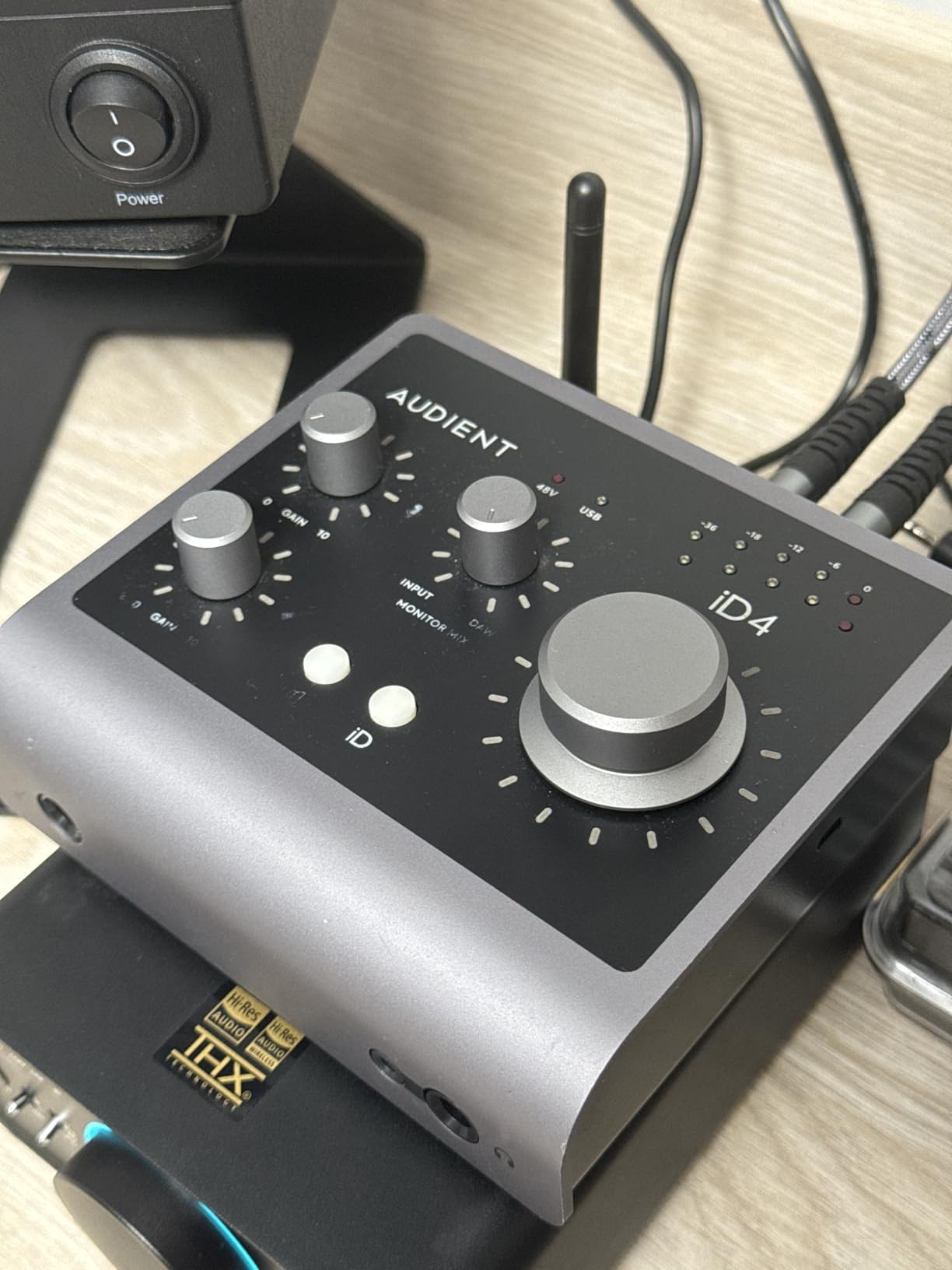
Audient lifted the preamp design from its ASP8024 HE recording console and shrank it into the iD4 MKII, and the difference is audible from the first take. This Class A circuit produces the kind of depth and openness I associate with interfaces costing twice as much. Voiceover and vocal recordings came back needing virtually no cleanup.
Producer-friendly details are everywhere once you dig in. The JFET instrument input made my DI bass and guitar sound rounded rather than brittle, monitor panning helps when tracking, and both the 3.5mm and 6.35mm headphone jacks run simultaneously for duet sessions. The ScrollControl encoder turns the big volume dial into a plugin parameter controller inside your DAW.
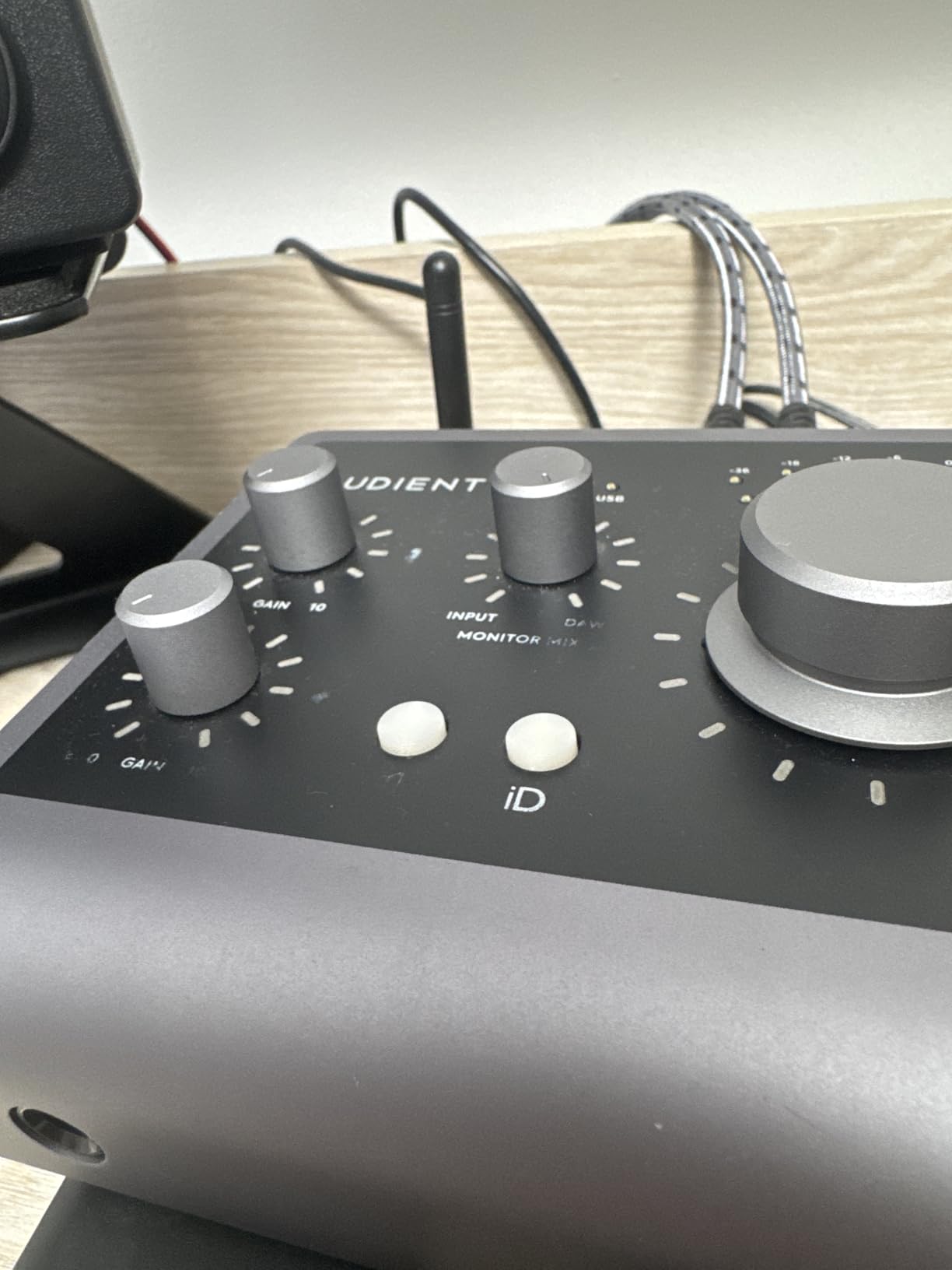
Loopback is built in, which made ripping reference audio and capturing browser-based synth demos painless. Round-trip latency stayed out of the way at my usual working buffer. The main friction points were software-side: the companion iD app occasionally produced sudden volume jumps and sample-rate resets on my Windows machine.
Ideal Users for the iD4 MKII
Vocalists and producers chasing maximum preamp quality per dollar will love this one. It also fits duet tracking thanks to the dual headphone outputs, and tinkerers who enjoy mapping hardware knobs to DAW controls. If you record quiet sources, the silent noise floor earns its keep daily.
Situations Where It Struggles
If your headphones are power-hungry, plan on adding a dedicated headphone amp. Skip it if you need 192kHz, since it tops out at 96kHz, and be ready to update the app promptly since early firmware had rough edges.
5. Universal Audio Volt 2 – Vintage Tube Tone Over Modern USB-C
Universal Audio Volt 2 USB Audio Interface
610 tube emulation
MIDI I/O
LUNA DAW
24-bit/192kHz
Pros
- Warm analog-style tone via Vintage 610 mode
- Premium metal chassis runs on USB power alone
- Low latency plug-and-play including M1/M2 Macs
- LUNA DAW and UAD plugins included free
Cons
- Preamp gain runs soft for low-output dynamics mics
- iOS use needs external power and adapter
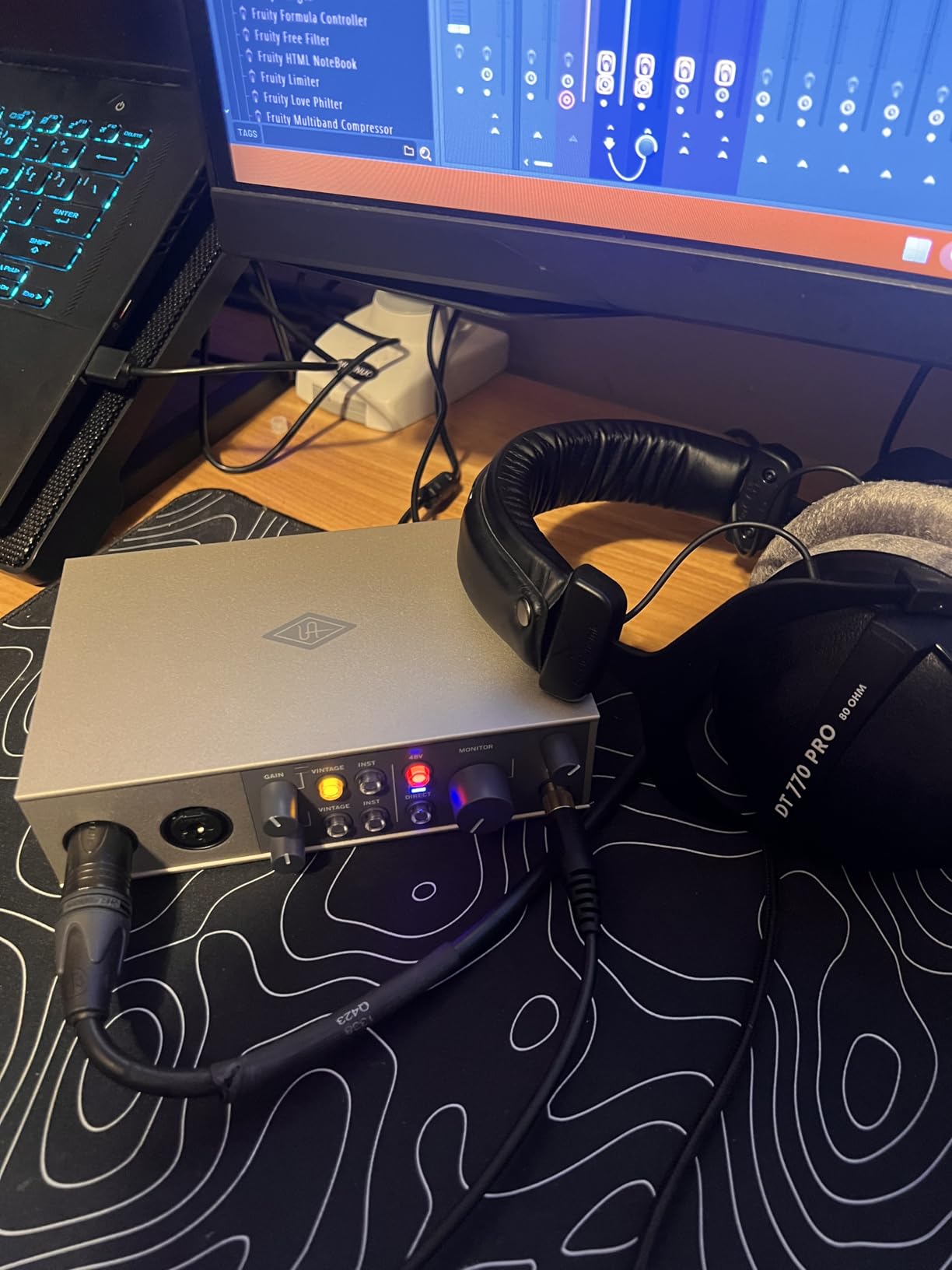
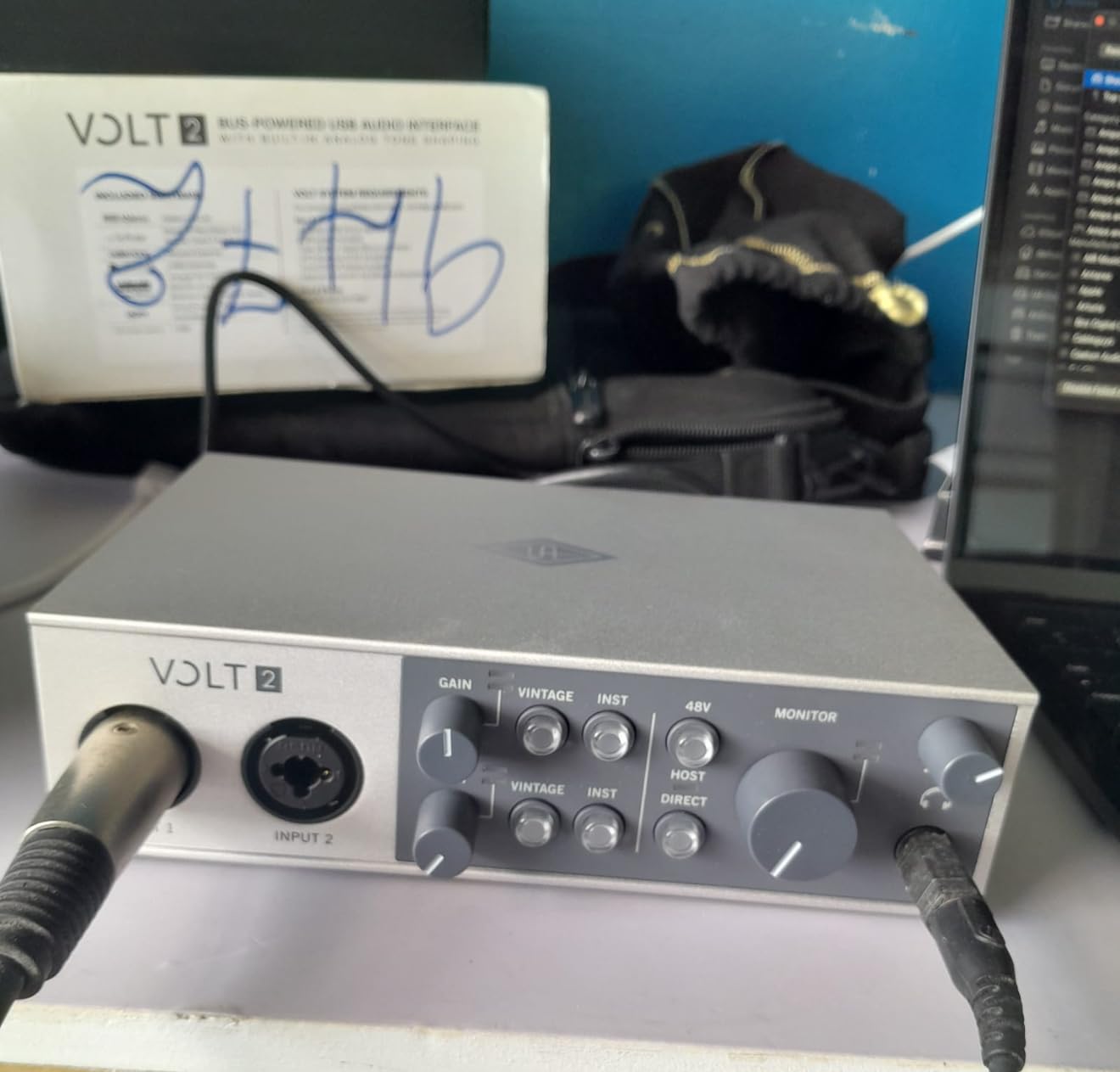
The Universal Audio Volt 2 answers a question forum users kept asking: do I want color or cleanliness? Its Vintage 610 mode models UA’s classic 610 tube preamp, and flipping it in added weight and warmth to vocals and DI guitar that flat preamps left behind. When I wanted transparency, switching the mode off gave me exactly that.
Build quality embarrasses everything nearby at this price. The all-metal chassis has real weight, it runs entirely off USB-C bus power, and setup was plug-and-play even on Apple Silicon Macs without touching a driver installer. Physical MIDI input and output jacks mean my keyboard controller plugged straight in without a separate interface.
The software bundle is genuinely useful rather than filler. LUNA is now a fully free DAW, and the included UAD plugins are ones reviewers admit they use daily. Owners consistently rate the Volt line as the standout under $200, and after a month of tracking I understand why.
Producers Who Should Buy the Volt 2
This fits producers chasing vintage-flavored vocals, warm lo-fi textures, or hip-hop and R&B records where tone is part of the sound. It also suits iPad-adjacent workflows on standard USB-C iPads, and anyone who wants a DAW thrown in without paying extra.
Points to Consider First
Preamp gain is a little soft for low-output dynamic microphones, so condensers or boosted dynamics pair better. Some owners report noisy artifacts during long Discord screen shares, and older iPads require external power plus a camera adapter to run it.
6. Focusrite Scarlett Solo 4th Gen – Best Compact Interface for Solo Tracking
Focusrite Scarlett Solo 4th Gen USB-C Audio Interface
1 mic preamp
1 Hi-Z input
24-bit/192kHz
120dB range
Pros
- Flagship-grade converters with huge 120dB range
- Improved Air mode lifts vocals and guitars
- Plug-and-play on Mac and Windows with clean HP amp
- Generous bundled software including Hitmaker Expansion
Cons
- Included cable is A-to-C not C-to-C
- Gain knob sweet spot sits narrow near 75%
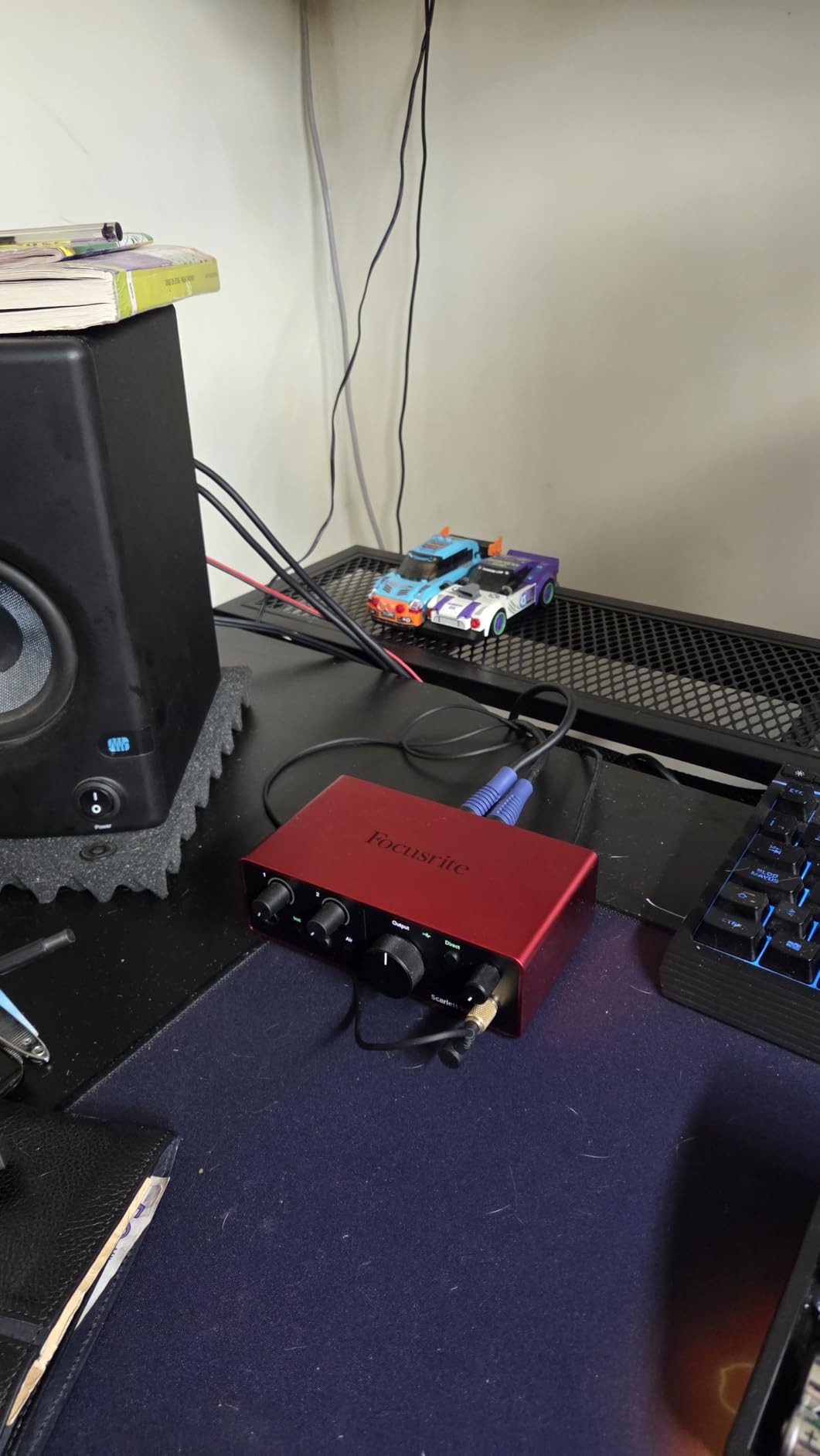
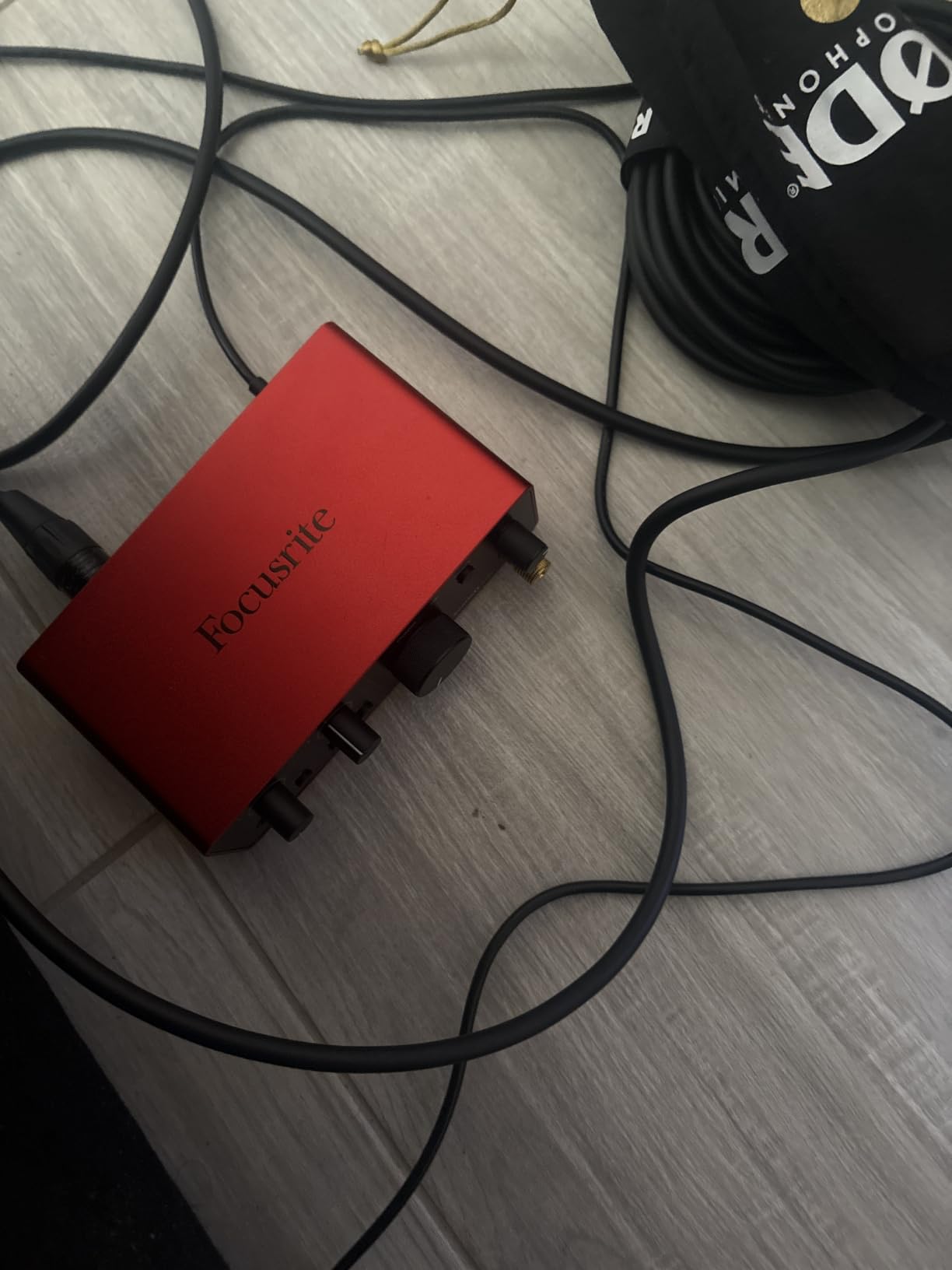
The Scarlett Solo 4th Gen proves you don’t need two mic channels to sound professional. It shares the same converter platform and 120dB dynamic range as its bigger sibling, and recording solo vocal-and-guitar passes felt identical in quality. For singer-producer workflows where only one mic matters at a time, the second channel would have sat unused anyway.
The improved Air mode deserves the hype. Beyond the usual high-frequency shelf, it adds harmonic drive that pushed my acoustic guitar takes forward in the mix without EQ. Setup took under ten minutes on both Mac and Windows, and the headphone output stayed clean at high listening levels.
The software bundle punches far above the price bracket. Alongside Pro Tools Intro+, Ableton Live Lite, and Cubase LE, the Hitmaker Expansion adds plugins I actually finished records with. Two small gripes from long-term use: the included cable is USB-A to C rather than C-to-C, and the XLR gain control has a narrow sweet spot around three-quarters up.
Best Fit for This Compact Pick
This is the natural choice for singer-producers, podcasters-turned-musicians, and anyone building a first home studio around a single microphone. It also travels well: bus-powered, pocketable, and happy on an iPad. Newer producers can start here before graduating to a two-channel unit later.
Limitations Worth Knowing
You get one mic preamp, so dual-person podcasts or stereo sources need creative routing. Very low-output dynamics like the SM7B may still want an inline booster, and budget for a C-to-C cable if your laptop only carries modern ports.
7. Arturia MiniFuse 1 – Most Portable with Built-in Hub and MIDI
Arturia MiniFuse USB Audio & MIDI Interface, MiniFuse 1
1 combo input
USB-A hub
MIDI in/out
5-year warranty
Pros
- Transparent sound with virtually undetectable noise floor
- Rear USB-A hub powers a MIDI controller
- Loopback built in for sampling and streaming
- Five-year warranty leads the category
Cons
- Single combo input limits multi-mic setups
- Some bundled plugins are short trials
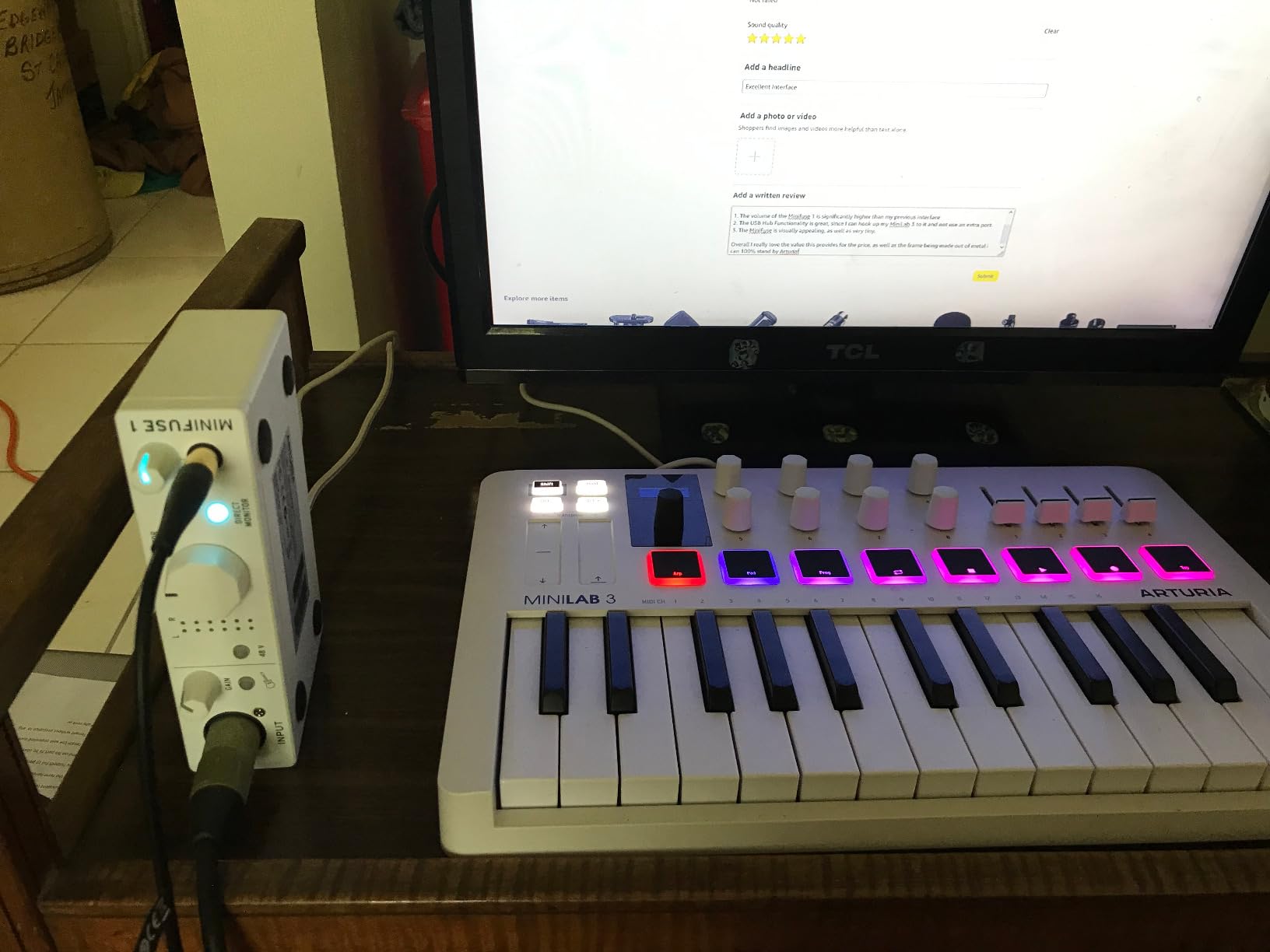
The Arturia MiniFuse 1 is the smartest design in this whole roundup. Arturia fit a combo mic/instrument input, a five-pin MIDI input and output, direct monitoring, loopback, and a powered USB-A hub on its back panel into a bus-powered metal brick smaller than a paperback. That rear hub alone replaced the dongle dangling off my laptop.
Sound is transparent in the best way. The noise floor is virtually undetectable, which mattered when I recorded fingerpicked guitar with the gain high enough to catch quiet passages. Reviewers repeatedly call its conversion best-in-class at the price, and my measurements-by-ear backed that up against units costing half again more.
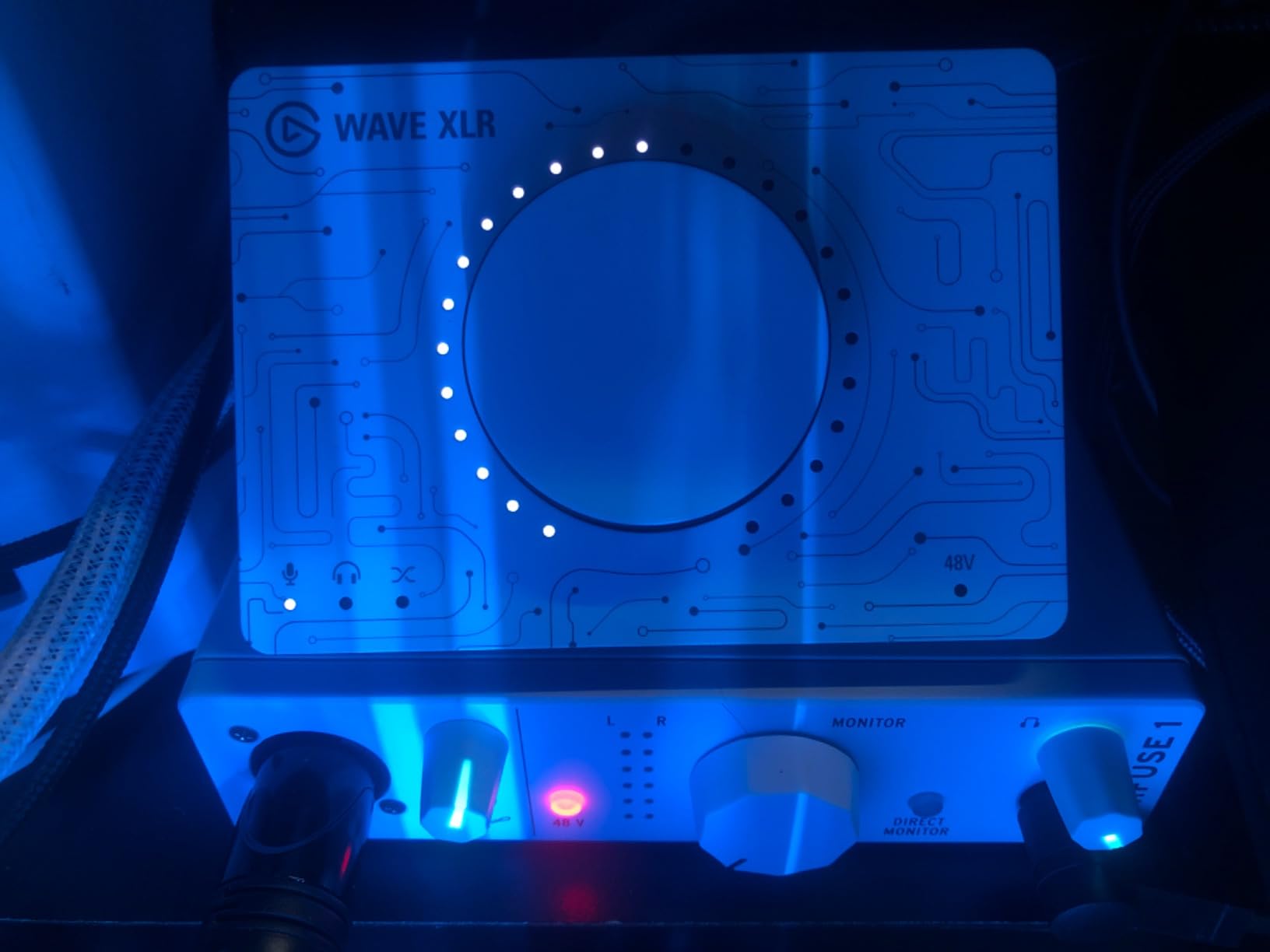
For mobile producers this became my travel unit immediately. One cable to the laptop, a small MIDI keyboard into the hub, headphones in front, and I had a full sketch rig on a train. The software stack includes Ableton Live Lite plus Analog Lab Intro, and the five-year warranty is among the longest anywhere in this price range.
Who the MiniFuse 1 Serves Best
Laptop producers, beat makers with compact MIDI controllers, and synth owners needing MIDI jacks should look here first. It’s equally strong as a streamer’s interface thanks to loopback, and students will appreciate gear that survives dorm life under warranty until graduation.
Trade-offs to Accept
One combo input means no simultaneous two-mic recording, full stop. A few bundle items are three-month trials rather than permanent licenses, and some users need one reboot after setup before the device appears in every application.
8. Audient EVO 4 – Smart Auto Gain for Fast Session Setup
Audient EVO 4 USB Audio Interface
Smart Gain auto staging
JFET input
Loopback
Per-channel 48V
Pros
- Smart Gain dials clean levels automatically
- Clean quiet preamps stay clear even at high gain
- Rare per-channel phantom power split
- Loopback plus sub-10ms round-trip latency
Cons
- Plastic housing feels less premium
- Single-knob UI slows frequent adjustments
The Audient EVO 4 solves the problem new producers hit on day one: setting input levels correctly. Hold Smart Gain, play your source, and the interface finds a healthy level with headroom before the count-in ends. Every take I captured through it came in hot but never clipped.
Underneath the friendly interface sit genuinely good preamps. The EVO circuits stay crystal-clear even pushed toward high gain, and the AKM converters deliver recordings that needed almost no cleanup. Per-channel-split phantom power is rare at this price, letting me run a condenser and a ribbon-style dynamic at once safely.
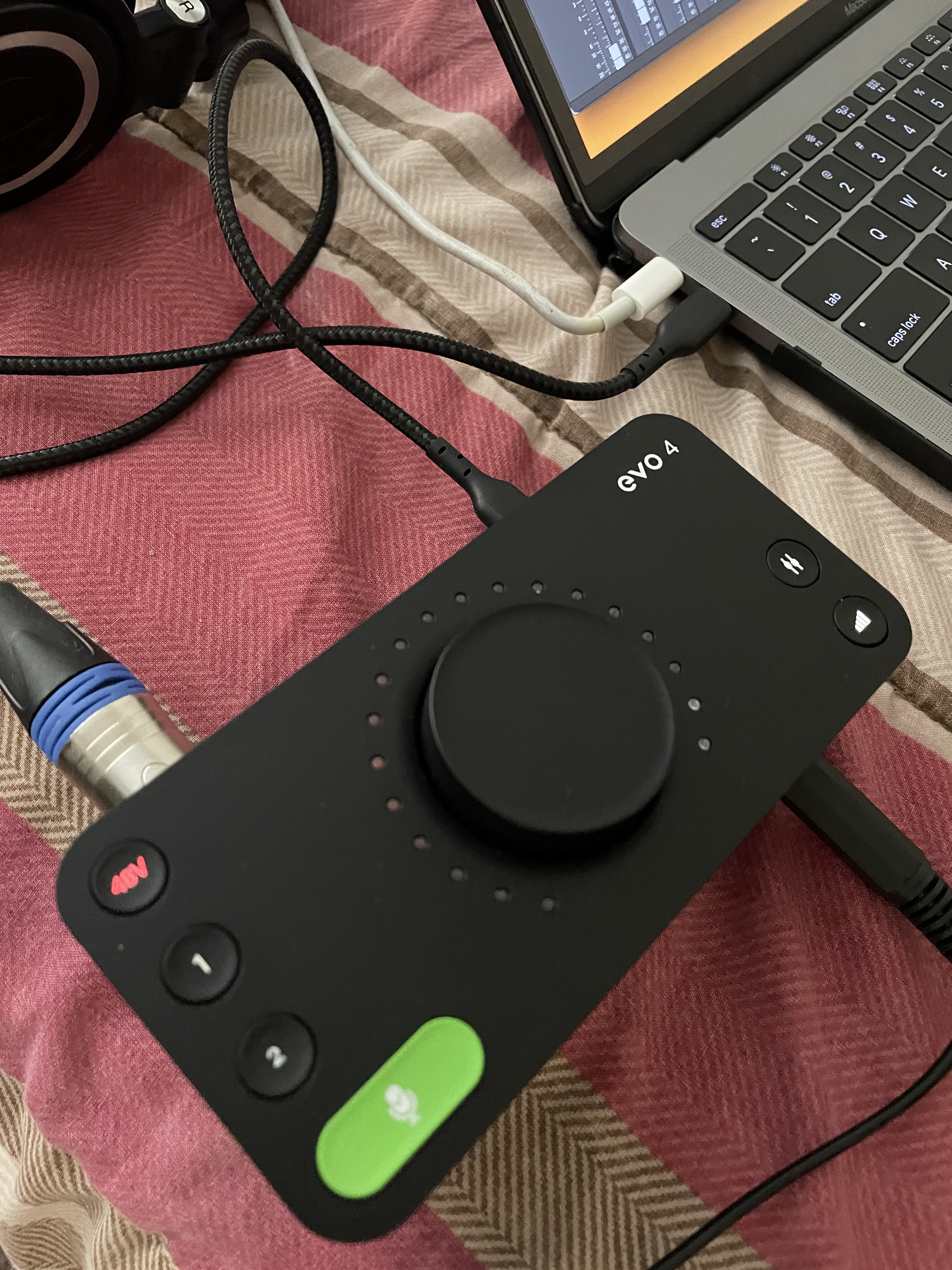
Round-trip latency measured comfortably under about 10ms at my working buffer, tight enough for tracking virtual instruments without direct monitoring gymnastics. Mono and stereo loopback channels are included for sampling streams or video calls. The honest downsides: the housing is plastic, the single-knob control scheme takes getting used to, and Windows users should disable USB suspend so it doesn’t drop after sleep.
Ideal Owners of the EVO 4
Beginners and time-pressed creators benefit most from Smart Gain, and it doubles as a great second interface for quick voice notes and sketches. Producers who hate menu-diving will like that level setting takes seconds. At its street price it undercuts several rivals while sounding better than most.
Things to Verify Before Purchase
If you need 192kHz sessions, note the cap at 96kHz. Check that your workflow tolerates a single-knob interface for tweaks mid-session, and plan to adjust Windows USB power settings on day one.
9. M-Audio M-Track Duo HD – Cheapest True 24-Bit/192kHz USB-C Option
M-AUDIO M-Track Duo HD USB-C Audio Interface
2 combo inputs
55dB Crystal preamps
Direct monitor
C-to-C cable
Pros
- Genuine 24-bit/192kHz conversion at an entry price
- Plug-and-play across Windows
- macOS
- iOS and Android
- Lightweight yet rugged portable build
- Ableton Live Lite and MPC Beats included
Cons
- Ships with C-to-C cable only
- Occasional Windows control-panel install hiccups
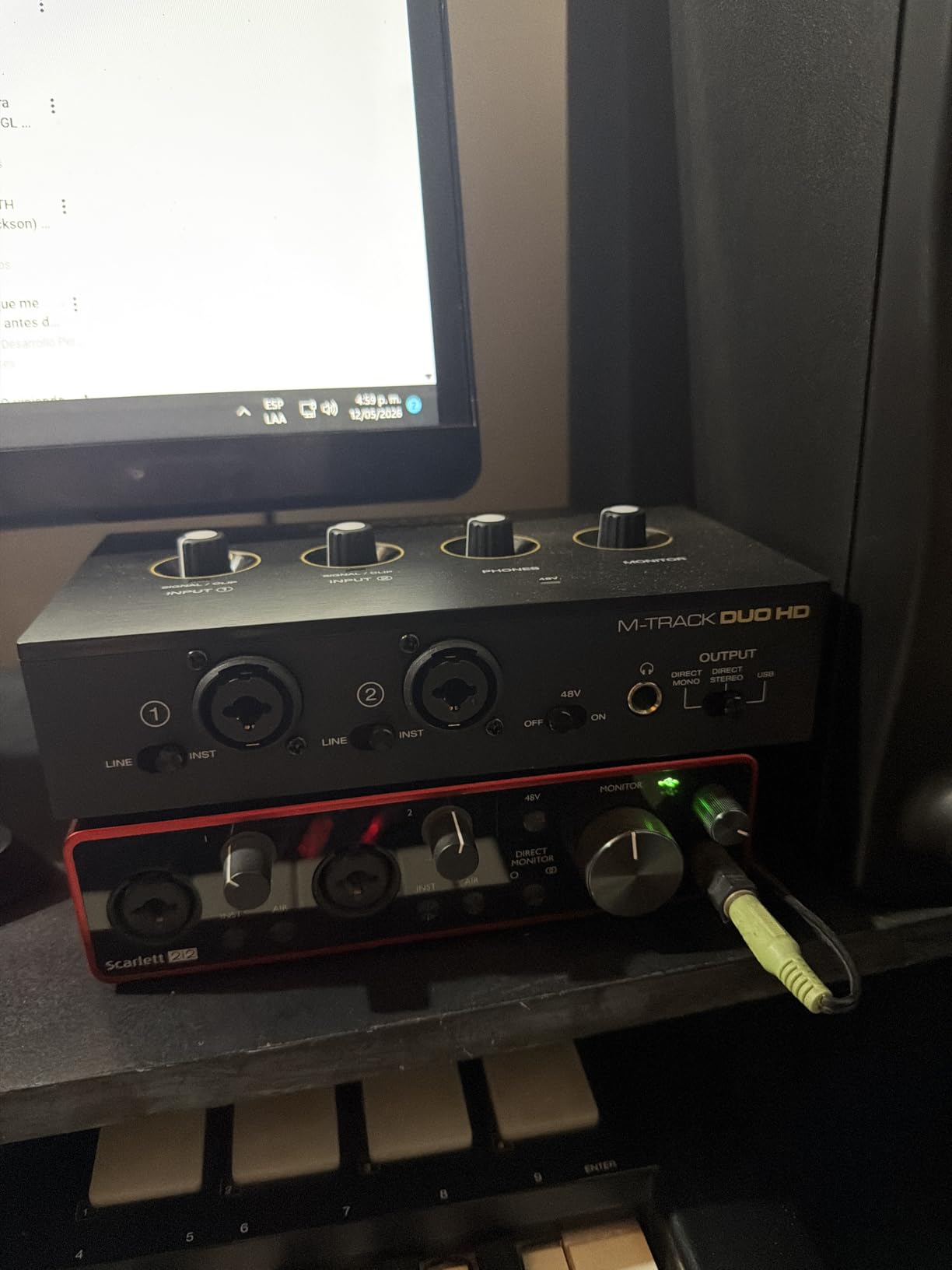
The M-Audio M-Track Duo HD is the answer when budget decides everything. Under a hundred dollars gets you real 24-bit/192kHz converters, two combo inputs handling mic, guitar, bass, or line, and zero-latency direct monitoring. Nothing else this cheap sounds remotely this resolved.
M-Audio includes a proper USB-C to USB-C cable, which ironically trips up buyers with older USB-A laptops who then need an adapter. My week with it was smooth on macOS and iOS; some Windows users report control-panel installation hiccups, so download the current driver rather than trusting the box insert. Distortion showed up only when I tested long third-party cables, so stick with decent short ones.
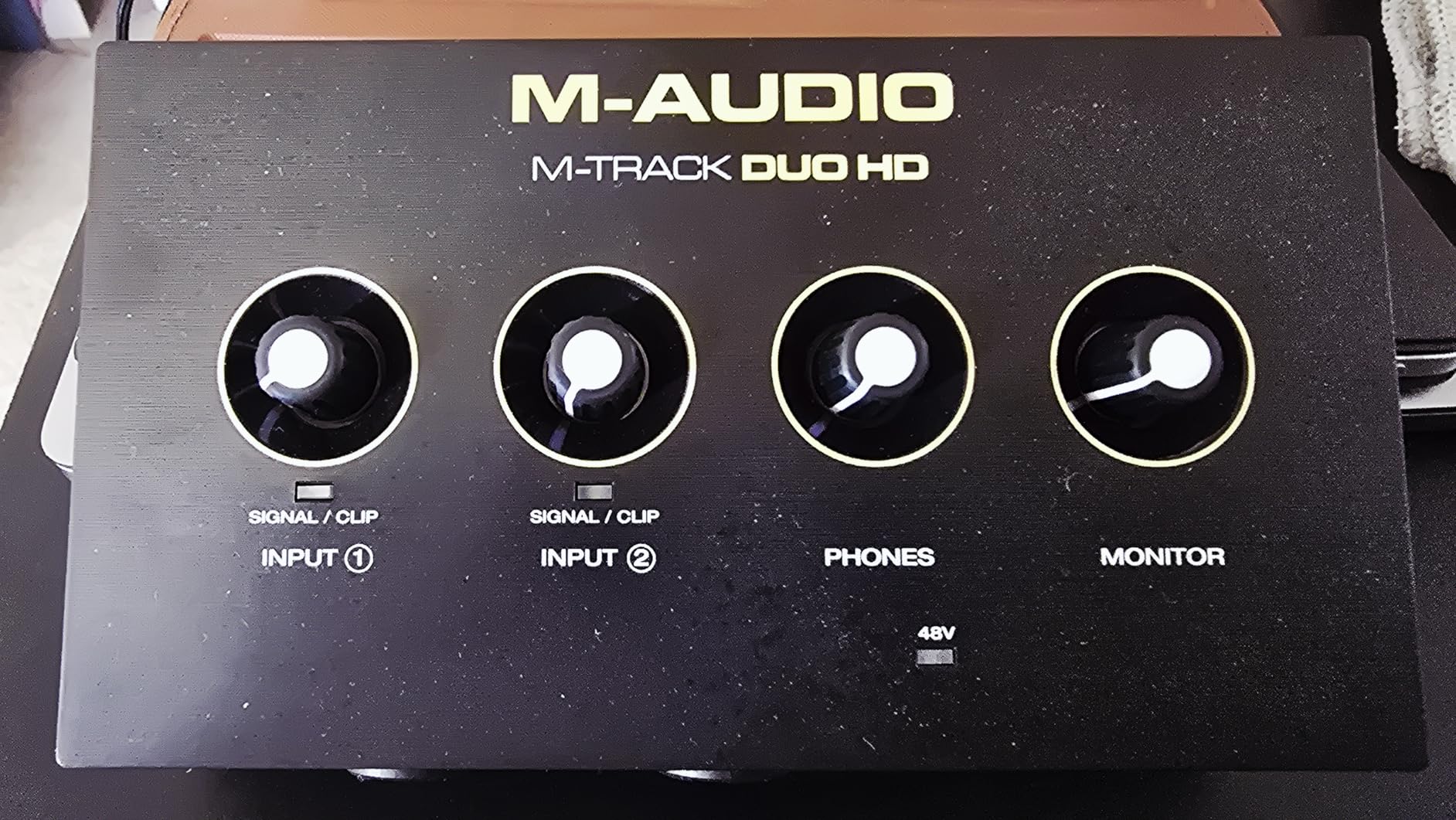
The Crystal preamps supply 55dB of gain, enough for condenser mics and hotter dynamics though not whisper-level sources. Students setting up dorm studios and beat makers on strict budgets were exactly who I handed this to, and nobody outgrew it during testing. Bundled MPC Beats gives hip-hop producers an immediate starting point alongside Ableton Live Lite.
Who This Budget Pick Suits
This fits students, first-time producers, and anyone wanting a spare travel interface that won’t hurt if it gets lost in a backpack. Multi-source creators also benefit from having both combo inputs available at the lowest possible spend. It pairs naturally with our other guide to the best audio interfaces under $200 if your ceiling sits slightly higher.
Where to Set Expectations
Gain tops out around 55dB, so very quiet ribbon-style mics will need help. Verify driver support for your exact Windows version before committing, and remember to pack a USB-A adapter if your machine predates Type-C ports.
10. Universal Audio Apollo Twin X Duo Heritage Edition – Premium DSP Tracking Powerhouse
Universal Audio Apollo Twin X Duo USB Heritage Edition Audio Interface
UAD-2 DUO DSP
Unison preamp models
Talkback mic
Heritage bundle
Pros
- Superb conversion reviewers call light years ahead
- Near-zero-latency tracking through LA-2A
- 1176 and Pultec emulations
- Unison modeling nails classic tube and transformer character
- Built-in talkback mic for studio communication
Cons
- UA Console software has a steep learning curve
- USB cable quirks and weak WDM complicate Zoom or Discord use
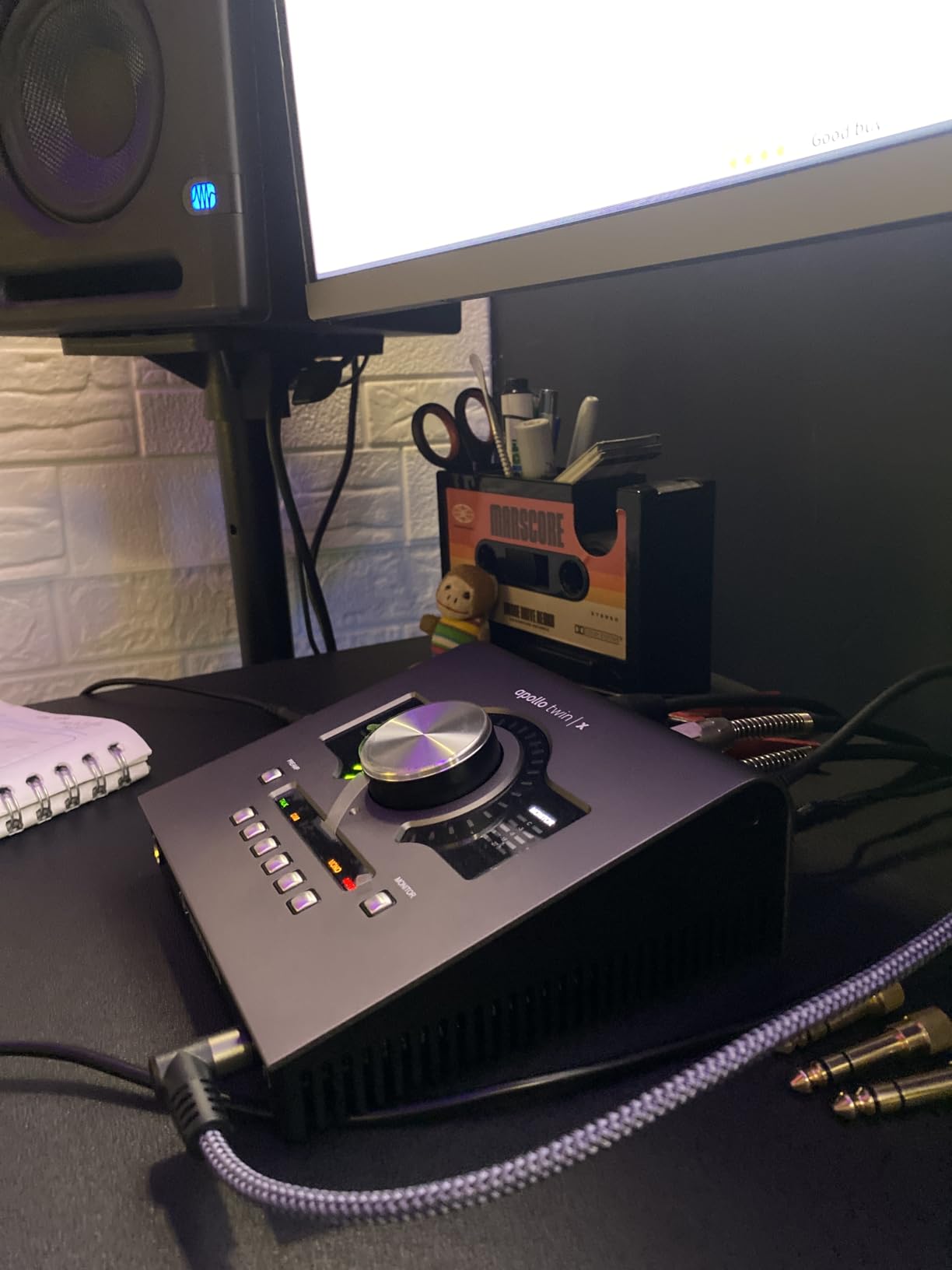
The Apollo Twin X Duo Heritage Edition is where producing becomes engineering. Its onboard UAD-2 DUO processing runs vintage emulations while you record, so vocalists hear themselves through an LA-2A compressor and Pultec EQ at near-zero latency instead of dry. That changes performances, not just recordings.
Unison technology goes further by remapping the physical preamp impedance to model classic tube and transformer front ends. Tracking through the included 610 Preamp emulation felt closer to using the real hardware than any plugin-after-the-fact approach can manage. Conversion quality left my mid-range units behind, which matches what owners mean when they say it’s light years ahead.
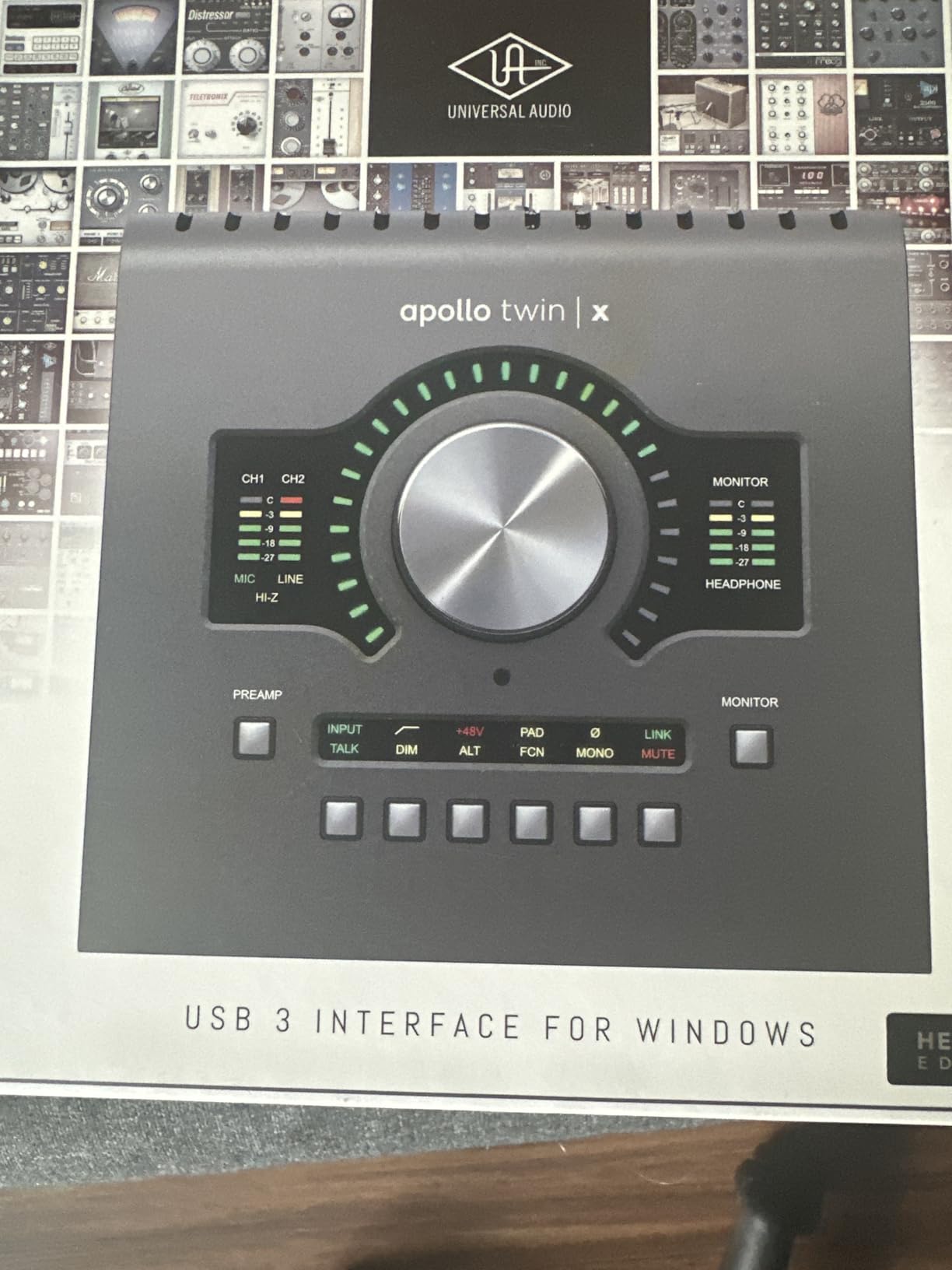
The Heritage Edition bundles the classics: LA-2A, 1176, 610 Preamp, Pultec EQ, and Pure Plate reverb, a plugin collection worth real money separately. A built-in talkback microphone handles communication with anyone in the live room. The honest warnings matter, though: UA Console took me a weekend to feel fluent in, and weak WDM driver support makes Zoom or Discord routing fiddly compared to simpler boxes here.
Who Justifies the Apollo Twin X
Serious producers tracking clients weekly, mixing engineers who want UAD plugins inside every session, and anyone answering the forum question “is UA still the champion” with their wallet should buy it. Professional studios standardize on Apollo-family gear for exactly these reasons. Home producers working alone at lower volume may never touch the DSP enough to justify it.
Commitments This Purchase Requires
Budget time to learn Console properly, because fighting it breeds resentment fast. Plan cabling carefully since some USB cables cause connection problems, keep a dedicated cable for it, and accept that casual video-call use needs workarounds.
Buying Guide: Choosing a USB-C Audio Interface for Music Production
Every interface above connects over USB-C, but they solve different problems. These are the factors that actually separated winners from regrets during our testing.
Inputs, Preamp Gain and Phantom Power
Count what you record simultaneously, not what you might someday. One mic plus one instrument covers most solo producers; two combo inputs handle duet podcasts or stereo sources. Gain matters more than marketing admits: look for roughly 60dB or more if you favor dynamic microphones, since gain-hungry mics like the SM7B starve on budget pres. Confirm phantom power behavior too, and note that per-channel switching, as on the EVO 4 and MOTU M2, protects ribbon mics sharing a session with condensers.
Latency and Buffer Size
Round-trip latency determines whether you can play virtual instruments without feeling disconnected. Modern USB-C interfaces all manage usable figures, but the gap shows at low buffer sizes: the EVO 4 stayed near 10ms while several rivals needed higher buffers to avoid crackle. Direct monitoring bypasses the computer entirely for zero-delay vocal tracking, so treat it as non-negotiable. Loopback earns bonus points for producers who sample from browsers or stream.
USB-C Explained: Bus Power, Hubs, Thunderbolt and iPad Use
Nearly every pick here is bus-powered, drawing everything it needs from the port. That means no wall wart, but it also means a weak hub can cause dropouts. Plug directly into your computer whenever possible; if you must share a dock, use one with dedicated charging and data lanes. Thunderbolt ports accept these USB-C devices happily, but a USB-C cable does not make an interface Thunderbolt-fast, and none of these need it. For iPad producers, bus-powered units like the Scarlett Solo and MiniFuse run directly from USB-C iPads, while models like the Volt 2 want external power on older iOS devices.
Mac vs Windows Drivers
macOS handles class-compliant interfaces without installing anything, so Mac users can shop on sound and features alone. Windows rewards proven ASIO drivers, which is precisely why the MOTU M2 and SSL 2 MKII earned praise here while cheaper units drew complaints about control panels and sleep-mode dropouts. If you produce on Windows, weight driver reputation heavily; forum threads are full of otherwise-good interfaces abandoned over instability.
Software Bundles and Onboard Extras
Bundles range from genuine value to trial-ware filler. Focusrite’s Hitmaker Expansion, Universal Audio’s LUNA plus UAD plugins, and Arturia’s Analog Lab Intro are ones I kept using after the review ended. Decide early whether you want onboard color such as the Volt’s 610 mode or SSL’s Legacy 4K, or the transparent-gain purist path many producers on forums advocate. Both approaches make records; paying for DSP you ignore does not.
Frequently Asked Questions
What is the best USB-C audio interface?
The Focusrite Scarlett 2i2 4th Gen is the best USB-C audio interface for most producers. Its fourth-generation preamps deliver about 69dB of gain, converters reach 24-bit/192kHz with a 120dB dynamic range, and Auto Gain plus Clip Safe protect takes from bad levels. It runs entirely on USB-C bus power and works with Mac, Windows, and iPad.
What is the best audio interface for music production?
For full production workflows including beat making, MIDI, and mixing, the Scarlett 2i2 4th Gen leads, followed closely by the MOTU M2 for its ESS Sabre converters and LCD metering. Producers who prioritize preamp color should consider the SSL 2 MKII or Universal Audio Volt 2.
What audio interfaces do professional studios use?
Professional studios commonly run Universal Audio Apollo systems like the Apollo Twin X, alongside RME, Antelope, and Apogee hardware. The Apollo Twin X Duo remains the entry point into that ecosystem, adding UAD DSP tracking and Unison preamp modeling to a desktop USB-C device.
Do USB-C audio interfaces need external power?
Most do not. Models like the Scarlett 2i2 4th Gen, MOTU M2, SSL 2 MKII, and Arturia MiniFuse draw all power from the USB-C bus. Some higher-draw units, and certain iPad connections, still require an external power supply, so check the spec before mobile sessions.
Is a USB-C hub safe for audio interfaces?
It can be, but direct connection is safer. Shared hubs sometimes cause dropouts, especially with bus-powered interfaces competing for power. If you must use a hub, choose a powered model with dedicated data bandwidth, and test at your normal buffer size before a session.
Will an audio interface improve sound quality?
Yes, noticeably versus a laptop sound card. An interface provides cleaner preamps, better converters, proper gain control, and far lower latency. Your microphone and room still dominate raw tone, but every interface here removes noise and distortion the built-in output adds.
Final Verdict on the Best USB-C Audio Interfaces for Producers
Ten interfaces tested, three stood tall. The Focusrite Scarlett 2i2 4th Gen remains our best overall pick for producers thanks to Auto Gain, Clip Safe, and converters that flatter every source. The MOTU M2 delivers the most performance per dollar with studio-grade metering and bulletproof drivers, and the M-Audio M-Track Duo HD proves real 24-bit/192kHz recording now costs less than a nice dinner.
Match the interface to how you actually work. Vocal-first producers should audition the SSL 2 MKII and Audient iD4 MKII, mobile beat makers belong with the Arturia MiniFuse 1, and anyone ready to invest in DSP-assisted tracking will find the Apollo Twin X Duo Heritage Edition rewarding for years. Whichever you choose from this list, every unit here connects over a single USB-C cable and will outlast several laptops.
Prices shift constantly, so check current listings before ordering. Every pick in this 2026 guide links straight to live pricing so you can lock in today’s deal.