

The best wifi 6 routers under 200 dollars do not need to cost the whole budget. We compared eight models from TP-Link, ASUS, NETGEAR, GL.iNet and Linksys, and the Archer AX21 V5 came out on top thanks to a proven 4.4 star rating across more than 24,000 reviews, dual-band 802.11ax hardware and coverage that suits an apartment or a single-storey home. Spend closer to the full 200 dollars and the GL.iNet Flint 2 takes over, because its two 2.5 Gbps Ethernet ports and pre-installed OpenWrt software are genuinely rare at this price.
Before the list, one honest caveat that most roundups skip: entry Wi-Fi 7 hardware has landed at the same street level as these Wi-Fi 6 models. That does not make Wi-Fi 6 obsolete, and we explain why further down, but it does change how you should think about spending. You are not buying a dying standard here. You are buying the cheapest hardware tier where gigabit WAN ports, WPA3 and modern traffic management are standard rather than optional extras.
Our price check was done in October 2026 and every router listed here sits below the 200 dollar ceiling. Prices in this band move constantly, so treat the figures you see at checkout as the real ones and use our ordering as a guide to features rather than to a specific number. We also want to be straight about method: this ranking is built from published specifications, manufacturer documentation and analysis of tens of thousands of customer reviews, not from lab measurements of our own. We have not run throughput tests at fixed distances, and we will not pretend otherwise.
If your interest leans toward gaming latency rather than raw coverage, our picks for the best wifi routers for gaming cover a wider price range. For shared workspaces and video calls, we have a separate guide to wifi 6 routers for home offices.
Table of Contents
Top 3 Picks for the Best Wi-Fi 6 Routers Under $200 (October 2026)

TP-Link Archer AX21 V5
- AX1800 dual-band 802.11ax
- Up to 1200 Mbps on 5 GHz
- Four antennas with beamforming and FEM
- OpenVPN and PPTP VPN server

GL.iNet Flint 2
- AX6000 aggregate dual-band
- Two 2.5 Gbps Ethernet ports
- Quad-core 2 GHz CPU with 1 GB RAM
- Pre-installed OpenWrt with WireGuard

TP-Link Archer AX55
- AX3000 class with 2402 Mbps on 5 GHz
- 512 MB RAM and larger heat sink
- USB 3.0 port and VPN client support
- OFDMA and Target Wake Time
All three of those routers can be recommended without asterisks. The AX21 is the safe default for most households, the Flint 2 is the one to buy if your internet plan is gigabit fibre or if you want control over your network, and the AX55 sits in the middle as the sensible step up.
All Eight Routers at a Glance
| Product | Specifications | Action |
|---|---|---|
| TP-Link Archer AX21 V5 |
|
Check Latest Price |
| GL.iNet Flint 2 GL-MT6000 |
|
Check Latest Price |
| TP-Link Archer AX55 |
|
Check Latest Price |
 ASUS RT-AX1800S ASUS RT-AX1800S |
|
Check Latest Price |
 NETGEAR Nighthawk RAX36 NETGEAR Nighthawk RAX36 |
|
Check Latest Price |
 TP-Link Archer AX10 TP-Link Archer AX10 |
|
Check Latest Price |
 NETGEAR Nighthawk R6700AX NETGEAR Nighthawk R6700AX |
|
Check Latest Price |
 Linksys MR20EC Linksys MR20EC |
|
Check Latest Price |
How We Chose These Routers
Every router in this list was judged on the same four things, in this order: real-world throughput headroom, Ethernet port configuration, software quality including whether management features are free, and the size of the review base behind the rating.
Review volume mattered more than usual here. A 4.4 rating built on 24,000 reviews tells you something very different from a 4.5 rating on 236 reviews, and we weighted the former. We also read the one-star and two-star themes rather than skimming the five-star praise, because the complaints are what determine whether a router fits your household.
Two claims we deliberately avoid: we do not quote throughput figures we did not measure, and we do not repeat the AX speed label as if it were real-world speed. We explain why those marketing numbers mislead in the buying guide below.
1. TP-Link Archer AX21 V5 – Best Overall Wi-Fi 6 Router Under 200 Dollars
TP-Link AX1800 WiFi 6 Router (Archer AX21 V5)
AX1800 dual-band
Up to 1200 Mbps on 5 GHz
Four fixed antennas
2-year warranty
Pros
- Most proven budget Wi-Fi 6 router with 24739 reviews
- 4.4 average rating and a Best Sellers Rank of number 1 in Computer Routers
- Up to 1200 Mbps on 5 GHz and 574 Mbps on 2.4 GHz
- OFDMA plus beamforming and an FEM chipset for reach
- Works with Comcast AT&T Verizon Spectrum Xfinity and other major ISPs
Cons
- No 6 GHz band since it is dual-band only
- A separate cable or DSL modem is required and not included
- Feature set is basic with no mesh node support beyond EasyMesh compatibility
The Archer AX21 V5 is the router we hand to friends who say they just want something that works. Its review history is the strongest in this roundup by a wide margin, and that matters more than any spec line, because a budget router that has been through tens of thousands of households has had every firmware bug and every odd ISP combination found and fixed.
On paper it is a straightforward dual-band AX1800 unit. You get up to 1200 Mbps on the 5 GHz band and up to 574 Mbps on 2.4 GHz, four fixed antennas, and an advanced front-end module that works with beamforming to push signal toward distant devices rather than radiating it in a circle.
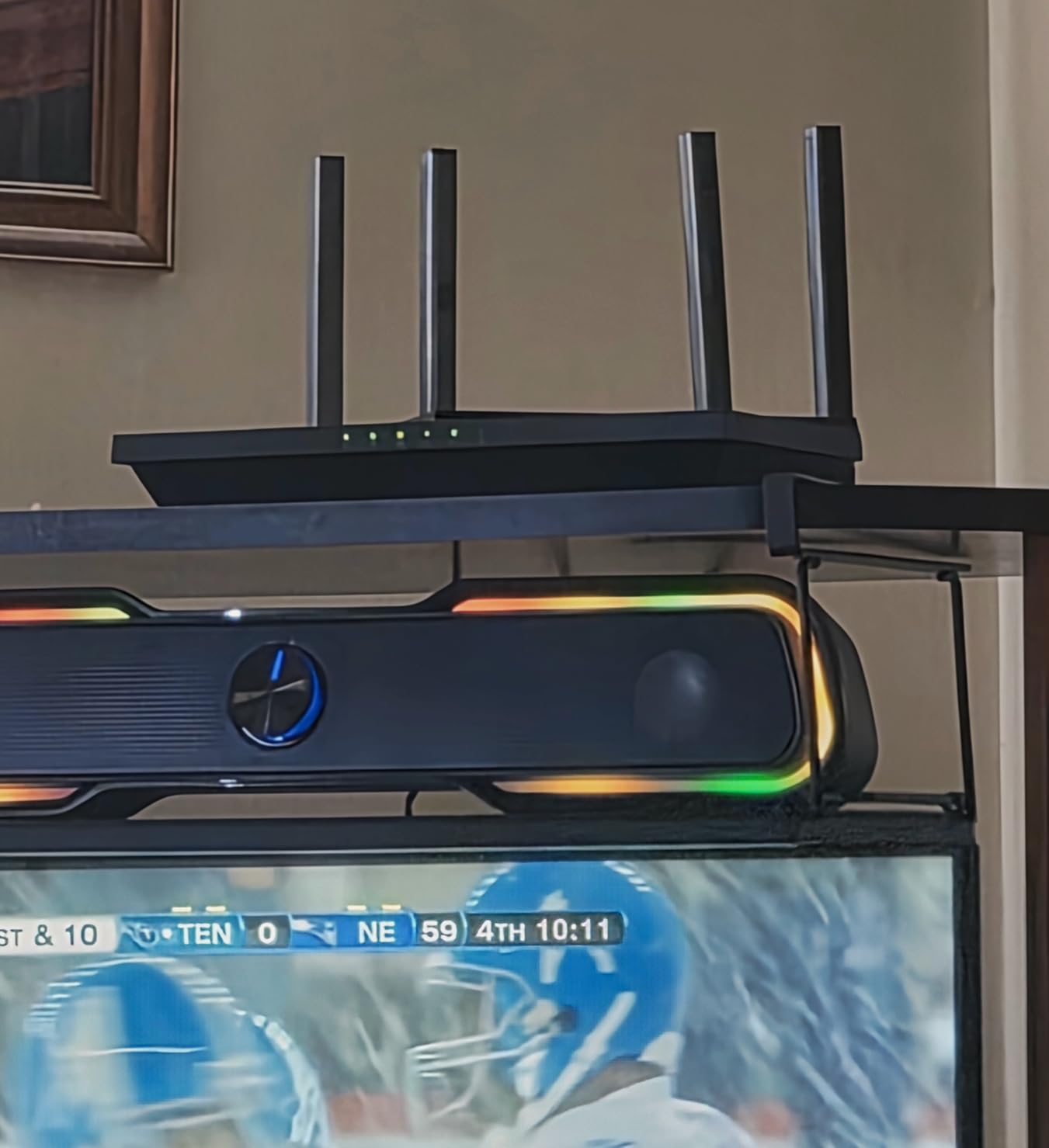
OFDMA is the feature that earns its keep in a busy house. Instead of making devices wait their turn, it lets the router talk to several clients at once on the same band, which is exactly the situation you hit when a video call, two streaming TVs and a dozen smart home sensors are running together.
There is also a built-in OpenVPN and PPTP VPN server, which lets you reach your home network from outside. That is unusual at the entry level and useful if you want to get into your own files or cameras while travelling.
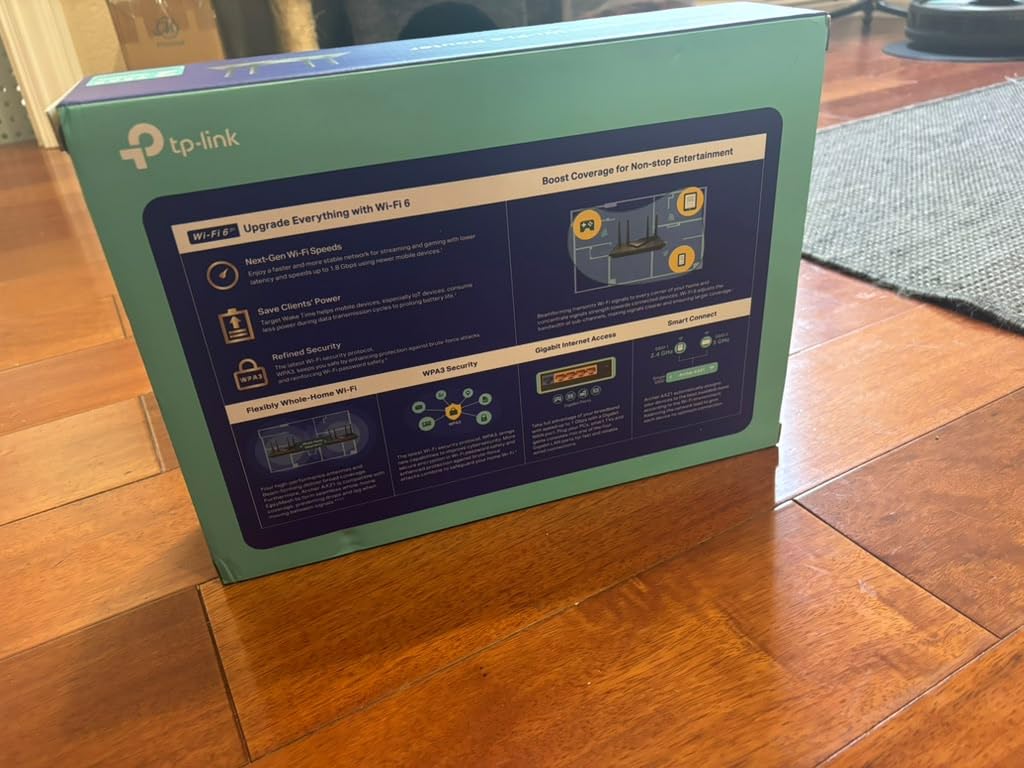
What the AX21 handles well in a real home
Coverage is the honest headline. Owners consistently report solid signal across a normal apartment or a single-storey home, and the beamforming plus four high-gain antennas do more for the far rooms than the extra speed class would. If your space is under roughly 1800 square feet on one floor, this covers it without help.
Setup is close to five minutes through the TP-Link app, and the router works with the major US providers out of the box, which removes the most common first-week problem. Gaming consoles, phones, tablets and smart TVs all connect without fuss.
Where the AX21 falls short
It is dual-band, so there is no 6 GHz band and no Wi-Fi 6E support. That is not a dealbreaker for almost anyone, but if you plan to buy new high-end phones and laptops for the next five years you are locking out the cleanest spectrum available.
Second, you still need your own modem. Every standalone router does, and it is the single most common surprise for buyers switching away from an ISP-supplied gateway. Third, the management options are plain. There is no mesh node support in the native software, only EasyMesh compatibility, so expanding coverage means adding hardware from the same family or accepting reduced control.
One more thing worth knowing: a 4.4 average across nearly 25000 reviews still means a steady share of buyers give it three stars or fewer. Those reviews cluster around stability in unusual setups rather than everyday use, but if your ISP is an outlier, check compatibility before committing.
2. GL.iNet Flint 2 (GL-MT6000) – Best for Multi-Gig and Advanced Users
GL.iNet GL-MT6000 Flint 2 Wi-Fi 6 Gaming Router Dual 2.5G Ports
AX6000 aggregate class
Two 2.5 Gbps ports
OpenWrt pre-installed
1 GB DDR4 RAM
Pros
- Dual 2.5 Gbps Ethernet ports support true multi-gig WAN and LAN
- Pre-installed OpenWrt gives VLANs packages and SQM control
- Quad-core 2 GHz CPU with 1 GB RAM handles 100+ devices
- WireGuard near 900 Mbps and OpenVPN near 880 Mbps for a home VPN server
- AdGuard Home built in plus a USB 3.0 port
Cons
- Dual-band only with no 6 GHz band
- The OpenWrt depth can overwhelm buyers who want plug-and-play setup
- Antennas rotate forward and back only which matters for travel
If you have gigabit fibre or a 2.5 Gbps symmetric plan, the Flint 2 is the only router on this list that will not become the bottleneck. Two 2.5 Gbps Ethernet ports are configurable as WAN or LAN, and the other four ports are 1 Gbps. That configuration is rare below 300 dollars anywhere, let alone under our ceiling.
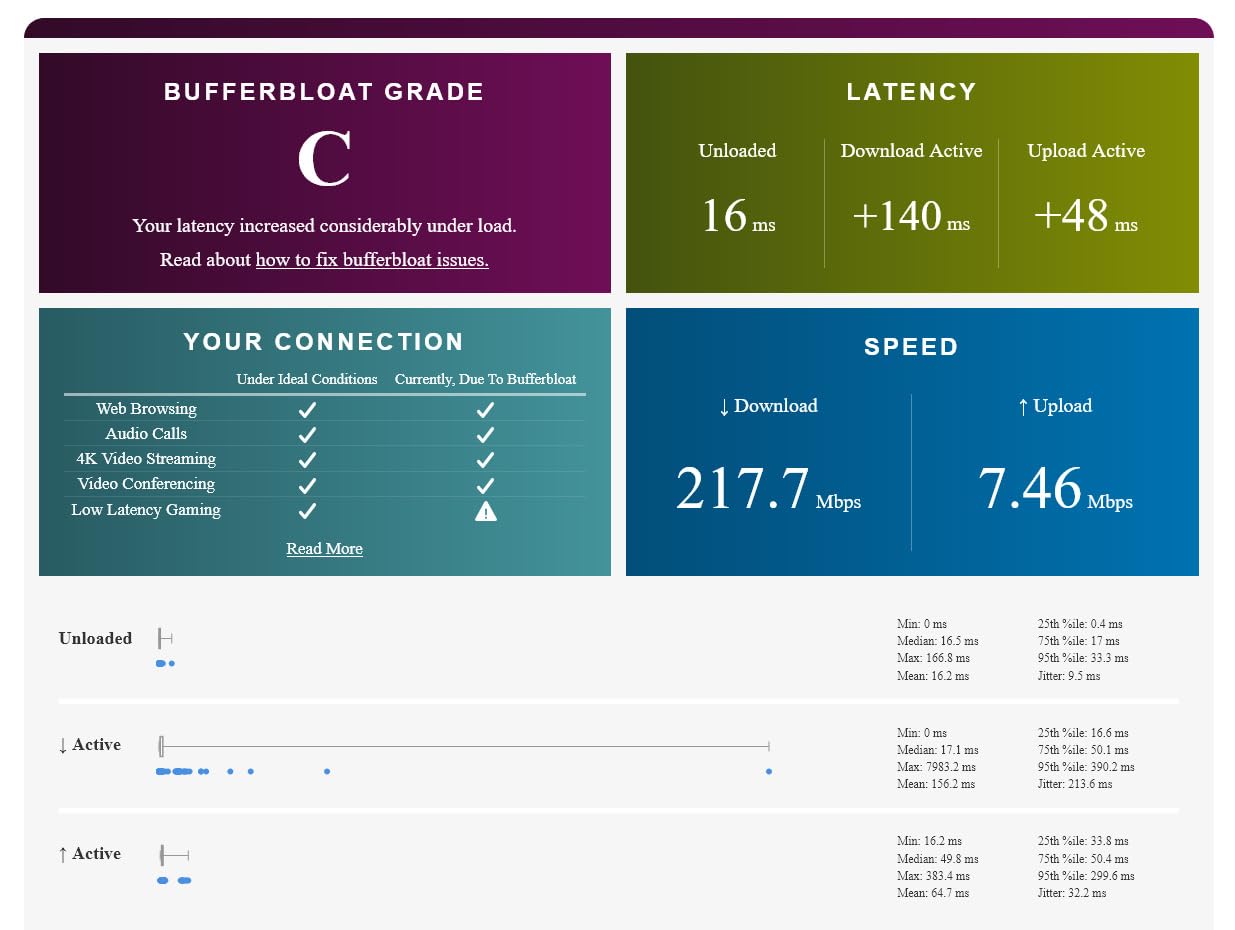
The second reason to buy it is software. OpenWrt is pre-installed, so you get a full Linux router environment with VLANs, installable packages and SQM queue management, which is the tool that actually fixes bufferbloat and cuts lag under load. Buyers on networking forums specifically recommend the Flint line for this reason, and they are not wrong.
Wireless performance is strong as well. The AX6000 aggregate class splits into up to 4804 Mbps on 5 GHz and 1148 Mbps on 2.4 GHz, across eight streams, with 160 MHz channel support for multi-gig wireless throughput. Owners report stable speed under sustained load rather than the speed spikes you see with cheaper hardware.
There is also AdGuard Home built in for network-wide ad and tracker blocking, and a USB 3.0 port if you want simple network-attached storage. VPN throughput is the best in this group by a wide margin.
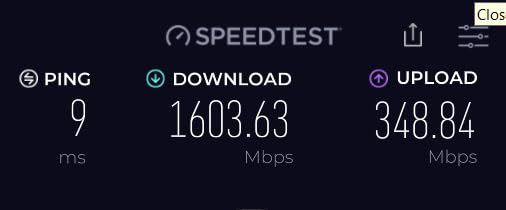
Who benefits from the Flint 2
Anyone on gigabit fibre, anyone running a VPN server for remote access, and anyone who wants to block ads at the router instead of installing software on every device. The 1 GB of RAM and quad-core 2 GHz processor also make it comfortable with 100-plus connected devices.
It is equally a good travel router, since it is Linux-based and the retractable antennas fold for a bag. If you move between networks, that flexibility is worth more than raw range.
Where the Flint 2 frustrates buyers
The learning curve is real. People who buy a router expecting a three-minute phone app setup sometimes find the interface deeper than expected, and the GL.iNet panel is friendlier than LuCI but still assumes some technical comfort. Read the quick start material before you unplug your old router.
GL.iNet also recommends updating the firmware during initial setup to get full performance, which is a small thing that trips people up when they skip it. And it remains dual-band, so Wi-Fi 6E clients get no 6 GHz band to use. Finally, the antennas only rotate forward and back, not side to side, which is a minor annoyance for travel use rather than a household problem.
3. TP-Link Archer AX55 – Best Value Step Up
TP-Link Dual-Band AX3000 Wi-Fi 6 Wireless Gigabit Internet Router for Home
AX3000 dual-band
2402 Mbps on 5 GHz
512 MB RAM
USB 3.0 port
Pros
- Roughly 2976 Mbps combined throughput for a mid-tier price
- 512 MB of RAM plus a larger heat sink reduce thermal throttling under load
- OFDMA cuts latency and Target Wake Time extends device battery life
- VPN client and server support with a USB 3.0 port
- EasyMesh compatible and HomeShield free tier included
Cons
- Dual-band only with no 6 GHz band
- Deeper parental controls and reporting sit behind a paid subscription
- Larger footprint than routers at a similar price
The Archer AX55 is where a lot of buyers should actually stop. It moves you from the AX1800 class into AX3000, which is a real step up on the 5 GHz band, and it adds the hardware that tells you the manufacturer expects a busy network: 512 MB of RAM and a redesigned cooling system.
Those two details matter more than the speed label. Cheaper routers throttle when the processor gets warm and a busy household is exactly when that happens. A larger heat sink plus ample memory is why owners report speeds that hold steady rather than sagging after an hour of streaming.
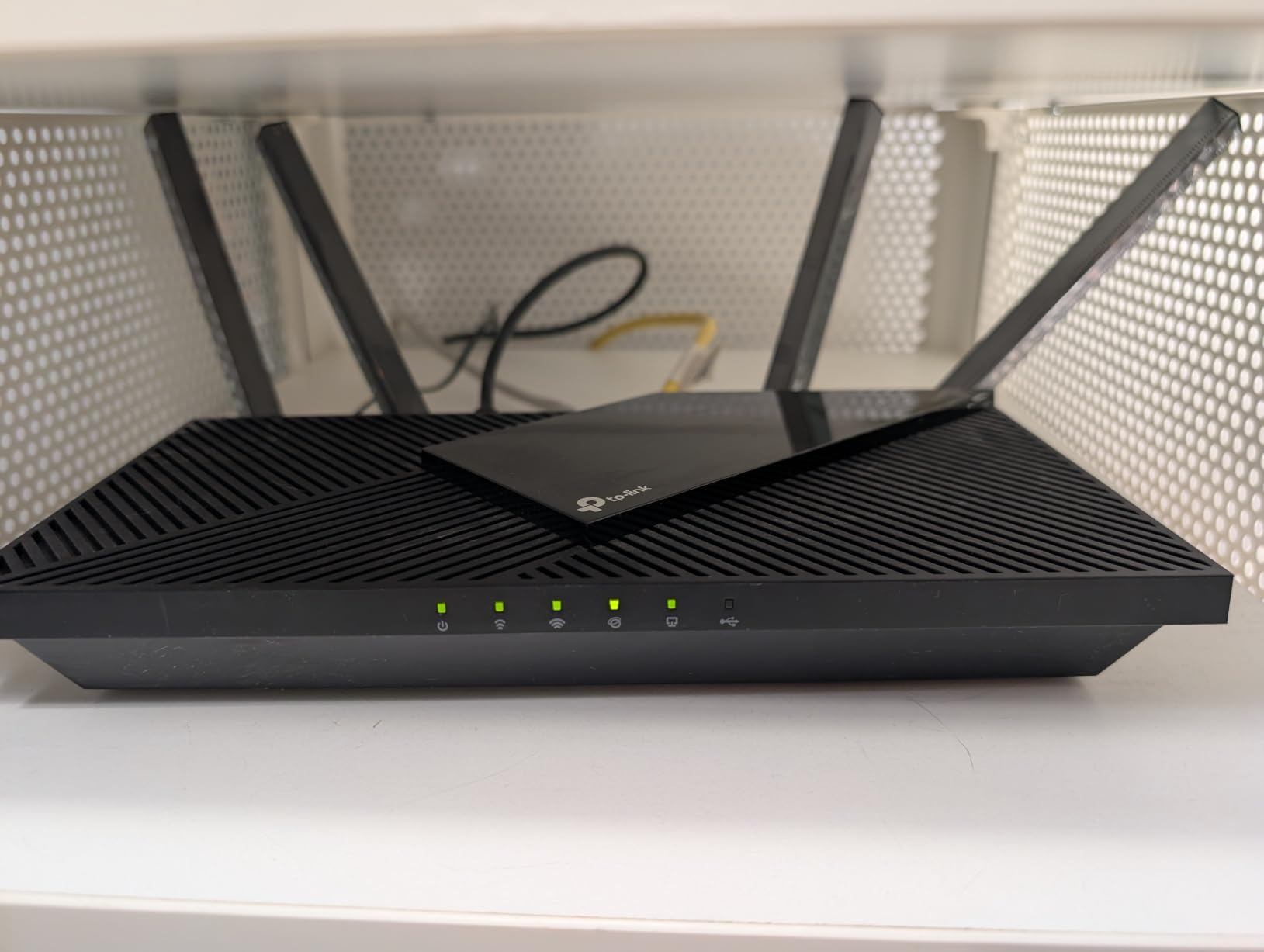
Feature-wise it is well equipped for the money. You get OFDMA for lower latency and jitter with multiple clients, Target Wake Time to extend battery life on phones and sensors, four external high-gain antennas with beamforming, USB 3.0, and both VPN client and server support. A 4.4 rating across more than 10,000 reviews is a strong signal for a mid-tier device.
TP-Link HomeShield is included at no cost for the basics: network security scanning, IoT device identification, basic parental controls, QoS and weekly reports. That is more than most rivals give you for nothing.
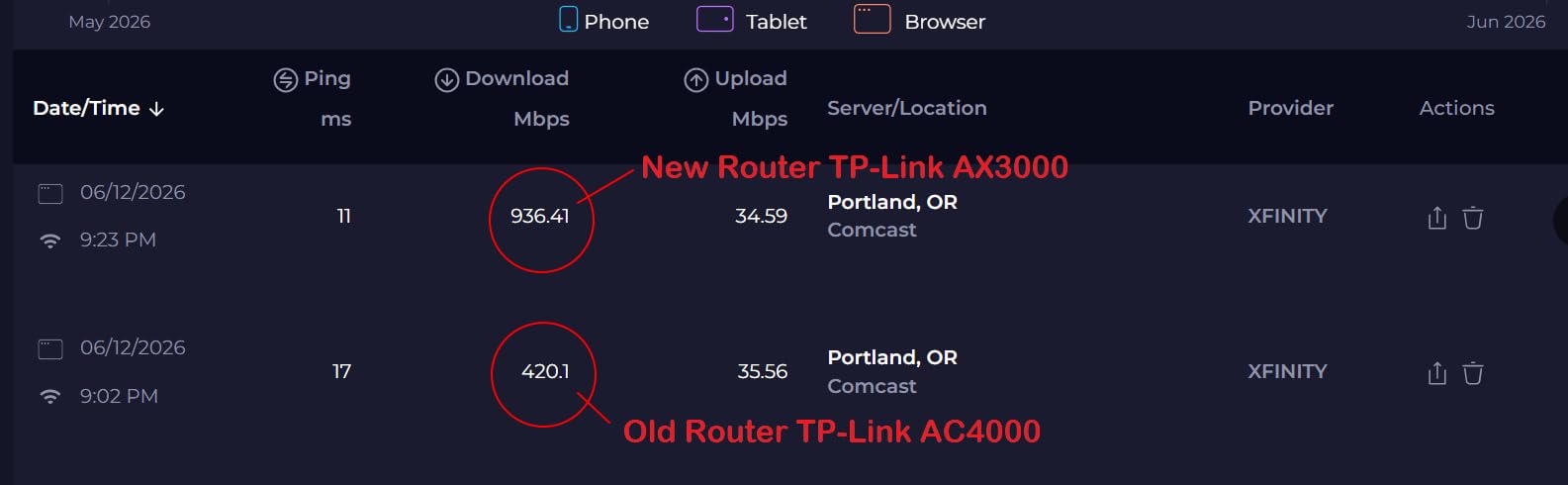
Why this one earns its price
If your household has more than about fifteen connected devices, the jump from AX1800 to AX3000 is where you stop paying for headroom you cannot use. More devices, more streams, and the extra bandwidth keeps latency down during video calls while something else is downloading.
It also suits anyone who wants a wired connection for a console or a desktop without hunting for a switch. The port count and USB 3.0 make it a comfortable middle ground between a basic router and a full mesh system.
Where the AX55 disappoints
It is still dual-band, so Wi-Fi 6E devices get nothing extra from it. Second, the free HomeShield tier is the entry level; granular parental controls and detailed reporting require a subscription, which is exactly the pattern the ASUS RT-AX1800S below was designed to avoid.
It is also physically large at nearly 13 inches long, and it costs more than the sub-70 tier without offering mesh node support or multi-gig ports. If your plan is gigabit fibre or your house has dead zones, the Flint 2 above is the smarter destination for the extra money.
4. ASUS RT-AX1800S – Best for Smart Homes and Free Parental Controls
ASUS RT-AX1800S Dual Band WiFi 6 Extendable Router, Subscription-Free Network Security, Parental Control, Built-in VPN, AiMesh Compatible, Gaming & Streaming, Smart Home
AX1800 dual-band
256 MB RAM
Five Gigabit ports
3-year warranty
Pros
- AiProtection from Trend Micro is subscription-free unlike most rivals
- ASUS Instant Guard gives one-click VPN access when away from home
- AiMesh compatible for expanding coverage with other ASUS hardware
- Dual-core processor with MU-MIMO and OFDMA support
- Compact 9 inch body and a 3-year warranty
Cons
- Known ASUSWRT 2.4 GHz radio bug on some firmware builds
- Parental controls lack custom blacklists and per-site visit history
- Dual-band only with no 6 GHz band
The RT-AX1800S stands out for one reason above all others: its security features are free. AiProtection Classic, powered by Trend Micro, handles intrusion detection and malicious site filtering without a paid plan attached, and AiProtection Pro is where most competitors start charging.
For a household with cameras, a doorbell, a thermostat and a dozen other connected things, that matters. You get automatic device classification and protection without maintaining a subscription, and ASUS Instant Guard gives you a one-click VPN when you are on mobile data away from home.
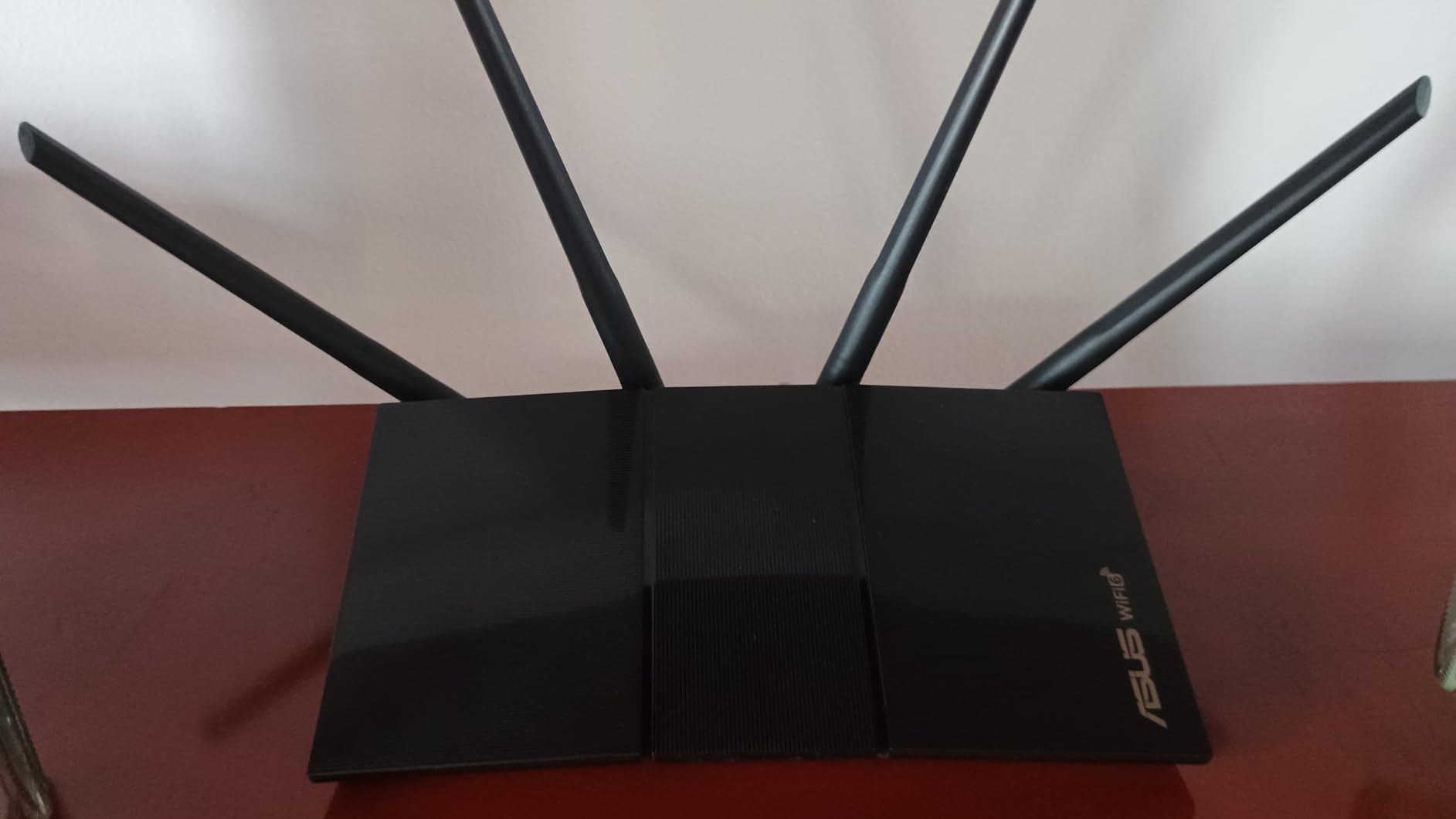
Under the hood it is a competent AX1800 unit with 1024-QAM, MU-MIMO and OFDMA, running on a dual-core processor with 256 MB of RAM. There is one Gigabit WAN port and four Gigabit LAN ports, which is enough to hard-wire a console, a desktop and a couple of smart TVs.
ASUS is also the brand networking communities most often recommend for custom firmware, because its hardware is compatible with ASUSWRT-Merlin, an unofficial firmware project that adds VPN server support and finer control than the stock interface.

Where the ASUS stands apart
AiMesh compatibility is the underrated feature. You can start with this one router and add matching ASUS units later to build a mesh network without changing the management app or losing your settings. That gives you a cheaper entry point than buying a mesh system up front.
The 3-year warranty is also the longest in this roundup, and the compact body takes up less shelf space than the Archer AX55. Reviewers consistently mention how painless the ASUS app setup is.
Where the ASUS stands short
There is a known ASUSWRT firmware issue on some builds where enabling Smart Connect together with Wi-Fi 6 on the 2.4 GHz band can drop that radio entirely. ASUS has not fully resolved it, and it is the single most cited negative theme in the reviews.
The parental controls are weaker than the security suite. There is no custom blacklist or whitelist and no per-site visit history, which will frustrate parents who want real visibility into what a child is reaching. It is also dual-band only, with no 6 GHz support, and the 4.3 average with a 9 percent one-star share reflects those firmware complaints rather than a hardware problem.
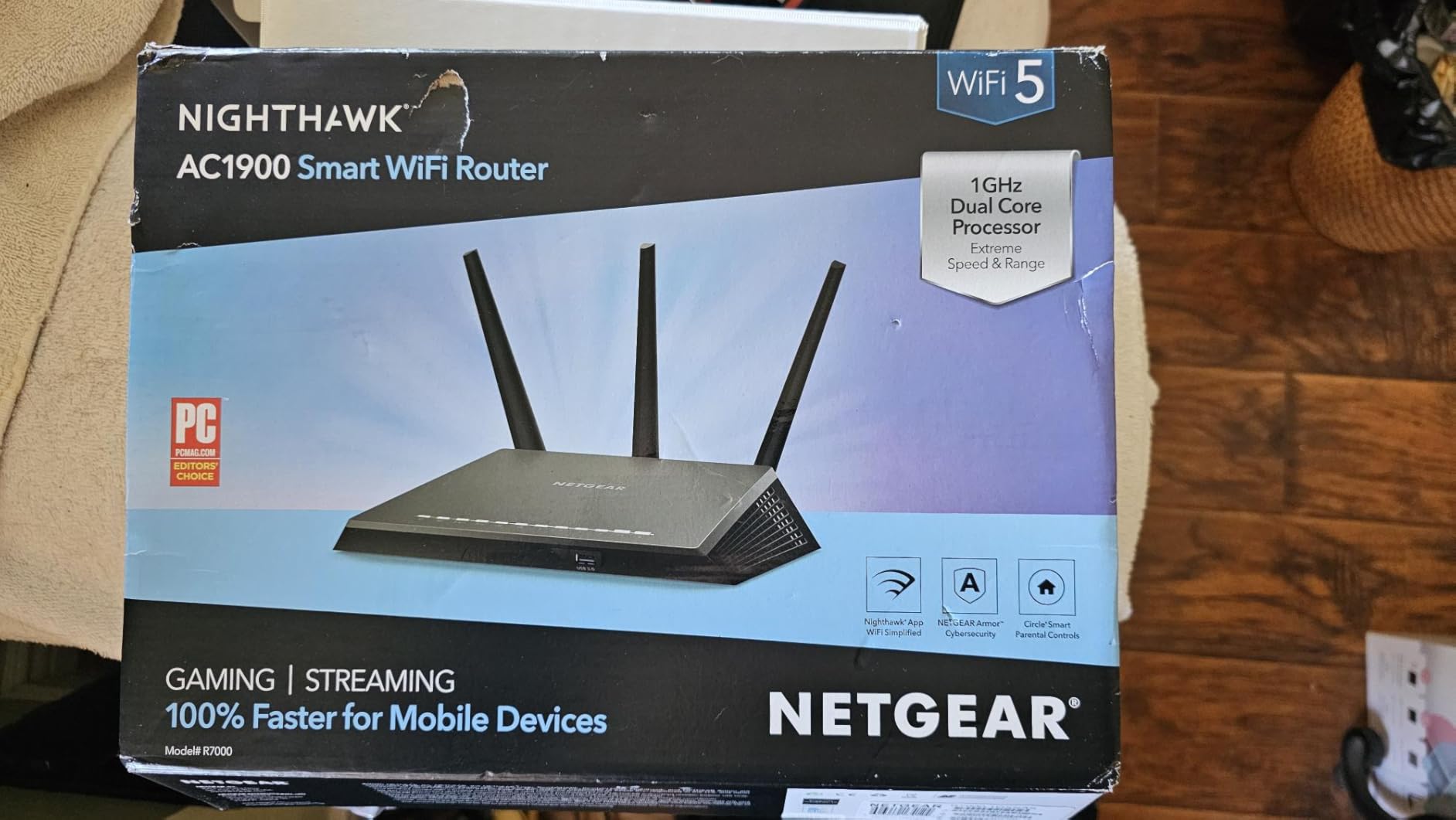
5. NETGEAR Nighthawk RAX36 – Best for Larger Single-Storey Homes
NETGEAR Nighthawk WiFi 6 Router (RAX36) – Router Only, AX3000 3 Gbps Wireless Speed – Dual-Band Gigabit Internet – Covers 2,000 sq. ft., 25 Devices – Built-in VPN, USB 3.0, Gaming
AX3000 dual-band
Up to 3 Gbps wireless
Rated 2000 sq ft and 25 devices
Four Gigabit ports
Pros
- AX3000 class gives more throughput headroom than 1.8 Gbps budget routers
- Rated coverage of 2000 sq ft for up to 25 connected devices
- Four Gigabit Ethernet ports for consoles and streaming players
- WPA3 encryption with built-in VPN server support
- Recognisable Nighthawk brand with an established support channel
Cons
- Router only so a separate coax cable modem is needed
- Two internal antennas and only a 520 review base in this group
- One-year limited warranty is shorter than the TP-Link and ASUS coverage
- 4.3 average with an 8 percent one-star share
The RAX36 is the pick for a bigger single-floor space. NETGEAR rates it for 2000 square feet and up to 25 connected devices, and unlike some coverage claims in this category, that figure lines up with what owners report in a normal two-storey-free home.
The AX3000 class gives it up to 3 Gbps of aggregate wireless speed and up to 1500 Mbps on the 5 GHz band, which is a comfortable margin over the 1.8 Gbps budget routers. Four Gigabit Ethernet ports let you hard-wire consoles, streaming players and a wired access point.
It is compatible with ISPs up to 1 Gbps across cable, satellite, fibre and DSL, WPA3 encryption is supported out of the box, and there is a built-in VPN server. For a straight swap of an ISP gateway on a gigabit cable plan, it is a low-friction choice.
Note that the management app is NETGEAR Genie, and the operating system is Linux-based underneath, which keeps the door open for more advanced tooling later.
What makes it worth the extra spend
Coverage headroom is the reason. If you have a single-storey home larger than about 1600 square feet, an AX1800 unit will run out of signal strength in the back rooms, and no amount of speed class fixes that. The RAX36 is the cheapest way in this list to buy more radio capability rather than more throughput.
The four wired ports also matter more than most buyers expect. Anyone with a gaming console or a smart TV can benefit from a wired connection, and four ports means you do not need a switch underneath the desk.
What to watch out for
This is a router only unit, with no modem included, so a separate coax cable modem is required for cable service. That is a real addition to the total cost of the system and worth factoring into your decision.
The hardware is modest: two internal antennas, and only 520 reviews behind the 4.3 rating compared with tens of thousands for the TP-Link models. The warranty is one year limited, which is half what ASUS offers, and an 8 percent one-star share points to some early reliability complaints. If the hardware fails outside the first year, you will be buying again while competitors are still covered.
6. TP-Link Archer AX10 – Best for Long-Range Coverage on a Small Budget
TP-Link Smart WiFi 6 Dual Band Router 4 Gigabit LAN Ports
AX1500 dual-band
1201 Mbps on 5 GHz
Dual-core 900 MHz CPU
380 g body
Pros
- Owners report reliable coverage in homes up to roughly 2400 sq ft
- Runs cool and stays stable with 10 to 15 plus connected devices
- Five-minute setup through the Tether app with one-click firmware updates
- Works well as an access point while still providing Wi-Fi 6
- OneMesh compatible for adding TP-Link extenders later
Cons
- AX1500 class tops out at 1201 Mbps on 5 GHz and no 160 MHz support
- The 2.4 GHz band is weak and best limited to smart home devices
- MU-MIMO and IPv6 are disabled by default and must be turned on manually
- VPN server support only with no VPN client
The AX10 is the cheapest pick here with a 4.4 rating, and it earns that rating on coverage rather than speed. Owners report reliable signal in homes up to roughly 2400 square feet, which is the largest figure reported by actual buyers in this roundup.
It also runs cool. A dual-core 900 MHz processor, a small body and modest power draw mean it stays stable with 10 to 15 connected devices without the thermal problems that show up in cheaper hardware under sustained load.
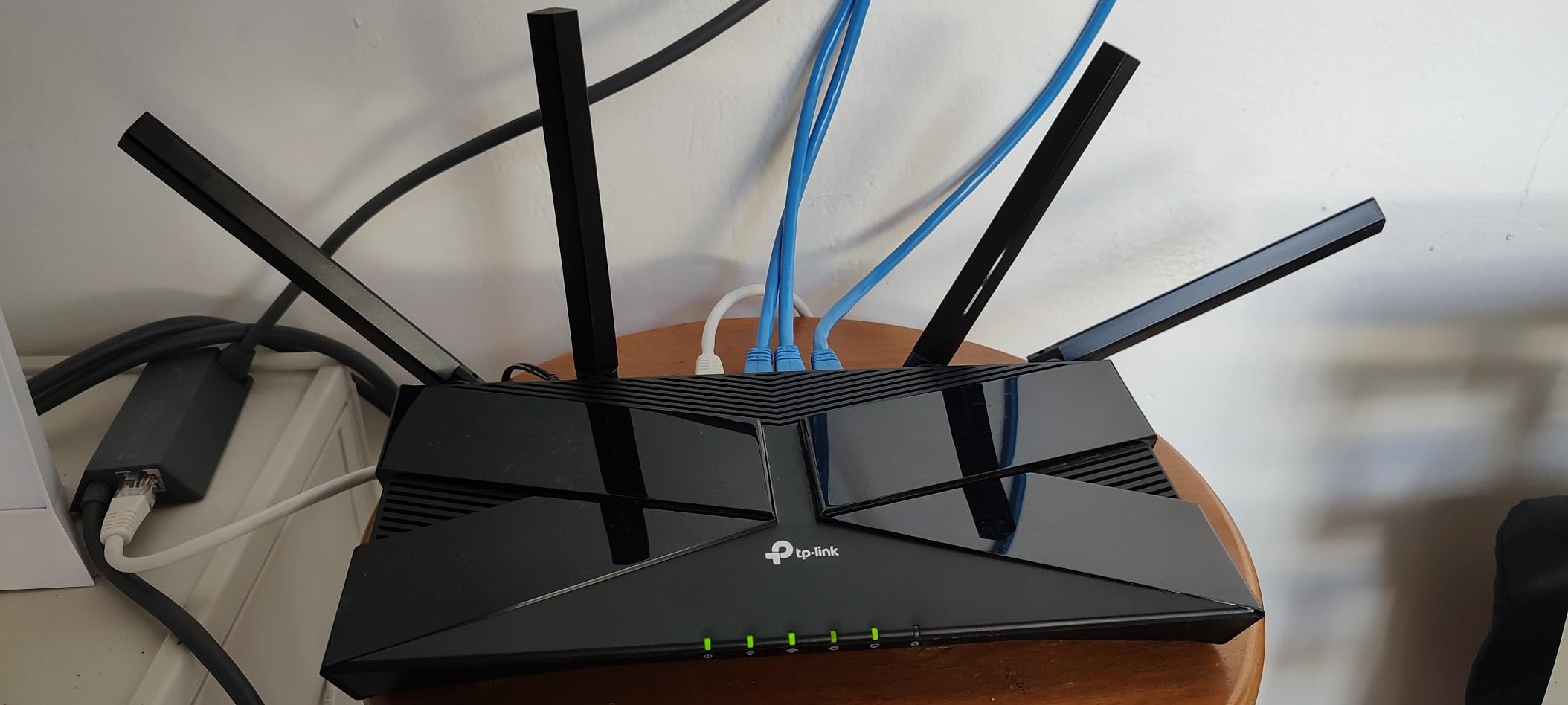
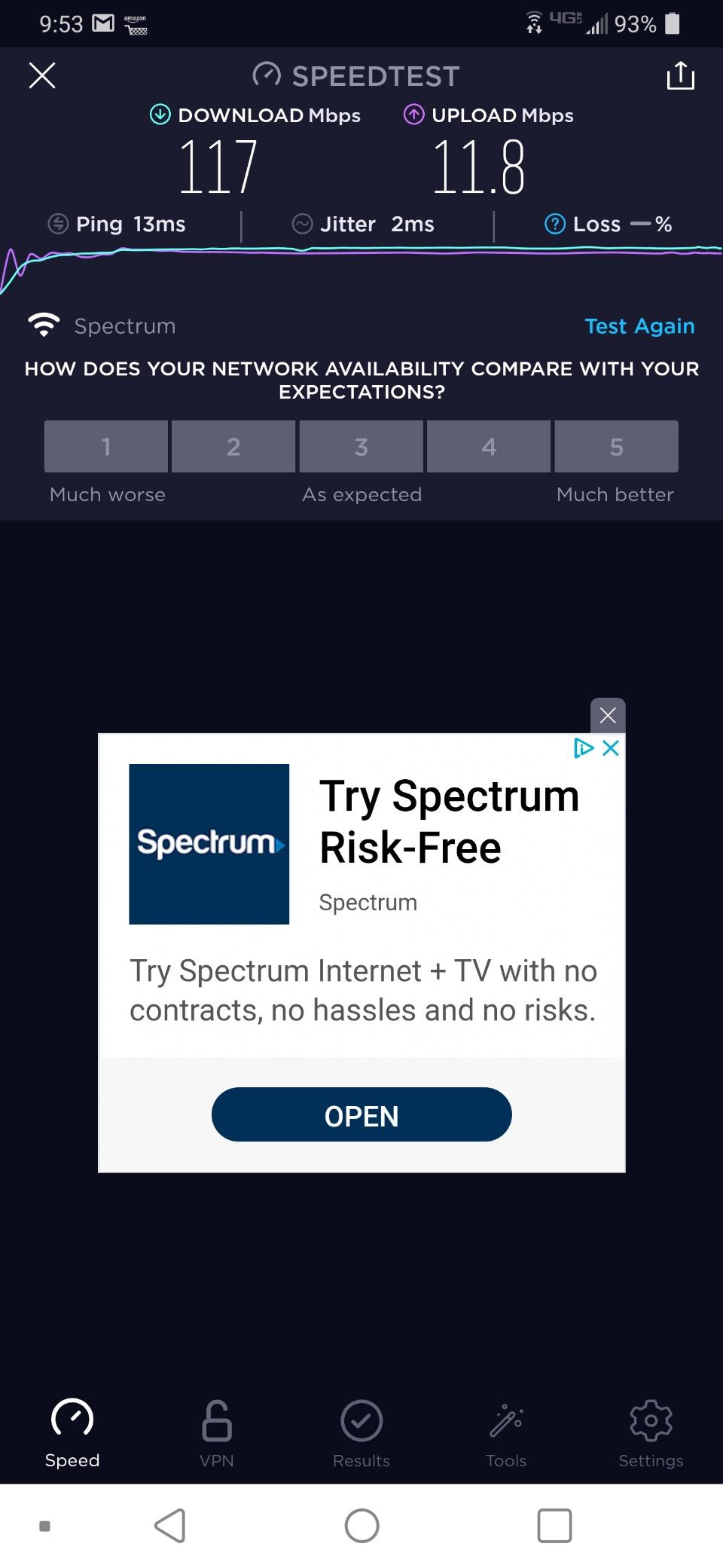
The AX1500 class is the entry point of Wi-Fi 6. It gives you 1201 Mbps on 5 GHz and 300 Mbps on 2.4 GHz, which is plenty for 4K streaming on one or two screens, video calls and a decent smart home load. It is simply not built for three simultaneous 4K streams plus heavy downloads.
Setup through the Tether app takes about five minutes, firmware updates are one click, and it works as a pure access point if you want to keep an existing router doing the routing. It is also OneMesh compatible, so TP-Link OneMesh extenders can form a seamless network later.
Where the AX10 makes sense
Spread out over a wide single floor, a cheap router with modest speed and better antenna design often beats an expensive one that cannot reach the far end. That is the AX10 case exactly, and it is why it survives in a category that constantly replaces older models.
It is also a good secondary unit. Put it in a garage or a garden office as an access point and you get Wi-Fi 6 coverage there without a complicated setup.
What the AX10 cannot do
The 2.4 GHz band is weak. Reviewers are consistent about this: use it for smart bulbs, sensors and thermostats, not for laptops or TVs. There is also no 160 MHz channel support, which caps the maximum real throughput on 5 GHz well below what an AX1800 unit can reach.
One detail catches people out. MU-MIMO and IPv6 are switched off by default and have to be enabled manually in settings. Turn them on during setup. It is also a VPN server but not a VPN client, so it cannot route your traffic out through a remote server, and a small minority of buyers report difficulty exercising the two-year warranty through support.
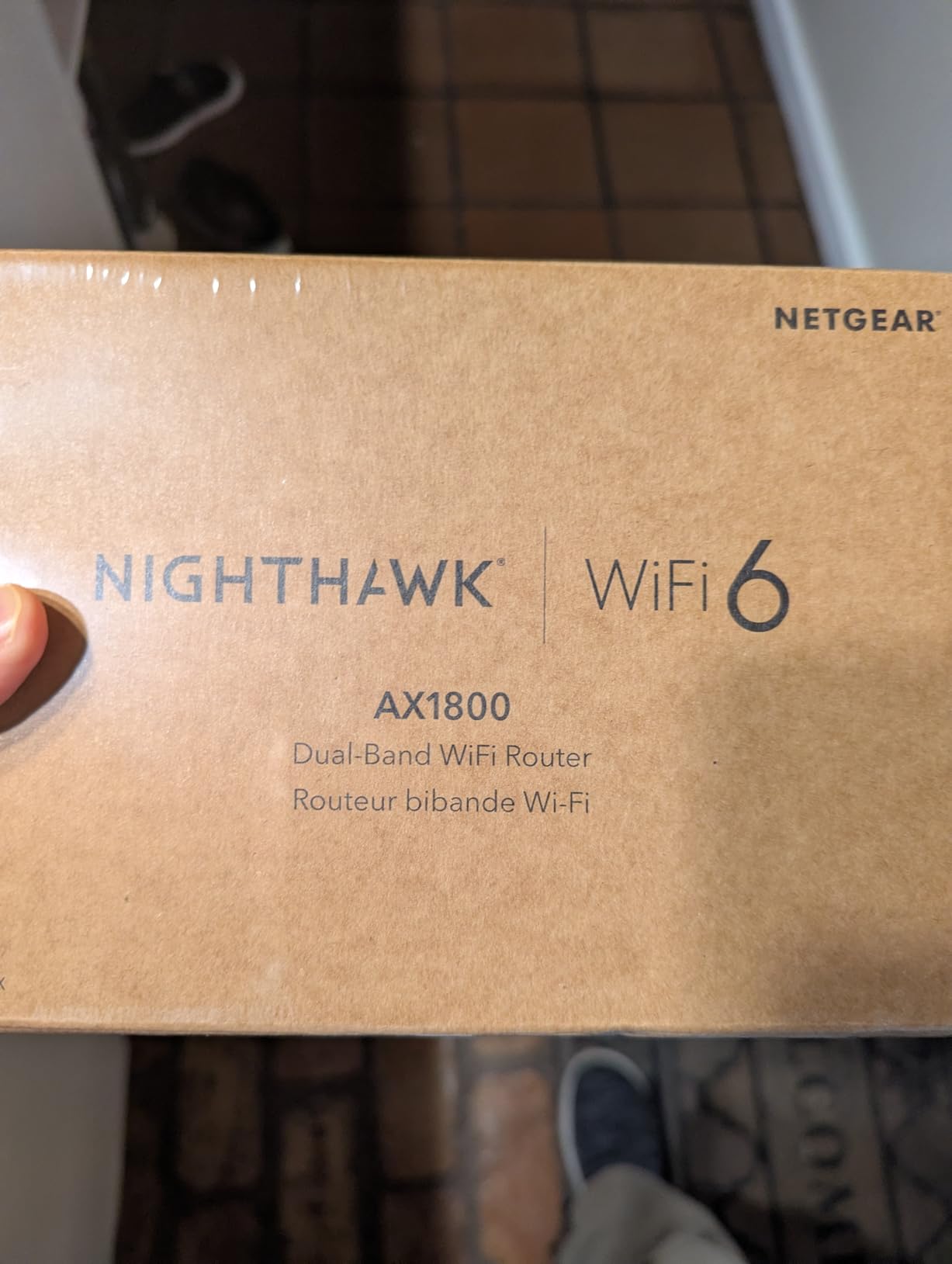
7. NETGEAR Nighthawk R6700AX – Cheapest Wi-Fi 6 Router on the List
NETGEAR Nighthawk WiFi 6 Router R6700AX, Up to 1,500 sq ft, 1.8 Gbps
AX1800 dual-band
Up to 1.8 Gbps wireless
1500 sq ft and 20 devices
1-year warranty
Pros
- Lowest cost router here that still delivers 802.11ax
- Guided Nighthawk app setup with problem-solving prompts is unusually clear
- Compact body that fits on a shelf or dresser
- Four Gigabit LAN ports plus a dedicated Gigabit WAN port
- Saves money by ending an ISP router rental
Cons
- Some units report WPA2-only security with no way to block a device from the Wi-Fi
- Setup is not fully plug-and-play on some ISP networks and needs modem activation first
- NETGEAR phone support reportedly requires a paid plan after an initial period
- Smallest coverage claim here at 1500 sq ft and 20 devices
If your budget is genuinely tight, the R6700AX gets you onto Wi-Fi 6 for less than any other router in this roundup. It is a four-stream AX1800 unit rated up to 1.8 Gbps across both bands with up to 900 Mbps upstream, covering 1500 square feet and up to 20 connected devices.
The Nighthawk app is genuinely the best-guided setup experience in this group. It walks through connection, placement, security and troubleshooting in plain language, with prompts that answer the questions people actually hit. If you have never configured a router before, that is worth a lot.
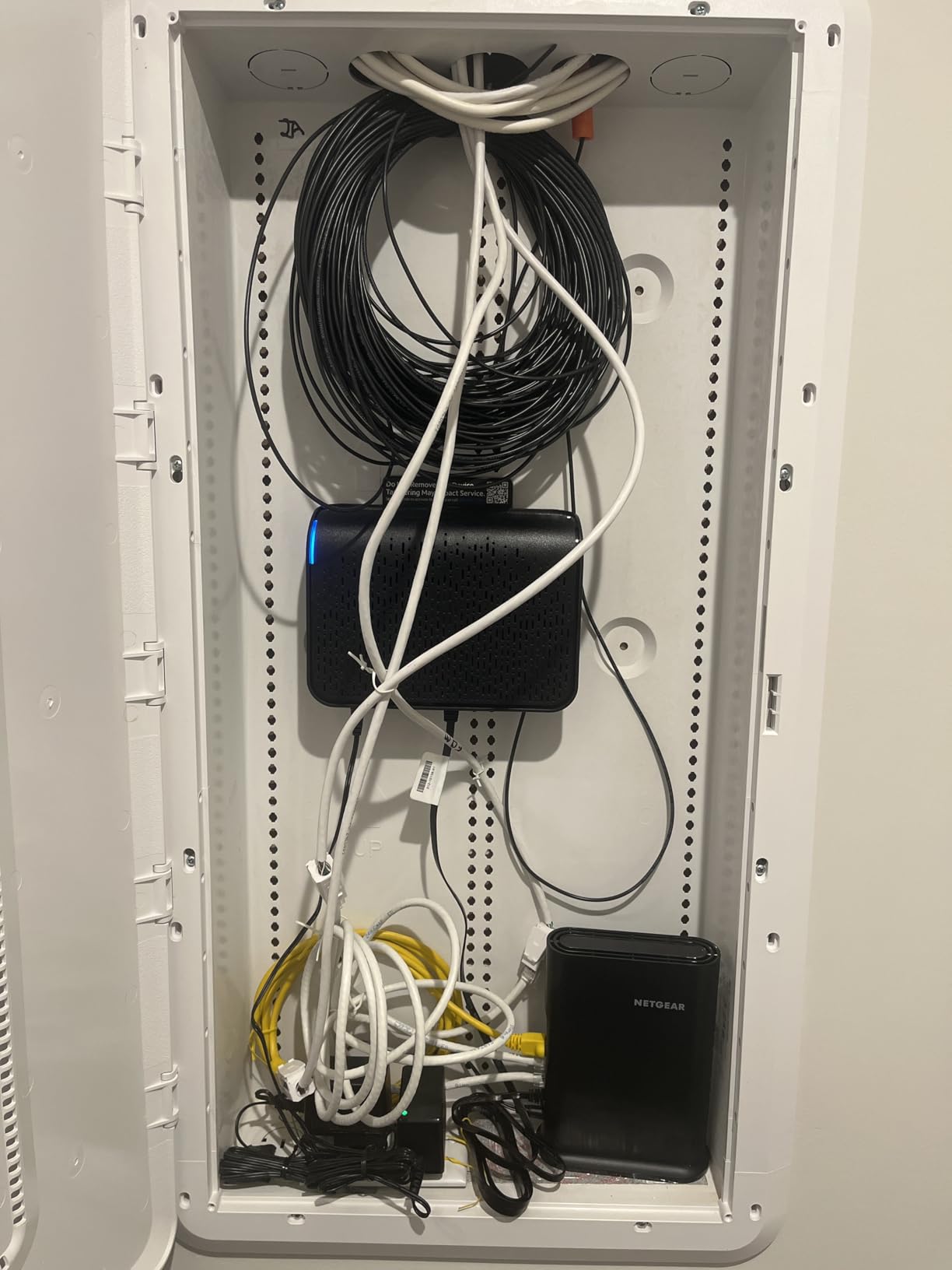
Hardware-wise you get four Gigabit LAN ports, a separate Gigabit WAN port, WPA2 and WPA3 encryption, automatic firmware updates, guest network support and security enabled out of the box. It pairs with an existing modem or gateway over Ethernet and works with most cable, fibre, DSL and satellite providers.
For many people the biggest saving is not the router itself. Ending a router rental from an ISP pays for this several times over, and users on networking forums repeatedly describe moving off a rental gateway as the largest perceived quality jump they have made in years.
When the low cost is the right call
A studio apartment, a two-bedroom single-storey home, or a secondary location where you just need better than an ISP unit. Twenty devices and 1500 square feet is a real limit, and it is the smallest coverage claim in this roundup, so a larger home will notice the difference at the edges.
It also makes a sensible wired access point when you already have a router you like and only need better coverage in one area.
What to be careful about with the R6700AX
Some units report falling back to WPA2-AES only, with no option to block an individual device from the Wi-Fi. Check the security settings as soon as you set it up. Setup is also not fully plug-and-play on every ISP network, because some gateways need to be activated or put into bridge mode first.
NETGEAR Armor is included as a 30-day free trial and needs a subscription afterwards, and phone support has been reported as requiring a paid plan once the initial period ends. The 4.2 rating is the lowest here with a 10 percent one-star share, so expectations should be modest.
8. Linksys MR20EC – Best Mesh Expansion Path on a Budget
Linksys MR20EC | Dual-Band Mesh WIFI 6 Router | 3.0 (AX3000) Speeds | Connect 25+ Devices | 2,000 Sq Ft Coverage | 18 Month Warranty
AX3000 dual-band mesh
Supports 25+ devices
Up to 2000 sq ft coverage
18-month warranty
Pros
- Low cost for a mesh-capable Wi-Fi 6 router that expands with more nodes
- App setup reported at around 15 to 45 minutes from unboxing
- Owners report speeds above 400 Mbps with coverage reaching a yard and carport
- Device identification and renaming in the app for spotting unknown connections
- Compact design that fits on a shelf
Cons
- WPA2-PSK only with no WPA3 support
- Some units report speed swings from 500 Mbps down to 30 Mbps and drops beyond 20 feet
- Ethernet ports are listed at only 10/100 Mbps which limits wired throughput
- Weak documentation makes setup harder than it should be
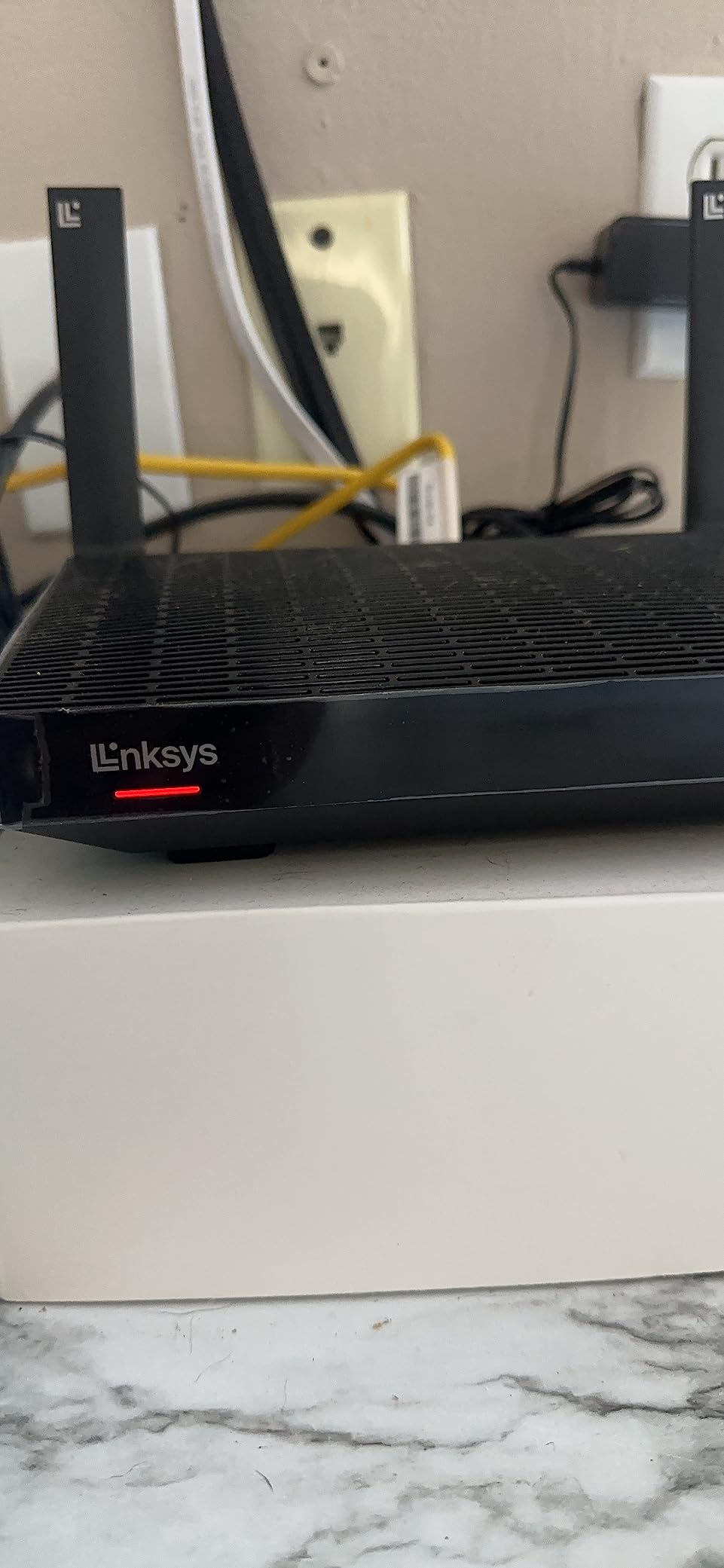
The Linksys MR20EC, also sold as the Hydra 6, is interesting for one structural reason: it is mesh capable at a single-router price. If your house has a dead zone and you know you will want more coverage later, you can add matching nodes instead of replacing the whole system.
It runs an advanced Qualcomm chipset and supports 25 or more devices across up to 2000 square feet, sending and receiving multiple streams at once. Owners report real-world speeds above 400 Mbps and coverage that reaches into a yard and a carport, which is more than most single routers in this price range manage.
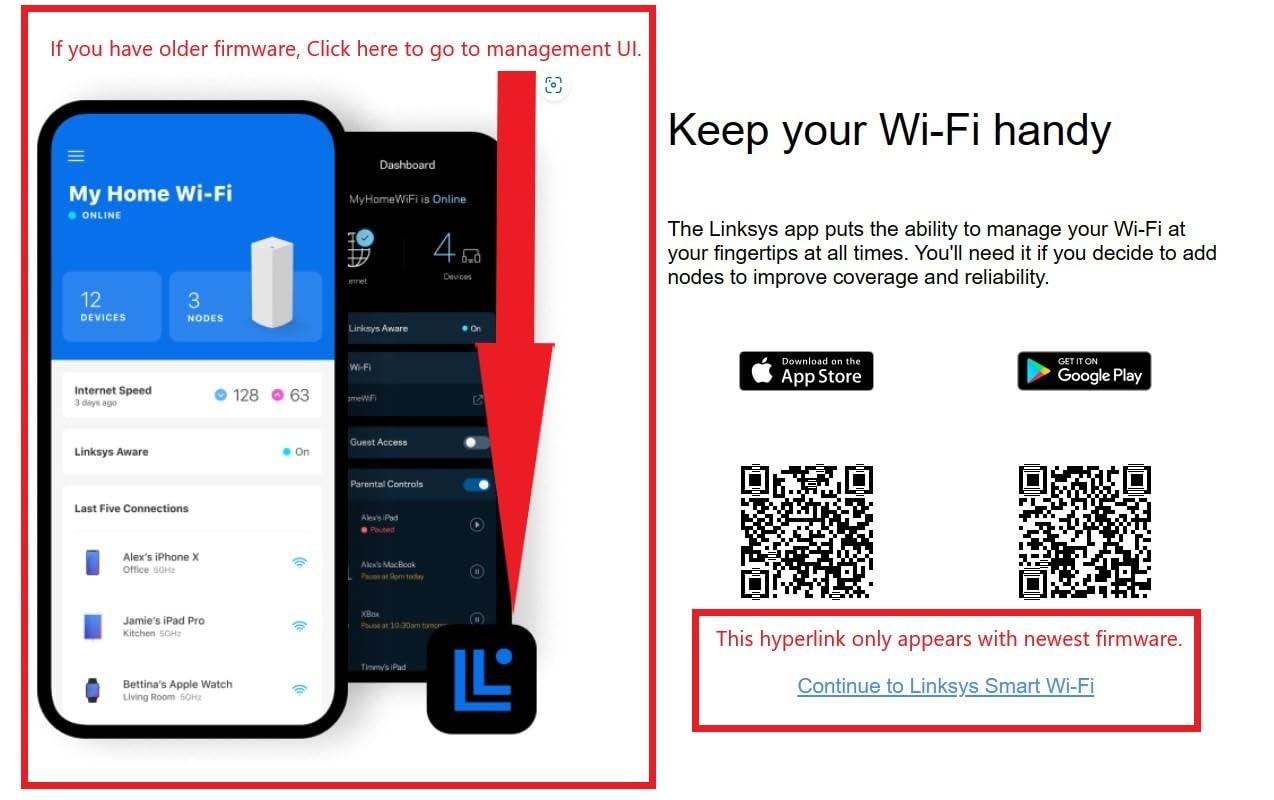
Management runs through the free Linksys app, which includes device prioritisation, so you can push a game console or a work laptop to the front of the queue during busy evenings.
That is the whole pitch: mesh expandability and device prioritisation at a price that undercuts most dedicated mesh systems, even multi-node ones.
Why the mesh path is worth considering
Mesh is the correct answer when the problem is coverage, not speed. If your dead zones are caused by distance or by walls between floors, a second node placed halfway solves it more reliably than any single router upgrade. Starting with a mesh-capable unit means you buy the first node at a discount instead of at mesh system pricing.
The 18-month warranty is shorter than the ASUS and TP-Link coverage, but it is included, and the setup takes somewhere between 15 and 45 minutes depending on how the app behaves on your ISP.
What makes the MR20EC the weakest pick here
Security is limited to WPA2-PSK with no WPA3 support, which is a real gap in 2026 for a new purchase. That alone would rule it out for a security-conscious household.
The Ethernet spec is listed at 10/100 Mbps on this listing, which caps any wired connection at 100 Mbps and makes it unsuitable for a gigabit fibre plan. Some buyers also report severe speed swings, from 500 Mbps down to 30 Mbps, and dropouts beyond about 20 feet, plus weak documentation and difficulty getting warranty support honoured.
With a 4.1 rating and only 236 reviews, this is the least proven hardware here. If mesh expansion is not your goal, the ASUS RT-AX1800S gives you the same expandable philosophy with better security and gigabit ports.
Buying Guide: What AX1800 and AX3000 Actually Mean
Those speed class numbers are marketing, and they confuse almost everyone. AX1800 means roughly 1200 Mbps on 5 GHz plus 574 Mbps on 2.4 GHz, added together. AX3000 means 2402 Mbps plus 574 Mbps. AX6000 means 4804 Mbps plus 1148 Mbps. You will never see those numbers on a speed test, because they describe the theoretical maximum across all bands simultaneously under ideal conditions with the best possible client.
Here is the useful part: the differences between classes on the same band are real but modest, while the differences between a 2.4 GHz antenna design that reaches and one that does not are large. Community consensus at this budget is that the speed gap between a good 80 dollar router and a good 200 dollar router is much smaller than the spec sheets suggest, and that coverage and stability matter more.
Three features explain most of the real-world gain over Wi-Fi 5. OFDMA lets several devices transmit on the same band at once instead of taking turns, which is the single biggest improvement in a house with many devices. MU-MIMO serves multiple clients on the same stream. Beamforming focuses signal toward a specific device instead of radiating evenly. If a spec sheet mentions all three, the router is genuinely Wi-Fi 6 rather than a rebadged Wi-Fi 5 unit.
On bands, dual-band means 2.4 GHz plus 5 GHz, which is all of these routers. Tri-band adds a third radio, usually on 6 GHz. That 6 GHz spectrum is wide, clean and short-range, and it only helps if you already own 6 GHz capable clients, which most households do not yet. Paying for 6E today at this budget is mostly paying for a spec you cannot use.
Multi-gig Ethernet is the forward-looking spec to look for. If your ISP plan is gigabit fibre, a single Gigabit WAN port caps you at 1000 Mbps no matter how fast the wireless is. The GL.iNet Flint 2 is the only router here with 2.5 Gbps ports, and that is the strongest argument for spending the full budget.
Router or Mesh: Which One Actually Fixes Your Dead Zones
If your whole-home coverage is fine from one unit and you just want more speed, buy a better router. If you have rooms that get no usable signal at all, mesh solves a different problem and a faster router will not fix it. Speed dies gradually with distance. Coverage dies suddenly at a wall or a floor.
A single router covers roughly 1500 to 2000 square feet on one storey, assuming ordinary building materials. Reinforced concrete, foil-backed insulation, mirrors and a metal cupboard are the usual culprits when a router underperforms in an otherwise normal house. Microwave ovens also sit on 2.4 GHz and can interfere with it when running.
Two storeys or more usually means mesh, or a router plus a wired access point. Wireless backhaul between mesh nodes costs you a large share of the speed, so if you can run an Ethernet cable between floors, do that instead. A single wired access point is also a cheaper fix than a full mesh kit.
Extenders are the option to approach carefully. They halve throughput for anything connected through them, because traffic passes through the extender twice. They work as a stopgap, not as a plan.
Is Wi-Fi 6 Outdated in 2026?
No, and here is the reasoning. Wi-Fi 7 hardware has reached this price band, and it does bring genuinely useful improvements such as wider 320 MHz channels, 4K-QAM and Multi-Link Operation. But almost none of your devices support those features yet. A Wi-Fi 7 router under the same ceiling typically uses the same dual-band arrangement, and its real-world advantage over a good Wi-Fi 6 unit is small.
The deciding factor is your connection speed rather than your client devices. If your ISP plan tops out at 300 Mbps, a Wi-Fi 6 AX1800 router handles it with room to spare and Wi-Fi 7 changes nothing you will notice. If you are on gigabit fibre or planning to upgrade within a few years, the multi-gig Ethernet on the Flint 2 becomes the more valuable purchase than the wireless standard.
Wi-Fi 6 also remains the mature choice at this price. Wi-Fi 6 firmware has been through several years of real-world fixes, and the review counts on these routers reflect that. Early Wi-Fi 7 units at the same money carry more first-generation risk.
Setup and Placement Tips That Matter More Than the Model
Start by testing whether you need a router at all. Run a speed test on a wired connection at the point where your devices connect, then a Wi-Fi test in the rooms that bother you. If the wired number is low, a new router will not fix it.
Place the router centrally and elevated. Not on the floor, not inside a cupboard, not beside a television or a microwave. Height of about a metre makes a measurable difference, and moving a router from one end of a house to the middle is often worth more than any upgrade.
Split your band. Smart home devices belong on the 2.4 GHz network, computers and televisions on 5 GHz. On the TP-Link models, enable MU-MIMO and IPv6 manually during setup, because they ship switched off.
Keep your old modem. Put it in bridge mode if your ISP supports it, and connect the new router to the modem rather than running both in sequence. Double NAT is the most common reason a new router feels slower than the one it replaced.
Frequently Asked Questions
What is the best Wi-Fi 6 router under 200 dollars?
The TP-Link Archer AX21 V5 is the best Wi-Fi 6 router under 200 dollars for most people. It holds a 4.4 rating across more than 24,000 reviews, delivers up to 1200 Mbps on 5 GHz, and has enough proven reliability for a single-storey home. If your plan is gigabit fibre, choose the GL.iNet Flint 2 instead, because its two 2.5 Gbps Ethernet ports are the only multi-gig option at this price.
What is the cheapest WiFi 6 router?
The NETGEAR Nighthawk R6700AX is the cheapest Wi-Fi 6 router in this roundup. It is a four-stream AX1800 unit rated at up to 1.8 Gbps across both bands, covering 1500 square feet and up to 20 devices, with four Gigabit LAN ports. Its guided app setup is the easiest here, but some units fall back to WPA2-only security and the coverage claim is the smallest of the group.
Which ASUS router is considered the best for Wi-Fi 6?
The ASUS RT-AX1800S is the ASUS model that makes sense under 200 dollars. It is a dual-band AX1800 router with 1024-QAM, MU-MIMO and OFDMA, five Gigabit ports, and a three-year warranty. The real argument for it is AiProtection from Trend Micro, which includes intrusion protection and parental filtering with no subscription, plus AiMesh compatibility for expanding coverage later.
Is a WiFi 6 router outdated?
Not for most households. Wi-Fi 7 hardware now sits at similar prices, but its benefits such as 320 MHz channels, 4K-QAM and Multi-Link Operation need clients most people do not own yet. If your plan is 300 Mbps or under, Wi-Fi 6 handles it with headroom and nothing changes for you. On gigabit fibre, buy multi-gig Ethernet rather than a newer wireless standard.
Is a mesh system better than a router under 200 dollars?
Only when your problem is coverage rather than speed. A single router covers roughly 1500 to 2000 square feet on one storey, and mesh does not extend that meaningfully. Across two floors or with rooms that get no usable signal, mesh wins. Under this budget, the Linksys MR20EC is mesh capable and expandable, though it lacks WPA3 and its Ethernet ports are limited to 10/100 Mbps.
What is the difference between AX1800 and AX3000?
AX1800 combines up to 1200 Mbps on 5 GHz with 574 Mbps on 2.4 GHz, while AX3000 raises the 5 GHz figure to 2402 Mbps. Both are marketing sums across all bands, and neither equals real throughput. The practical gap is headroom: AX3000 handles more simultaneous high-bandwidth streams, so it suits larger homes and heavier device counts while AX1800 is enough for smaller spaces.
Our Final Verdict on the Best Wi-Fi 6 Routers Under 200 Dollars
Buy the TP-Link Archer AX21 V5 if you want the safest choice on the market today, because a 4.4 rating across more than 24,000 reviews carries more confidence than any spec sheet. Step up to the GL.iNet Flint 2 when your connection is gigabit fibre or you want control over your network, since dual 2.5 Gbps ports and pre-installed OpenWrt change what you can do. Choose the Archer AX55 in between for AX3000 throughput, 512 MB of RAM and better sustained performance.
Save your money on the ASUS RT-AX1800S if free parental controls and subscription-free security matter to you, or on the R6700AX if a small space and a small budget do. Whichever you pick, put it in the middle of the house, elevated, and split the smart home devices onto 2.4 GHz.
Prices in this band shift week to week, so check the current figure before you buy and confirm your modem will work in bridge mode. That is where most install problems come from, and it costs nothing to sort out in advance.