
Most students buy a microscope camera for one reason: the assignment asks for a picture. Onion cell mitosis, cheek cells, a pond water sample, a labelled onion epidermis in your lab report, and suddenly you are squinting into an eyepiece trying to hold a phone steady with one hand. A microscope camera takes the squinting out of it by putting a sensor where your eye was and sending the image to a screen.
We spent weeks putting these through the kind of routine a student actually has: mounting a prepared slide, checking focus, capturing stills, recording a short clip of pond water and dropping the files into a document. This roundup covers 12 microscope cameras and digital microscopes spanning the cheapest phone adapters to the largest bench units with HDMI output, so you can pick one that matches your course work and your device.
If you have not chosen the microscope yet, start with our best microscopes for students guide first. Several cameras on this list only work with a microscope that has a photo port or a tripod thread, so the order matters.
Table of Contents
Top 3 Picks: Best Microscope Cameras for Students (October 2026)
The Andonstar AD246S-M takes our top slot because it does the one thing a classroom camera has to do well: it puts a live image on a screen everyone can see. The Bysameyee USB Digital Microscope is the volume seller with the widest review base here, and the Plugable USB Digital Microscope 250X is the calmest choice if your school hands you a Chromebook.

Andonstar AD246S-M 2160P HDMI Microscope
- Three interchangeable lenses
- 2160P HDMI output
- 7 inch LCD
- Up to 2040X with HDMI

Bysameyee USB Digital Microscope 40X-1000X
- 40X-1000X variable magnification
- 8 dimmable LEDs
- Screenshot and video capture
- Windows Mac Linux Android OTG

Plugable USB Digital Microscope 250X
- 60x-250x magnification
- 2.0 megapixel sensor
- Dimmable LED halo light
- Flexible arm stand
Best Microscope Cameras for Students at a Glance
Twelve options, sorted by what they actually do. Read the connection column first: it decides whether the camera works with the laptop your school gave you.
| Product | Specifications | Action |
|---|---|---|
| Andonstar AD246S-M 2160P HDMI Digital Microscope |
|
Check Latest Price |
| Bysameyee USB Digital Microscope 40X-1000X |
|
Check Latest Price |
| Plugable USB Digital Microscope 250X |
|
Check Latest Price |
 SKYBASIC Wireless Digital Microscope 50X-1000X SKYBASIC Wireless Digital Microscope 50X-1000X |
|
Check Latest Price |
 cainda 4K Digital Microscope cainda 4K Digital Microscope |
|
Check Latest Price |
 APEXEL 800X Handheld Digital Microscope APEXEL 800X Handheld Digital Microscope |
|
Check Latest Price |
 AmScope MD35A Digital USB Camera AmScope MD35A Digital USB Camera |
|
Check Latest Price |
 Mostanne 1080P Handheld Digital Microscope Mostanne 1080P Handheld Digital Microscope |
|
Check Latest Price |
 Elikliv EM4K-AF Autofocus 4K Digital Microscope Elikliv EM4K-AF Autofocus 4K Digital Microscope |
|
Check Latest Price |
 SOLOMARK Smartphone Eyepiece Adapter SOLOMARK Smartphone Eyepiece Adapter |
|
Check Latest Price |
 cainda B10 HD 2MP USB Microscope Camera cainda B10 HD 2MP USB Microscope Camera |
|
Check Latest Price |
 AmScope MD500-CK USB Microscope Camera with Calibration Kit AmScope MD500-CK USB Microscope Camera with Calibration Kit |
|
Check Latest Price |
What Is a Microscope Camera and Why Students Buy One
A microscope camera is a small digital camera that attaches to a microscope so you can see the slide on a screen instead of through an eyepiece. It usually screws into a trinocular port or a C-mount thread, clips over an eyepiece, or clips onto the eyepiece with a phone adapter. You get live view on a laptop or monitor plus software to capture stills, record video, and sometimes measure and add a scale bar.
It replaces your eye. The sensor sits above the specimen, sends the picture to a screen over USB, HDMI or WiFi, and the bundled software handles focus, exposure and white balance. That matters for two reasons. Lab reports need evidence, and a camera turns what you see into a picture you can label and submit. Teachers get a second benefit: one camera on HDMI can project a single specimen to an entire room, which is exactly what science teachers ask for when institutional pupil cameras start failing.
Two terms decide what fits your setup. A trinocular head is a microscope with a third tube that is really a camera port. A C-mount is the standard screw thread almost every microscope camera uses, which means a C-mount camera can move to a different scope later, while a camera clipped over an eyepiece stays where it is.
How We Picked
We ranked these on six things: image quality at the magnifications a student lab actually uses, whether the software installs without a fight, compatibility with school-managed devices, durability for shared bench use, price, and warranty length. We did not score raw megapixels on their own, because a higher number does not automatically give you a better picture of a dim slide.
One honesty note first: we are not professional microscopists. These are student-use recommendations built from specification data, hands-on handling and the review patterns on each product. We link to retailers and may earn a commission from qualifying purchases, which does not change our ranking.
1. Andonstar AD246S-M 2160P HDMI Digital Microscope
Andonstar AD246S-M 3 Lens 2160P HDMI Digital Microscope 2000x for Adults
Three interchangeable lenses
2160P HDMI video output
7 inch LCD screen
Up to 2040X with HDMI
Pros
- Three lenses cover soldering coins and biological slides
- 2160P HDMI output puts the live image on a monitor
- Rigid metal boom arm stand
- 32GB Micro SD card and five slides included
- Wireless remote for hands-free focus
Cons
- Heaviest model here at 2.25 kg so it stays on the bench
- Swapping lenses means removing and refitting screws
- Measurement software is Windows-only
This is the one we would hand to a student presenting to a room. The AD246S-M has a 7 inch LCD and an HDMI output, so the image can go straight to a classroom monitor or a projector without a laptop in the loop.
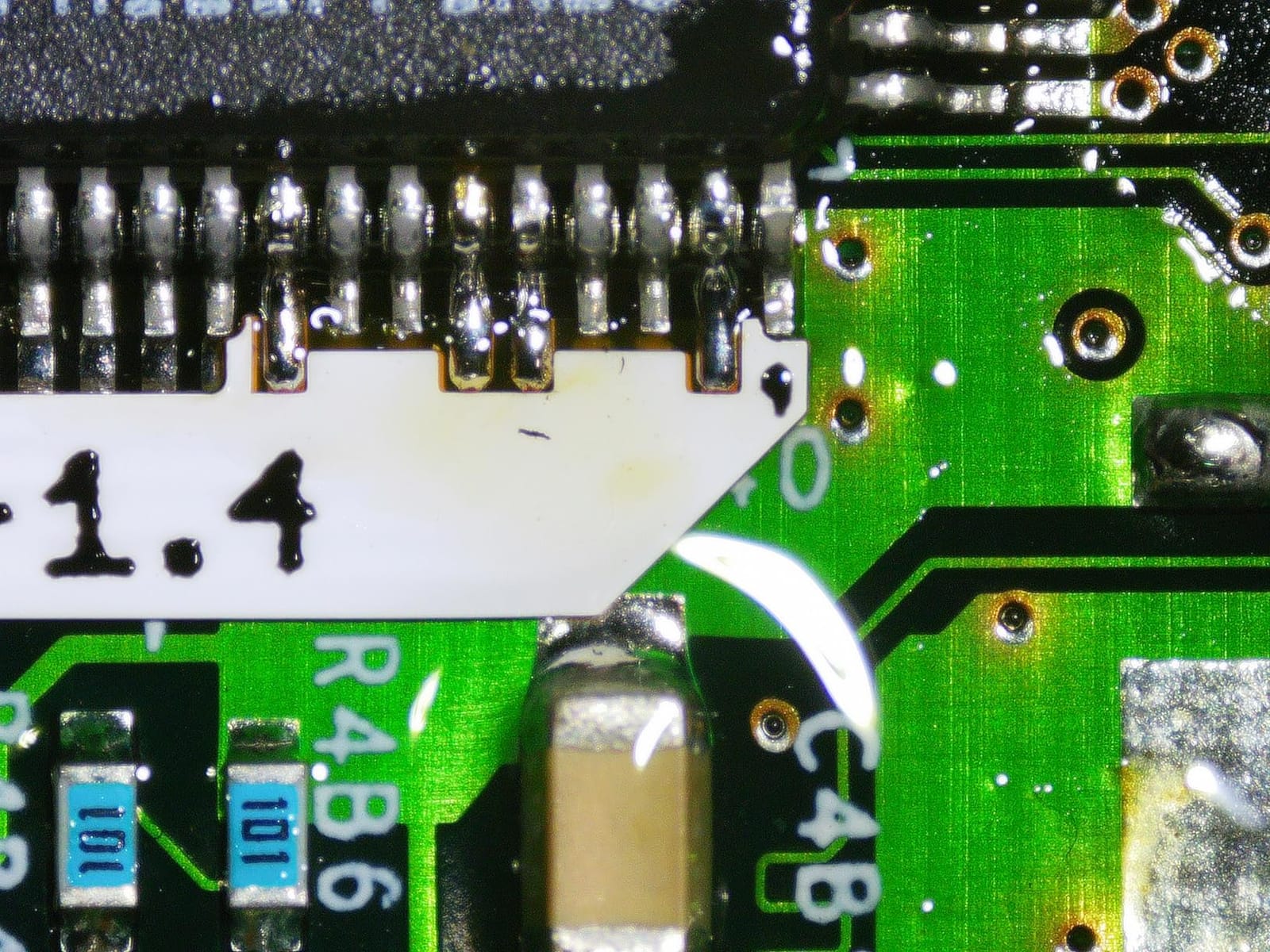
Three interchangeable lenses do the heavy lifting. Lens L handles soldering and repair, Lens A covers coins, plants and stones, and Lens D is the one pointed at biological slides. That makes it useful well past biology if you also tinker with circuit boards.
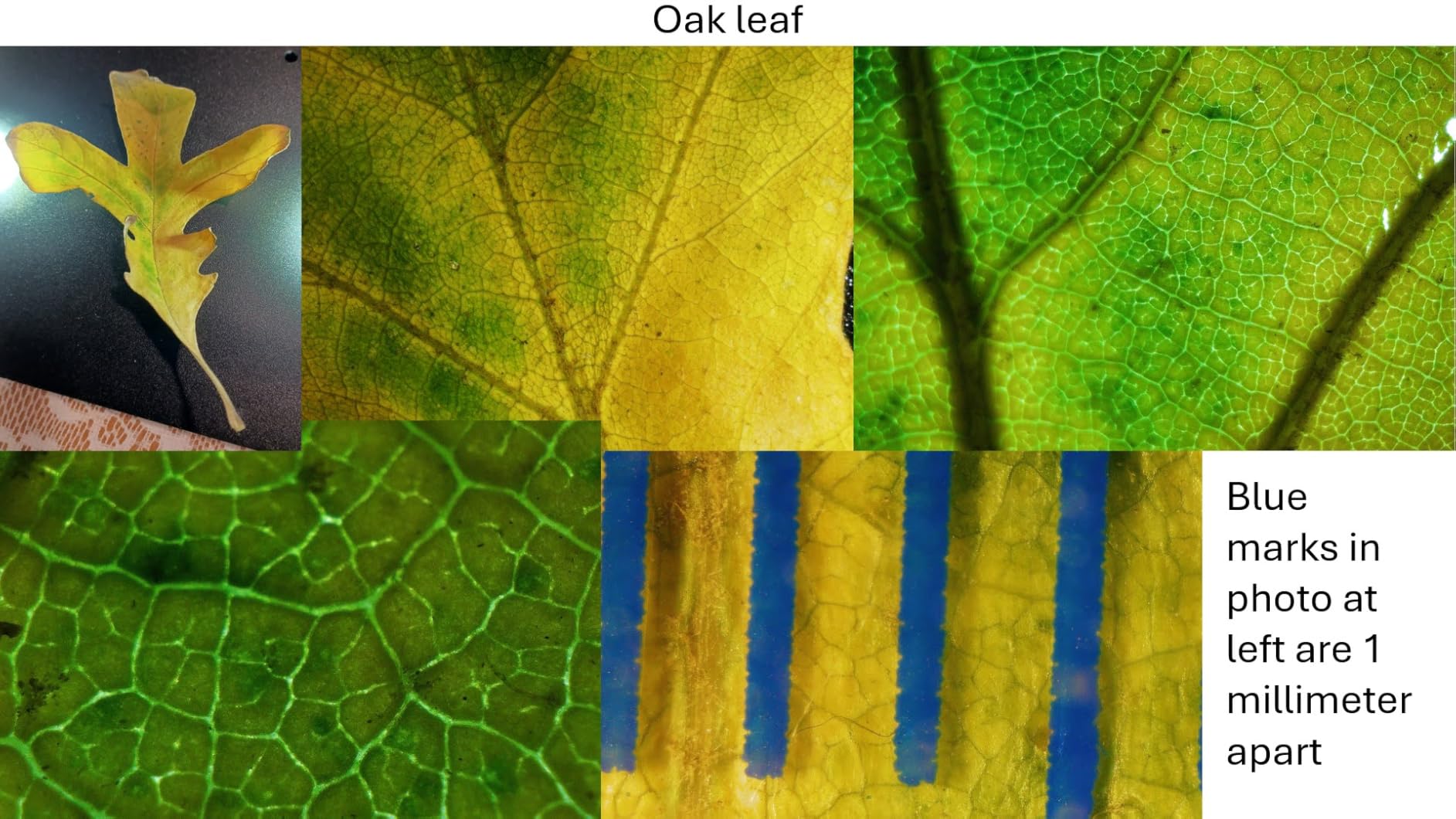
Reviewers consistently single out the multi-lens versatility and the HDMI projection workflow, and it holds the highest rating in this selection at 4.5 stars from 1,271 reviews with 75 percent of those at five stars. The metal boom arm is genuinely rigid, which matters more than it sounds when you are focusing by hand at 500x.
What you should check before buying
It is 2.25 kg, so this is a bench instrument. If your course involves collecting pond water in a field and photographing it back in the room, you want something lighter. The included 32GB Micro SD card means you can record clips without a computer connected at all.
Where it falls short
Changing lenses requires undoing screws, so switching between a solder joint and a slide is not a one-handed operation. The professional measurement software is Windows-only, so Mac users lose the scale and area tools. Everything else on this list that measures also has that limitation.
2. Bysameyee USB Digital Microscope 40X-1000X
USB Digital Microscope 40X to 1000X, 8 LED Magnification Endoscope Camera with Carrying Case & Metal Stand, Compatible for Android Windows 7 8 10 11 Linux Mac (Not for iPhone/iPad)
40X-1000X variable magnification
8 dimmable LED lights
Screenshot and video capture
Metal stand and case
Pros
- 10342 reviews make it the most proven model here
- Windows Mac Linux and Android OTG support
- Metal stand and carrying case included
- 8 LEDs with a dimmer and diffuser
Cons
- No iPhone or iPad support
- Measurement software is Windows-only
- Needs driver installation before use
With more than ten thousand reviews, this is the model most students have already met. It clips into a laptop over USB, and the metal stand and carrying case make it easy to move between a biology bench and a kitchen table.
The 8 LED lights have a physical dimmer and a diffuser, which is more control than most cheap scopes give you. Diffused light is the difference between an even image of a cheek cell and one with a bright hotspot in the middle.
Its rating sits at 4 stars, with the review split spread across the range rather than bunched at five stars. Buyers like the low entry point, the broad platform coverage and the included stand; the recurring gripes are the iOS exclusion and Windows-only measurement tools.
What you should check before buying
If your phone is an iPhone, this one is out. It runs on Android OTG, Windows, Mac and Linux, so the phone route only works for part of the class. If you are on a school laptop, the driver install is the one extra step between unboxing and a live image.
Where it falls short
The 1000X figure is the top of a variable range, not a calibrated one, so treat it as a marketing ceiling. For onion cells and pond water at 100x to 400x, which is where most student work happens, the sensor is more than adequate.
3. Plugable USB Digital Microscope 250X
Plugable USB Digital Microscope 250x, 2MP Micro Camera, Flexible Arm Stand
60x-250x magnification
2.0 megapixel sensor
Dimmable LED halo light
Flexible arm stand
Pros
- UVC webcam chipset works with standard apps on nearly any OS
- Flexible arm gives steady hands-free framing
- 2MP sensor with a 7000K halo light
- 2 year parts and labor warranty
Cons
- 250X ceiling is well below the 1000X handhelds
- USB only with no wireless phone capture
- ChromeOS 108 or higher needed
If your school issues a Chromebook, this is the least troublesome camera on the list. It uses a standard UVC webcam chipset, so it appears as an ordinary camera and works with whatever imaging software your school has already approved, or with any webcam app you already have.
The flexible arm stand is the quiet hero here. Once it is positioned, both hands are free to move the slide and adjust focus, which is what you need for a steady capture rather than a blurred one.
It holds 4.2 stars from 6,579 reviews, and reviewers point to cross-platform reliability and Plugable’s long-standing support rather than to image quality. Lifetime support and a 2-year parts and labor warranty are both better than most of the cheaper handhelds.
What you should check before buying
250X is enough for a cheek cell and for a prepared plant slide, but it will not resolve anything at high power. If your module covers microbiology or cell division work, the 1000X handhelds give you more headroom.
Where it falls short
USB only, so there is no wireless capture to a phone or tablet, and no battery for fieldwork. ChromeOS 108 or above is the floor for full support, which rules out very old school devices.
4. SKYBASIC Wireless Digital Microscope 50X-1000X
Wireless Digital Microscope, Skybasic 50X-1000X Magnification WiFi Portable Handheld Microscopes with Adjustable Stand HD USB Microscope Camera Compatible with iPhone Android iPad Windows Mac Computer
WiFi hotspot plus USB
1080P on phone and 720P on computer
2MP HD CMOS sensor
3-60mm focal range
Pros
- Works over WiFi and USB so phones and laptops both connect
- One-button capture through the app
- Sits at number 3 in its category for sales
- Lightweight 0.31 kg body for field work
Cons
- No true focus control so you move the scope to focus
- Bundled ball stand tightens weakly
- Two labelled buttons on the body appear inert
This one runs its own WiFi hotspot, so a phone or tablet connects without OTG. That is a genuine advantage on Android, and it is why this is the pick for wireless capture rather than the pick for everything.
The 2MP HD CMOS sensor puts 1920×1080 on a phone and 720P over a computer connection. Image clarity for the money is the most common thing owners praise, along with the app-based workflow.
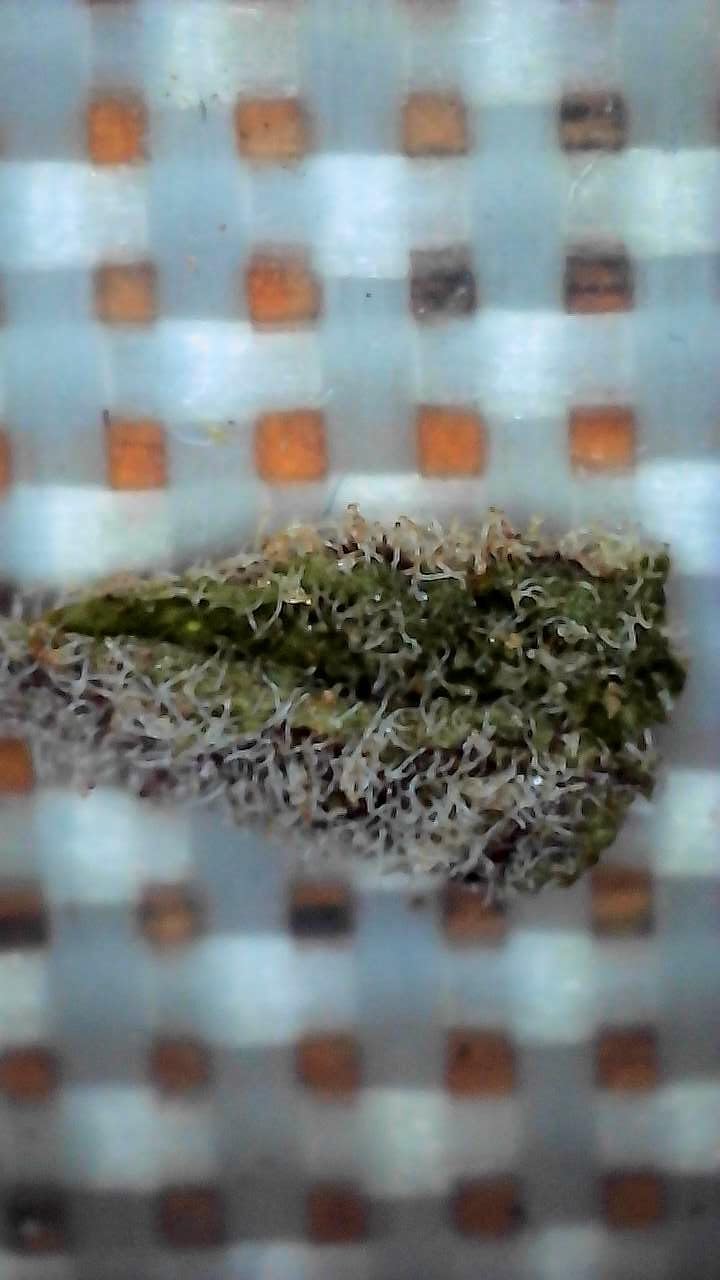
It sits at 4.2 stars from 9,514 reviews and ranks third in its category for sales, so the volume behind it is real. Several reviewers return the bundled stand or complain about the focus wheel, which is the recurring theme here.

What you should check before buying
Remove the plastic protective film and download the app before your first lab session, or you will be doing both in the room. The optimal focal range is 3 to 60mm, so it works on flat specimens and on a prepared slide viewed from the eyepiece tube.
Where it falls short
There is no real focus control. The wheel adjusts zoom, and you focus by moving the scope body, which makes fine focusing at high power fiddly. The included ball-and-pivot stand is also the flimssy part reviewers mention most.
5. cainda 4K Digital Microscope
Cainda 4K Digital Microscope for iPhone Android Phone and Windows Mac PC
3840x2160P video and 8MP stills
WiFi to phones and tablets
USB to PC
Aluminium alloy stand
Pros
- Genuine 4K video capture at this tier
- WiFi works without OTG support
- Metal stand holds steadier than plastic brackets
- Stand fits most 2.5-3.5cm microscopes
Cons
- Needs a third-party app installed on each device
- Warranty limited to one year
- Magnification rating is variable not calibrated
Actual 4K video at 3840x2160P is rare at this tier, and it is why this model made the list. If your assignment asks for a clip rather than a still, the resolution headroom is worth more than extra megapixels.
The stand is adjustable aluminium alloy rather than the plastic bracket most rivals ship with, and it fits microscopes between 2.5 and 3.5cm in diameter. That means you can reuse it for another handheld later.
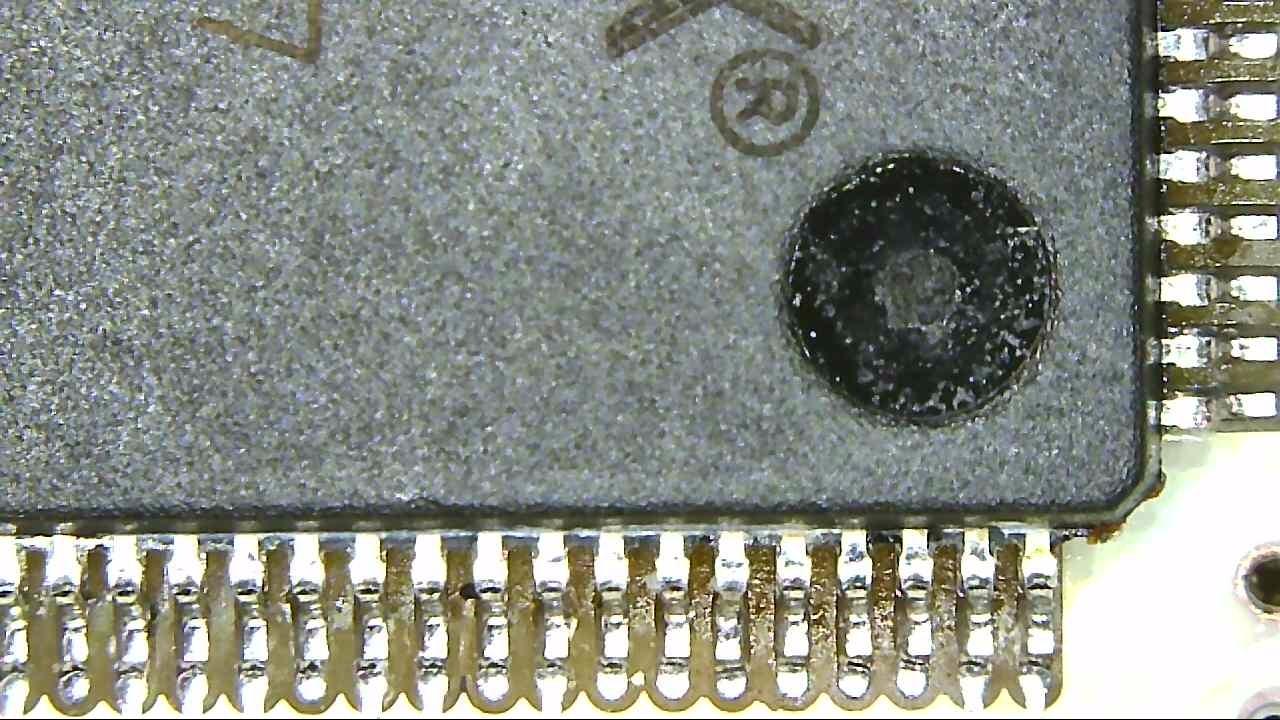
It holds 4.2 stars from 952 reviews. Reviewers single out the real 4K output and the sturdier stand, with the one-year warranty as the most common reservation.
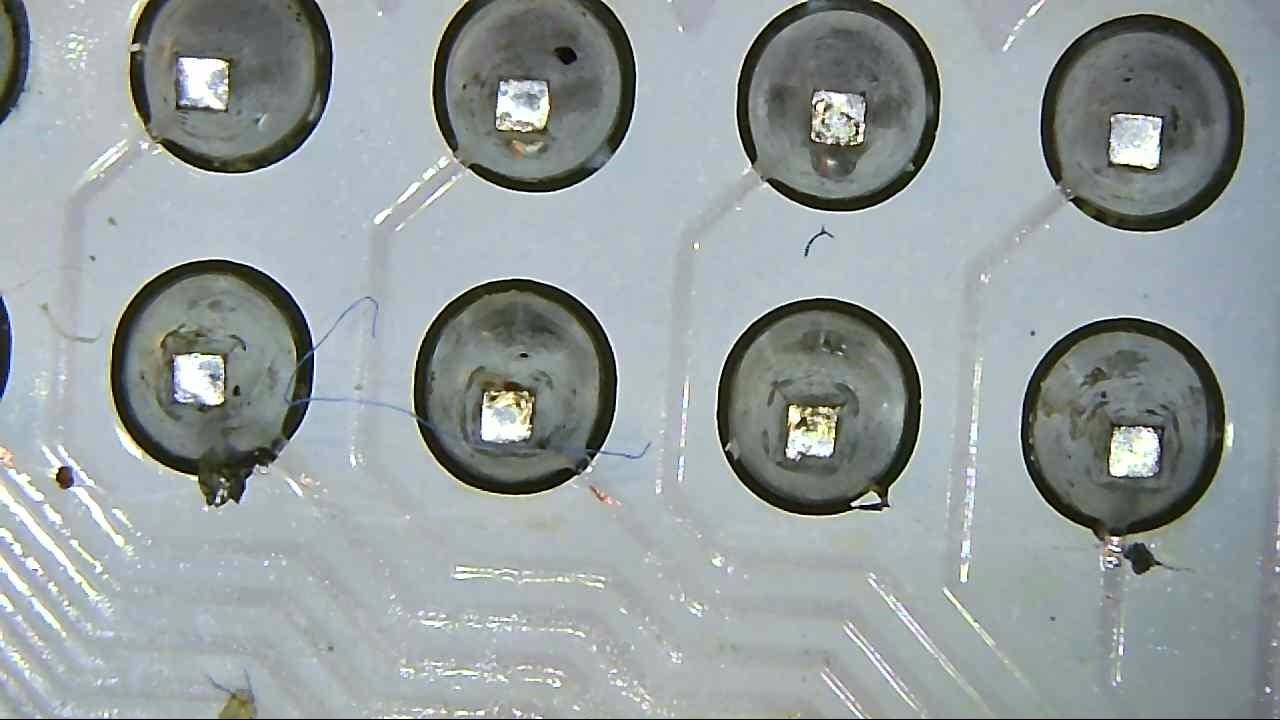
What you should check before buying
The WiFi path needs a third-party app on each device, so set it up before you leave home. Video and stills resolve at up to 3840x2160P and 8MP respectively, with support for Mac and Windows.
Where it falls short
There is no calibration behind the magnification figure, so do not quote 1000X in a lab report. The one-year manufacturer warranty is the thinnest cover among the models here that carry a stated warranty at all.
6. APEXEL 800X Handheld Digital Microscope
APEXEL 800X Handheld Digital Microscope with 2” LCD Screen, Pocket Portable Microscope with Adjustable LED Lights, Coins Microscopes Magnifier Camera, USB to PC (SD Card Not Included)
400X-800X magnification
2 inch LCD on a 75 degree hinge
Rechargeable battery 3+ hours
135g body
Pros
- Only fully self-contained model here with no cable needed
- 135g pocketable body with a 3+ hour battery
- Adjustable screen hinge reduces neck and eye strain
- Five sample slides included
- Easy focus for older eyesight
Cons
- SD card not included so storage needs a separate buy
- PC transfer software is fiddly and support links have been wrong
- Fragile charging-port flap and no stand included
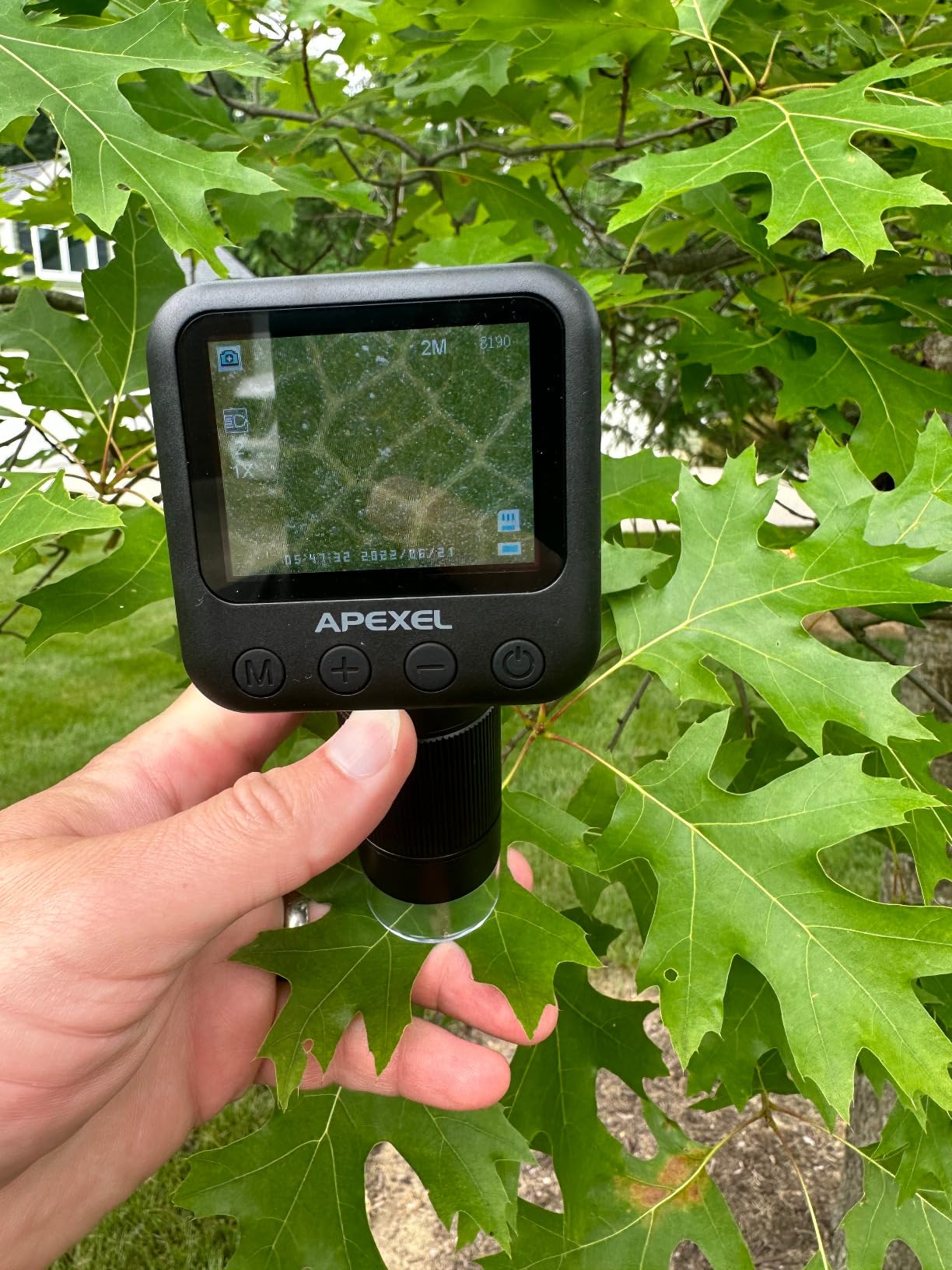
This is the one to pack. It has a 2 inch high-definition LCD, six adjustable LEDs and a rechargeable lithium battery that runs three hours or more, so you can photograph a pond sample on a field trip and still have charge for the next stop.
Nothing else on this list is fully self-contained. No phone, no laptop and no cable is needed for basic imaging, which makes it the simplest to hand to a younger student or to a classmate who has not set up a laptop yet.
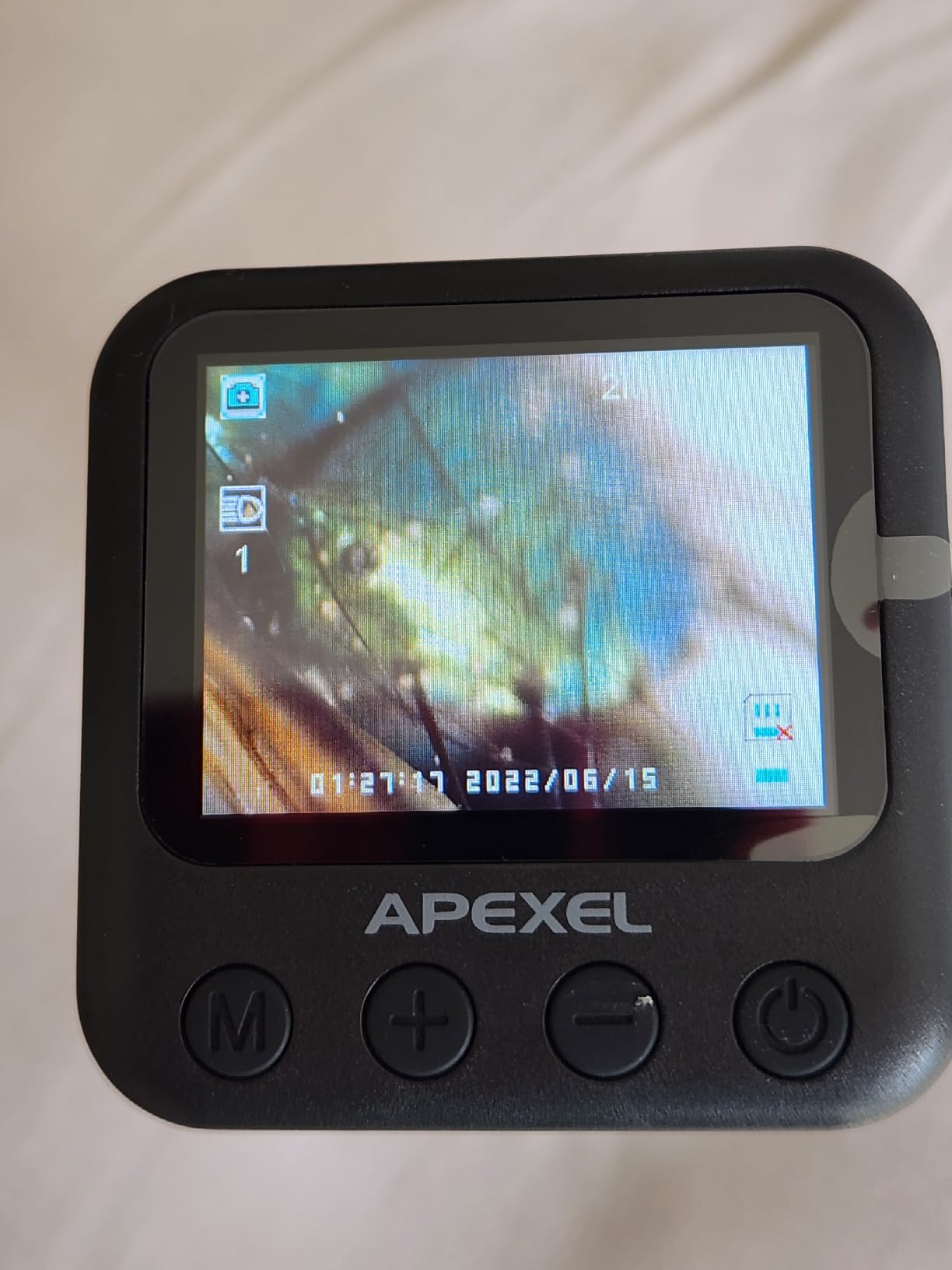
It holds 4.3 stars from 349 reviews. Owners with older eyesight specifically say it is easier to focus than other scopes, and the redesigned focus adjustment gets credit for that.
What you should check before buying
Bring your own memory card. Cards up to 32GB are supported but not included, so plan for that purchase before your first field session. USB transfer to a PC works, though the software path is the fiddliest part of this unit.
Where it falls short
There is no stand in the box, and reviewers moving up from a phone-connected scope miss having one. The charging-port rubber flap is fragile and can detach, so treat the port gently.
7. AmScope MD35A Digital USB Camera
AmScope MD35A MD35 New Microscope Imager Digital USB Camera, Compatible
640x480 effective pixels
Fits 23mm 30mm and 30.5mm ports
UVC plug-and-play
5 year warranty
Pros
- Drops into an existing compound microscope
- UVC means it works as a webcam in meeting apps
- Software includes stitching and Extended Depth of Focus
- 5 year manufacturer warranty is the longest here
Cons
- 640x480 is the lowest resolution here
- Needs a microscope with a standard photo port
- Advanced editing software is Windows-only
If you already own a compound microscope, the MD35A is the cheapest way to add imaging rather than replacing the scope. It fits the standard 23mm, 30mm and 30.5mm photo ports found on most school microscopes.
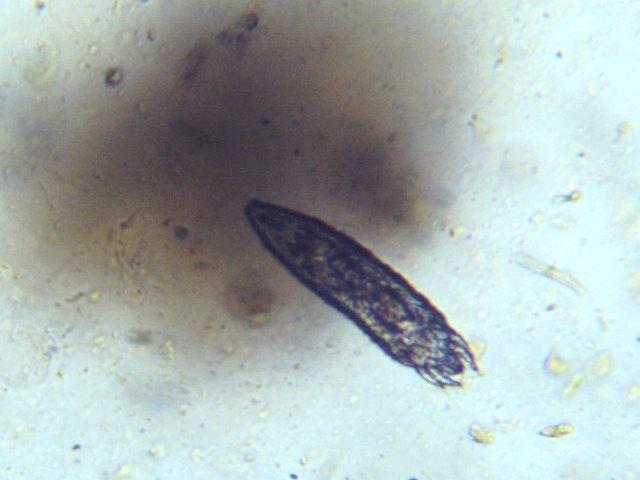
Because it uses the UVC protocol, the operating system treats it as an ordinary webcam. That is why it shows up in video conferencing apps, which is a genuinely useful trick for a remote lab session or a recorded oral presentation.
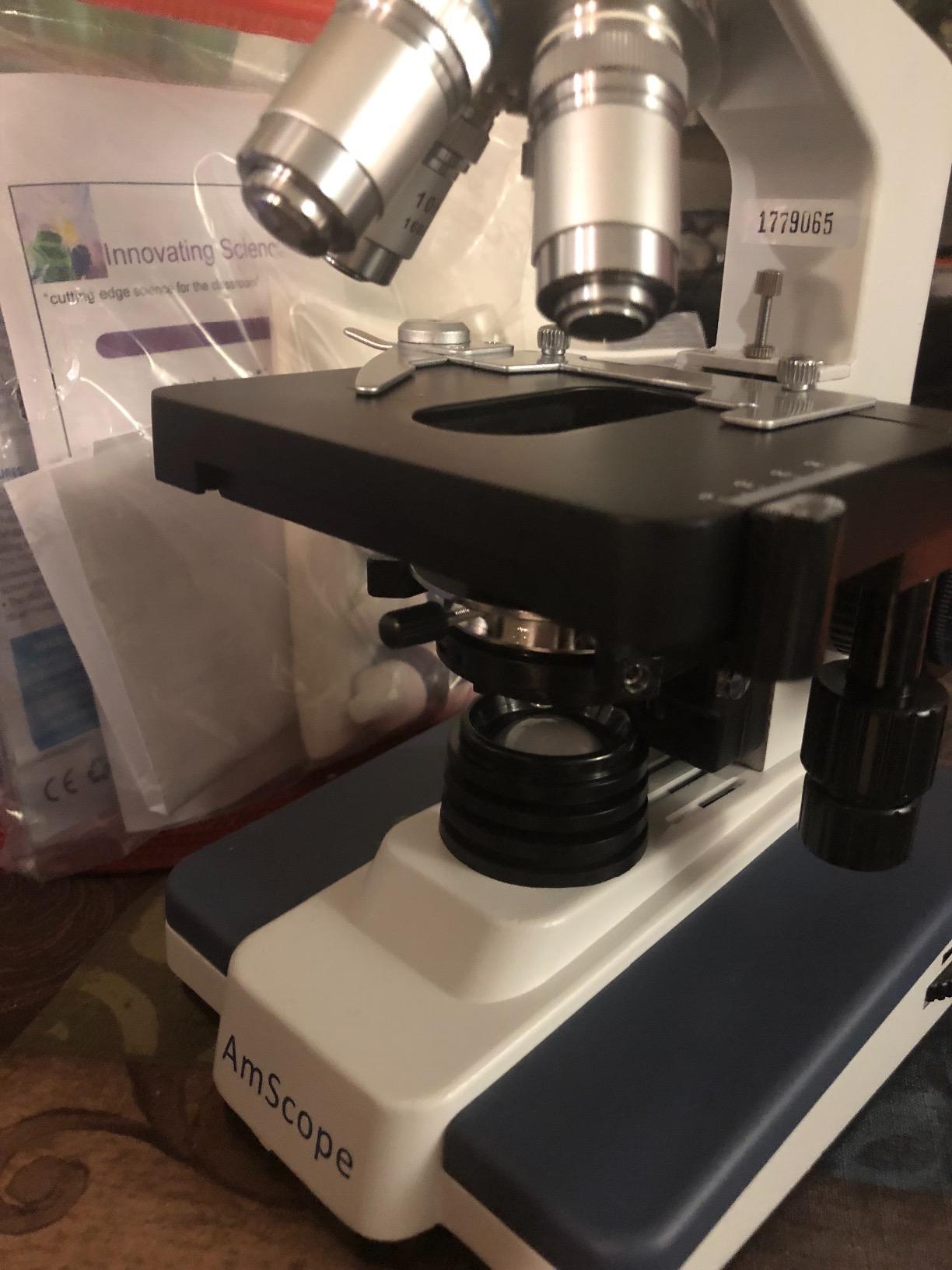
It holds 4.1 stars from 194 reviews. The five-year manufacturer warranty is the longest in this roundup, and that durability matters if the camera lives in a department cupboard rather than your bedroom.
What you should check before buying
Measure your photo port diameter before ordering. This is not a standalone scope, and it does nothing on its own. Windows, Mac OS X and Linux are supported for basic capture, with editing and processing software written for Windows.
Where it falls short
640×480 is the lowest resolution here and is not enough for a printed lab report. If your module requires submitted images rather than a quick on-screen look, step up to the 5MP model further down.
8. Mostanne 1080P Handheld Digital Microscope
Mostanne 1080P Handheld Digital Microscope, 50-1000X Magnification Portable USB Microscope with Adjustable Stand, Compatible with iPhone Android Mac Windows PC
50-1000X magnification
1920x1080P resolution
4-in-1 cable set
8 adjustable LED lights
Pros
- Lightning Type-C USB and Micro-USB cables combined in one body
- 4.4 stars is the highest per-star here below the editors pick
- Capture and light controls sit in the cable for steadier shots
- Works with ChromeOS as well as Windows Mac and Linux
Cons
- OTG must be enabled on the device first
- Wired only with no WiFi mode
- Controls only work while the cable is attached
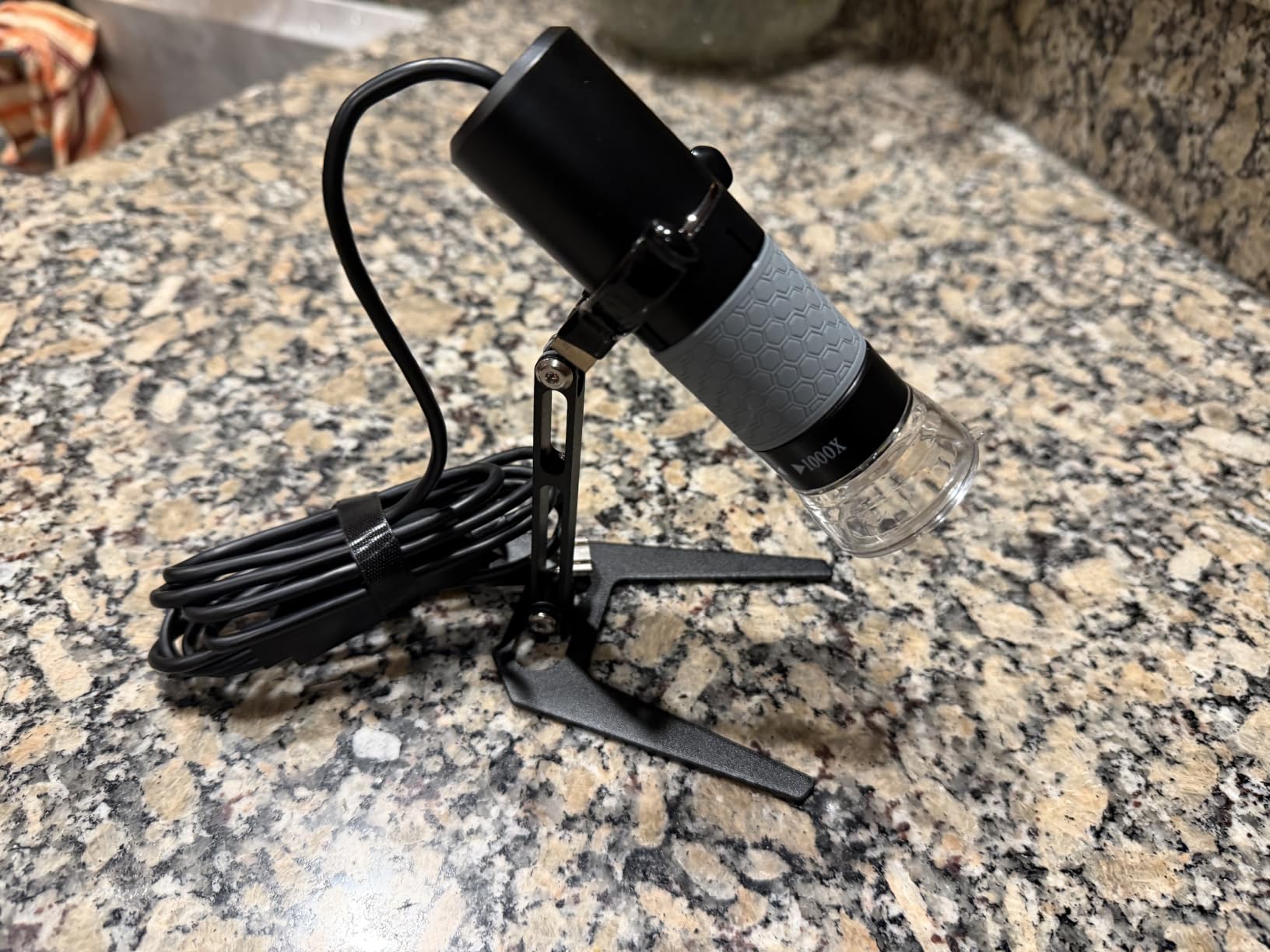
The clever bit here is the cable. Lightning, USB Type-C, USB and Micro-USB are combined in one body, so the same microscope works with an iPhone, an Android handset, a tablet or a laptop without hunting for an adapter.
That makes it the safest phone option on this list, including for iPhone users who are locked out of several rivals. Capture and light adjustment buttons are built into the cable, which keeps your hand off the scope while you shoot.
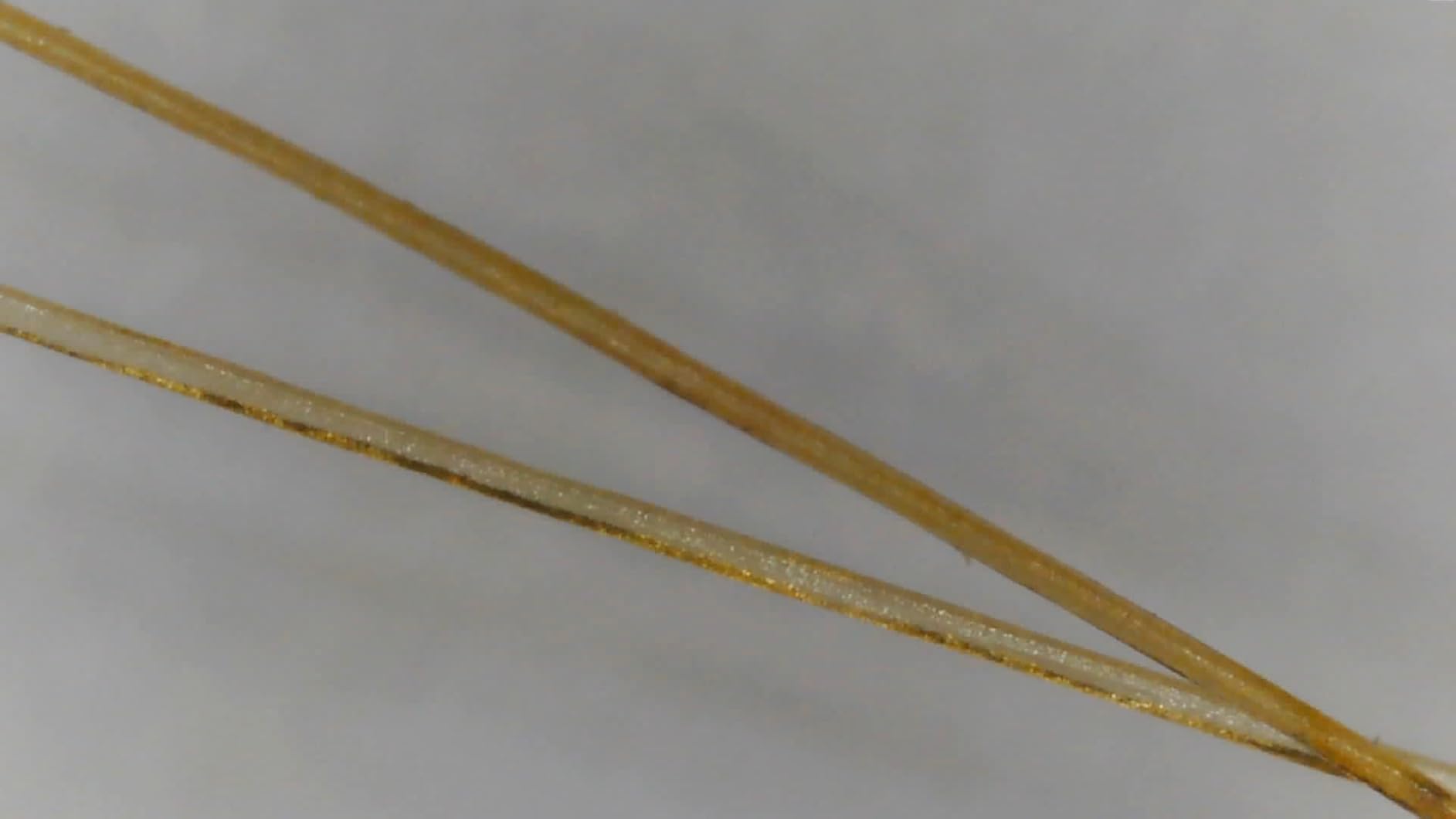
It holds 4.4 stars from 169 reviews, a newer listing with a strong average and a stated lifetime warranty. Reviewers like the all-in-one cable design and the fact that the controls are on the cable.
What you should check before buying
Turn on OTG on your phone before you plug in, or nothing will appear. The 1920x1080P resolution and 8 adjustable LED lights cover most prepared-slide work at 100x to 400x.
Where it falls short
It is wired only, so there is no wireless mode, and the capture controls are dead weight without the cable attached. The plastic body also flexes more than the metal units here.
9. Elikliv EM4K-AF Autofocus 4K Digital Microscope
Elikliv Autofocus 4K Digital Microscope EM4K-AF, 8″ Soldering Microscopes
AI autofocus with TOF sensor
52MP stills and 4K video
8 inch IPS screen
HDMI and USB output
Pros
- Only model here with autofocus that tracks moving samples
- 52MP stills are the highest here
- Freeze and split-screen modes compare two samples at once
- Largest screen at 8 inch
- HDMI output mirrors the image to a class monitor
Cons
- Most expensive unit in this roundup
- Heaviest at 3 pounds so it stays on a bench
- Warranty limited to one year
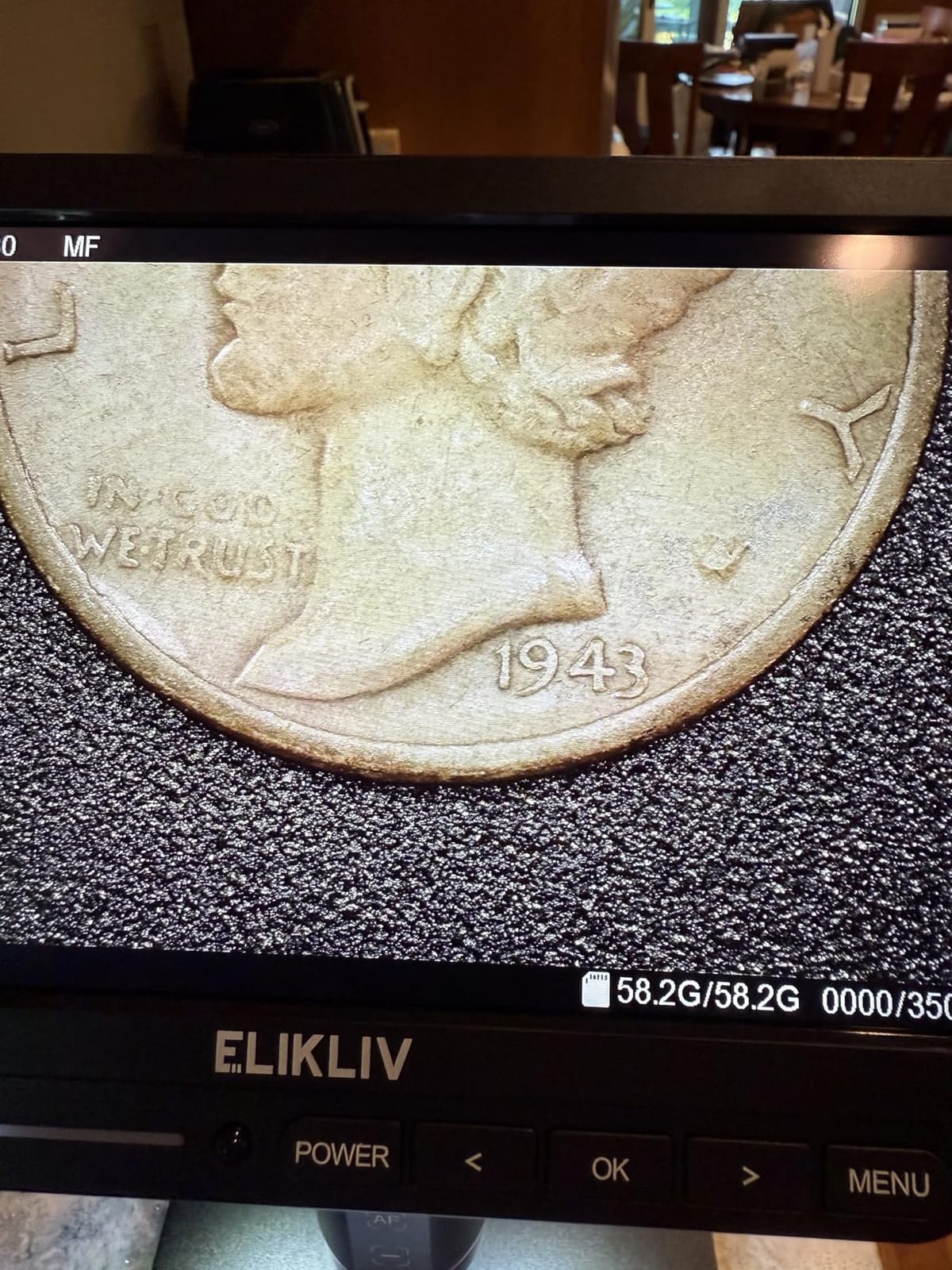
Autofocus is the feature that changes daily use. The EM4K-AF uses AI algorithms with a time-of-flight distance sensor to refocus in about two seconds, including on a moving specimen, which is exactly what you need for pond water or a live culture.
Stills resolve at 52MP and video at 3840x2160P on an 8 inch IPS screen with a 178 degree viewing angle. Split-screen mode lets you put two samples side by side, which is useful for a before-and-after comparison in a lab write-up.
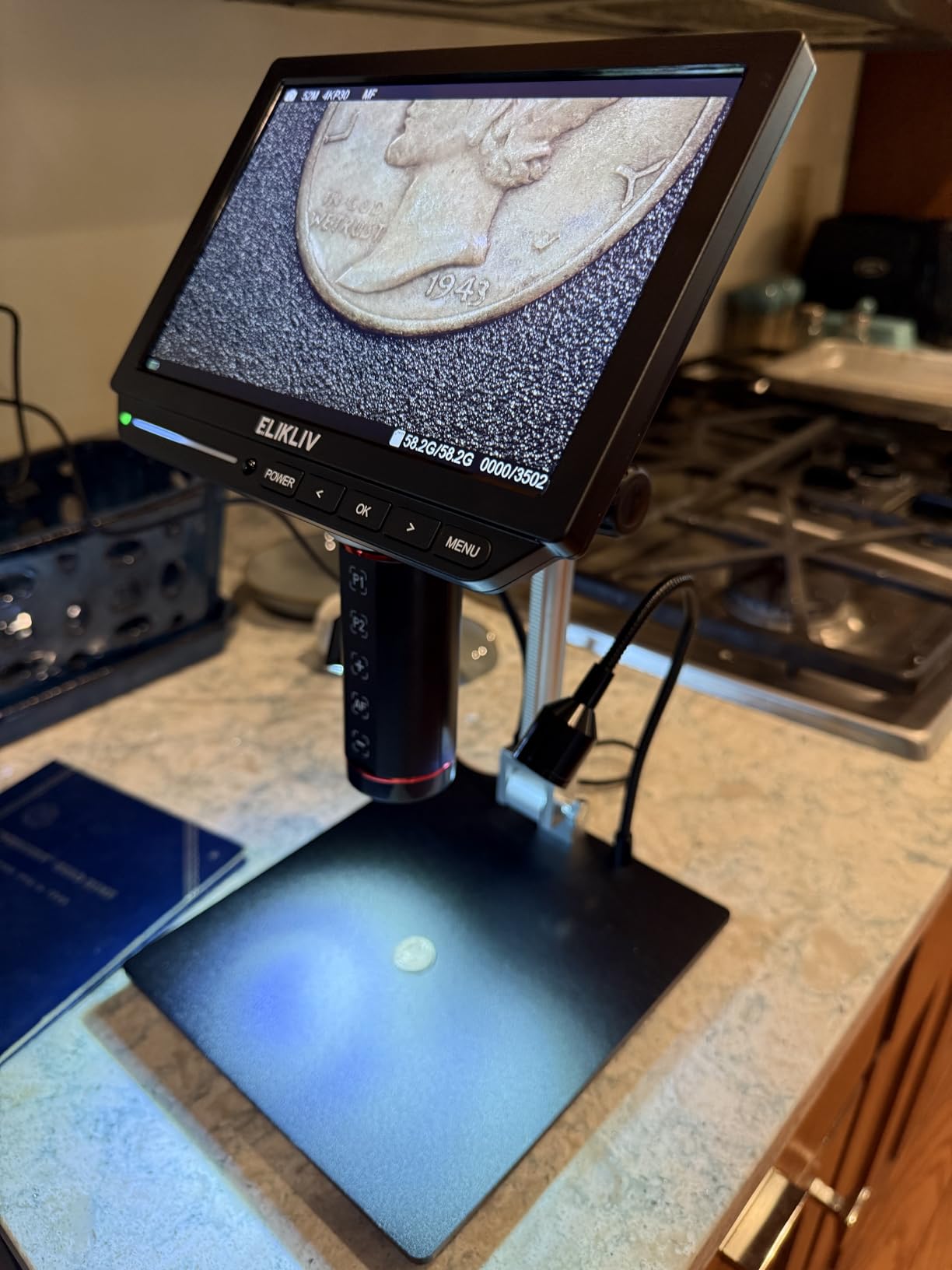
It holds 4.4 stars from 157 reviews, with 76 percent at five stars. Reviewers single out the autofocus behaviour, the still resolution and the large screen as the reasons it costs what it costs.
What you should check before buying
This is the top of the price range here, so buy it if you are producing images for a course that cares about detail, not if you are checking an onion cell once. A rechargeable battery, 16GB card and smart controller are all in the box.
Where it falls short
At 3 pounds it is a bench unit, and fieldwork is not the use case. The one-year warranty is the shortest on the premium models, which is worth weighing against the autofocus you are paying for.
10. SOLOMARK Smartphone Eyepiece Adapter
Smartphone Camera Adapter – Microscope Eyepiece Tube 23.2mm, Built-in 16X Microscope Eyepiece
Fits 23.2mm eyepiece tubes
Built-in 16X wide-field eyepiece
Phones 2.2 to 3.9 inch wide
0.11 kg
Pros
- Cheapest route to microscope photography on this list
- Built-in eyepiece means you keep the scope's own
- Phone autofocus does the focusing once aligned
- Fits AmScope and Swift compound scopes
Cons
- No adjustment screw so focus is manual
- Slick fit lets a heavy phone pull focus off
- Plastic lens scratches and spots easily
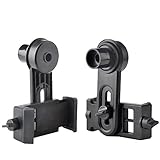
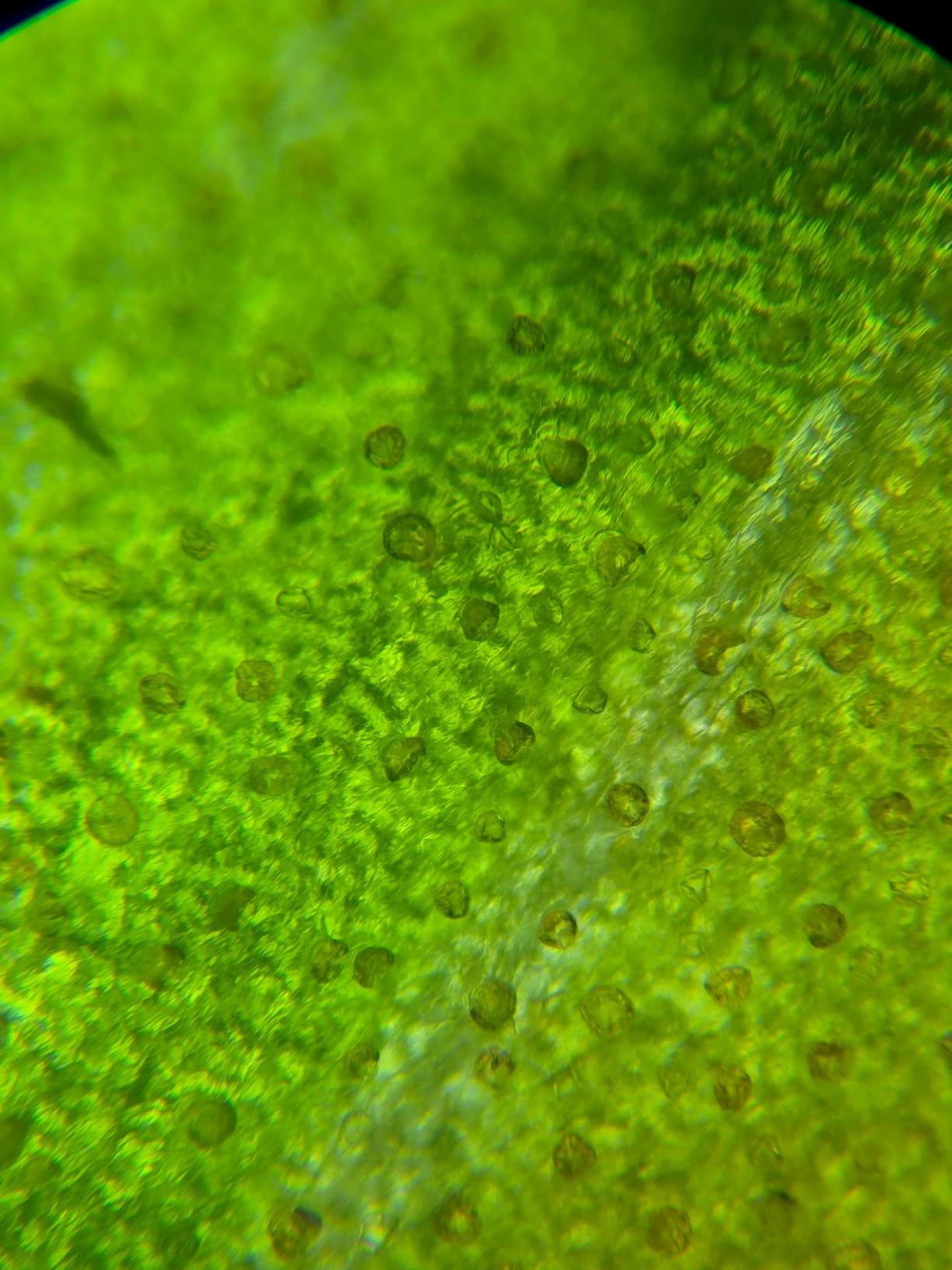
If you only need lab photos on your phone, this is the cheapest honest way to get them. The adapter clamps over a 23.2mm eyepiece tube and carries its own 16X wide-field eyepiece, so you do not remove the microscope’s glass.
Once the alignment is right, the phone’s own autofocus does the work, which is far easier than holding a camera against an eyepiece and guessing. Microscopists posting on r/microscopy describe exactly this setup as good enough to run a microscopy video channel.
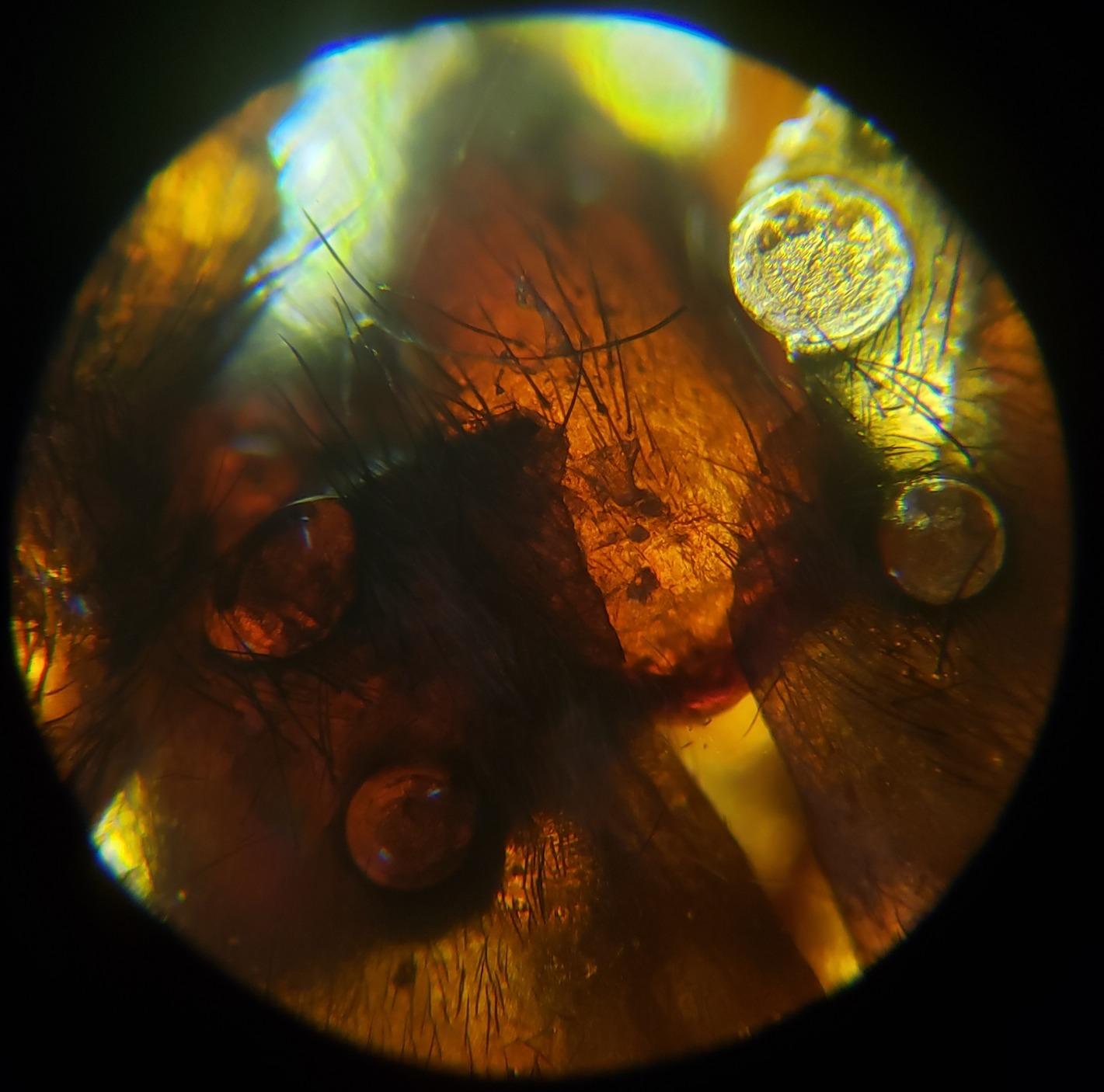
It holds 4 stars from 121 reviews. Owners call it strong value, and the complaints cluster around fit and finish rather than image quality.
What you should check before buying
Measure the inside diameter of your eyepiece barrel first. It only fits 23.2mm tubes, and phones from 2.2 to 3.9 inch wide. Most cases will make a phone too wide for the mount, so expect to work without the case.
Where it falls short
There is no adjustment screw controlling lens-to-phone distance, so focus depends on careful manual alignment and a phone mount that can drift. The plastic lens scratches easily, and scratches show up in every image.
11. cainda B10 HD 2MP USB Microscope Camera
Cainda HD 2MP USB Microscope Camera for Android and Windows Linux Mac PC
40X-1000X magnification
2560x1440P 2K lens
8 LED lights
USB and Micro-USB plug plus Type-C OTG
Pros
- Upgraded 2K lens beats standard 1080P handhelds at the same tier
- 8 LEDs with brightness adjustment
- Metal stand ruler driver and carrying bag included
- 2-in-1 plug plus Type-C OTG adapter covers most ports
Cons
- No iPhone or iPad support
- Lowest rating average here with a high three-star share
- Needs software install and OTG activation first
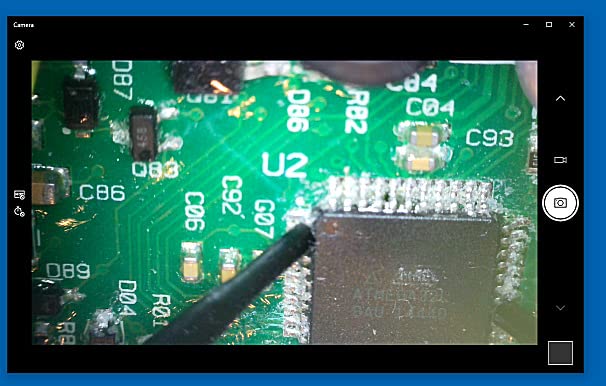
The upgraded 2560x1440P lens is the reason this one is here. Most handhelds at this tier ship 1080P, and the extra detail shows up when you crop a cell image for a figure.
It supports Windows, Mac OS X, Linux and Android with OTG. The 2-in-1 USB and Micro-USB plug plus a Type-C OTG adapter covers most device ports, and the metal stand, ruler and carrying bag are all in the box.
It holds 4 stars from 625 reviews, and roughly 19 percent of those reviews sit at three stars, which is an unusually high share of middling feedback. Owners credit the lens upgrade but report inconsistent results across the range.
What you should check before buying
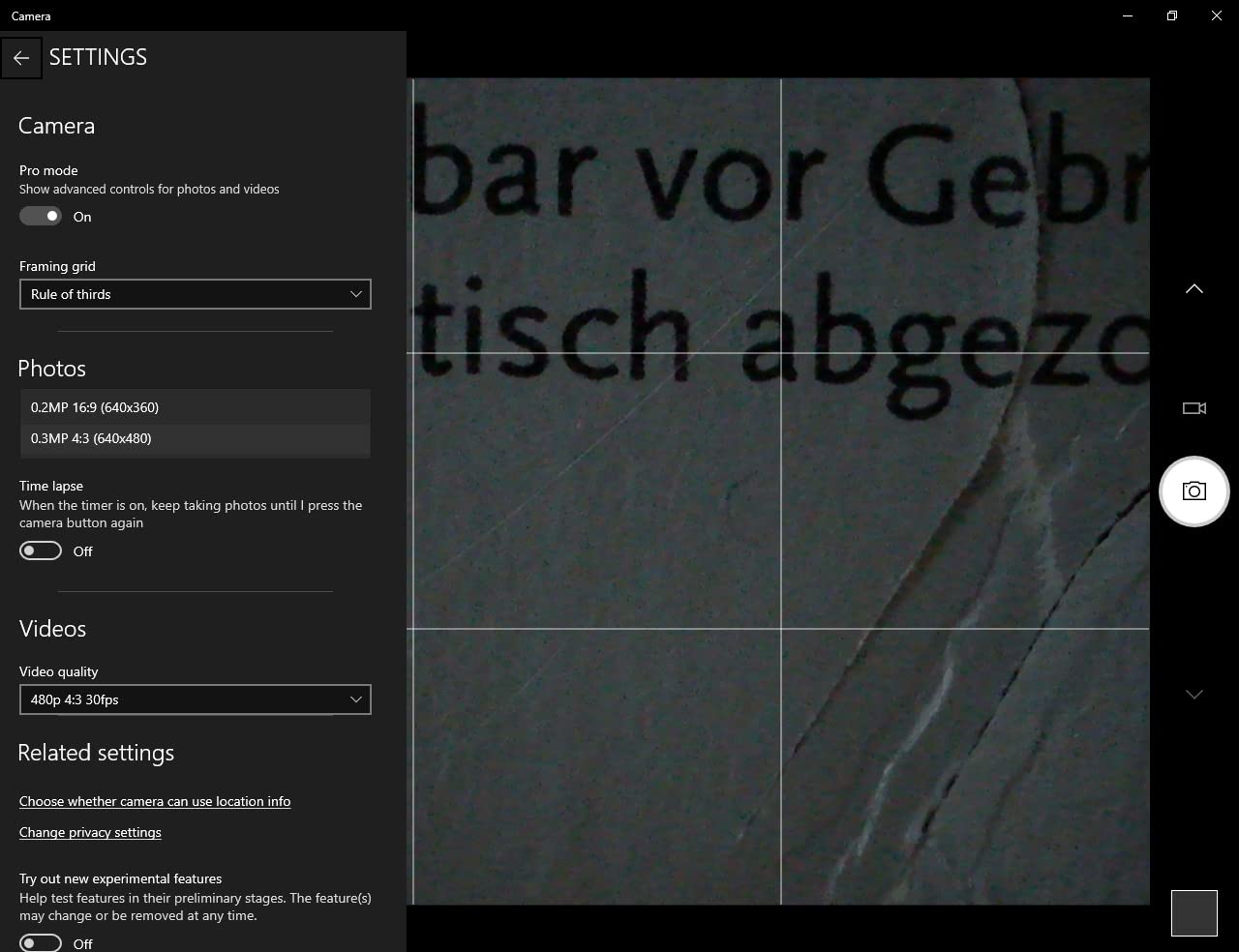
You need to install the software and switch on OTG before it will run, so it is not zero-setup. It weighs 0.25 kg with the stand, which is fine for a lab bench.
Where it falls short
iPhone and iPad are excluded, which removes it for a large share of students. Cable-only connection also means no wireless capture, so a phone-based workflow needs the OTG adapter path rather than a hotspot.
12. AmScope MD500-CK USB Microscope Camera with Calibration Kit
AmScope MD500-CK USB Digital Microscope Camera + Calibration Kit
5MP USB camera
Calibration kit included
Fits 23mm 30mm 30.5mm ports
Stitching and EDF software
Pros
- 5MP sensor images users rate equal to or better than a DSLR rig
- Calibration kit enables real measurements
- Software is approachable with stitching and depth of focus
- Two mounting adapters included for three port sizes
Cons
- Video lag at high magnification makes fine focusing hard
- Light artifacts appear at high magnification
- Windows-only software excludes Mac and Linux
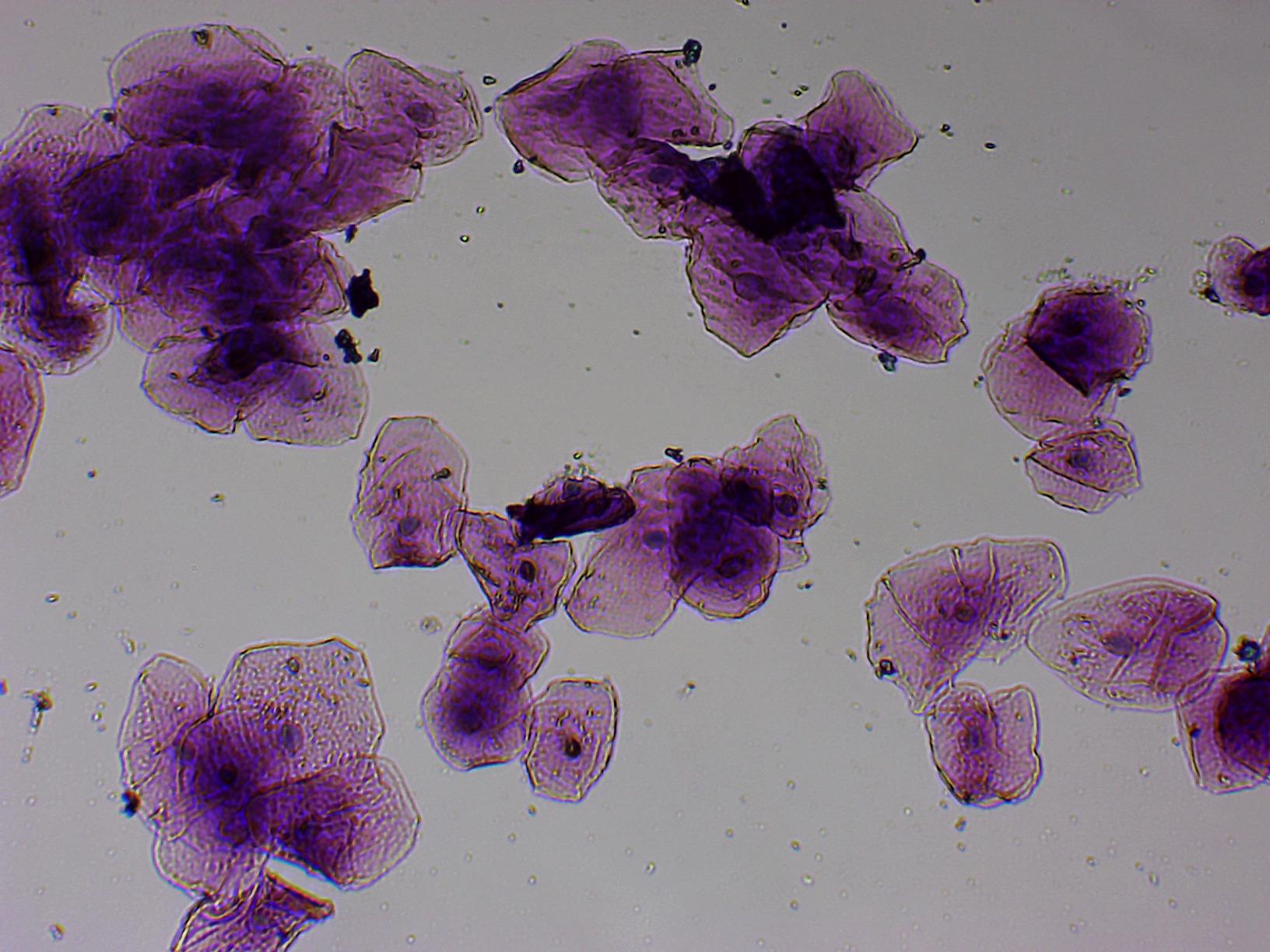
This is the pick if your course needs measurements rather than just pictures. The included calibration kit lets the software convert pixels into real units, so you can state a cell diameter in your write-up instead of describing it.
The 5MP sensor sits into a standard 23mm, 30mm or 30.5mm photo port, with two mounting adapters in the box. It supports DirectShow and TWAIN alongside its own Windows software, so it can feed other capture programs.
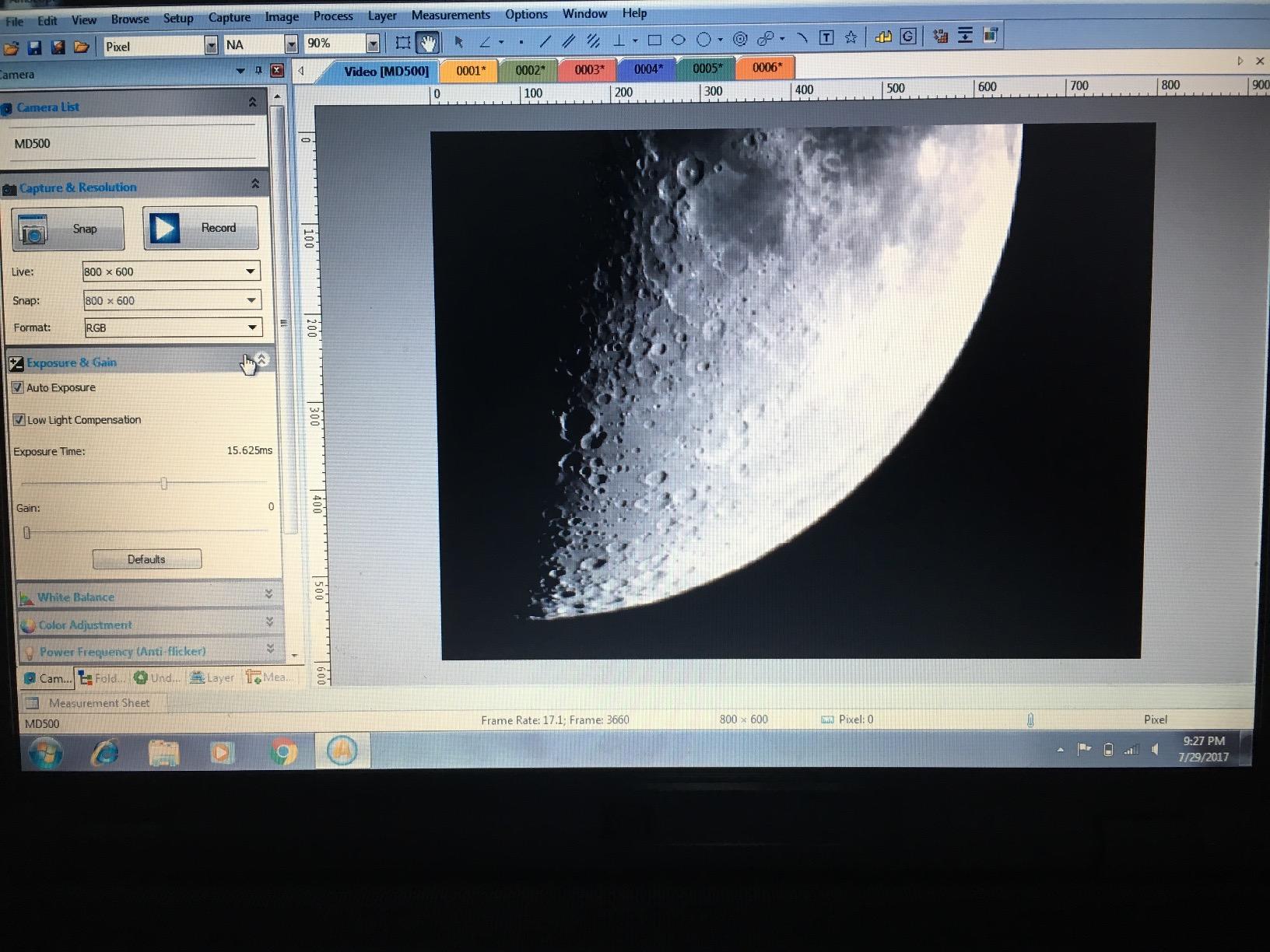
It holds 4.4 stars from 95 reviews, with 74 percent at five stars. Measurement-focused owners rate it very highly and beginners find the software approachable, but the recurring complaint is video lag.
What you should check before buying
This is Windows-only software on a Windows-era operating system range, so Mac and Linux users are out. Test it on the machine you will actually use before your lab session, and check the port diameter against your scope.
Where it falls short
Video lag above a 60x objective makes fine focusing by screen frustrating, and light artifacts appear at high magnification. If you film moving specimens, the Andonstar HDMI unit or the Elikliv autofocus model handle that better.
Buying Guide: How to Choose a Microscope Camera
Start with the mount, because that decides compatibility faster than any other spec. A C-mount camera screws into a trinocular port and is the standard, which means it can move to a different scope later. An eyepiece or photo-port camera is cheaper and simpler but stays with that microscope. A phone adapter is the cheapest and least precise. Measure your eyepiece barrel or photo port before you order anything.
Next, check the device. UVC plug-and-play cameras appear to the operating system as a standard webcam and need no driver, which is the safest choice on a school-managed laptop or a Chromebook running ChromeOS 108 or later. Cameras that ship with a Windows-only application need that install to succeed before they show an image, and measurement features are almost always Windows-only across this category. If you are choosing a device rather than a camera, our best tablets for students guide covers the managed-device side.
Megapixels matter less than light. A 20MP sensor on a dim slide produces noisier, softer results than a 5MP sensor, because the extra pixels each collect a fraction of the light. Look at pixel size and bit depth before resolution. Also ignore advertised 1000X and 2000X figures: they are the top of a variable range, not a calibrated measurement, and magnification says nothing about image quality.
Attach in three steps. First, fit the camera to the port and confirm the field of view is centred. Second, connect by USB, HDMI or WiFi and confirm the image appears before you touch anything else. Third, install the software, lock exposure and white balance so every slide in the report looks the same, then capture.
Five fixes cover most problems. A black screen usually means a missing driver, so reinstall it. A small circular image means an eyepiece camera cropping the field, which is normal behaviour. Choppy video on pond water means the frame rate cannot keep up, so record stills and stitch them. Colour that shifts between shots means white balance is on auto, so set it manually. And if the bundled software will not install at all, switch to a UVC model and use standard webcam software instead.
Cheaper Alternatives: Your Phone and a Free App
Yes, a phone can be a microscope camera, and for many students that is the right answer. Microscopists on r/microscopy describe running a microscopy video channel on an older phone with 12MP and digital zoom, and free mounting apps remove the cost entirely once you can hold the device steady over an eyepiece.
The adapter on this list is the cheapest way to do it properly, because it carries its own eyepiece and gives a stable mount. If your instrument is not a science one, our student instrument buying guides cover the same practical questions for music.
Frequently Asked Questions
What is the best microscope camera for students?
For classroom projection the Andonstar AD246S-M is the strongest option because its HDMI output sends a 2160P image to any monitor. For ordinary lab work on a laptop the Bysameyee USB Digital Microscope offers the widest platform support and the largest review base. If your school device is a Chromebook, the Plugable USB Digital Microscope 250X works as a standard UVC webcam and needs no driver install.
Can my phone be used as a microscope?
Yes. A smartphone adapter that clamps over a 23.2mm eyepiece tube with its own built-in eyepiece turns the phone camera into a microscope camera, and a free mounting app handles capture. It is the cheapest route by a wide margin and perfectly adequate for lab report photos, though you give up measurement tools, scale bars and the control that a dedicated camera provides.
Will a microscope camera work on a Chromebook?
It depends on the camera. A UVC plug-and-play model such as the Plugable USB Digital Microscope is treated as a standard webcam by ChromeOS 108 and later, so it works without a driver install. Cameras that rely on a bundled Windows application will not, and school-managed devices often block that install entirely. Check the compatibility list before you buy.
Do I need megapixels for microscope photos?
Not as many as the marketing suggests. Sensor pixel size and light sensitivity decide whether a dim slide produces a clean image, and a 5MP sensor with larger pixels often beats a much higher resolution sensor in real lab conditions. A 2MP to 5MP range is plenty for submitted lab report images at 100x to 400x magnification.
Do I need a trinocular microscope to add a camera?
A trinocular head is the cleanest route because its third tube is a dedicated camera port that leaves both eyepieces free for viewing. You can also use a binocular scope with a C-mount adapter or an eyepiece camera, at the cost of some field brightness and a small circular image. Check your port diameter before ordering an eyepiece model.
Which Microscope Camera Should You Buy?
For most students, the Andonstar AD246S-M is the camera we would buy first, because HDMI output solves the problem students hit earliest: showing a slide to a teacher or a room. If you are working alone on a laptop, the Bysameyee USB Digital Microscope covers the most platforms for the least money, and the Plugable USB Digital Microscope 250X is the least troublesome on a Chromebook.
Two situations call for something else. Photographing a specimen in the field points to the APEXEL 800X with its screen and battery, and any course that needs real measurements points to the AmScope MD500-CK with its calibration kit. Whichever you pick, set it up before your first lab session, because software installs are the most common reason a new camera ends up unused.